kling 3.0 free AI Generator
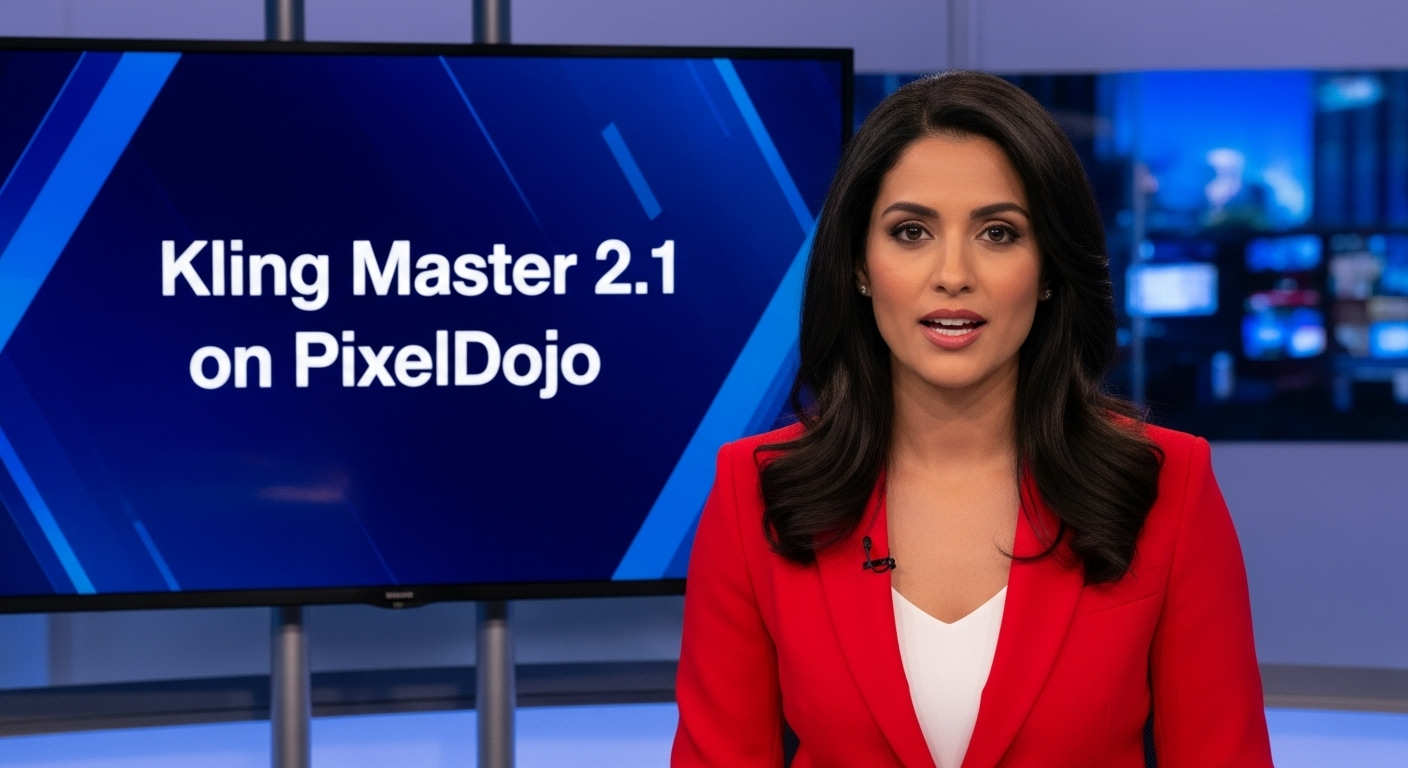
Generated on PixelDojo. Produced by PixelDojo's generation pipeline.
You can now produce Hollywood-caliber cinematic stills that look like they were shot on a professional set, complete with native 4K sharpness, locked character identity and narrative flow—starting today on PixelDojo. Kling 3.0 image generation lets you skip expensive photoshoots, location scouting and hours of retouching. Instead, you describe a scene once and receive print-ready posters, product hero shots, comic pages or multi-panel storyboards that stay consistent across every frame. Whether you need a single stunning portrait or an entire visual sequence for a campaign, PixelDojo’s Kling Image tool plus supporting editors give you the outcomes: photoreal textures, cinematic lighting, readable on-screen text and character continuity that actually holds up in production. Thousands of creators already use these results for ads, social content, film pre-vis and merch without ever picking up a camera.
Real video examples generated on PixelDojo
Every example below was produced on PixelDojo. Hover to see the prompt.
A photo of a beautiful news anchor
imagen
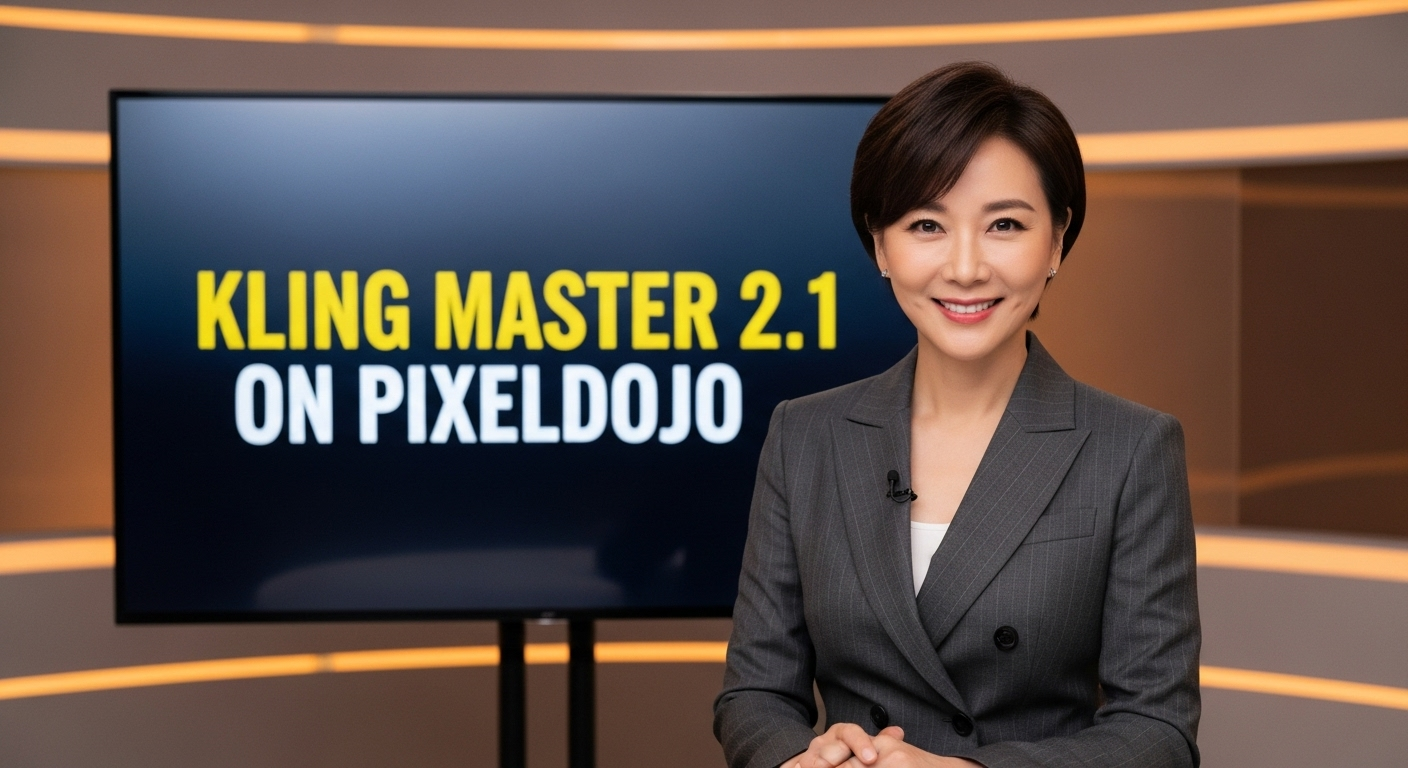
A photo of a beautiful news anchor
imagen
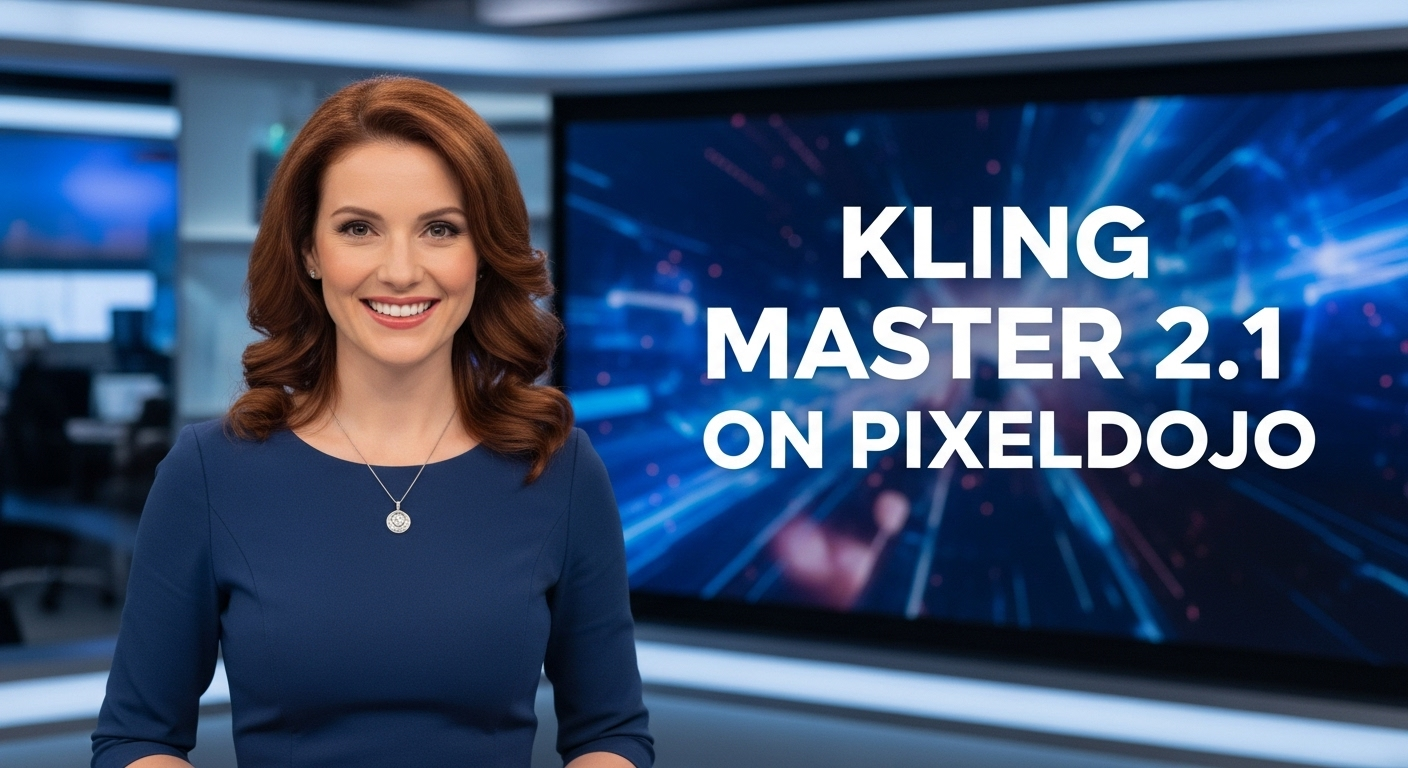
A photo of a beautiful news anchor
imagen
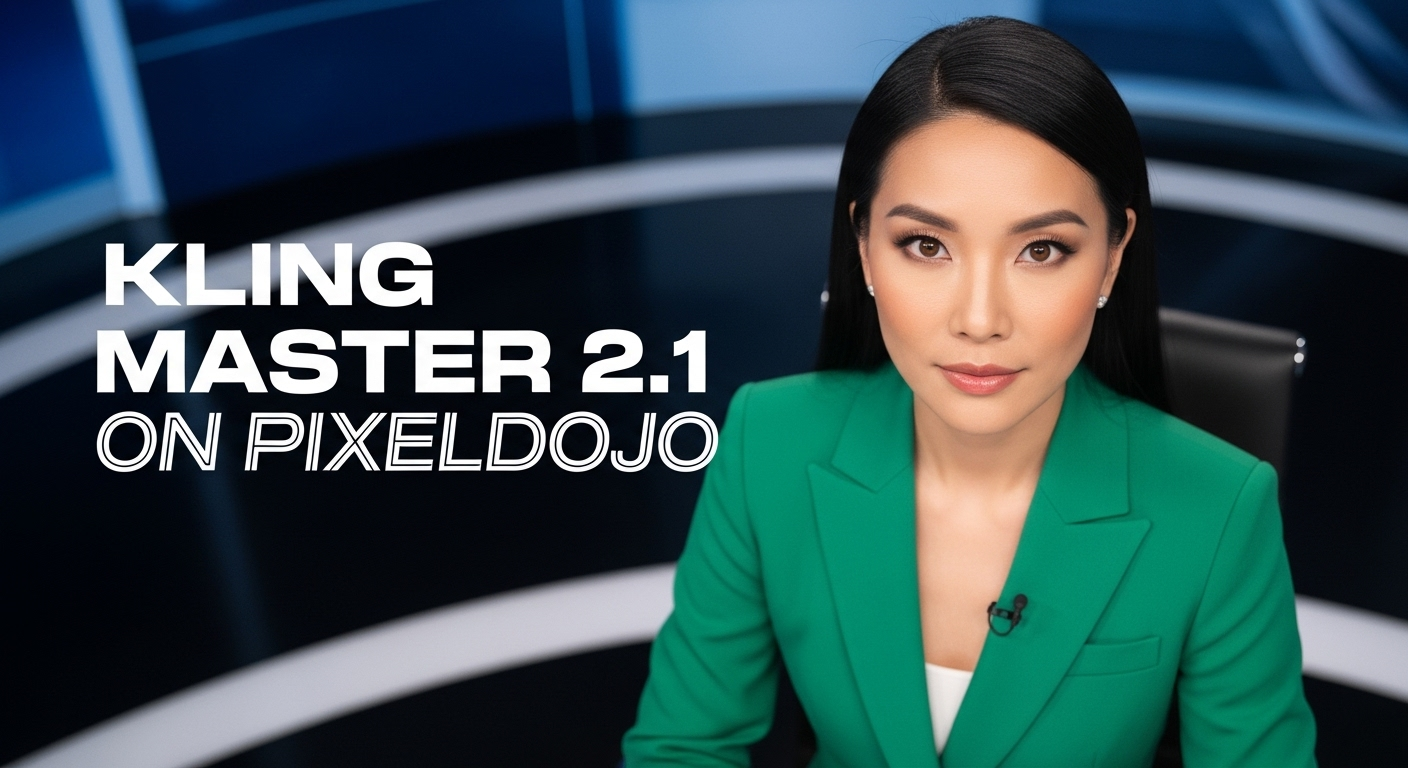
A photo of a beautiful news anchor
imagen

Add a log edited with Flux Kontext Dev
flux-studio
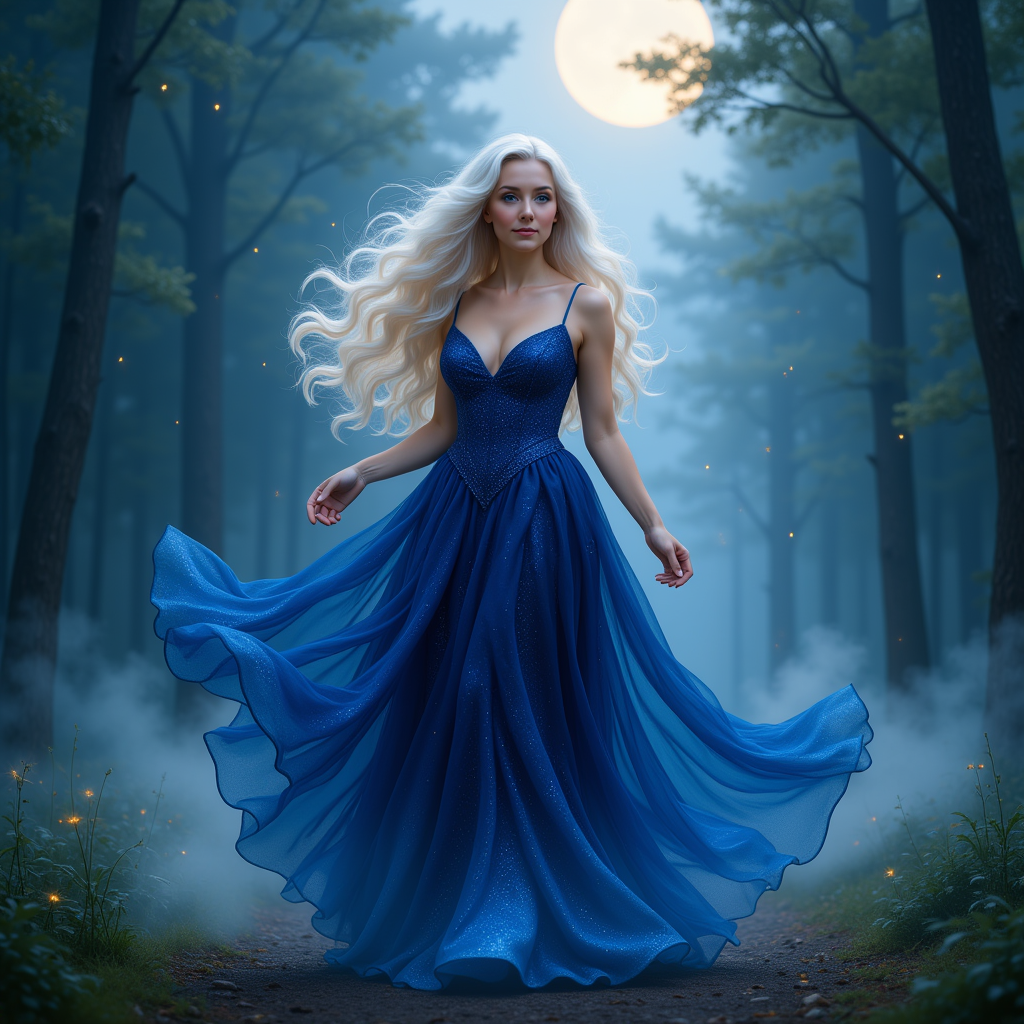
KIRA_SUNRISE
stable-diffusion
Models you can run on PixelDojo for kling 3.0 free
Switch models without switching tools. Each one runs in the same PixelDojo studio.
What you can do with kling 3.0 free on PixelDojo
Kling 3.0 on PixelDojo
We provide Kling 3.0 video generation in the browser so you can turn prompts into short clips without running models locally.
Free Access to Try
We include a free path to generate Kling 3.0 videos so you can test prompts and workflows before using paid credits.
Text and Image Starts
We support text-to-video and image-to-video so you can describe a scene or lock the first frame from a still.
Iterate and Export Clips
We keep generations in your workspace so you can refine prompts, compare takes, and download the clips you want to use.
Loved by thousands of creators worldwide. Access 40+ cutting-edge AI tools including Kling Image, Kling Video, Flux.2 Studio and Seedream 5. Cancel anytime.
Why Choose Pixel Dojo for kling 3.0 free
Professional-quality results with cutting-edge AI technology
Print-Ready Native 4K Stills Without Upscaling
You receive ultra-sharp 2K and 4K images straight from generation, with film-grade lighting, fabric weave and skin texture that look professional on posters, packaging and large displays. No extra upscaler step required.
Locked Character Consistency Across Entire Series
Build comics, brand campaigns or film stills where the same face, outfit and personality appear in every shot. Multi-reference blending and Image Series Mode keep identity stable so you never recast your hero mid-story.
Cinematic Storyboards in Minutes Instead of Days
Generate multi-panel sequences that follow real camera language and narrative logic. You walk away with a complete visual story ready for pitch decks, animatics or client presentations.
How It Works
PixelDojo makes Kling 3.0 image creation a three-step process that anyone can finish in under a minute. You stay in control of style, consistency and resolution while the platform handles the heavy lifting.
Step 1: Choose Your Tool
Log in to PixelDojo and open Generate Images. Select Kling Image (or Kling Image Omni for extra narrative power). You can also start from an existing photo using Image to Image or pull a consistent face from the Consistent Characters library so your first generation already matches your brand or story.
Step 2: Enter Your Prompt
Write like a director: include camera angle, lighting, mood and action. Example: “Cinematic medium shot of a young inventor in a sunlit workshop at golden hour, warm practical lights, shallow depth of field, 4K photoreal, subtle film grain.” Add up to ten reference images for style, character or product lock. For a sequence, describe the next panel so Image Series Mode keeps everything coherent.
Step 3: Customize & Download
Review the 4K result, then refine with Inpainting, Change Camera Angle, Style Transfer or Magic Lighting. Upscale further with P-Image Upscale or Portrait Upscaler if needed. Download instantly with commercial rights. Turn any still into motion later using Kling Video or WAN 2.7 Video without leaving the platform.
The Pixel Dojo Advantage
Why PixelDojo outperforms other options for Kling 3.0 image generation
| Others | Pixel Dojo |
|---|---|
| Traditional photography and illustration | You generate unlimited 4K cinematic variations in seconds instead of booking studios, models and retouchers. Costs drop from thousands to a few credits while quality stays production-ready. |
| Generic AI image tools | You get Kling 3.0’s native narrative reasoning, locked multi-image consistency and true 4K output plus PixelDojo’s extra editors (Inpainting, Character Sheets, Reality Polisher) in one workspace. |
| Manual photo editing and compositing | You skip layers, masks and hours of blending. Describe the change once, generate, then polish with dedicated tools like Background Remover and Magic Lighting. The whole campaign ships the same day. |
Loved by creators on PixelDojo
Real feedback from people using PixelDojo, pulled from our in-product surveys.
awesome functionality, UX, constant flood of improvements, discord interactivity
Awesome site with so many features
Love how I can almost create anything
The Flux Pro Ultra is just amazing!
Very easy to use, and they have fast wan 2.2 video generation with custom loras available.
The overall quality of the site and it's amazing variety of tools. The continued updates of the UI. The unbelievable level of tech support.
Explore more AI tools on PixelDojo
AI Tools
Compare & Switch
- Best AI Image Generators
- Best AI Video Generators
- Midjourney Alternatives
- Civitai Alternatives
- Runway Alternatives
- Leonardo Alternatives
- Pika Alternatives
- Luma Alternatives
- Magnific Alternatives
- Veo Alternatives
- Flux Alternatives
- Freepik Alternatives
- Seedance Alternatives
- Seedream Alternatives
- Pixverse Alternatives
- GPT Image Alternatives
- Synthesia Alternatives
- Playground Alternatives
- NightCafe Alternatives
- Canva AI Alternatives
- ElevenLabs Alternatives
- ComfyUI Alternatives
- Fal Alternatives
- Replicate Alternatives
Common Questions
Everything you need to know about kling 3.0 free
How can I generate Kling 3.0 images for free on PixelDojo?
Sign up and start with the included credits. Open Generate Images, choose Kling Image, write a cinematic prompt and hit generate. You receive native 4K stills you can download immediately. Extra credits are inexpensive and you can cancel any time. Combine with free-to-try tools like Flux.2 Studio or Seedream 5 for even more looks.
What makes Kling 3.0 image generation different from older models?
Kling 3.0 thinks in cinematic sequences rather than single pictures. It uses visual chain-of-thought to plan composition, lighting and story before rendering, then outputs true 2K/4K without upscaling artifacts. Character identity stays locked across multiple images thanks to Image Series Mode and up to ten references—exactly what you need for comics, ads and film stills.
Can I keep the same character consistent across a whole Kling 3.0 series?
Yes. Upload a clear face and full-body reference, then generate the first panel with Kling Image. Switch to Image Series Mode or use Consistent Characters plus Character Sheets. Every new prompt inherits the identity, clothing and lighting so your hero never changes mid-story. Later animate the set with Kling Video Character Swap or WAN Video Character Swap.
What prompt techniques work best for cinematic Kling 3.0 images?
Write like a director of photography: start with shot size and camera move (“medium tracking shot, slow dolly in”), add lighting (“golden hour rim light, practical lamps”), then subject action and texture. Include “4K photoreal, cinematic color grade, subtle film grain.” PixelDojo’s Kling Image understands this language and delivers the still you described. Save winning prompts as templates for future campaigns.
Can I turn my Kling 3.0 stills into video without losing quality?
Absolutely. Download the 4K image, then open Kling Video or WAN 2.7 Video, upload the still as the first frame and describe the motion. Native audio, lip-sync and multi-shot sequencing keep the cinematic look. You can also use P Video Animate or Flux 3 Video for extra styles, all inside the same PixelDojo account.
Are the Kling 3.0 images I create on PixelDojo licensed for commercial use?
Yes. Paid plans include full commercial rights and watermark-free downloads. Use the images in ads, merch, client work or film pitches. PixelDojo also offers Developer API access so you can generate Kling 3.0 stills at scale for your own products. Cancel anytime if your needs change.