kling 3.0 kuaishou AI Generator
Generated on PixelDojo. Produced by PixelDojo's generation pipeline.
Imagine producing stunning photorealistic images that look like they were shot on a professional film set – complete with perfect lighting, lifelike textures, and cinematic composition – all from a simple description. With PixelDojo's Kling Image tool powered by Kling 3.0 Kuaishou technology, you can achieve exactly that. You no longer need expensive cameras, lighting crews, or hours of post-production. Instead, you generate high-end stills for storyboards, marketing campaigns, character concepts, or commercial visuals in moments. Whether you want consistent characters across an entire series, photoreal portraits with accurate color temperatures, or images featuring perfectly rendered text and signage, PixelDojo puts Hollywood-grade results at your fingertips. Thousands of creators already use these capabilities to bring their visions to life faster than ever, turning ideas into polished assets that impress clients and audiences alike.
Real video examples generated on PixelDojo
Every example below was produced on PixelDojo. Hover to see the prompt.
A korean kpop girl dancing and singing a song about how pixel dojo is the only ai tool you…
image-to-video

Kira-Super
stable-diffusion
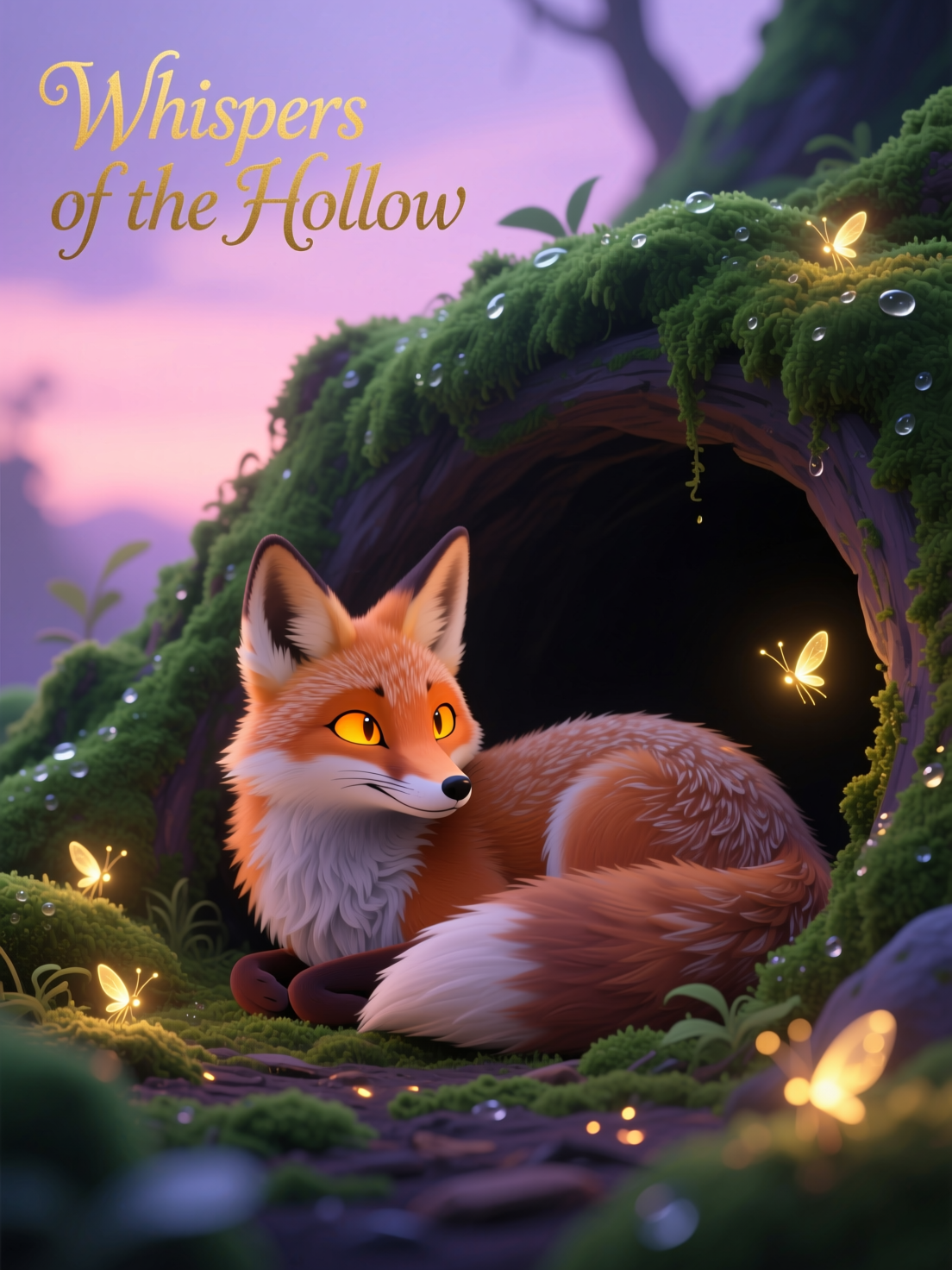
Qwen-stylized
image-to-image
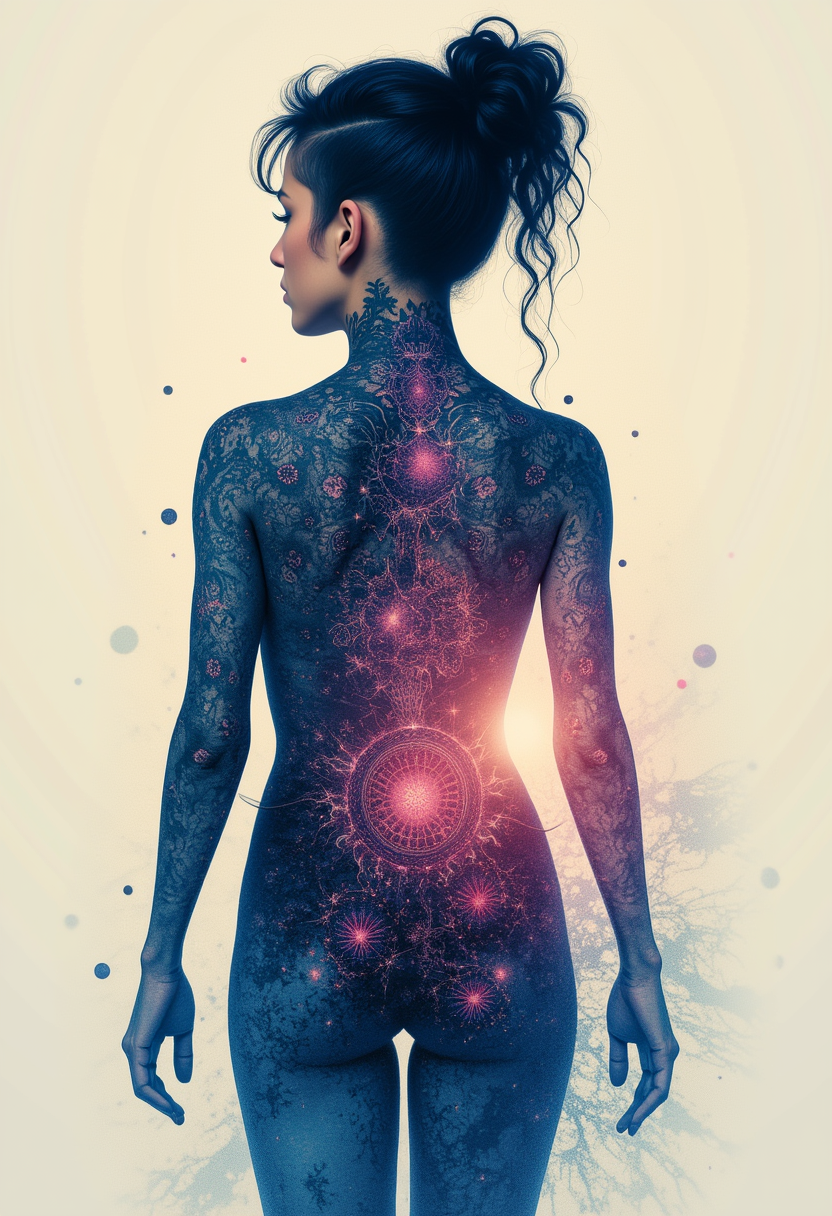
Kira-Lux-Flux
flux

kling 3.0 kuaishou on PixelDojo
stable-diffusion
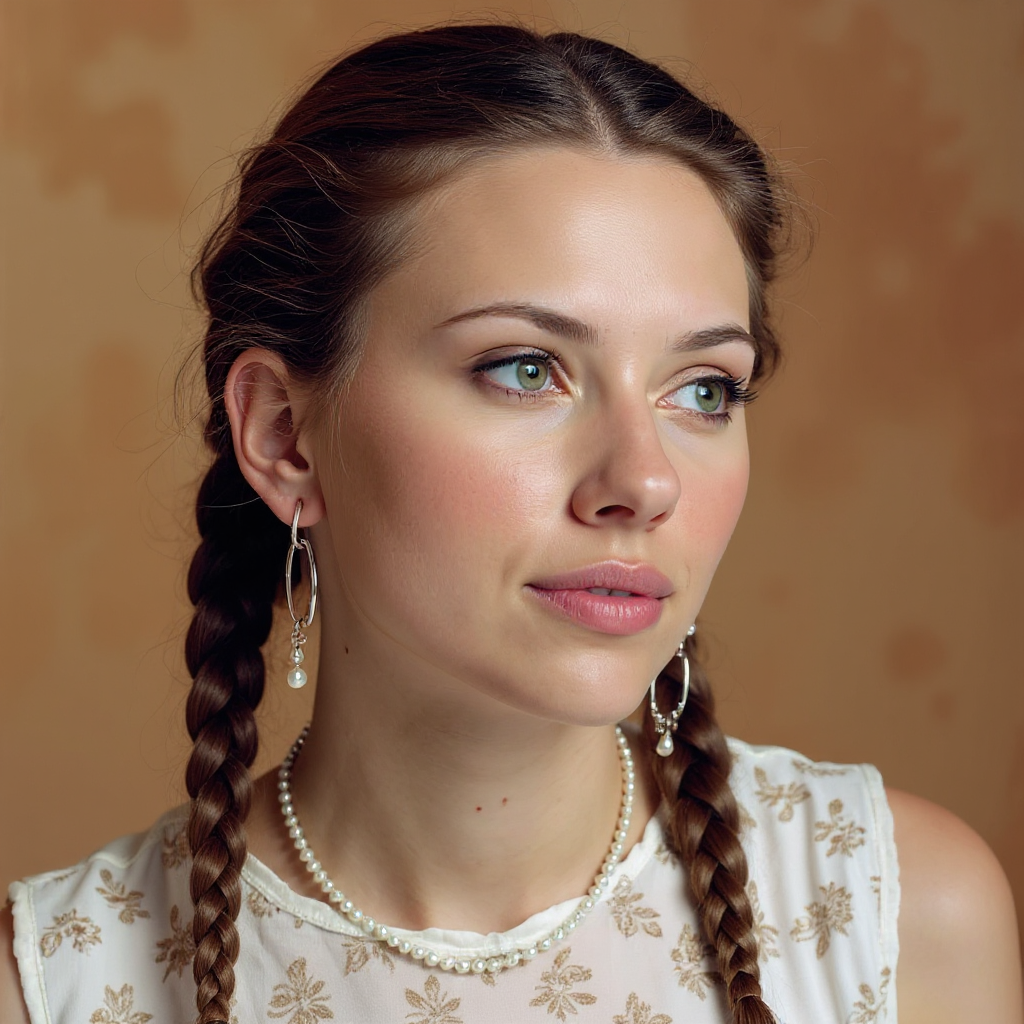
Quickly change someone's hair style and hair color
stable-diffusion
Models you can run on PixelDojo for kling 3.0 kuaishou
Switch models without switching tools. Each one runs in the same PixelDojo studio.
What you can do with kling 3.0 kuaishou on PixelDojo
Kling 3.0 in Studio
We give you access to Kuaishou Kling 3.0 for text-to-video so you can turn prompts into clips without leaving PixelDojo.
Image to Video
Start from a still you upload or generate and extend it into motion with Kling 3.0, then refine the result in the same workspace.
Prompted Camera Motion
Describe camera moves and subject action in your prompt so Kling 3.0 can follow shot intent more closely on each generation.
Iterate and Export
Rerun variations, compare takes, and download finished videos in common formats ready for editing or posting.
Loved by thousands of creators worldwide who produce professional content daily. Access 40+ cutting-edge AI tools with ratings averaging 4.9/5. Cancel anytime – start creating cinematic Kling 3.0 images today.
Why Choose Pixel Dojo for kling 3.0 kuaishou
Professional-quality results with cutting-edge AI technology
Deliver Cinematic Photorealism Without a Studio
You generate images with film-quality lighting, accurate color temperatures, and ultra-detailed textures that rival professional photography, ready for commercial use or storyboarding in 4K.
Maintain Perfect Character Consistency Across Projects
You upload multiple reference images and produce matching characters, outfits, and styles every time – ideal for series, campaigns, or IP development without identity drift.
Refine Any Image Using Everyday Language
You simply describe changes like new lighting, clothing, or camera angles and instantly update your Kling 3.0 images – no masks or complex software required.
How It Works
You create professional Kling 3.0 Kuaishou images on PixelDojo in three straightforward steps using dedicated tools designed for cinematic results.
Step 1: Choose Your Tool
Log into PixelDojo and select Kling Image from the Generate Images section. This tool leverages the latest Kling 3.0 capabilities for photorealistic output. You can also pair it with Image to Image or Inpainting for even more control over existing visuals.
Step 2: Enter Your Prompt
Describe your vision in natural language, focusing on subject, lighting, atmosphere, and camera details. Upload up to several reference images for character consistency. Example: 'Cinematic close-up portrait of a confident woman in golden hour lighting, detailed skin texture, shallow depth of field, 4K photorealistic'. Kling Image 3.0 understands cinematic terms and delivers precise results.
Step 3: Customize & Download
Review your generated images, then use PixelDojo's Edit Images tools like Change Camera Angle, Style Transfer, or Magic Lighting to refine further. Download in high resolution, including 4K options, ready for immediate use in your projects. Combine with Upscale & Enhance tools if needed for extra polish.
The Pixel Dojo Advantage
Why PixelDojo outperforms other options for Kling 3.0 image generation
| Others | Pixel Dojo |
|---|---|
| Traditional photography and studio shoots | You produce unlimited photorealistic variations in minutes instead of scheduling locations, models, and crews, saving thousands while achieving the same cinematic quality. |
| Generic AI image tools | You get superior photorealism, native 4K detail, advanced lighting understanding, and unmatched character consistency from dedicated Kling 3.0 technology plus 40+ specialized tools. |
| Manual photo editing software | You skip hours of retouching and compositing – simply describe what you want and receive polished, commercially ready images instantly with PixelDojo's integrated workflow. |
Loved by creators on PixelDojo
Real feedback from people using PixelDojo, pulled from our in-product surveys.
it is an amazing site to create a pics and vids for those who don't have the hardware themselves
good tools in one place
Prompt updates, strong features, and a community that is always willing to help and hear/act on professional feedback. I've never had a better experience.
user friendly all in one thing
I really like the schedule of AI work performed!
The best tools for IA on the web !
Explore more AI tools on PixelDojo
AI Tools
Compare & Switch
- Best AI Image Generators
- Best AI Video Generators
- Midjourney Alternatives
- Civitai Alternatives
- Runway Alternatives
- Leonardo Alternatives
- Pika Alternatives
- Luma Alternatives
- Magnific Alternatives
- Veo Alternatives
- Flux Alternatives
- Freepik Alternatives
- Seedance Alternatives
- Seedream Alternatives
- Pixverse Alternatives
- GPT Image Alternatives
- Synthesia Alternatives
- Playground Alternatives
- NightCafe Alternatives
- Canva AI Alternatives
- ElevenLabs Alternatives
- ComfyUI Alternatives
- Fal Alternatives
- Replicate Alternatives
Common Questions
Everything you need to know about kling 3.0 kuaishou
How do I generate high-quality Kling 3.0 images with PixelDojo?
You simply choose the Kling Image tool in PixelDojo's Generate Images section, enter a detailed prompt describing lighting, composition, and subject, and optionally upload reference images. The system delivers photorealistic cinematic results in seconds. You can then refine using Image to Image, Inpainting, or Change Camera Angle tools before downloading 4K files. Thousands of creators use this exact process daily for professional work.
What makes Kling 3.0 Kuaishou image generation better for photorealistic results?
Kling 3.0 Image focuses on cinematic realism with exceptional lighting accuracy, texture detail, and text rendering. On PixelDojo you access these strengths plus complementary tools like Reality Polisher and Portrait Upscaler to push quality even higher. You achieve images that look professionally photographed rather than generated, perfect for marketing, storyboarding, and commercial projects.
Can I create consistent characters using Kling Image 3.0 on PixelDojo?
Yes. You upload multiple reference images of your character from different angles into Kling Image and the model maintains identity, clothing, and style across new generations. Combine this with PixelDojo's Consistent Characters and Character Sheets tools for even stronger results across entire campaigns or series. This capability is ideal for IP development and branded content.
Does PixelDojo support 4K output for Kling 3.0 images?
Absolutely. Kling Image on PixelDojo delivers high-resolution output including 4K options, giving you production-ready files without extra upscaling steps. You can further enhance with P-Image Upscale or Magnific Upscaler if you need additional detail. This native quality saves time compared to other workflows and produces sharper, more professional results.
How can I edit Kling 3.0 images after generation on PixelDojo?
You use natural language descriptions with tools like Inpainting, Style Transfer, Magic Lighting, and Background Remover. Simply tell the system what to change – new outfit, different lighting, or camera angle – and it updates the image instantly. For more advanced work, combine with Image Analyzer or Reality Polisher. The entire process stays inside PixelDojo so you never leave the platform.
Is there a risk-free way to try Kling 3.0 image generation?
Yes. PixelDojo offers 40+ cutting-edge AI tools including Kling Image, loved by thousands of creators worldwide. You can start generating immediately and cancel at any time. This lets you test cinematic photorealism, character consistency, and 4K quality on your own projects with zero long-term commitment.