kling 3.0 motion control AI Generator
Generated on PixelDojo. Produced by PixelDojo's generation pipeline.
You have a striking still photo of your character, product model, or yourself. Now imagine that same image performing a fluid dance, delivering a heartfelt expression, or walking through a cinematic scene with natural physics, perfect hand gestures, and unwavering facial identity. That is the power of Kling 3.0 Motion Control on PixelDojo. You upload your character image and a short reference video of the motion you want, and the system transfers full-body movement, subtle expressions, and even camera-aware dynamics onto your subject while keeping every visual detail locked in. No motion-capture studio, no weeks of keyframing, no identity drift when the head turns. You walk away with 3-to-15-second clips ready for social feeds, ads, or story sequences. PixelDojo puts Kling Video, Kling Image, Kling Avatar, and Kling Video Edit at your fingertips so you can generate the starting photo, apply the motion, refine the result, and even swap characters later. Creators use this workflow to produce viral choreography, consistent brand avatars, and marketing videos that look like they came from a professional production house. The outcome is simple: your still images become living, breathing performances that hold attention and convert viewers.
Real video examples generated on PixelDojo
Every example below was produced on PixelDojo. Hover to see the prompt.
A machine walking
image-to-video
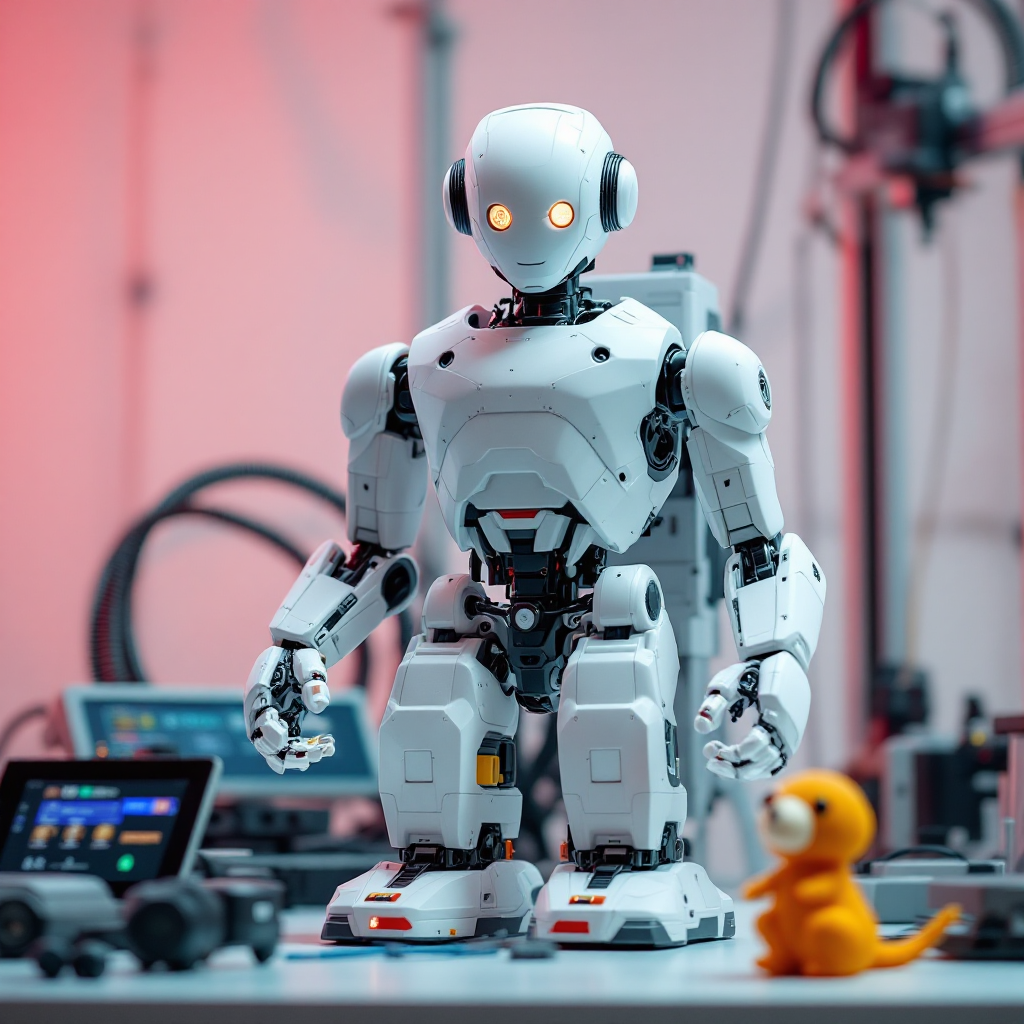
A 3d printer printing a humanoid robot
flux
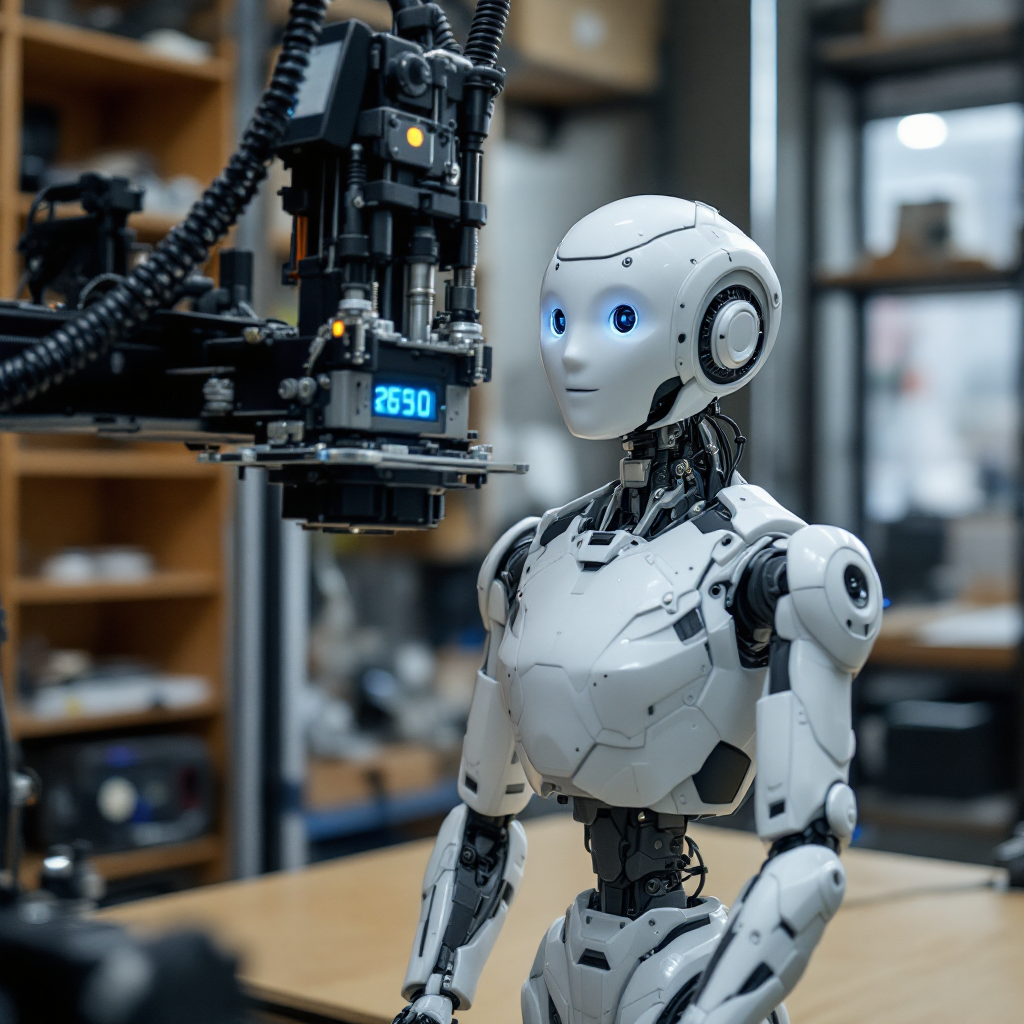
A 3d printer printing a humanoid robot
flux
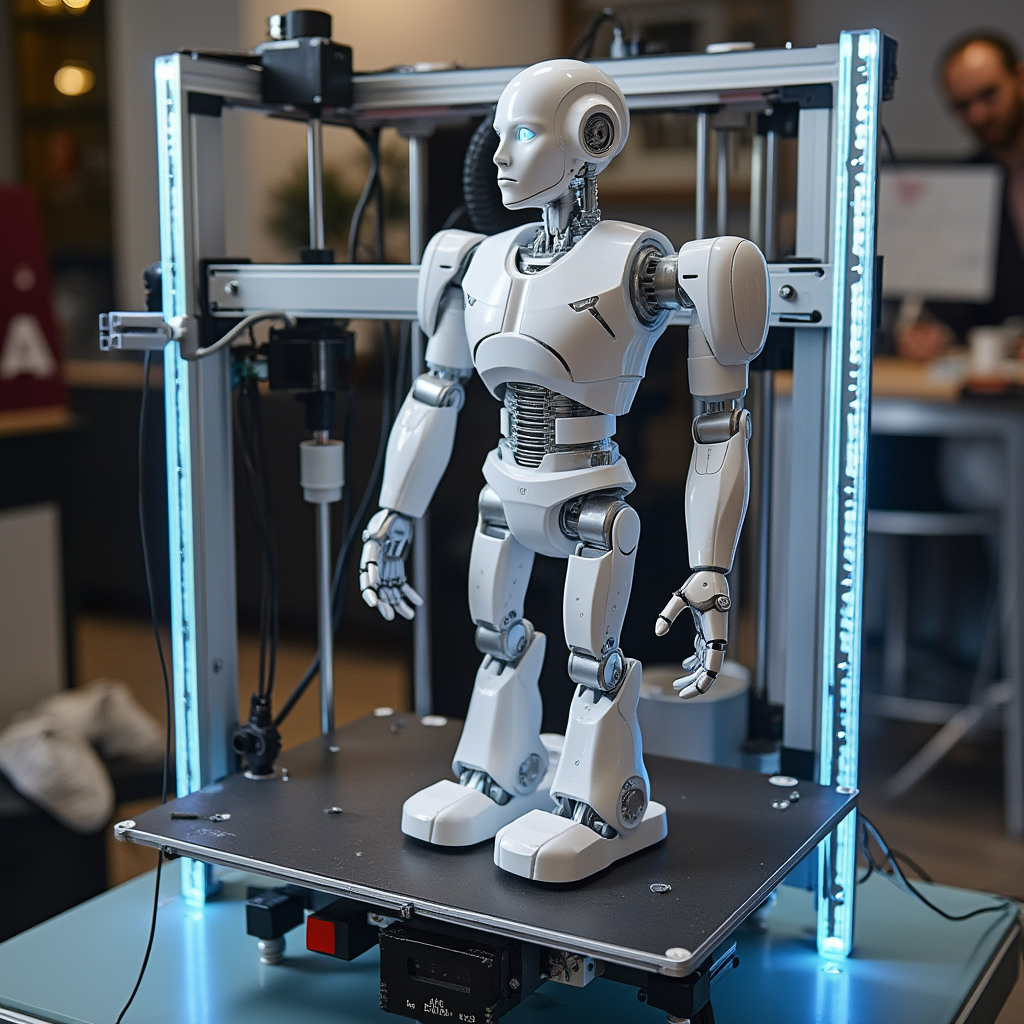
A 3d printer printing a humanoid robot
flux
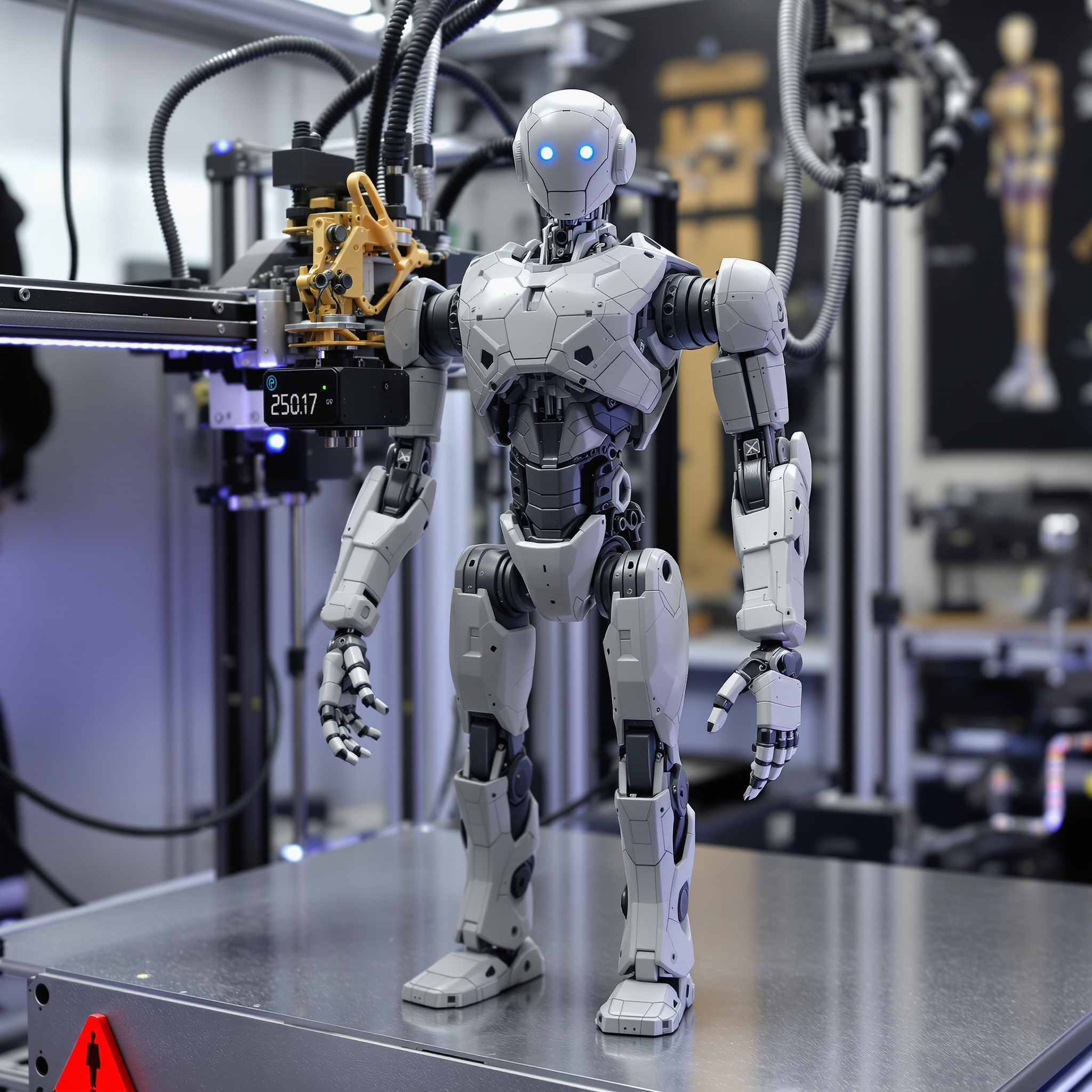
A 3d printer printing a humanoid robot
flux
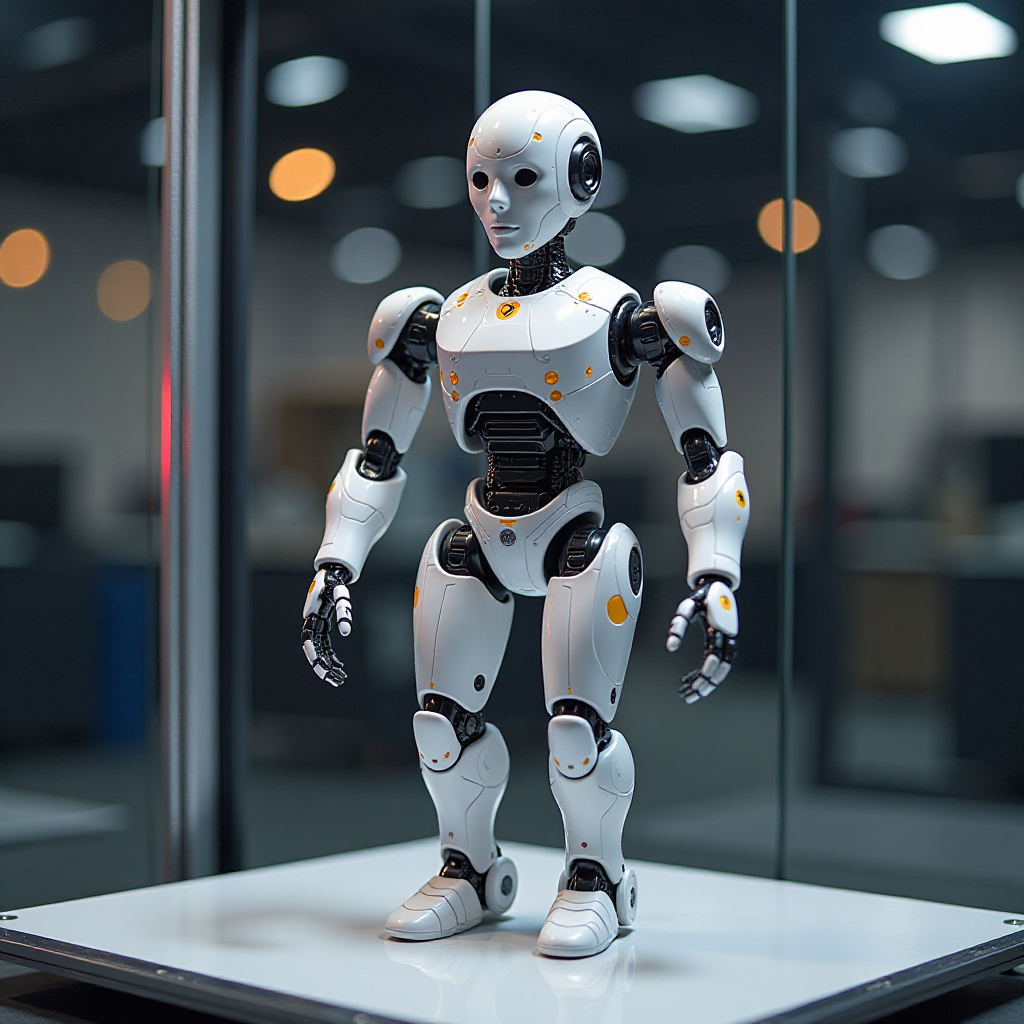
A 3d printer printing a humanoid robot
flux
Models you can run on PixelDojo for kling 3.0 motion control
Switch models without switching tools. Each one runs in the same PixelDojo studio.
What you can do with kling 3.0 motion control on PixelDojo
Directed Camera Paths
We let you steer Kling 3.0 camera motion so pans, tilts, and dollies follow the shot you specify instead of random drift.
Subject Motion Control
You can guide how people and objects move in generated clips so gestures, walks, and actions stay aligned with your brief.
Reference Motion Transfer
Upload a motion cue and we apply that timing and trajectory to new Kling 3.0 video so movement matches the source without rewriting the whole scene.
Stable Multi-Shot Motion
We keep motion language consistent across related takes so speed, direction, and camera behavior do not jump between clips.
Loved by thousands of creators worldwide who generate millions of views with PixelDojo’s 40+ cutting-edge AI tools. Cancel anytime. Join the community turning photos into cinematic motion every day.
Why Choose Pixel Dojo for kling 3.0 motion control
Professional-quality results with cutting-edge AI technology
Keep Your Character Perfectly Recognizable
Your face, clothing, and unique features stay locked even through head turns, occlusions, and multi-angle shots. Element Binding plus multiple reference images give you the identity stability you need for professional results.
Transfer Real Physics and Expressive Gestures
Full-body motion, anatomically correct hands, clothing physics, and emotional facial cues copy from your reference video with cinematic timing. You get performances that feel captured, not generated.
Ship Production-Ready Videos in Minutes
Skip studios and editors. Generate 1080p or 4K clips up to 15 seconds, add native audio or keep original sound, then polish with Kling Video Edit. Download and publish immediately.
How It Works
You create Kling 3.0 motion-control animations on PixelDojo in three straightforward steps using Kling Video together with Kling Image and supporting tools.
Step 1: Choose Your Tool
Open Generate Videos and select Kling Video (or Kling Avatar for talking-head styles). If you need a fresh character photo first, start in Generate Images with Kling Image or Consistent Characters. Upload a clear, well-lit still image of your subject—front-facing or slight angle works best, 1024px or higher recommended.
Step 2: Enter Your Prompt
Upload your 3–30 second motion-reference video showing the exact action, gestures, and expressions you want transferred. Add a short prompt describing lighting, background, or extra camera movement. Enable Element Binding or upload extra angle photos for stronger identity lock. Set character orientation to match image or video depending on whether you want the original framing or the reference motion structure.
Step 3: Customize & Download
Choose Standard or Pro quality, decide whether to keep original audio, generate, then refine with Kling Video Edit, Video Autocaption, or Merge Videos if needed. Upscale with FLUX Video Upscale or P-Image Upscale. Download your finished clip in the aspect ratio you chose. Repeat with Marketing Studio or Face Swap for variations.
The Pixel Dojo Advantage
Why PixelDojo outperforms other options for Kling 3.0 motion control image-to-video generation
| Others | Pixel Dojo |
|---|---|
| Traditional motion-capture studios | You skip expensive equipment, actors, and post-production. A single photo plus a phone-recorded reference clip delivers comparable full-body and facial performance in minutes instead of days. |
| Generic AI tools | PixelDojo gives you dedicated Kling Video with Element Binding, multi-image references, and native 4K options plus the full suite of Kling Image, Kling Avatar, and editing tools so identity stays locked and you can iterate instantly. |
| Manual photo editing and frame-by-frame animation | You replace hours of keyframing and rotoscoping with one generation pass. Physics, timing, and expressions arrive already correct, then you polish only what you want with Kling Video Edit. |
Loved by creators on PixelDojo
Real feedback from people using PixelDojo, pulled from our in-product surveys.
A well resourced sunscription with attention to updates.
Easy to use and there's lots of options.
super lora download
Great variety of tools to create and modify images and video.
Lots of Tools, and the one time I needed support I got help right away
Easy to use once you get the hang of it
Explore more AI tools on PixelDojo
AI Tools
Compare & Switch
- Best AI Image Generators
- Best AI Video Generators
- Midjourney Alternatives
- Civitai Alternatives
- Runway Alternatives
- Leonardo Alternatives
- Pika Alternatives
- Luma Alternatives
- Magnific Alternatives
- Veo Alternatives
- Flux Alternatives
- Freepik Alternatives
- Seedance Alternatives
- Seedream Alternatives
- Pixverse Alternatives
- GPT Image Alternatives
- Synthesia Alternatives
- Playground Alternatives
- NightCafe Alternatives
- Canva AI Alternatives
- ElevenLabs Alternatives
- ComfyUI Alternatives
- Fal Alternatives
- Replicate Alternatives
Common Questions
Everything you need to know about kling 3.0 motion control
What is Kling 3.0 motion control and how do I use it on PixelDojo?
Kling 3.0 Motion Control transfers full-body movement, hand gestures, and facial expressions from a reference video onto a still character image while preserving visual identity. On PixelDojo you open Kling Video, upload your photo (generated via Kling Image if needed), add the motion clip, optionally bind extra facial references, write a short scene prompt, and generate. The result is a new video of your character performing that exact motion with cinematic quality and locked identity.
How can I create viral dance videos with Kling 3.0 motion control?
Record or find a clean 5–15 second dance clip with a single visible performer, good lighting, and no cuts. Generate or upload a high-resolution character photo using Kling Image or Consistent Characters. In Kling Video, pair the two, set character orientation to video for complex choreography, add a prompt for lighting and background, and generate. Use Kling Video Edit or Video Autocaption afterward. Creators routinely turn this workflow into high-engagement social clips because the physics and expressions look captured rather than synthetic.
Can I use multiple reference images for better face consistency in Kling 3.0 motion control?
Yes. PixelDojo’s Kling Video supports multiple character reference images (up to several angles) plus Element Binding. Upload extra photos showing different head positions or expressions; the system uses them as visual anchors so the face stays recognizable through turns, occlusions, and long takes. This is especially powerful when combined with Consistent Characters or Ideogram Character for series work.
What is the best way to prepare a reference video for Kling 3.0 motion control?
Use a single continuous shot of one person, full or upper body clearly visible, no camera cuts or heavy motion blur, and relatively stable (not ultra-fast) actions. Keep the face well-lit and unobstructed. Duration 3–30 seconds works; shorter clips are billed to a minimum. PixelDojo also lets you extract frames with Extract Frame or refine the source with Video Analyzer before uploading to Kling Video.
How long can my Kling 3.0 motion control videos be and what quality do I get?
You can generate up to 15 seconds in a single pass (longer with stitching via Merge Videos). Output reaches 1080p Pro or native 4K depending on settings. Aspect ratios include 16:9, 9:16, and 1:1. After generation you can upscale further with FLUX Video Upscale or Clarity Pro and add captions or audio with Video Autocaption and Seed Audio.
Can I use Kling 3.0 motion control videos commercially on PixelDojo?
Yes. PixelDojo’s commercial terms cover the outputs you create with Kling Video, Kling Image, and the rest of the 40+ tools. You own the results for ads, social content, client work, and products. Combine with Marketing Studio, Virtual Try-On, or Developer API for scaled campaigns. Cancel anytime if you ever need to pause.