kling 3.0 playground AI Generator
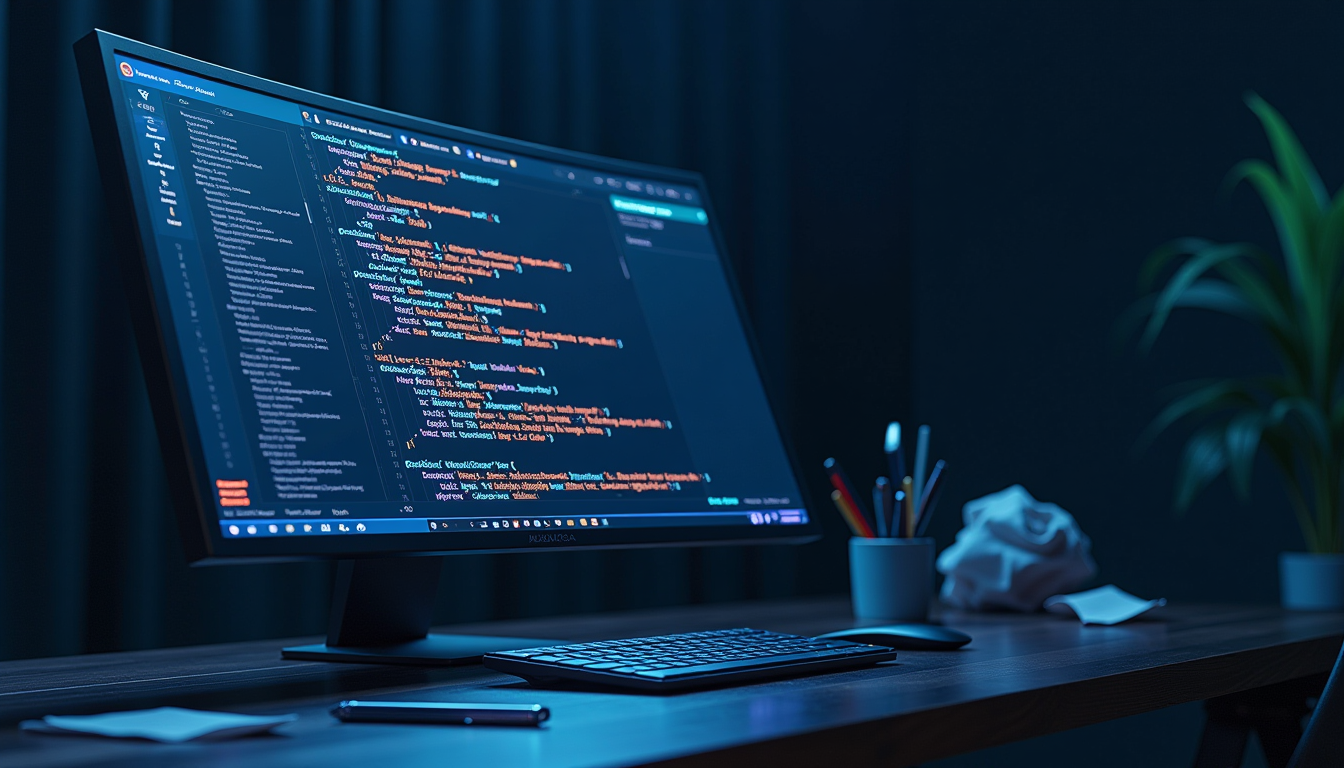
Generated on PixelDojo. Produced by PixelDojo's generation pipeline.
Imagine turning a simple idea into a breathtaking cinematic still or a full sequence of consistent, photorealistic images that look like they came from a Hollywood storyboard. That's exactly what you achieve in the Kling 3.0 Playground on PixelDojo. You get native 4K resolution with authentic textures, locked-in character identity across multiple frames, and lighting that feels real—without the usual AI artifacts. Whether you're a filmmaker pre-visualizing scenes, a marketer crafting brand visuals, or a creator building a visual world, you produce high-converting assets that stand out. PixelDojo puts the power of Kling Image right at your fingertips so you can go from prompt to polished masterpiece in minutes.
Real video examples generated on PixelDojo
Every example below was produced on PixelDojo. Hover to see the prompt.
A futuristic
stable-diffusion
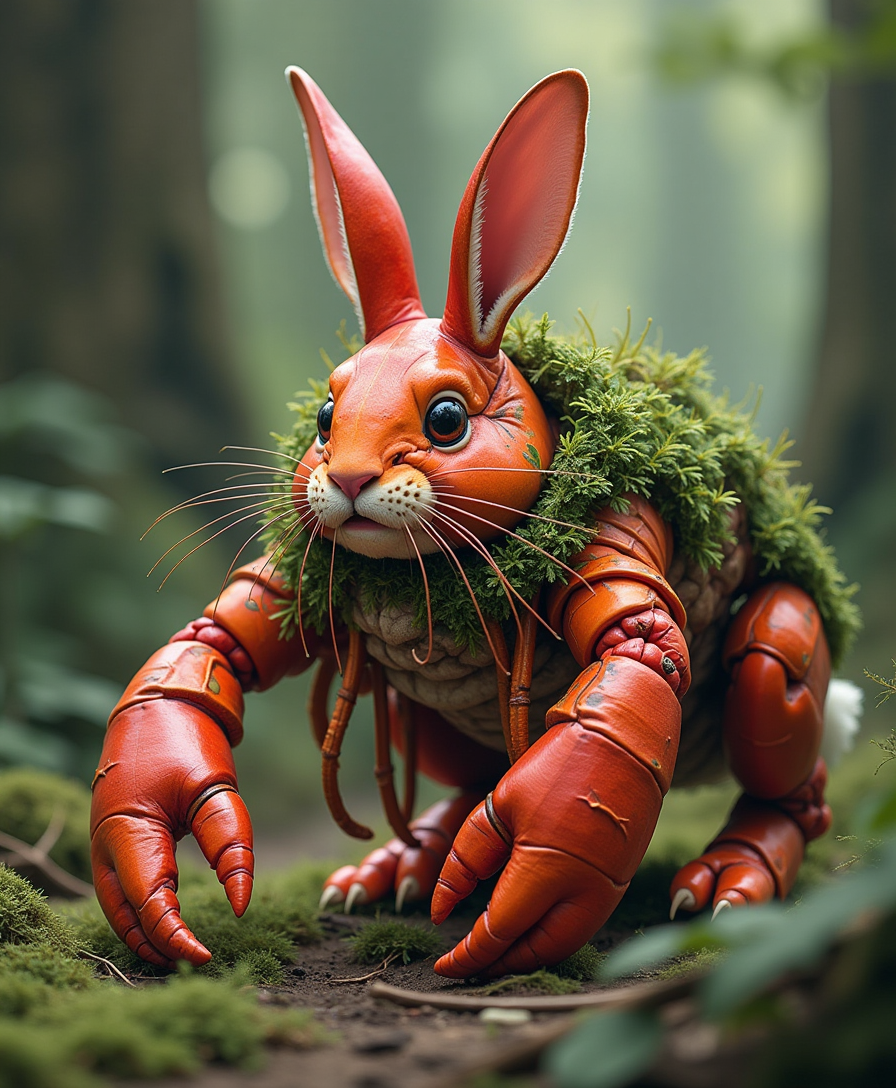
Lobster and rabbit mix fusion creature in forrest
flux
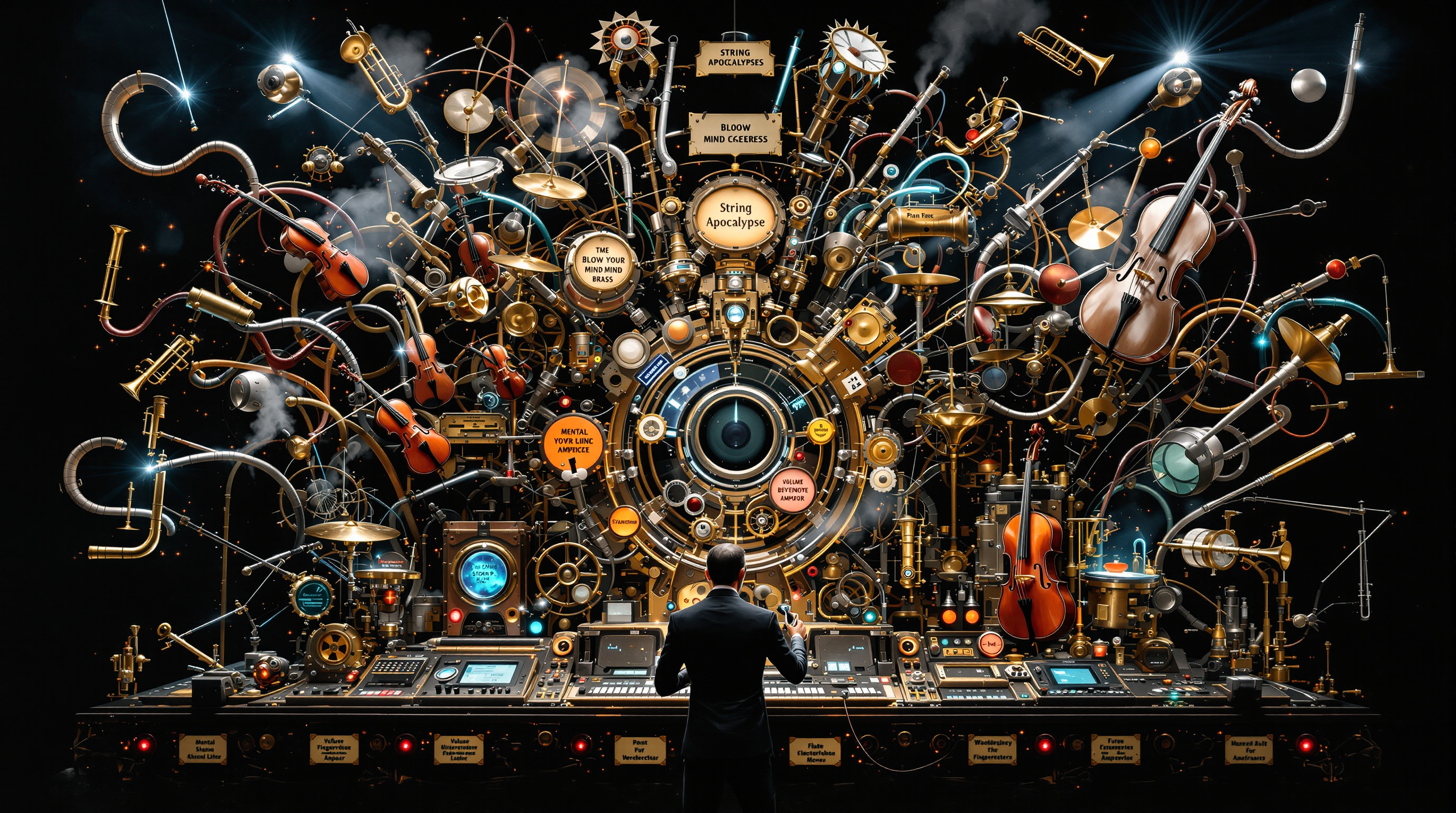
"Surreal
flux
Raindrops sliding down a window with a softly blurred city beyond
vidu-q3
Opening shot: Medium close-up on Boston Terrier dog in plush red lobster costume with goog…
image-to-video
Man walking as cash rains down from the sky
image-to-video
Models you can run on PixelDojo for kling 3.0 playground
Switch models without switching tools. Each one runs in the same PixelDojo studio.
What you can do with kling 3.0 playground on PixelDojo
Kling 3.0 Video Playground
We give you a dedicated space to generate clips with Kling 3.0 from text or stills. You can iterate prompts and settings without leaving the playground.
Prompt And Motion Controls
We expose duration, aspect ratio, and motion-related options so you can steer how a scene plays out. Adjust and regenerate until the clip matches your brief.
Reference Still To Clip
We let you start from an image and extend it into video with Kling 3.0. Keep character and layout cues while you explore camera and action.
Preview Export And Reuse
We show previews in the playground so you can review takes before you commit. Download results and reuse strong prompts for the next round of generation.
Loved by thousands of creators worldwide who generate professional results daily. PixelDojo's 40+ cutting-edge AI tools deliver consistent 4.9-star experiences. Join them and cancel anytime if it's not the perfect fit for your workflow.
Why Choose Pixel Dojo for kling 3.0 playground
Professional-quality results with cutting-edge AI technology
Native 4K Photorealism That Sells Your Vision
You generate images with rich skin textures, fabric weaves, and natural lighting that look indistinguishable from professional photography. Skip the upscaling step and deliver print-ready or large-format posters that impress clients immediately.
Character Consistency Across Entire Sequences
You lock facial features, clothing, and style so the same person or product appears identical in every frame. Build complete storyboards or campaign sets without the frustration of drifting details.
Cinematic Storyboarding in One Click
You produce logical image series that flow like a movie sequence, complete with matching environments and camera angles. Turn concepts into ready-to-pitch visual narratives faster than traditional methods ever allowed.
How It Works
Creating stunning Kling 3.0 images is straightforward on PixelDojo. You simply select the right tool, describe your vision, and refine until it's perfect.
Step 1: Choose Your Tool
Open PixelDojo and select Kling Image from the Generate Images section. This gives you direct access to Kling 3.0 Omni capabilities including native 4K and series mode. You can also pair it with Image to Image or Inpainting if you already have a starting photo.
Step 2: Enter Your Prompt
Write a structured prompt that includes scene, character details, lighting, and camera angle. Upload one or more reference images to lock identity and style. For series, describe the sequence of shots so the model maintains consistency across frames.
Step 3: Customize & Download
Generate your image or series, then use PixelDojo's Edit Images tools like Style Transfer, Magic Lighting, or Background Remover to perfect it. Download in high resolution ready for your project. Iterate as many times as you need.
The Pixel Dojo Advantage
Why PixelDojo outperforms other options for Kling 3.0 playground image generation
| Others | Pixel Dojo |
|---|---|
| Traditional [category] creation | You skip weeks of photography, location scouting, and retouching. Generate photorealistic 4K images and consistent series in minutes instead of days. |
| Generic AI tools | You get specialized Kling Image access with native 4K, series mode, and multi-reference blending that generic platforms simply don't offer at this quality. |
| Manual photo editing | You create entire consistent visual worlds from scratch rather than spending hours compositing and matching lighting across shots. |
Loved by creators on PixelDojo
Real feedback from people using PixelDojo, pulled from our in-product surveys.
Great for all your ideas use it encourage more people to use it
Because it is awesome
exceptional quality and great overall design of platform and interface. very intuative. love the creative freedom.
Qwen image 2 is amazing!!
Creative freedom, range of tools and options.
I love the training feature
Explore more AI tools on PixelDojo
AI Tools
Compare & Switch
- Best AI Image Generators
- Best AI Video Generators
- Midjourney Alternatives
- Civitai Alternatives
- Runway Alternatives
- Leonardo Alternatives
- Pika Alternatives
- Luma Alternatives
- Magnific Alternatives
- Veo Alternatives
- Flux Alternatives
- Freepik Alternatives
- Seedance Alternatives
- Seedream Alternatives
- Pixverse Alternatives
- GPT Image Alternatives
- Synthesia Alternatives
- Playground Alternatives
- NightCafe Alternatives
- Canva AI Alternatives
- ElevenLabs Alternatives
- ComfyUI Alternatives
- Fal Alternatives
- Replicate Alternatives
Common Questions
Everything you need to know about kling 3.0 playground
How do I get started with Kling 3.0 playground image generation on PixelDojo?
Simply sign up, go to Generate Images, and choose Kling Image. Enter a detailed prompt describing your scene, character, and lighting, then generate. You can add reference images for even better consistency. PixelDojo makes the entire process intuitive so you start producing professional results on your first try.
Can I create consistent character series with Kling 3.0 playground?
Yes. Kling Image on PixelDojo supports series mode that locks character identity, clothing, and environment across multiple frames. Upload a reference and describe the sequence of shots. You end up with a cohesive storyboard that looks like it was shot by the same cinematographer.
Does Kling 3.0 playground support native 4K image generation?
Absolutely. You generate true 4K images natively, preserving every texture and lighting nuance without quality loss from upscaling. This is perfect for print, large displays, or professional presentations where every detail matters.
What prompting techniques work best for Kling 3.0 playground images?
Use a structured approach: describe the scene and lighting first, then the character with specific details, followed by camera angle and mood. Combine this with one or more reference images. PixelDojo's Kling Image responds exceptionally well to cinematic language, giving you photorealistic results that match your vision.
Can I edit my Kling 3.0 images after generation?
Yes. After generating with Kling Image, use PixelDojo's Edit Images tools including Inpainting, Style Transfer, Magic Lighting, Background Remover, and Image Outpainting. You refine lighting, change backgrounds, or add elements while keeping the original quality and consistency.
Is there a risk-free way to try Kling 3.0 playground on PixelDojo?
PixelDojo offers 40+ cutting-edge AI tools loved by thousands of creators worldwide. You can start creating immediately and cancel anytime if it doesn't fit your needs. This lets you explore Kling Image and all the supporting tools without commitment.