Kling AI
Generated on PixelDojo with veo-3.1-standard. Produced by PixelDojo's generation pipeline.
Kling AI is a leading AI video model known for cinematic motion, realistic subjects, and strong prompt following for text to video and image to video generation. On PixelDojo, you can use hosted Kling 2.6 Pro and Kling v3, then compare results with Veo, Seedance, and WAN in the same multi-model studio.
Real video examples generated on PixelDojo
Every example below was produced on PixelDojo. Hover to see the prompt.
A man talking
image-to-video
A friendly female podcaster in a cool modern studio announcing that Pixel Dojo now has sup…
image-to-video
Camera slowly dollies to the right
image-to-video
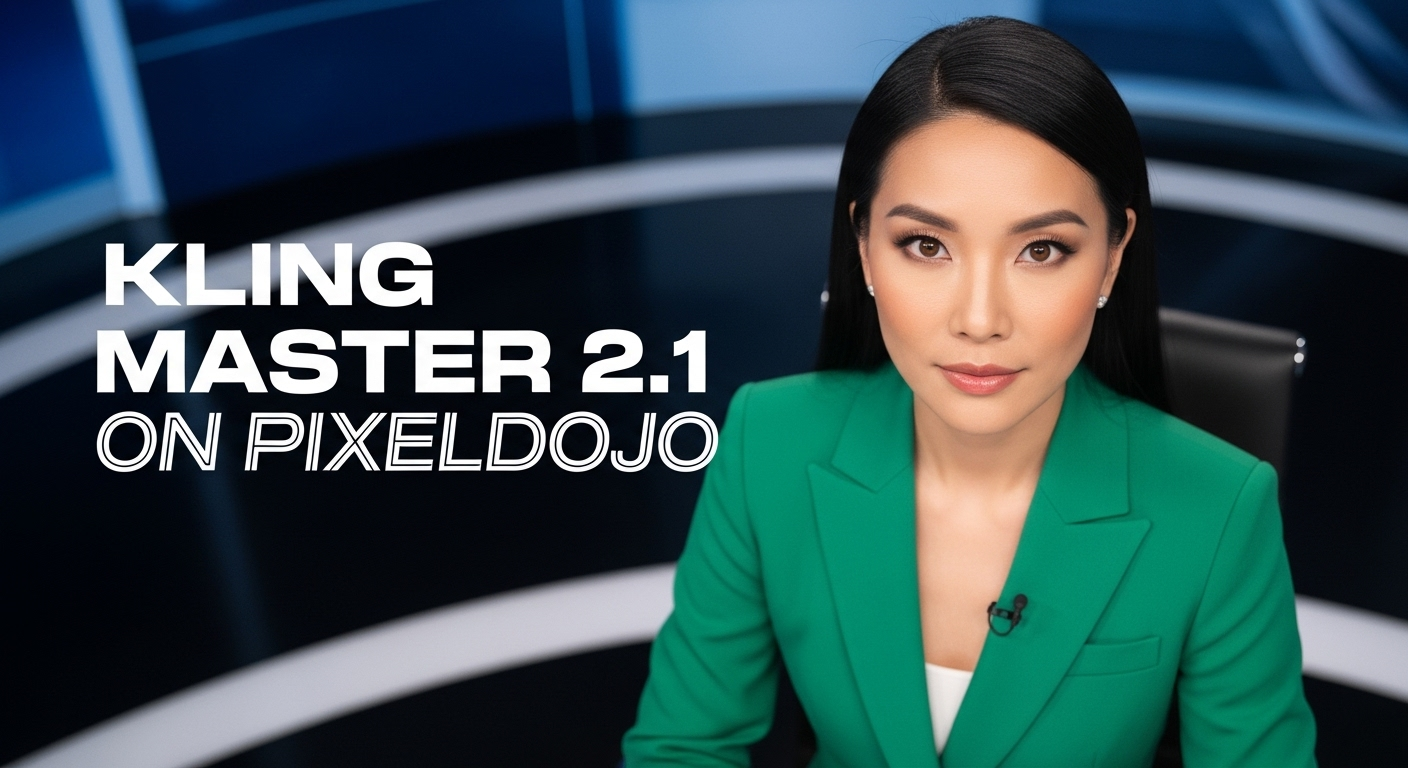
A photo of a beautiful news anchor
imagen
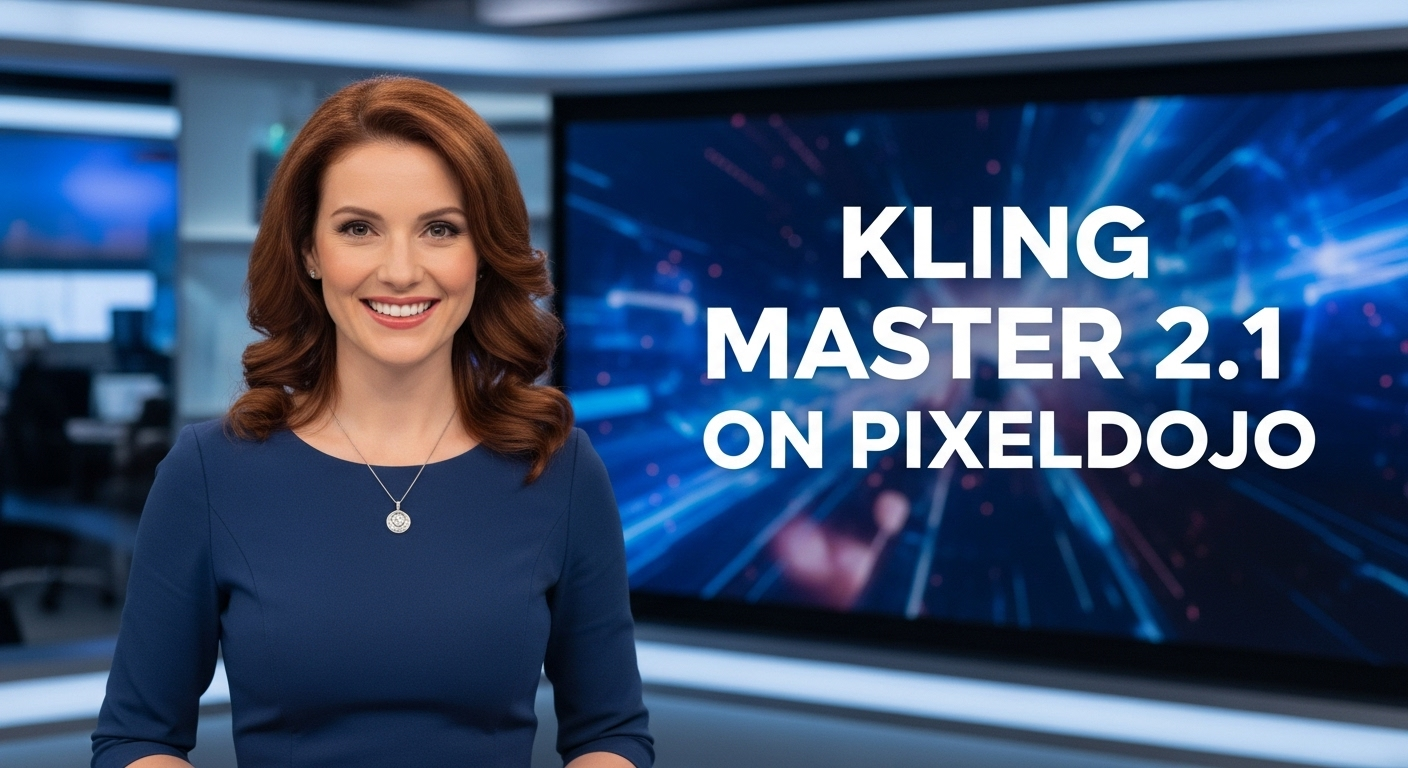
A photo of a beautiful news anchor
imagen
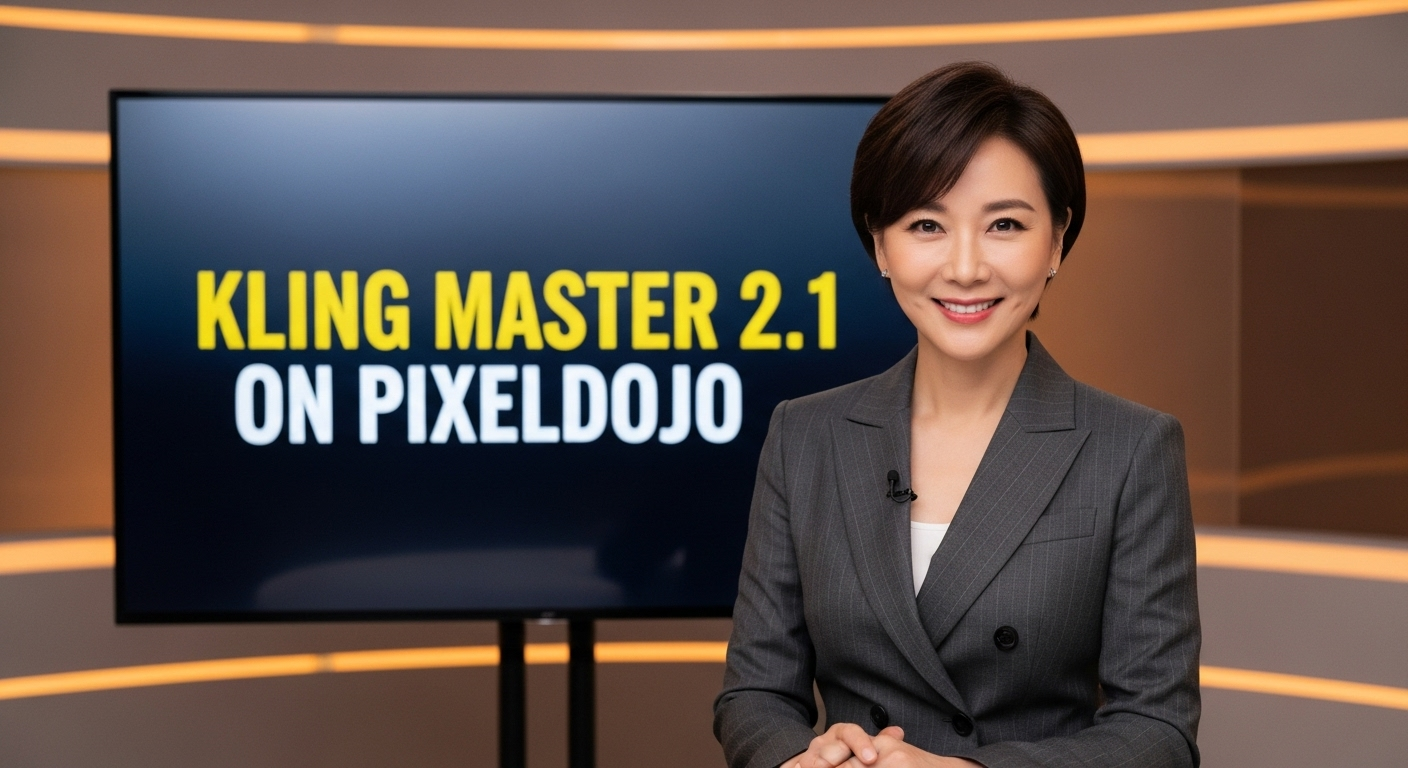
A photo of a beautiful news anchor
imagen
Models you can run on PixelDojo for Kling AI
Switch models without switching tools. Each one runs in the same PixelDojo studio.
What you can do with Kling AI on PixelDojo
Generate Videos from Text
We connect creators to Kling AI text to video tools on PixelDojo. Users enter prompts and receive video output directly in the workspace.
Convert Images to Video
We support image uploads for Kling AI animation on PixelDojo. Creators select reference images and generate motion sequences from them.
Extend Video Length
We enable Kling AI video extension features on PixelDojo. Users append additional frames to existing clips while preserving visual continuity.
Adjust Motion Parameters
We expose Kling AI motion controls through PixelDojo. Creators set intensity and direction values to refine movement in generated videos.
Why Choose Pixel Dojo for Kling AI
Professional-quality results with cutting-edge AI technology
Cinematic motion and visual realism
Kling AI is especially useful when a video needs natural camera movement, believable character action, and polished lighting. It can be a strong choice for short concept shots, product visuals, story moments, music video ideas, and social clips where motion quality matters.
Flexible testing across top video models
Prompting one model rarely answers every creative question. PixelDojo lets you run Kling next to other leading AI video systems, including Veo, Seedance, and WAN, so you can compare style, motion, subject consistency, speed, and cost before choosing the right output.
A practical studio for iteration
PixelDojo is built for creative testing rather than one-off generation. You can start from text or an image, adjust prompts, try different models, keep track of outputs, and move toward the version that best fits your project.
How It Works
PixelDojo turns Kling AI into a simple creative workflow for generating, comparing, and refining AI video.
Write a prompt or upload a reference image
Start with a clear description of the shot, including the subject, setting, action, camera movement, mood, and visual style. If consistency matters, upload an image reference to guide the first frame, product shape, character look, or composition.
Choose Kling or another video model
Select Kling 2.6 Pro or Kling v3 when you want to test Kling AI directly. You can also run the same idea through Veo, Seedance, or WAN to compare how each model handles motion, realism, detail, and prompt accuracy.
Review, adjust, and generate again
Study the output for motion quality, subject consistency, unwanted artifacts, pacing, and visual fit. Then revise the prompt, change the model, or try a new reference until the clip matches the creative direction.
Loved by creators on PixelDojo
Real feedback from people using PixelDojo, pulled from our in-product surveys.
very useful set of tools for image creation, upscaling and enhancement
ease of use, variety of tools, high quality trainings, and a well-maintained discord channel
Ease of use, friendliness and support of the owner, continued innovation.
it is an amazing site to create a pics and vids for those who don't have the hardware themselves
good tools in one place
Prompt updates, strong features, and a community that is always willing to help and hear/act on professional feedback. I've never had a better experience.
Explore more AI tools on PixelDojo
AI Tools
Compare & Switch
- Best AI Image Generators
- Best AI Video Generators
- Midjourney Alternatives
- Civitai Alternatives
- Runway Alternatives
- Leonardo Alternatives
- Pika Alternatives
- Luma Alternatives
- Magnific Alternatives
- Veo Alternatives
- Flux Alternatives
- Freepik Alternatives
- Seedance Alternatives
- Seedream Alternatives
- Pixverse Alternatives
- GPT Image Alternatives
- Synthesia Alternatives
- Playground Alternatives
- NightCafe Alternatives
- Canva AI Alternatives
- ElevenLabs Alternatives
- ComfyUI Alternatives
- Fal Alternatives
- Replicate Alternatives
Common Questions
Everything you need to know about Kling AI
What is Kling AI?
Kling AI is an AI video generation model developed for creating short videos from text prompts and images. It is widely known for cinematic motion, realistic visual quality, camera movement, and the ability to turn written scene direction into polished video clips. Like all generative video models, results vary by prompt, subject, complexity, and selected settings.
Can I use Kling AI on PixelDojo?
Yes. PixelDojo hosts Kling 2.6 Pro and Kling v3, so you can generate Kling AI videos directly inside the PixelDojo studio. You can also compare Kling outputs with other hosted AI video models, including Veo, Seedance, and WAN, without changing platforms.
How much does Kling AI cost on PixelDojo?
Kling AI usage on PixelDojo depends on the current credit system, selected model, video duration, resolution, and any plan or account limits in place at the time of generation. The app shows the available options and any required credits before you run a generation, so you can choose the model and settings that fit your budget.
What is the best Kling AI alternative?
The best Kling AI alternative depends on the shot. Veo can be strong for high quality cinematic prompts, Seedance may fit certain fast creative tests or stylistic needs, and WAN can be useful for specific motion and image to video workflows. PixelDojo hosts Kling alongside these models so you can compare real outputs instead of guessing from model descriptions.
Is Kling AI free to try?
Free access, trial credits, and promotional offers can change over time. If PixelDojo currently offers free credits or a trial path, it will be shown when you create or sign in to your account. Some higher quality or longer video generations may require paid credits because video models are compute intensive.
What can I make with Kling AI?
Kling AI can be used for cinematic concept shots, product visuals, fashion motion tests, storyboards, short social videos, music video ideas, advertising concepts, environment shots, character actions, and image to video animation. It is best for short clips where clear direction, visual polish, and controlled motion are important.
How do I get the best results?
Use specific prompts. Describe the subject, action, camera move, framing, lighting, setting, mood, and any constraints you care about. Avoid overloading the prompt with too many competing actions. For image to video, start with a clean reference image and ask for a simple motion first, then increase complexity after you get a stable result.