Kling AI 720p 1080p video quality

In today's digital landscape, high-quality video content is essential for capturing audience attention and conveying your message effectively. With Kling AI's advanced AI tools, you can effortlessly create stunning 720p and 1080p videos that elevate your content to professional standards. Whether you're a marketer, educator, or content creator, Kling AI empowers you to produce captivating videos without the need for extensive technical expertise.
Join thousands of satisfied creators who have enhanced their video content using Kling AI's cutting-edge technology. With a 4.8/5 average rating, our tools are trusted by professionals worldwide.
Why Choose Pixel Dojo for Kling AI 720p 1080p video quality
Professional-quality results with cutting-edge AI technology
Effortless High-Quality Video Creation
Generate 720p and 1080p videos with ease, eliminating the need for complex editing software or technical skills.
Time-Saving Automation
Leverage AI to automate video production, allowing you to focus on content strategy and creativity.
Versatile Content Applications
Create videos suitable for various platforms, including social media, presentations, and educational materials.
How It Works
Creating high-definition videos with Kling AI is a straightforward process. Follow these steps to bring your ideas to life:
Step 1: Choose Your Tool
Select the appropriate Kling AI tool based on your content needs. For instance, use the 'Text to Video' feature to generate videos from descriptive prompts.
Step 2: Enter Your Prompt
Input a detailed description of the scene or concept you wish to create. Be specific to ensure the AI accurately interprets your vision.
Step 3: Customize & Generate
Adjust settings such as video resolution (720p or 1080p), aspect ratio, and duration. Once satisfied, click 'Generate' to produce your video.
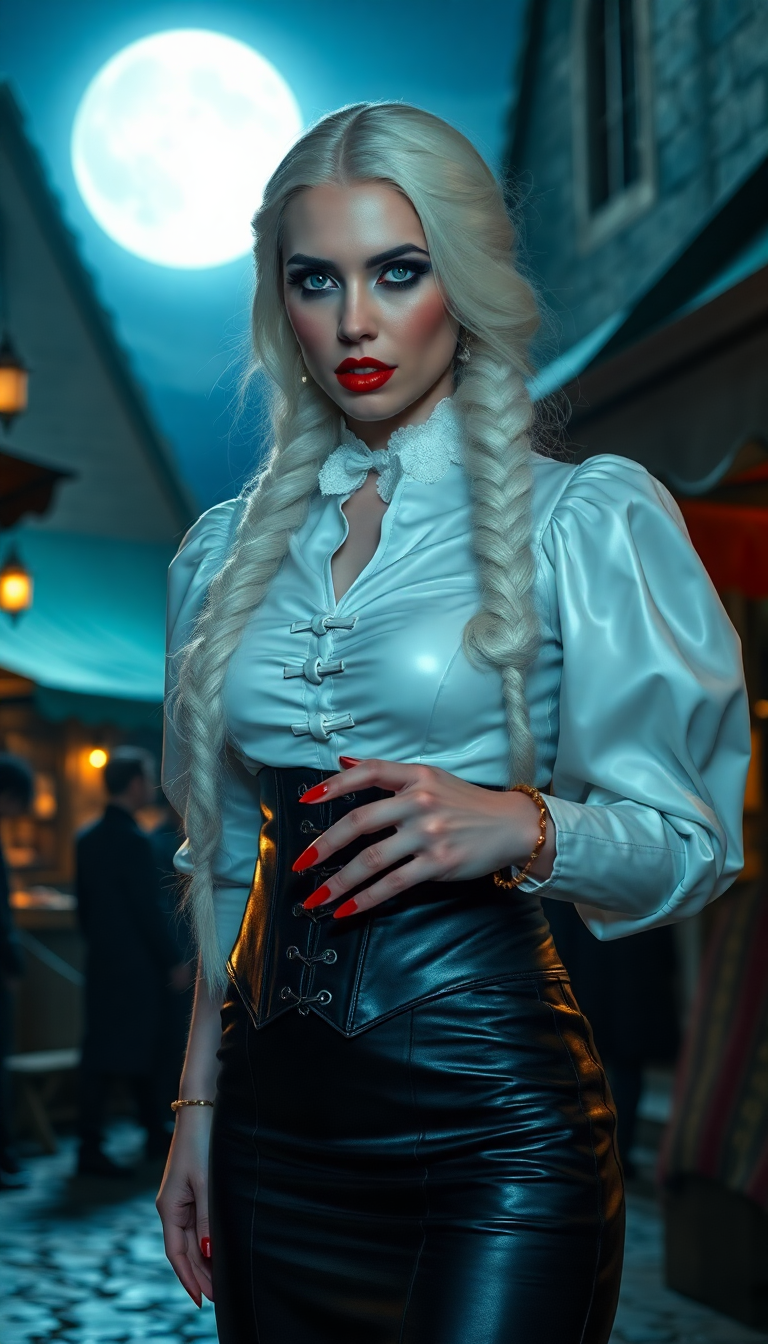
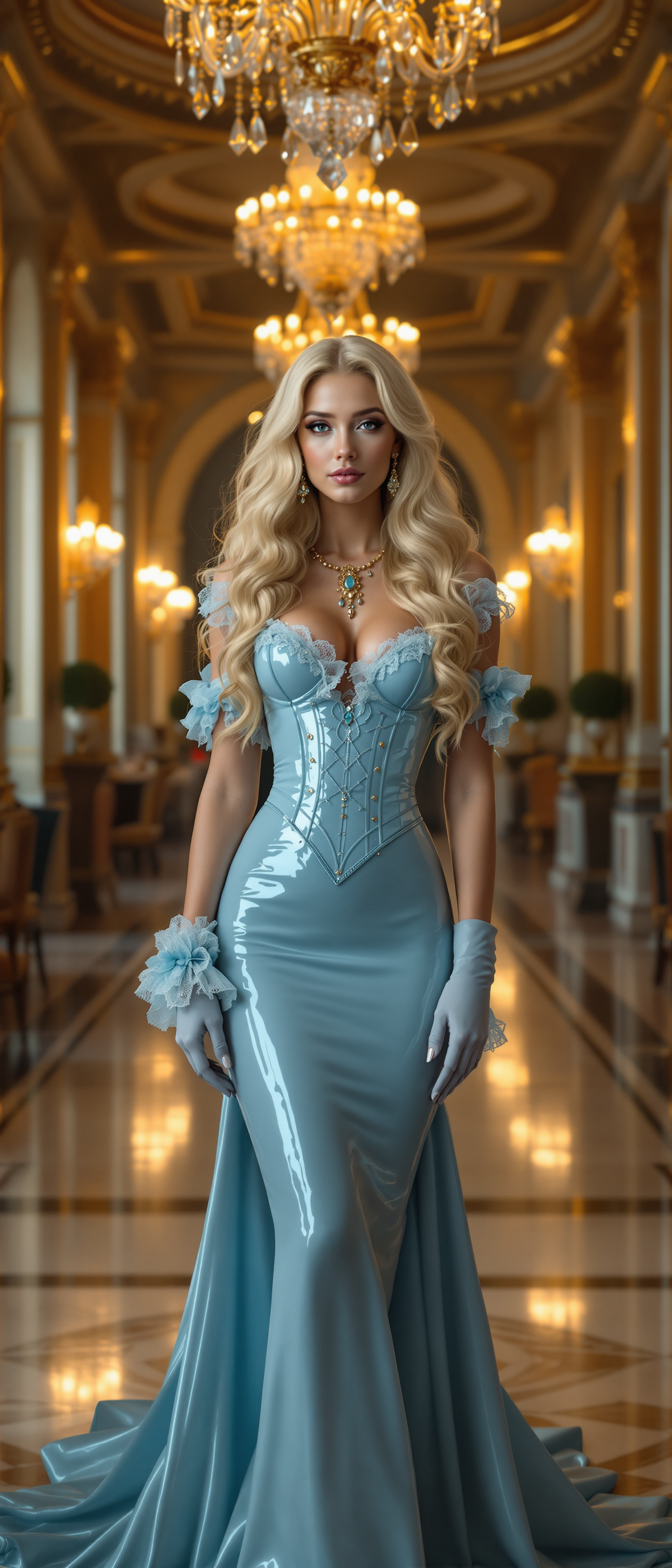

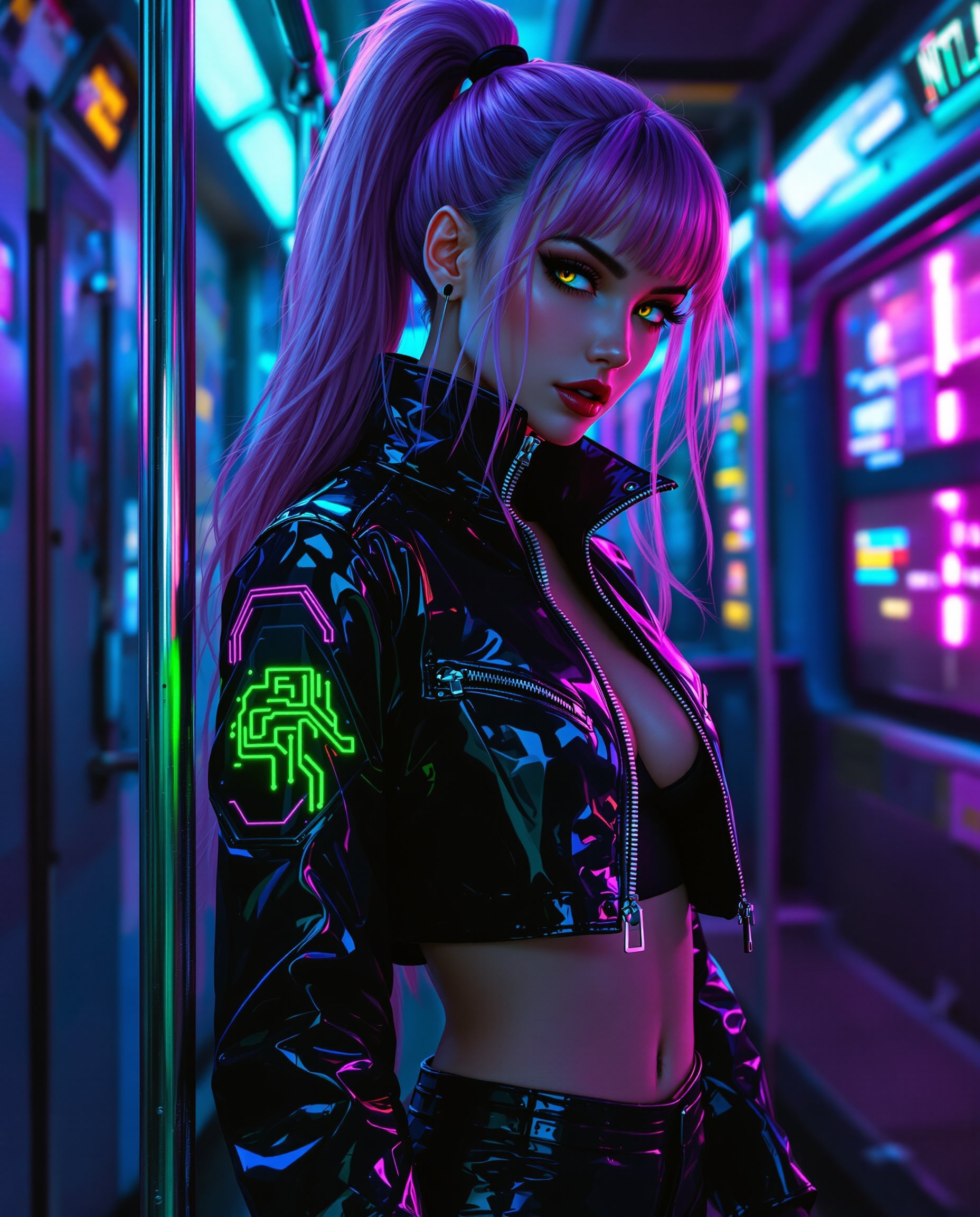
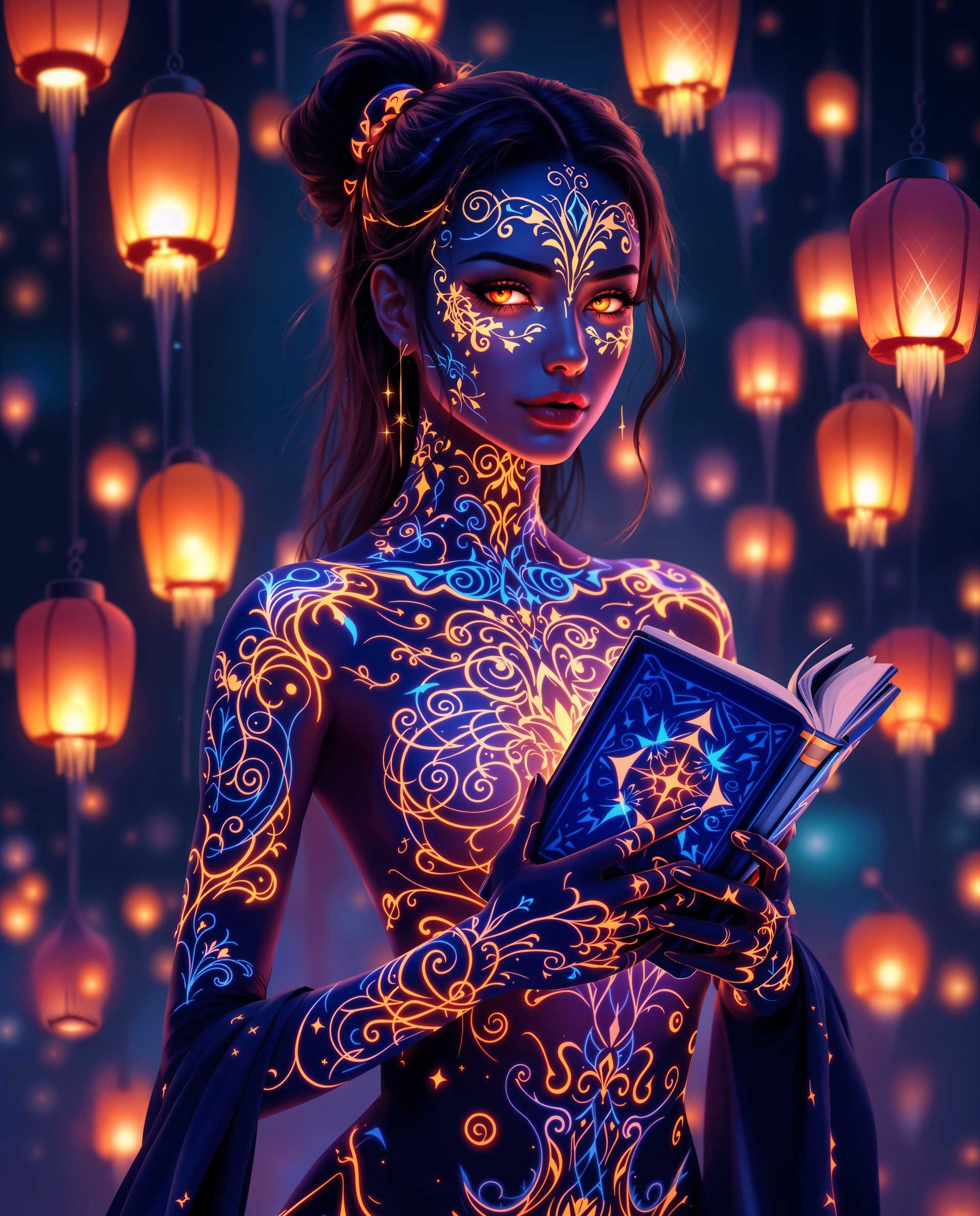
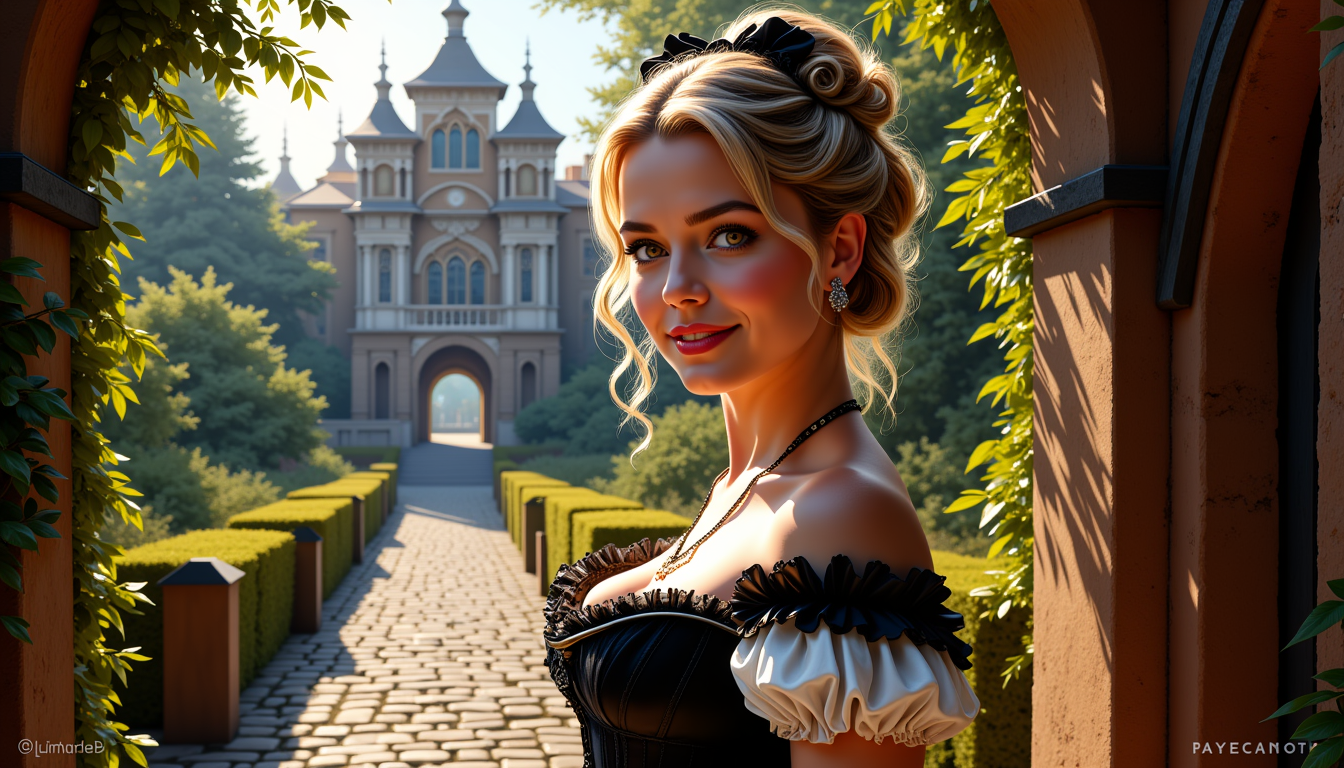
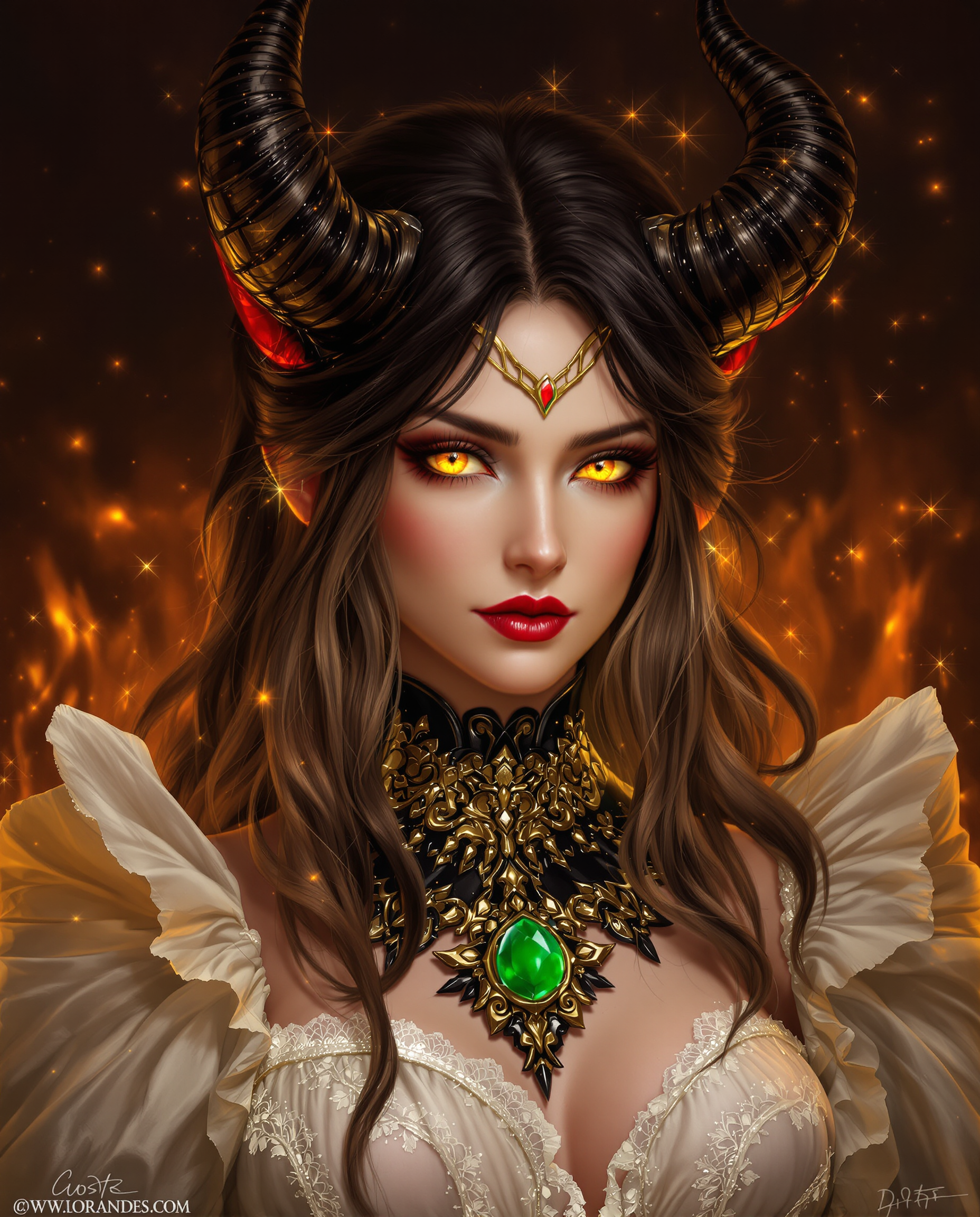



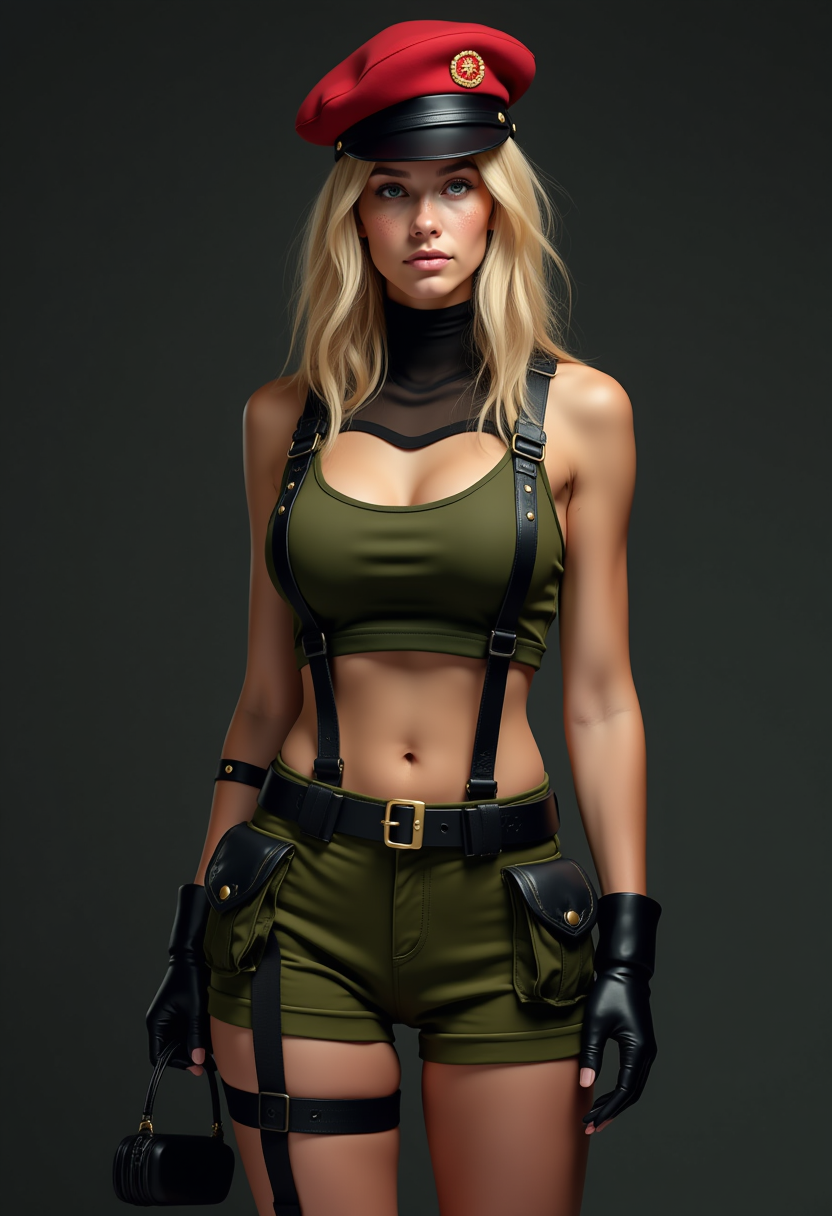


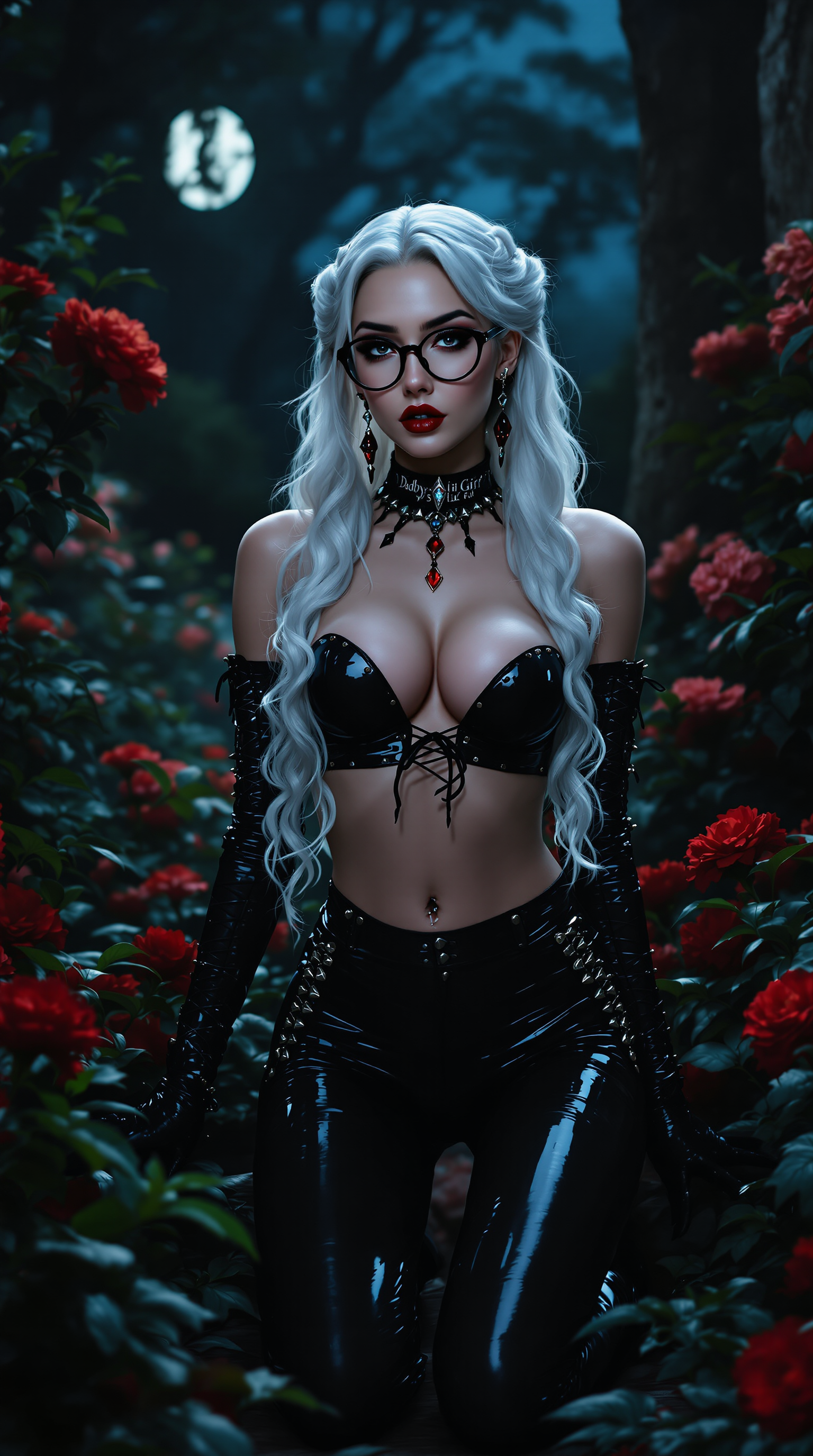

The Pixel Dojo Advantage
Why Kling AI Outperforms Other Video Creation Methods
| Others | Pixel Dojo |
|---|---|
| Traditional Video Editing | Eliminates the need for complex software and technical skills, streamlining the video creation process. |
| Generic AI Tools | Offers higher resolution outputs and more customization options tailored to professional standards. |
| Manual Animation | Significantly reduces production time by automating animation and rendering processes. |
Loved by creators on PixelDojo
Real feedback from people using PixelDojo, pulled from our in-product surveys.
So many different models to try out
You keep adding to it to stay up to date and that is GOLD.
very easy to use and good support
Very easy to use
super easy to use
it's very easy to use
Explore more AI tools on PixelDojo
AI Tools
Compare & Switch
- Best AI Image Generators
- Best AI Video Generators
- Midjourney Alternatives
- Civitai Alternatives
- Runway Alternatives
- Leonardo Alternatives
- Pika Alternatives
- Luma Alternatives
- Magnific Alternatives
- Veo Alternatives
- Flux Alternatives
- Freepik Alternatives
- Seedance Alternatives
- Seedream Alternatives
- Pixverse Alternatives
- GPT Image Alternatives
- Synthesia Alternatives
- Playground Alternatives
- NightCafe Alternatives
- Canva AI Alternatives
- ElevenLabs Alternatives
- ComfyUI Alternatives
- Fal Alternatives
- Replicate Alternatives
Common Questions
Everything you need to know about Kling AI 720p 1080p video quality
How does Kling AI ensure high-quality 720p and 1080p video outputs?
Kling AI utilizes advanced AI algorithms and a 3D Variational Autoencoder (VAE) to generate videos with resolutions up to 1080p, ensuring cinematic quality suitable for professional use.
Can I customize the aspect ratio of the videos created with Kling AI?
Yes, Kling AI supports various aspect ratios, allowing you to tailor your videos to different display requirements, from social media posts to widescreen presentations.
Is Kling AI suitable for users without prior video editing experience?
Absolutely. Kling AI is designed with a user-friendly interface, making it accessible to individuals with no prior video editing experience. The platform guides you through each step of the video creation process.
What types of content can I create using Kling AI's video generation tools?
Kling AI's tools are versatile, enabling you to create a wide range of content, including marketing videos, educational materials, social media posts, and more.
How long does it take to generate a video using Kling AI?
The time required to generate a video depends on its length and complexity. However, Kling AI is optimized for efficiency, allowing you to produce high-quality videos in a fraction of the time compared to traditional methods.
Is there a free trial available for Kling AI's video generation tools?
Yes, Kling AI offers a free tier with limited use, allowing you to explore the platform's capabilities before committing to a subscription.