kling v3 how to generate videos
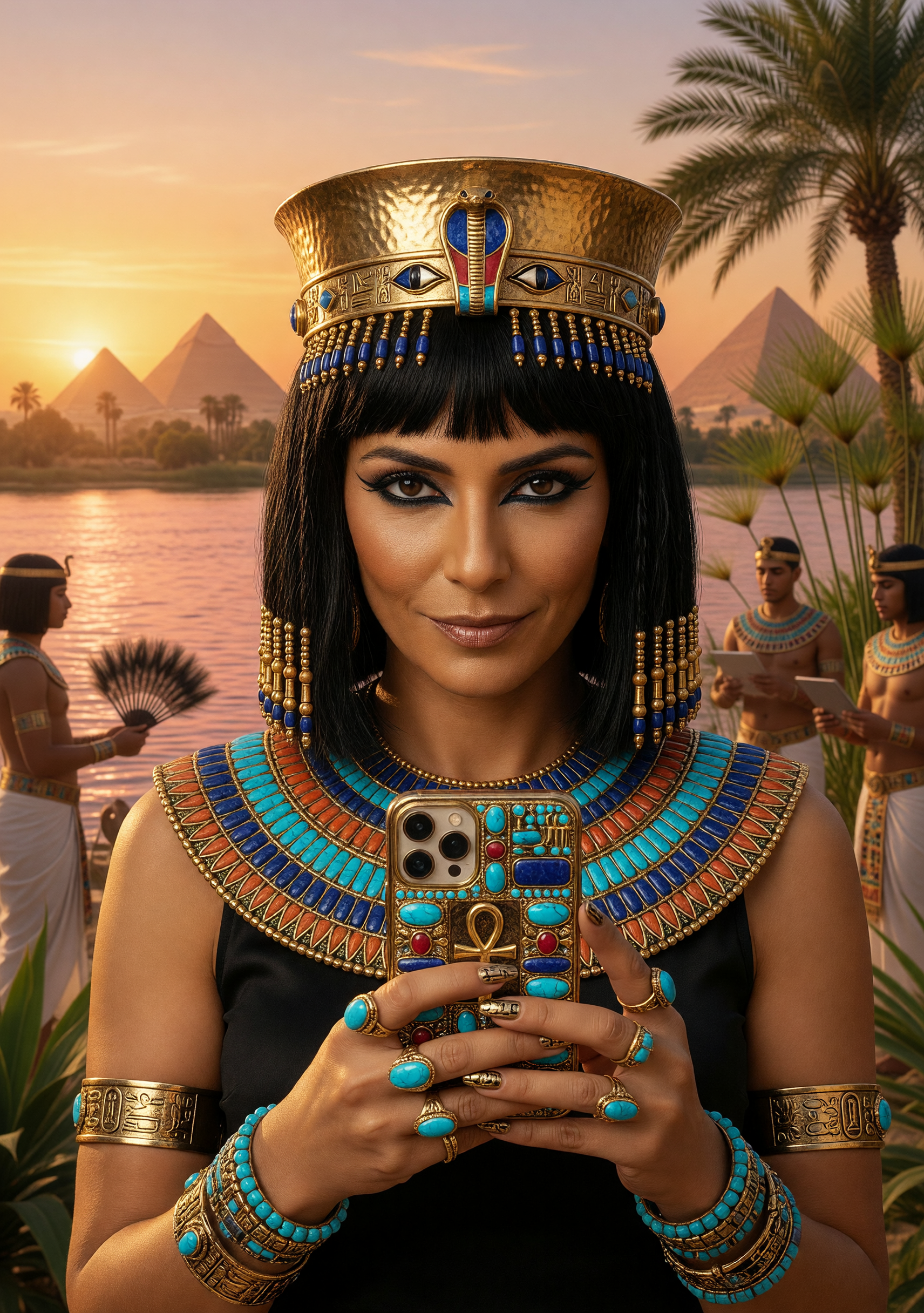
Transform your creative ideas into cinematic videos effortlessly with Kling v3. Whether you're a content creator, marketer, or filmmaker, Kling v3 empowers you to produce professional-quality videos without the need for extensive technical skills. Experience the future of video production today.
Join over 100,000 creators worldwide who trust Kling v3 for their video generation needs. With a 4.9/5 satisfaction rating and millions of videos produced, Kling v3 is the go-to platform for AI-driven video creation.
Why Choose Pixel Dojo for kling v3 how to generate videos
Professional-quality results with cutting-edge AI technology
Effortless Video Creation
Generate high-quality videos from text or image prompts, streamlining your production process.
Cinematic Quality
Achieve professional-grade visuals with native 4K output and realistic motion physics.
Consistent Storytelling
Maintain character and style consistency across multiple scenes for cohesive narratives.
How It Works
Creating stunning AI-generated videos with Kling v3 is a straightforward process. Follow these steps to bring your vision to life:
Step 1: Choose Your Tool
Select the appropriate Kling v3 tool based on your input type—text-to-video or image-to-video.
Step 2: Enter Your Prompt
Input a detailed description or upload an image to guide the video generation process.
Step 3: Customize & Download
Adjust settings like duration, aspect ratio, and motion control, then generate and download your video.
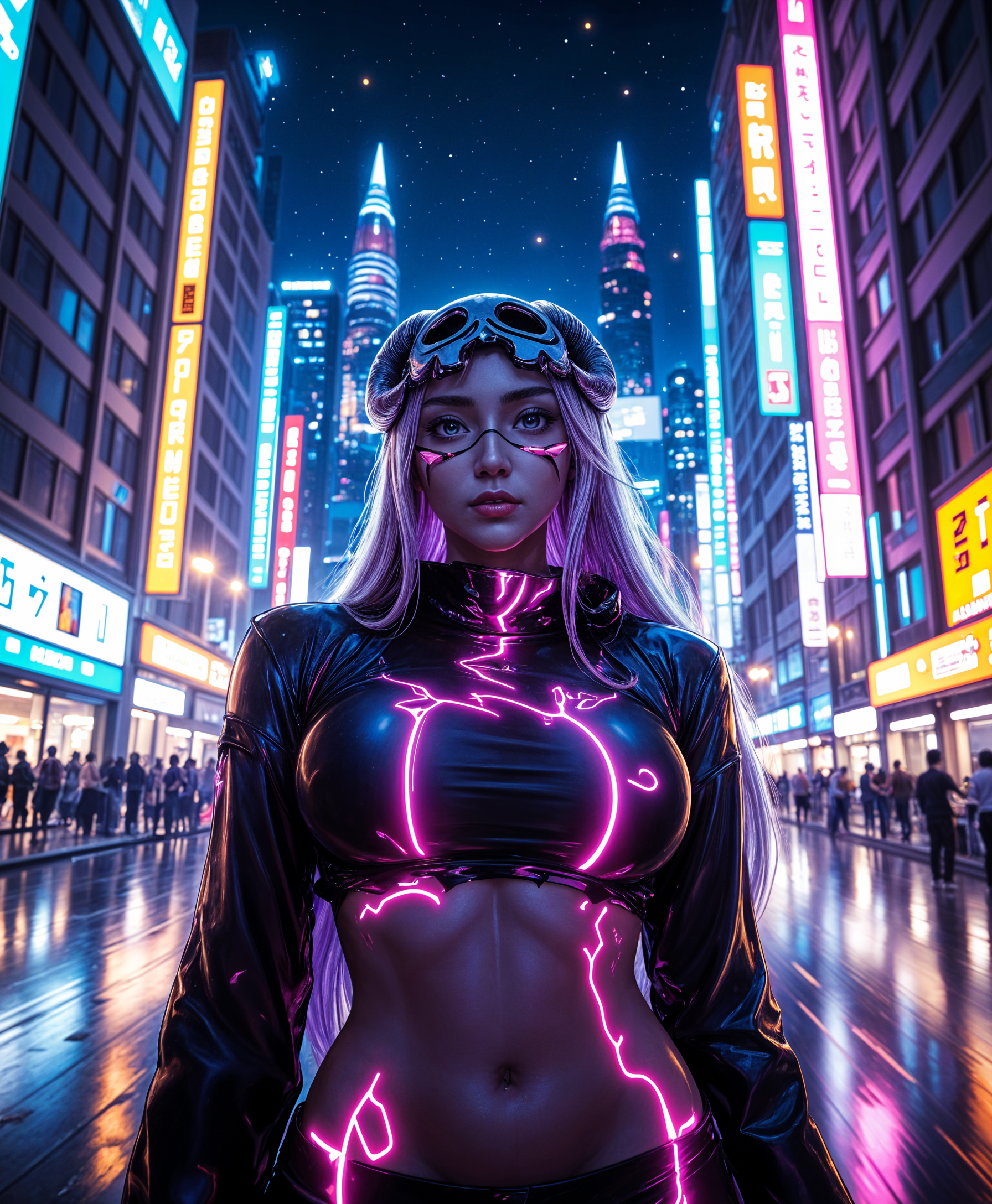



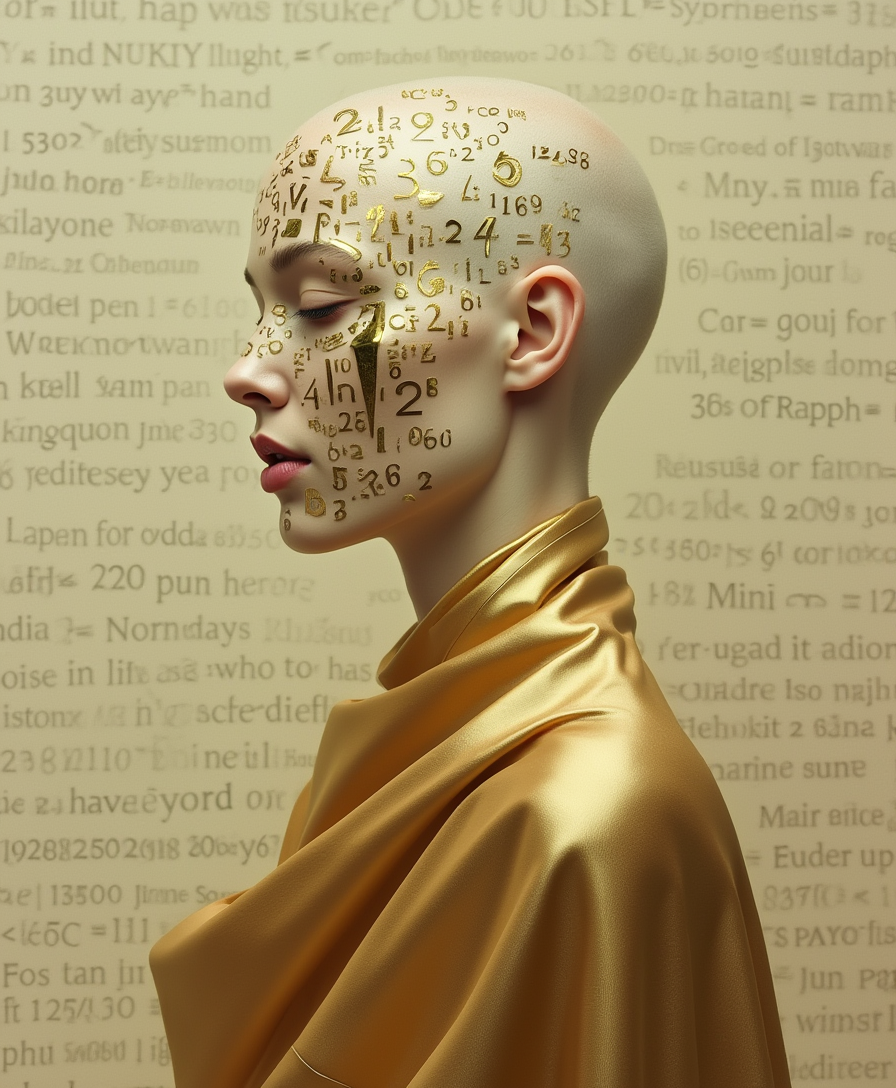




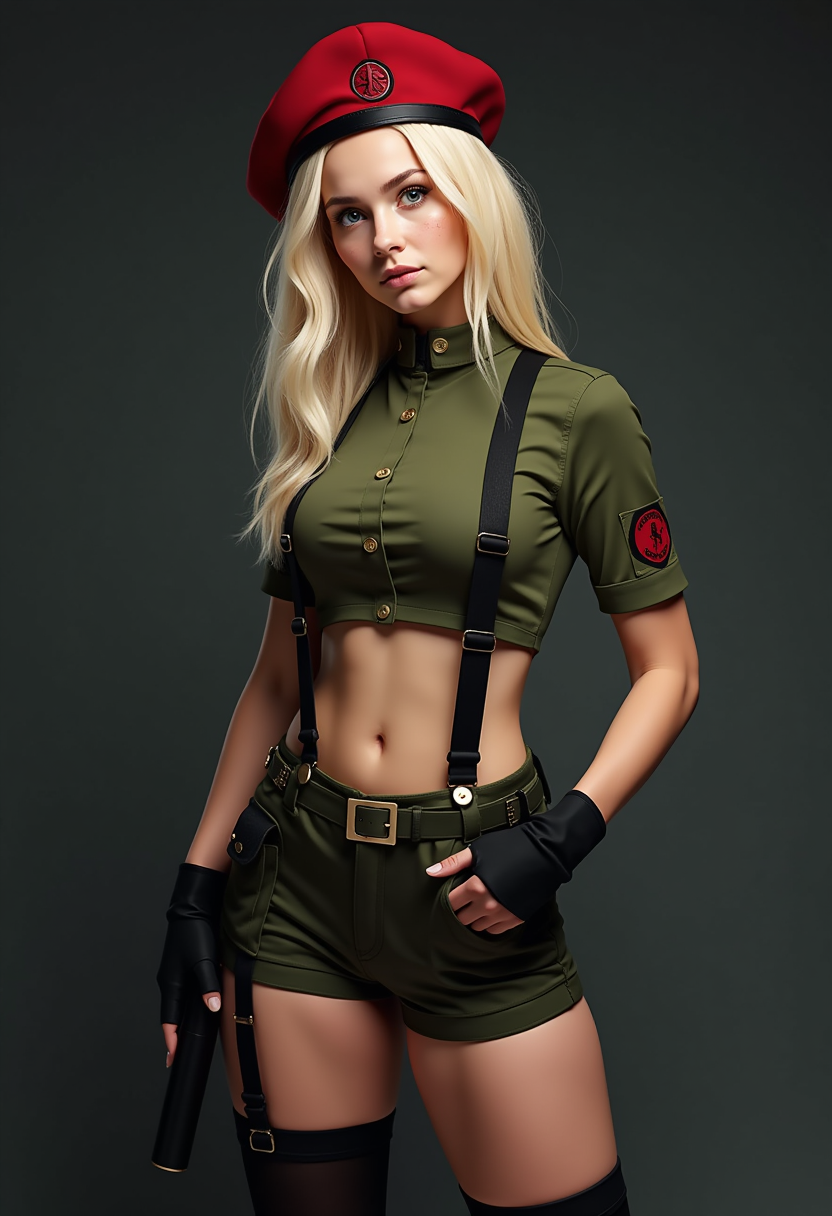





The Pixel Dojo Advantage
Why Kling v3 outperforms other options for AI video generation:
| Others | Pixel Dojo |
|---|---|
| Traditional Video Production | Eliminates the need for expensive equipment and extensive editing time. |
| Generic AI Tools | Offers advanced motion control and native audio synchronization for superior results. |
| Manual Animation | Automates complex animations, reducing production time and effort. |
Loved by creators on PixelDojo
Real feedback from people using PixelDojo, pulled from our in-product surveys.
Awesome site with so many features
Love how I can almost create anything
The Flux Pro Ultra is just amazing!
Very easy to use, and they have fast wan 2.2 video generation with custom loras available.
The overall quality of the site and it's amazing variety of tools. The continued updates of the UI. The unbelievable level of tech support.
THIS IS SO DOPE !
Explore more AI tools on PixelDojo
AI Tools
Compare & Switch
- Best AI Image Generators
- Best AI Video Generators
- Midjourney Alternatives
- Civitai Alternatives
- Runway Alternatives
- Leonardo Alternatives
- Pika Alternatives
- Luma Alternatives
- Magnific Alternatives
- Veo Alternatives
- Flux Alternatives
- Freepik Alternatives
- Seedance Alternatives
- Seedream Alternatives
- Pixverse Alternatives
- GPT Image Alternatives
- Synthesia Alternatives
- Playground Alternatives
- NightCafe Alternatives
- Canva AI Alternatives
- ElevenLabs Alternatives
- ComfyUI Alternatives
- Fal Alternatives
- Replicate Alternatives
Common Questions
Everything you need to know about kling v3 how to generate videos
How does Kling v3 ensure character consistency in videos?
Kling v3 utilizes advanced reference systems to maintain perfect character identity across scenes, ensuring consistency throughout your video.
Can I use Kling v3-generated videos for commercial purposes?
Yes, Kling v3 offers commercial usage rights, allowing you to use generated videos for advertising, film production, and more.
What input types does Kling v3 support for video generation?
Kling v3 supports both text-to-video and image-to-video inputs, providing flexibility in your creative process.
Is there a free version of Kling v3 available?
Yes, Kling v3 offers a free tier for new users to explore its capabilities before committing to a subscription.
How long does it take to generate a video with Kling v3?
Generation time varies based on video complexity but typically ranges from 2 to 5 minutes for a standard clip.
Does Kling v3 provide native audio synchronization?
Yes, Kling v3 features advanced native audio-visual sync technology, allowing for accurate lip synchronization with generated speech or uploaded audio tracks.