kling v3 multi character audio AI Generator
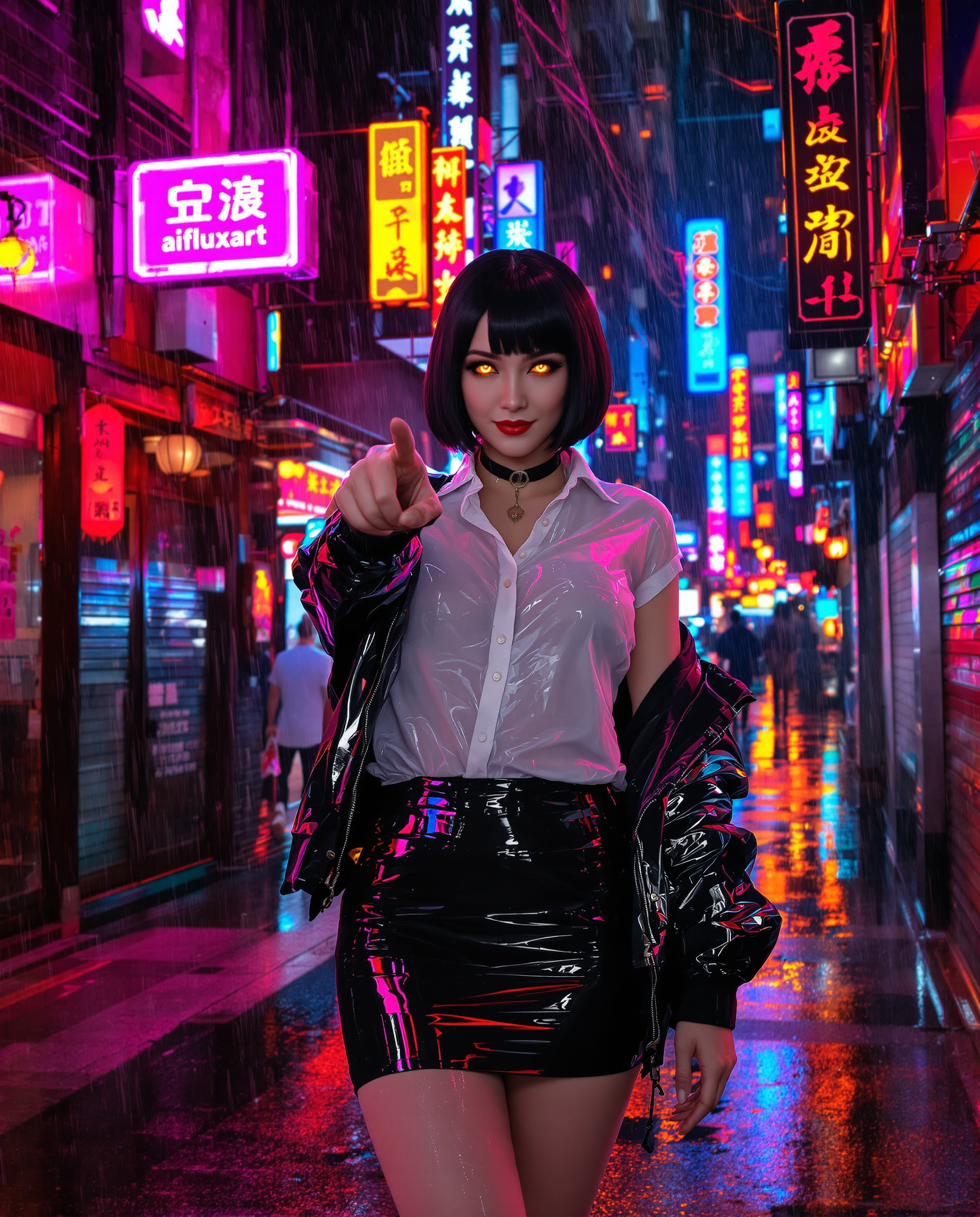
Bring your stories to life with PixelDojo's advanced AI video generation tools. Create cinematic sequences featuring multiple characters with synchronized native audio, all from simple text prompts or images. Whether you're producing short films, advertisements, or social media content, our platform empowers you to generate high-quality videos effortlessly.
Join over 100,000 creators worldwide who trust PixelDojo for their AI video generation needs. With a 4.9/5 satisfaction rating and 99.9% uptime, our platform ensures reliable and top-notch results.
Why Choose Pixel Dojo for kling v3 multi character audio
Professional-quality results with cutting-edge AI technology
Seamless Multi-Character Dialogue
Generate videos where multiple characters engage in synchronized, natural-sounding conversations, enhancing the realism of your content.
Native Audio Integration
Produce videos with built-in, perfectly timed audio, eliminating the need for post-production sound editing.
Consistent Character Representation
Maintain character consistency across scenes using reference images, ensuring a cohesive narrative throughout your video.
How It Works
Creating multi-character AI videos with native audio is straightforward with PixelDojo. Follow these steps to bring your vision to life:
Step 1: Choose Your Tool
Select the 'Kling v2.6 Pro' tool from PixelDojo's suite to access advanced multi-character video generation capabilities.
Step 2: Enter Your Prompt
Describe your scene in detail, specifying character actions, dialogue, and audio cues. For example: 'Scene: Rooftop at sunset. Two friends sit on a ledge; one laughs and says, 'You always do this.' The other replies, 'I can't help it.' Ambient sounds of city traffic and distant seagulls.'
Step 3: Customize & Download
Review the generated video, make any necessary adjustments, and download the final product in your preferred resolution.
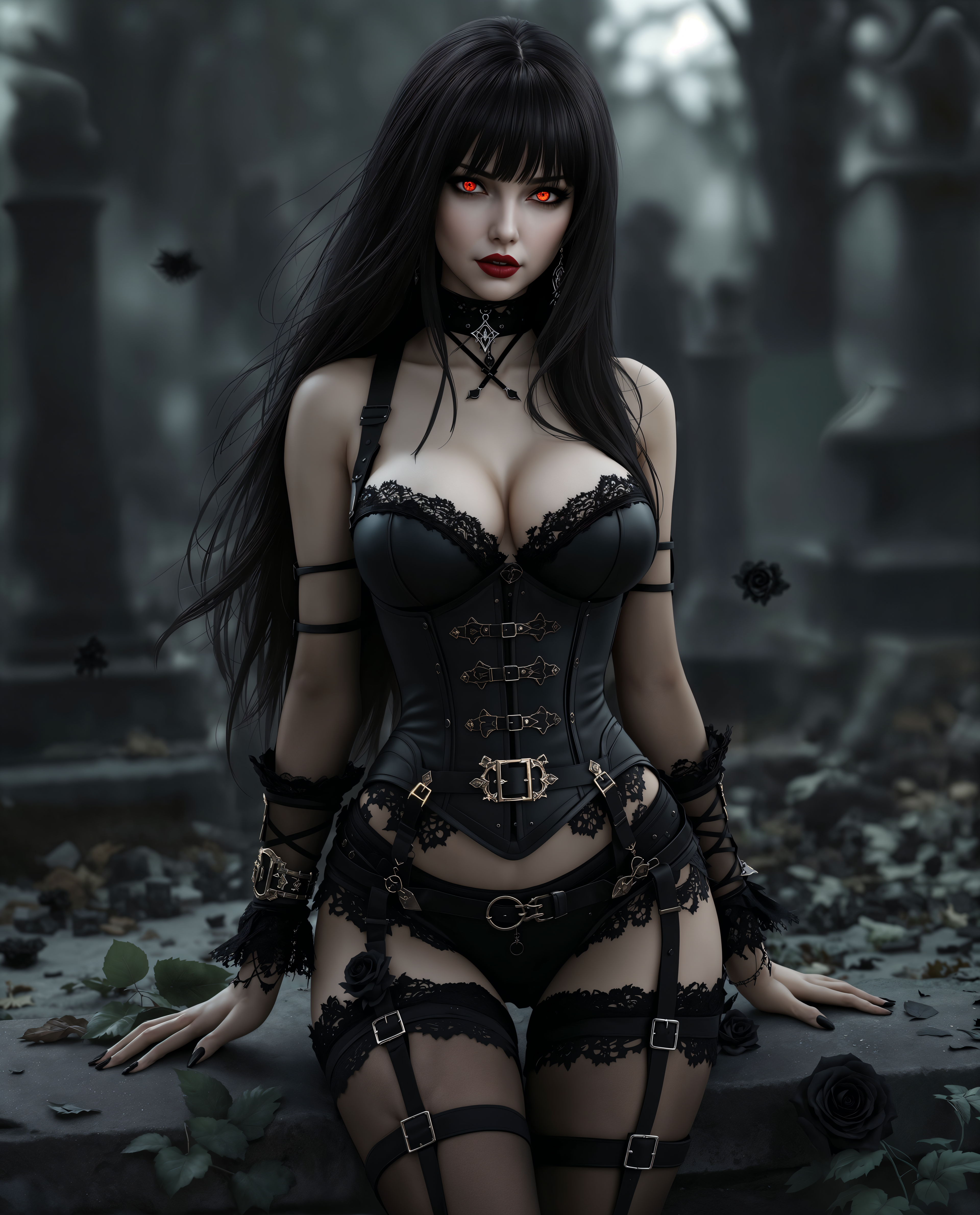
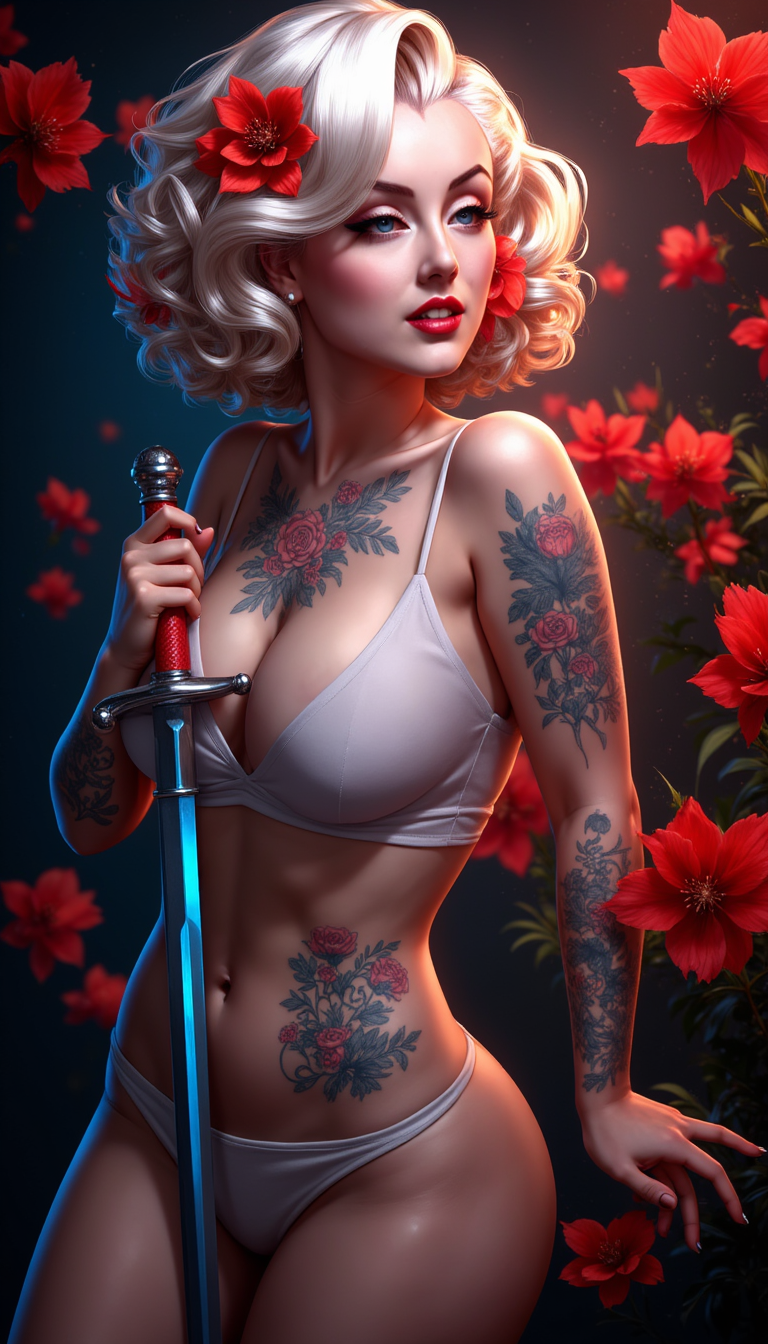
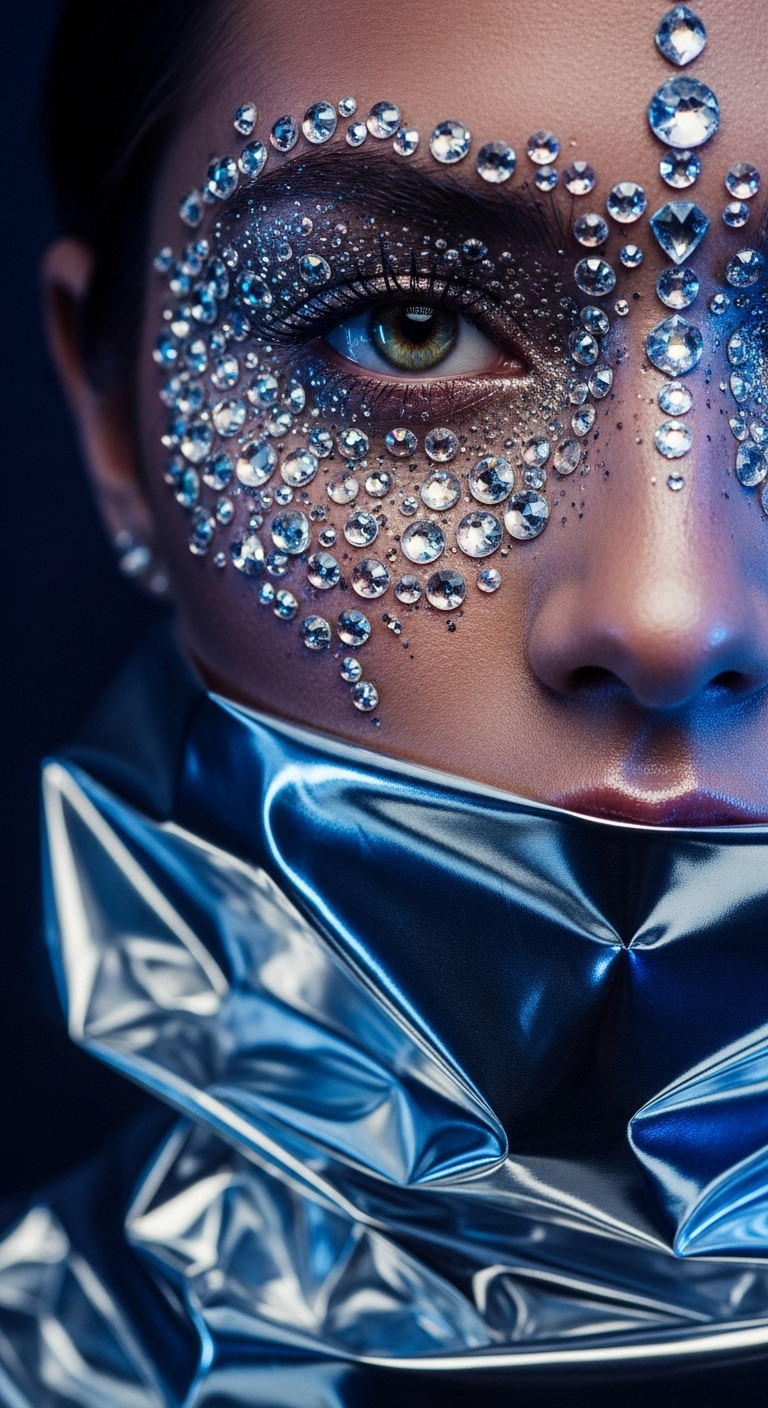
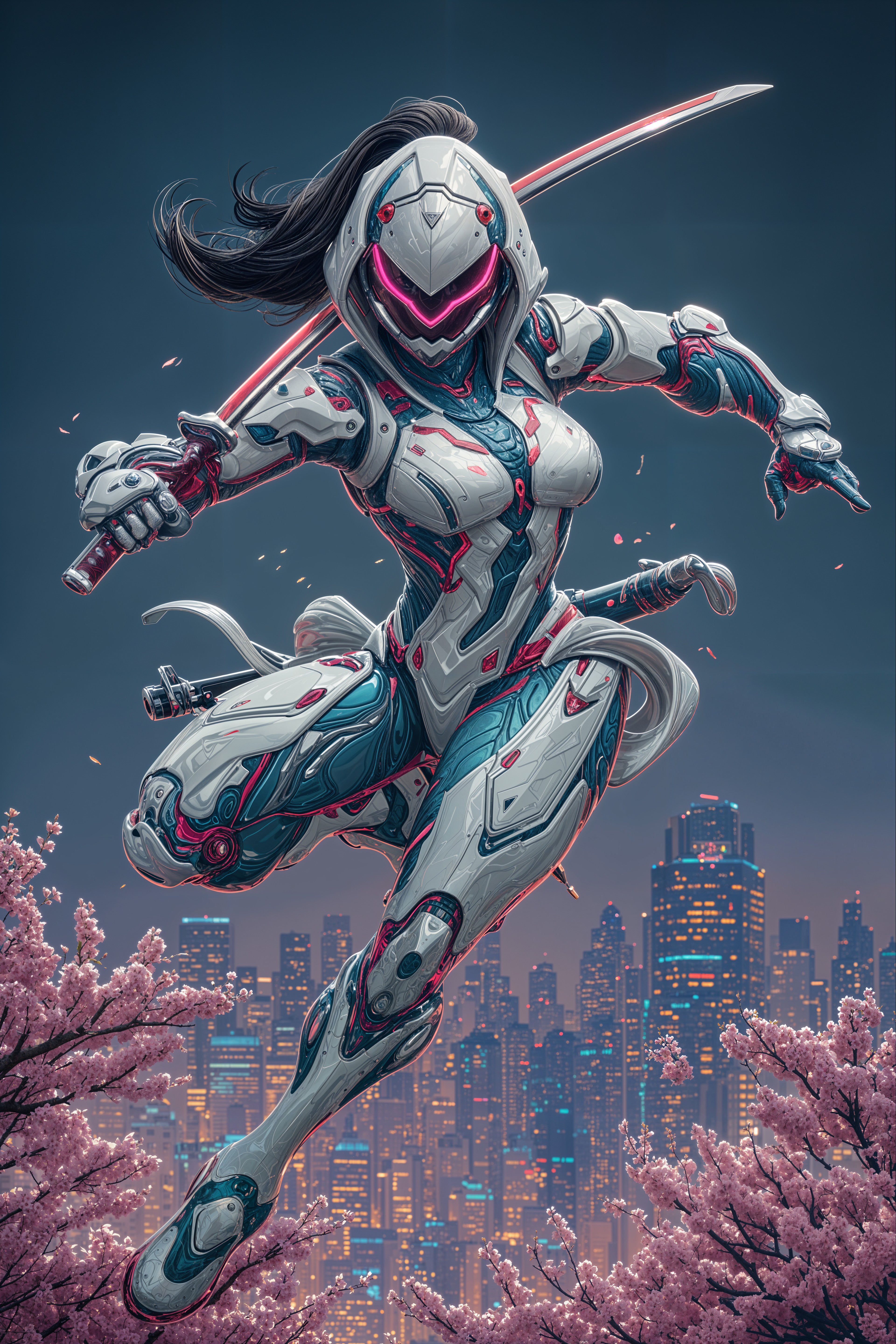
The Pixel Dojo Advantage
Why PixelDojo outperforms other options for multi-character AI video generation:
| Others | Pixel Dojo |
|---|---|
| Traditional Video Production | Eliminate the need for actors, sets, and extensive post-production, reducing time and costs significantly. |
| Generic AI Tools | Benefit from specialized tools designed for multi-character scenes with synchronized native audio, ensuring higher quality outputs. |
| Manual Animation | Automate complex animations and audio synchronization, streamlining the creation process without compromising on quality. |
Loved by creators on PixelDojo
Real feedback from people using PixelDojo, pulled from our in-product surveys.
THIS IS SO DOPE !
I have already recommended it to friends
All the tools, plus the guidance
Excellent tools. Ease of use. Well thought out interface. Wide variety of AI tools and features which are up to date with more added each month
I really like how the site is kept up to date, and the leaderboard (where I'm currently #11 most popular artist)
This is the best image generator I've used so far. Well done!
Explore more AI tools on PixelDojo
AI Tools
Compare & Switch
- Best AI Image Generators
- Best AI Video Generators
- Midjourney Alternatives
- Civitai Alternatives
- Runway Alternatives
- Leonardo Alternatives
- Pika Alternatives
- Luma Alternatives
- Magnific Alternatives
- Veo Alternatives
- Flux Alternatives
- Freepik Alternatives
- Seedance Alternatives
- Seedream Alternatives
- Pixverse Alternatives
- GPT Image Alternatives
- Synthesia Alternatives
- Playground Alternatives
- NightCafe Alternatives
- Canva AI Alternatives
- ElevenLabs Alternatives
- ComfyUI Alternatives
- Fal Alternatives
- Replicate Alternatives
Common Questions
Everything you need to know about kling v3 multi character audio
How does PixelDojo handle multi-character dialogue in AI-generated videos?
PixelDojo's 'Kling v2.6 Pro' tool allows you to input detailed prompts specifying multiple characters and their dialogues. The AI processes these inputs to generate synchronized, natural-sounding conversations within the video.
Can I use reference images to maintain character consistency across scenes?
Yes, by uploading reference images, PixelDojo ensures that characters maintain consistent appearances and voices across different scenes, enhancing narrative coherence.
What audio features are included in the generated videos?
PixelDojo's tools generate native audio, including synchronized dialogue, ambient sounds, and sound effects, all perfectly timed with the visual elements.
Is there a limit to the length of videos I can create?
Currently, PixelDojo supports video generation up to 15 seconds in length, ideal for short-form content like advertisements and social media posts.
Can I edit the generated videos after creation?
Yes, PixelDojo provides editing capabilities within the platform, allowing you to refine sequences, adjust timing, and modify visual styles as needed.
What file formats are available for download?
Generated videos can be downloaded in various formats, including MP4, ensuring compatibility with most platforms and devices.