krea 2 turbo AI Generator
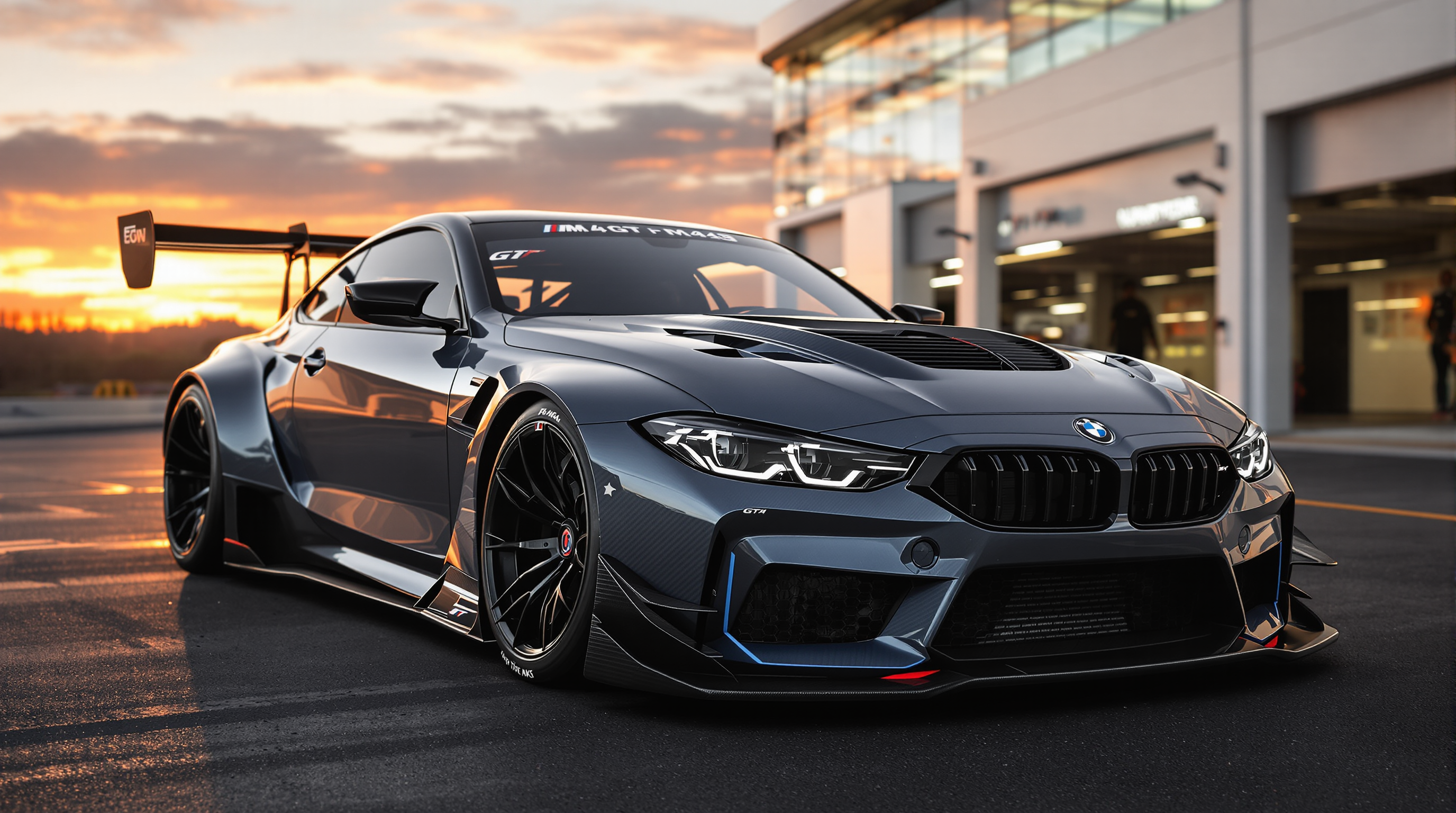
Generated on PixelDojo. Produced by PixelDojo's generation pipeline.
Transform your creative process with Krea 2 Turbo image generation on PixelDojo. You can now produce high-quality, expressive images in seconds instead of waiting through long generation cycles. PixelDojo's Krea Image tool puts this powerful capability at your fingertips so you can explore concepts, test styles, and lock in campaign-ready visuals faster than ever. Whether you need photorealistic product shots, distinctive illustrations, moodboard-driven brand worlds or rapid concept art, you achieve professional outcomes without the traditional delays or costs. Thousands of creators already use PixelDojo to iterate freely, refine ideas on the fly and deliver polished assets for social, marketing, merch and storytelling. With 40+ cutting-edge AI tools in one place you stay in flow, cancel anytime and start seeing results today.
Real image examples generated on PixelDojo
Every example below was produced on PixelDojo. Hover to see the prompt.
N aggressive and aerodynamic redesign of a BMW M4 GT 2024
flux
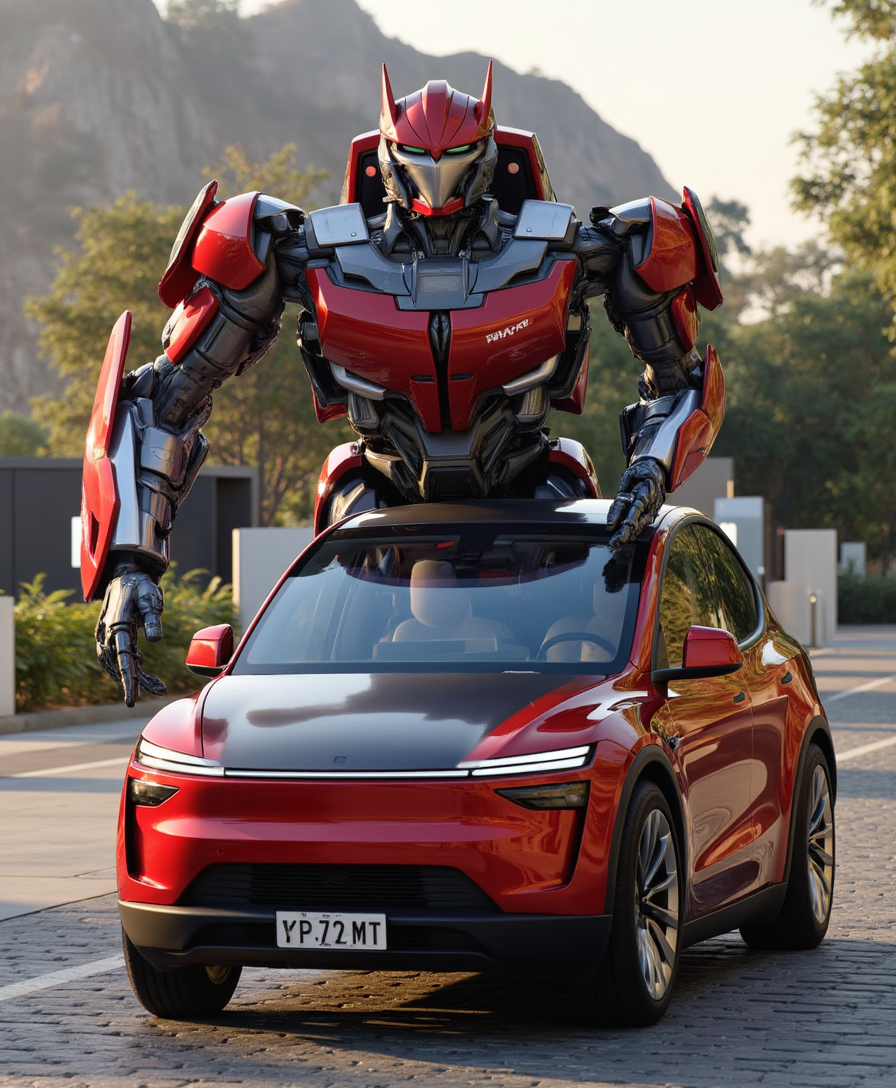
T3SLAMDLYJNP3R
flux
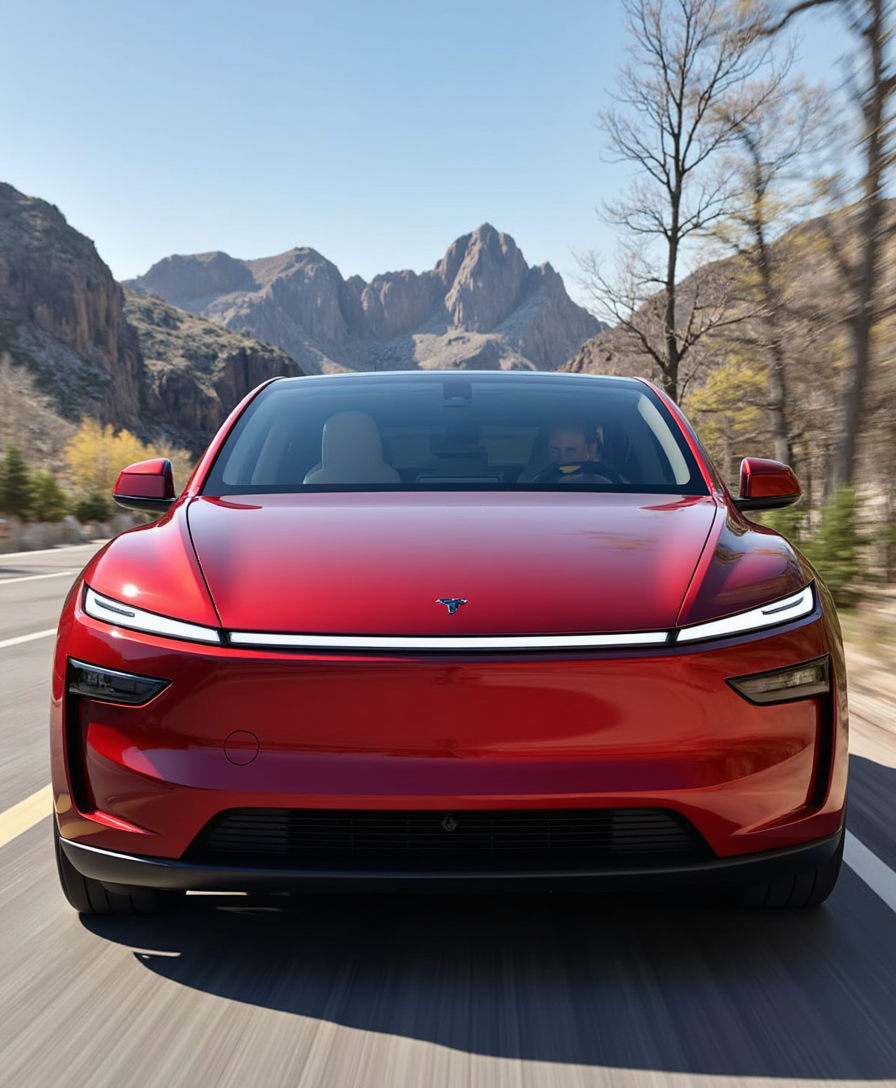
T3SLAMDLYJNP3R
flux
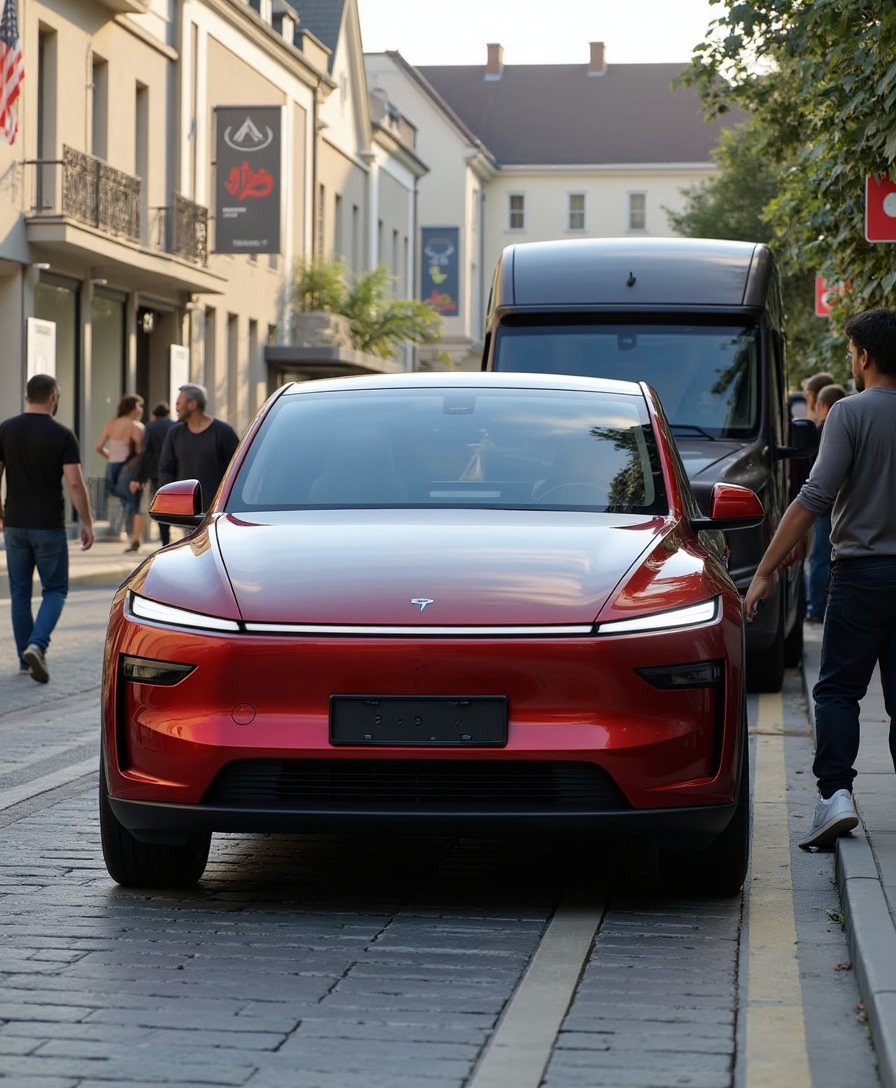
T3SLAMDLYJNP3R
flux
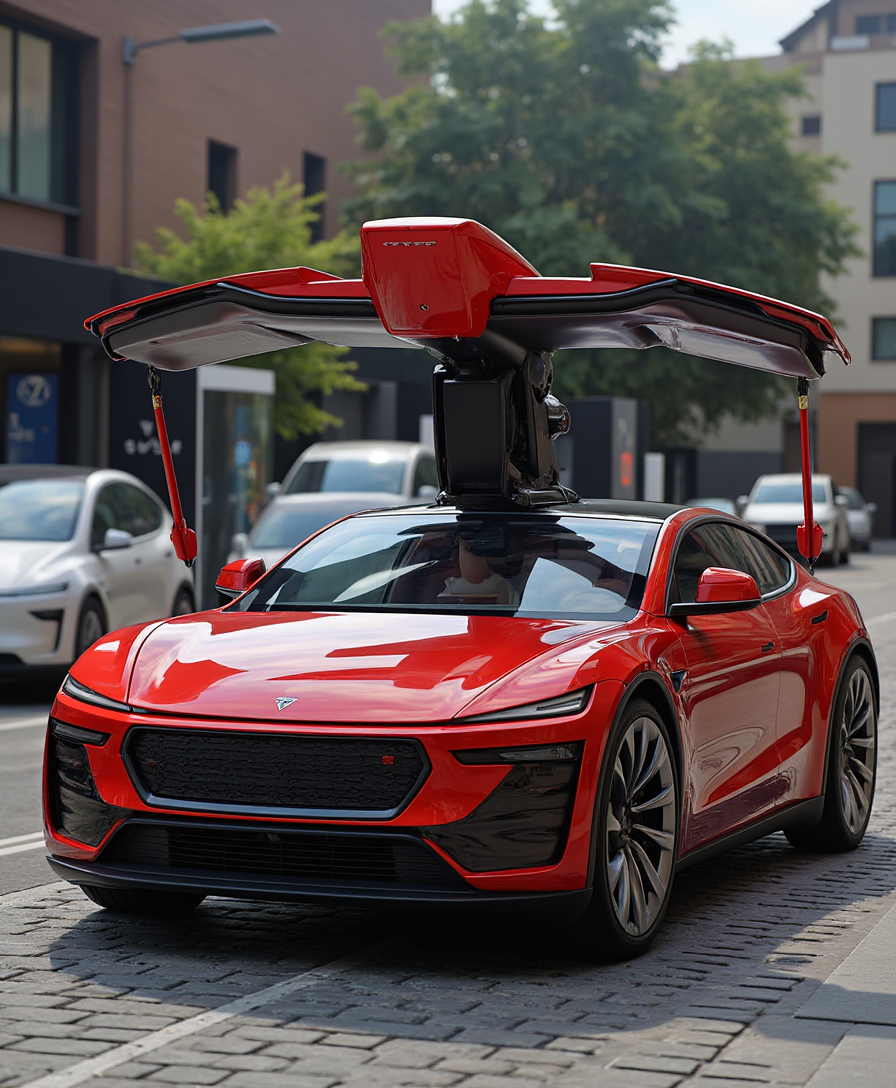
T3SLAMDLYJNP3R
flux
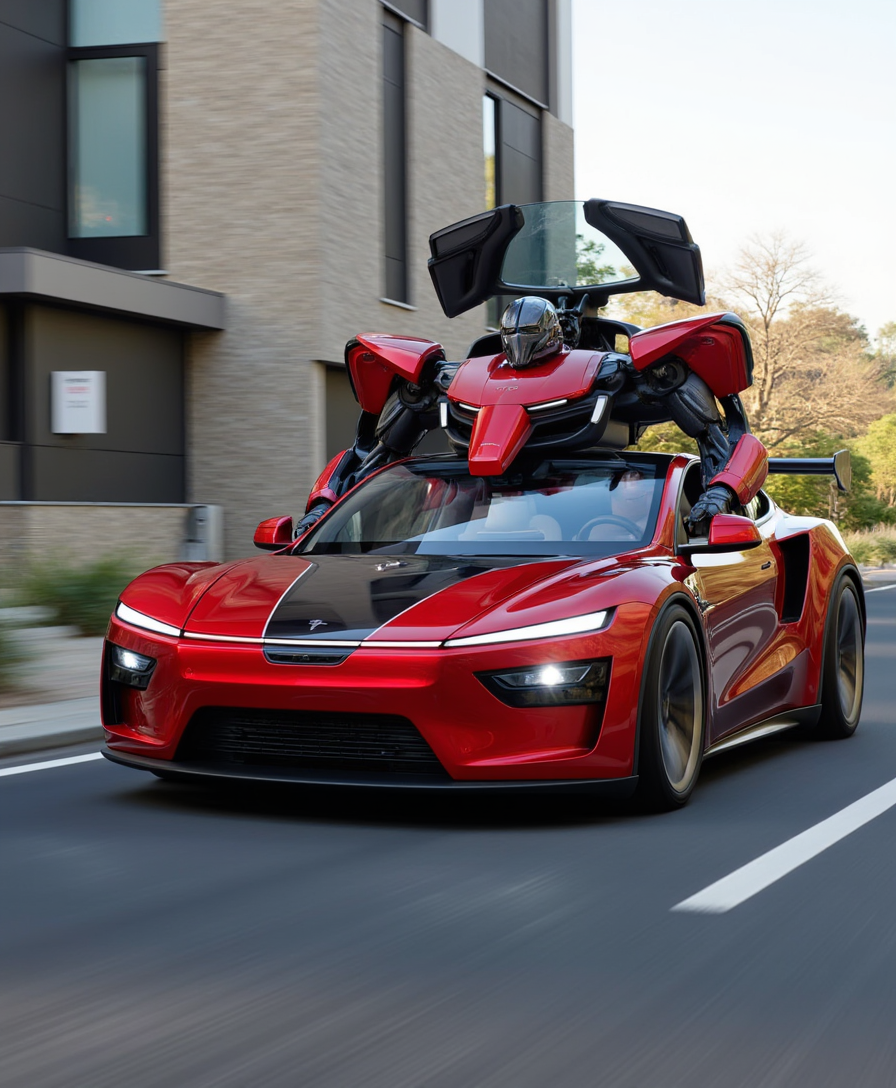
T3SLAMDLYJNP3R
flux
Models you can run on PixelDojo for krea 2 turbo
Switch models without switching tools. Each one runs in the same PixelDojo studio.
What you can do with krea 2 turbo on PixelDojo
Faster Krea 2 drafts
We run Krea 2 Turbo so you can generate image concepts quickly and keep exploring ideas in the same workspace.
Prompt-driven image control
You describe the scene, style, and subject in natural language, then we return stills you can refine with follow-up prompts.
Iterate without leaving flow
We keep generations, variations, and edits together so you can compare results and lock a direction before you export.
Creator-ready stills export
We give you downloadable images you can use in boards, posts, and production pipelines after you pick a favorite take.
Loved by thousands of creators worldwide. PixelDojo users generate Krea 2 Turbo images daily for campaigns, concepts and commercial work, praising the speed, style control and seamless workflow across 40+ tools.
Why Choose Pixel Dojo for krea 2 turbo
Professional-quality results with cutting-edge AI technology
Iterate Concepts in Seconds
You test dozens of directions in the time it once took to produce one image. PixelDojo's Krea Image delivers Krea 2 Turbo generations instantly so you explore lighting, composition and mood until the perfect idea emerges, then move to production with confidence.
Lock In Distinctive Styles Instantly
You upload style references and moodboards to guide every generation toward your exact aesthetic. From cinematic photorealism to graphic illustrations, PixelDojo helps you build cohesive visual worlds and standout art that matches your brand or creative vision without extra effort.
Ship Professional Visuals Fast
You walk away with campaign-ready, print-ready and social-ready images. Combine Krea Image with PixelDojo editors and upscalers to polish details, remove backgrounds, adjust lighting and enhance resolution so every output is usable immediately.
How It Works
PixelDojo makes Krea 2 Turbo image creation straightforward and lightning fast. Follow these three steps to go from prompt to polished download in under a minute while using the platform's dedicated tools.
Step 1: Choose Your Tool
Sign in to PixelDojo and open Generate Images. Select Krea Image, the tool built for Krea 2 Turbo speed and quality. You can also keep Flux.2 Studio, Z Image Turbo or WAN Image nearby for complementary looks, all inside the same dashboard.
Step 2: Enter Your Prompt
Describe your scene in natural language, adding details on subject, lighting, composition, palette and mood. Upload up to four style reference images or apply a moodboard for stronger control. PixelDojo lets you generate multiple variations instantly so you can compare and refine without leaving the page.
Step 3: Customize & Download
Review your Krea 2 Turbo results then enhance them with Image to Image, Inpainting, Style Transfer, Magic Lighting or Background Remover. Upscale using P-Image Upscale, Magnific Upscaler or Creative Upscaler. Keep characters consistent with Consistent Characters or Character Sheets, then download high-resolution files ready for any project.
The Pixel Dojo Advantage
Why PixelDojo outperforms other options for Krea 2 Turbo image generation
| Others | Pixel Dojo |
|---|---|
| Traditional image creation | You skip costly photoshoots, illustrator wait times and revision cycles. Generate unlimited Krea 2 Turbo variations in seconds, iterate until the visual is perfect, and produce professional assets at a fraction of the time and budget. |
| Generic AI tools | You get a dedicated Krea Image experience optimized for Krea 2 Turbo plus 40+ complementary tools such as Flux.2 Studio, Seedream 5, Image to Image, Inpainting and Magnific Upscaler all in one platform. No juggling accounts or losing momentum. |
| Manual photo editing | You create from a blank canvas or transform existing photos instantly. PixelDojo's Krea 2 Turbo generations combined with Reality Polisher, Magic Lighting, Background Remover and upscalers deliver finished, high-quality images without hours of layer work. |
Loved by creators on PixelDojo
Real feedback from people using PixelDojo, pulled from our in-product surveys.
I have already recommended it to friends
All the tools, plus the guidance
Excellent tools. Ease of use. Well thought out interface. Wide variety of AI tools and features which are up to date with more added each month
I really like how the site is kept up to date, and the leaderboard (where I'm currently #11 most popular artist)
This is the best image generator I've used so far. Well done!
es facil de comprender asi uno no sea programador
Explore more AI tools on PixelDojo
AI Tools
Compare & Switch
- Best AI Image Generators
- Best AI Video Generators
- Midjourney Alternatives
- Civitai Alternatives
- Runway Alternatives
- Leonardo Alternatives
- Pika Alternatives
- Luma Alternatives
- Magnific Alternatives
- Veo Alternatives
- Flux Alternatives
- Freepik Alternatives
- Seedance Alternatives
- Seedream Alternatives
- Pixverse Alternatives
- GPT Image Alternatives
- Synthesia Alternatives
- Playground Alternatives
- NightCafe Alternatives
- Canva AI Alternatives
- ElevenLabs Alternatives
- ComfyUI Alternatives
- Fal Alternatives
- Replicate Alternatives
Common Questions
Everything you need to know about krea 2 turbo
How do I generate Krea 2 Turbo images quickly on PixelDojo?
Open Generate Images, choose Krea Image and enter a natural-language prompt. PixelDojo's implementation of Krea 2 Turbo returns results in seconds so you can test ideas immediately. Add style references or a moodboard for extra control, then enhance with Inpainting or Magnific Upscaler. Thousands of creators follow this exact workflow every day.
What are the best Krea 2 Turbo prompting techniques on PixelDojo?
Use clear, detailed natural language that covers subject, lighting, composition, texture and mood. PixelDojo's Krea Image handles long descriptive prompts exceptionally well. Place quoted text for any lettering you need rendered. Combine the prompt with uploaded style references and moodboards to steer aesthetics precisely while still generating variations at Turbo speed.
Can I use style references and moodboards with Krea 2 Turbo on PixelDojo?
Yes. Krea Image on PixelDojo supports multiple style reference images and moodboards just as you would expect. You can also layer PixelDojo's Style Transfer, Character Sheets and Consistent Characters tools to keep looks unified across a whole campaign or character series.
Is Krea 2 Turbo on PixelDojo good for photorealistic and illustrative images?
Absolutely. You can produce both photorealistic scenes with natural lighting and skin texture as well as expressive illustrations and graphic styles. After generation, apply Reality Polisher, Portrait Upscaler or Magic Lighting inside PixelDojo to refine details and achieve commercial-grade results for any use case.
How do I upscale and enhance Krea 2 Turbo images in PixelDojo?
After generating with Krea Image, send the result to P-Image Upscale, Magnific Upscaler, Creative Upscaler or Clarity Pro. These tools add resolution and fine detail while preserving the original Krea 2 Turbo aesthetic. You can also run Background Remover or Image Outpainting in the same session for complete, ready-to-use assets.
How can I keep characters consistent across multiple Krea 2 Turbo generations?
PixelDojo's Consistent Characters, Character Sheets and Ideogram Character tools work directly with Krea Image outputs. Generate a base look, then reuse it across new scenes and poses. For even tighter control you can train a custom model with Flux Trainer or QWEN Trainer and apply it to future Krea 2 Turbo runs.