krea ia AI Generator
Imagine turning your wildest creative visions into polished, professional-grade images in seconds—images that capture exact moods, styles, and aesthetics without endless tweaking. With PixelDojo's Krea IA image generation capabilities, powered by tools like Krea Image, you achieve precisely that: breathtaking visuals that stand out in marketing campaigns, social media, portfolios, or personal projects. Whether you're a designer needing consistent brand aesthetics or an artist exploring new stylistic frontiers, PixelDojo delivers outcomes that elevate your work and save countless hours.
Over 50,000 creators trust PixelDojo for Krea IA-style results. Rated 4.9/5 by thousands worldwide, with 100,000+ images generated daily using our Krea Image and Flux tools. Loved by marketing teams, illustrators, and content creators who cancel anytime with our flexible plans.
Why Choose Pixel Dojo for krea ia
Professional-quality results with cutting-edge AI technology
Achieve Perfect Style Consistency Across Projects
Maintain identical aesthetic vibes—from cinematic lighting to specific illustration textures—in every image you create. PixelDojo's Krea Image and Style Transfer tools let you lock in references and presets, ensuring your brand or artistic identity shines through every output without starting from scratch each time.
Generate High-Quality Professional Visuals in Seconds
Produce 4K-ready images with exquisite detail and aesthetic depth instantly. Using Krea Image alongside Flux.2 Studio and Recraft V4.1, you get results that rival studio photography or hand-crafted art, perfect for client work, ads, or prints that demand immediate impact.
Unlock Endless Creative Experimentation Without Limits
Test mood boards, mix style references, and refine lighting or composition on the fly. PixelDojo empowers you to explore Krea 2-inspired aesthetics—vibrant film grain, minimalist ink, futuristic glam—while iterating rapidly to discover unique directions that truly resonate with your audience.
How It Works
Creating Krea IA-style images on PixelDojo is straightforward and intuitive. Leverage our dedicated Krea Image tool combined with powerful enhancers for professional results in three simple steps.
Step 1: Choose Your Tool
Head to the Generate Images section and select Krea Image as your primary engine for authentic Krea IA aesthetics. For even more options, combine it with Flux.2 Studio or Ideogram 4 to access advanced style controls and real-time refinements.
Step 2: Enter Your Prompt
Describe your vision in natural language, then upload style references or select from hundreds of presets like Cyber Zine or Thermal Airbrush. Add details on lighting, mood, and composition to guide the AI toward your exact aesthetic goals.
Step 3: Customize & Download
Review variations, apply edits like Magic Lighting or Background Remover, upscale with Creative Upscaler or P-Image Upscale for print-ready quality, then download your polished Krea IA masterpiece in multiple formats.


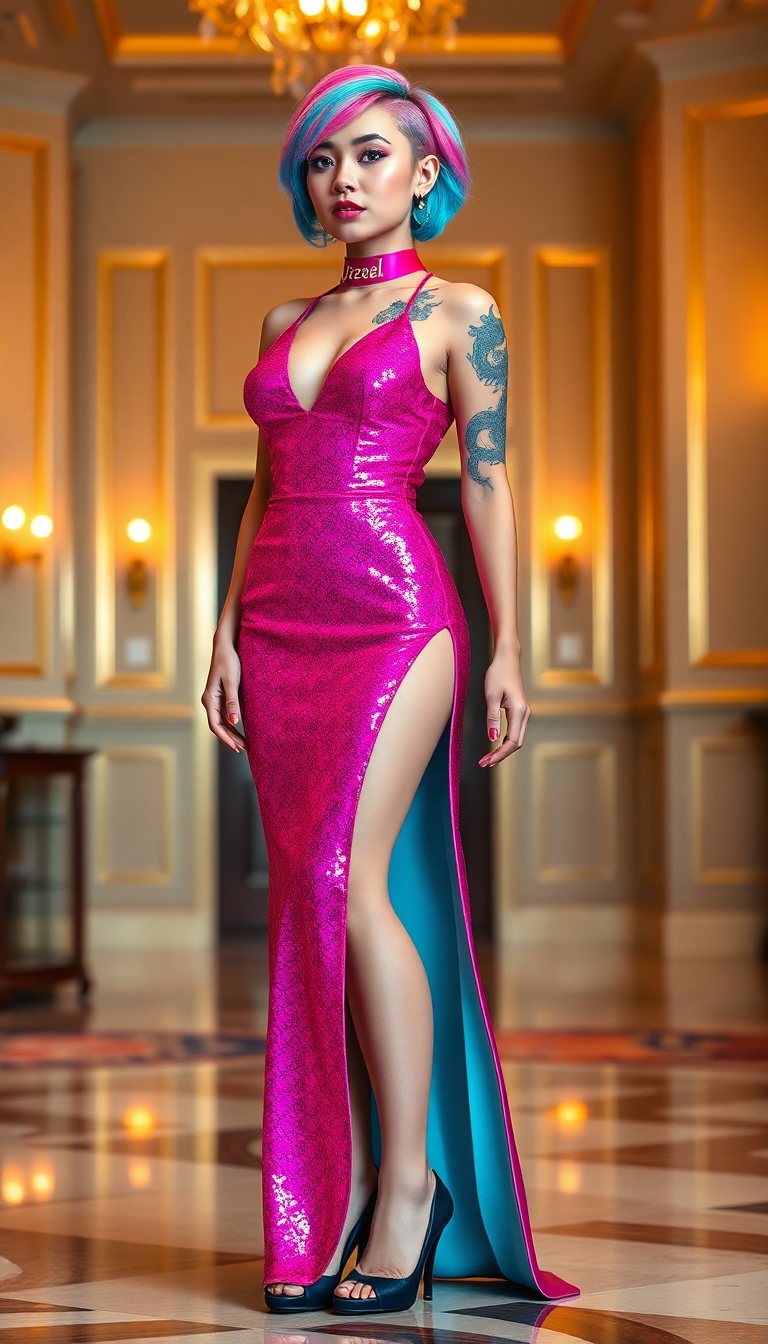
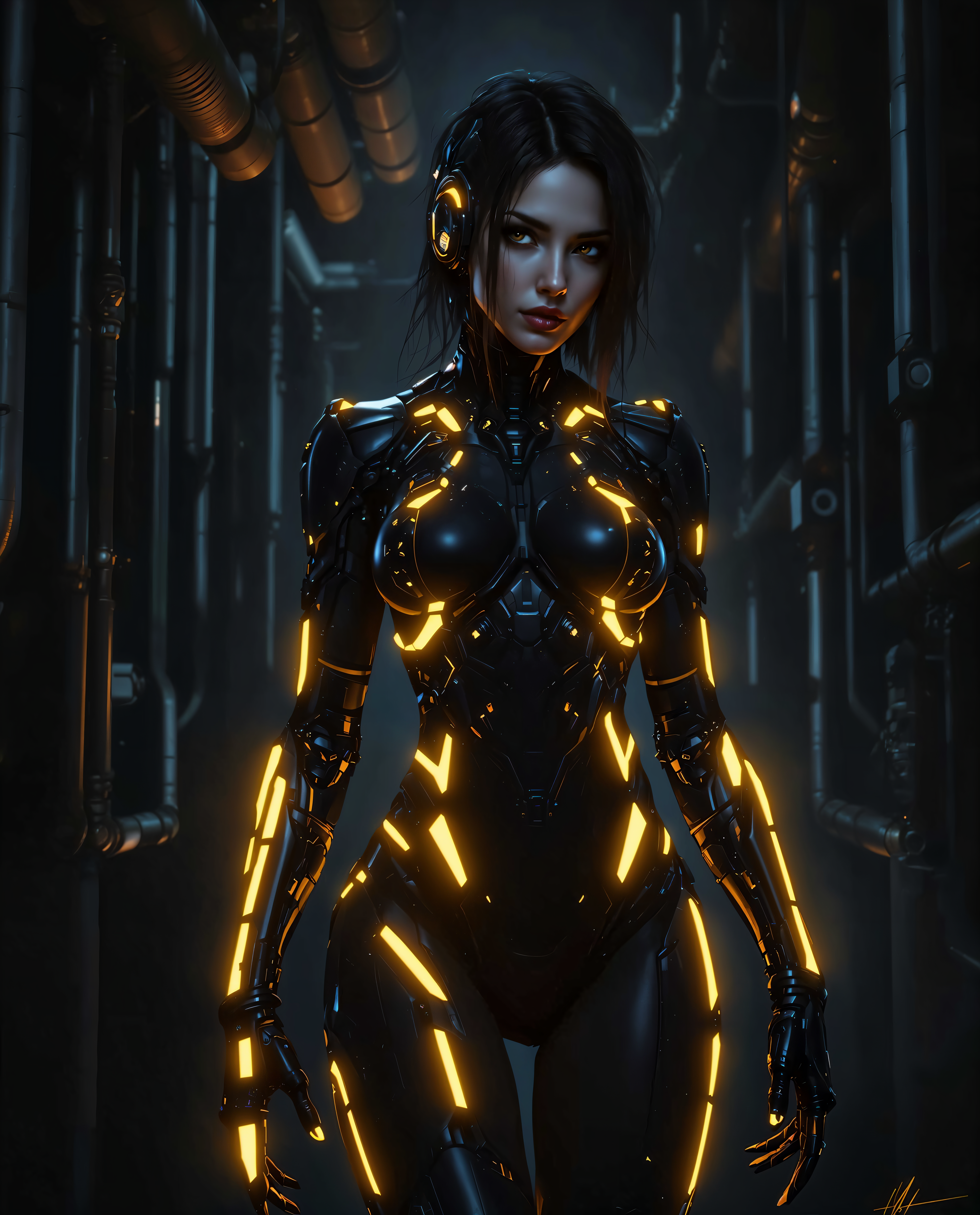
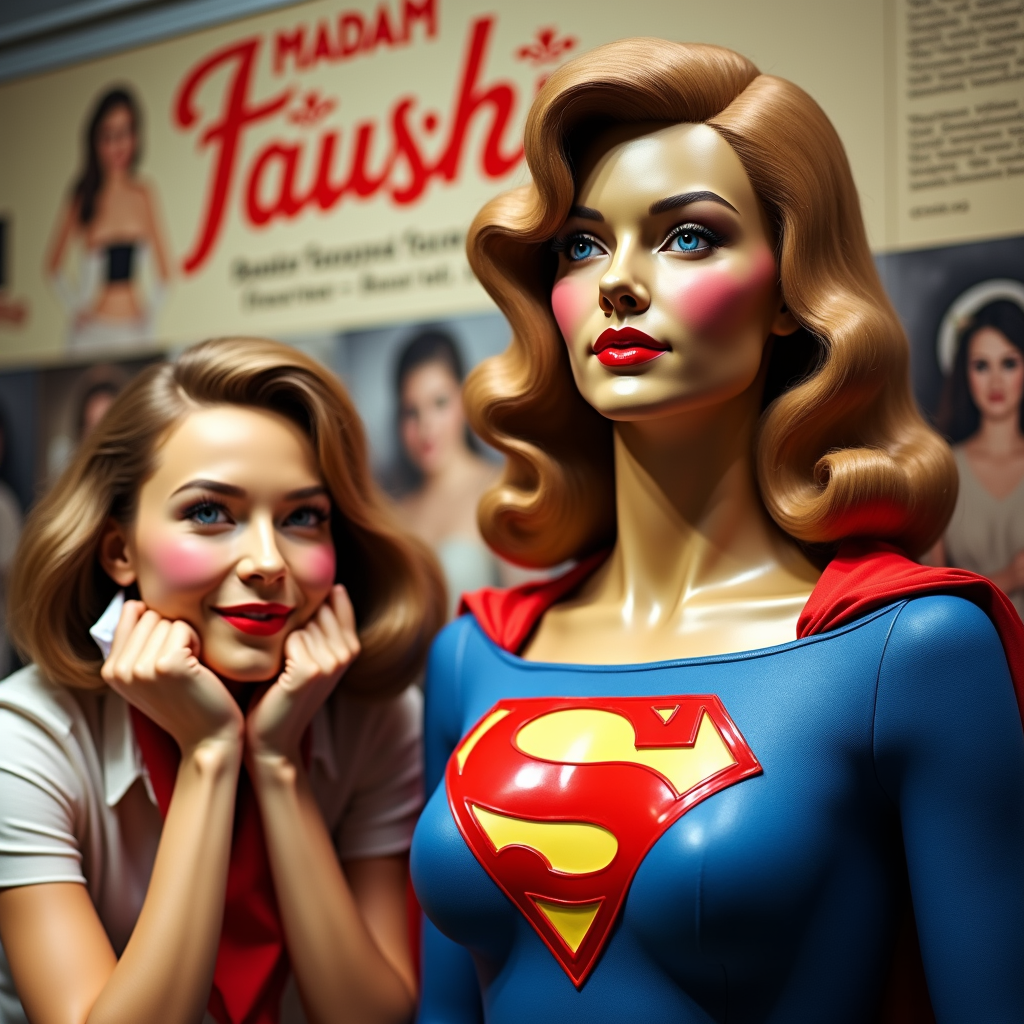
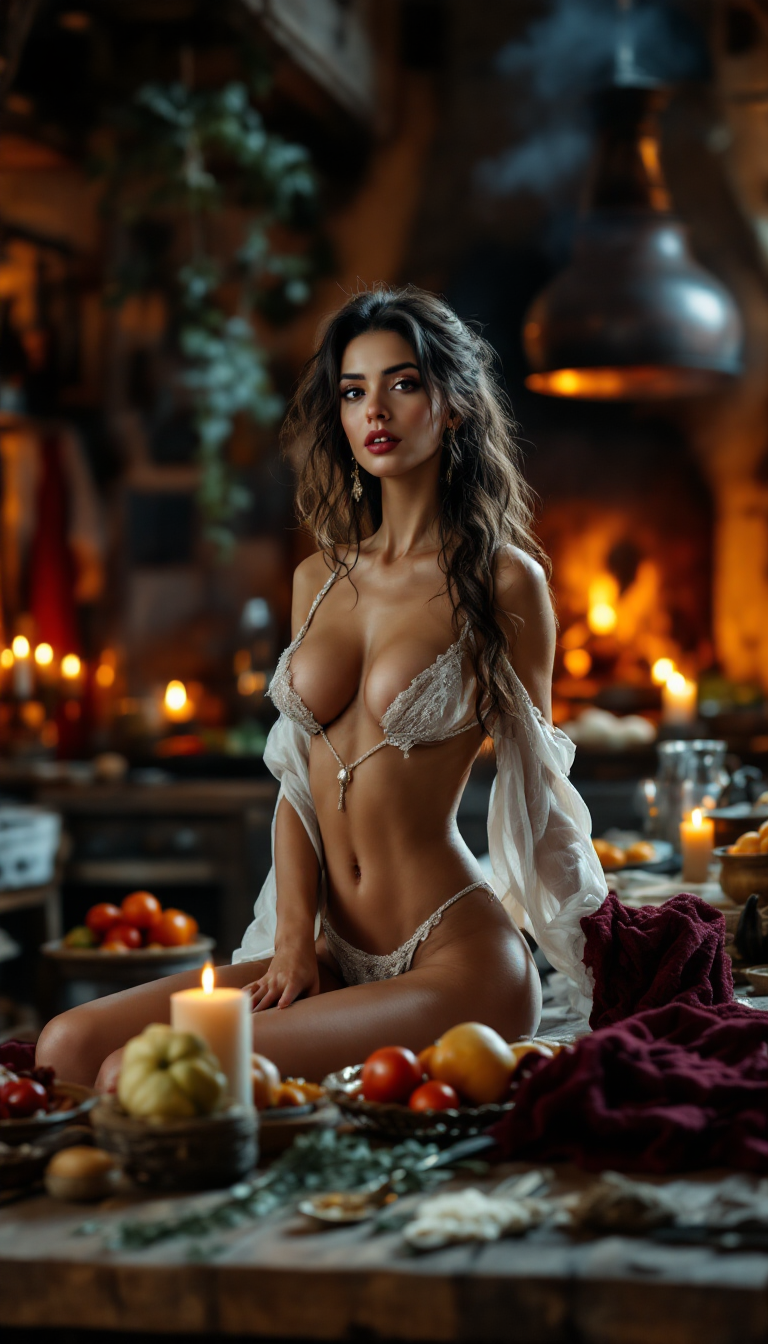
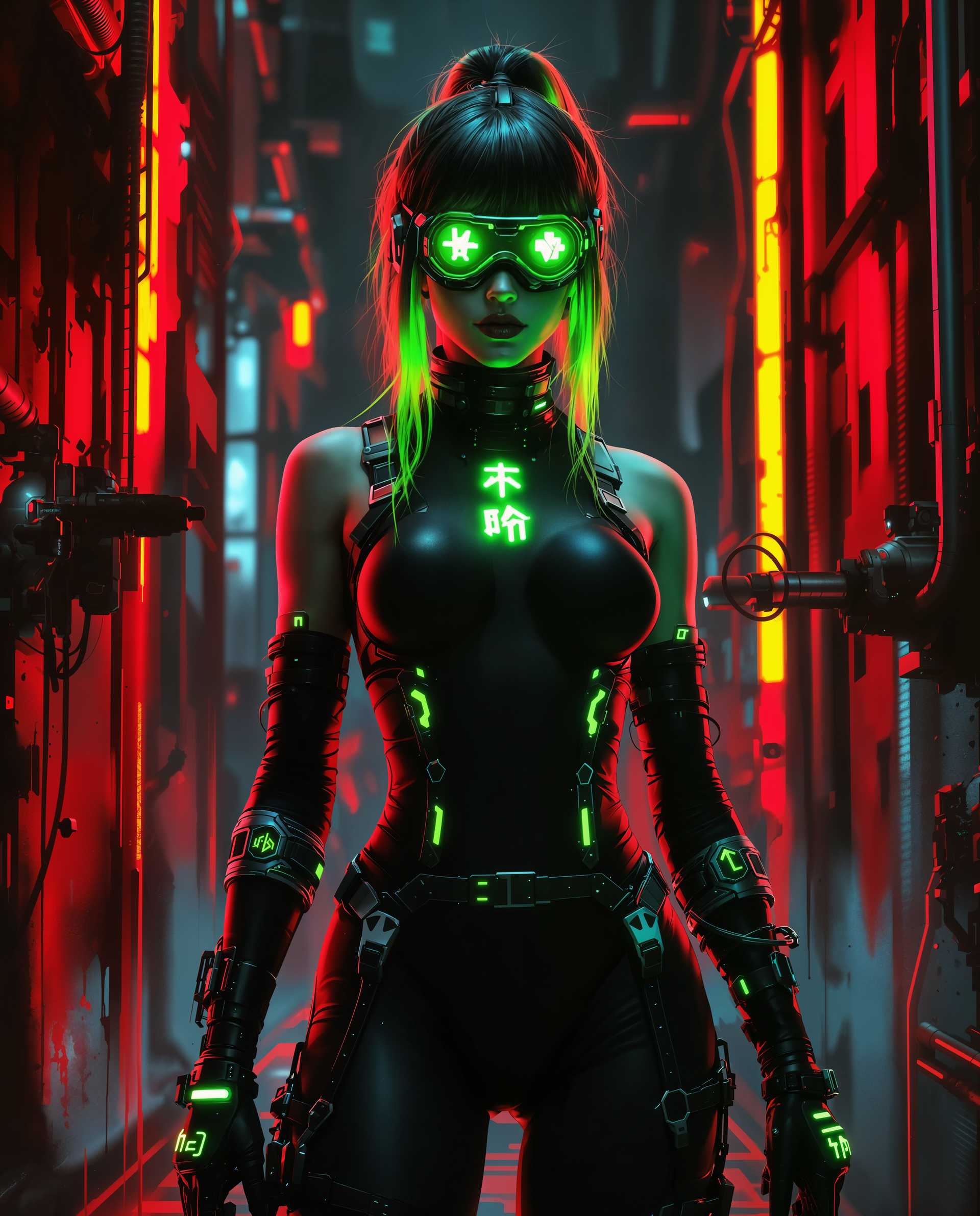
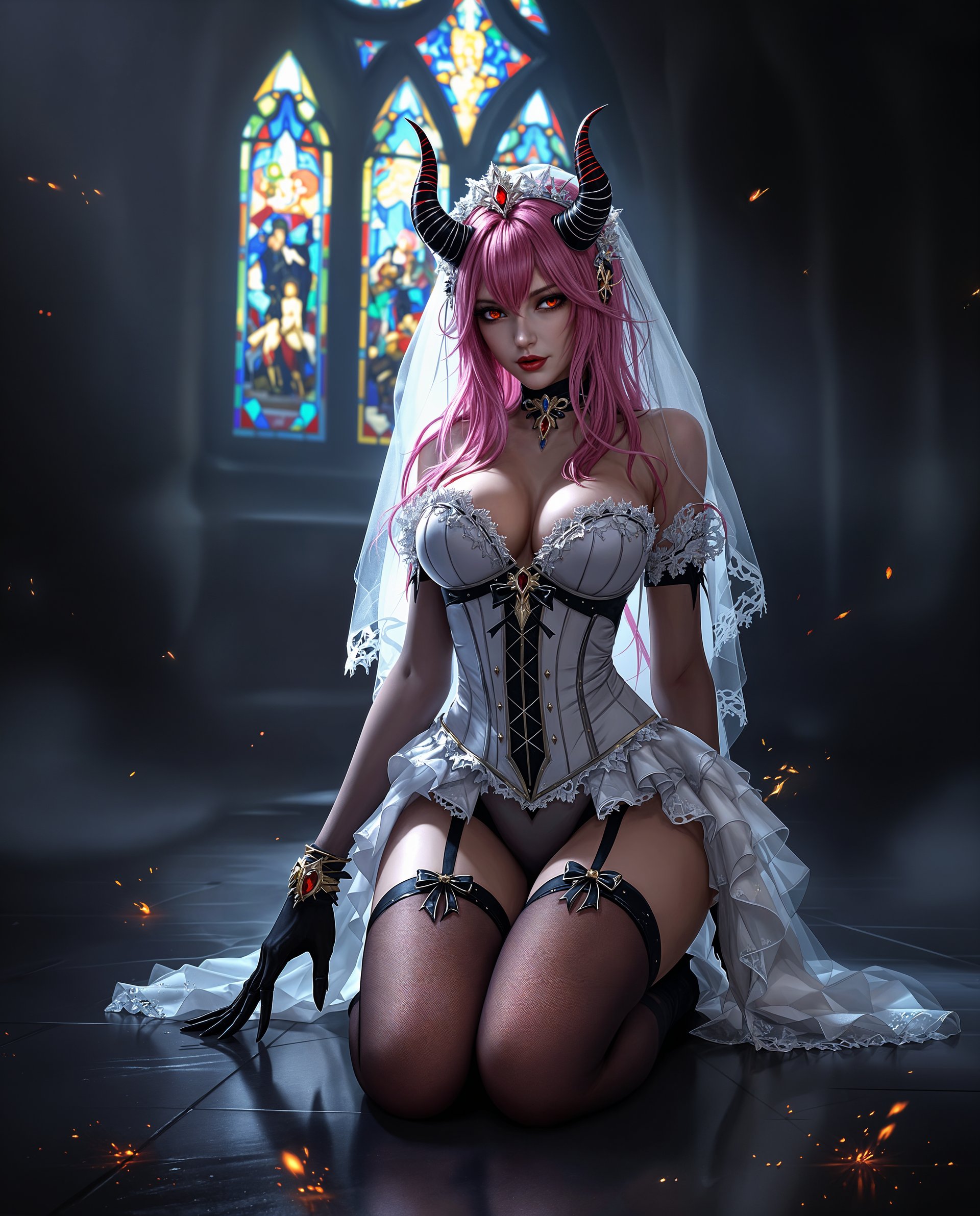
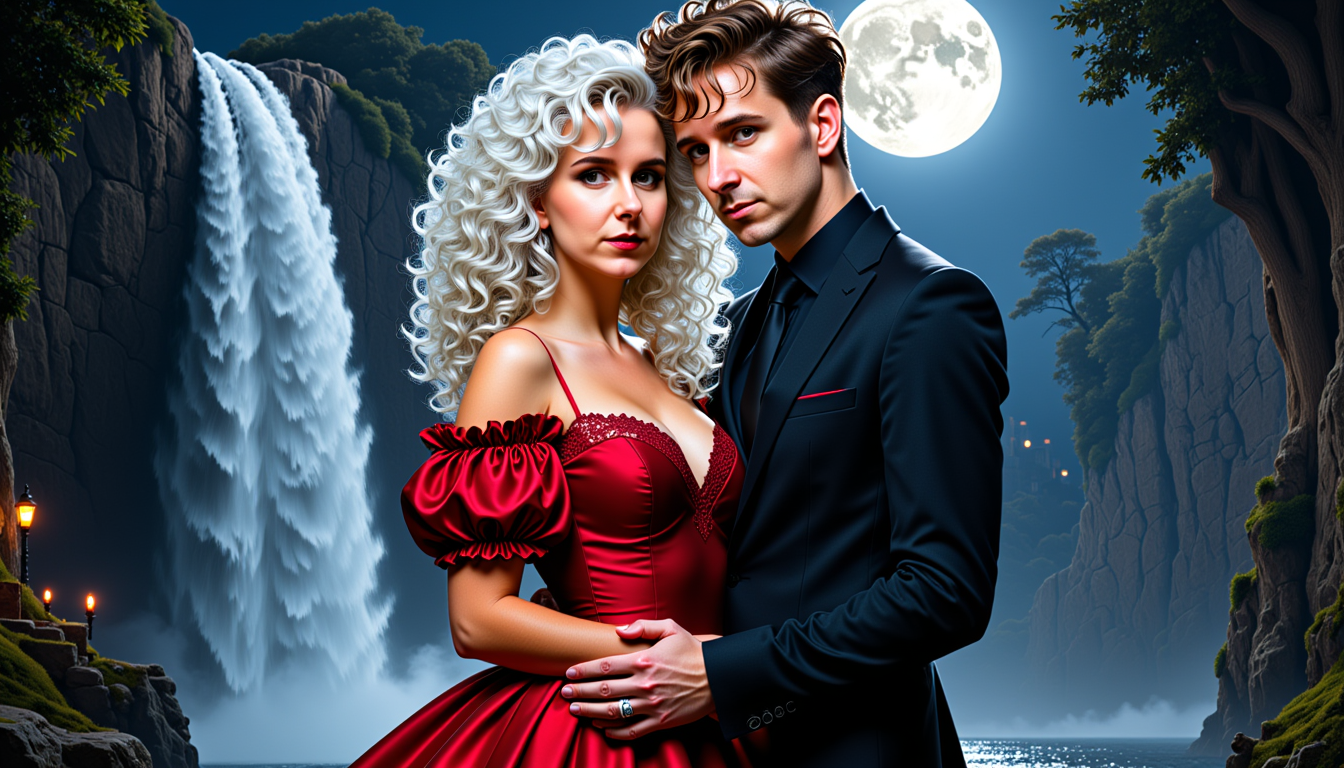
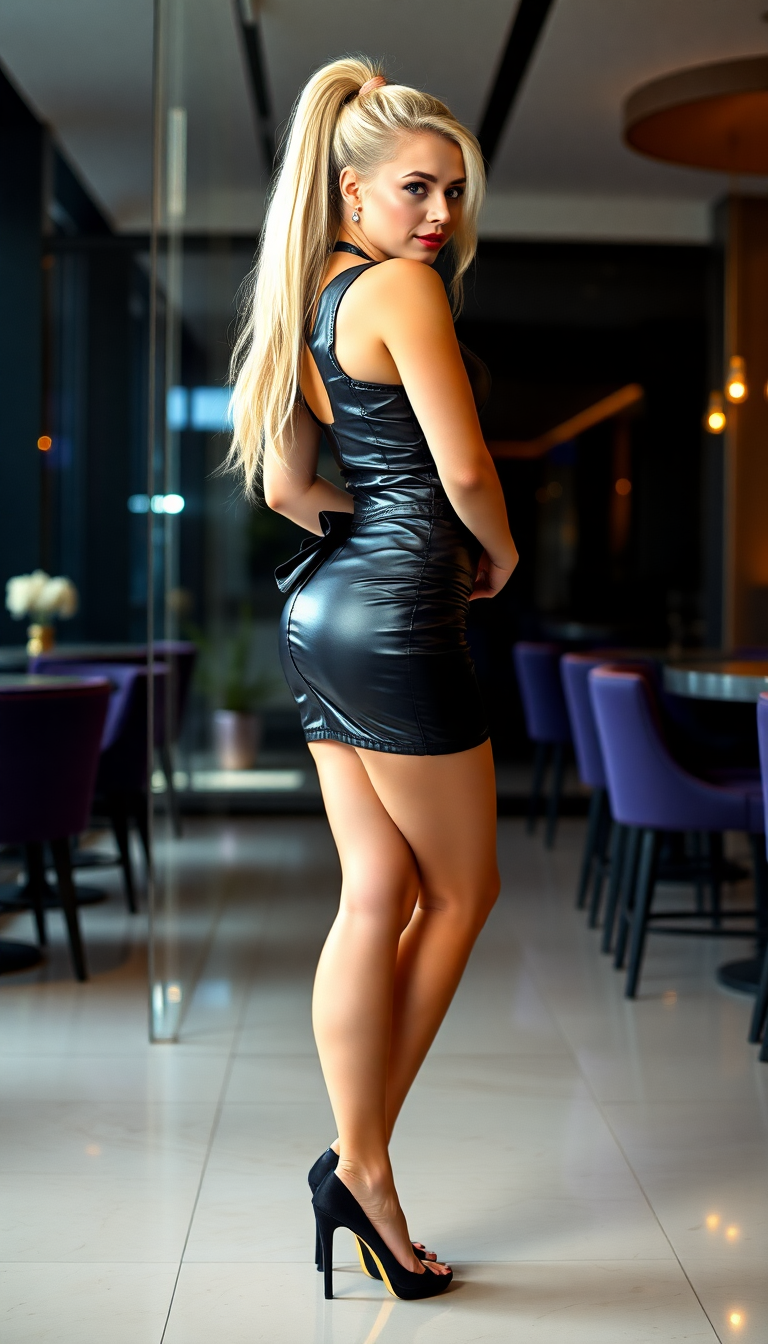
The Pixel Dojo Advantage
Why PixelDojo outperforms other options for Krea IA image generation
| Others | Pixel Dojo |
|---|---|
| Traditional Krea IA creation | Access the same powerful style-focused generation instantly without subscriptions to multiple platforms or learning complex interfaces—everything unified in one workspace. |
| Generic AI tools | Dedicated Krea Image tool plus integrated style references, mood boards, and real-time canvas deliver superior aesthetic control and consistency compared to basic text-to-image generators. |
| Manual photo editing | Skip hours of Photoshop work—generate, refine lighting, transfer styles, and upscale in minutes with AI that understands creative intent from the start. |
Loved by creators on PixelDojo
Real feedback from people using PixelDojo, pulled from our in-product surveys.
So many different models to try out
You keep adding to it to stay up to date and that is GOLD.
very easy to use and good support
Very easy to use
super easy to use
it's very easy to use
Explore more AI tools on PixelDojo
AI Tools
Compare & Switch
- Best AI Image Generators
- Best AI Video Generators
- Midjourney Alternatives
- Civitai Alternatives
- Runway Alternatives
- Leonardo Alternatives
- Pika Alternatives
- Luma Alternatives
- Magnific Alternatives
- Veo Alternatives
- Flux Alternatives
- Freepik Alternatives
- Seedance Alternatives
- Seedream Alternatives
- Pixverse Alternatives
- GPT Image Alternatives
- Synthesia Alternatives
- Playground Alternatives
- NightCafe Alternatives
- Canva AI Alternatives
- ElevenLabs Alternatives
- ComfyUI Alternatives
- Fal Alternatives
- Replicate Alternatives
Common Questions
Everything you need to know about krea ia
How do I create Krea IA style images with precise aesthetic control on PixelDojo?
Simply select the Krea Image tool, input your prompt with style details, and upload reference images or choose presets. Combine with Flux.2 Studio for enhanced creative direction. PixelDojo's system excels at style transfer, allowing you to mix multiple references and adjust influence levels for results that perfectly match Krea 2's focus on aesthetics and visual language.
What makes PixelDojo's Krea IA image generation faster than other platforms?
Our optimized Krea Image and supporting tools like WAN Image and Seedream 4.5 deliver high-quality outputs in seconds. Features such as real-time preview and batch generation let you iterate quickly, mirroring the speed of Krea 2 Turbo while offering 40+ models to choose from for any project.
Can I maintain consistent characters and styles across multiple Krea IA images?
Absolutely. Use Consistent Characters and Character Sheets tools alongside Krea Image. Upload a reference face or style once, then generate endless variations with the same aesthetic. This is ideal for brand campaigns, storyboards, or series where visual continuity is essential.
How does PixelDojo handle style references and mood boards for Krea IA results?
Upload up to several reference images directly into Krea Image or Flux.2 Studio workflows. The AI intelligently blends visual languages from your mood board—colors, textures, composition—into new generations. Refine further with Style Transfer or Magic Lighting for professional polish that rivals dedicated Krea platforms.
Is PixelDojo suitable for professional Krea IA commercial projects?
Yes—thousands of marketers, designers, and agencies use PixelDojo daily for client work. Tools like Recraft V4.1 for vectors, Portrait Upscaler for high-res prints, and Reality Polisher ensure commercial-ready quality. All generations come with full commercial rights on paid plans.
What advanced editing options enhance Krea IA images after generation?
After creating with Krea Image, apply Inpainting to change specific areas, Change Camera Angle for new perspectives, or Image Outpainting to expand compositions. Video tools like WAN 2.7 Video Edit even let you animate your stills while preserving the original Krea IA aesthetic.