krea upscale alternative
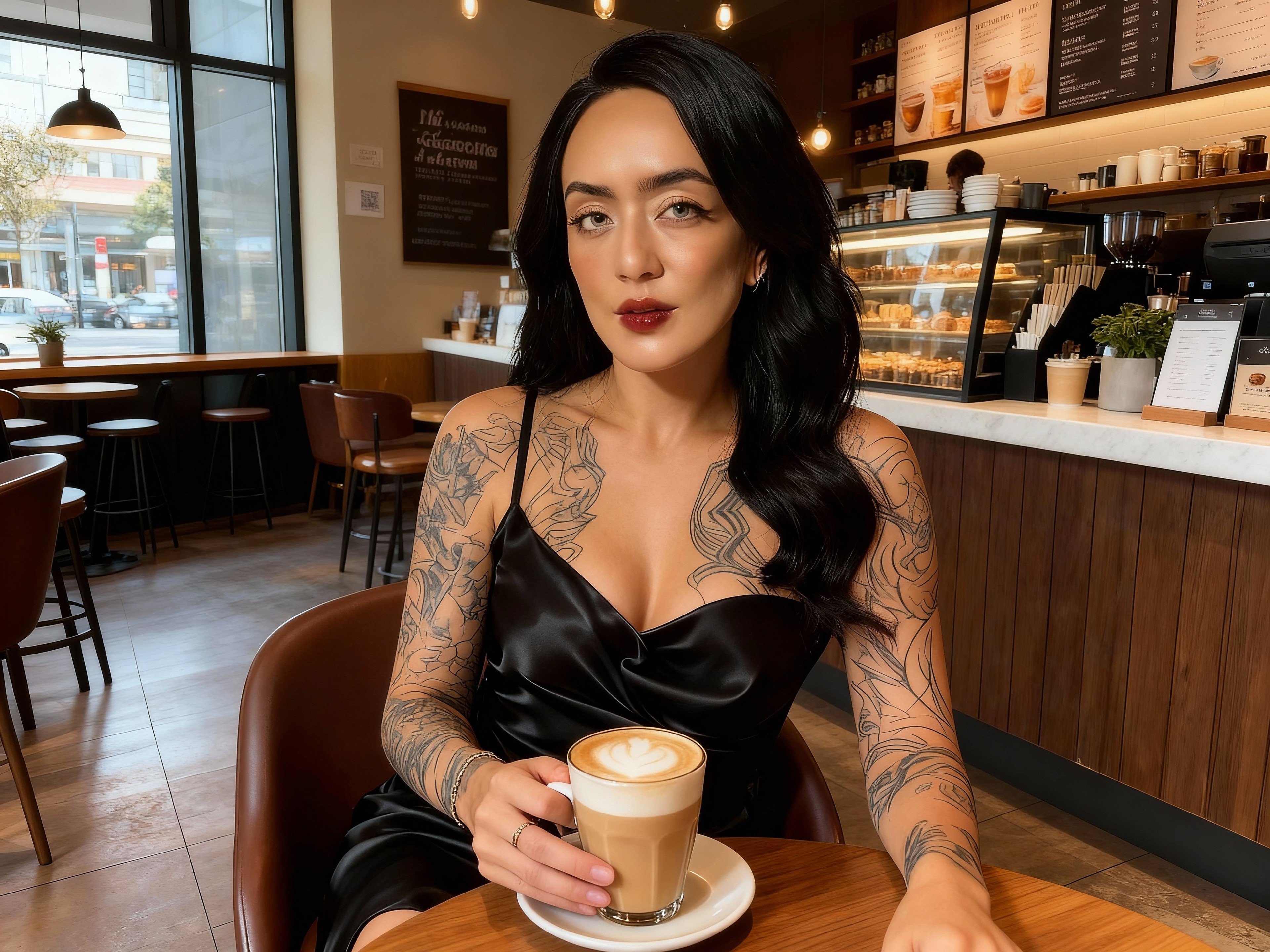
Generated on PixelDojo. Produced by PixelDojo's generation pipeline.
You deserve images that command attention—sharp enough for massive prints, rich with texture for professional marketing, and detailed enough to feel alive. PixelDojo delivers exactly that as your krea upscale alternative, transforming ordinary AI generations and everyday photos into extraordinary high-resolution assets you can use immediately. Imagine taking a standard output and watching skin pores, fabric threads, leaf veins, and material surfaces emerge with photorealistic clarity, ready for billboards, product catalogs, or cinematic stills. With dedicated tools like Magnific Upscaler, Creative Upscaler, P-Image Upscale, Clarity Pro, and Portrait Upscaler, you skip the frustration of blurry enlargements and get results that look professionally crafted. Pair this with generation options including Krea Image, Flux.2 Studio, Seedream 5, and Ideogram 4 so your entire workflow stays in one place. Thousands of creators already rely on PixelDojo to produce client-ready work faster, with 40+ cutting-edge AI tools available and the freedom to cancel anytime. Start today and see your visuals reach a new level of impact.
Real image examples generated on PixelDojo
Every example below was produced on PixelDojo. Hover to see the prompt.
Creatively upscale to 16K resolution edited with Seedream 4
seedream-4
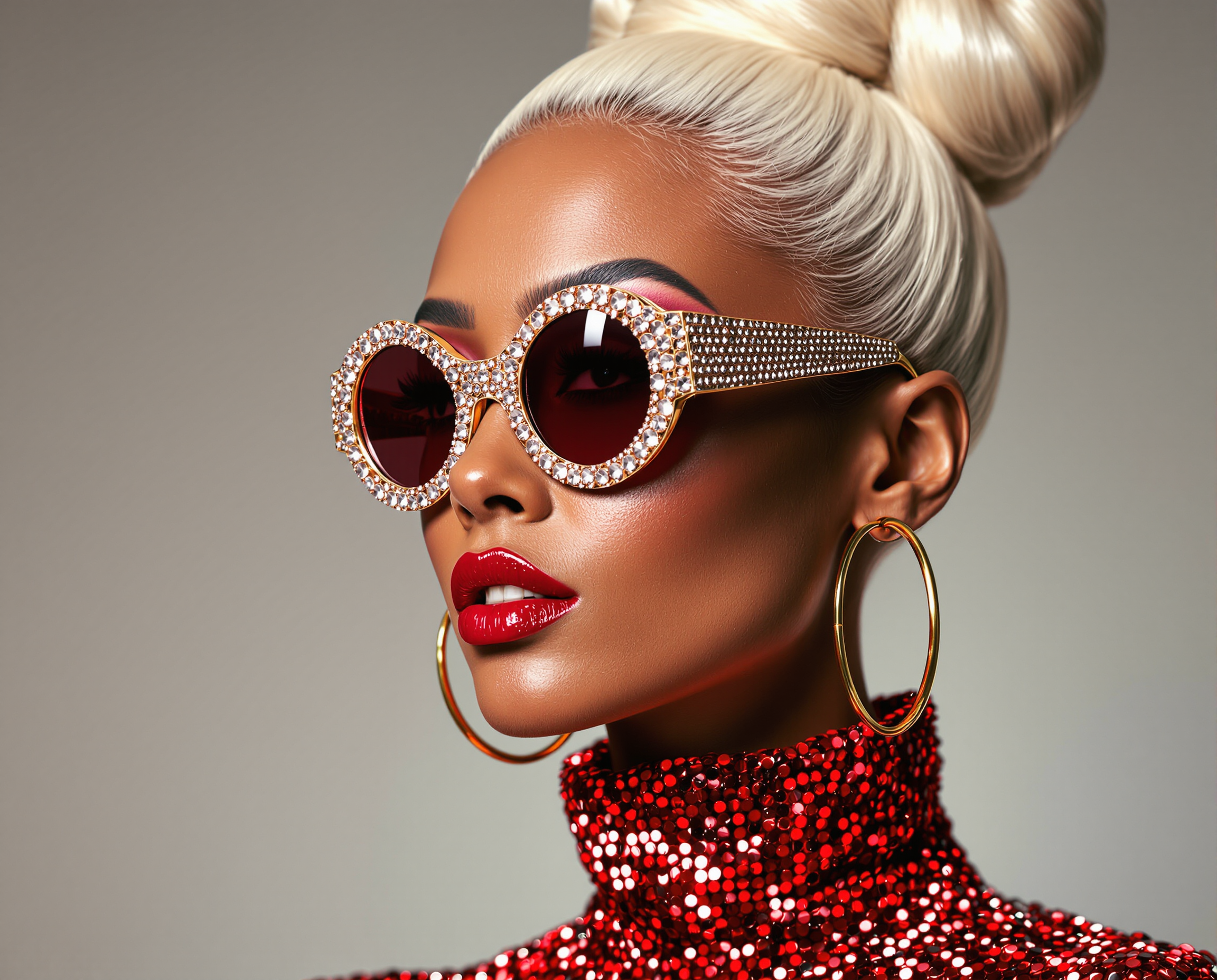
This image is a closeup portrait of a person with a highly stylized and fashionable appear…
flux
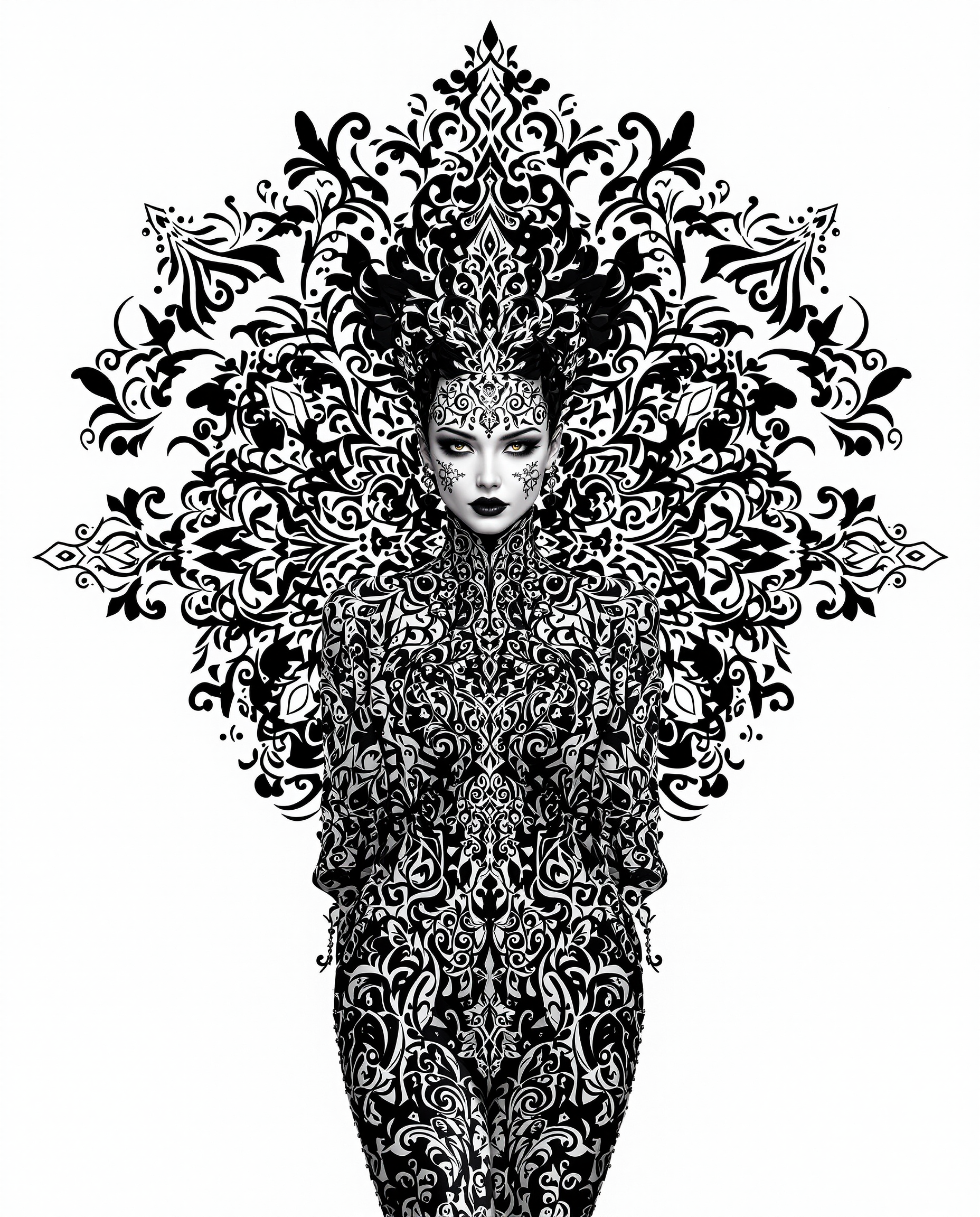
This image is a realistic photo photograph of a female real person striking example of dig…
flux
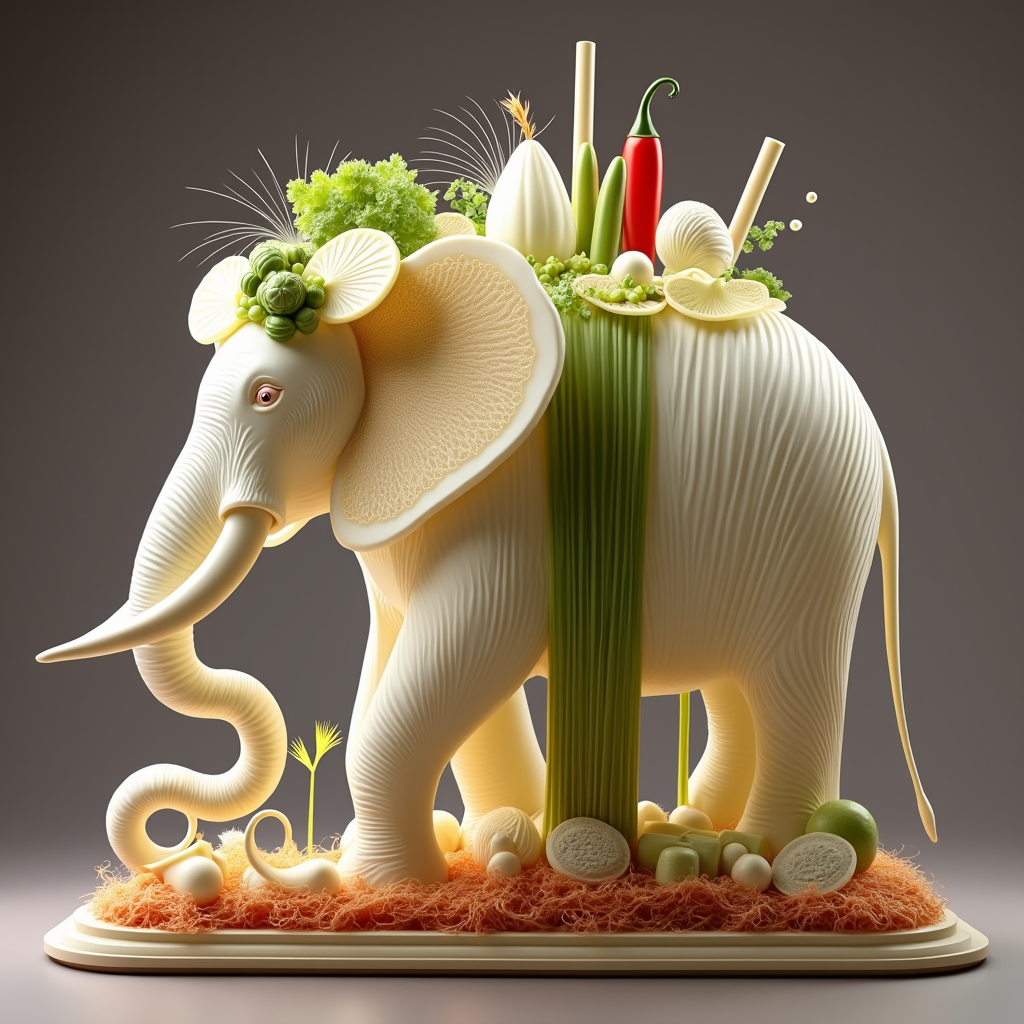
krea upscale alternative on PixelDojo
flux-redux
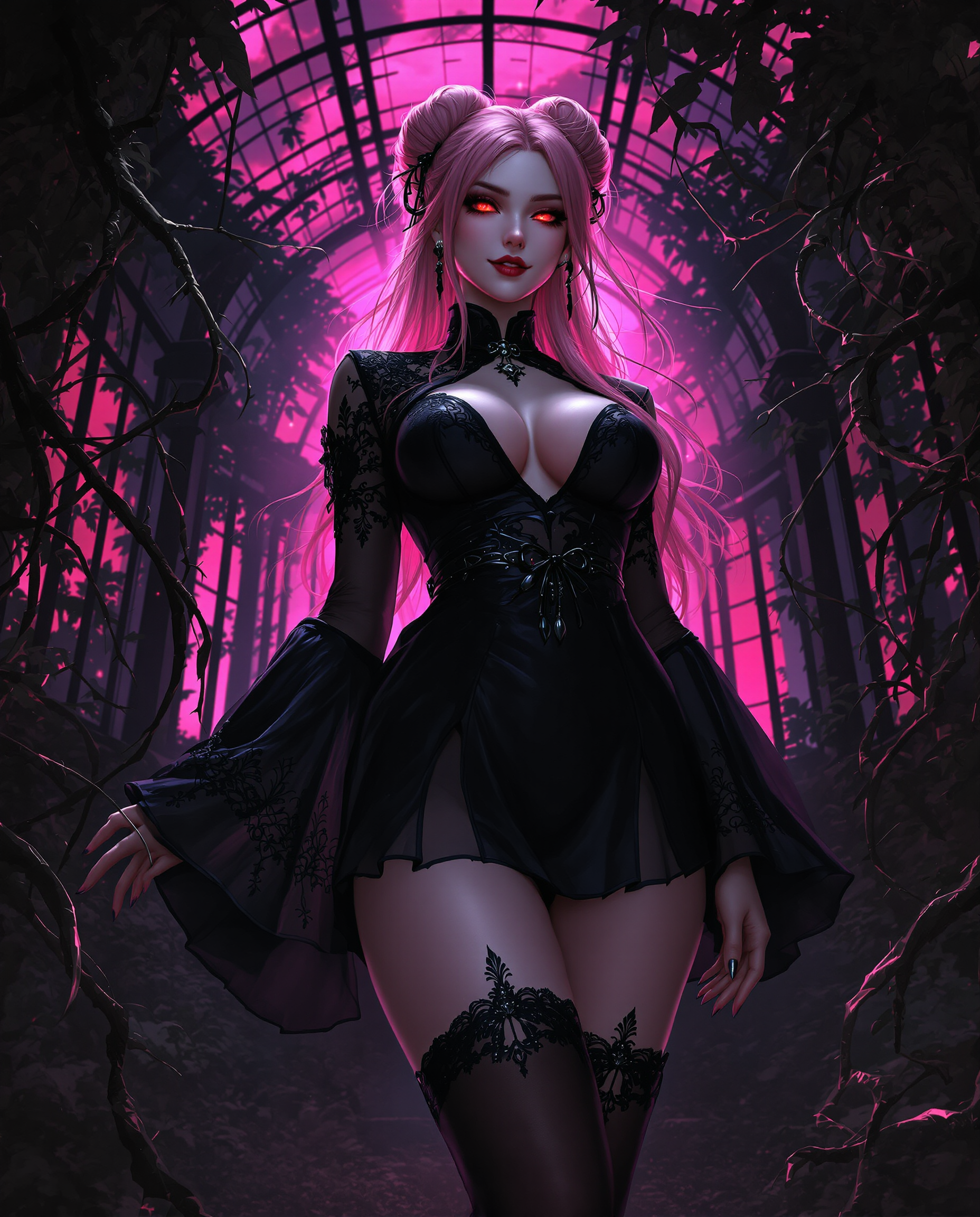
A highly detailed digital realistic photo photograph of a female real person in a dark fan…
flux
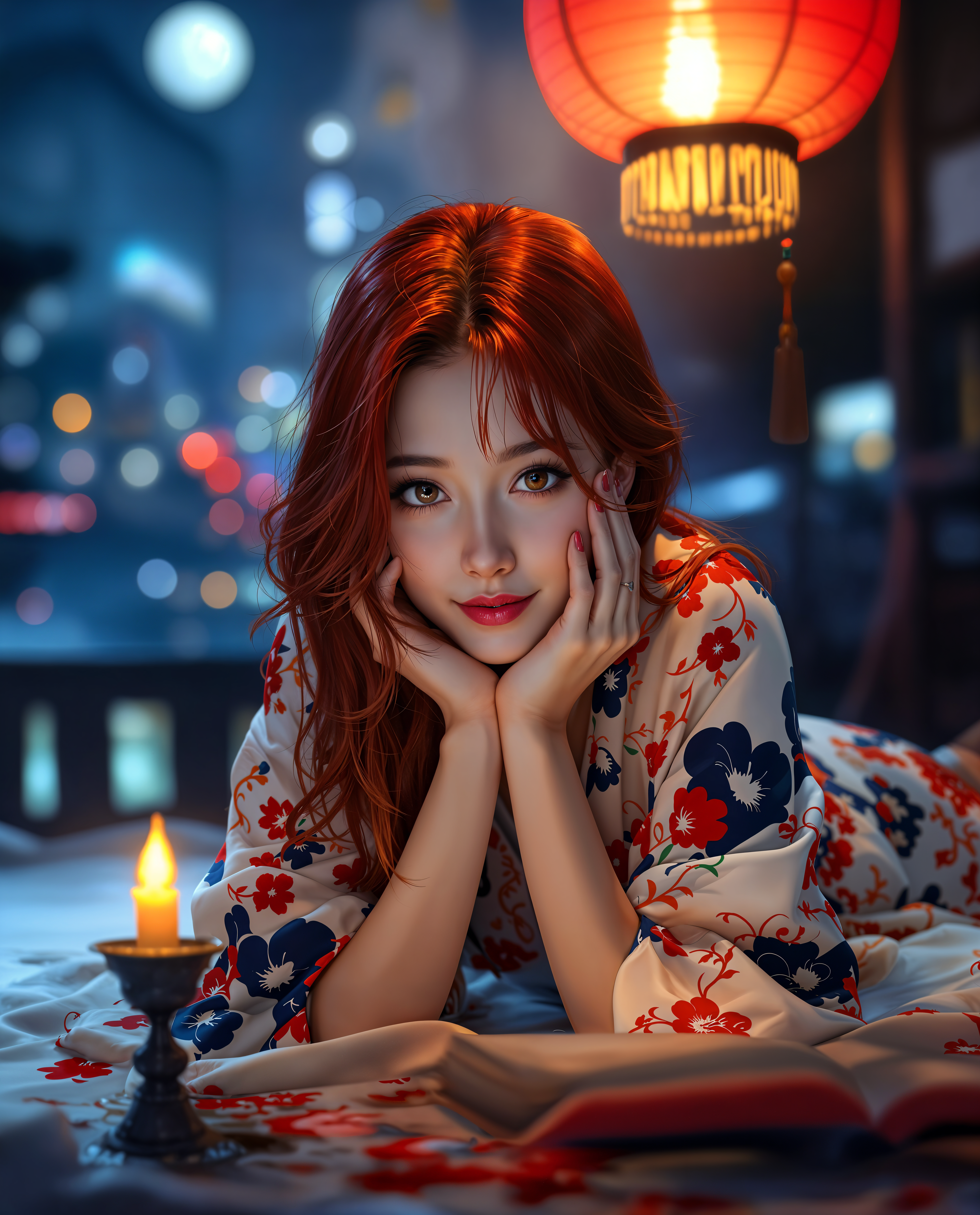
krea upscale alternative on PixelDojo
Models you can run on PixelDojo for krea upscale alternative
Switch models without switching tools. Each one runs in the same PixelDojo studio.
What you can do with krea upscale alternative on PixelDojo
AI Image Upscaling
We upscale generated images so you can enlarge them while preserving edges, texture, and fine detail for web and print.
Text to Image Generation
You can create images from prompts in one workspace, then send the strongest frames into upscaling without leaving the flow.
Prompt and Region Edits
We let you revise prompts and inpaint selected areas so you can correct composition and detail before you upscale.
High Resolution Exports
Download finished stills in common file formats so you can move from generation and upscale into your production pipeline.
Loved by thousands of creators worldwide who produce professional-grade visuals daily. Access 40+ cutting-edge AI tools in one platform, with flexible plans you can cancel anytime.
Why Choose Pixel Dojo for krea upscale alternative
Professional-quality results with cutting-edge AI technology
Print-Ready 8K Images with Lifelike Texture
You get images that hold up under close inspection and large-format printing, complete with natural skin, fabric, and environmental details that make your work look premium and sell-ready.
Save Hours on Every Project
You skip tedious manual retouching and produce polished, high-resolution results in minutes so you can focus on creativity and client delivery instead of technical cleanup.
One Platform from Idea to Final Asset
You generate with tools like Krea Image or Flux.2 Studio then enhance instantly with Magnific Upscaler, Creative Upscaler, or Portrait Upscaler without switching apps or losing quality.
How It Works
You can turn any image into a stunning high-resolution version in just a few guided steps using PixelDojo's specialized upscale tools.
Step 1: Choose Your Enhancement Tool
Log in and go to Upscale & Enhance. Select Magnific Upscaler for creative detail generation, Creative Upscaler for artistic textures, P-Image Upscale for balanced speed, Clarity Pro for overall sharpness, or Portrait Upscaler when faces need special attention. If you just generated something with Krea Image, Flux.2 Studio, or Seedream 5, send it directly to the upscaler.
Step 2: Upload and Set Your Preferences
Upload your photo or AI-generated image. Choose your scale factor, creativity level for added texture, and any portrait-specific settings. Preview how details like hair, clothing, and backgrounds will improve. Combine with Image Analyzer or Reality Polisher if you want extra refinement before the final pass.
Step 3: Generate, Refine, and Download
Hit generate and watch your image transform into a crisp, detailed high-resolution file. Make quick tweaks with Inpainting or Background Remover if needed, then download in the format you need for print, web, or video. Your result is ready to use across Marketing Studio or any other PixelDojo tool.
The Pixel Dojo Advantage
Why PixelDojo outperforms other options for krea upscale alternative image generation and enhancement
| Others | Pixel Dojo |
|---|---|
| Traditional photo enlargement methods | You get intelligent detail reconstruction instead of simple stretching, producing natural textures and sharpness that traditional software cannot match in the same time. |
| Generic AI tools | You access specialized Magnific Upscaler, Creative Upscaler, Clarity Pro, and Portrait Upscaler plus full generation and editing suites, giving you far more control and consistent quality in one subscription. |
| Manual photo editing | You achieve professional results in minutes rather than hours of layer work, so you can handle more projects and still deliver print-ready files every time. |
Loved by creators on PixelDojo
Real feedback from people using PixelDojo, pulled from our in-product surveys.
I have already recommended it to friends
All the tools, plus the guidance
Excellent tools. Ease of use. Well thought out interface. Wide variety of AI tools and features which are up to date with more added each month
I really like how the site is kept up to date, and the leaderboard (where I'm currently #11 most popular artist)
This is the best image generator I've used so far. Well done!
es facil de comprender asi uno no sea programador
Explore more AI tools on PixelDojo
AI Tools
Compare & Switch
- Best AI Image Generators
- Best AI Video Generators
- Midjourney Alternatives
- Civitai Alternatives
- Runway Alternatives
- Leonardo Alternatives
- Pika Alternatives
- Luma Alternatives
- Magnific Alternatives
- Veo Alternatives
- Flux Alternatives
- Freepik Alternatives
- Seedance Alternatives
- Seedream Alternatives
- Pixverse Alternatives
- GPT Image Alternatives
- Synthesia Alternatives
- Playground Alternatives
- NightCafe Alternatives
- Canva AI Alternatives
- ElevenLabs Alternatives
- ComfyUI Alternatives
- Fal Alternatives
- Replicate Alternatives
Common Questions
Everything you need to know about krea upscale alternative
What makes PixelDojo the best krea upscale alternative for AI generated images?
PixelDojo gives you Magnific Upscaler and Creative Upscaler that add rich, plausible details to AI outputs from Krea Image, Flux.2 Studio, Seedream 5, and other generators. You get higher resolution with better texture on skin, clothing, and environments while staying inside one platform that also includes editing, video, and character tools. Thousands of creators use it daily because the results look professional and you can cancel anytime.
How do I upscale photos and AI images to 8K without losing quality using PixelDojo?
Upload to Magnific Upscaler, Creative Upscaler, or P-Image Upscale, choose your scale and creativity settings, then generate. Portrait Upscaler and Clarity Pro handle faces and overall sharpness. You can refine further with Inpainting or Reality Polisher. The process keeps your original composition while filling in natural details so the final file works for print and large displays.
Can PixelDojo's Magnific Upscaler and Creative Upscaler add realistic details like a krea upscale alternative?
Yes. These tools reconstruct textures such as fabric weave, skin pores, foliage, and material surfaces that make images feel more real and premium. You control the amount of creative enhancement so you can stay faithful or push for extra richness depending on the project. Combine with generation tools like Ideogram 4 or QWEN Image 2 for a complete workflow.
Is PixelDojo suitable for both portraits and product photos as a krea upscale alternative?
Absolutely. Portrait Upscaler specializes in faces and skin while Magnific Upscaler and Clarity Pro work beautifully on products, landscapes, and general images. You get consistent, high-quality results across different content types without needing multiple separate services. Marketing Studio and Virtual Try-On let you take those enhanced images even further.
How quickly can I get print-ready high-resolution images with PixelDojo?
Most enhancements finish in seconds to a couple of minutes depending on size and settings. You go from upload or generation to downloadable high-res file without leaving the platform. This speed plus 40+ tools means you can produce more client work and still have time to iterate. Cancel anytime if it does not fit your needs.
Does PixelDojo offer a complete workflow after upscaling my images?
Yes. After using Magnific Upscaler or Creative Upscaler you can continue with Image to Image, Style Transfer, Background Remover, or send the result into video tools like Kling Video or Seedance. Character tools and 3D options stay available too. Everything lives in one place so your enhanced images become part of larger campaigns without extra steps.