kuaishou kling AI Generator
Generated on PixelDojo. Produced by PixelDojo's generation pipeline.
Imagine producing magazine-cover photorealistic images that look like they were shot on a Hollywood set – complete with perfect lighting, rich textures, and cinematic composition – without a camera, studio, or crew. That's the power of Kuaishou Kling image generation on PixelDojo. You get director-level control to create high-converting marketing visuals, viral social content, product shots, and film storyboards that captivate audiences and drive real results. Kling Image delivers native 4K photorealism with intelligent scene planning so every element feels intentional and professionally crafted. Whether you need cohesive character series for branding or stunning stills that convert browsers into buyers, PixelDojo puts this cutting-edge capability at your fingertips. Start generating today and watch your creative output transform from ordinary to extraordinary, all while using 40+ complementary tools that let you refine, enhance, and even animate your work seamlessly.
Real video examples generated on PixelDojo
Every example below was produced on PixelDojo. Hover to see the prompt.
Kungfu Club
image-to-video
Fight Jackie Chang Kung Fu speedy FIGHT between a determined
image-to-video
Loud lion roaring
image-to-video
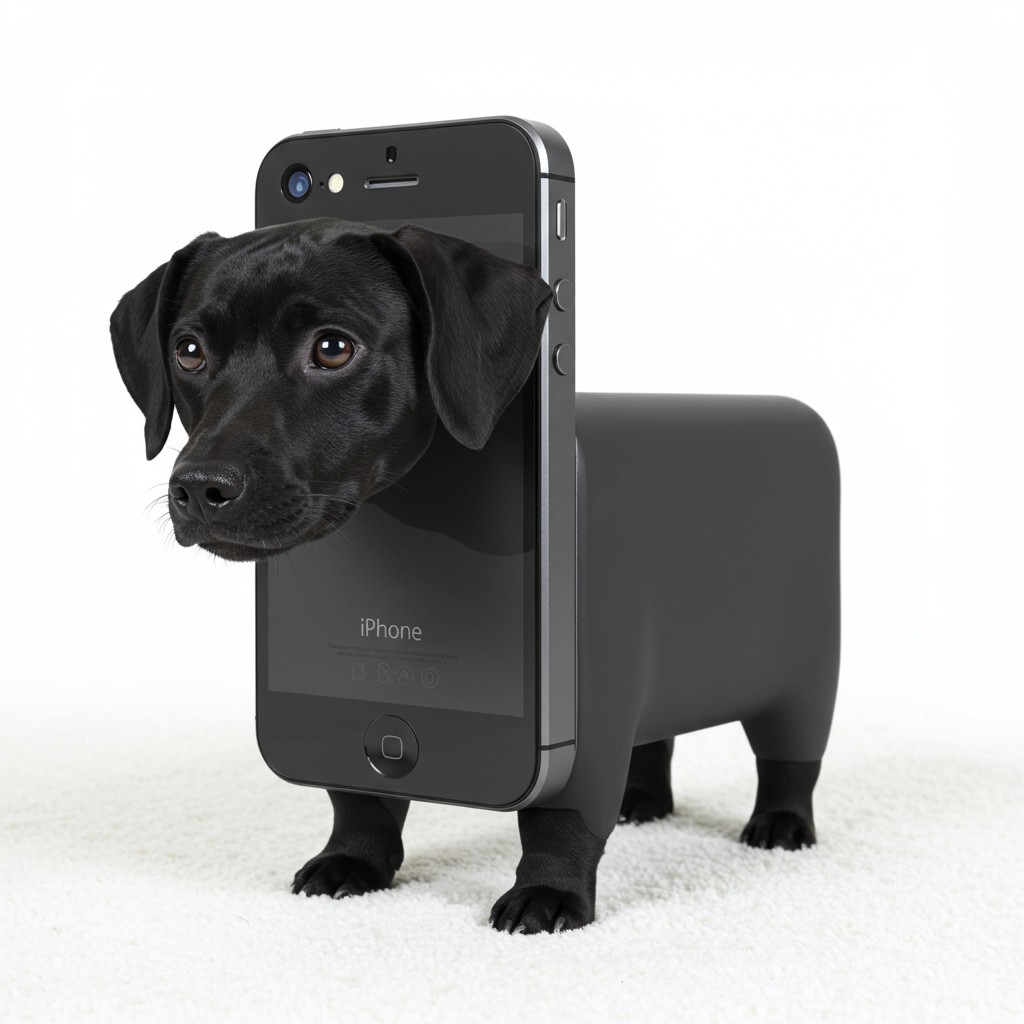
Sn iphone shaped dog
imagen

kuaishou kling on PixelDojo
stable-diffusion
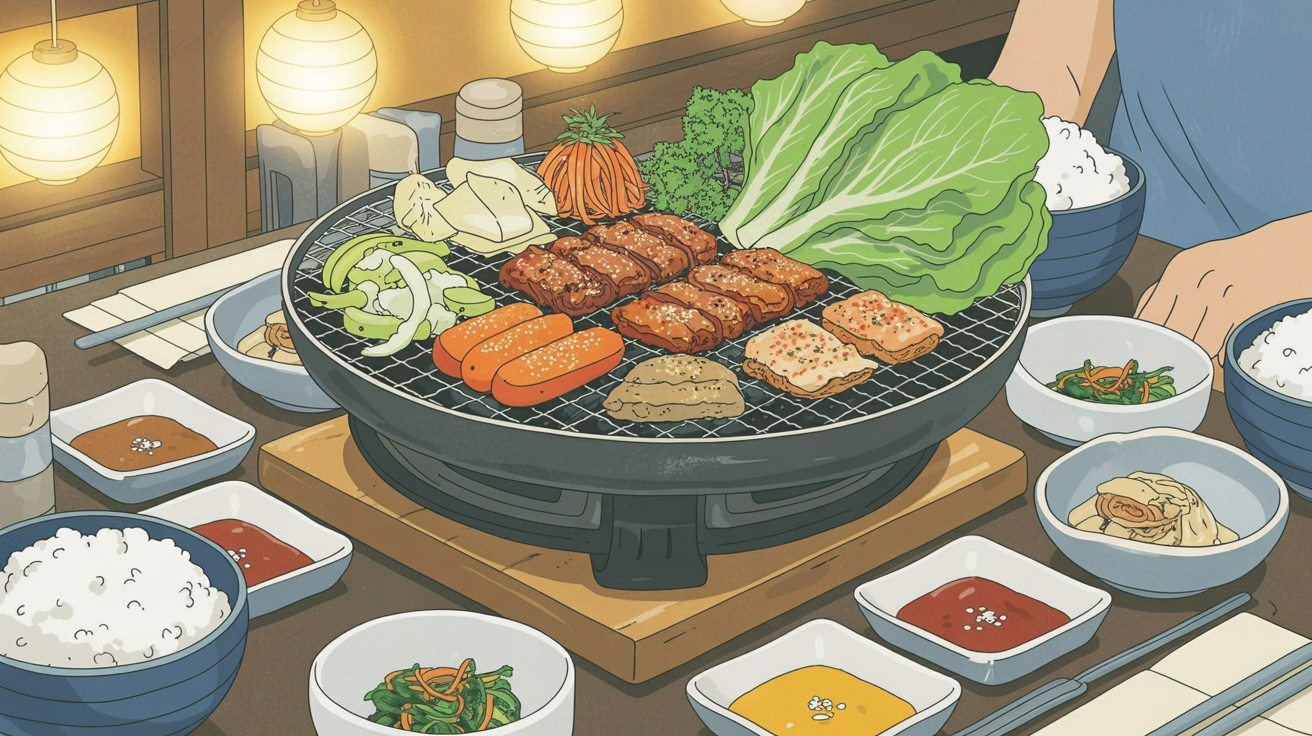
A korean bbq meal
stable-diffusion
Models you can run on PixelDojo for kuaishou kling
Switch models without switching tools. Each one runs in the same PixelDojo studio.
What you can do with kuaishou kling on PixelDojo
Kling Text to Video
We run Kuaishou Kling so you can generate short videos from a written prompt. Describe subject, motion, and setting and we return a clip you can review and download.
Still Image to Motion
Upload a reference frame and we animate it with Kling from your motion prompt. Use this to extend a key still into a short sequence without leaving PixelDojo.
Guided Camera Motion
We expose Kling controls for pan, zoom, and tracking style movement so shots stay readable. Tune how the camera travels instead of relying on a single generic take.
Download Ready Video Files
We deliver Kling outputs as standard video files for editing and posting. Keep prompt, generation, and export in one workflow on PixelDojo.
Loved by thousands of creators worldwide who generate professional results daily. PixelDojo's 40+ cutting-edge AI tools deliver consistent 4.8-star experiences. Cancel anytime – no risk, just stunning Kuaishou Kling images that elevate your work.
Why Choose Pixel Dojo for kuaishou kling
Professional-quality results with cutting-edge AI technology
Cinematic Photorealism That Converts
You achieve images with Hollywood lighting, realistic materials, and spatial depth that stop scrollers and boost engagement. Perfect for ads, e-commerce, and social posts that look professionally produced and drive higher click-through rates without expensive photoshoots.
Locked-In Character Consistency
You maintain identical faces, outfits, and styles across entire series so your brand stories, character sheets, and campaigns feel cohesive and high-end. Combine Kling Image with PixelDojo's Consistent Characters and Character Sheets for production-ready assets that save hours of matching work.
Native 4K Print-Ready Quality
You generate ultra-high-resolution images ready for large-format print, detailed digital use, or further enhancement with P-Image Upscale and Magnific Upscaler. Skip artifacts and extra costs while delivering professional assets that impress clients and audiences instantly.
How It Works
Creating breathtaking Kuaishou Kling images on PixelDojo takes just minutes. Follow these simple steps to go from idea to cinematic masterpiece using the dedicated Kling Image tool and supporting features.
Step 1: Choose Your Tool
Sign in to PixelDojo and head to Generate Images. Select Kling Image to access Kuaishou's advanced model known for photorealism and intelligent composition. For character-focused work, start with Consistent Characters or Ideogram Character to lock identities first, then refine in Kling Image. This combination gives you unmatched control right from the start.
Step 2: Enter Your Prompt
Write a detailed, cinematic prompt describing your subject, setting, lighting (such as Rembrandt or golden hour), camera style (35mm lens, shallow depth of field), and mood. Structure it clearly: subject first, then environment, lighting, and style. Upload reference images for precise consistency. Kling Image's Visual Chain-of-Thought planning turns your words into coherent, photographically grounded scenes every time.
Step 3: Customize & Download
Choose aspect ratio, generate variations, then polish with Image to Image, Inpainting, Style Transfer, Magic Lighting, or Reality Polisher. Remove backgrounds or extend scenes with Background Remover and Image Outpainting. Download your 4K image instantly. Take it further by animating with Kling Video or enhancing portraits with Portrait Upscaler for complete professional workflows.
The Pixel Dojo Advantage
Why PixelDojo outperforms other options for Kuaishou Kling image generation
| Others | Pixel Dojo |
|---|---|
| Traditional photography and studio production | You skip location scouting, talent fees, lighting setups, and post-production delays. Generate unlimited high-quality variations in minutes at a tiny fraction of the cost while maintaining perfect cinematic control every time. |
| Generic AI image tools | You get dedicated access to Kling Image plus seamless integration with 40+ specialized tools like Consistent Characters, Reality Polisher, and Kling Video. Generic platforms cannot match this complete ecosystem for professional, consistent results. |
| Manual photo editing and compositing | You go from concept to finished 4K image in seconds instead of hours of masking, lighting matches, and retouching. Kling's intelligent planning plus PixelDojo's editing suite delivers coherent professional output without the steep learning curve or time investment. |
Loved by creators on PixelDojo
Real feedback from people using PixelDojo, pulled from our in-product surveys.
it's very easy to use
Practically every Ai suite in one place? Who wouldn't?
versatile menu of tools
Best AI tool availble the suite is rad
Versatility quality, value, ROI, innovation
variety of tools available and prompt tools
Explore more AI tools on PixelDojo
AI Tools
Compare & Switch
- Best AI Image Generators
- Best AI Video Generators
- Midjourney Alternatives
- Civitai Alternatives
- Runway Alternatives
- Leonardo Alternatives
- Pika Alternatives
- Luma Alternatives
- Magnific Alternatives
- Veo Alternatives
- Flux Alternatives
- Freepik Alternatives
- Seedance Alternatives
- Seedream Alternatives
- Pixverse Alternatives
- GPT Image Alternatives
- Synthesia Alternatives
- Playground Alternatives
- NightCafe Alternatives
- Canva AI Alternatives
- ElevenLabs Alternatives
- ComfyUI Alternatives
- Fal Alternatives
- Replicate Alternatives
Common Questions
Everything you need to know about kuaishou kling
What makes Kuaishou Kling image generation on PixelDojo different for professional results?
Kuaishou Kling Image on PixelDojo uses advanced scene planning to produce photorealistic, cinematically composed 4K images with exceptional lighting, texture, and spatial logic. You achieve director-level stills that look shot by professionals. Combine it with tools like Consistent Characters, Image Analyzer, and Reality Polisher to refine every detail. Thousands of creators use this combination daily for marketing, film pre-visualization, and social content that actually converts because the quality stands out immediately.
How do I write effective prompts for Kuaishou Kling images on PixelDojo?
Use cinematic, structured language: start with a clear subject and attributes, add setting and lighting (Rembrandt lighting, volumetric light, golden hour), specify camera (35mm, macro, wide angle, shallow depth of field), then mood and style. Front-load the most important details. For consistency, upload references. PixelDojo's Kling Image responds exceptionally well to this approach, delivering coherent scenes rather than generic results. Test variations quickly and iterate with Image to Image for even stronger outcomes.
Can I maintain character consistency across multiple Kuaishou Kling images?
Yes. Upload reference images directly into Kling Image or start with PixelDojo's Consistent Characters and Character Sheets tools to lock faces, outfits, and styles. Kling Image then generates new scenes while preserving identity with high fidelity. This is ideal for brand campaigns, storyboards, or product series. Follow up with Face Swap or LoRA Face Swap if needed, and you have a complete professional character pipeline that saves days of work.
What resolution and quality can I expect from Kling Image on PixelDojo?
Kling Image produces native high-resolution output up to 4K with photorealistic detail, accurate textures, and professional lighting. Results are print-ready and suitable for large displays or further enhancement. Use P-Image Upscale, Magnific Upscaler, or Clarity Pro afterward if you need even more refinement. You get production-quality assets without the usual upscaling artifacts, making your work look expensive and polished from the first generation.
How can I use Kuaishou Kling images for marketing, social media, and film projects?
Create high-converting product shots, lifestyle scenes, and character-driven ads that look cinematic and authentic. For social, generate scroll-stopping visuals that increase engagement. Film and content creators use them for storyboards, concept art, and pre-visualization. Then animate selected stills with Kling Video or edit with Kling Video Edit. PixelDojo's full suite (Marketing Studio, Video Autocaption, Merge Videos) turns stills into complete campaigns quickly, helping you produce more content that performs better.
Is there any risk to trying Kuaishou Kling image generation on PixelDojo?
None. You get access to 40+ cutting-edge AI tools including Kling Image, loved by thousands of creators worldwide. Start generating immediately, explore all features, and cancel anytime if it doesn't fit your needs. There are no long-term commitments. Most users stay because the combination of Kling quality plus PixelDojo's editing, character, and video tools delivers professional results faster and more affordably than any other option.