lensgo ai

Imagine turning your ideas into scroll-stopping visuals that look like they came straight from a professional studio. With PixelDojo, you can achieve the exact LensGo AI results you love—photorealistic portraits, vibrant anime transformations, Pixar-style animations, and compelling UGC ads—without limits or learning curves. Whether you're a content creator building viral Reels, a marketer crafting product campaigns, or an artist exploring endless styles, PixelDojo delivers professional-grade outputs that captivate audiences and drive results.
Join 30,000+ creators who trust PixelDojo for LensGo AI-style generation. Rated 4.9/5 by thousands, with millions of images created this month. Cancel anytime, no risk.
Why Choose Pixel Dojo for lensgo ai
Professional-quality results with cutting-edge AI technology
Create Professional Photos & Headshots Instantly
Produce studio-quality portraits, product shots, and lifestyle images that look hand-crafted. Use GPT Image 2 or Flux.2 Studio to capture perfect lighting, natural skin tones, and realistic details for LinkedIn profiles, e-commerce, or marketing campaigns.
Master Style Transfers Like Anime, Pixar & Ghibli
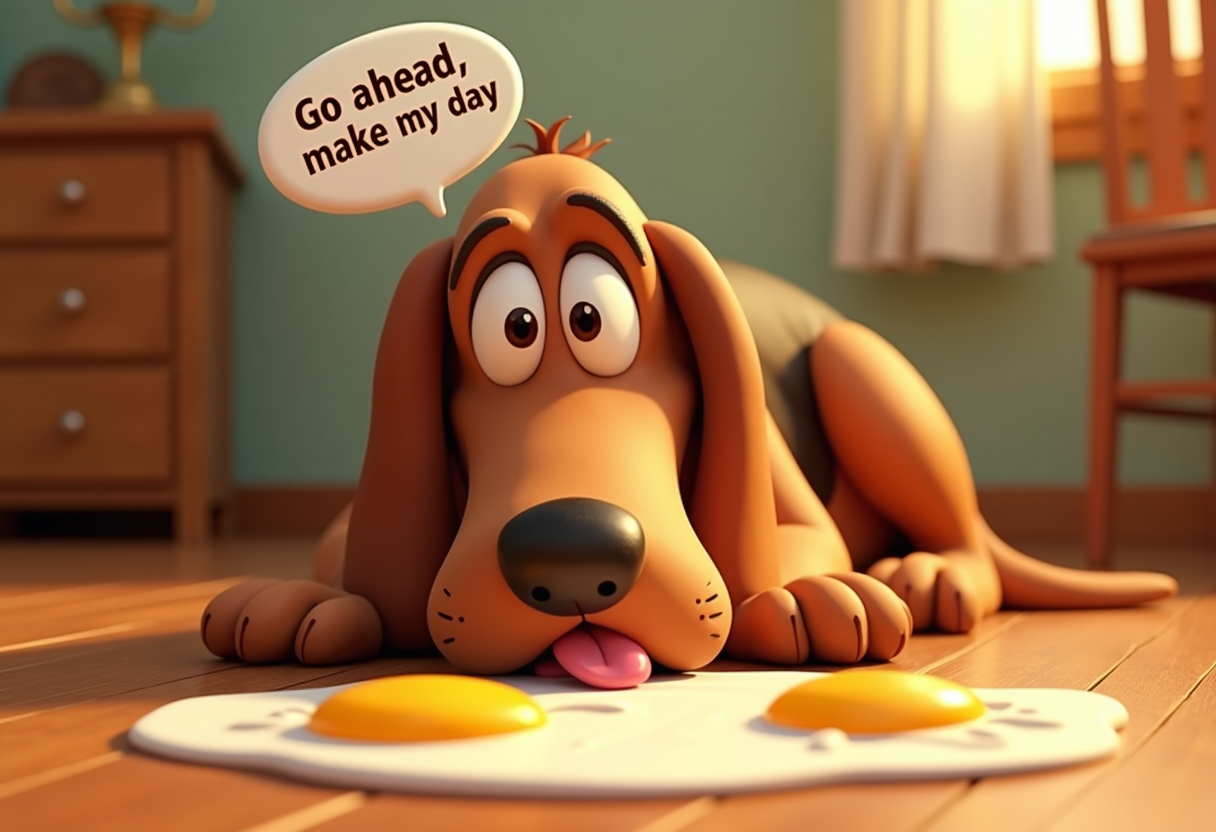
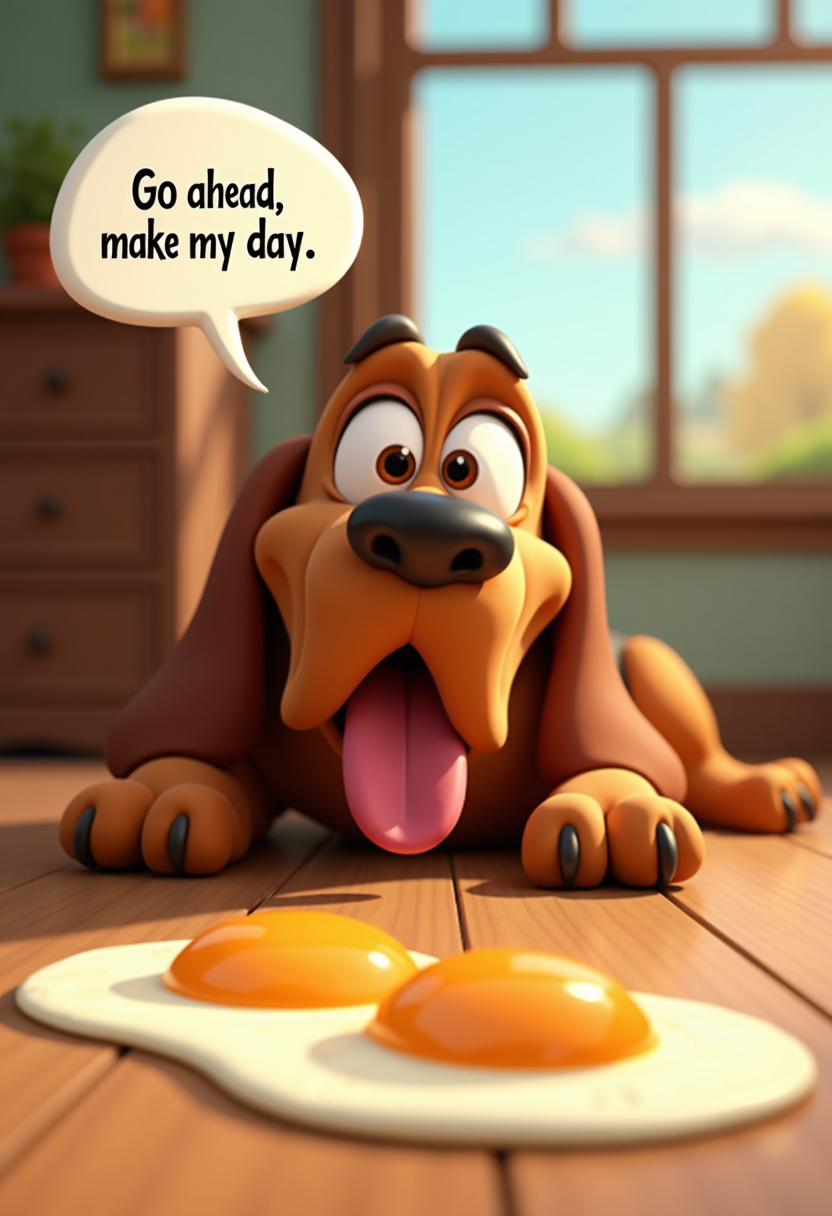
Transform any photo or video into beloved styles including anime, Pixar, Studio Ghibli, watercolor, and 1,000+ more. PixelDojo's Style Transfer and Kling Image tools deliver seamless results that match or exceed LensGo AI quality.
Generate Scroll-Stopping UGC Ads & Videos
Create high-converting user-generated content ads, cinematic clips, and animated videos from text or images. Leverage Kling Video, VEO 3.1, and Image to Image tools to produce platform-ready content in minutes.
How It Works
Creating LensGo AI-style images and videos on PixelDojo takes just three simple steps. No technical skills required—just your creativity.
Step 1: Choose Your Tool
Browse PixelDojo's Generate Images section and select from powerful options like GPT Image 2 for photorealism, Flux.2 Studio for intricate details, or Kling Image for dynamic styles. For videos, pick Kling Video or VEO 3.1.
Step 2: Enter Your Prompt
Describe your vision in natural language or upload a reference image. Add details like 'photorealistic headshot, soft studio lighting, professional attire' or 'transform this photo into vibrant Studio Ghibli anime style with whimsical details'.
Step 3: Customize & Download
Adjust parameters like aspect ratio, style strength, or apply edits with Inpainting, Style Transfer, or Background Remover. Preview instantly, upscale with P-Image Upscale, then download in high resolution for immediate use.


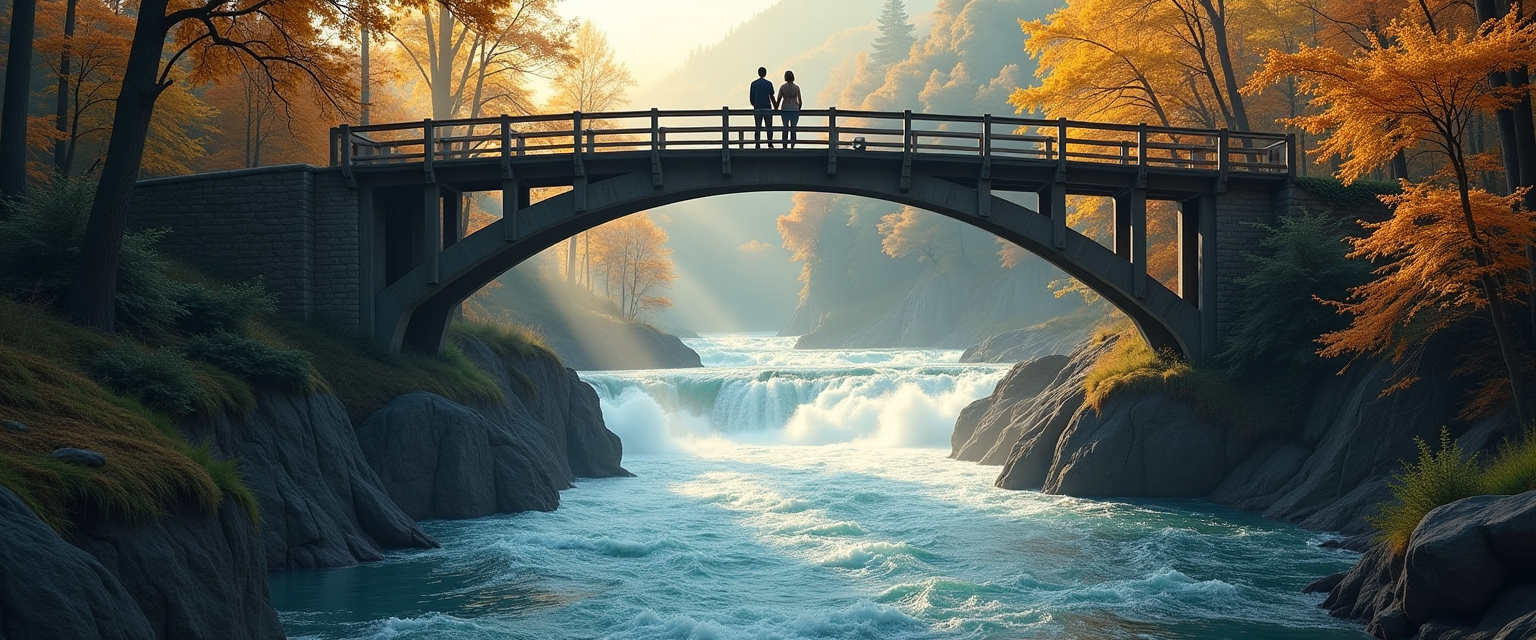
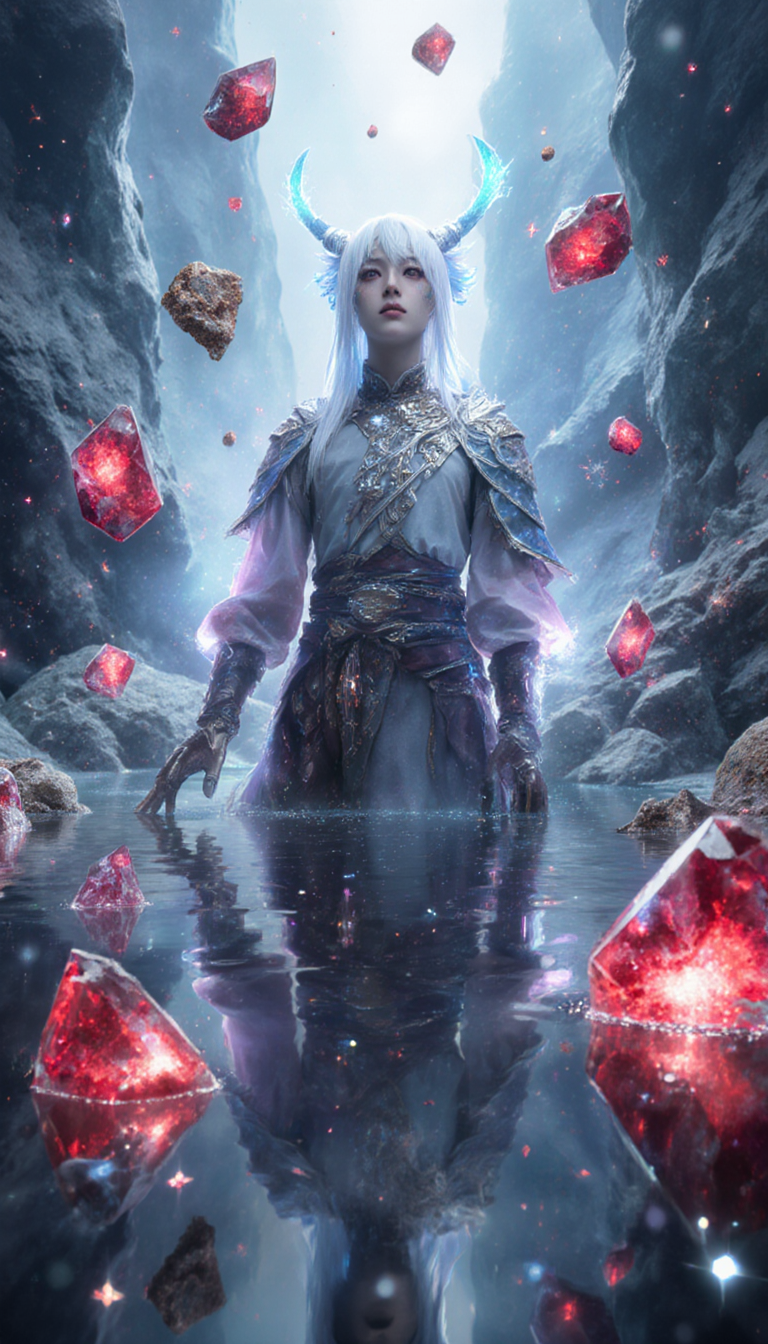
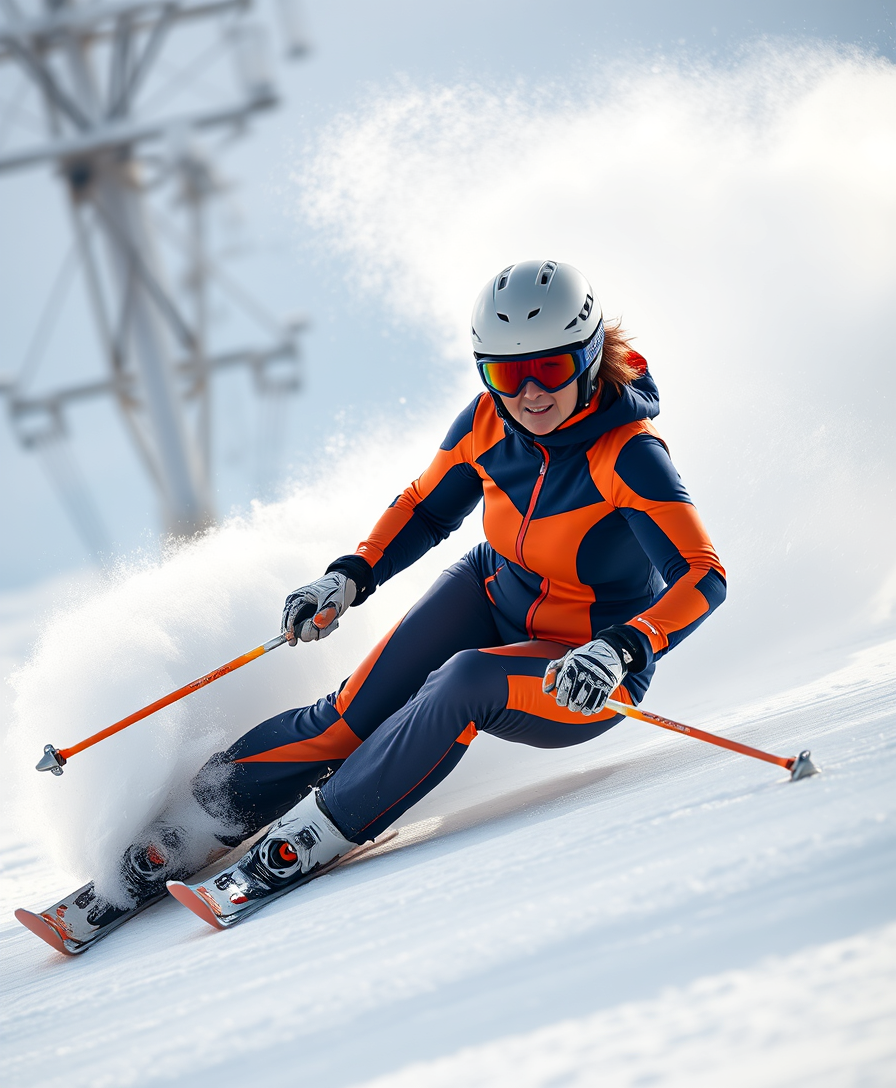
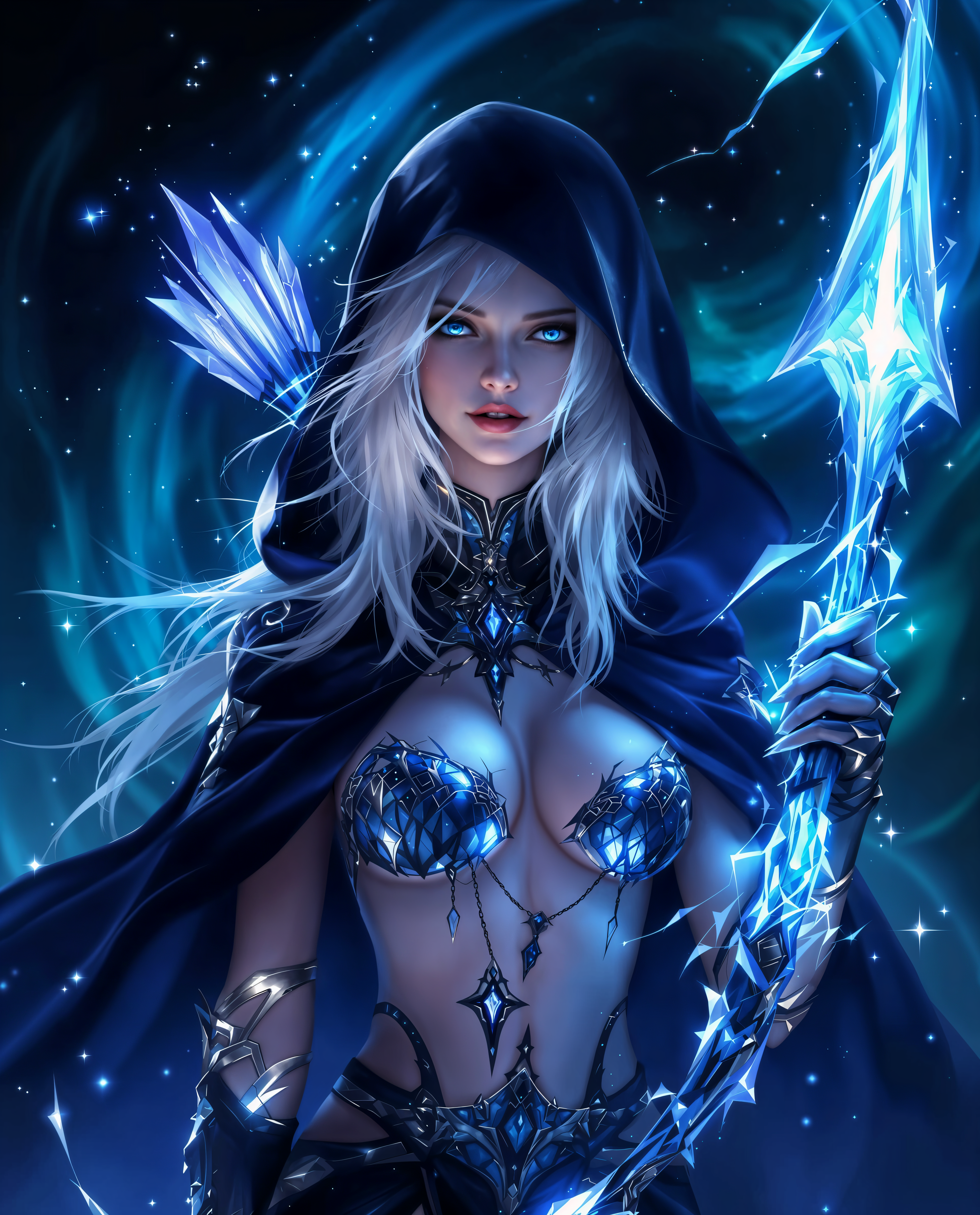
The Pixel Dojo Advantage
Why PixelDojo outperforms other options for LensGo AI image generation
| Others | Pixel Dojo |
|---|---|
| Traditional LensGo AI creation | Access the same models plus 30+ additional specialized tools for editing, upscaling, character consistency, and video production—all in one seamless platform with higher daily limits. |
| Generic AI tools | PixelDojo offers curated LensGo AI-style workflows with precise style libraries, node-based Flow Canvas equivalents, and integrated video tools that generic platforms lack. |
| Manual photo editing | Skip hours of Photoshop work. Achieve complex style transfers, lighting adjustments, and video animations automatically with AI that understands artistic intent. |
Loved by creators on PixelDojo
Real feedback from people using PixelDojo, pulled from our in-product surveys.
deployment rate of splendid features is incredible. Legend
large selection of tools on one platform
the amount you can do on this site
all in one place
It is a lot of fun to uae and easy too.
So many different models to try out
Explore more AI tools on PixelDojo
AI Tools
Compare & Switch
- Best AI Image Generators
- Best AI Video Generators
- Midjourney Alternatives
- Civitai Alternatives
- Runway Alternatives
- Leonardo Alternatives
- Pika Alternatives
- Luma Alternatives
- Magnific Alternatives
- Veo Alternatives
- Flux Alternatives
- Freepik Alternatives
- Seedance Alternatives
- Seedream Alternatives
- Pixverse Alternatives
- GPT Image Alternatives
- Synthesia Alternatives
- Playground Alternatives
- NightCafe Alternatives
- Canva AI Alternatives
- ElevenLabs Alternatives
- ComfyUI Alternatives
- Fal Alternatives
- Replicate Alternatives
Common Questions
Everything you need to know about lensgo ai
How do I create LensGo AI style images on PixelDojo?
Simply select GPT Image 2 or Flux.2 Studio from the Generate Images tools, enter a detailed prompt describing your desired LensGo AI aesthetic, and generate. For style transfers, use the dedicated Style Transfer tool with options like anime, Pixar, or Ghibli to match LensGo AI results exactly.
Can I generate LensGo AI videos and animations with PixelDojo?
Yes! Use Kling Video, VEO 3.1, or WAN 2.7 Video for text-to-video and image-to-video. Combine with Style Transfer or Character Stylist for anime and cartoon effects that replicate LensGo AI's popular video transformations.
What makes PixelDojo better than LensGo AI for professional results?
PixelDojo provides over 40 tools including advanced editing like Inpainting, Magic Lighting, and Consistent Characters, plus upscalers and API access. Enjoy unlimited generations on paid plans, custom model training with Flux 2 Trainer, and seamless workflows not limited to 3 free daily uses.
How to do LensGo AI headshots and UGC ads on PixelDojo?
Choose GPT Image 2 for hyper-realistic headshots with precise control over lighting and expression. For UGC ads, start with Image to Image or AI Ad Studio equivalents using product photos, then apply styles and generate multiple variations quickly.
Is there a free way to try LensGo AI techniques on PixelDojo?
Absolutely. Sign up for free access to core tools like basic generations with GPT Image 2 and Flux.2 Studio. Upgrade anytime for full access to video tools, unlimited styles, and advanced features while enjoying the same high-quality LensGo AI-inspired outputs.
What LensGo AI prompts work best for style transfer on PixelDojo?
Effective prompts include specific style references like 'in the style of Studio Ghibli with soft pastel colors and whimsical details' or 'Pixar 3D animation, expressive eyes, vibrant lighting'. Combine with reference images using Image to Image for precise LensGo AI-style results.