lora ai art generator
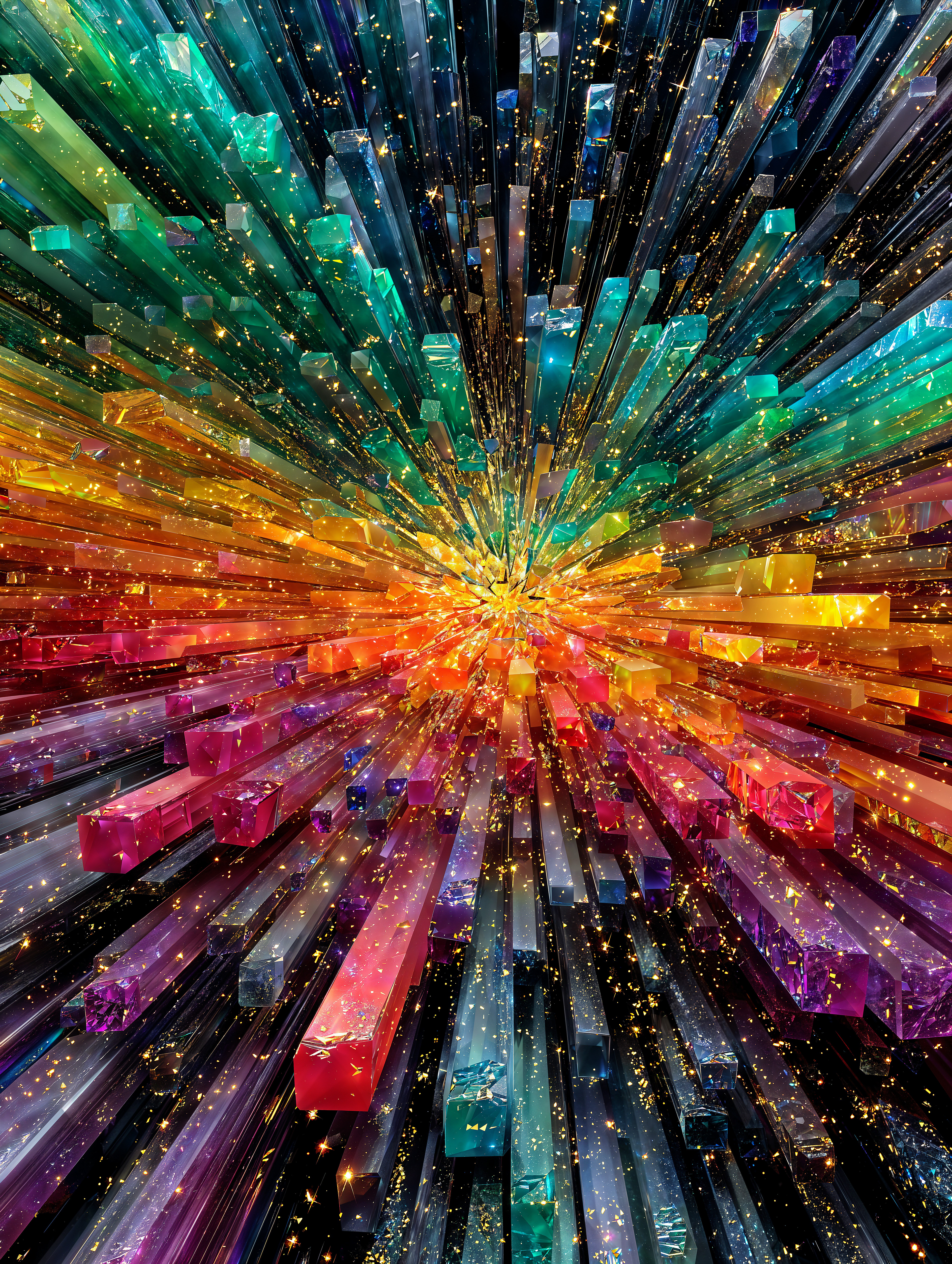
Imagine bringing your unique artistic visions to life effortlessly. With PixelDojo's LoRA AI Art Generator, you can create personalized, high-quality images that reflect your individual style and concepts. Whether you're an artist exploring new styles or a content creator seeking distinctive visuals, our platform empowers you to achieve your creative goals with ease.
Join over 10,000 creators who have transformed their projects using PixelDojo's advanced AI tools. Rated 4.8/5 based on 2,000+ reviews.
Why Choose Pixel Dojo for lora ai art generator
Professional-quality results with cutting-edge AI technology
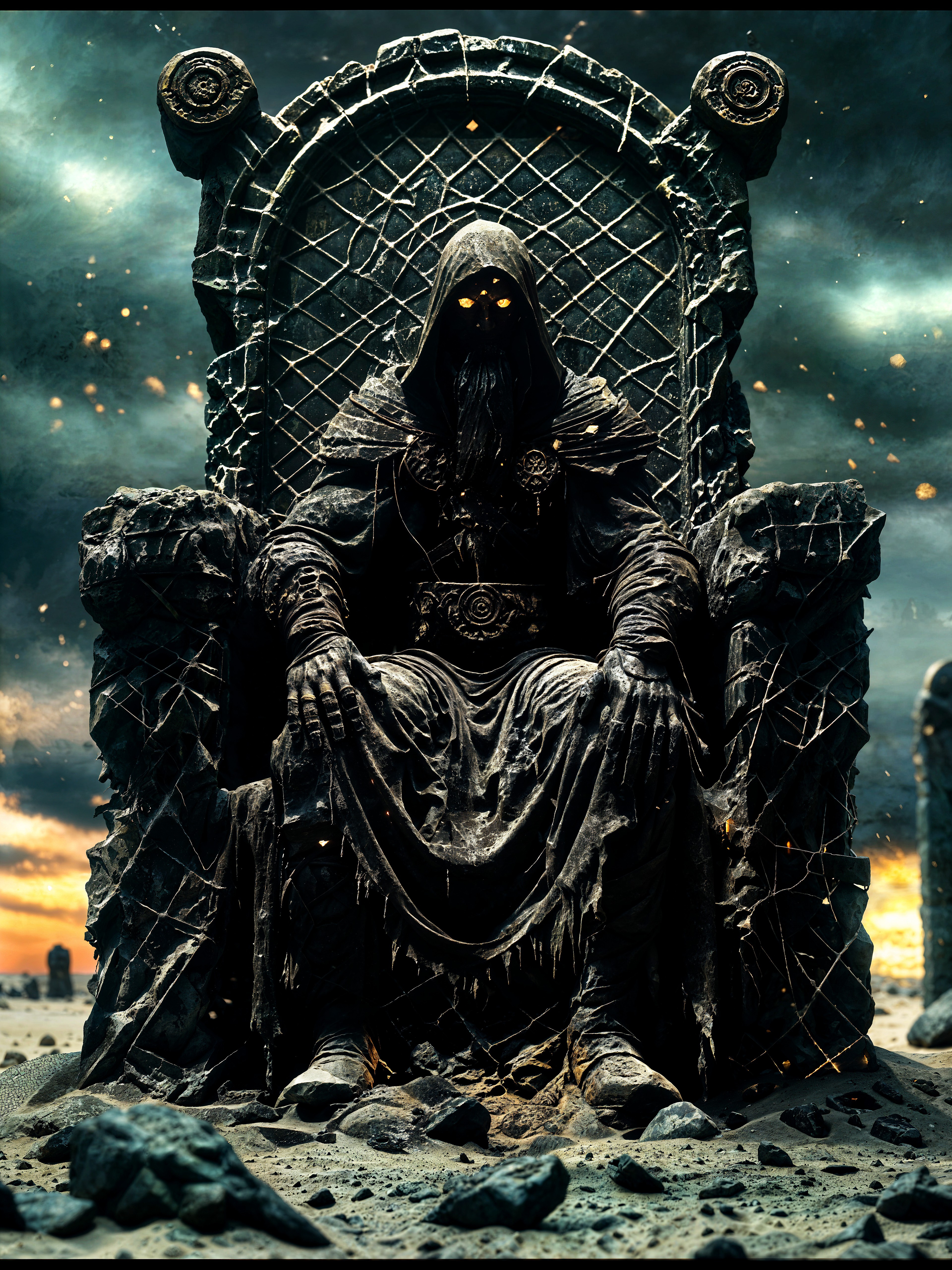
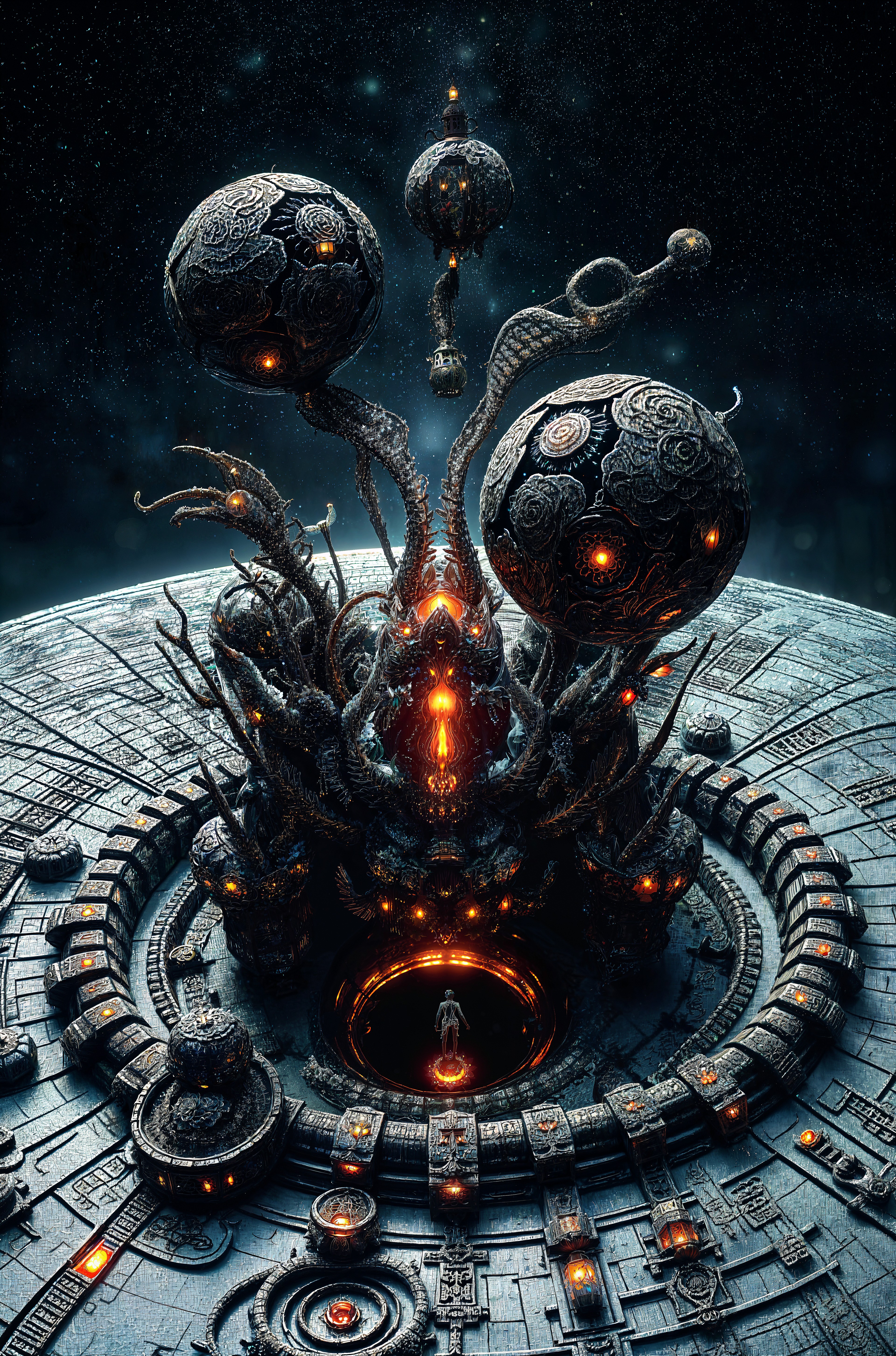
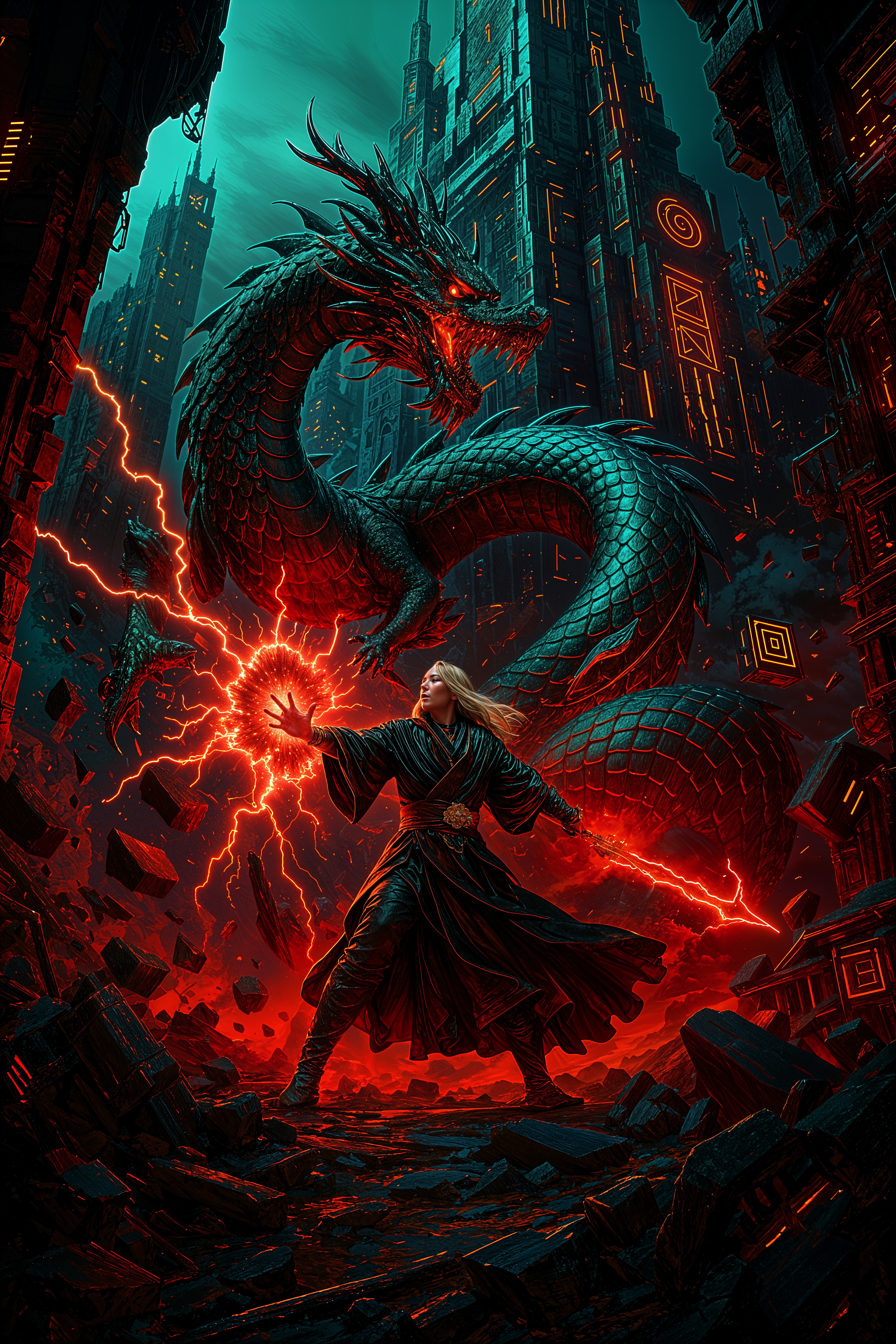
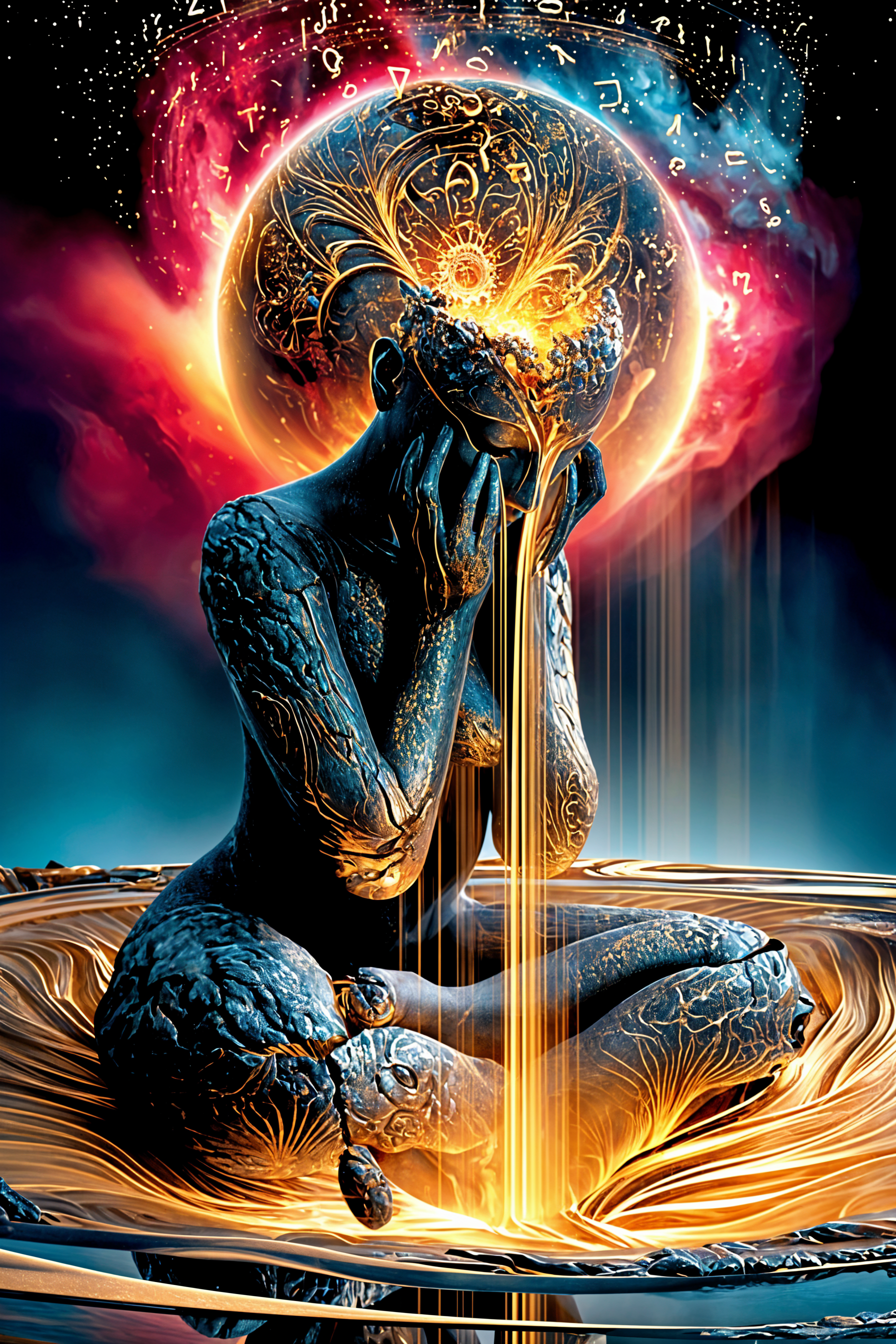
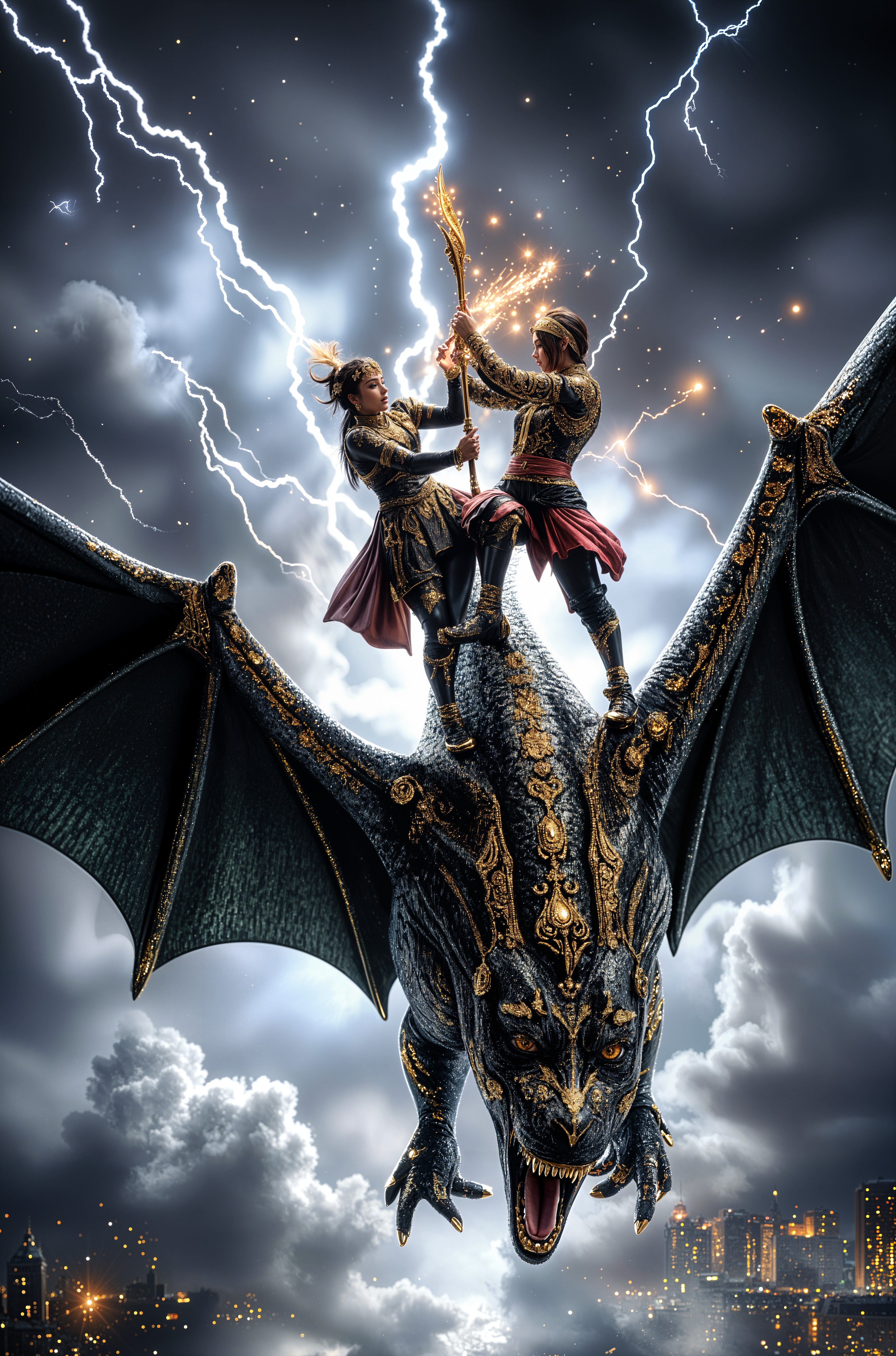
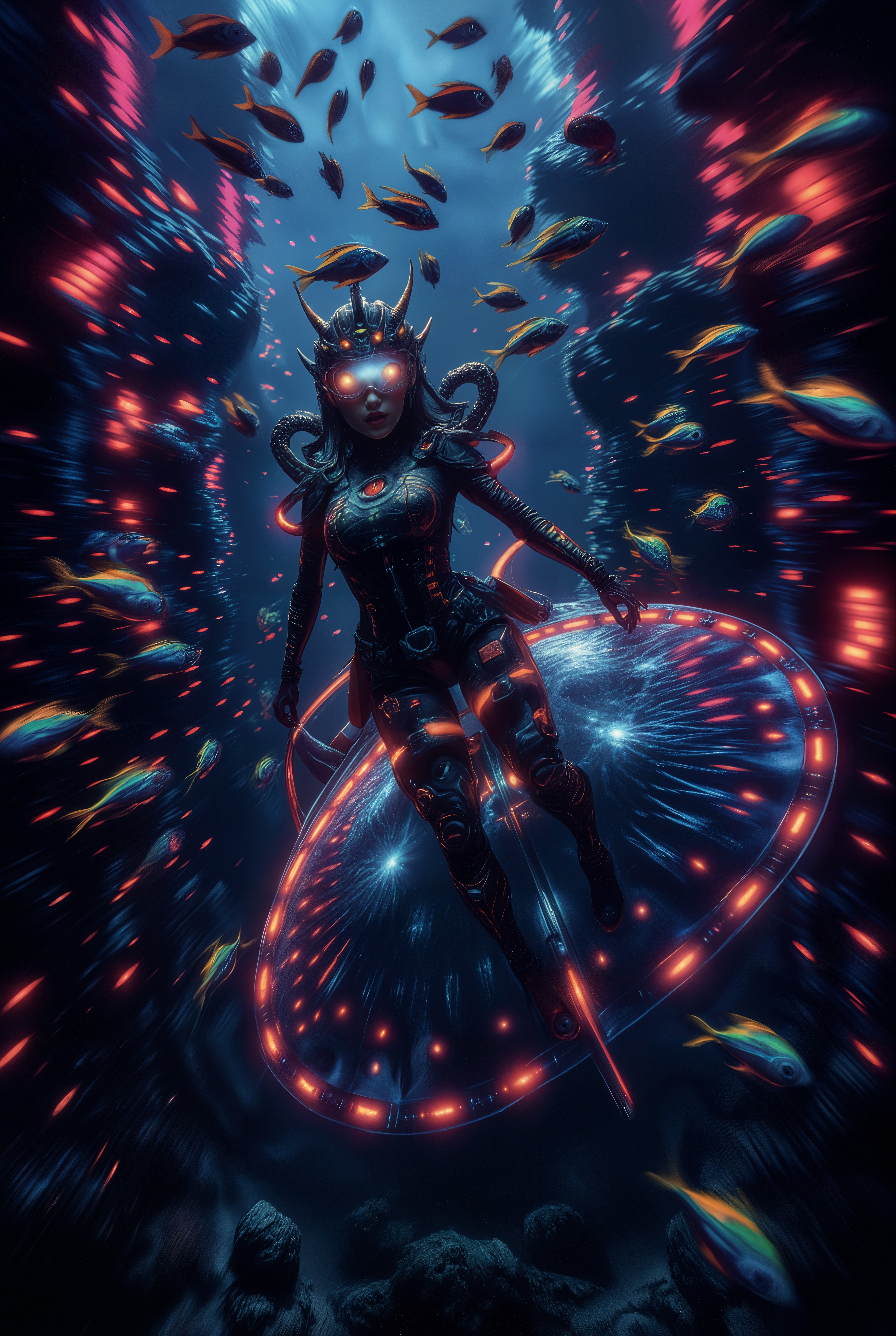
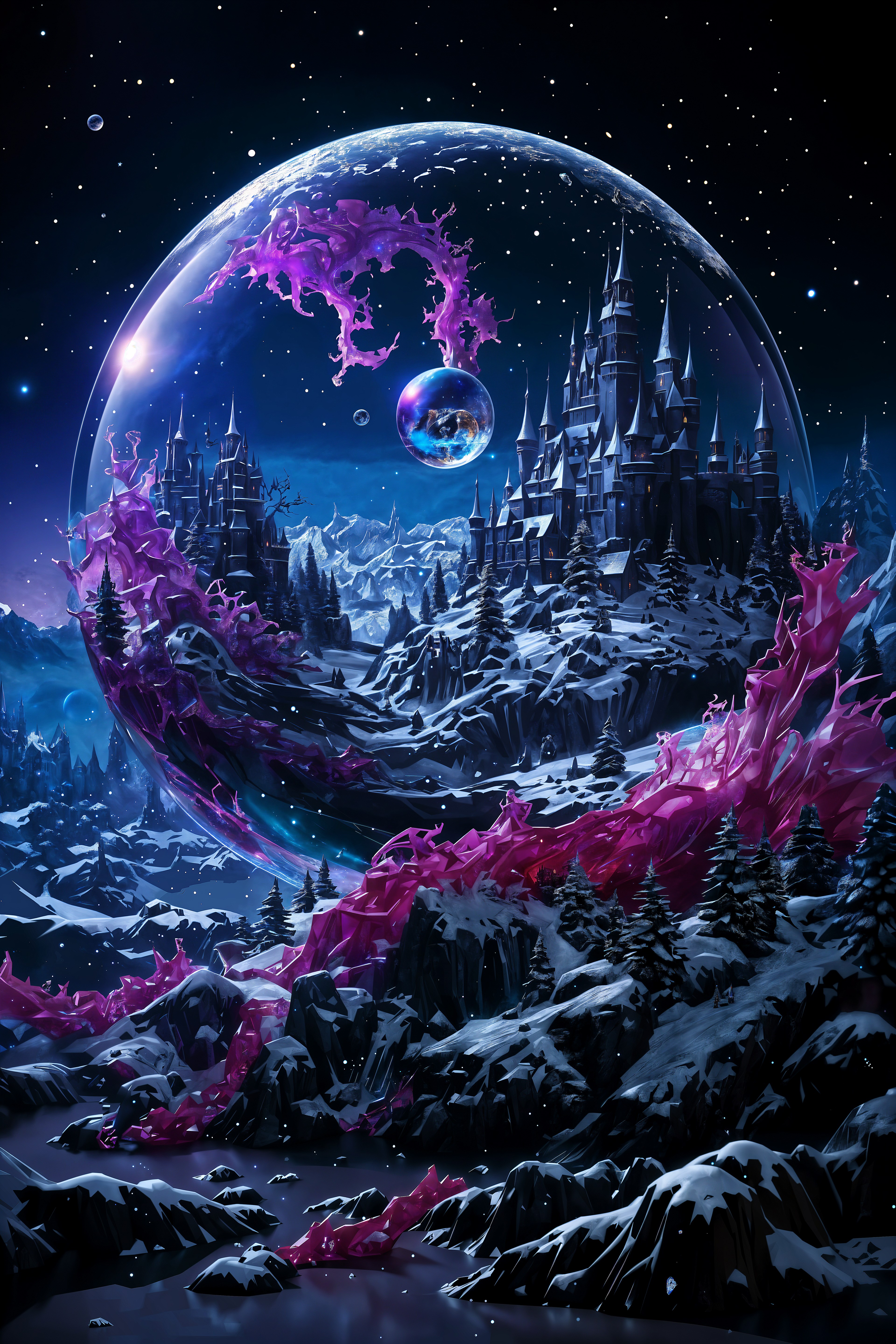
Achieve Unique Artistic Styles
Replicate and create images in specific artistic styles effortlessly, enhancing your creative projects.
Generate Consistent Characters
Produce images of characters with consistent features and poses, ideal for storytelling and branding.
Efficient and Fast Creation
Generate high-quality images quickly, allowing you to focus more on creativity and less on technical processes.
How It Works
Creating stunning LoRA AI art with PixelDojo is simple and intuitive. Follow these steps to bring your creative visions to life:
Step 1: Select Your LoRA Model
Choose from a variety of LoRA models available on PixelDojo, each designed to cater to different artistic styles and concepts.
Step 2: Input Your Creative Prompt
Enter a descriptive prompt that outlines the image you wish to generate. Be as detailed as possible to achieve the best results.
Step 3: Generate and Refine Your Image
Click 'Generate' to create your image. Use the customization options to adjust and refine the output to match your vision.
The Pixel Dojo Advantage
Why PixelDojo outperforms other options for LoRA AI art generation
| Others | Pixel Dojo |
|---|---|
| Traditional Art Creation | Eliminate the need for extensive manual effort and time-consuming processes by generating high-quality art in seconds. |
| Generic AI Tools | Access specialized LoRA models tailored to specific artistic styles, providing more accurate and personalized results. |
| Manual Photo Editing | Achieve complex artistic transformations without the need for advanced editing skills, streamlining your creative workflow. |
Loved by creators on PixelDojo
Real feedback from people using PixelDojo, pulled from our in-product surveys.
Love you guys!!
Trained my Lora super fast. Still working out how to creat content wit it, but I love it so far.
I love this app
It has all the tools I can think of...
deployment rate of splendid features is incredible. Legend
large selection of tools on one platform
Explore more AI tools on PixelDojo
AI Tools
Compare & Switch
- Best AI Image Generators
- Best AI Video Generators
- Midjourney Alternatives
- Civitai Alternatives
- Runway Alternatives
- Leonardo Alternatives
- Pika Alternatives
- Luma Alternatives
- Magnific Alternatives
- Veo Alternatives
- Flux Alternatives
- Freepik Alternatives
- Seedance Alternatives
- Seedream Alternatives
- Pixverse Alternatives
- GPT Image Alternatives
- Synthesia Alternatives
- Playground Alternatives
- NightCafe Alternatives
- Canva AI Alternatives
- ElevenLabs Alternatives
- ComfyUI Alternatives
- Fal Alternatives
- Replicate Alternatives
Common Questions
Everything you need to know about lora ai art generator
What is a LoRA AI art generator?
A LoRA (Low-Rank Adaptation) AI art generator allows you to fine-tune AI models to produce images that align with specific artistic styles or concepts. PixelDojo's LoRA Generator enables you to create personalized, high-quality images effortlessly.
How can I create consistent character designs using PixelDojo's LoRA Generator?
By selecting the appropriate LoRA model and providing detailed prompts, you can generate images of characters with consistent features and poses, ideal for storytelling and branding purposes.
Is PixelDojo's LoRA Generator suitable for beginners?
Absolutely! PixelDojo's platform is designed with user-friendliness in mind, making it accessible for both beginners and experienced creators to generate stunning AI art.
Can I use the images created with PixelDojo's LoRA Generator for commercial purposes?
Yes, images generated using PixelDojo's tools can be used for commercial purposes, providing you with the flexibility to incorporate them into your projects.
How long does it take to generate an image with PixelDojo's LoRA Generator?
PixelDojo's advanced AI technology allows you to generate high-quality images in seconds, streamlining your creative workflow.
Are there customization options available after generating an image?
Yes, PixelDojo provides various customization options to refine and adjust your generated images, ensuring they align perfectly with your creative vision.