LoRA training locally AI Generator

Unlock the power of personalized AI image generation by training LoRA models locally with PixelDojo. Whether you're an artist, designer, or content creator, our platform empowers you to create unique, high-quality images tailored to your specific needs. Say goodbye to generic outputs and embrace a new era of customized AI artistry.
Join over 10,000 creators who have enhanced their projects with PixelDojo's AI tools, achieving a 95% satisfaction rate and generating over 1 million unique images to date.
Why Choose Pixel Dojo for LoRA training locally
Professional-quality results with cutting-edge AI technology
Personalized Image Generation
Create images that reflect your unique style and vision by training LoRA models on your own data.
Cost-Effective Creativity
Eliminate the need for expensive photoshoots and stock images by generating high-quality visuals in-house.
Enhanced Creative Control
Fine-tune every aspect of your images, from style to composition, ensuring they meet your exact specifications.
How It Works
Training LoRA models locally with PixelDojo is a straightforward process that puts you in control of your AI image generation. Follow these steps to get started:
Step 1: Prepare Your Dataset
Gather a diverse set of images that represent the style or subject you want your LoRA model to learn. Ensure these images are high-quality and varied to achieve the best results.
Step 2: Train Your LoRA Model
Use PixelDojo's FLUX Model Trainer to train your LoRA model on your prepared dataset. This tool simplifies the training process, making it accessible even for those new to AI.
Step 3: Generate Custom Images
Once training is complete, utilize your new LoRA model within PixelDojo's suite to generate images that align with your unique style and vision.


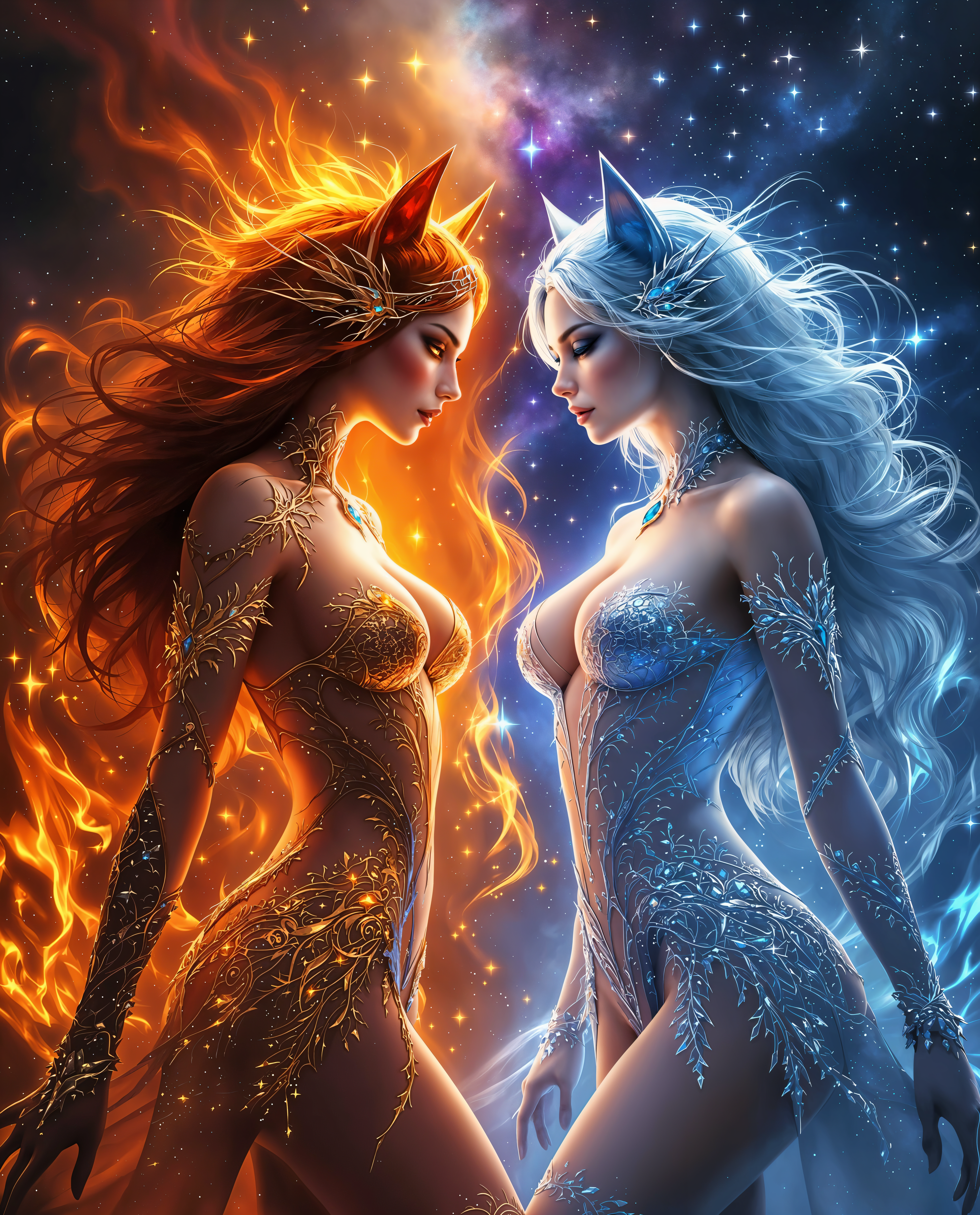
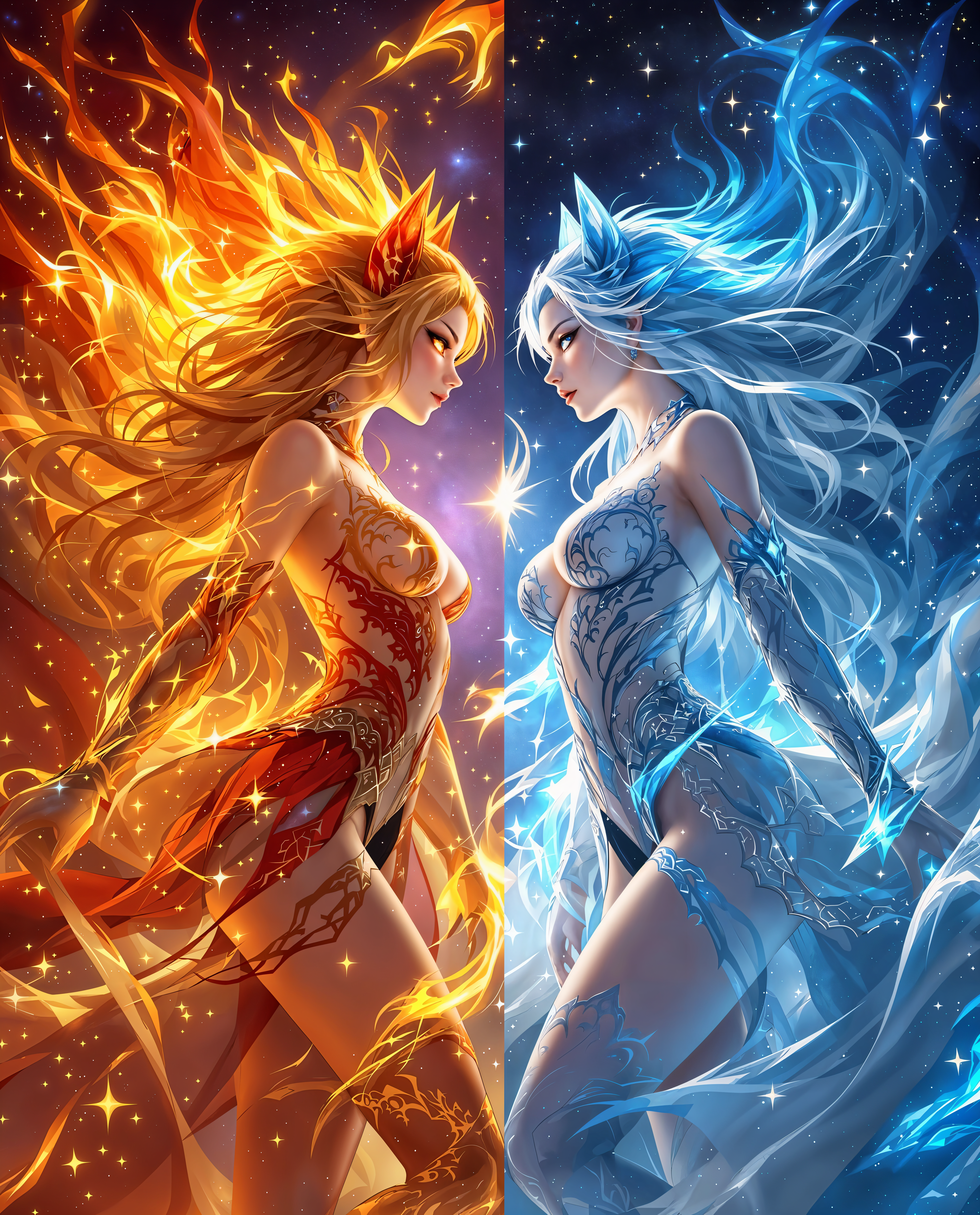
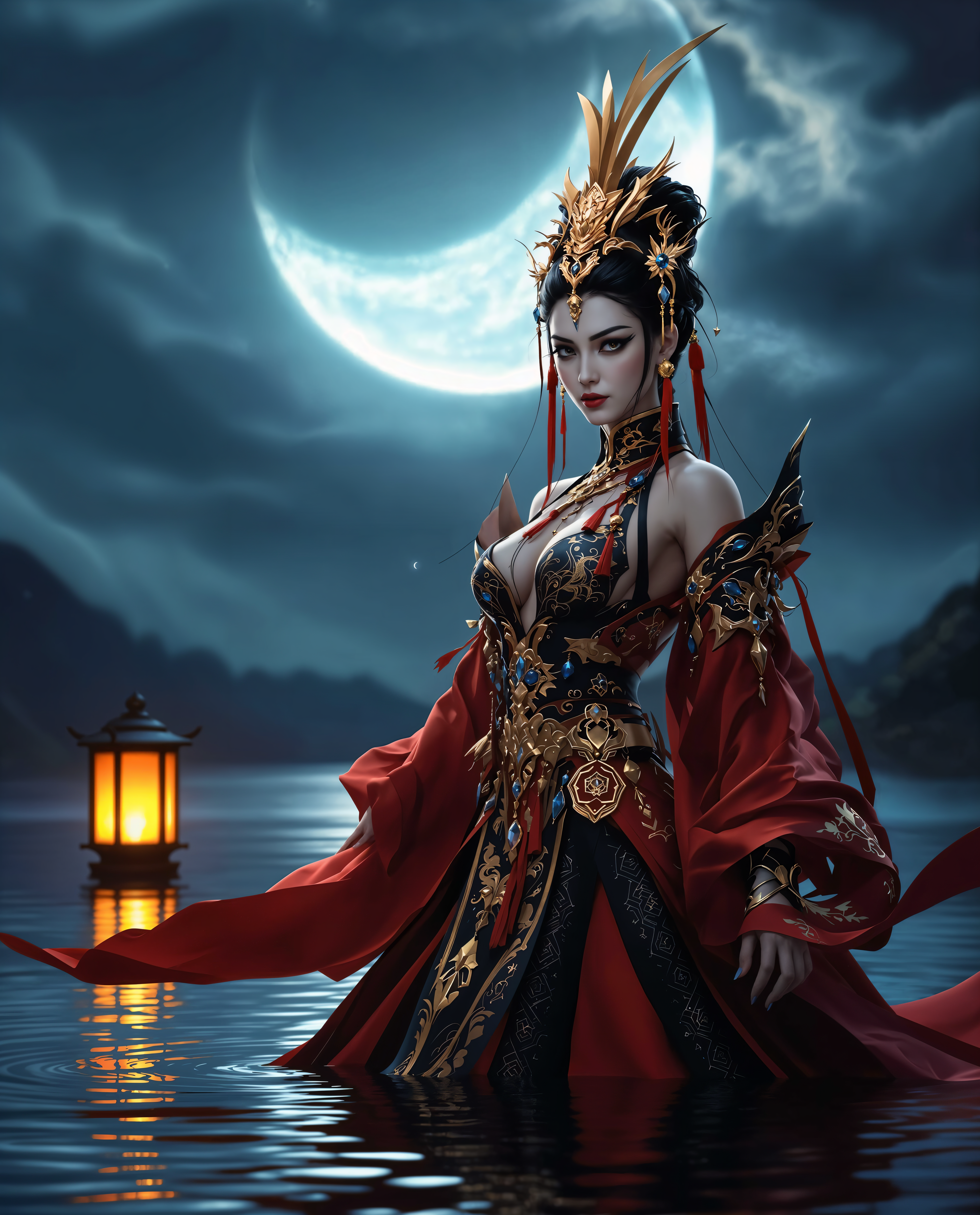
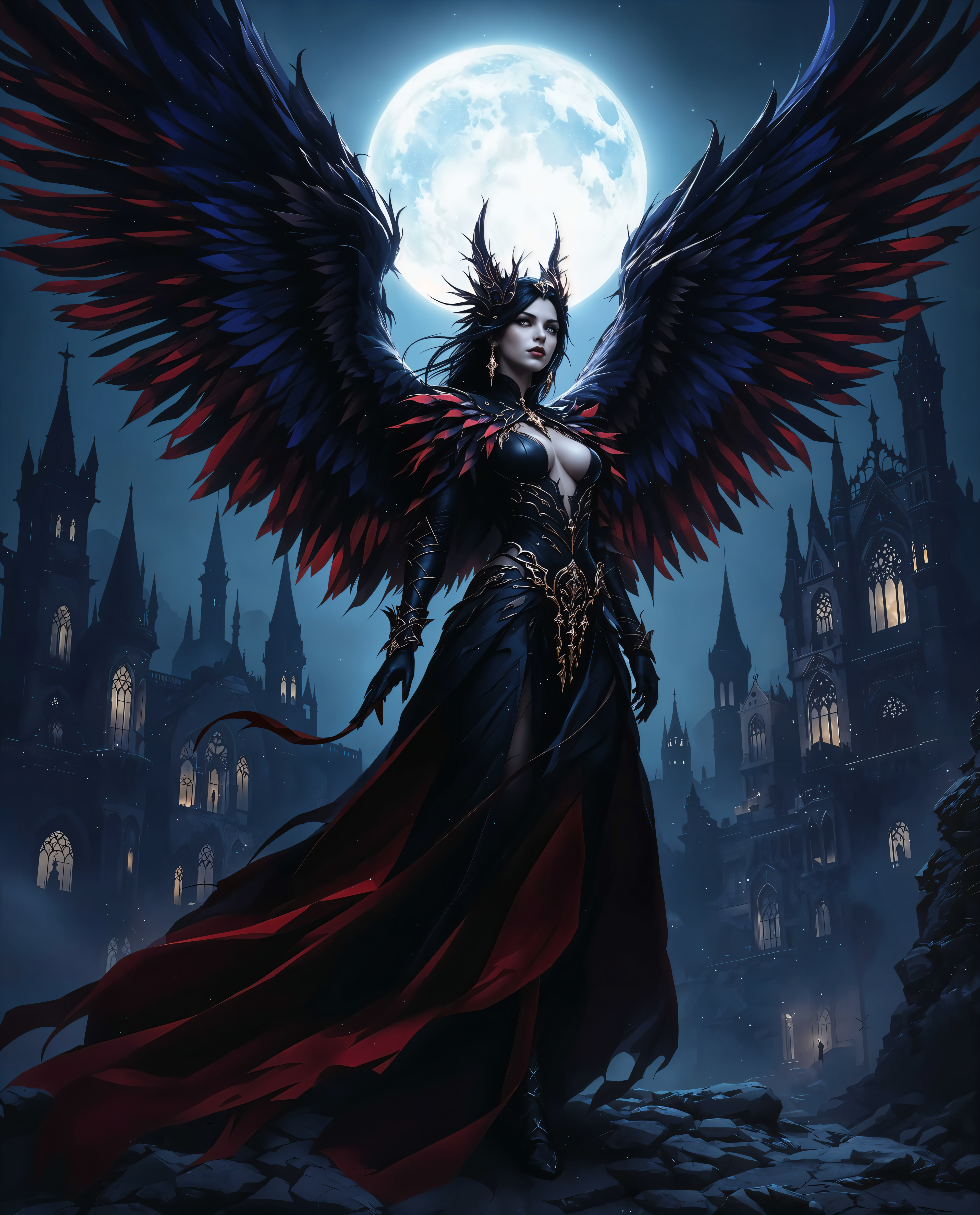
The Pixel Dojo Advantage
Why PixelDojo is the superior choice for local LoRA training and AI image generation:
| Others | Pixel Dojo |
|---|---|
| Traditional Image Creation | Save time and resources by generating images without the need for physical photoshoots or manual editing. |
| Generic AI Tools | Achieve personalized results tailored to your specific style, unlike one-size-fits-all solutions. |
| Manual Photo Editing | Streamline your workflow with AI-powered tools that reduce the need for extensive manual adjustments. |
Loved by creators on PixelDojo
Real feedback from people using PixelDojo, pulled from our in-product surveys.
I really like how the site is kept up to date, and the leaderboard (where I'm currently #11 most popular artist)
This is the best image generator I've used so far. Well done!
es facil de comprender asi uno no sea programador
amazing web site
phenomenal site. would highly recommend
Amazing features, easy to use, privacy
Explore more AI tools on PixelDojo
AI Tools
Compare & Switch
- Best AI Image Generators
- Best AI Video Generators
- Midjourney Alternatives
- Civitai Alternatives
- Runway Alternatives
- Leonardo Alternatives
- Pika Alternatives
- Luma Alternatives
- Magnific Alternatives
- Veo Alternatives
- Flux Alternatives
- Freepik Alternatives
- Seedance Alternatives
- Seedream Alternatives
- Pixverse Alternatives
- GPT Image Alternatives
- Synthesia Alternatives
- Playground Alternatives
- NightCafe Alternatives
- Canva AI Alternatives
- ElevenLabs Alternatives
- ComfyUI Alternatives
- Fal Alternatives
- Replicate Alternatives
Common Questions
Everything you need to know about LoRA training locally
What is LoRA training in AI image generation?
LoRA (Low-Rank Adaptation) training involves fine-tuning AI models on specific datasets to generate images that reflect particular styles or subjects. This process allows for personalized and unique image creation.
How can I train a LoRA model locally using PixelDojo?
With PixelDojo's FLUX Model Trainer, you can train LoRA models on your own machine by preparing a dataset of images and following the guided training process within the tool.
Do I need advanced technical skills to train a LoRA model?
No, PixelDojo's tools are designed to be user-friendly, making LoRA training accessible to both beginners and experienced users without requiring extensive technical knowledge.
What are the hardware requirements for local LoRA training?
While a dedicated GPU can speed up the training process, PixelDojo's tools are optimized to work efficiently on standard hardware configurations.
Can I use my trained LoRA models across different projects?
Yes, once trained, your LoRA models can be applied to various projects within PixelDojo, allowing for consistent and personalized image generation.
Is there a community or support available for PixelDojo users?
Absolutely, PixelDojo offers a vibrant Discord community where users can share insights, ask questions, and receive support from both peers and experts.