loras for stable diffusion AI Generator
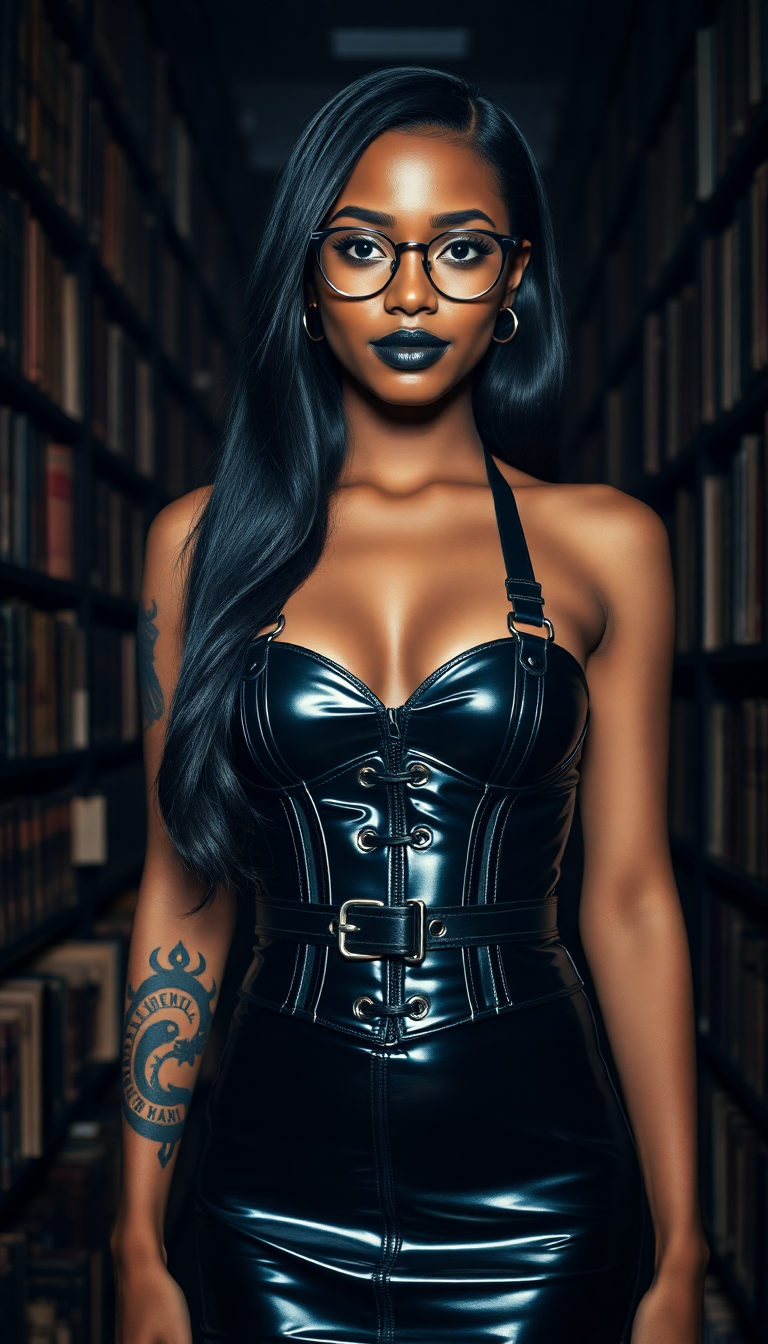
Unlock the full potential of your AI-generated art with LoRAs in Stable Diffusion. Whether you're aiming to replicate specific artistic styles, generate consistent characters, or introduce unique concepts, LoRAs provide a streamlined and efficient way to achieve your creative vision.
Join thousands of creators who have enhanced their AI art using PixelDojo's LoRA tools, achieving over 1 million customized images to date.
Why Choose Pixel Dojo for loras for stable diffusion
Professional-quality results with cutting-edge AI technology
Achieve Consistent Character Designs
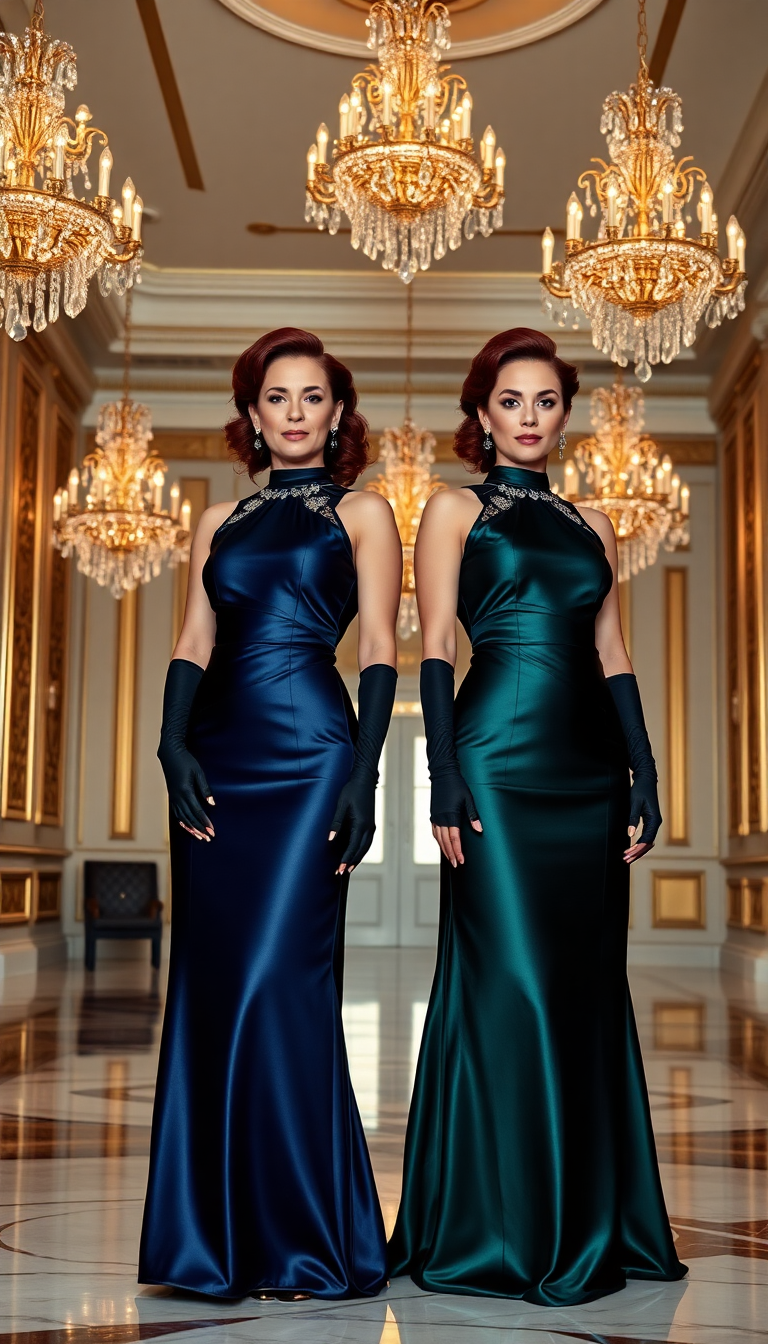
Generate characters with uniform features and expressions across multiple images, perfect for storytelling and branding.
Emulate Specific Artistic Styles
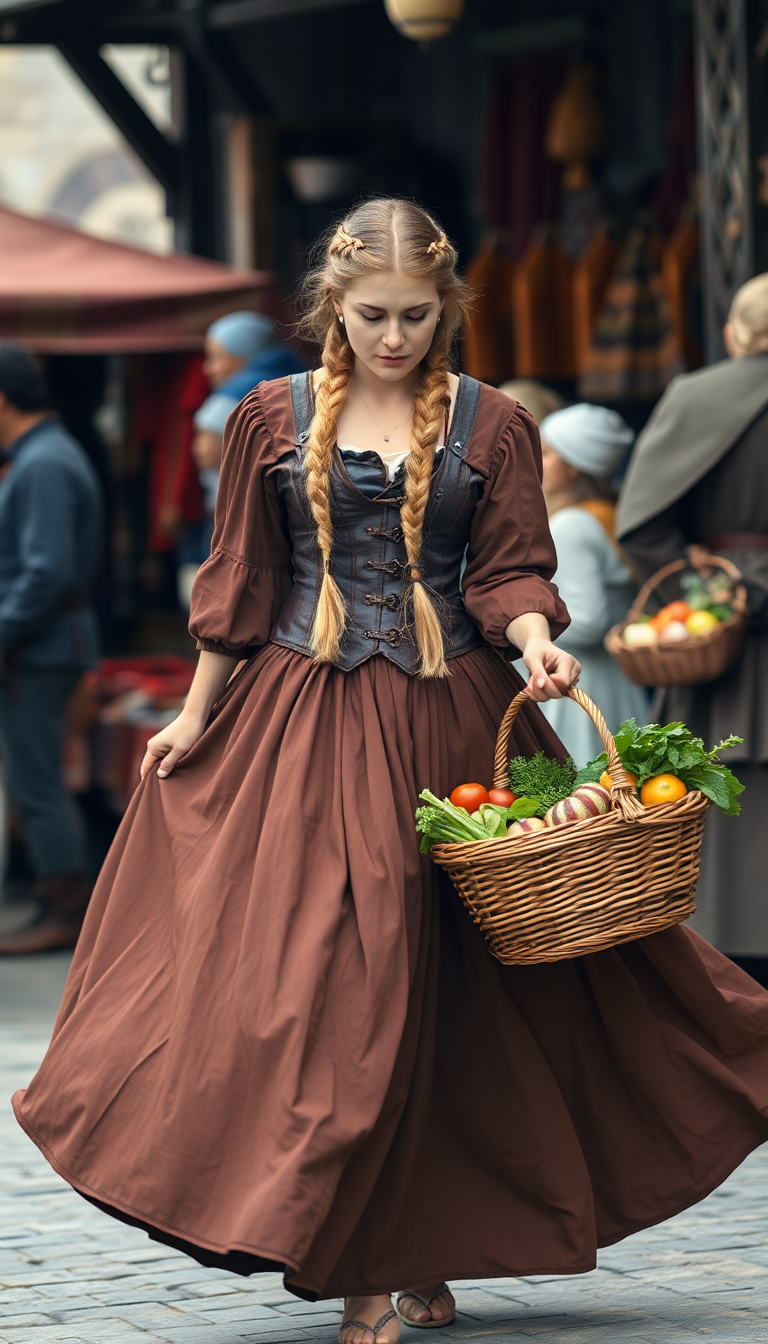
Apply the distinctive styles of renowned artists or art movements to your creations, adding a unique flair to your work.
Introduce Unique Concepts Effortlessly
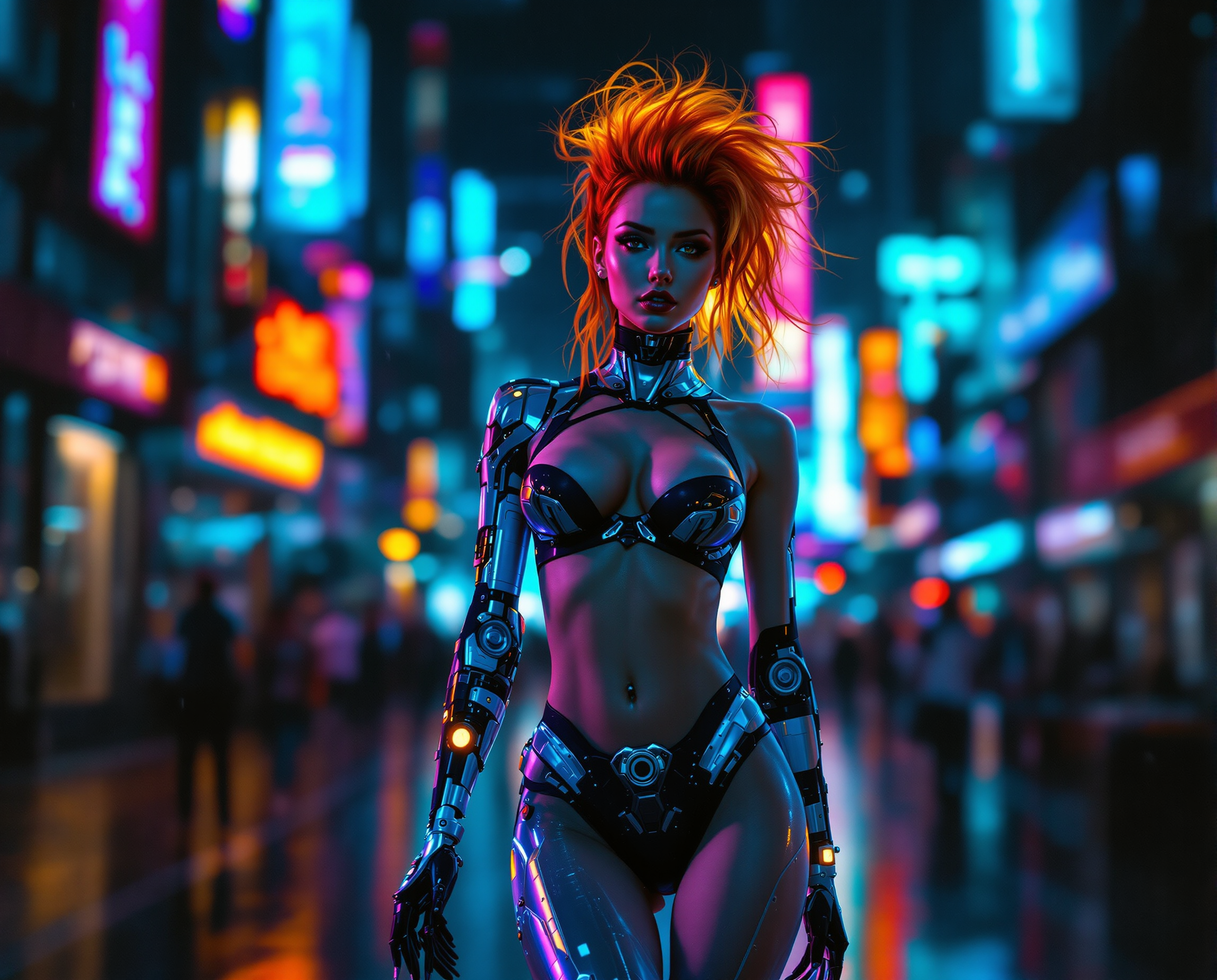
Incorporate specific themes, objects, or settings into your images without extensive prompt engineering.
How It Works
Creating customized images with LoRAs in Stable Diffusion is a straightforward process. Follow these steps to bring your creative ideas to life:
Step 1: Select the Appropriate LoRA Model
Choose a LoRA model that aligns with your desired style, character, or concept. PixelDojo offers a variety of LoRA models to suit different creative needs.
Step 2: Integrate the LoRA into Your Workflow
Incorporate the selected LoRA into your image generation process by adding it to your prompt. This allows the model to apply the specific attributes of the LoRA to your generated images.
Step 3: Generate and Refine Your Image
Run the generation process to create your image. Review the output and make any necessary adjustments to the prompt or LoRA settings to achieve the desired result.

The Pixel Dojo Advantage
Discover why PixelDojo's LoRA integration stands out in the realm of AI image generation:
| Others | Pixel Dojo |
|---|---|
| Traditional Fine-Tuning Methods | LoRAs offer faster training times and smaller model sizes, making them more efficient and accessible. |
| Generic AI Tools | PixelDojo's specialized LoRA models provide precise control over styles and concepts, surpassing the capabilities of generic tools. |
| Manual Image Editing | Automate the application of complex styles and concepts, saving time and effort compared to manual editing. |
Loved by creators on PixelDojo
Real feedback from people using PixelDojo, pulled from our in-product surveys.
I love this app
It has all the tools I can think of...
deployment rate of splendid features is incredible. Legend
large selection of tools on one platform
the amount you can do on this site
all in one place
Explore more AI tools on PixelDojo
AI Tools
Compare & Switch
- Best AI Image Generators
- Best AI Video Generators
- Midjourney Alternatives
- Civitai Alternatives
- Runway Alternatives
- Leonardo Alternatives
- Pika Alternatives
- Luma Alternatives
- Magnific Alternatives
- Veo Alternatives
- Flux Alternatives
- Freepik Alternatives
- Seedance Alternatives
- Seedream Alternatives
- Pixverse Alternatives
- GPT Image Alternatives
- Synthesia Alternatives
- Playground Alternatives
- NightCafe Alternatives
- Canva AI Alternatives
- ElevenLabs Alternatives
- ComfyUI Alternatives
- Fal Alternatives
- Replicate Alternatives
Common Questions
Everything you need to know about loras for stable diffusion
What are LoRAs in Stable Diffusion?
LoRAs (Low-Rank Adaptations) are lightweight models that fine-tune Stable Diffusion to generate images with specific styles, characters, or concepts. They allow for efficient customization without the need for extensive retraining.
How do I use a LoRA model in PixelDojo?
Select a LoRA model that fits your creative needs, integrate it into your prompt, and generate your image. PixelDojo's interface simplifies this process, making it accessible even for beginners.
Can I combine multiple LoRAs in a single image generation?
Yes, you can combine multiple LoRAs to achieve complex and unique results. Experimenting with different combinations can lead to innovative creations.
Do I need advanced technical skills to use LoRAs?
No, PixelDojo's user-friendly platform is designed for creators of all skill levels. The integration of LoRAs is straightforward, allowing you to focus on your creative vision.
Are there any limitations to using LoRAs?
While LoRAs are powerful, the quality of the output depends on the quality of the training data and the compatibility of the LoRA with your base model. It's recommended to experiment and adjust settings to achieve optimal results.
Where can I find LoRA models to use with PixelDojo?
PixelDojo offers a curated selection of LoRA models within its platform. Additionally, reputable sources like Civitai and HuggingFace provide a wide range of LoRA models compatible with Stable Diffusion.