loras stable diffusion AI Generator
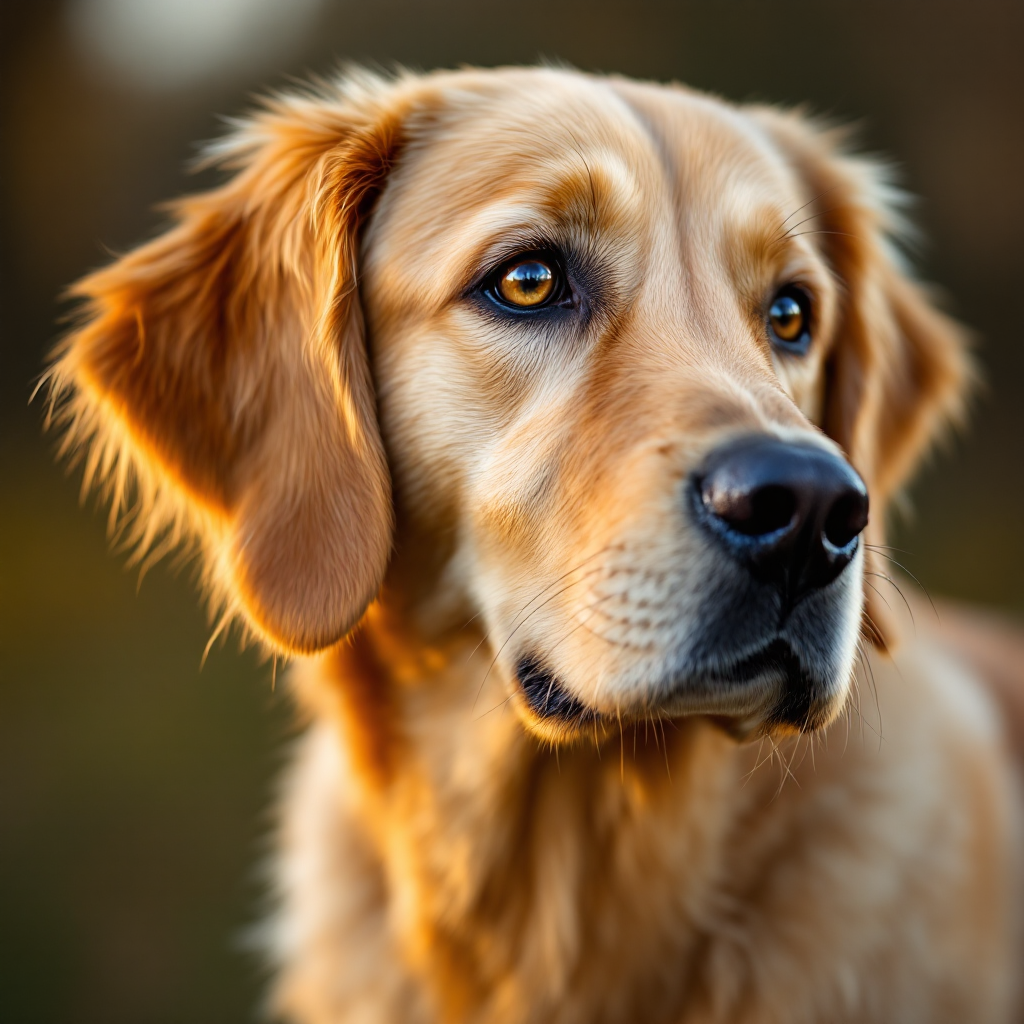
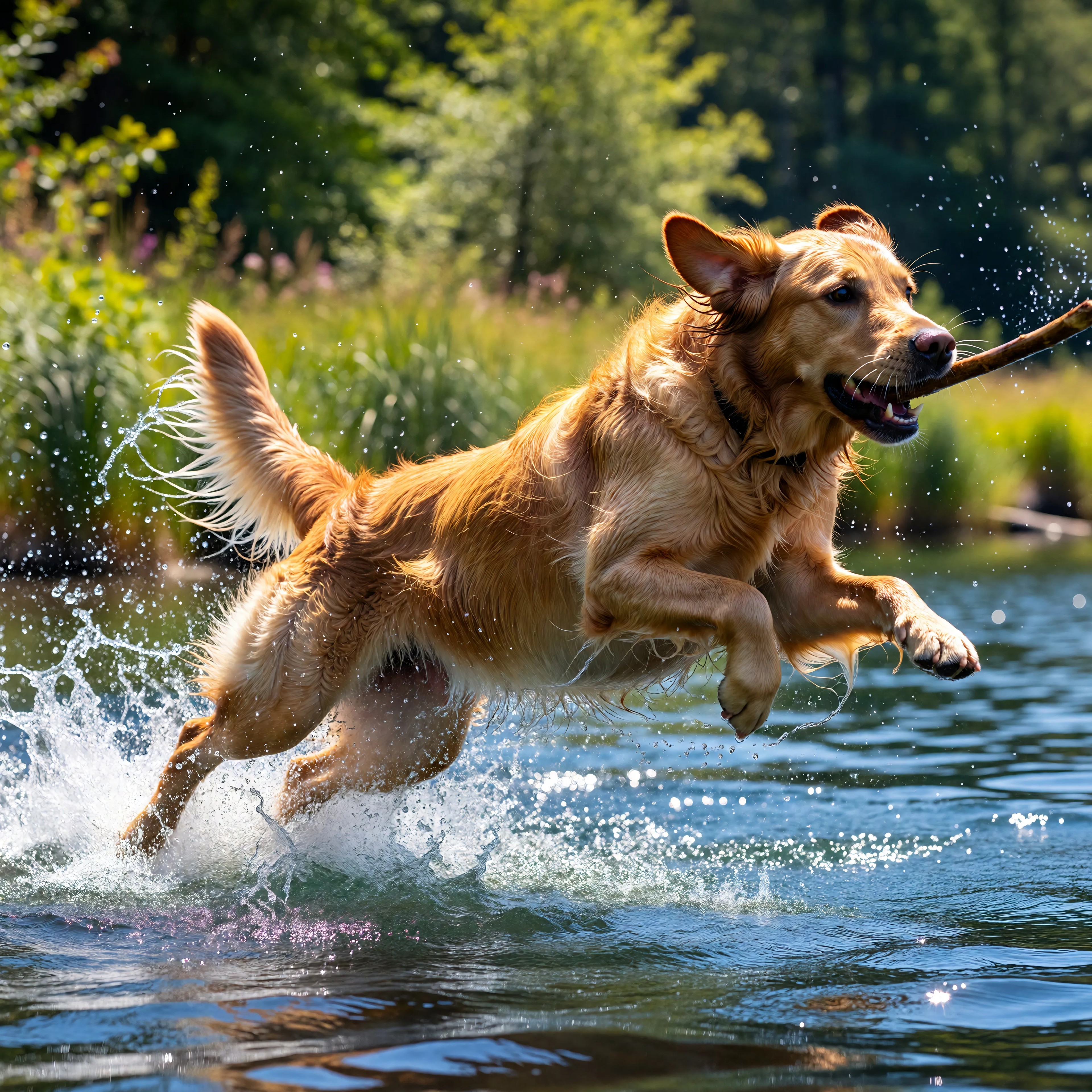
Elevate your creative projects with LoRA Stable Diffusion on PixelDojo. This advanced AI tool empowers you to generate unique, high-quality images tailored to your specific artistic vision. Whether you're aiming to replicate a particular style, character, or concept, LoRA Stable Diffusion provides the precision and flexibility you need to bring your ideas to life.
Join thousands of creators who have transformed their art with PixelDojo's cutting-edge AI tools. Experience the power of LoRA Stable Diffusion and see why our platform is trusted by artists worldwide.
Why Choose Pixel Dojo for loras stable diffusion
Professional-quality results with cutting-edge AI technology
Achieve Specific Artistic Styles
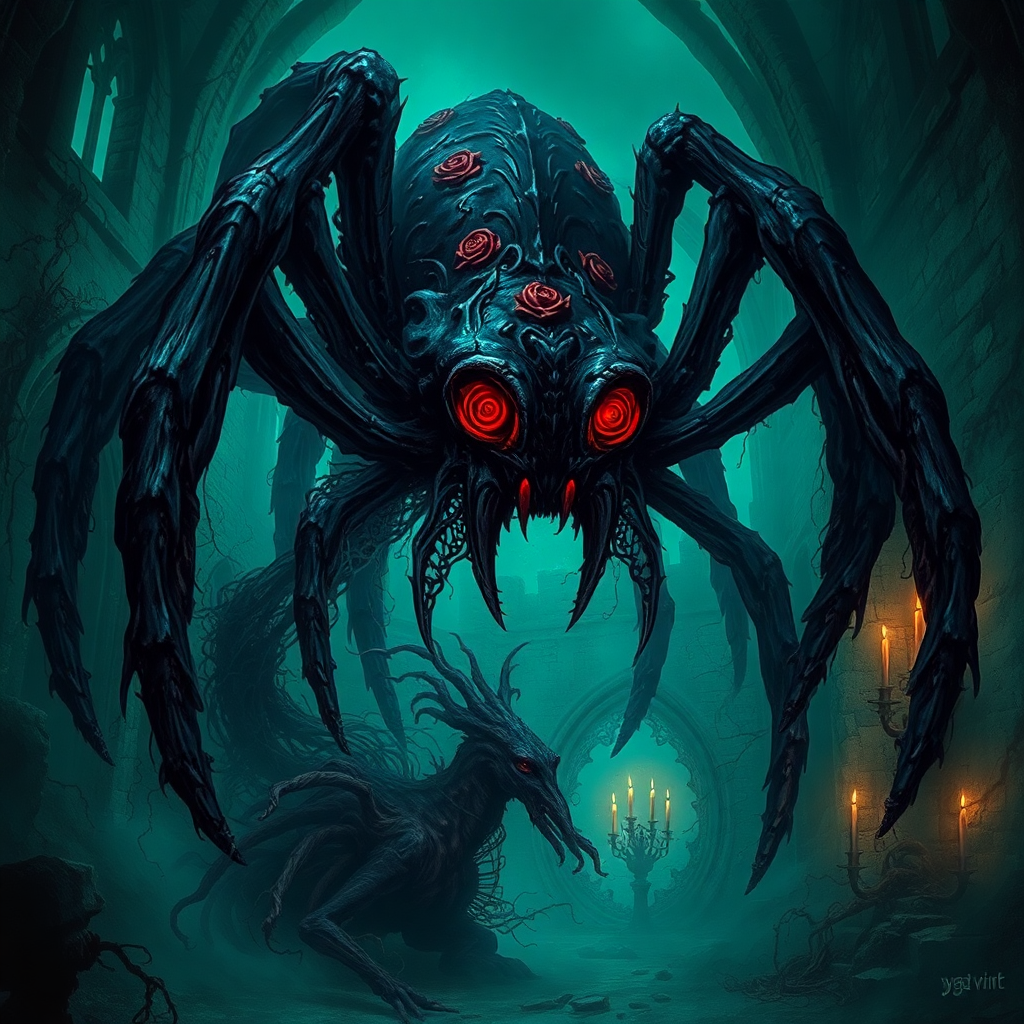
With LoRA Stable Diffusion, you can effortlessly emulate specific artistic styles, from anime to classical painting, enhancing the uniqueness of your creations.
Generate Consistent Characters
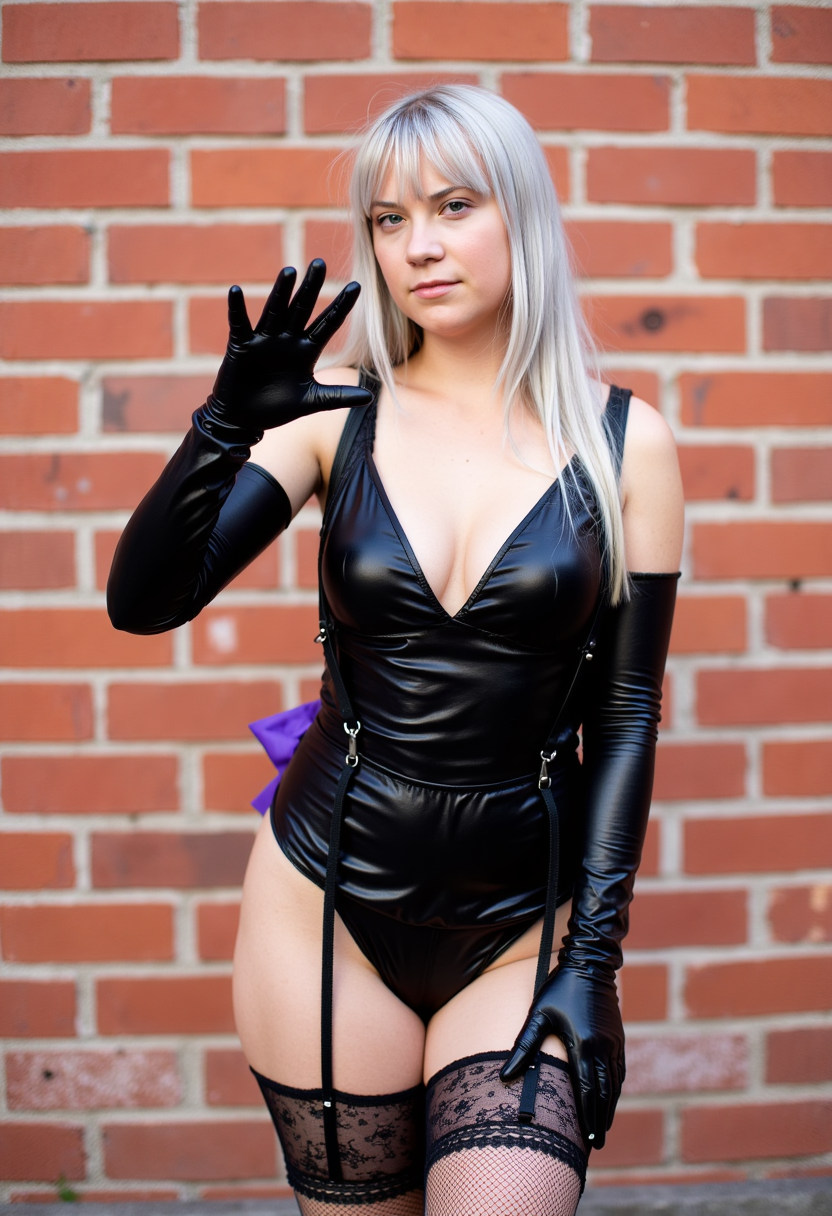
Create consistent and accurate depictions of characters, ensuring uniformity across your projects and saving valuable time.
Customize with Precision
Fine-tune your images with precise control over details, allowing for a high level of customization to match your exact vision.
How It Works
Creating stunning images with LoRA Stable Diffusion on PixelDojo is a straightforward process:
Step 1: Select Your Base Model
Choose a base model that aligns with your desired output style.
Step 2: Apply the LoRA Model
Integrate the LoRA model that corresponds to your specific style or character requirements.
Step 3: Generate and Refine
Input your prompt, generate the image, and make any necessary refinements to achieve your desired result.





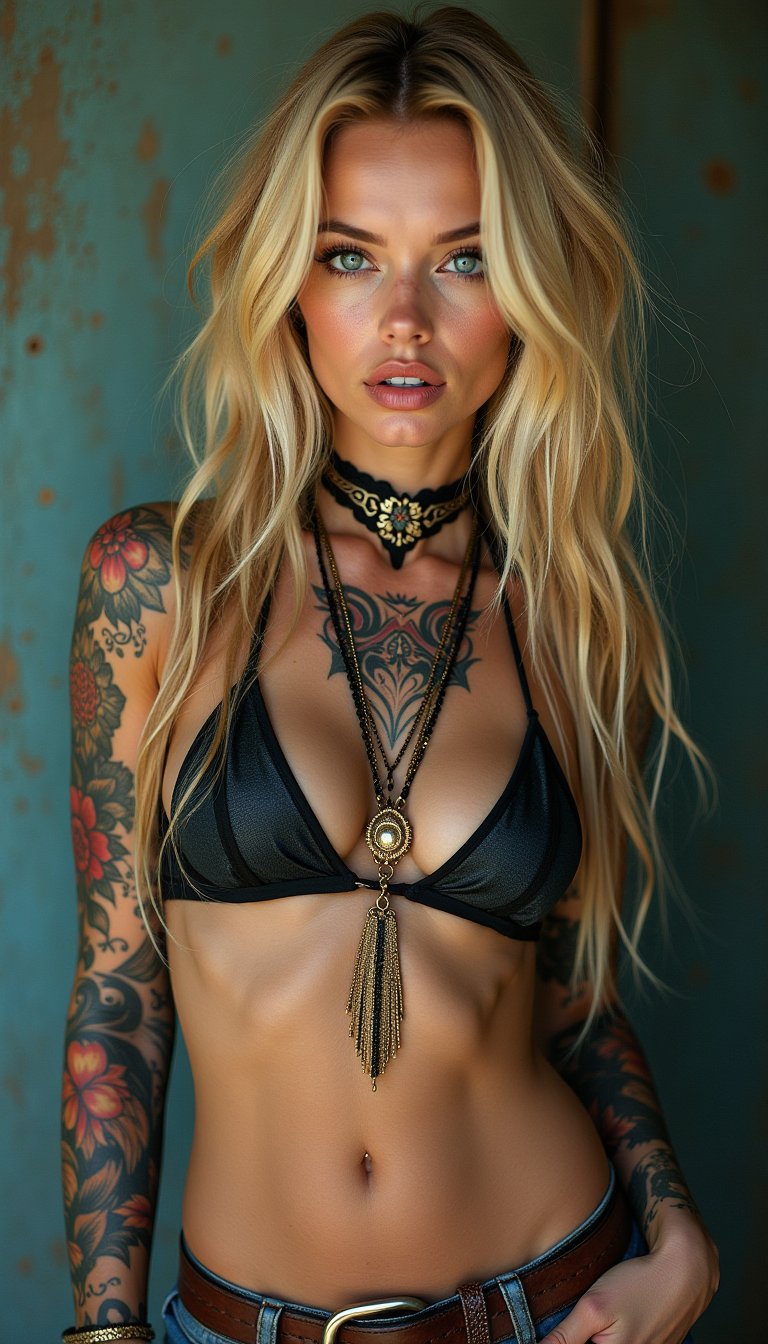
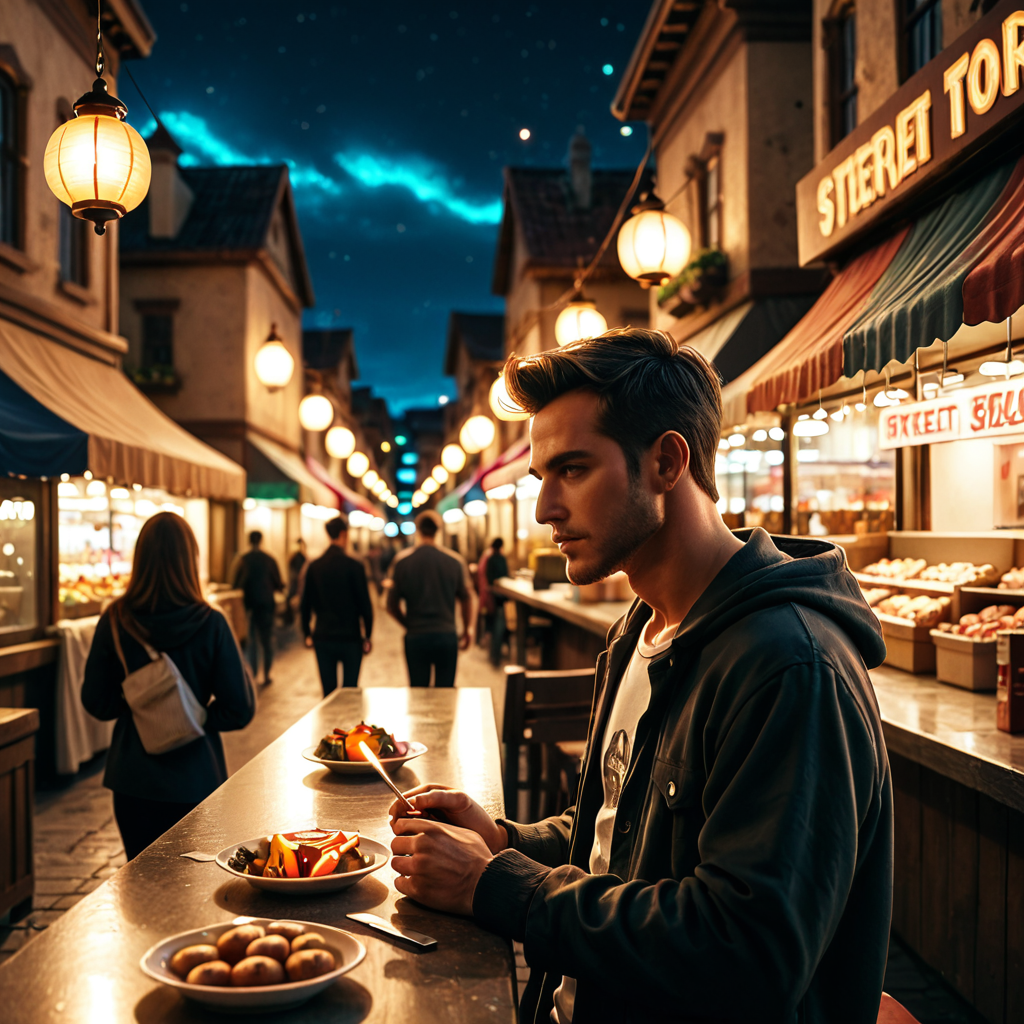
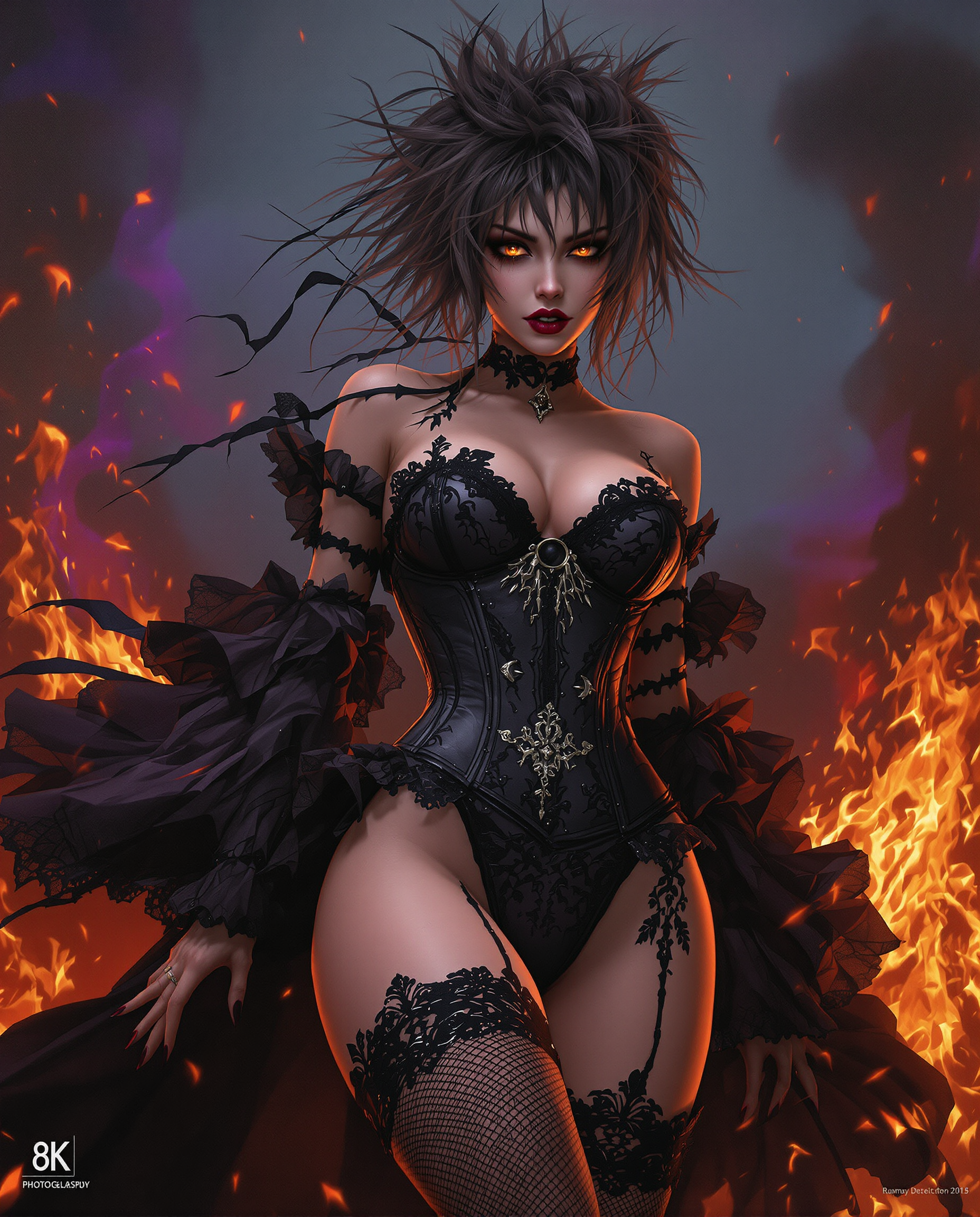

The Pixel Dojo Advantage
Discover why PixelDojo's LoRA Stable Diffusion stands out in AI image generation:
| Others | Pixel Dojo |
|---|---|
| Traditional Art Creation | Achieve complex styles and characters in minutes, not hours. |
| Generic AI Tools | Enjoy specialized models tailored for specific styles and characters. |
| Manual Photo Editing | Generate high-quality images without the need for extensive editing skills. |
Loved by creators on PixelDojo
Real feedback from people using PixelDojo, pulled from our in-product surveys.
A "one-stop-shop" for creators! Thanks!!
Lots of different tools. It's easy to purchase more credits.
Amazing performance!
Excellent website for creating all types of media
Very eay to use, works well to train SDXL loras.
The amazing tools
Explore more AI tools on PixelDojo
AI Tools
Compare & Switch
- Best AI Image Generators
- Best AI Video Generators
- Midjourney Alternatives
- Civitai Alternatives
- Runway Alternatives
- Leonardo Alternatives
- Pika Alternatives
- Luma Alternatives
- Magnific Alternatives
- Veo Alternatives
- Flux Alternatives
- Freepik Alternatives
- Seedance Alternatives
- Seedream Alternatives
- Pixverse Alternatives
- GPT Image Alternatives
- Synthesia Alternatives
- Playground Alternatives
- NightCafe Alternatives
- Canva AI Alternatives
- ElevenLabs Alternatives
- ComfyUI Alternatives
- Fal Alternatives
- Replicate Alternatives
Common Questions
Everything you need to know about loras stable diffusion
What is LoRA Stable Diffusion?
LoRA (Low-Rank Adaptation) Stable Diffusion is an AI technique that fine-tunes models to generate images with specific styles or characters, offering enhanced customization and efficiency.
How do I apply a LoRA model on PixelDojo?
On PixelDojo, select your base model, apply the desired LoRA model, input your prompt, and generate the image. You can then refine the output as needed.
Can I use multiple LoRA models simultaneously?
Yes, PixelDojo allows you to combine multiple LoRA models to achieve complex and unique image outputs.
Do I need advanced technical skills to use LoRA Stable Diffusion?
No, PixelDojo's user-friendly interface makes it easy for anyone to use LoRA Stable Diffusion without prior technical experience.
Is there a cost to using LoRA Stable Diffusion on PixelDojo?
PixelDojo offers various subscription plans, including options that provide access to LoRA Stable Diffusion. You can choose a plan that best fits your needs.
Can I cancel my PixelDojo subscription at any time?
Yes, PixelDojo offers flexible subscription plans that you can cancel at any time without any penalties.