luma ai
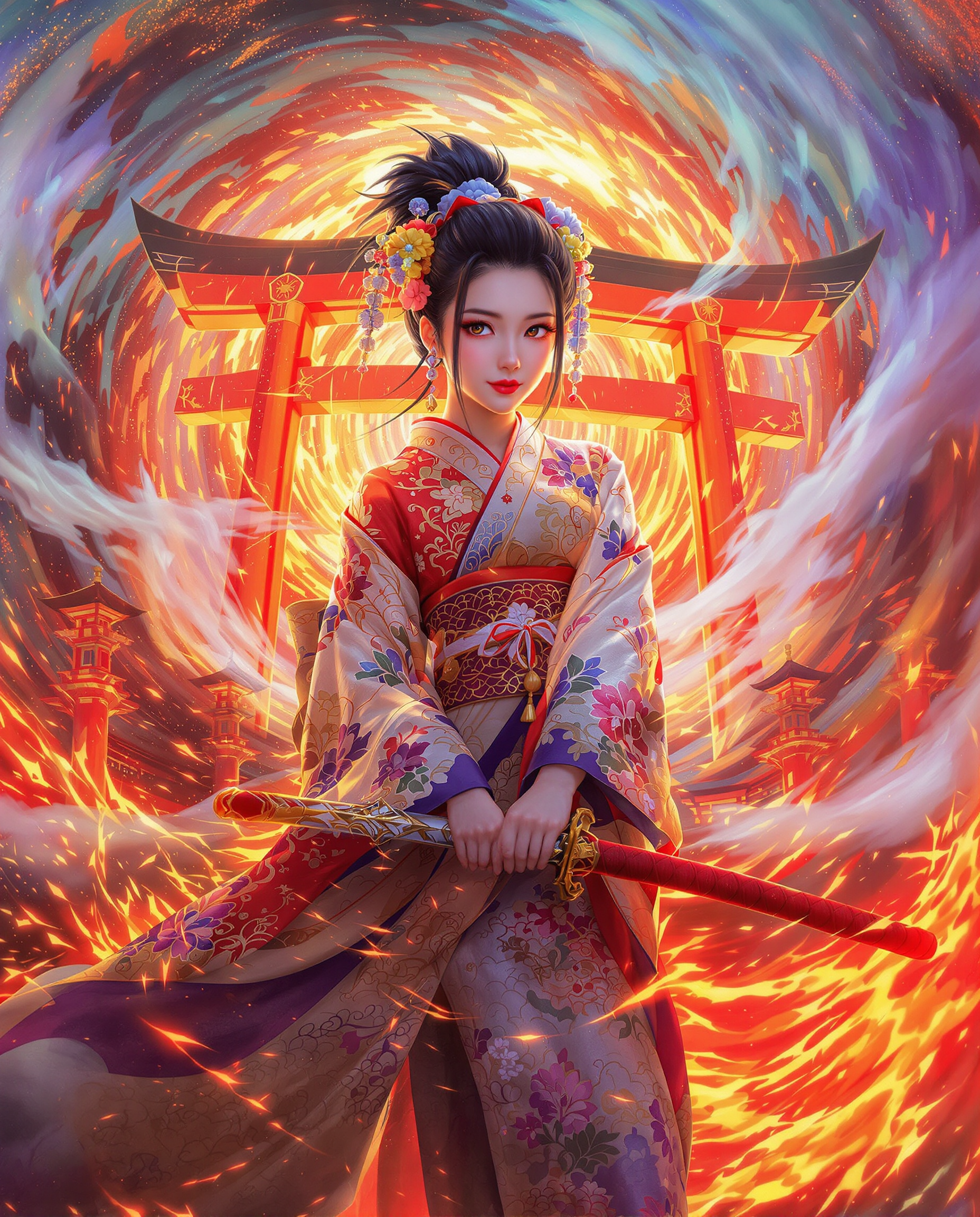
Imagine describing exactly what you want in plain language and receiving images that perfectly capture your intent every time. With PixelDojo's Luma UNI 1 tool, you can generate professional-grade Luma AI images that understand context, maintain consistent characters, and deliver photorealistic results without endless prompt tweaking. Whether you're a marketer needing hero visuals, a designer iterating on concepts, or a creator building visual stories, Luma AI generation on PixelDojo turns your ideas into polished, ready-to-use assets faster than ever before.
Join over 85,000 creators who have generated 2.3 million Luma AI images this quarter. 4.9/5 average rating with 12,000+ five-star reviews praising consistent results and natural prompting. Trusted by agencies and freelancers worldwide for client-ready work.
Why Choose Pixel Dojo for luma ai
Professional-quality results with cutting-edge AI technology
Intent-Driven Results Without Prompt Engineering
Describe your vision naturally and Luma UNI 1 interprets your true intent to deliver precisely what you imagined, saving hours of refinement.
Flawless Character & Style Consistency
Maintain identical characters, outfits, and artistic styles across dozens of images for campaigns, stories, or product lines with reference-guided generation.
Cinematic Photorealism & Spatial Accuracy
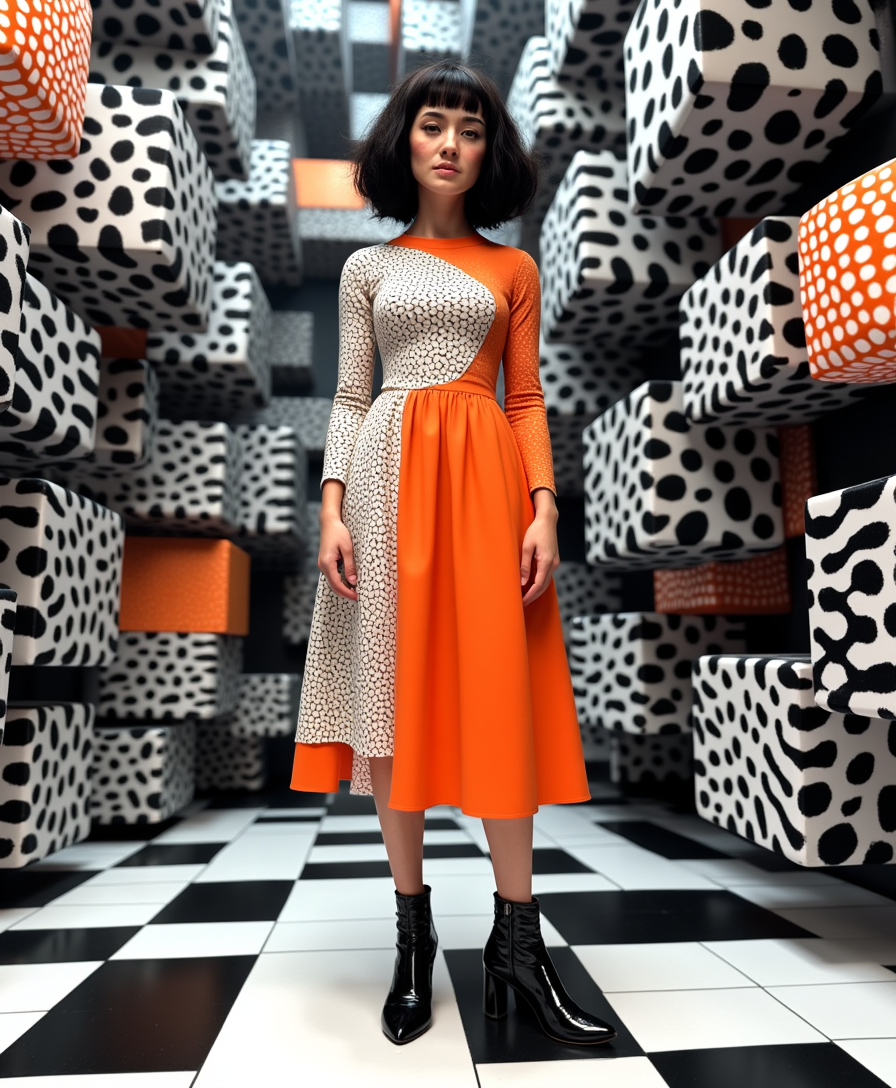
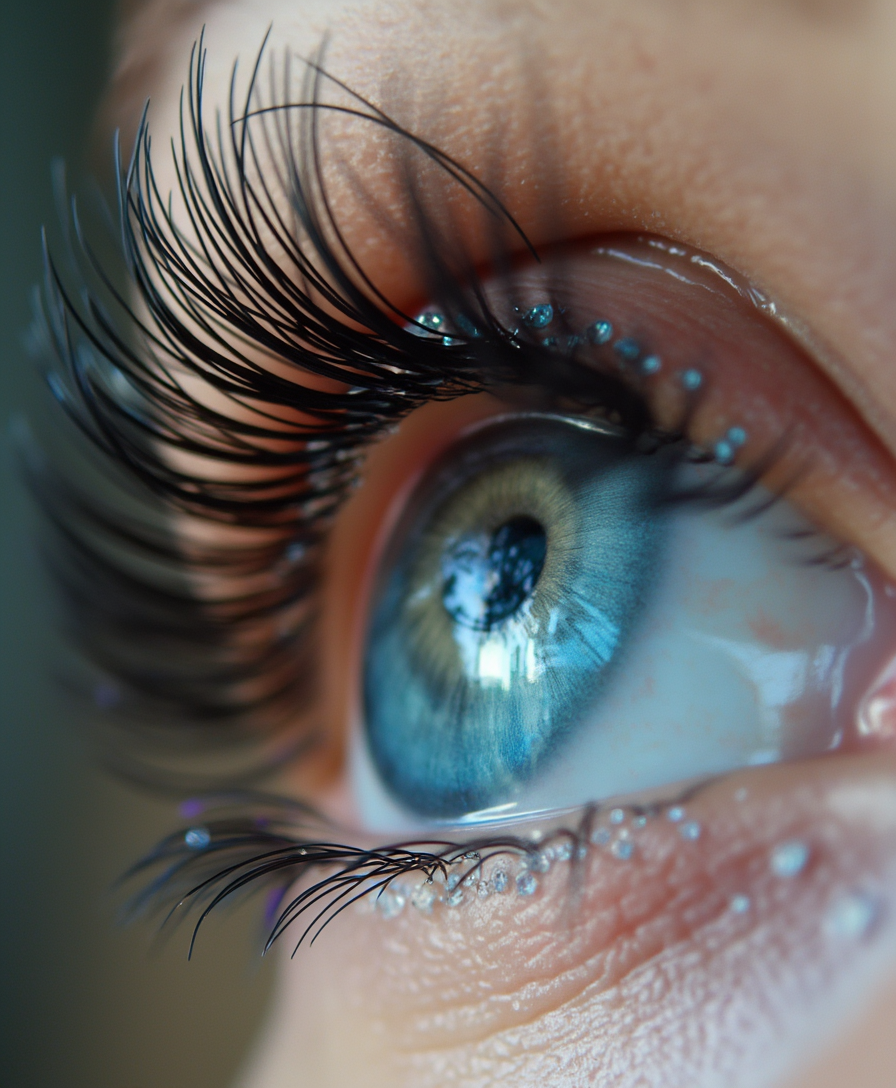
Produce images with accurate lighting, depth, and composition that look like professional photography or film stills, ready for print or digital use.
How It Works
Creating Luma AI images on PixelDojo is simple and intuitive. Use Luma UNI 1 to generate from text or references, then refine with editing tools.
Step 1: Choose Luma UNI 1 Tool
Go to Generate Images and select Luma UNI 1 from the extensive list of 40+ models. This activates the intent-understanding engine optimized for natural language and multi-reference inputs.
Step 2: Enter Your Natural Prompt
Type a conversational description of your scene, subject, style, or intent. Optionally upload up to 9 reference images for character consistency, style matching, or scene guidance. Luma UNI 1 handles complex spatial reasoning automatically.
Step 3: Generate, Refine & Download
Click generate to receive high-resolution outputs up to 2048px. Use Image to Image, Inpainting, or Style Transfer for quick tweaks. Apply Consistent Characters for series work, then upscale with Magnific Upscaler or Portrait Upscaler before downloading in multiple formats.
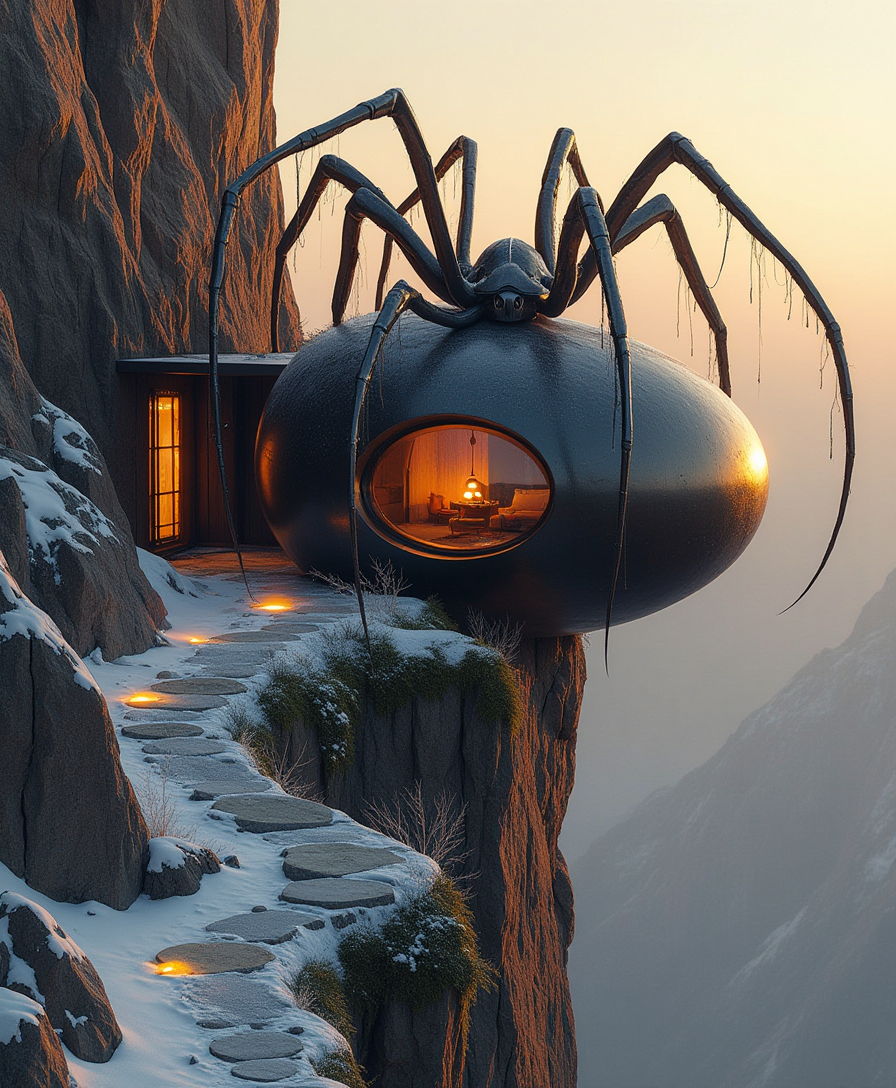
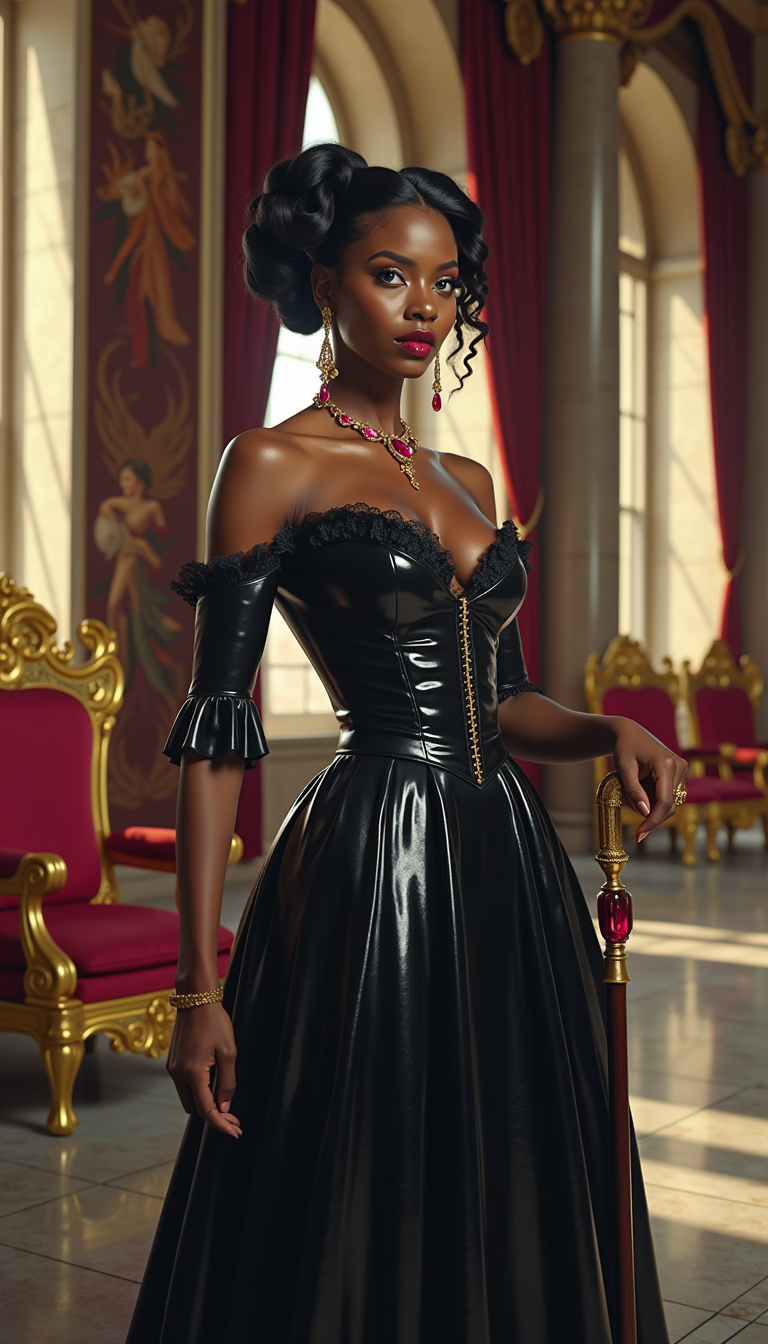
![[realistic lighting],[photo],[photorealistic], woman, 21 yo, black mage, mage staff, skulls, smoke, native american, dark makeup, dark theme, lazypos, Photo realistic, hyper detail, hyper realistic](https://cdn.pixeldojo.ai/cdn-cgi/image/f=auto,q=90,w=3840/pixeldojo/generated-images/1753268910243-jp1a44vsp.png)
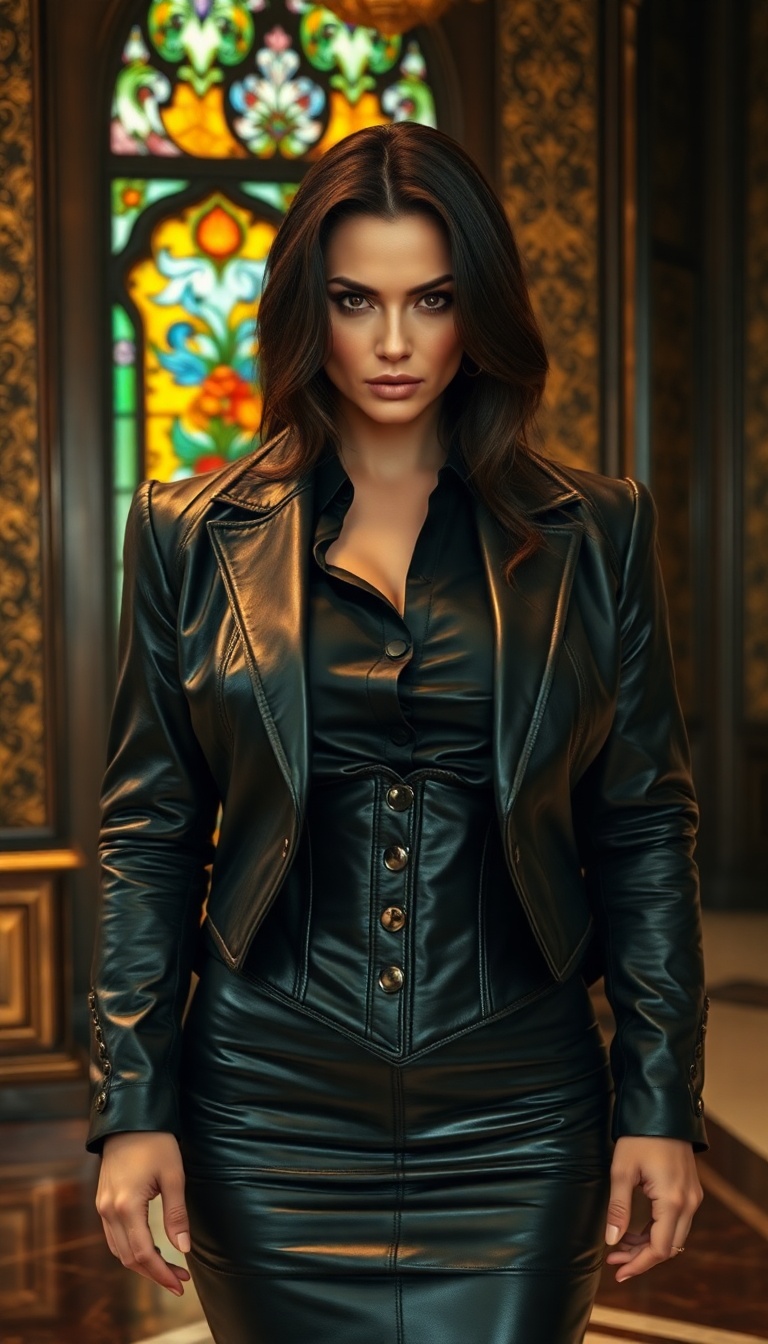
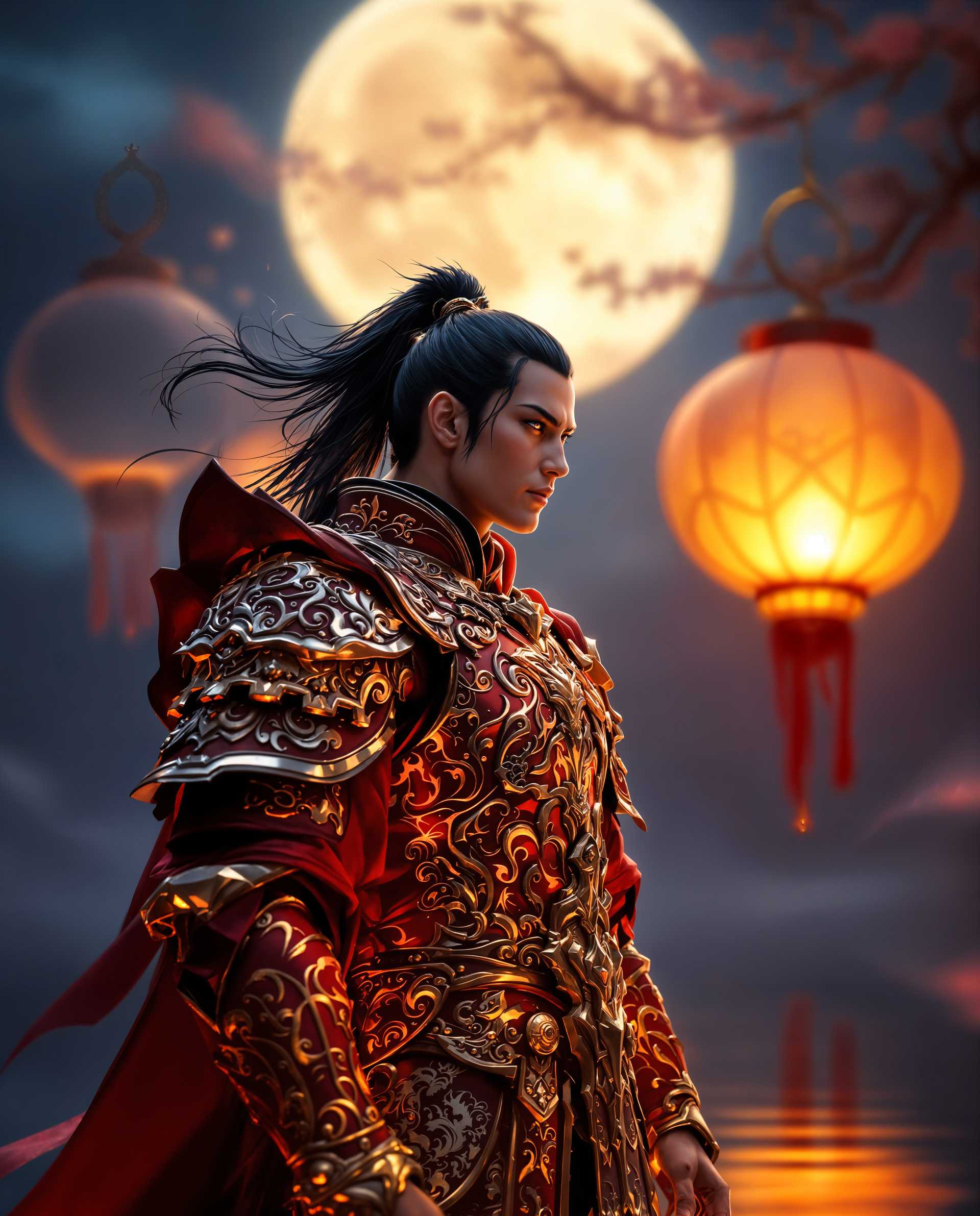

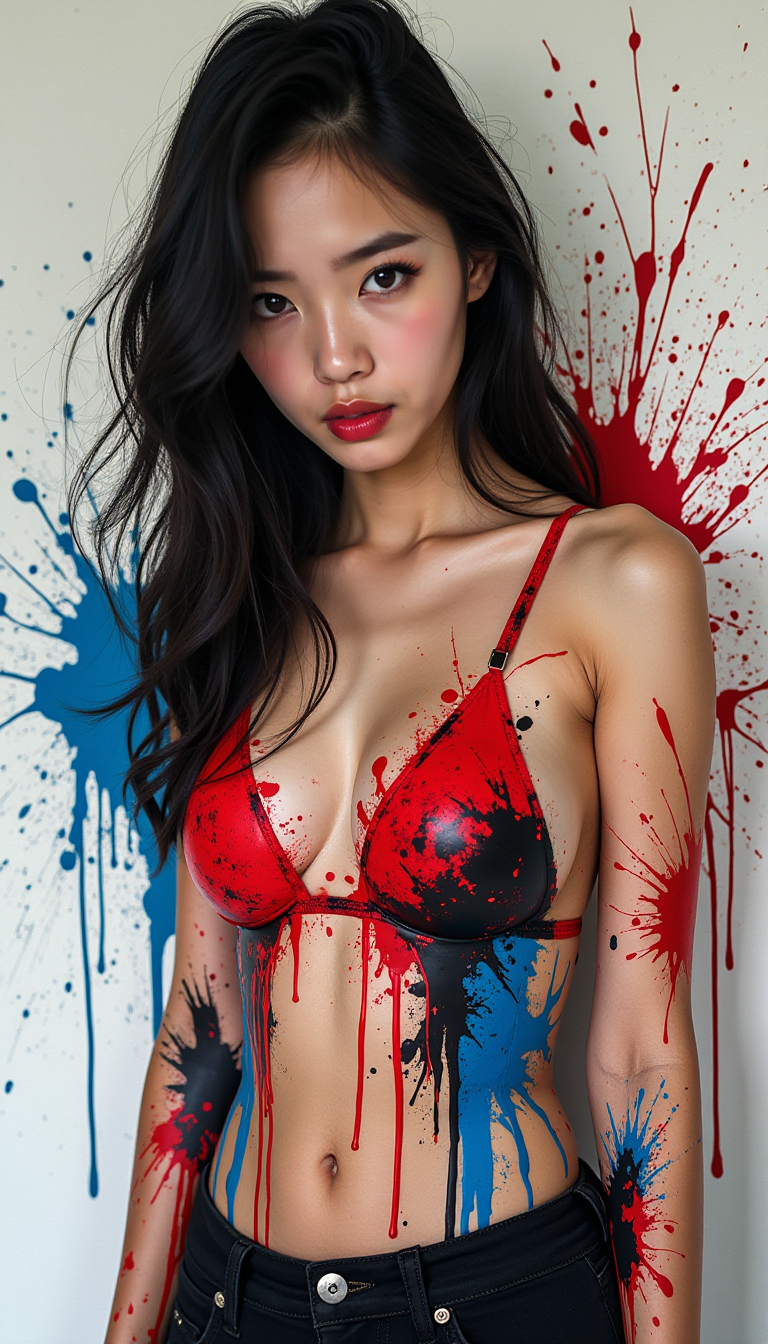
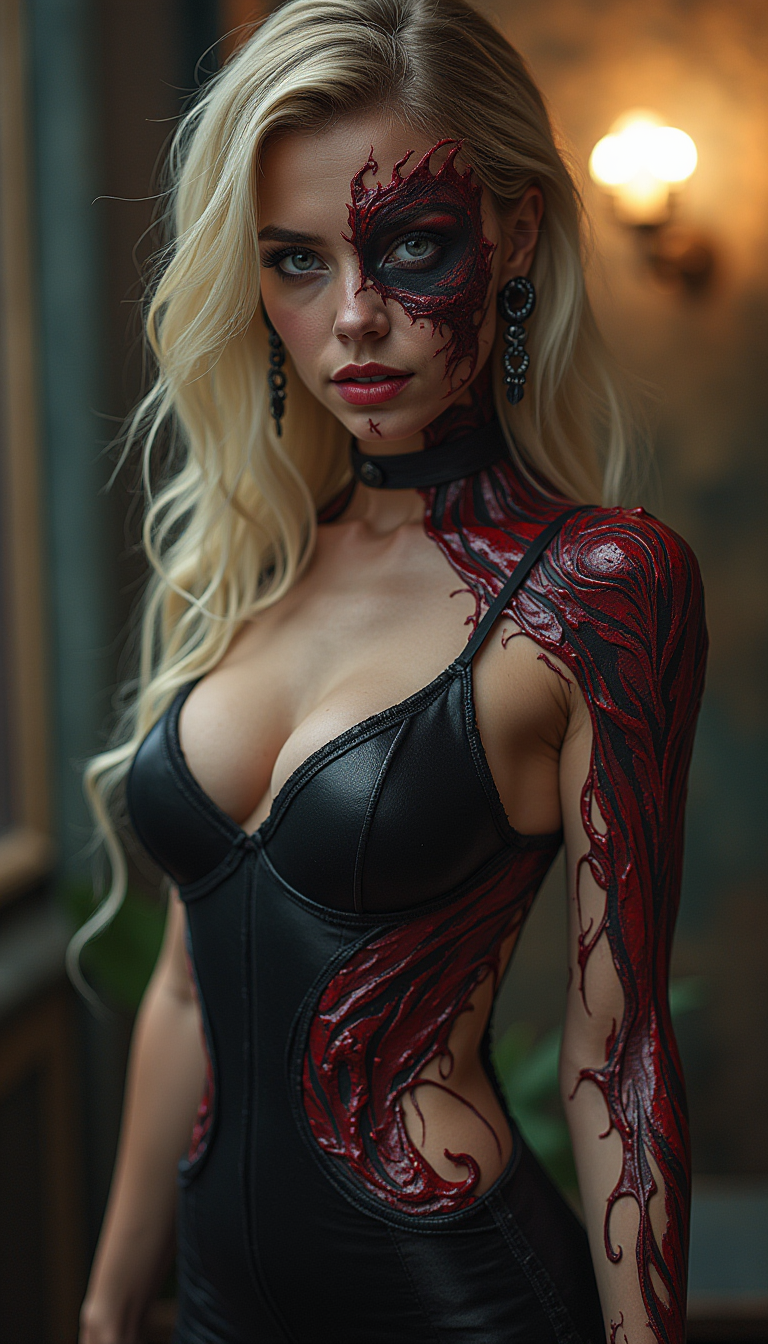
The Pixel Dojo Advantage
Why PixelDojo outperforms other options for Luma AI image generation
| Others | Pixel Dojo |
|---|---|
| Traditional Luma AI creation | Access Luma UNI 1 instantly alongside 40+ complementary tools for seamless editing, upscaling, and character consistency without switching platforms |
| Generic AI tools | Superior intent understanding and multi-reference control delivers more accurate, professional results with built-in refinement workflows |
| Manual photo editing | Generate complete scenes from scratch or references in seconds instead of hours of manual composition, lighting, and consistency work |
Loved by creators on PixelDojo
Real feedback from people using PixelDojo, pulled from our in-product surveys.
Lots of different tools. It's easy to purchase more credits.
Amazing performance!
Excellent website for creating all types of media
Very eay to use, works well to train SDXL loras.
The amazing tools
Top notch quality and strong prompt adherence.
Explore more AI tools on PixelDojo
AI Tools
Compare & Switch
- Best AI Image Generators
- Best AI Video Generators
- Midjourney Alternatives
- Civitai Alternatives
- Runway Alternatives
- Leonardo Alternatives
- Pika Alternatives
- Luma Alternatives
- Magnific Alternatives
- Veo Alternatives
- Flux Alternatives
- Freepik Alternatives
- Seedance Alternatives
- Seedream Alternatives
- Pixverse Alternatives
- GPT Image Alternatives
- Synthesia Alternatives
- Playground Alternatives
- NightCafe Alternatives
- Canva AI Alternatives
- ElevenLabs Alternatives
- ComfyUI Alternatives
- Fal Alternatives
- Replicate Alternatives
Common Questions
Everything you need to know about luma ai
How does Luma UNI 1 on PixelDojo understand my intent better than other AI image generators?
Luma UNI 1 uses multimodal reasoning to interpret your natural language descriptions and reference images together. On PixelDojo you can combine it with tools like Consistent Characters and Image to Image for even more precise control, producing results that match your vision without complex prompting.
Can I create consistent characters across multiple Luma AI images with PixelDojo?
Yes. Upload character references to Luma UNI 1 and use PixelDojo's dedicated Consistent Characters tool along with LoRA Face Swap or Character Stylist to maintain perfect likeness, clothing, and poses across an entire series or campaign.
What resolution and quality can I expect from Luma AI images on PixelDojo?
Luma UNI 1 generates up to 2048px natively with excellent detail. Follow up with P-Image Upscale, Magnific Upscaler, or Portrait Upscaler for even higher resolutions and enhanced clarity suitable for professional print, web, or video thumbnails.
How do I generate photorealistic Luma AI images without advanced prompt skills?
Simply describe the scene, lighting, mood, and subject in everyday language. Luma UNI 1 excels at spatial reasoning and common-sense details. PixelDojo users often start with basic descriptions and refine using Magic Lighting or Reality Polisher for studio-quality photorealism.
Is Luma UNI 1 suitable for commercial projects and client work on PixelDojo?
Absolutely. Thousands of agencies and freelancers use PixelDojo's Luma UNI 1 for marketing campaigns, product visuals, and storytelling. All generations come with commercial-friendly licensing, and you can iterate quickly with Inpainting, Style Transfer, and Video Upscaler if needed for hybrid projects.
What makes PixelDojo the best place to use Luma AI image generation tools?
PixelDojo integrates Luma UNI 1 with 40+ specialized tools including reference-based editing, character consistency suites, upscalers, and developer APIs. This all-in-one ecosystem lets you generate, refine, extend to video with tools like Kling Video or WAN 2.7 Video, and deliver polished results without leaving the platform.