midas depth AI Generator

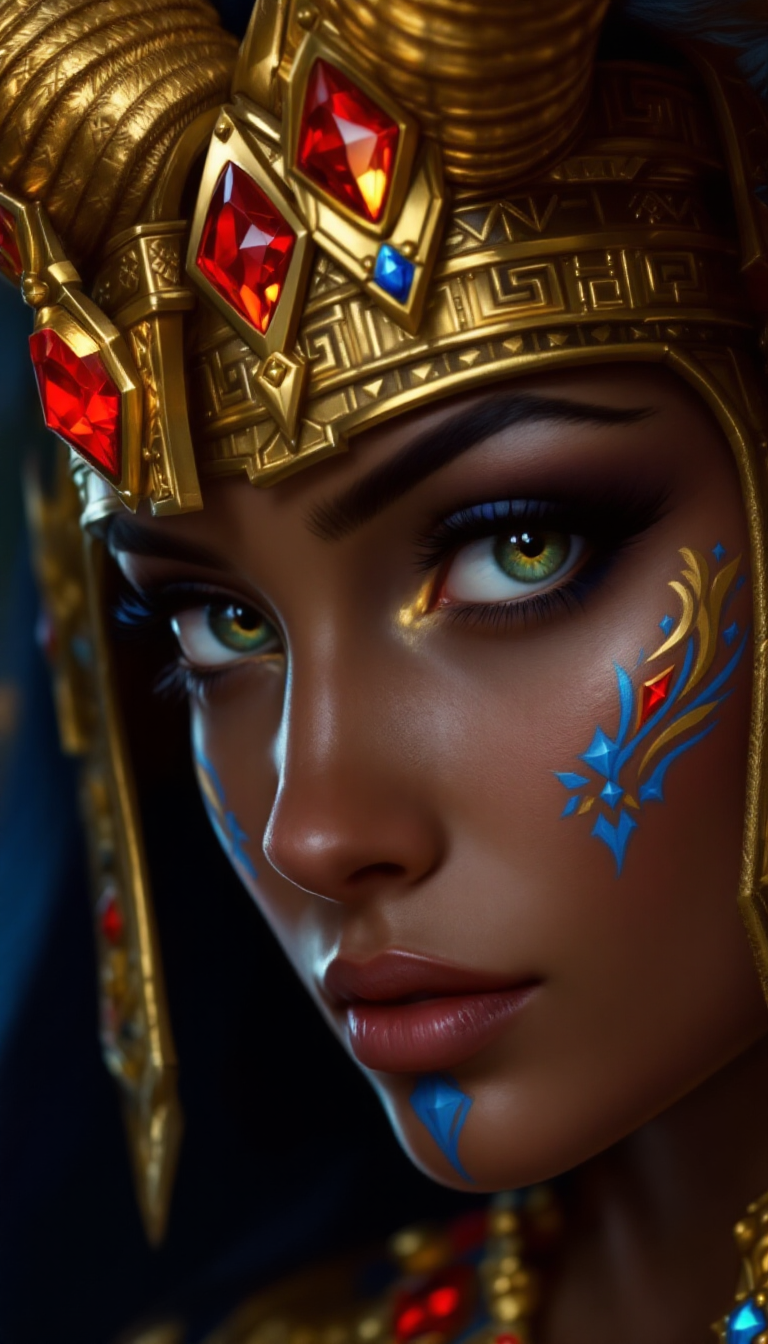
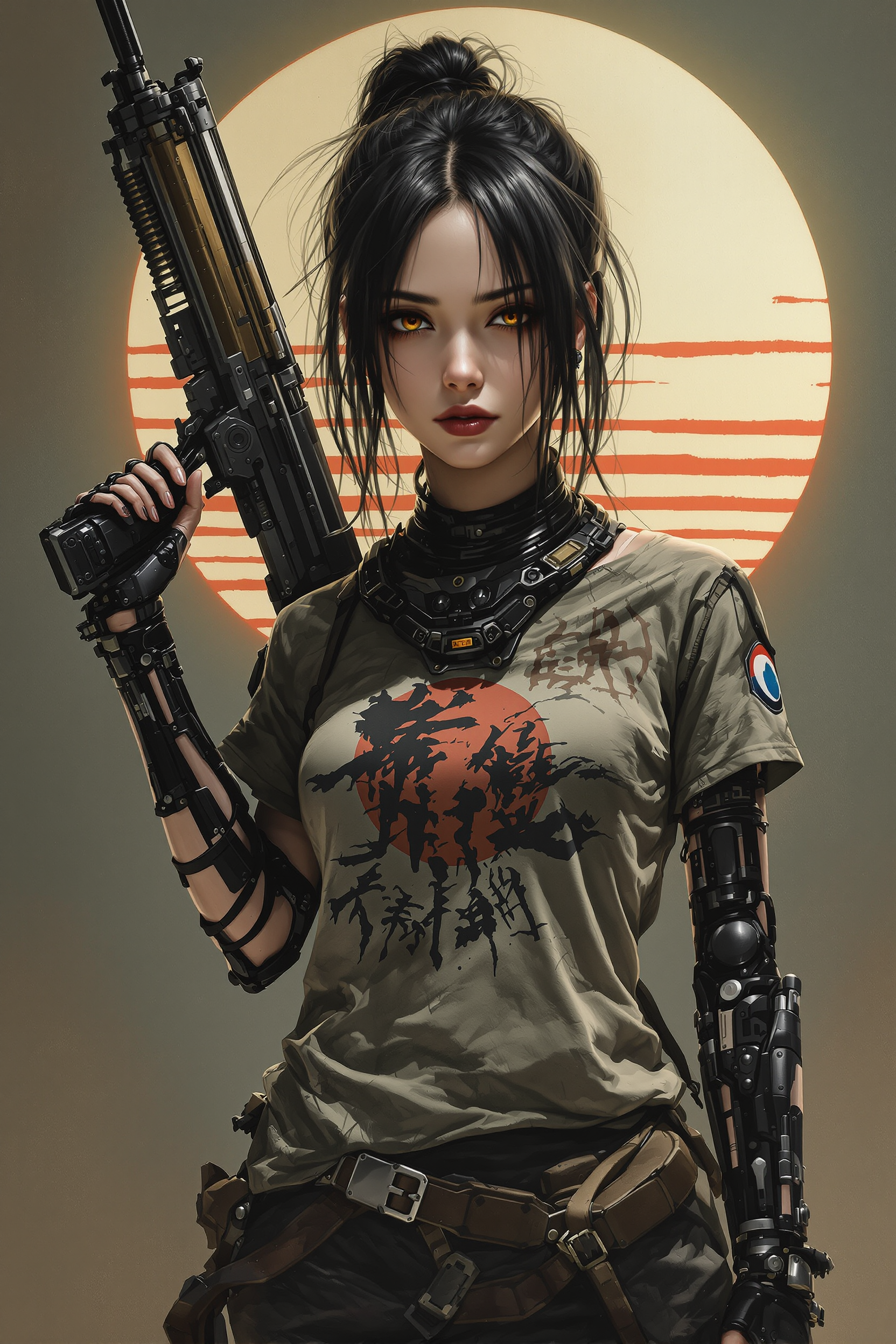
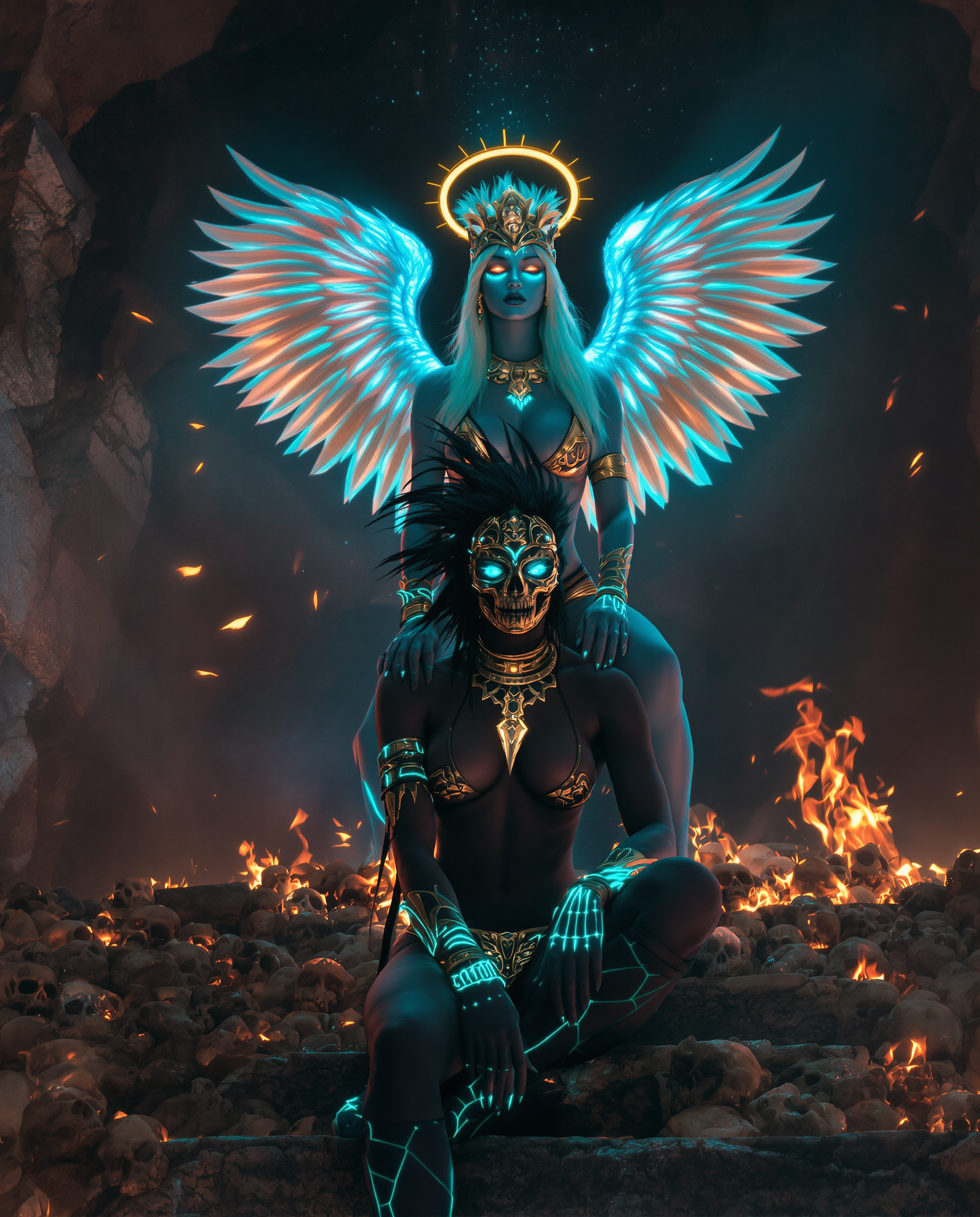
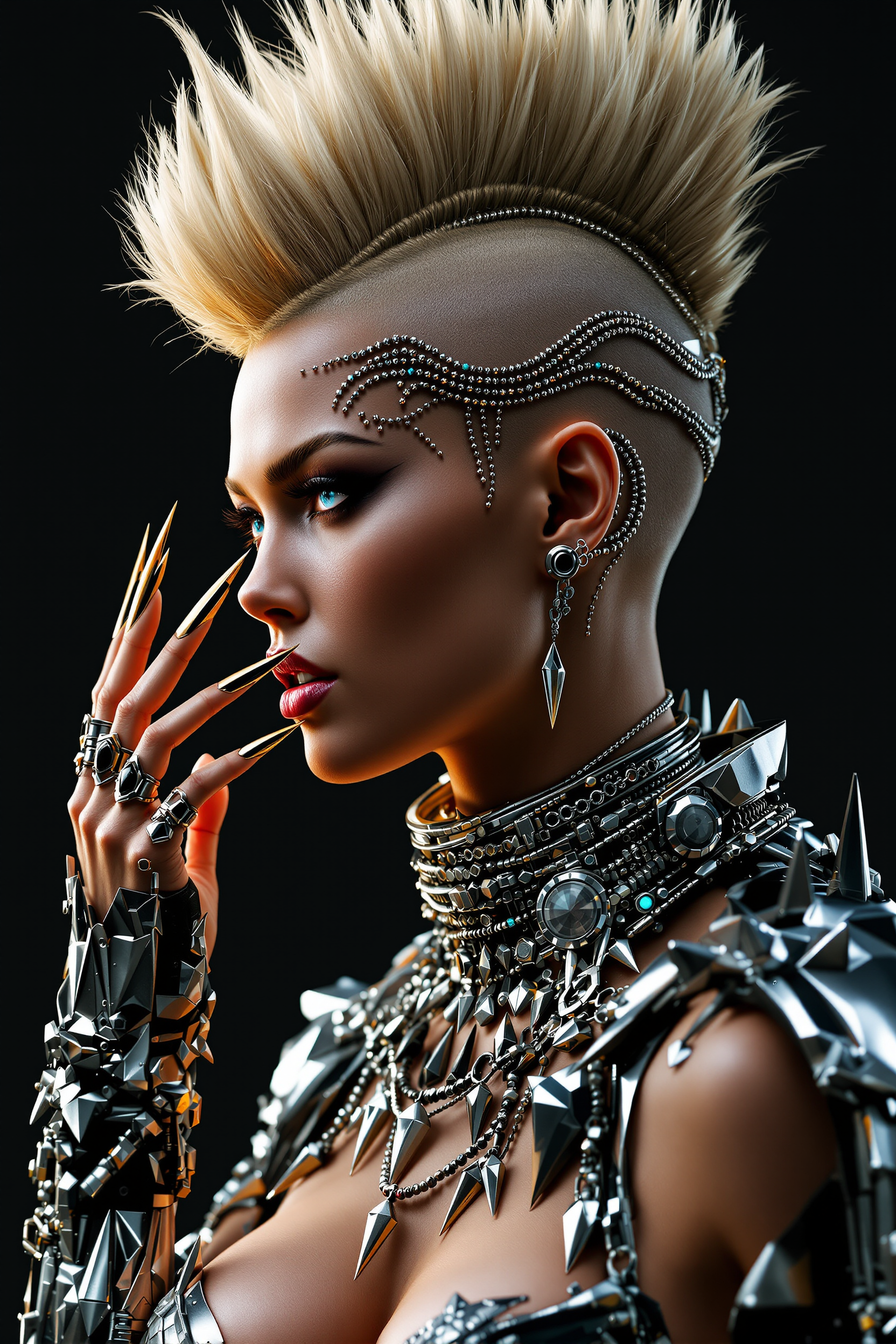
Unlock the potential of your images by adding depth and dimension with PixelDojo's MiDaS Depth tools. Transform flat 2D visuals into immersive 3D experiences, enhancing realism and engagement in your creative projects.
Join over 10,000 creators who have enhanced their visuals using PixelDojo's AI-powered tools, achieving a 98% satisfaction rate.
Why Choose Pixel Dojo for midas depth
Professional-quality results with cutting-edge AI technology
Transform 2D Images into 3D Masterpieces
Easily convert flat images into dynamic 3D visuals, adding depth and realism to your projects.
Enhance Visual Engagement
Create more immersive and captivating content that stands out in a crowded digital landscape.
Streamline Your Workflow
Utilize AI-powered tools to achieve professional results quickly, saving time and effort.
How It Works
Creating 3D images with MiDaS Depth at PixelDojo is simple and efficient. Follow these steps to bring depth to your visuals:
Step 1: Select the MiDaS Depth Tool
Navigate to PixelDojo's 'Transform' category and choose the 'MiDaS Depth' tool to begin your 3D transformation.
Step 2: Upload Your 2D Image
Click 'Upload' to select the 2D image you wish to convert into a 3D visual.
Step 3: Generate and Download Your 3D Image
After uploading, click 'Generate' to process your image. Once complete, download your enhanced 3D image.



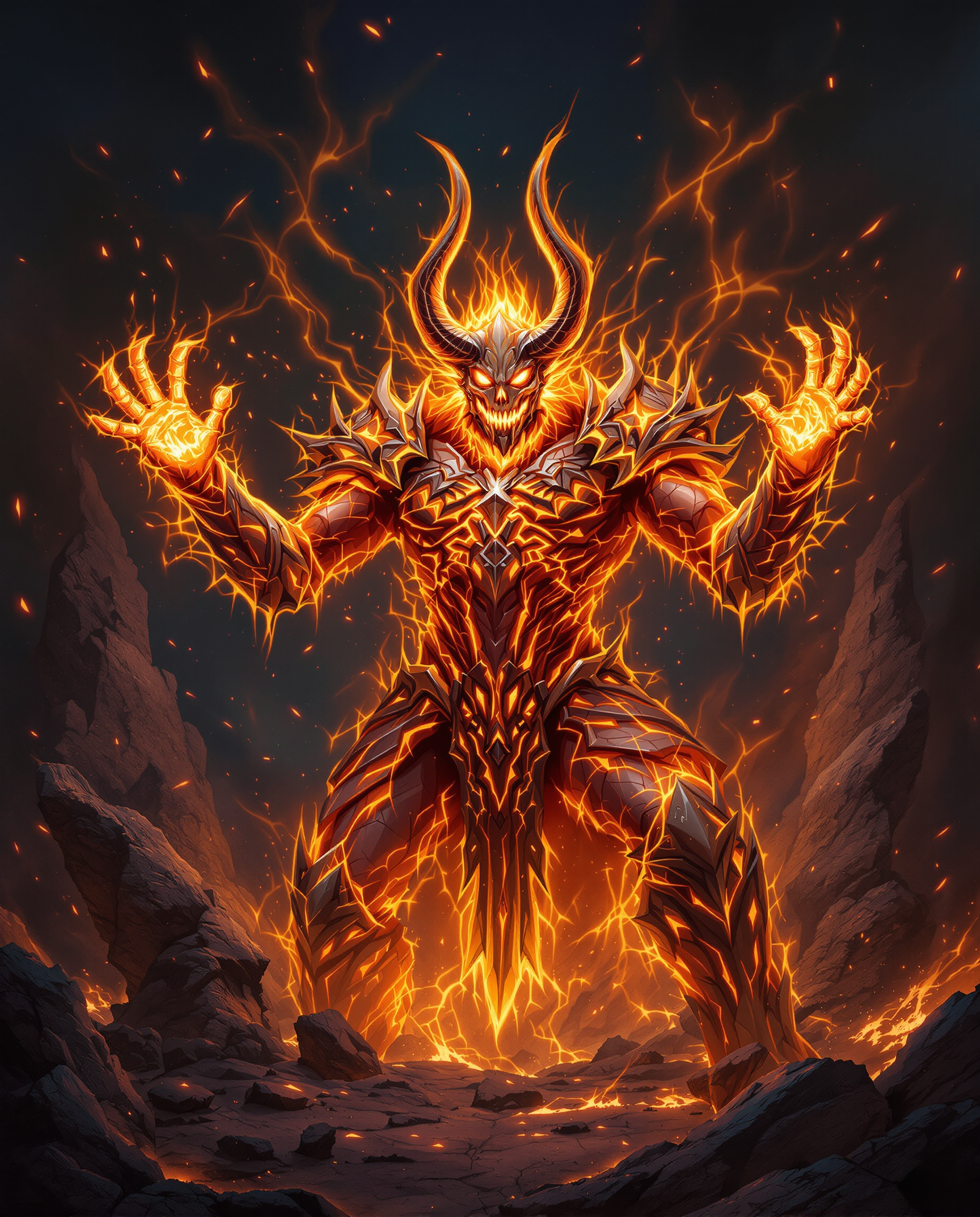

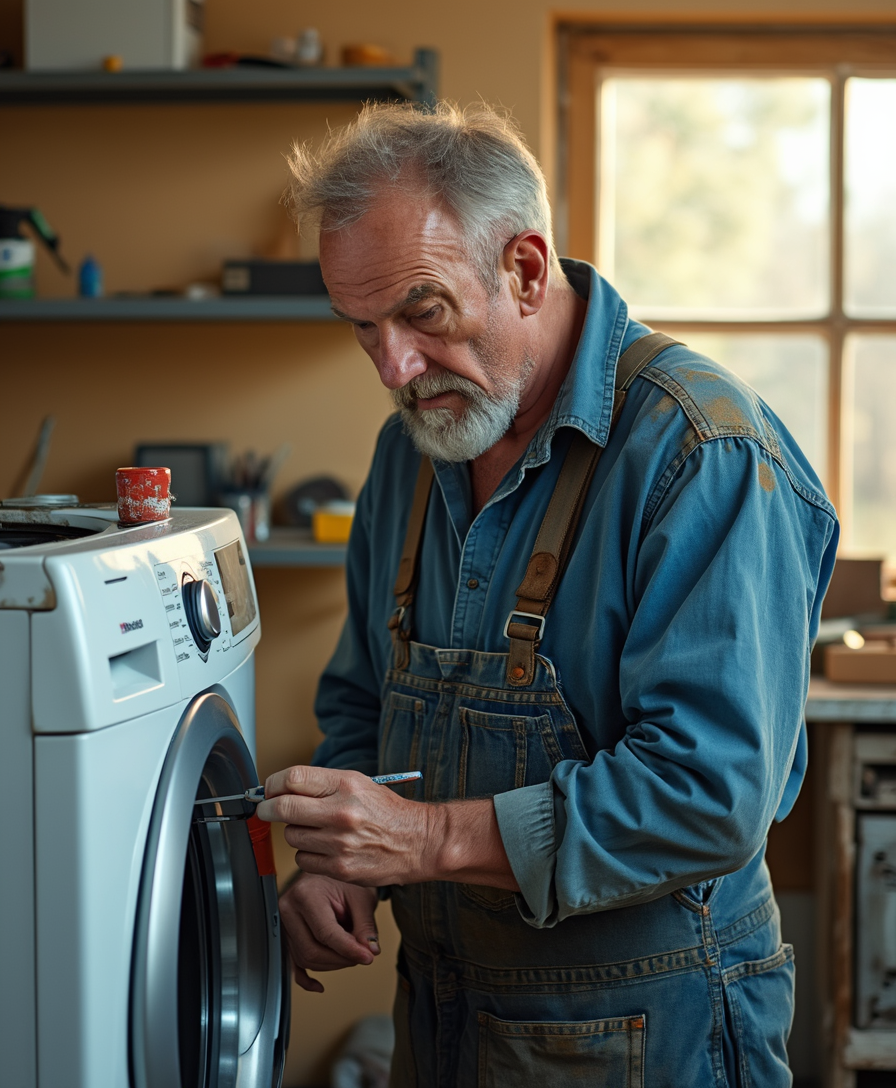
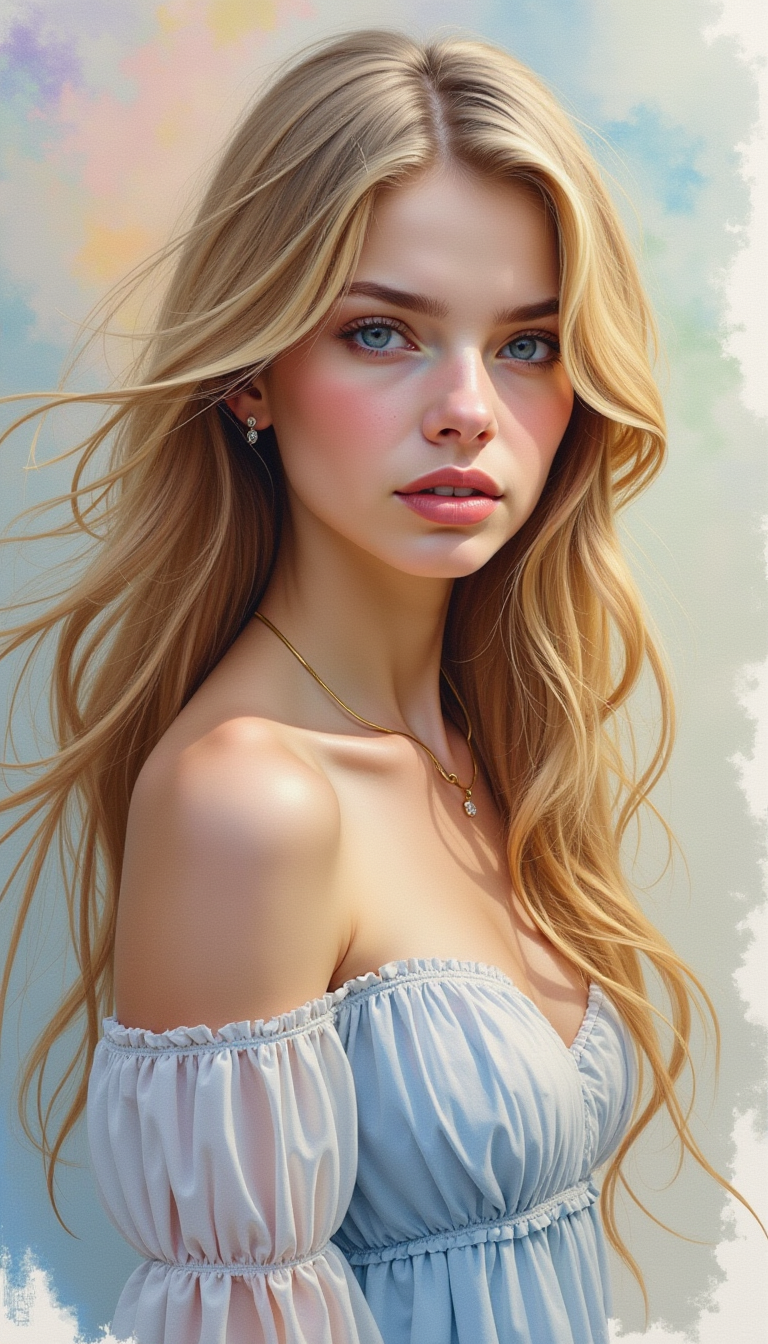
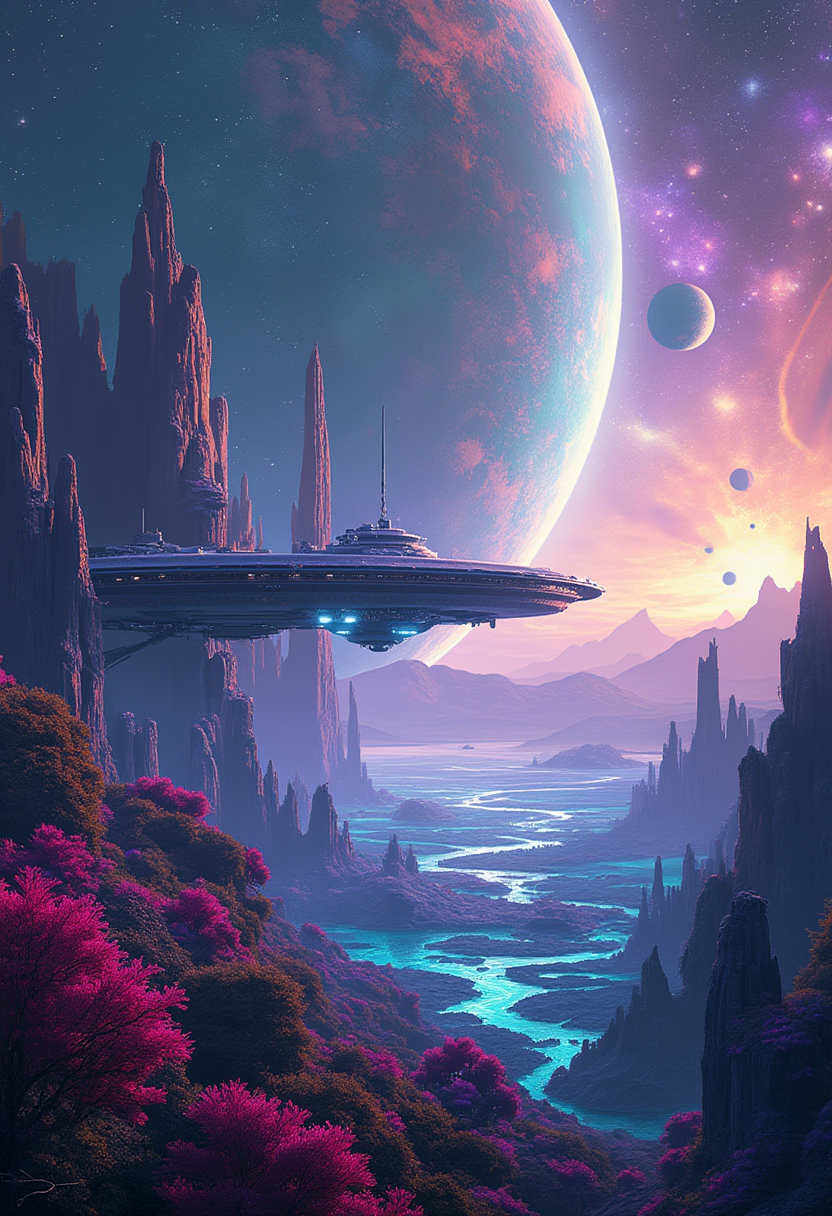



The Pixel Dojo Advantage
Why PixelDojo outperforms other options for 3D image generation:
| Others | Pixel Dojo |
|---|---|
| Traditional 3D Modeling | Achieve 3D effects without the need for complex modeling software or extensive training. |
| Generic AI Tools | Specialized MiDaS Depth integration ensures accurate and high-quality depth estimation. |
| Manual Photo Editing | Automated depth generation saves time and provides consistent results compared to manual techniques. |
Loved by creators on PixelDojo
Real feedback from people using PixelDojo, pulled from our in-product surveys.
All the tools, readily available and easy to understand
You guys, the LORA training is the BEST in the space right now, great job with that!
Tons of variety. Ease of use. Tools for beginners and advance users.
easiest workflow to get best output image or video
awesome functionality, UX, constant flood of improvements, discord interactivity
Awesome site with so many features
Explore more AI tools on PixelDojo
AI Tools
Compare & Switch
- Best AI Image Generators
- Best AI Video Generators
- Midjourney Alternatives
- Civitai Alternatives
- Runway Alternatives
- Leonardo Alternatives
- Pika Alternatives
- Luma Alternatives
- Magnific Alternatives
- Veo Alternatives
- Flux Alternatives
- Freepik Alternatives
- Seedance Alternatives
- Seedream Alternatives
- Pixverse Alternatives
- GPT Image Alternatives
- Synthesia Alternatives
- Playground Alternatives
- NightCafe Alternatives
- Canva AI Alternatives
- ElevenLabs Alternatives
- ComfyUI Alternatives
- Fal Alternatives
- Replicate Alternatives
Common Questions
Everything you need to know about midas depth
How does PixelDojo's MiDaS Depth tool enhance my images?
Our MiDaS Depth tool uses advanced AI to estimate depth from your 2D images, creating realistic 3D effects that add dimension and engagement to your visuals.
Do I need prior experience in 3D modeling to use this tool?
No, PixelDojo's MiDaS Depth tool is designed for users of all skill levels, allowing you to create 3D images without any prior experience in 3D modeling.
Can I adjust the depth effect on my images?
Yes, our tool provides options to customize the depth intensity, enabling you to achieve the desired 3D effect for your images.
Is there a limit to the number of images I can process?
PixelDojo offers various subscription plans to suit your needs, with options that allow for unlimited image processing.
What file formats are supported for upload?
Our MiDaS Depth tool supports common image formats such as JPEG and PNG for easy upload and processing.
How long does it take to process an image?
Processing times are typically quick, often completing within seconds, depending on the image size and complexity.