midjourney alternative
Generated on PixelDojo. Produced by PixelDojo's generation pipeline.
You deserve complete creative freedom when generating professional AI images. PixelDojo puts the most advanced 2026 models at your fingertips so you can produce cinematic scenes, photorealistic portraits, and brand-ready visuals without switching apps, waiting in queues, or dealing with restricted interfaces. Imagine describing a moody cyberpunk street at dusk and watching Flux.2 Studio render every neon reflection, wet pavement texture, and atmospheric glow with perfect anatomy. Or rapidly iterate campaign concepts with Nano Banana 2’s world knowledge, then lock in consistent characters across an entire series using dedicated character tools. Marketers launch full visual campaigns in hours instead of weeks. Artists explore new styles while keeping their unique voice. Businesses build cohesive brand worlds that stay on-model from social posts to print. Everything happens inside one clean web dashboard—generate, edit, upscale, animate, and export. Thousands of creators have already made the switch for faster results, lower friction, and the ability to cancel anytime.
Real image examples generated on PixelDojo
Every example below was produced on PixelDojo. Hover to see the prompt.
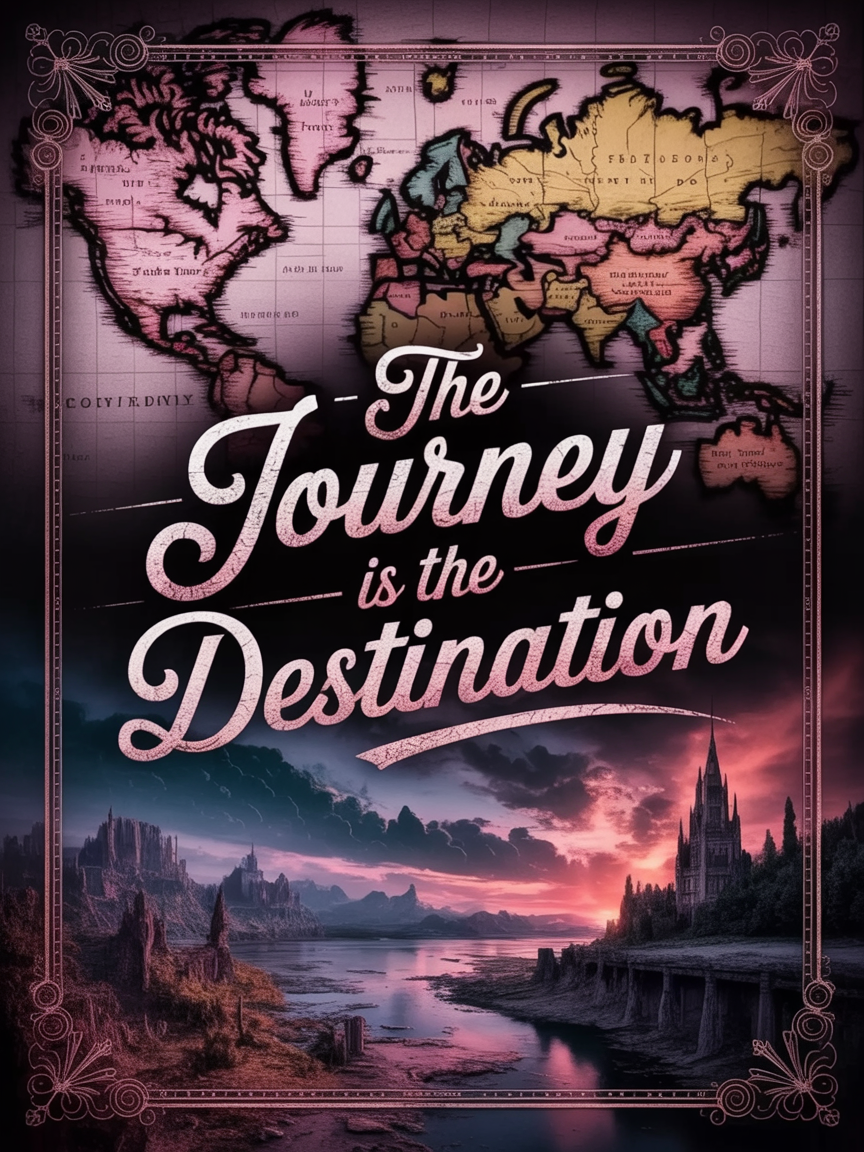
Design a motivational poster with "The Journey Is The Destination" in elegant script and s…
stable-diffusion
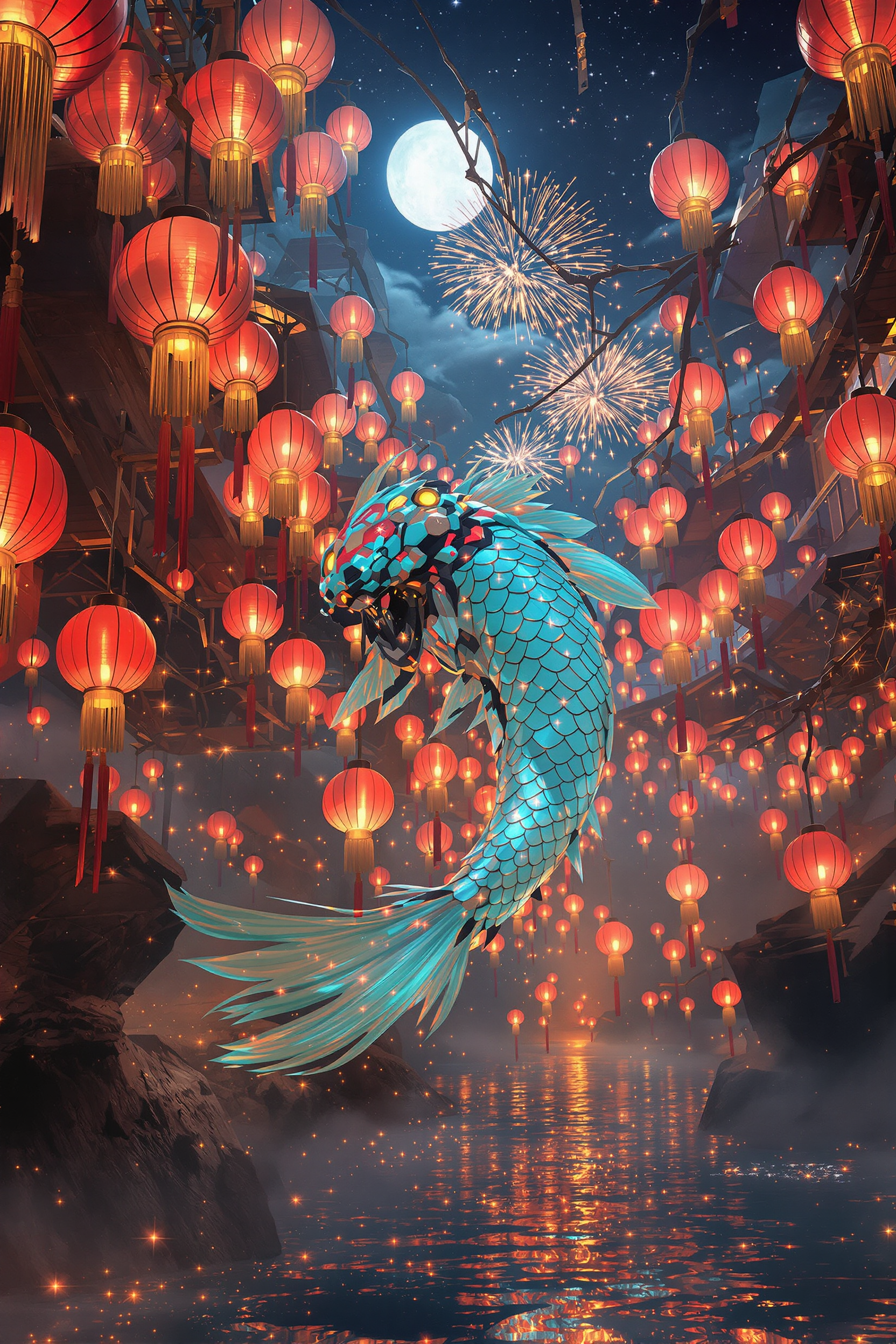
Core description: colossal jade‑chrome mecha‑koi gliding through a suspended river of glow…
flux

Shift work
flux
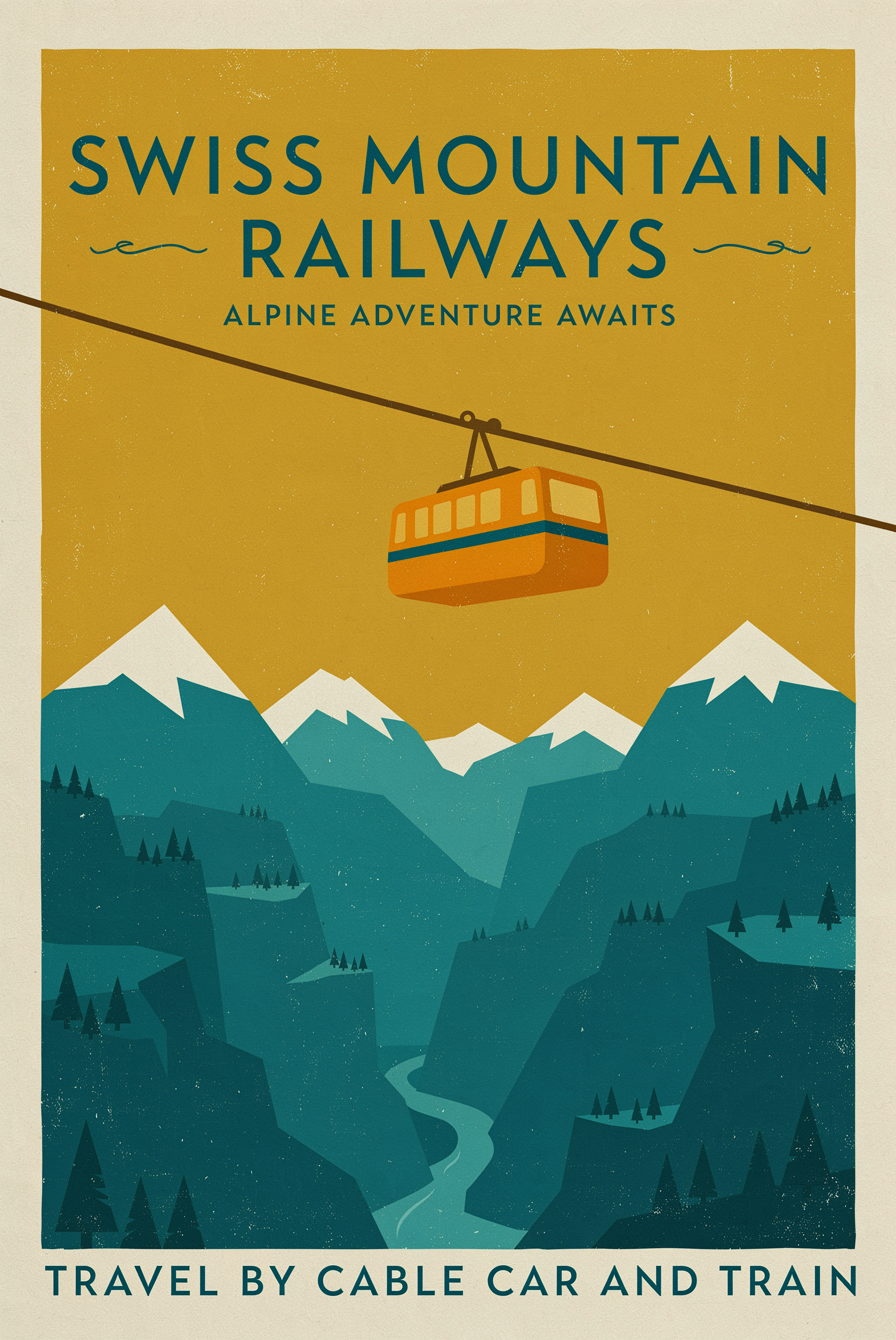
A mid-century travel poster for a mountain railway
p-image-ideogram
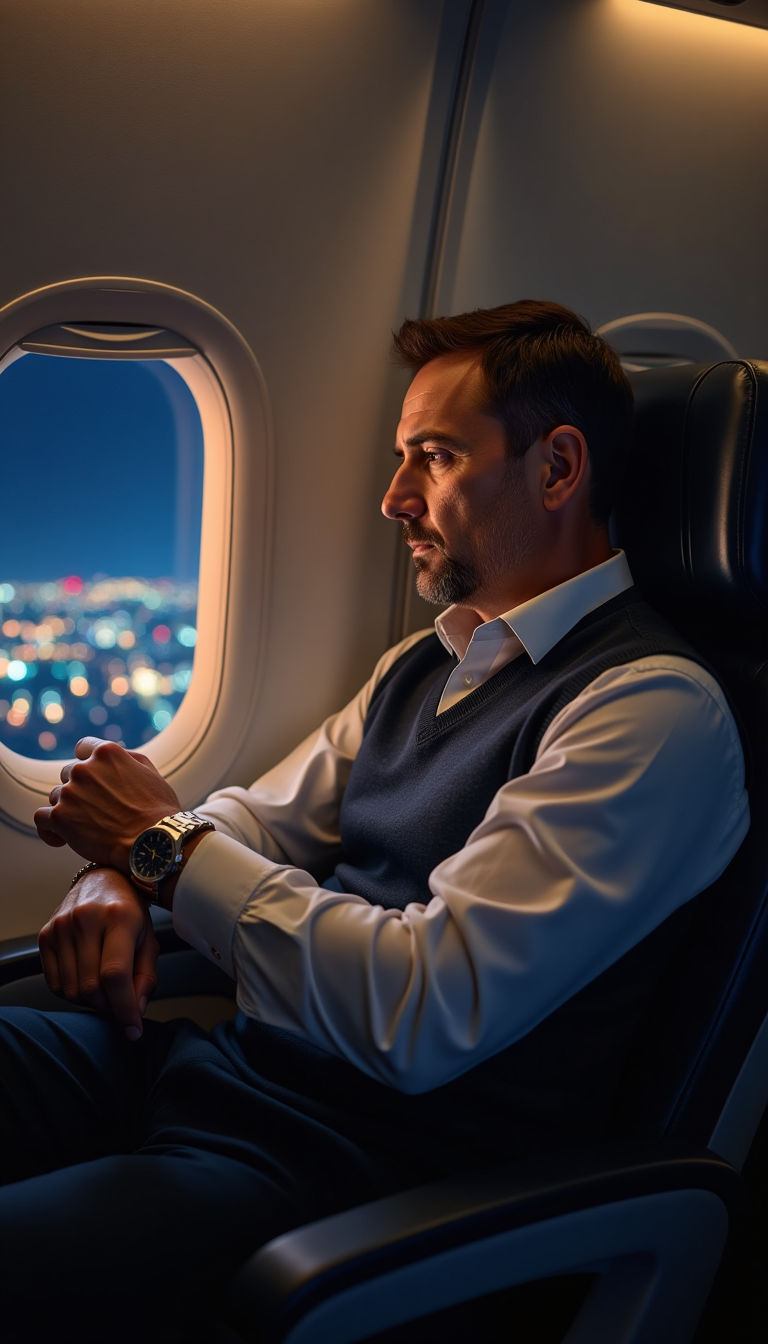
A middle-aged man with a concerned expression
stable-diffusion
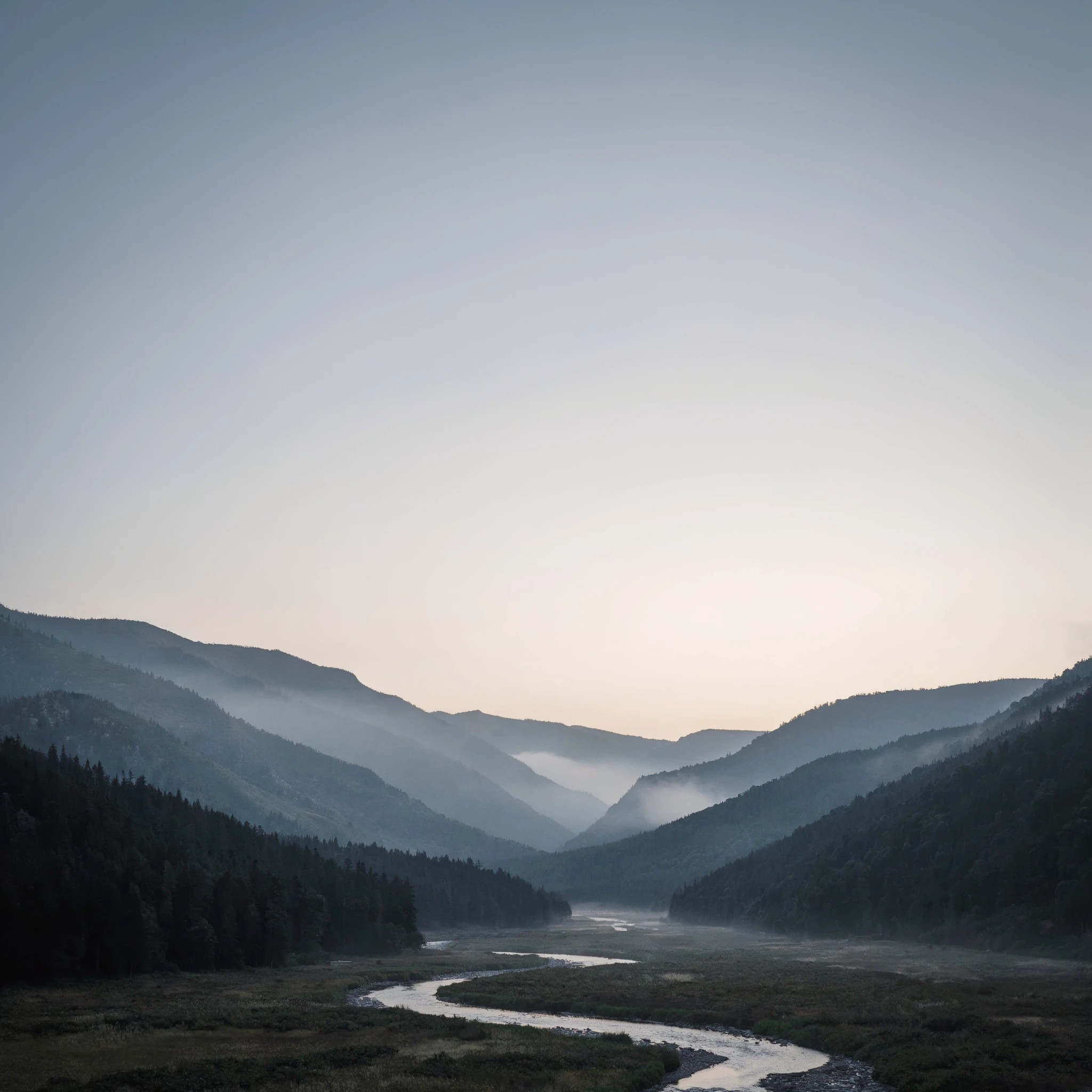
A misty mountain valley at dawn
luma-uni-1
Models you can run on PixelDojo for midjourney alternative
Switch models without switching tools. Each one runs in the same PixelDojo studio.
What you can do with midjourney alternative on PixelDojo
Many image models
We give you access to several current image models in one studio so you can pick the look that fits the brief. Switch models without leaving the same workflow.
Generate in the browser
We run generation from a web interface. You do not need Discord channels or bot commands to start, iterate, or download results.
Styles and prompt control
We let you set styles, aspect ratios, and other generation options so outputs stay closer to your intent. Refine prompts and rerun from the same session.
Downloads you can use
We provide generated images you can save and use in your projects under our standard terms. Keep files organized in your account for later edits.
Loved by thousands of creators worldwide who generate millions of images every month. 40+ cutting-edge AI tools in a single platform. Cancel anytime with no long-term contracts.
Why Choose Pixel Dojo for midjourney alternative
Professional-quality results with cutting-edge AI technology
Every Breakthrough Model in One Dashboard
You instantly access Flux.2 Studio for unmatched photorealism and fabric detail, Nano Banana 2 for lightning-fast intelligent drafts, GPT Image 2 for complex multi-object scenes with reasoning, Ideogram 4 for perfectly placed readable text, Seedream 5 for vibrant artistic flair, plus QWEN Image 2, Recraft V4.1, Hunyuan Image 3 and more. No more juggling subscriptions or waiting for updates—you create any style the moment you need it.
Characters That Stay Perfectly Consistent
Build a hero, influencer, or mascot once with Consistent Characters and Character Sheets, then reuse that exact face, clothing, and personality across hundreds of new scenes, camera angles, and even videos. Face Swap, LoRA Face Swap, and WAN Video Character Swap keep identity locked while you change lighting, outfits, or environments. Your brand story stays cohesive from first concept to finished campaign.
Edit, Enhance, and Animate Without Leaving the Platform
Fix any detail with Inpainting, restyle entire images with Style Transfer, extend scenes with Image Outpainting, or remove backgrounds in one click. Upscale to print-ready quality using Magnific Upscaler, Clarity Pro, or Portrait Upscaler. Then turn stills into motion with Kling Video, WAN 3.0, Seedance, or Marketing Studio. You go from raw idea to finished asset—image, video, or 3D—in a single workflow.
How It Works
Creating production-quality AI images on PixelDojo takes just three simple steps. You stay in control the entire time while the platform handles the heavy lifting.
Step 1: Choose Your Perfect Generator
Open the Generate Images dashboard and pick the model that matches your goal. Select Flux.2 Studio when you need photorealistic skin, lighting, and anatomy. Choose Nano Banana 2 for rapid high-quality concepts with strong world knowledge. Use GPT Image 2 for intricate prompts that require reasoning. Pick Ideogram 4 whenever text must appear perfectly spelled and styled. Seedream 5, QWEN Image 2, Recraft V4.1, and Hunyuan Image 3 are one click away for specialized looks. You can even train your own custom model with Flux Trainer or QWEN Trainer for brand-specific output.
Step 2: Describe Your Vision in Natural Language
Type a detailed prompt exactly as you would speak it: “cinematic wide shot of a rain-slicked Tokyo alley at night, neon kanji signs reflecting in puddles, a lone figure in a long coat walking toward camera, volumetric fog, dramatic rim lighting, 8k photorealistic, shallow depth of field.” PixelDojo’s models follow complex instructions, place multiple objects accurately, render emotions, and handle lighting with professional precision. Add reference images for extra control over composition or character likeness.
Step 3: Refine, Enhance, and Download
Use Inpainting to change any element, Change Camera Angle for new perspectives, Magic Lighting to shift mood, or Style Transfer to explore variations. Remove backgrounds, outpaint to expand the canvas, then upscale with P-Image Upscale, Magnific Upscaler, or Clarity Pro. Download in high resolution or send the image straight into Kling Video, WAN 3.0, or Marketing Studio to create motion. Extract frames, add captions, or train a LoRA if you want even tighter brand control. Your finished assets are ready for any campaign.
The Pixel Dojo Advantage
Why PixelDojo outperforms other options for professional AI image generation
| Others | Pixel Dojo |
|---|---|
| Single-model subscription platforms | You get 40+ specialized 2026 models instead of one locked aesthetic. Switch between Flux.2 Studio photorealism, Nano Banana 2 speed, Ideogram 4 typography, and Seedream 5 artistry in the same session, plus a complete editing and video suite. |
| Basic or generic AI generators | PixelDojo delivers production-ready quality with true character consistency, commercial rights, custom model training via Flux Trainer and QWEN Trainer, and Developer API access that lightweight tools simply cannot match. |
| Hours of manual photo editing or traditional design | Generate, iterate, and perfect cinematic images in minutes rather than days. Then enhance, animate, and deploy across every channel without leaving the platform. |
Loved by creators on PixelDojo
Real feedback from people using PixelDojo, pulled from our in-product surveys.
A well resourced sunscription with attention to updates.
Easy to use and there's lots of options.
super lora download
Great variety of tools to create and modify images and video.
Lots of Tools, and the one time I needed support I got help right away
Easy to use once you get the hang of it
Explore more AI tools on PixelDojo
AI Tools
Compare & Switch
- Best AI Image Generators
- Best AI Video Generators
- Midjourney Alternatives
- Civitai Alternatives
- Runway Alternatives
- Leonardo Alternatives
- Pika Alternatives
- Luma Alternatives
- Magnific Alternatives
- Veo Alternatives
- Flux Alternatives
- Freepik Alternatives
- Seedance Alternatives
- Seedream Alternatives
- Pixverse Alternatives
- GPT Image Alternatives
- Synthesia Alternatives
- Playground Alternatives
- NightCafe Alternatives
- Canva AI Alternatives
- ElevenLabs Alternatives
- ComfyUI Alternatives
- Fal Alternatives
- Replicate Alternatives
Common Questions
Everything you need to know about midjourney alternative
What is the best all-in-one platform for cinematic and photorealistic AI images in 2026?
PixelDojo gives you simultaneous access to the leading 2026 models—Flux.2 Studio for photorealistic detail and anatomy, Nano Banana 2 for intelligent fast generation, GPT Image 2 for superior prompt following and reasoning, Ideogram 4 for flawless in-image text, Seedream 5 for artistic color and composition, plus QWEN Image 2, Recraft V4.1, and Hunyuan Image 3. Combined with Inpainting, Style Transfer, Character Sheets, upscalers, and one-click video tools, you achieve professional results faster and with more control than any single-tool solution. Thousands of creators choose it for the complete workflow and the freedom to cancel anytime.
How do I keep the same character looking identical across many AI images and videos?
Start with Consistent Characters or Character Sheets to lock in facial features, body type, and style. Then apply Face Swap, LoRA Face Swap, Ideogram Character, or WAN Video Character Swap to place that exact identity into new scenes, lighting, outfits, and even full video sequences. Kling Avatar and P Video Avatar extend the same consistency into motion. Your brand mascot or story hero stays perfectly on-model from first still to finished campaign.
Can PixelDojo generate images with perfectly readable text for posters, logos, and ads?
Yes. Ideogram 4 and Recraft V4.1 are built specifically for typography control, placing correctly spelled, beautifully styled text exactly where you want it. Pair them with Flux.2 Studio or GPT Image 2 for the photographic or illustrative background, then refine with Image Analyzer or Reality Polisher. You get print-ready posters, social graphics, and packaging mockups without the usual garbled letters.
Is PixelDojo suitable for commercial client work and brand campaigns?
Absolutely. You receive full commercial rights on generated images. Use Bria 3.2 when licensed training data matters, train proprietary models with Flux Trainer, QWEN Trainer, or SDXL Trainer for unique brand assets, and integrate everything via the Developer API. Background Remover, Virtual Try-On, and Marketing Studio make it easy to produce campaign-ready files at scale.
Which tools should I use for the most photorealistic portraits and product shots?
Flux.2 Studio and PonyXL excel at skin texture, fabric detail, and anatomical accuracy. Follow up with Portrait Upscaler, Reality Polisher, and Magic Lighting to reach magazine quality. For products, combine Flux.2 with Image to Image and Change Camera Angle. Virtual Try-On and Flux Pro Virtual Try-On let you place items on models instantly.
Can I turn my PixelDojo images into videos, 3D models, or custom trained styles?
Yes. After generating any still, send it directly to Kling Video, WAN 3.0, Seedance 2.5, or Marketing Studio for animation. Use Rodin or Hunyuan 3D for three-dimensional assets. Train your own LoRAs and checkpoints with Flux Trainer, QWEN Trainer, Z-Image Trainer, or WAN 2.2 Image Trainer so future generations match your exact brand look. Everything stays inside one platform.