Midjourney Prompt Helper AI Generator
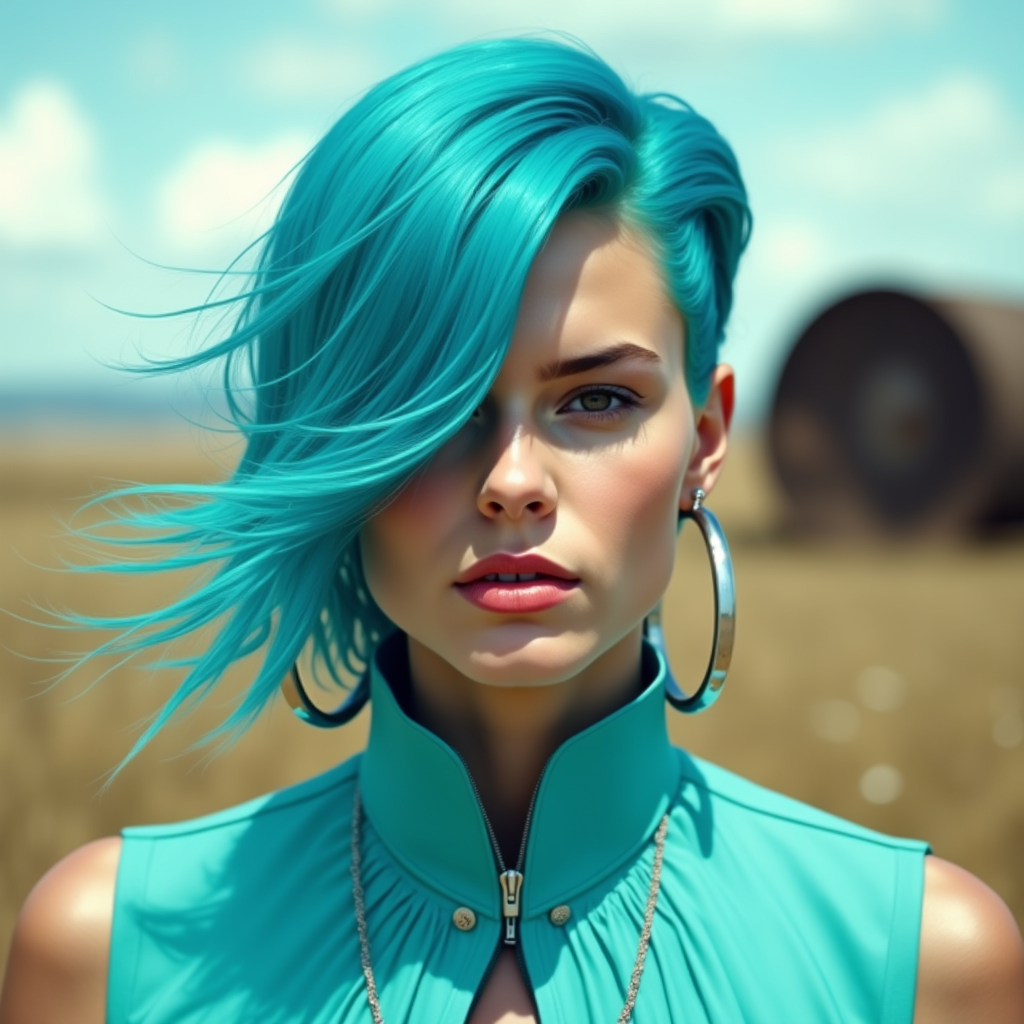
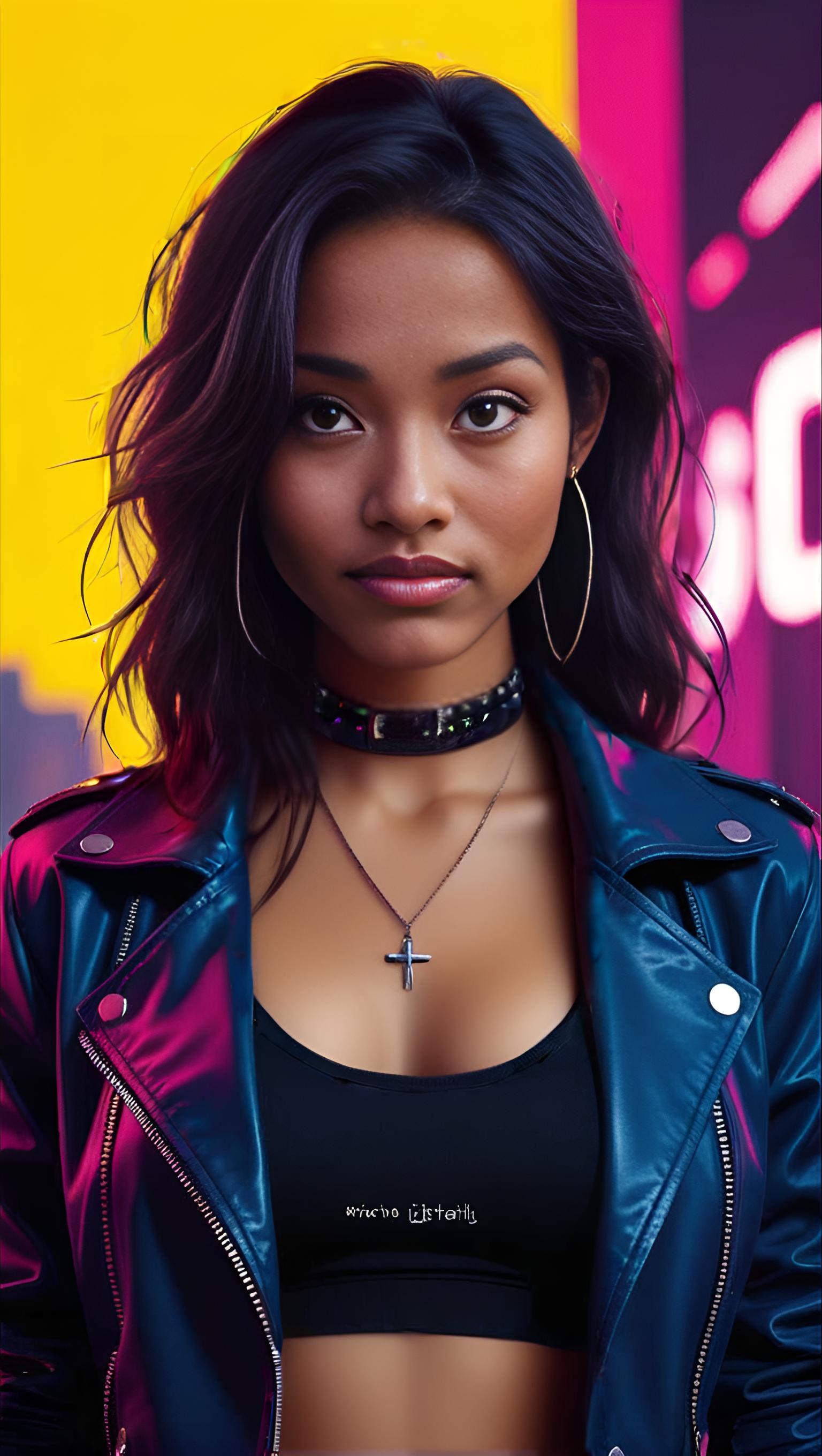
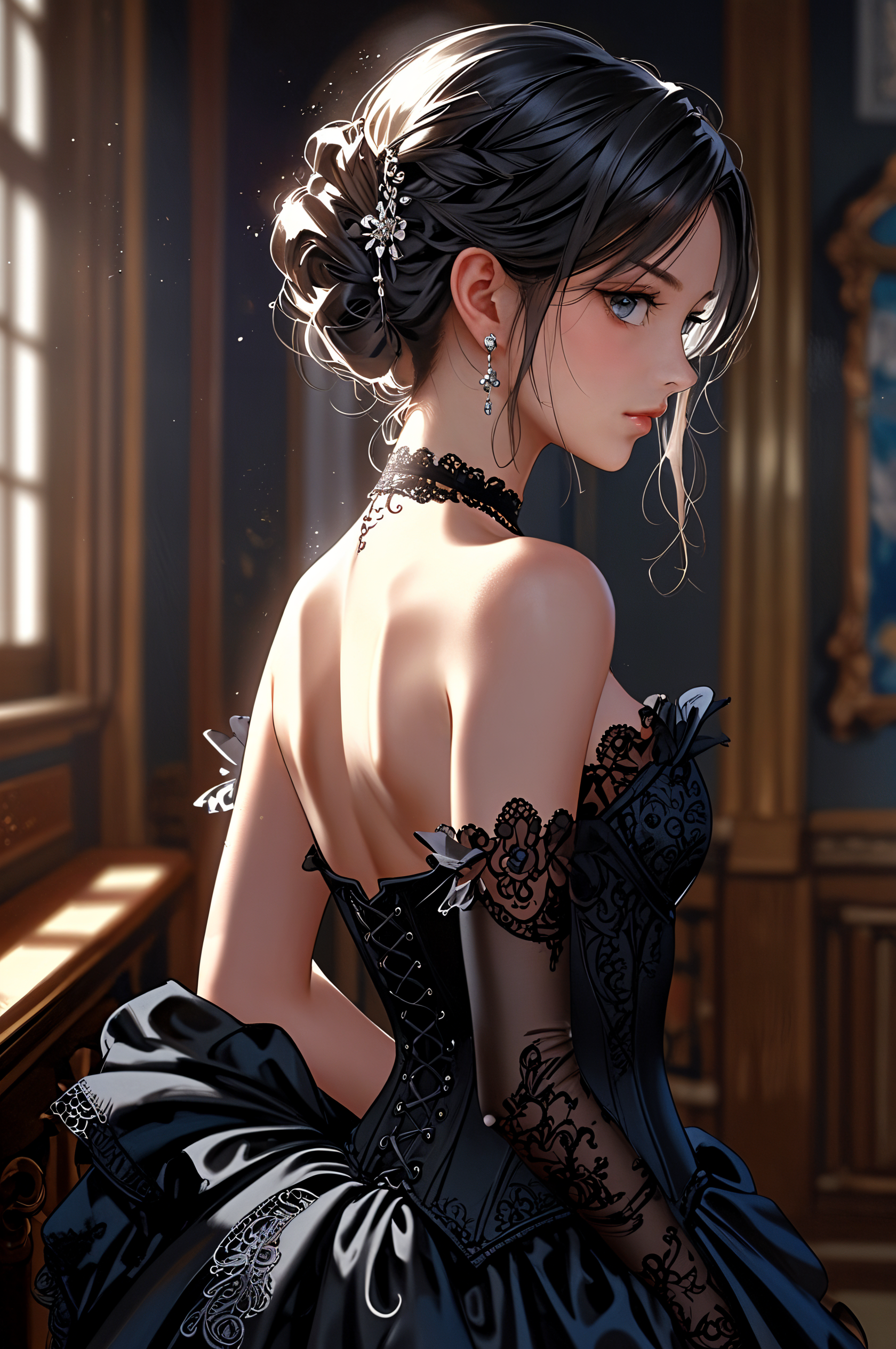
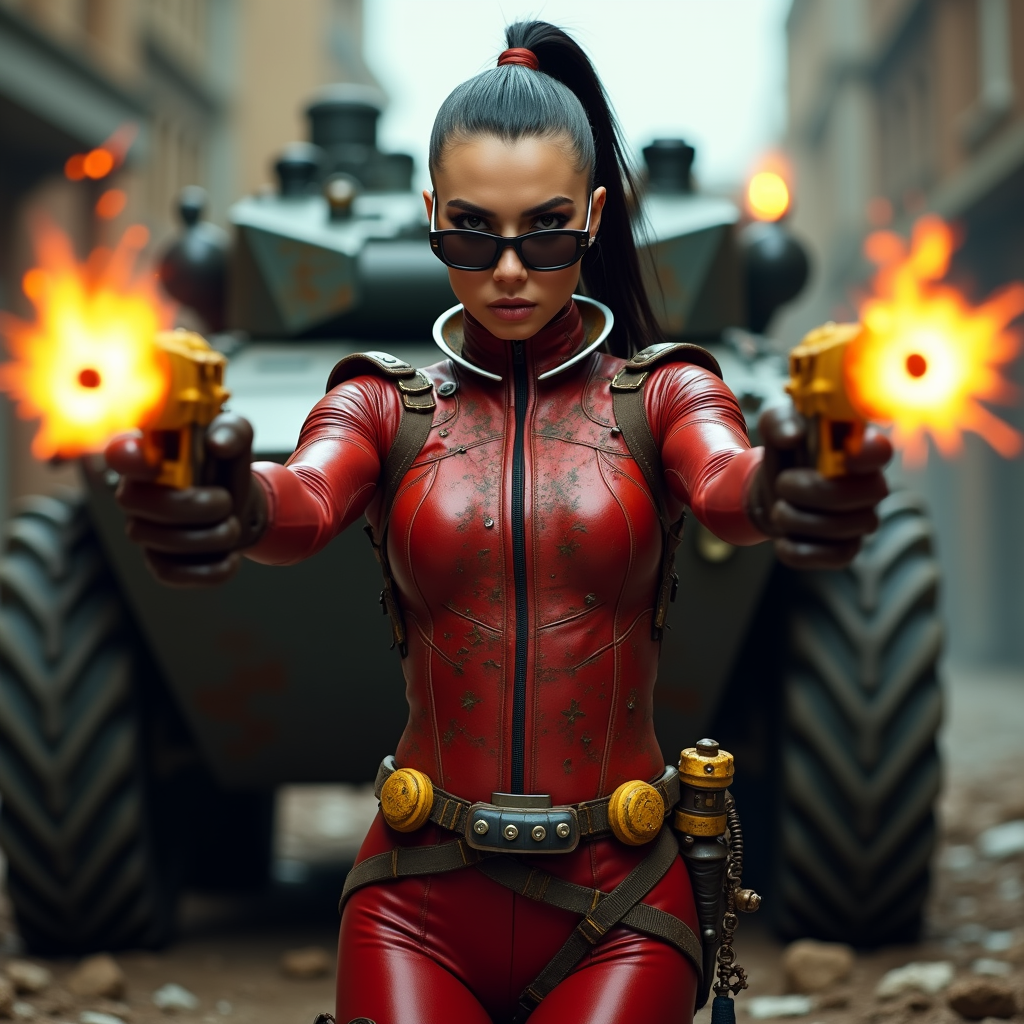
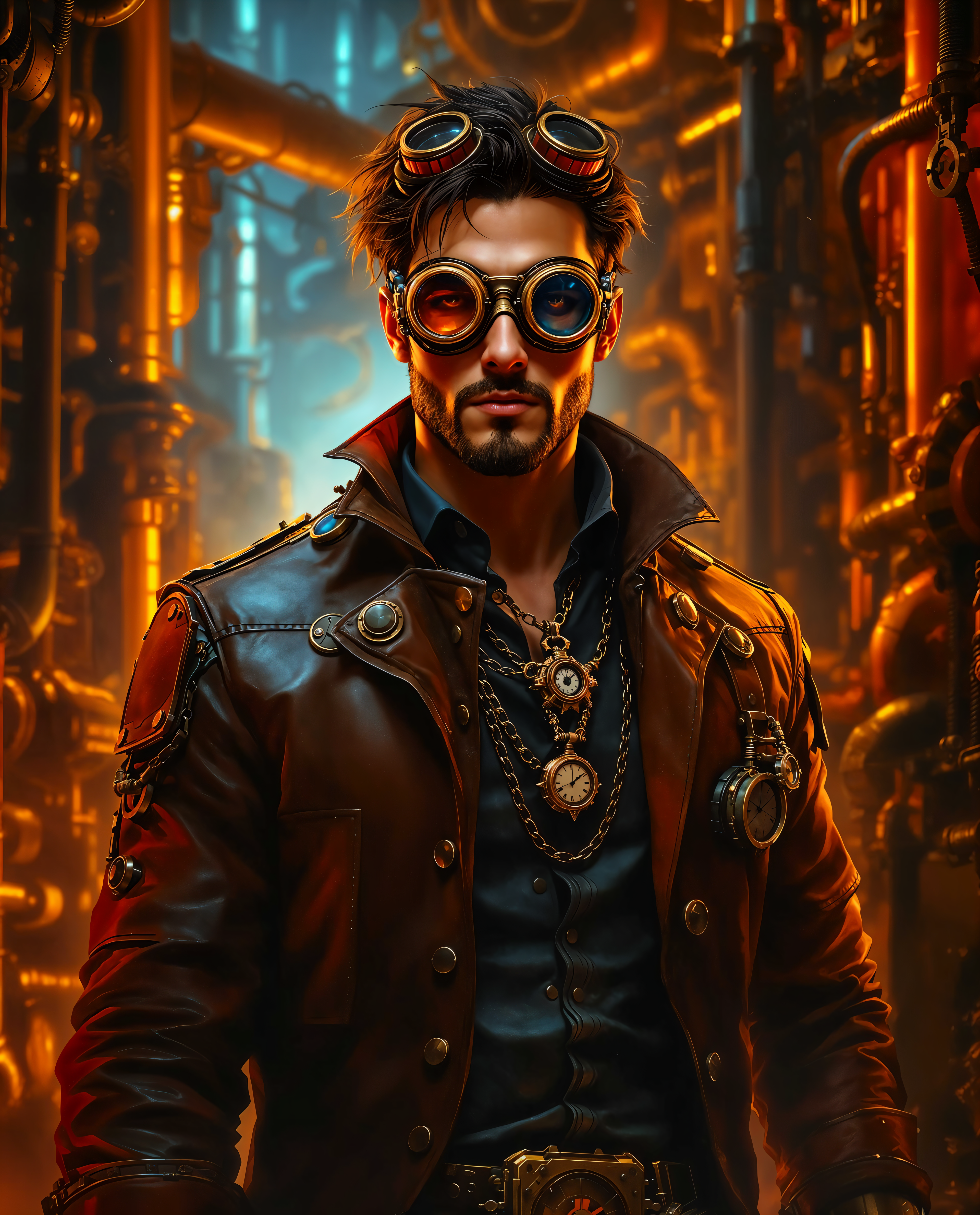
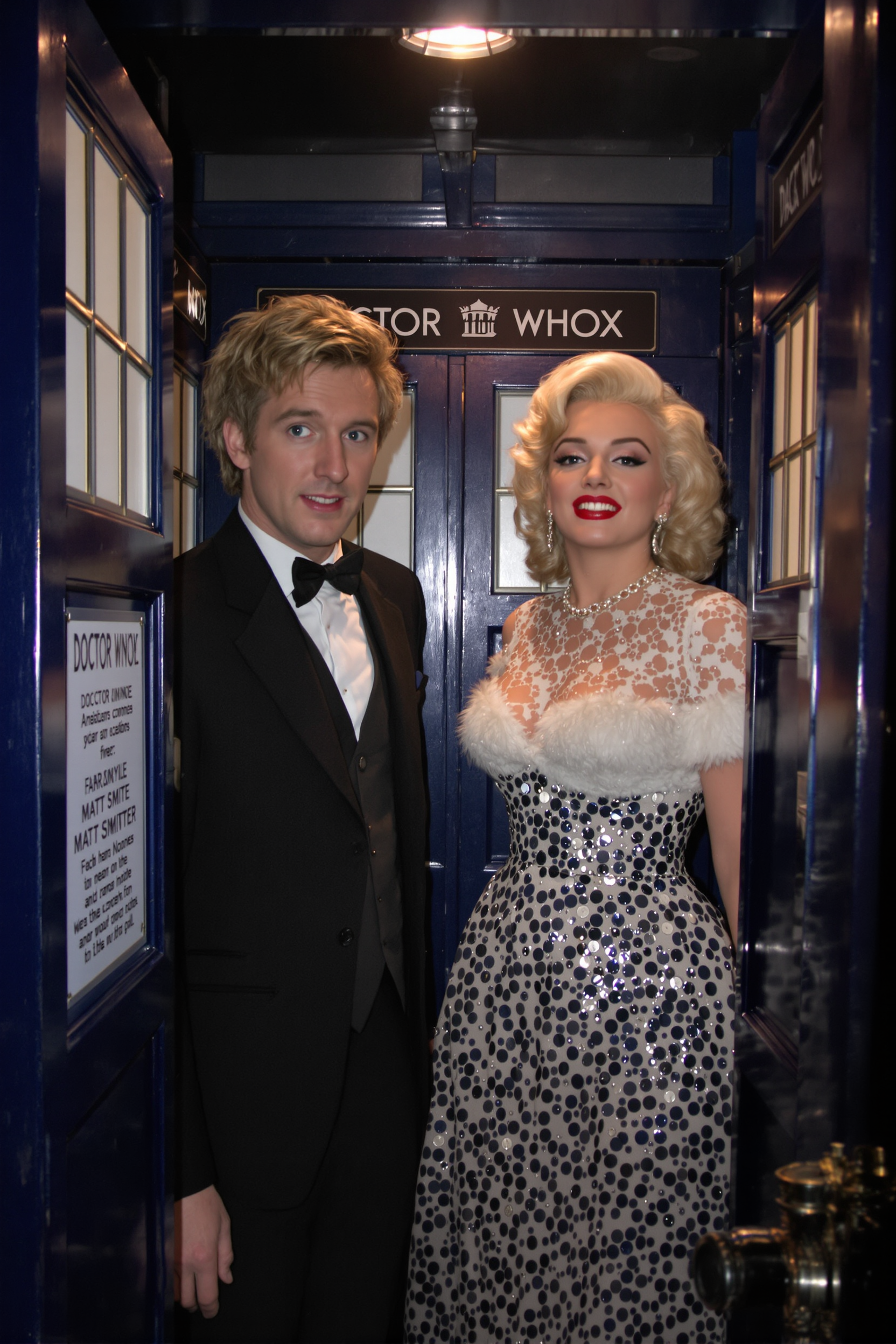
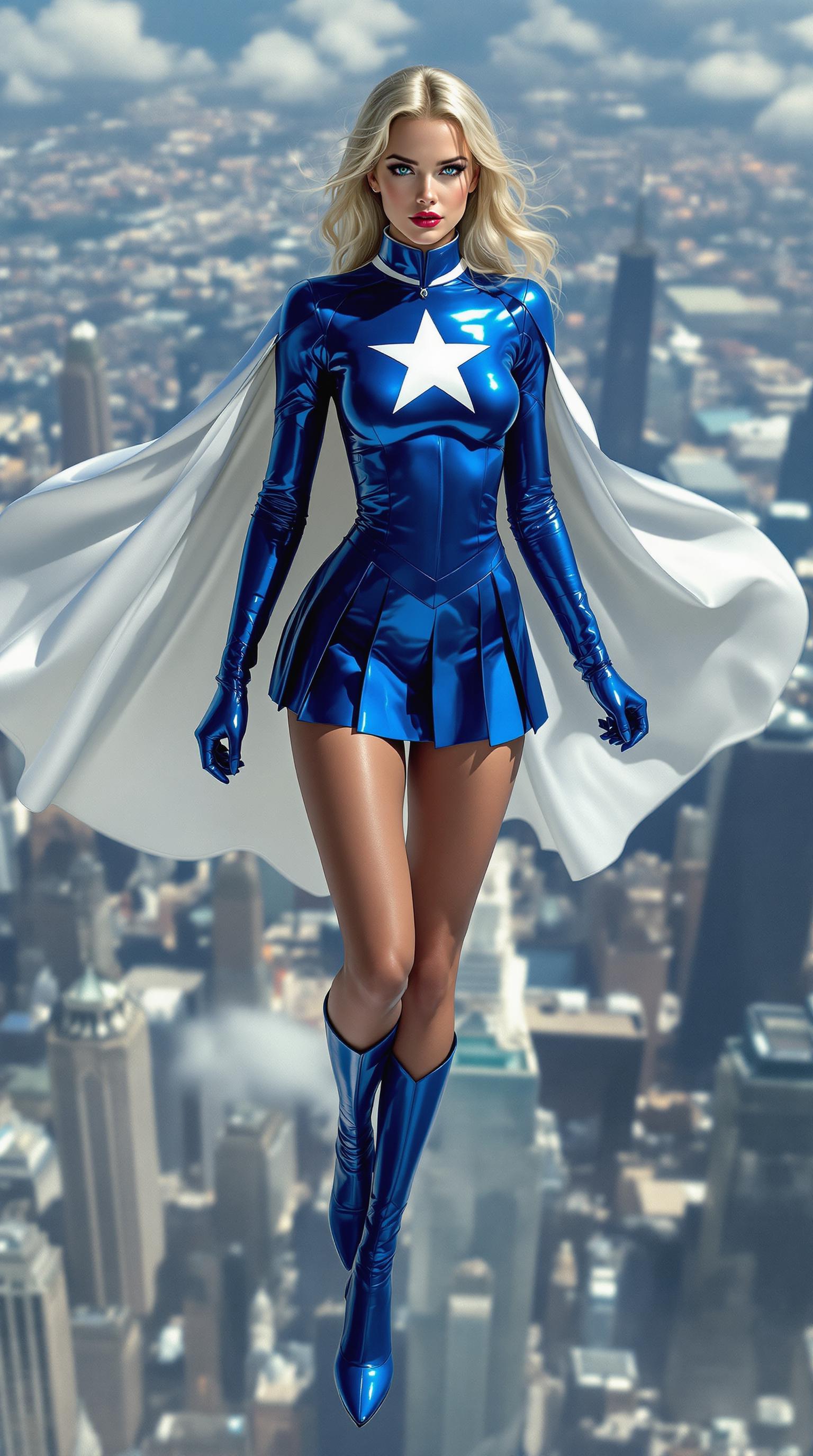
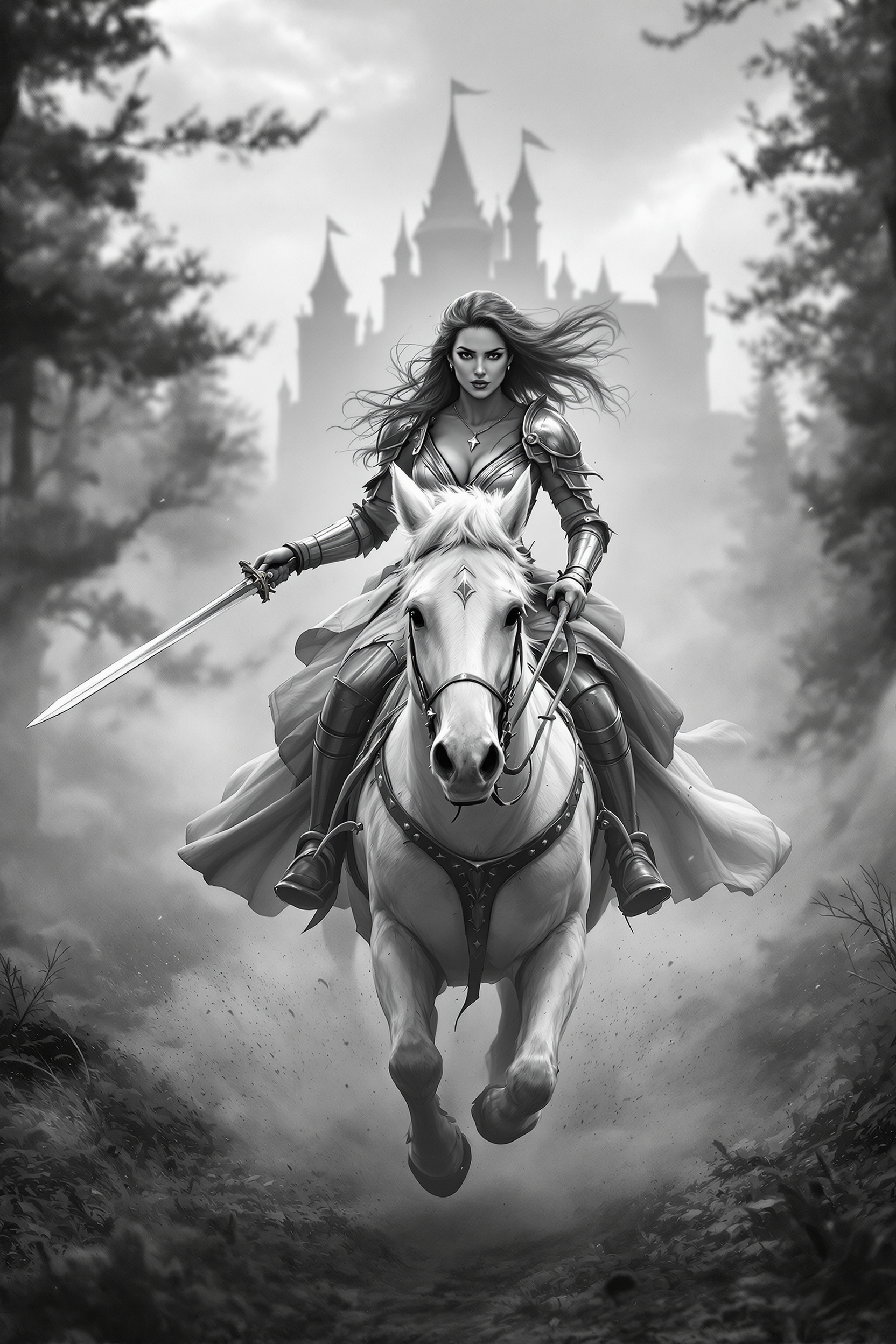
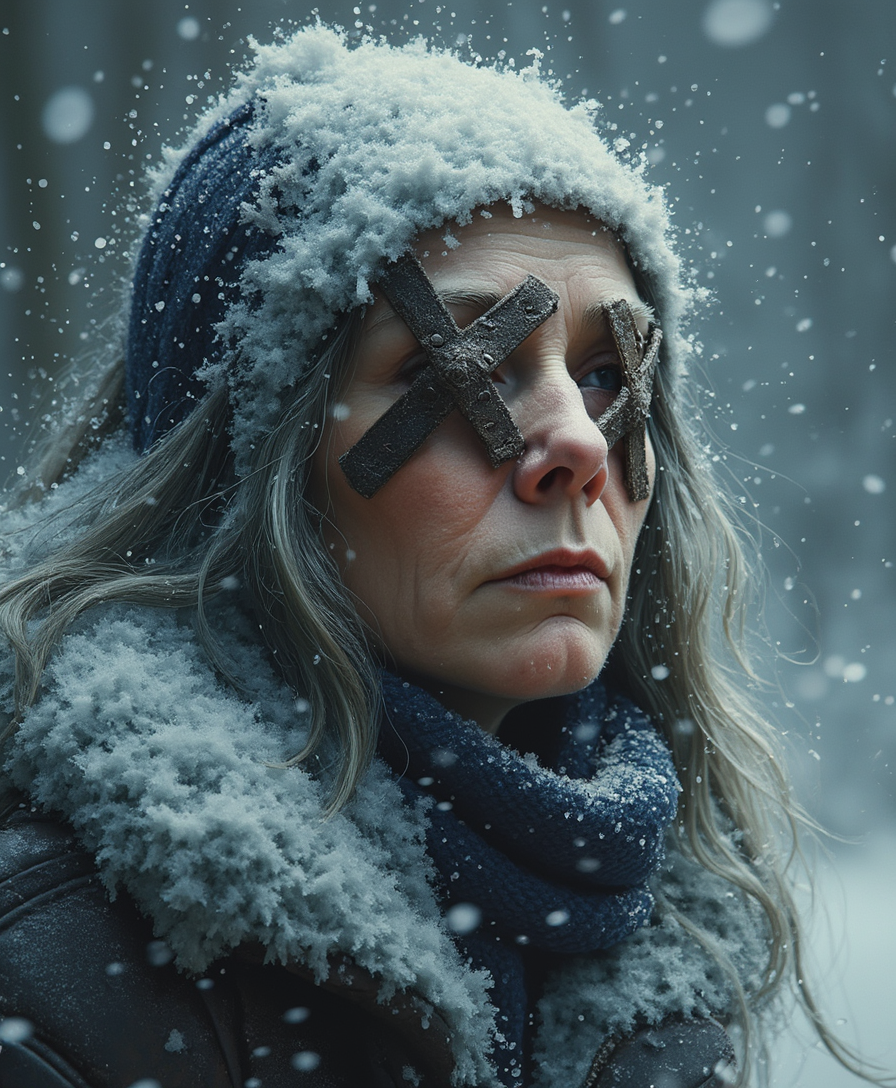
Transform your creative ideas into stunning AI-generated images with PixelDojo's Midjourney Prompt Helper. This intuitive tool empowers you to craft precise prompts, ensuring your visions are accurately brought to life. Whether you're an artist seeking inspiration or a designer aiming for efficiency, our Prompt Helper streamlines your workflow, allowing you to focus on creativity rather than technicalities.
Join over 10,000 satisfied creators who have enhanced their AI art generation with PixelDojo's tools. Rated 4.8/5 based on 2,000+ reviews.
Why Choose Pixel Dojo for Midjourney Prompt Helper
Professional-quality results with cutting-edge AI technology
Achieve Precise Artistic Control
Craft detailed prompts that guide AI to generate images exactly as you envision, reducing the need for multiple iterations.
Save Time with Efficient Prompt Creation
Utilize our user-friendly interface to quickly build and save prompts, streamlining your creative process.
Explore Diverse Styles and Techniques
Experiment with various artistic styles, lighting, and compositions to produce unique and captivating images.
How It Works
Creating stunning AI-generated images is simple with PixelDojo's Midjourney Prompt Helper. Follow these steps to bring your ideas to life:
Step 1: Select Your Desired Style
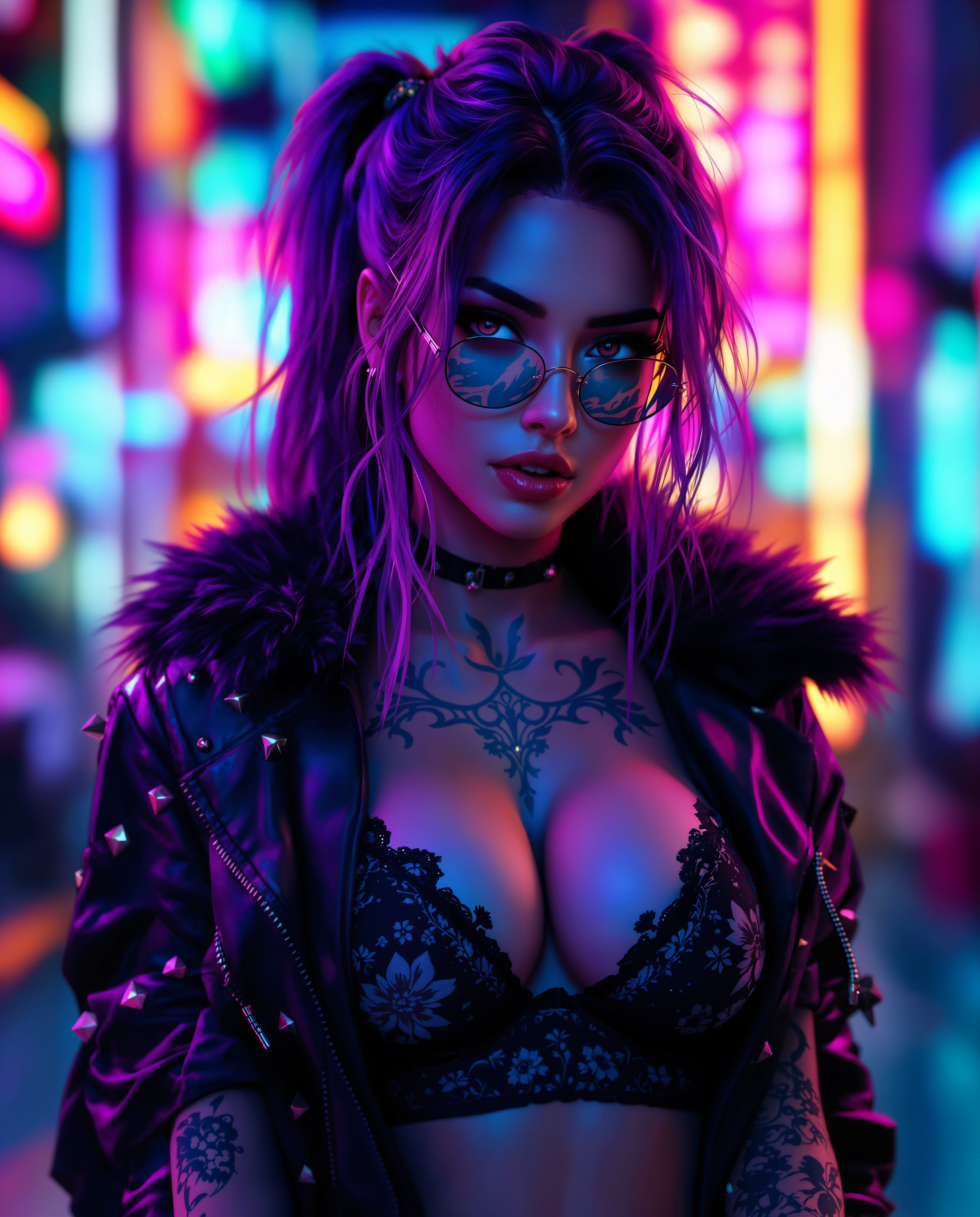
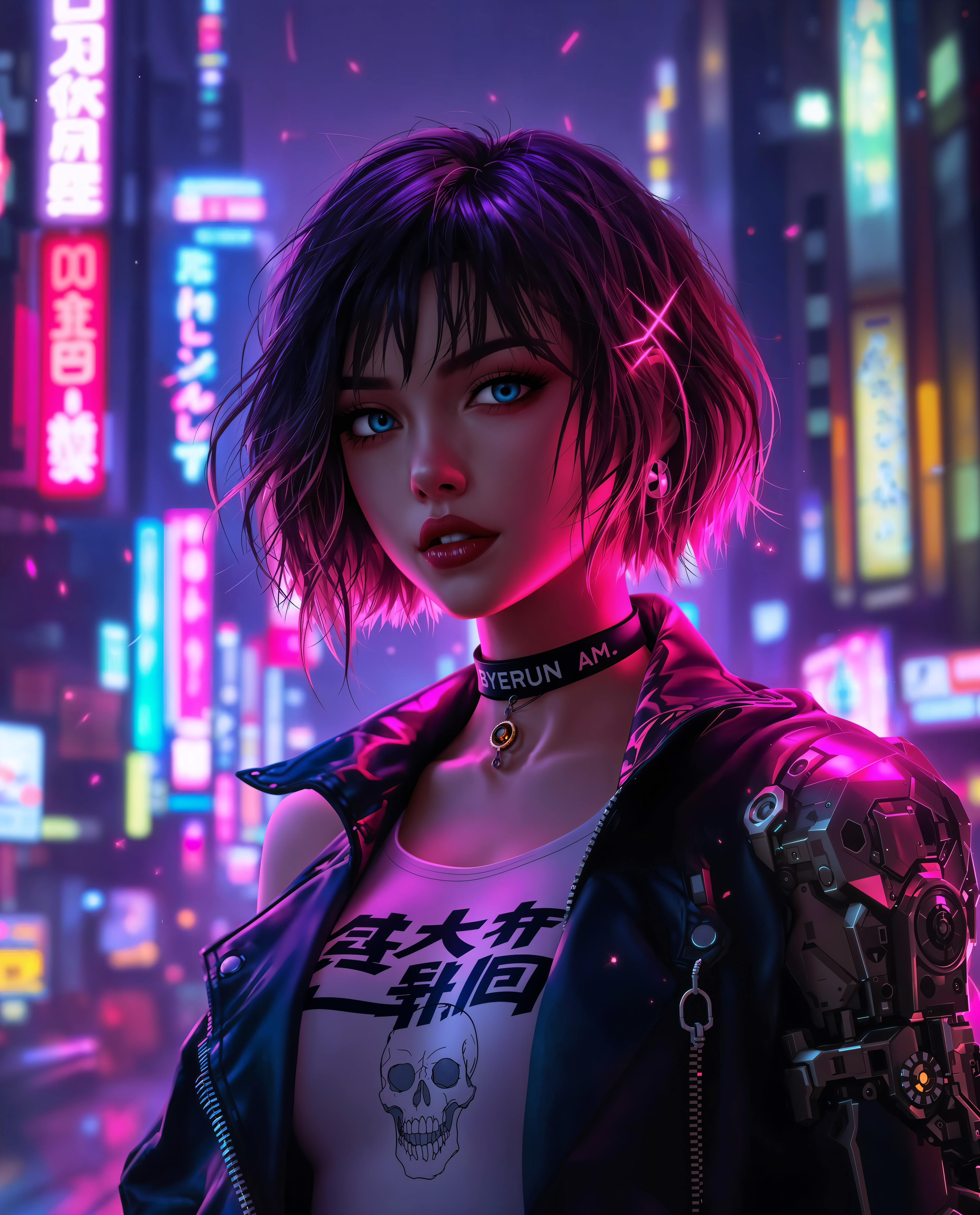
Choose from a variety of artistic styles such as surrealism, impressionism, or cyberpunk to set the tone for your image.
Step 2: Define Your Subject and Elements
Specify the main subject and additional elements you want in your image, providing clear and concise descriptions.
Step 3: Adjust Settings and Generate
Fine-tune parameters like aspect ratio, lighting, and color schemes, then generate your image with a single click.
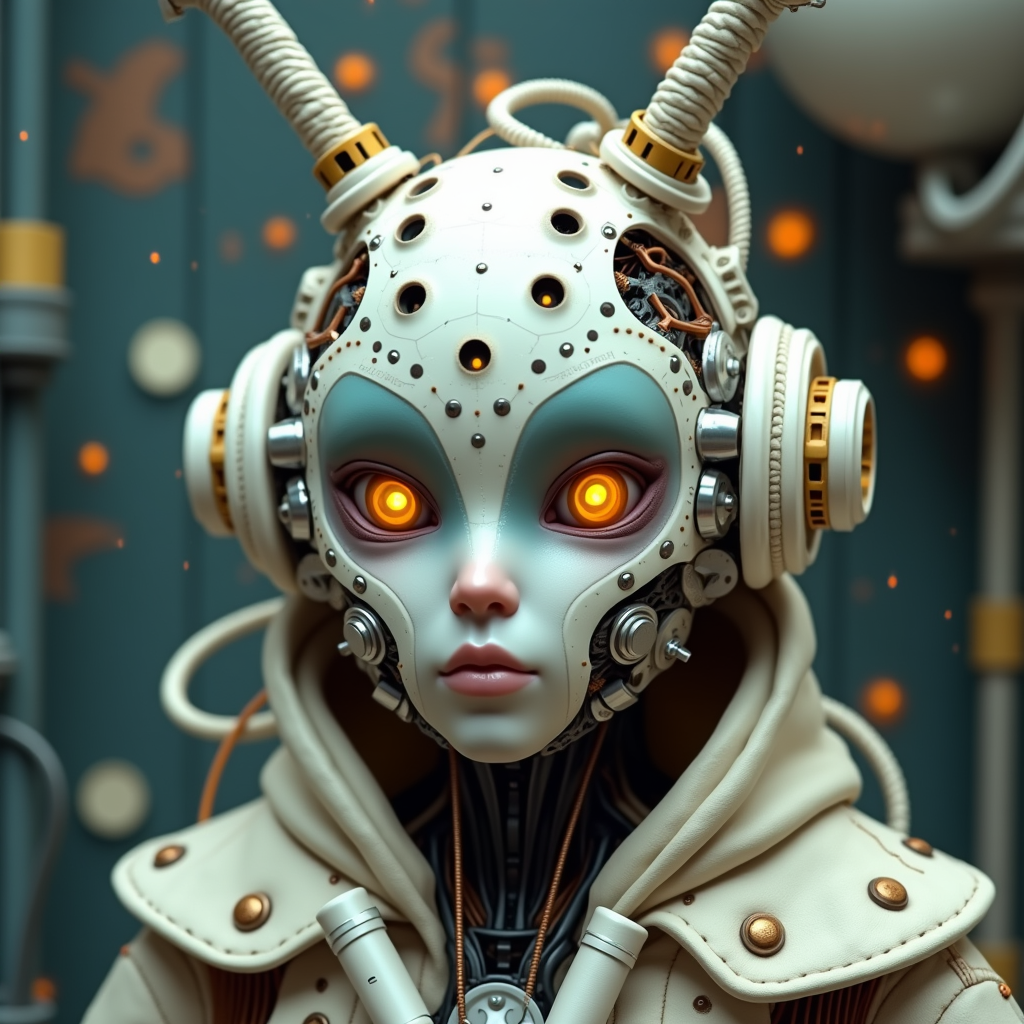
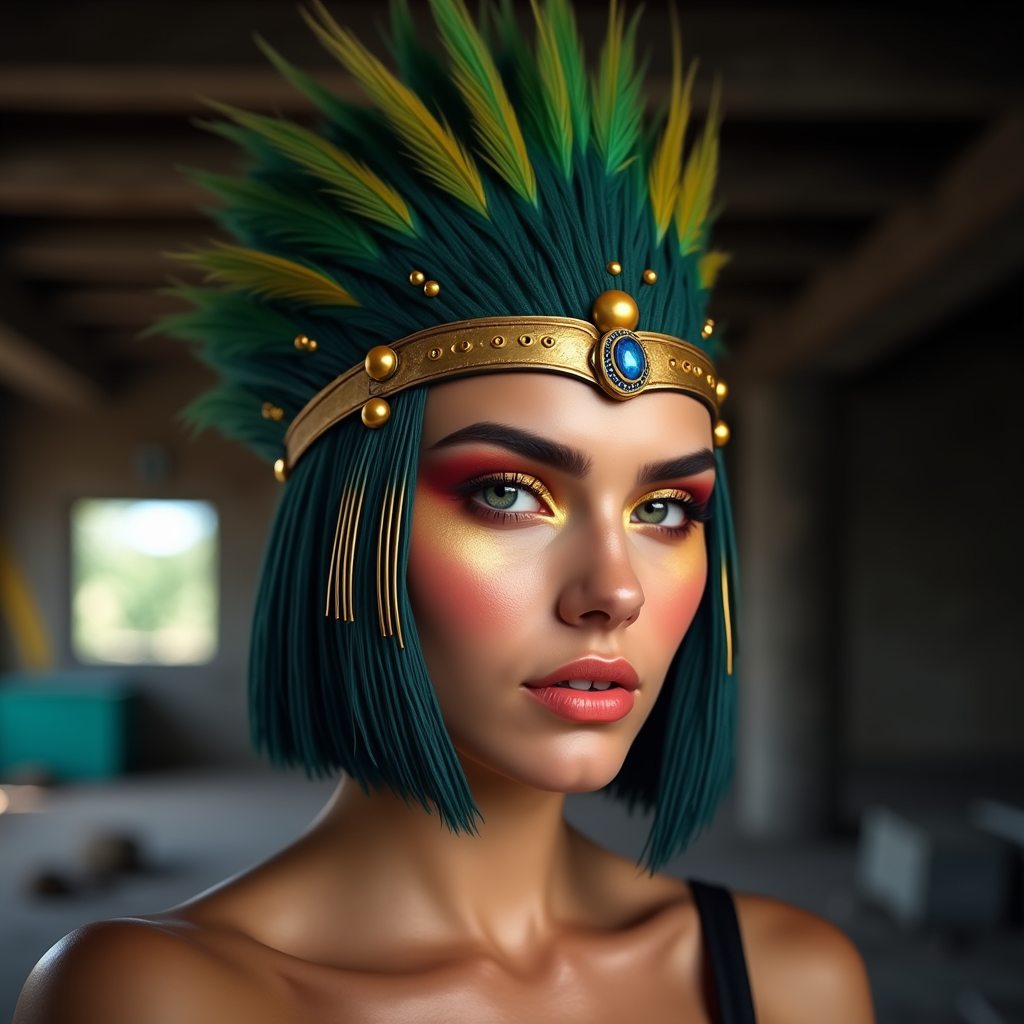
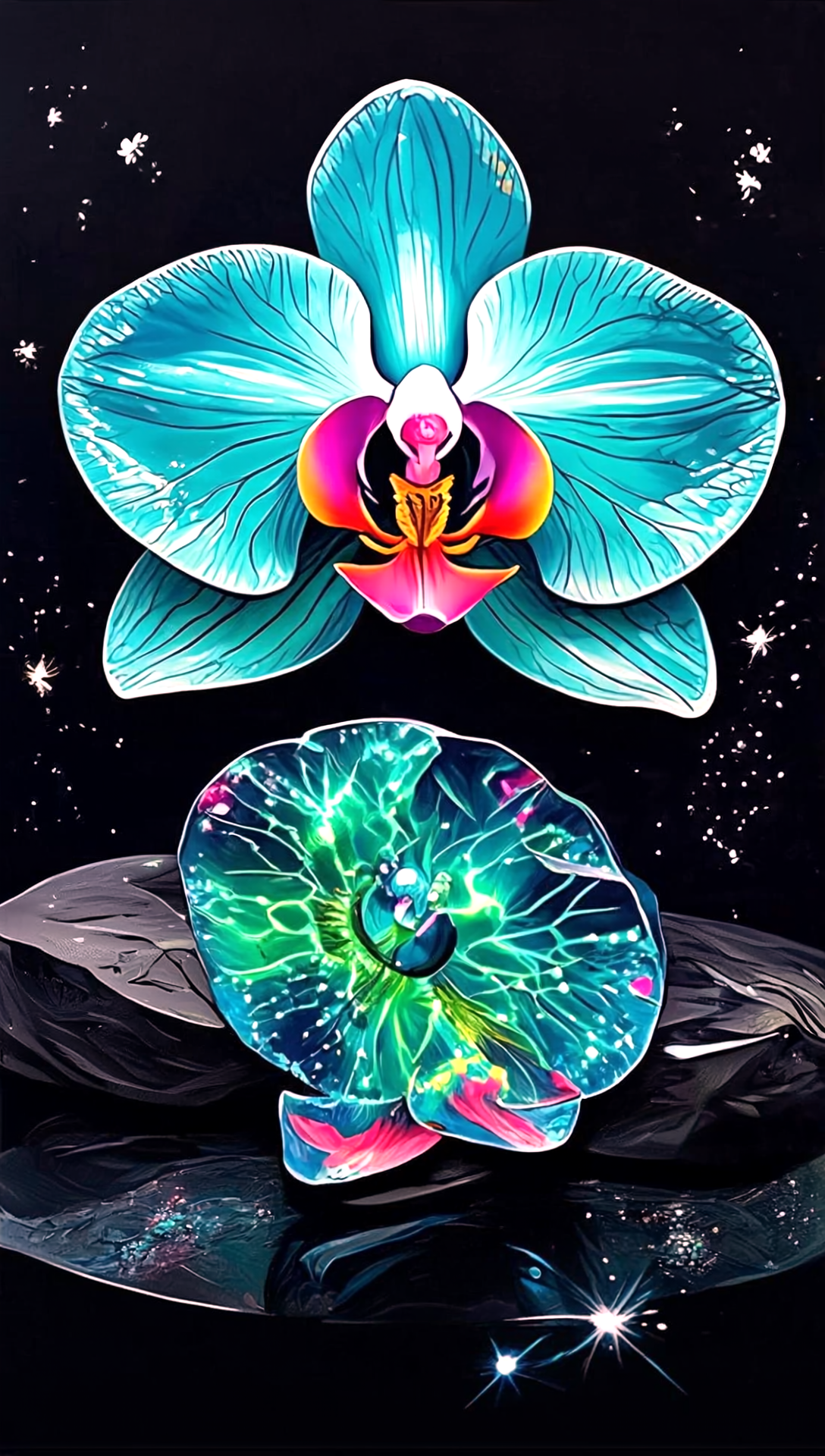
The Pixel Dojo Advantage
Why PixelDojo's Midjourney Prompt Helper stands out in AI art generation:
| Others | Pixel Dojo |
|---|---|
| Manual Prompt Crafting | Eliminates guesswork with guided prompt creation, ensuring accurate and desired outcomes. |
| Generic AI Tools | Offers specialized features tailored for artists, providing greater control over artistic styles and elements. |
| Traditional Art Creation | Accelerates the creative process, allowing rapid experimentation and iteration without the need for physical materials. |
Loved by creators on PixelDojo
Real feedback from people using PixelDojo, pulled from our in-product surveys.
Ease of use, friendliness and support of the owner, continued innovation.
it is an amazing site to create a pics and vids for those who don't have the hardware themselves
good tools in one place
Prompt updates, strong features, and a community that is always willing to help and hear/act on professional feedback. I've never had a better experience.
user friendly all in one thing
I really like the schedule of AI work performed!
Explore more AI tools on PixelDojo
AI Tools
Compare & Switch
- Best AI Image Generators
- Best AI Video Generators
- Midjourney Alternatives
- Civitai Alternatives
- Runway Alternatives
- Leonardo Alternatives
- Pika Alternatives
- Luma Alternatives
- Magnific Alternatives
- Veo Alternatives
- Flux Alternatives
- Freepik Alternatives
- Seedance Alternatives
- Seedream Alternatives
- Pixverse Alternatives
- GPT Image Alternatives
- Synthesia Alternatives
- Playground Alternatives
- NightCafe Alternatives
- Canva AI Alternatives
- ElevenLabs Alternatives
- ComfyUI Alternatives
- Fal Alternatives
- Replicate Alternatives
Common Questions
Everything you need to know about Midjourney Prompt Helper
How does PixelDojo's Midjourney Prompt Helper enhance AI art generation?
Our Prompt Helper guides you in crafting detailed prompts, ensuring the AI generates images that closely match your vision, reducing the need for multiple revisions.
Can I save and reuse prompts with PixelDojo's tool?
Yes, you can save your crafted prompts for future use, allowing for consistent results and efficient workflow.
Does the Prompt Helper support different artistic styles?
Absolutely. You can choose from a wide range of styles, including surrealism, impressionism, and cyberpunk, to tailor your images to your desired aesthetic.
Is PixelDojo's Midjourney Prompt Helper suitable for beginners?
Yes, our intuitive interface is designed for users of all skill levels, providing guidance and examples to help you create effective prompts effortlessly.
Can I adjust image parameters like aspect ratio and lighting?
Certainly. The tool allows you to fine-tune various settings, including aspect ratio, lighting, and color schemes, to achieve the perfect image.
Is there a community or support available for users?
Yes, PixelDojo offers a vibrant Discord community where you can share your creations, seek advice, and collaborate with fellow artists.