Midjourney prompt imagine AI Generator

Transform your creative ideas into stunning visuals with PixelDojo's AI-powered image generation tools. By mastering the art of crafting precise 'imagine' prompts, you can produce high-quality images that align perfectly with your vision. Whether you're an artist, designer, or content creator, PixelDojo empowers you to bring your concepts to life effortlessly.
Join over 10,000 satisfied creators who have generated more than 1 million images using PixelDojo's cutting-edge AI tools.
Why Choose Pixel Dojo for Midjourney prompt imagine
Professional-quality results with cutting-edge AI technology
Achieve Precise Visuals
Craft detailed prompts to generate images that match your exact specifications, ensuring your creative vision is realized.
Save Time and Resources
Eliminate the need for costly photoshoots or complex design software by generating high-quality images instantly.
Explore Unlimited Creativity
Experiment with various styles and concepts without limitations, allowing your imagination to run wild.
How It Works
Creating stunning images with PixelDojo is a straightforward process. Follow these steps to bring your ideas to life:
Step 1: Select Your AI Tool
Choose from PixelDojo's suite of AI image generation tools, such as Flux Creator or SDXL Image Creator, to begin your project.
Step 2: Craft Your 'Imagine' Prompt
Input a detailed description of the image you envision. Be specific about elements like subjects, settings, styles, and moods to guide the AI effectively.
Step 3: Generate and Refine
Click 'Generate' to produce your image. Review the output and make adjustments to your prompt as needed to achieve the desired result.


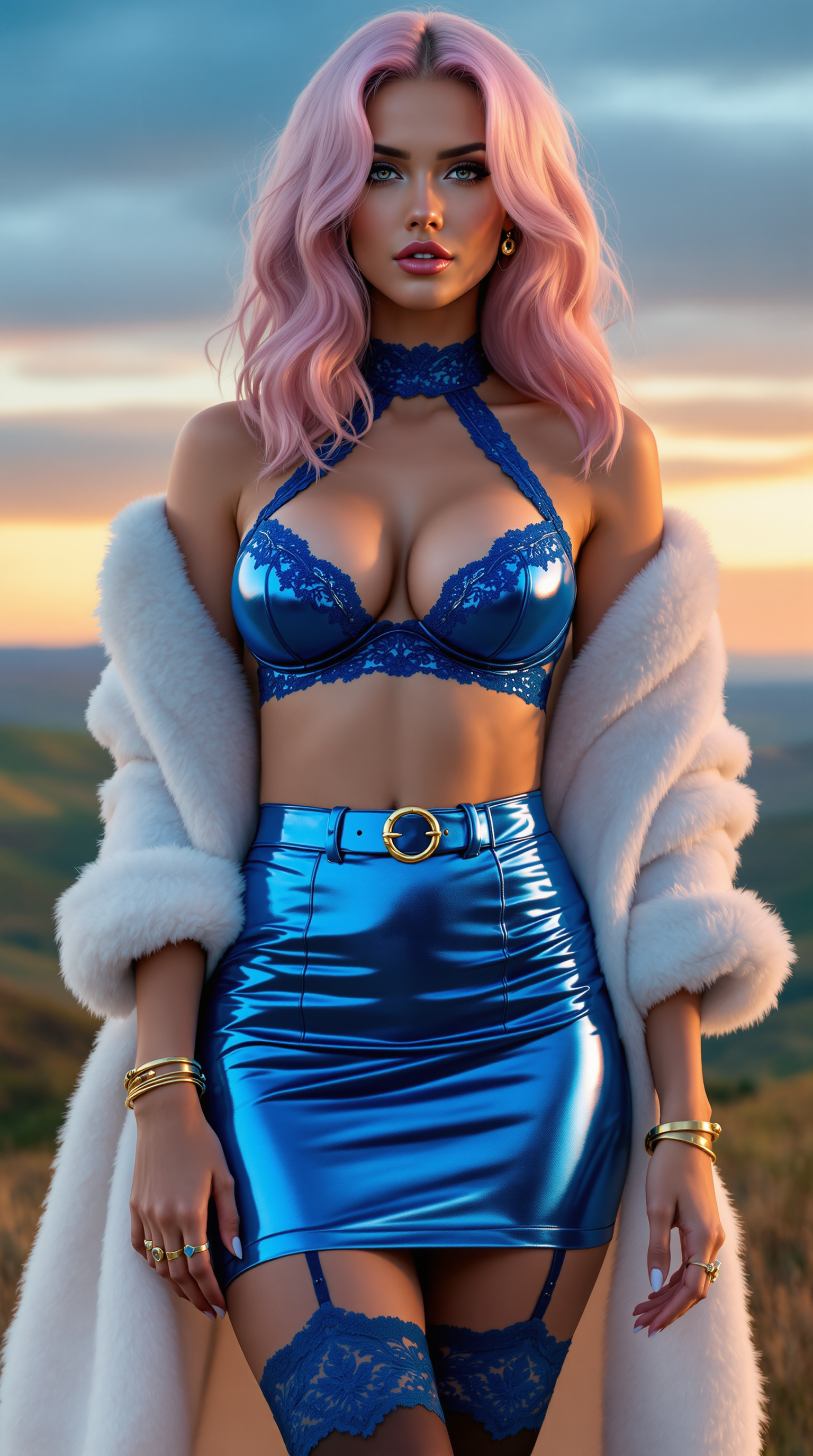
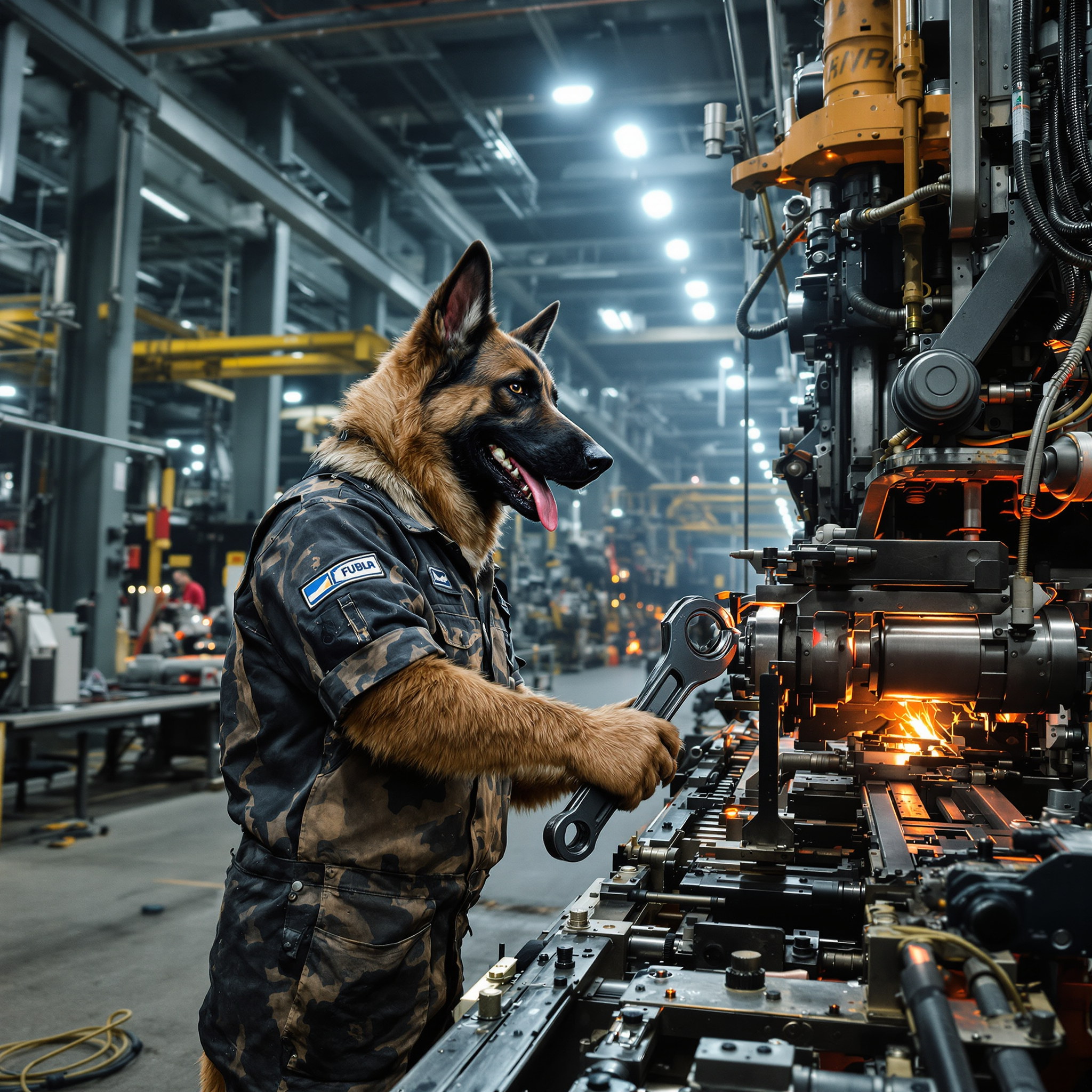
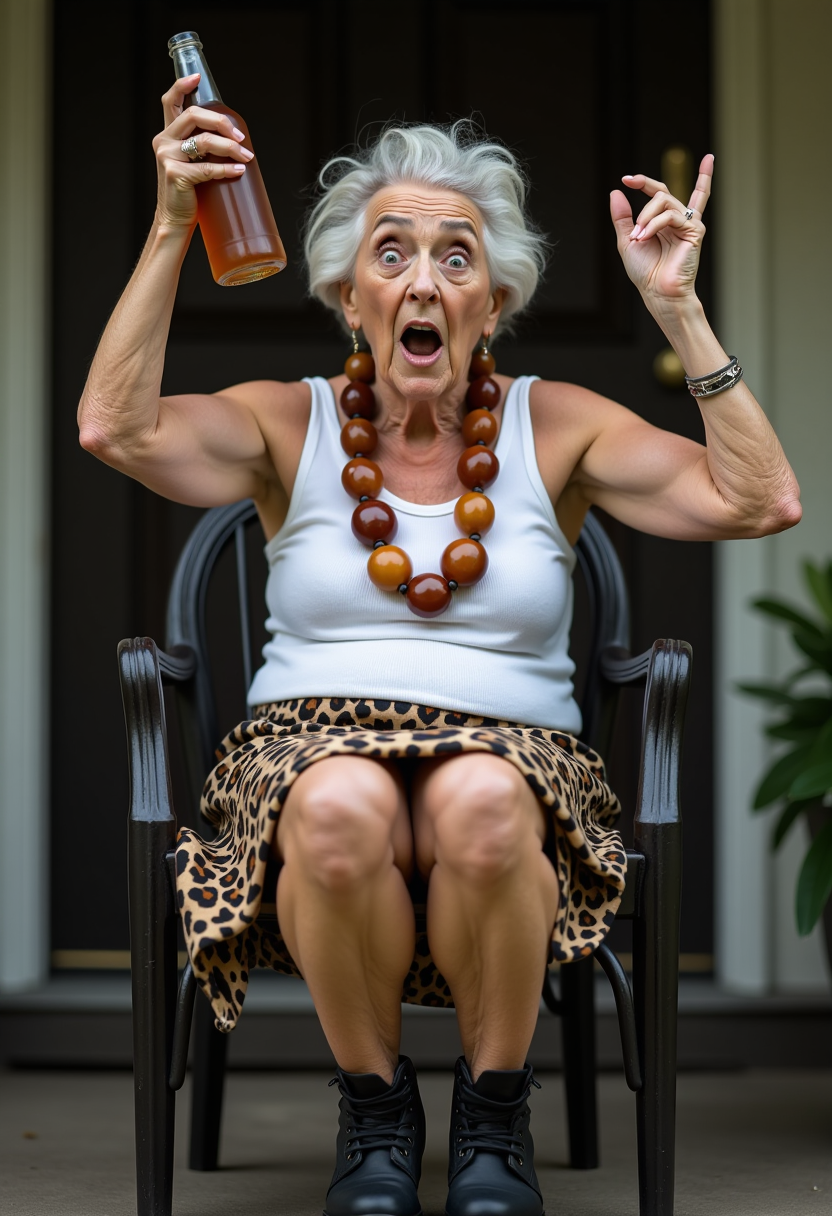
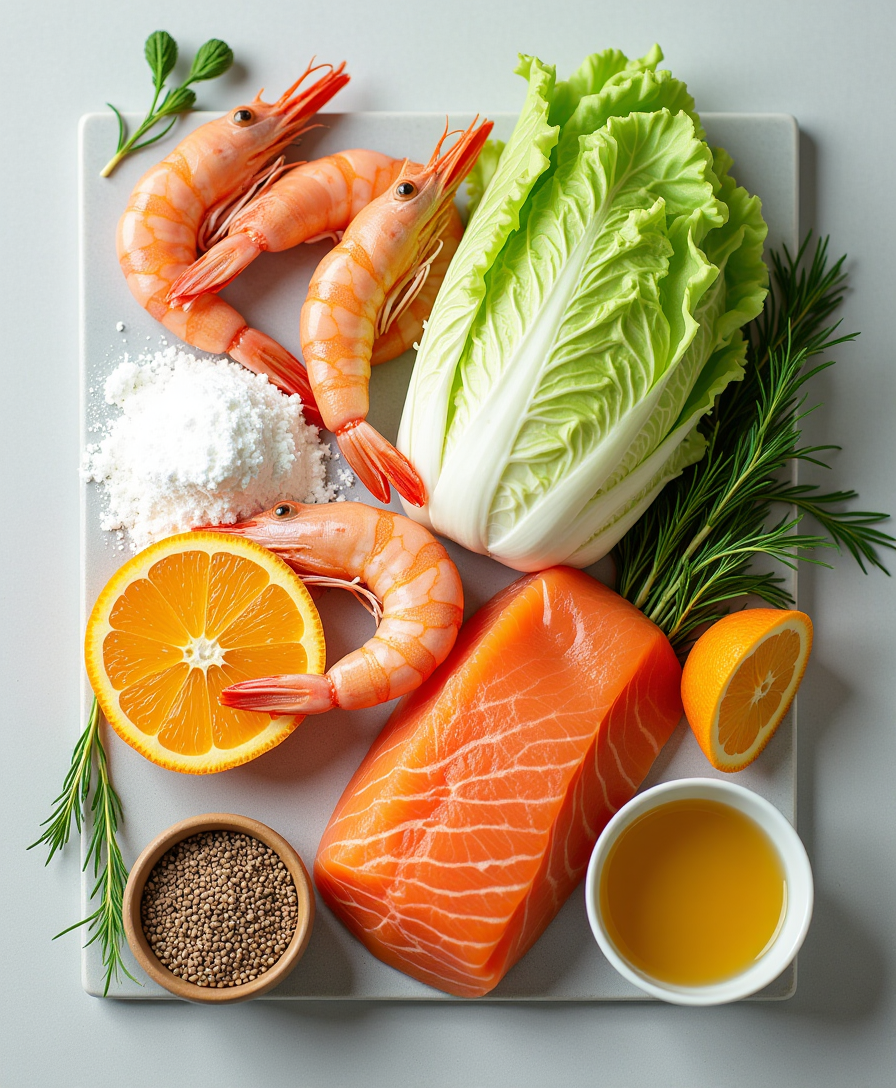
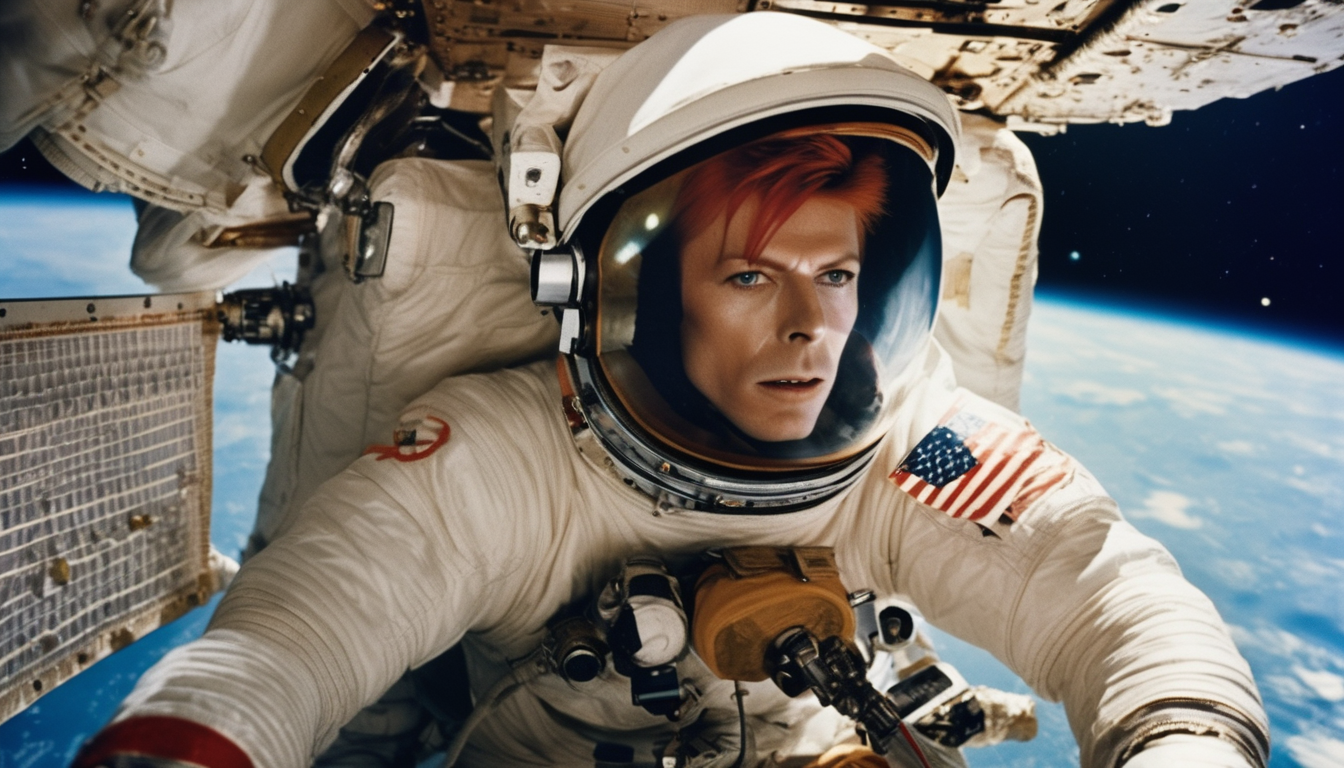
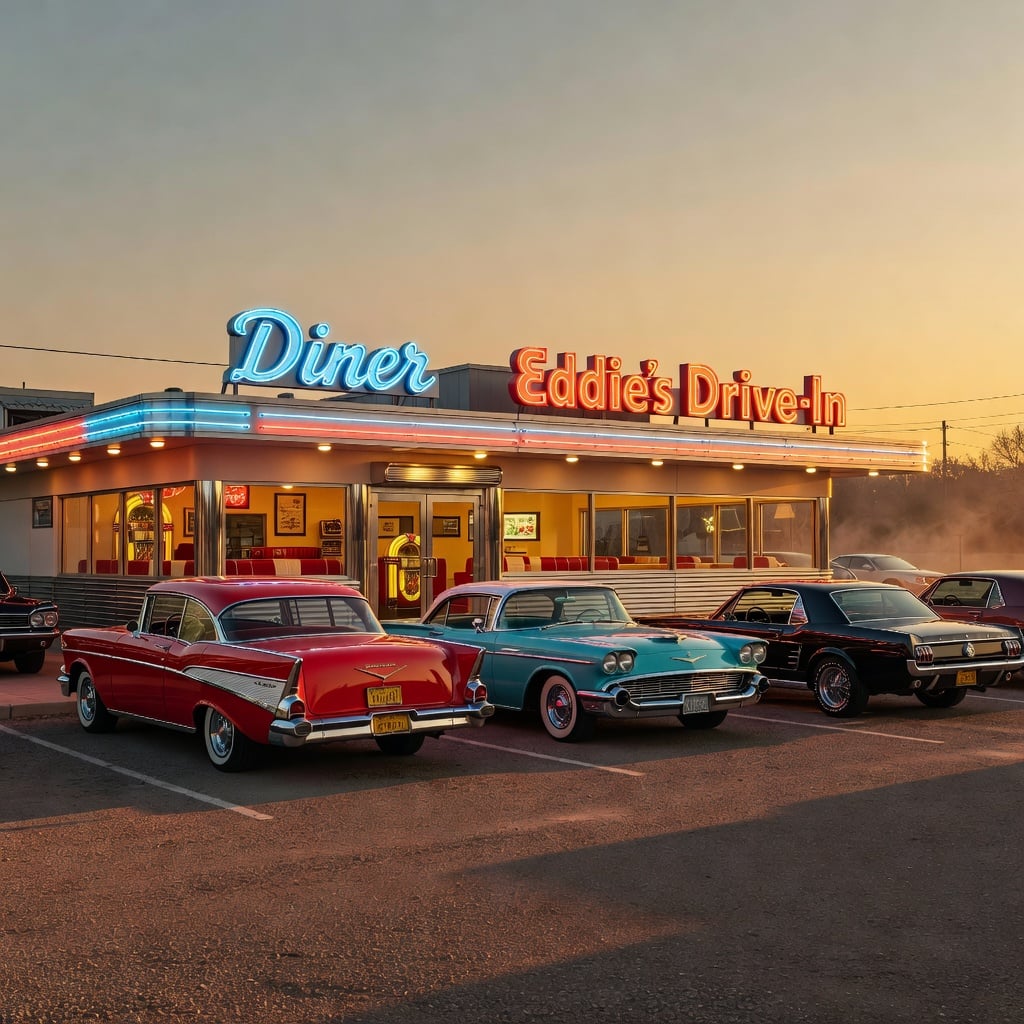
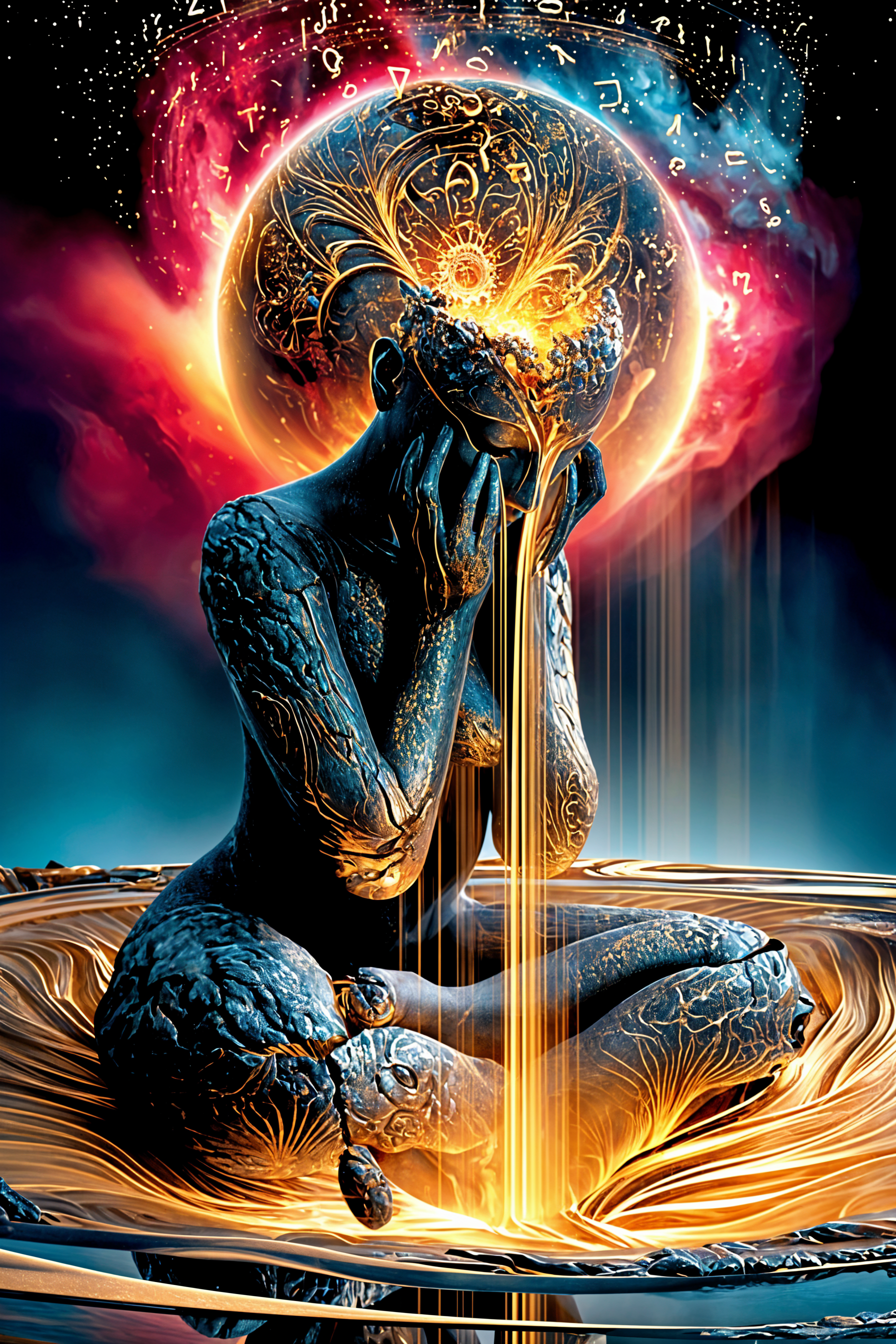
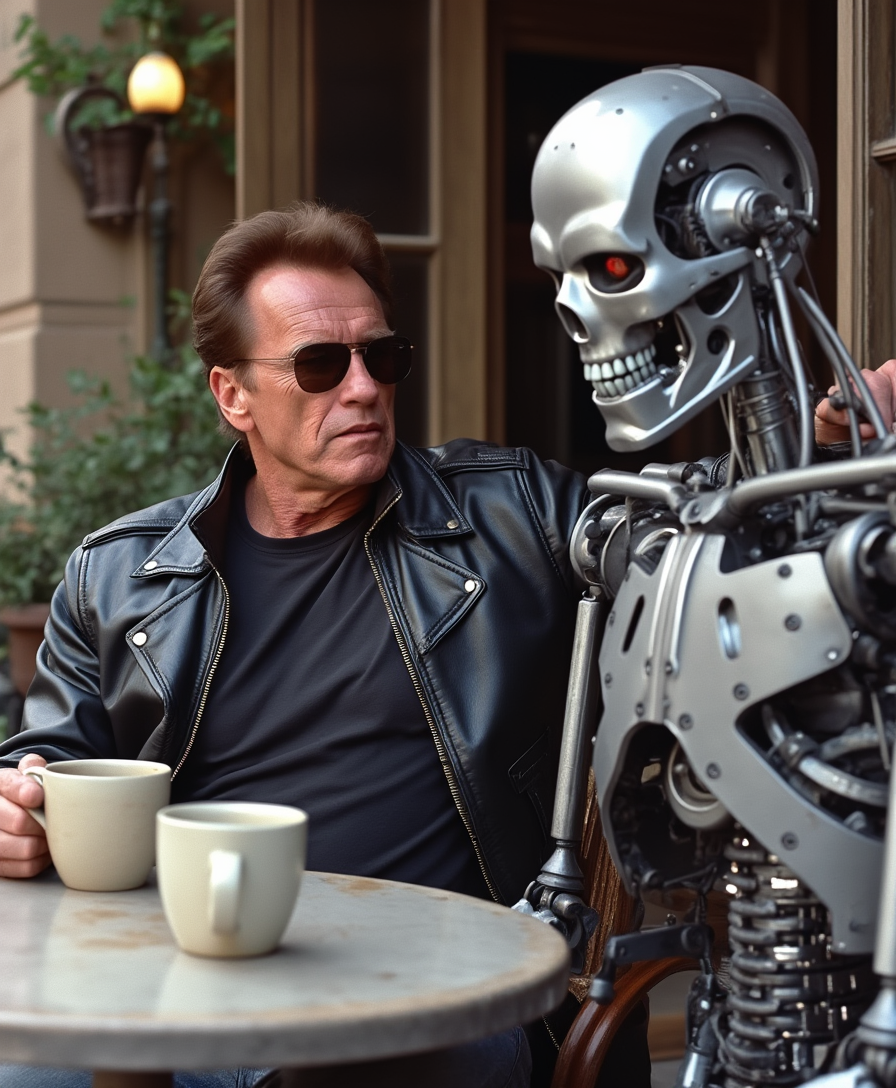
The Pixel Dojo Advantage
Why PixelDojo is the superior choice for AI image generation:
| Others | Pixel Dojo |
|---|---|
| Traditional Image Creation | Generate high-quality images instantly without the need for expensive equipment or extensive time investment. |
| Generic AI Tools | Benefit from a suite of specialized tools designed for diverse creative needs, offering more control and precision. |
| Manual Photo Editing | Achieve professional results without the steep learning curve associated with complex editing software. |
Loved by creators on PixelDojo
Real feedback from people using PixelDojo, pulled from our in-product surveys.
Tons of variety. Ease of use. Tools for beginners and advance users.
easiest workflow to get best output image or video
awesome functionality, UX, constant flood of improvements, discord interactivity
Awesome site with so many features
Love how I can almost create anything
The Flux Pro Ultra is just amazing!
Explore more AI tools on PixelDojo
AI Tools
Compare & Switch
- Best AI Image Generators
- Best AI Video Generators
- Midjourney Alternatives
- Civitai Alternatives
- Runway Alternatives
- Leonardo Alternatives
- Pika Alternatives
- Luma Alternatives
- Magnific Alternatives
- Veo Alternatives
- Flux Alternatives
- Freepik Alternatives
- Seedance Alternatives
- Seedream Alternatives
- Pixverse Alternatives
- GPT Image Alternatives
- Synthesia Alternatives
- Playground Alternatives
- NightCafe Alternatives
- Canva AI Alternatives
- ElevenLabs Alternatives
- ComfyUI Alternatives
- Fal Alternatives
- Replicate Alternatives
Common Questions
Everything you need to know about Midjourney prompt imagine
How do I create effective 'imagine' prompts with PixelDojo?
To craft effective 'imagine' prompts, be specific about the elements you want in your image. Include details about subjects, settings, styles, and moods. The more precise your description, the better the AI can generate an image that matches your vision.
Can I adjust the style of the generated images?
Yes, PixelDojo offers various parameters to adjust the style of your images. You can specify art styles, color schemes, and other stylistic elements in your prompts to guide the AI accordingly.
Is there a limit to the number of images I can generate?
PixelDojo offers various subscription plans to suit different needs. Depending on your plan, you can generate a specific number of images per month. Check our pricing page for more details.
Can I use the generated images for commercial purposes?
Yes, images generated with PixelDojo can be used for commercial purposes. However, it's advisable to review our terms of service for any specific guidelines or restrictions.
What if I'm not satisfied with the generated image?
If the generated image doesn't meet your expectations, you can refine your prompt and generate a new image. Experimenting with different descriptions and parameters can help achieve the desired result.
Do I need any prior experience to use PixelDojo's tools?
No prior experience is necessary. PixelDojo's tools are designed to be user-friendly, allowing anyone to create stunning images with ease.