mindvideo ai

Imagine turning a simple text idea into a breathtaking cinematic video or eye-catching image in minutes—no cameras, no editing team, no steep learning curve. With PixelDojo's MindVideo AI tools, you create professional-grade visuals that captivate audiences, boost your social media, and elevate your projects. Whether you're a content creator chasing viral hits, a marketer building compelling campaigns, or a storyteller bringing visions to life, you achieve polished, high-impact results that drive engagement and save hours of work.
Join 25,000+ creators who rate PixelDojo 4.9/5 for MindVideo AI style generation. Over 1 million videos and images created this month alone. Trusted by marketers, influencers, and businesses worldwide.
Why Choose Pixel Dojo for mindvideo ai
Professional-quality results with cutting-edge AI technology
Produce Viral-Worthy Cinematic Content
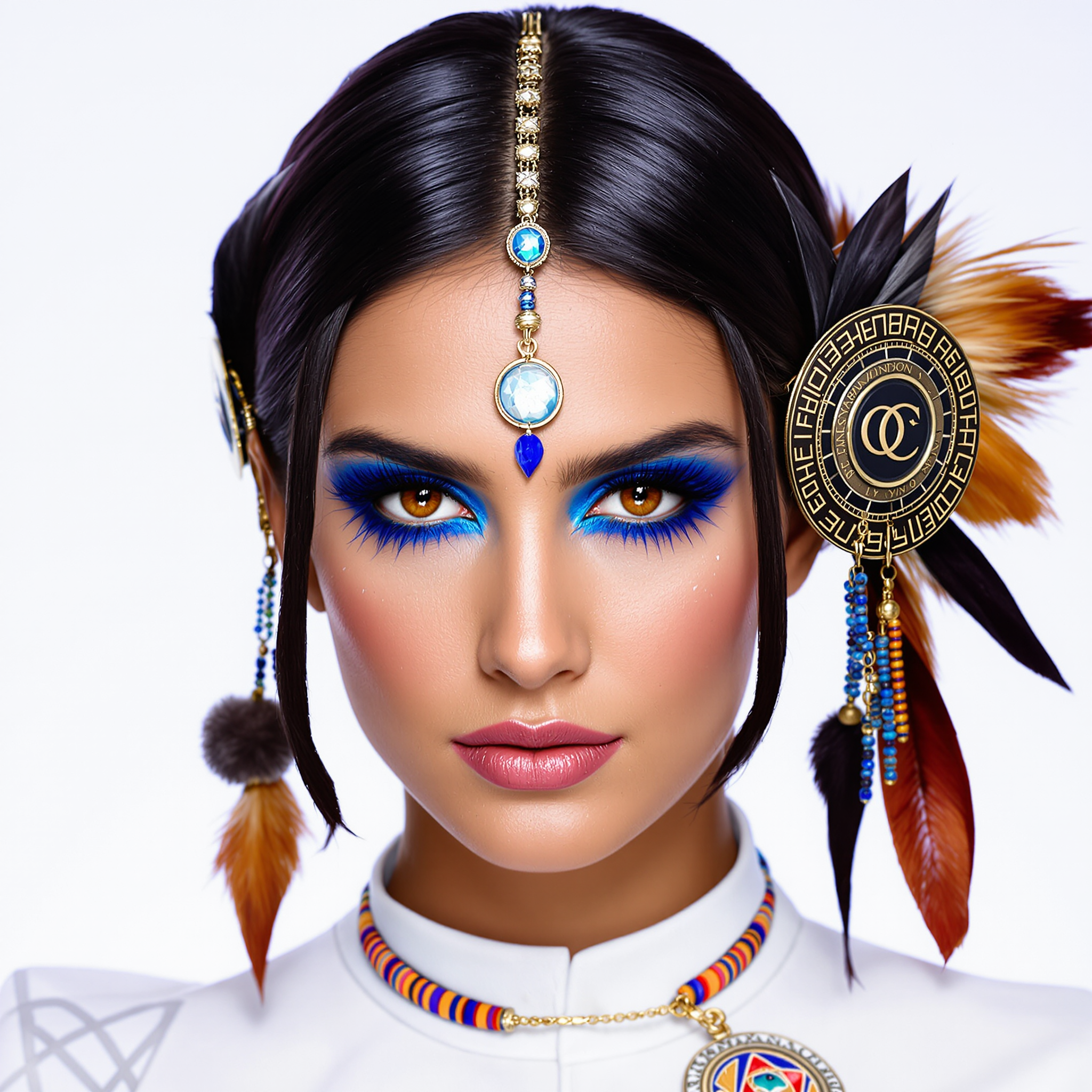
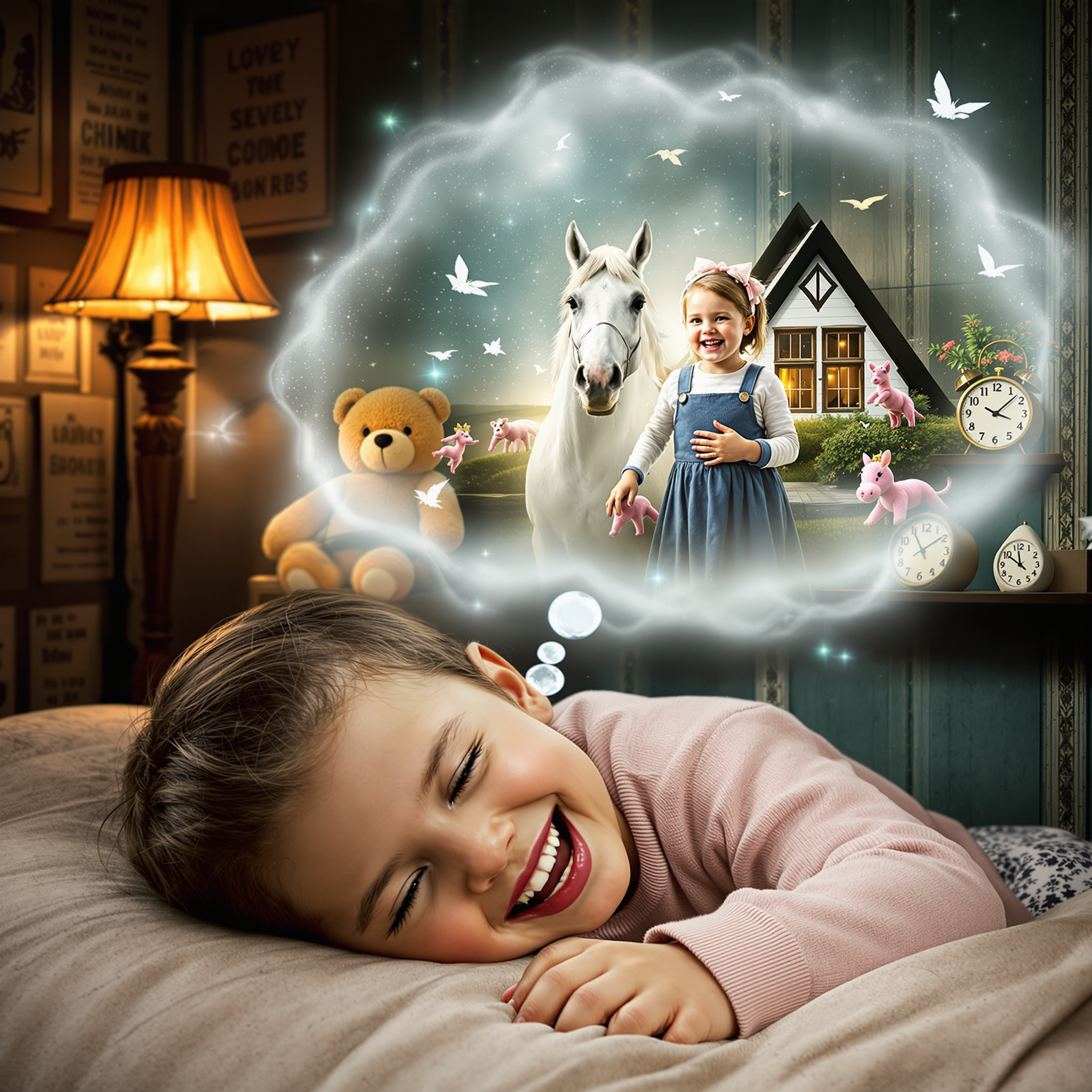
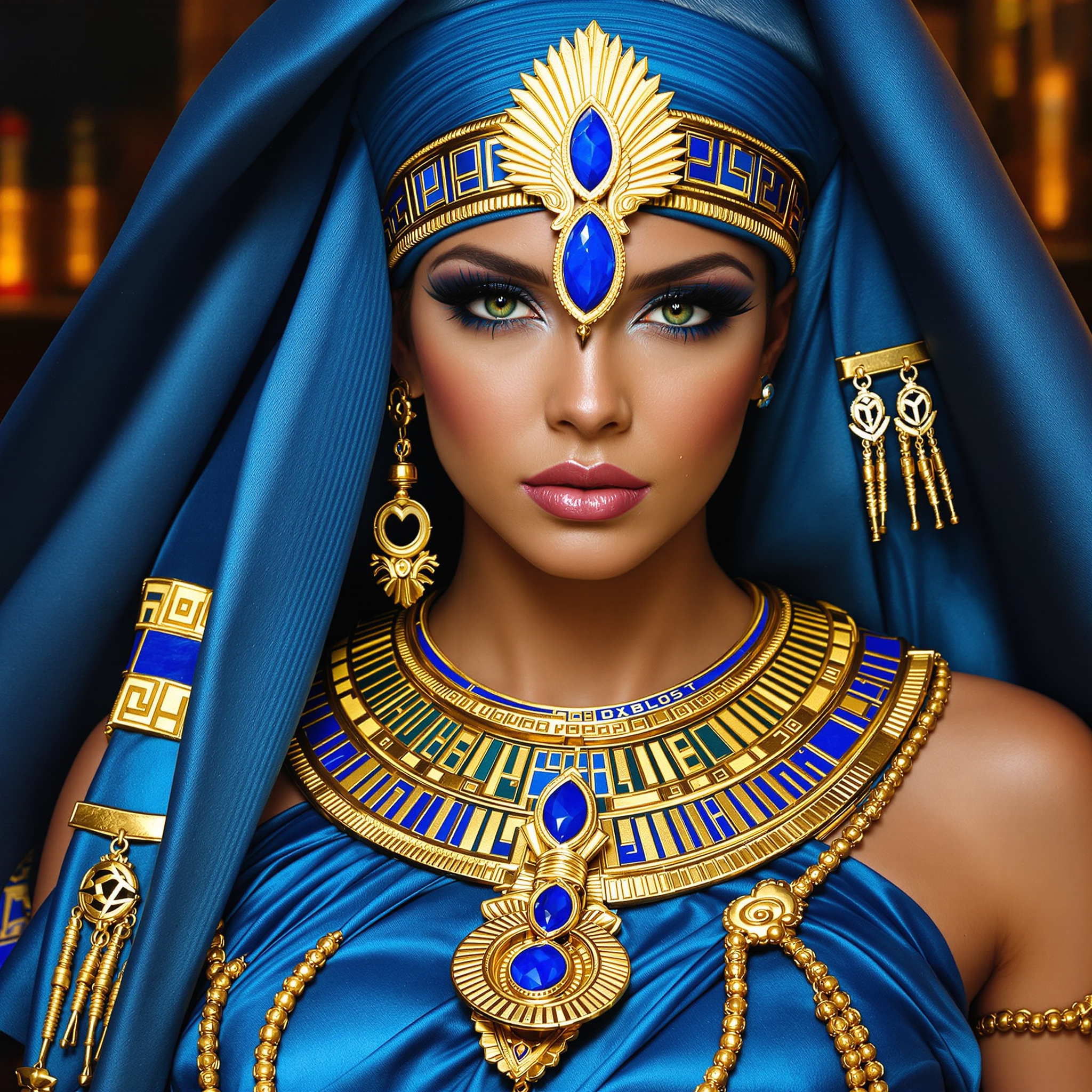
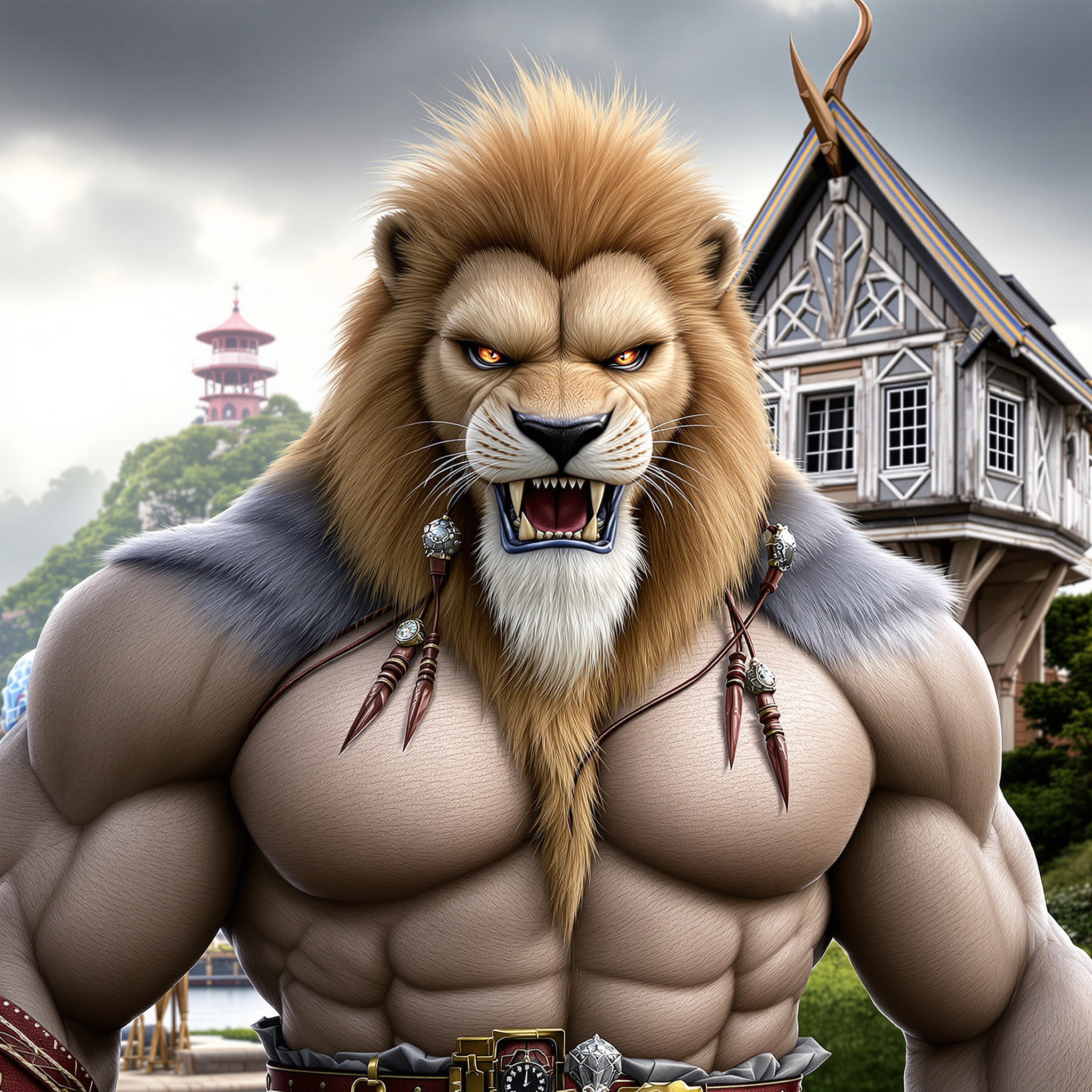
Create scroll-stopping videos and images in realistic, cyberpunk, retro, or custom styles that perform on social platforms, increasing views and shares without hiring production crews.
Save Time and Unlock Creativity
Go from concept to finished 4K video or image in minutes using intuitive tools, freeing you to focus on ideas instead of technical hurdles or repetitive edits.
Achieve Consistent, Professional Quality
Maintain character consistency, smooth motion, and high-resolution output across projects so every creation looks polished and ready for ads, stories, or portfolios.
How It Works
Creating MindVideo AI style visuals is simple with PixelDojo's powerful suite. Follow these steps to generate your first masterpiece.
Step 1: Choose Your Tool
Select from specialized options like Kling Video or VEO 3.1 for dynamic text-to-video, WAN 2.7 Video for advanced motion, or Flux.2 Studio and Ideogram 4 for high-quality images that match cinematic styles.
Step 2: Enter Your Prompt
Describe your vision in natural language, such as 'futuristic cyberpunk city chase scene at night' or upload a reference image. Add details for style, camera movement, or mood to guide the AI precisely.
Step 3: Customize & Download
Refine with editing tools like Style Transfer, Magic Lighting, or Video Reframe. Adjust parameters, generate variations, then upscale with P-Image Upscale or Video Upscaler and download in 4K.
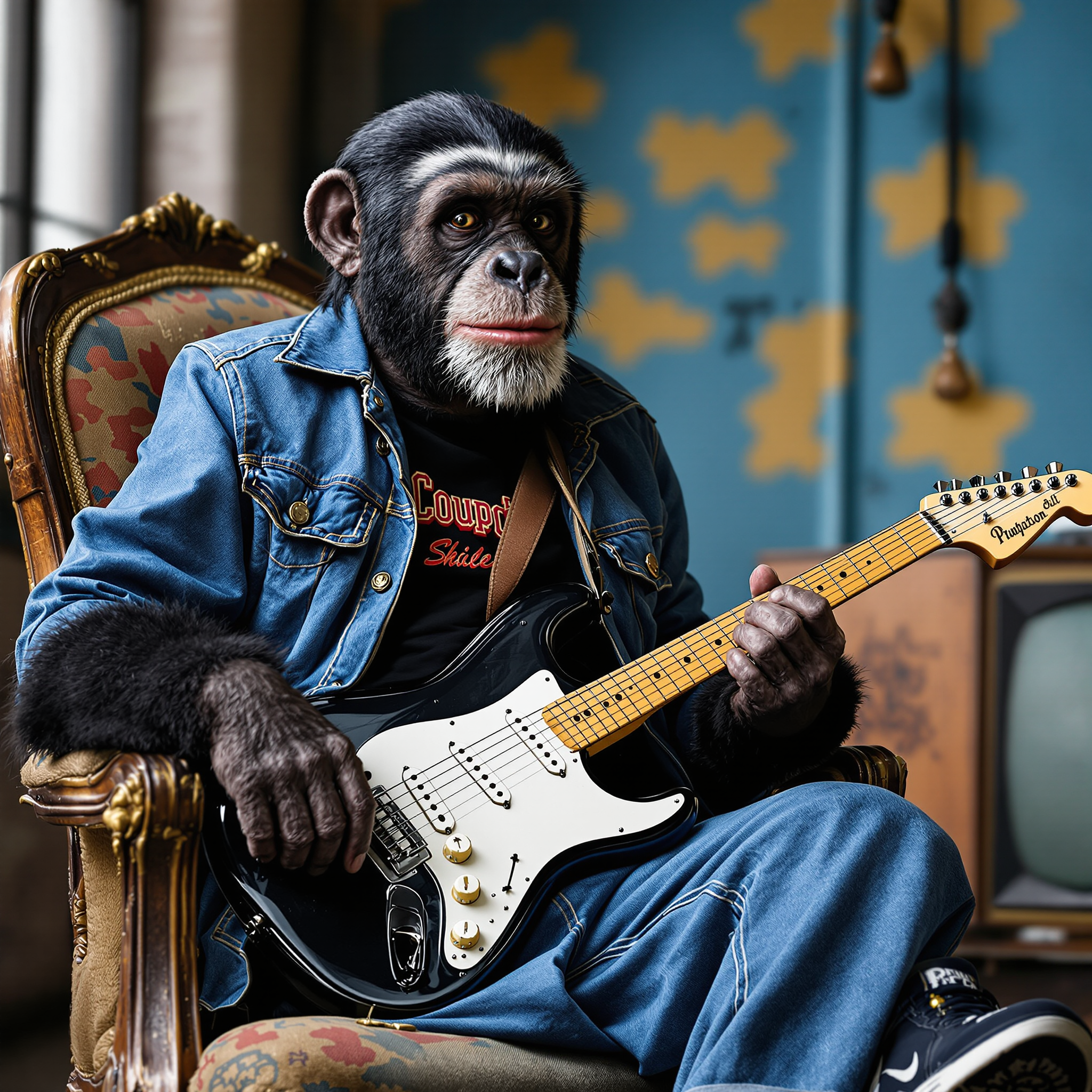
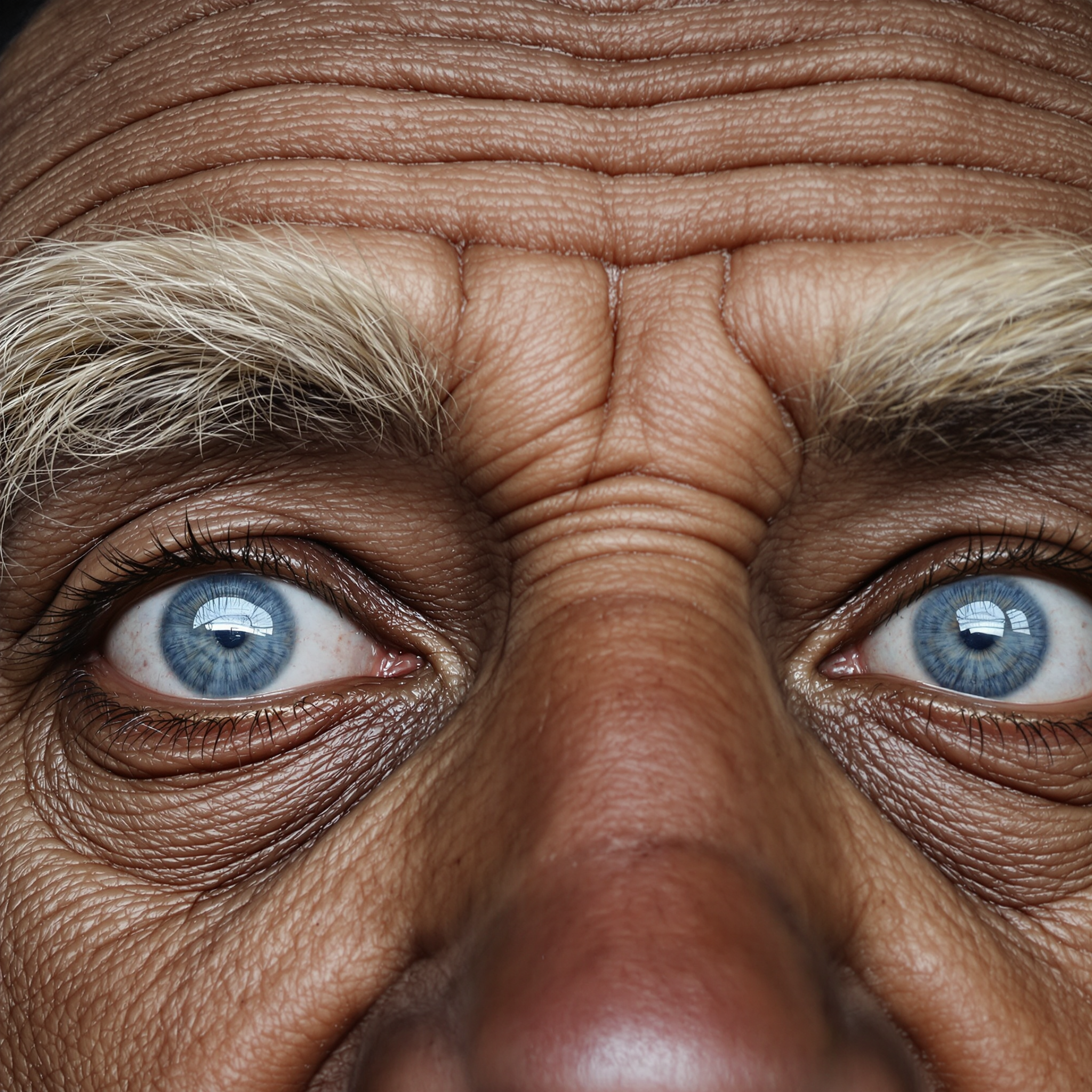

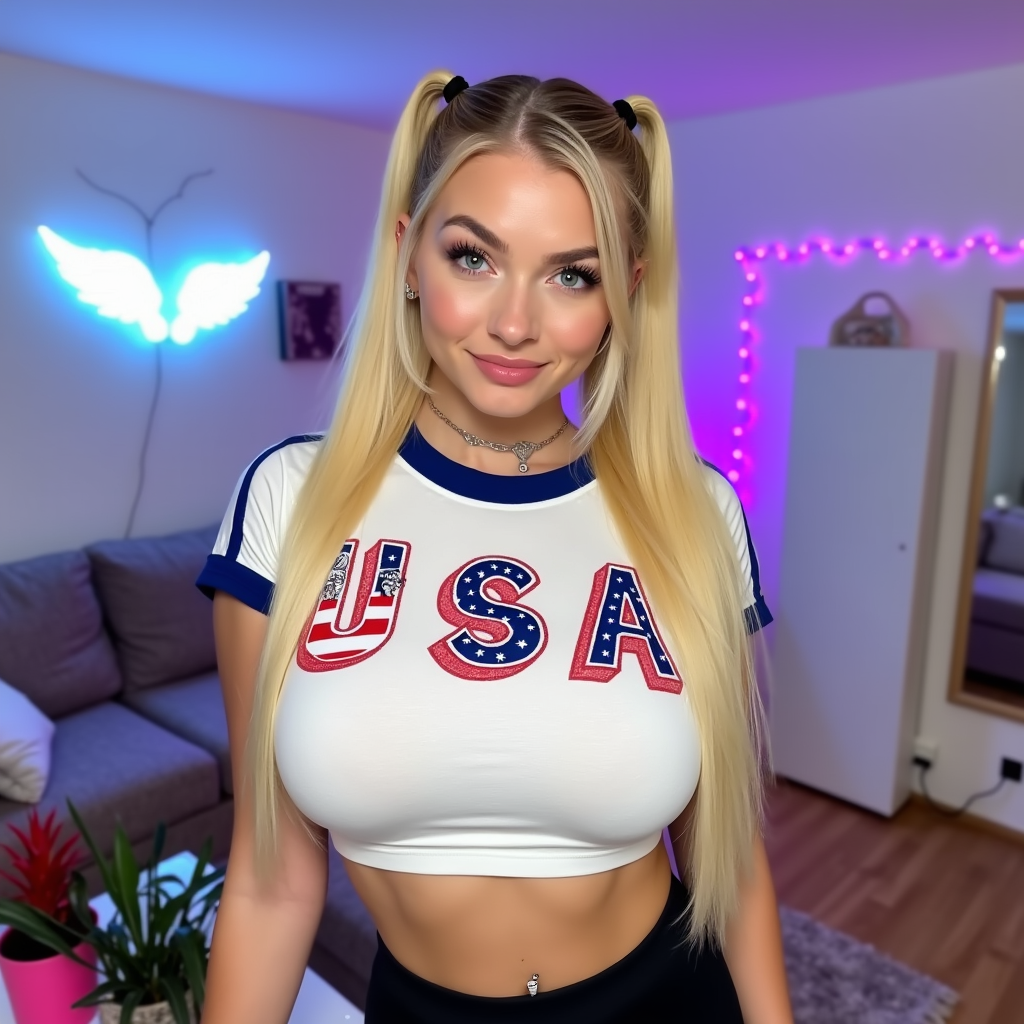
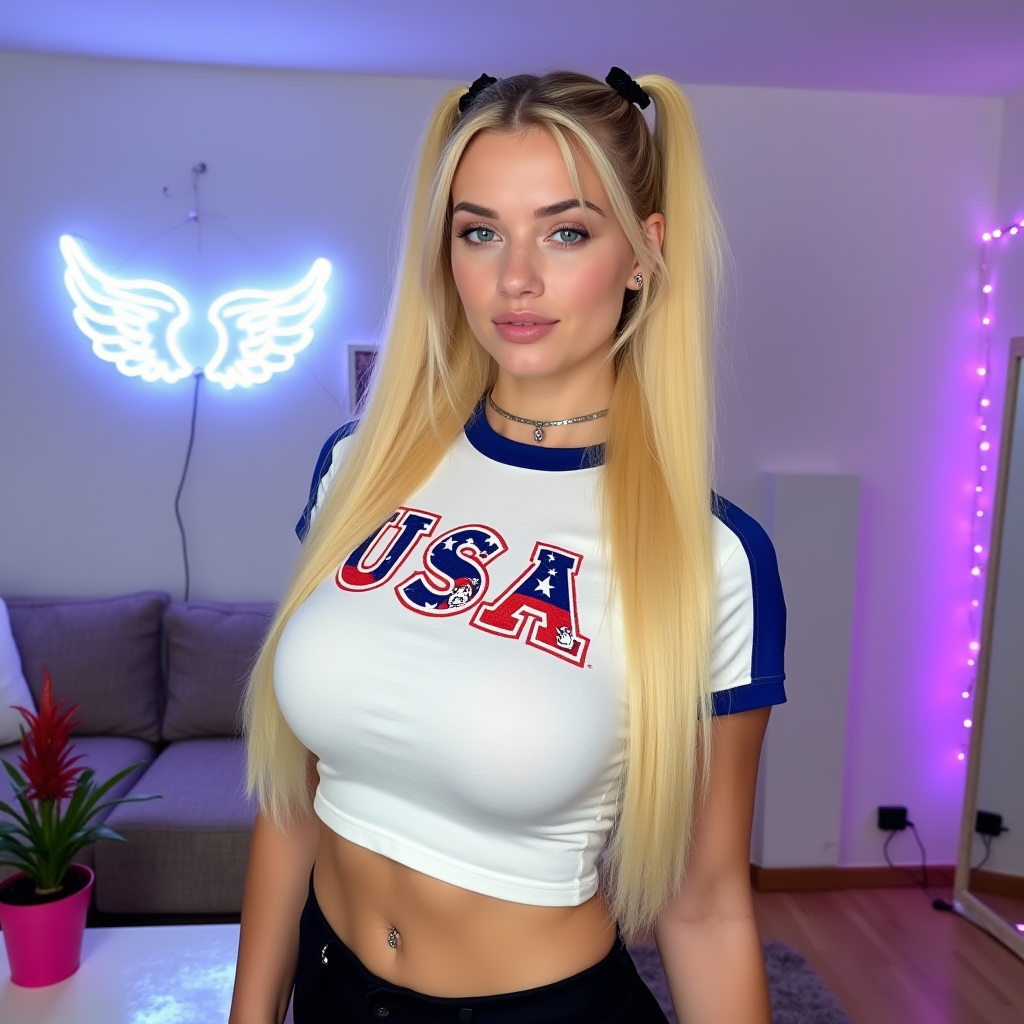

The Pixel Dojo Advantage
Why PixelDojo outperforms other options for MindVideo AI style generation
| Others | Pixel Dojo |
|---|---|
| Traditional video production | Create professional cinematic videos and images in minutes instead of days or weeks, at a fraction of the cost with no equipment or crew needed. |
| Generic AI tools | Access a curated collection of 40+ specialized models including Kling Video, VEO 3.1, and Ideogram 4 tailored for consistent, high-motion MindVideo AI results. |
| Manual photo editing | Automate complex effects like character consistency, motion animation, and style transfer while preserving your creative vision across multiple outputs. |
Loved by creators on PixelDojo
Real feedback from people using PixelDojo, pulled from our in-product surveys.
It has all the tools I can think of...
deployment rate of splendid features is incredible. Legend
large selection of tools on one platform
the amount you can do on this site
all in one place
It is a lot of fun to uae and easy too.
Explore more AI tools on PixelDojo
AI Tools
Compare & Switch
- Best AI Image Generators
- Best AI Video Generators
- Midjourney Alternatives
- Civitai Alternatives
- Runway Alternatives
- Leonardo Alternatives
- Pika Alternatives
- Luma Alternatives
- Magnific Alternatives
- Veo Alternatives
- Flux Alternatives
- Freepik Alternatives
- Seedance Alternatives
- Seedream Alternatives
- Pixverse Alternatives
- GPT Image Alternatives
- Synthesia Alternatives
- Playground Alternatives
- NightCafe Alternatives
- Canva AI Alternatives
- ElevenLabs Alternatives
- ComfyUI Alternatives
- Fal Alternatives
- Replicate Alternatives
Common Questions
Everything you need to know about mindvideo ai
What is MindVideo AI and how does PixelDojo help create it?
MindVideo AI refers to high-quality AI-generated videos and images from text or photos, often cinematic and viral-ready. PixelDojo lets you achieve the same results using tools like Kling Video, WAN 2.7 Video, Flux.2 Studio, and Ideogram 4, delivering 4K output with consistent characters and smooth motion.
Can I make image-to-video animations like MindVideo AI on PixelDojo?
Yes. Upload any image and use Kling Video, VEO 3.1, or WAN Reference to Video to animate it into dynamic scenes while keeping subject consistency. Add effects with tools like Style Transfer or Magic Lighting for professional polish.
How do I get cinematic styles with MindVideo AI on PixelDojo?
Choose models optimized for realism and motion such as Kling Video or Grok Video. Include descriptive prompts mentioning lighting, camera angles, and atmosphere. Refine further with Creative Upscaler or Reality Polisher for that signature cinematic look.
Is PixelDojo suitable for beginners wanting MindVideo AI results?
Absolutely. The platform features an intuitive interface with guided prompts and one-click tools. Start with pre-built templates or simple text descriptions, then experiment with advanced options as you grow—no prior experience required.
What output quality can I expect from PixelDojo's MindVideo AI tools?
Generate up to 4K resolution videos and images with excellent detail, smooth motion, and color accuracy. Use Video Upscaler or Magnific Upscaler to enhance any output for social media, ads, or professional presentations.
How much does it cost to create MindVideo AI content on PixelDojo?
PixelDojo offers flexible plans starting free with generous credits. Access all 40+ tools including premium video models. Cancel anytime with no long-term commitments, making it easy to test and scale your creations.