MiniMax AI Text To Video
Imagine turning your ideas into captivating videos without the need for complex software or technical skills. With MiniMax AI at PixelDojo, you can effortlessly transform text descriptions into dynamic, high-quality videos. Whether you're a content creator, marketer, or educator, our AI-powered tools enable you to produce engaging visual content that resonates with your audience.
Join thousands of creators who have enhanced their content with MiniMax AI. Rated 4.8/5 by users worldwide for its ease of use and exceptional output quality.
Why Choose Pixel Dojo for MiniMax AI Text To Video
Professional-quality results with cutting-edge AI technology
Effortless Video Creation
Generate professional-grade videos from text prompts in minutes, eliminating the need for extensive editing or technical expertise.
High-Quality Output
Produce HD-quality videos with smooth transitions and realistic animations that captivate your audience.
Versatile Applications
Create content for various purposes, including marketing campaigns, educational materials, and social media engagement.
How It Works
Creating videos with MiniMax AI is a straightforward process that brings your ideas to life in just a few steps.
Step 1: Choose Your Tool
Navigate to the 'Animate' section on PixelDojo and select the 'Text to Video' tool powered by MiniMax AI.
Step 2: Enter Your Prompt
Input a detailed description of the scene or action you want to visualize. For example, 'A serene sunset over a calm ocean with gentle waves.'
Step 3: Customize & Download
Adjust settings such as video length and resolution to suit your needs. Once satisfied, generate and download your video.




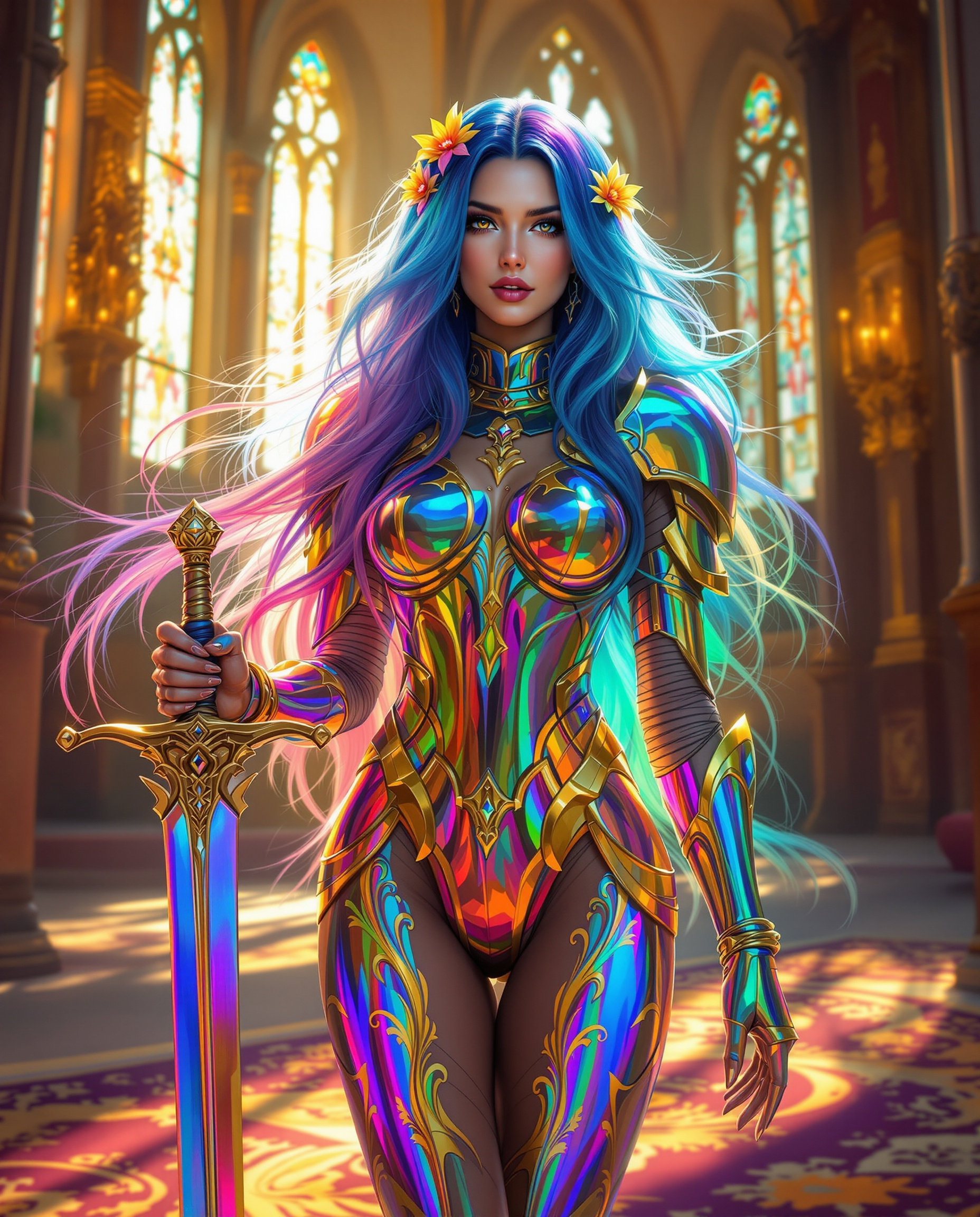
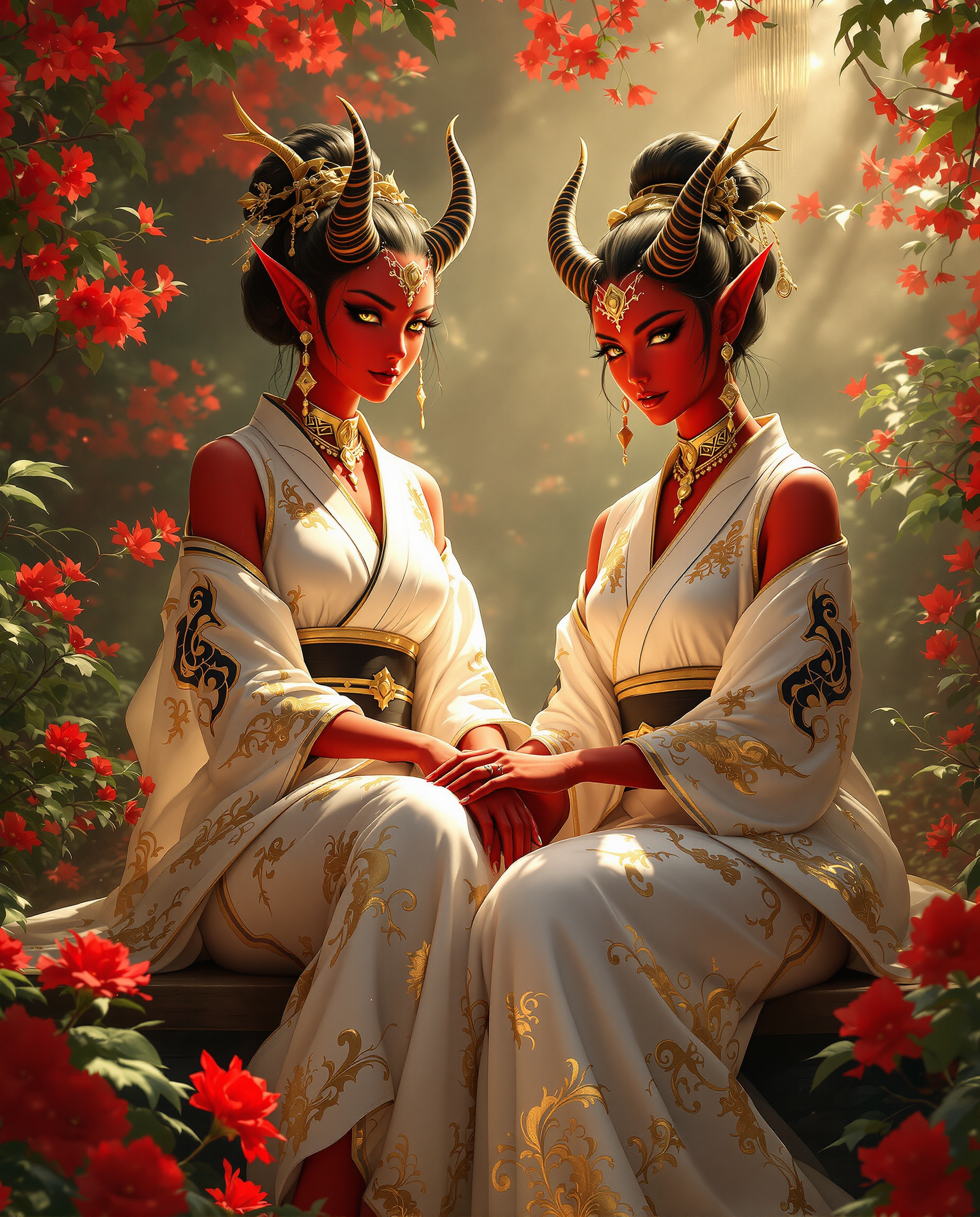
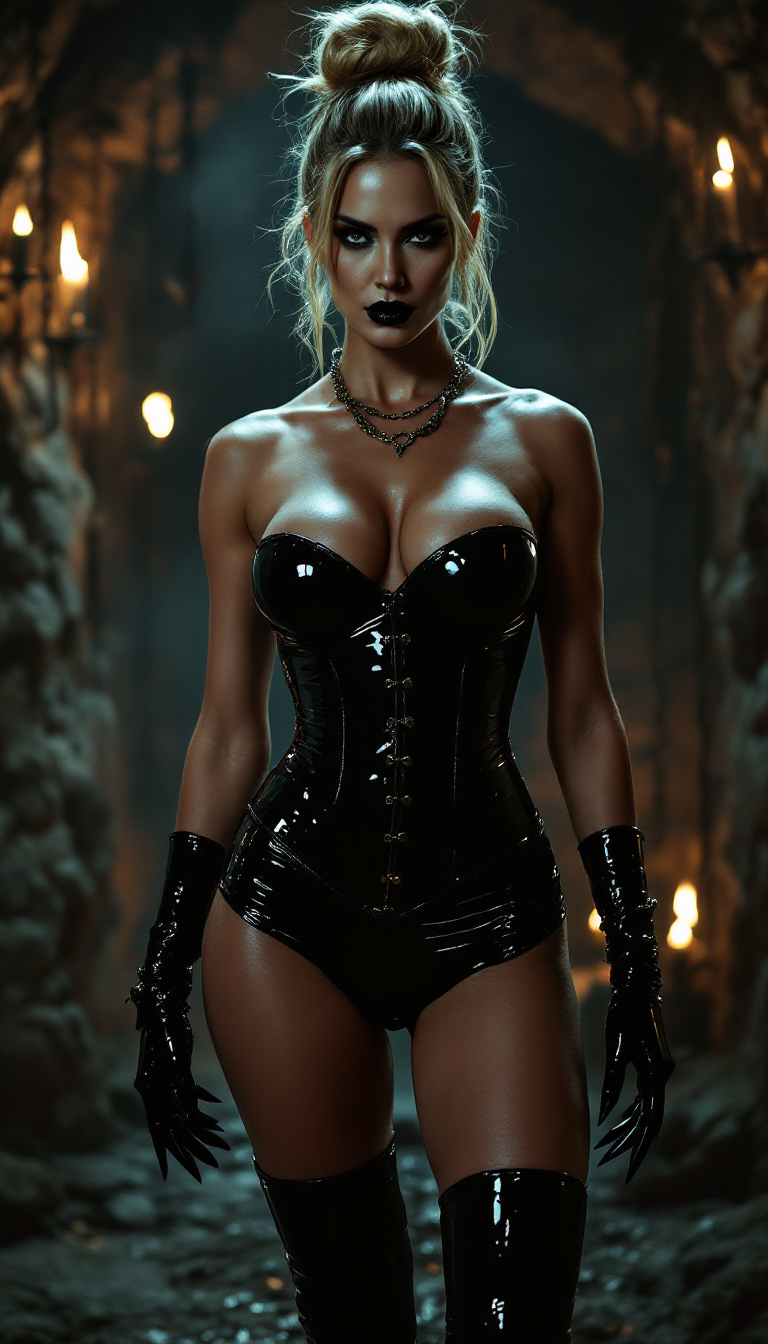
The Pixel Dojo Advantage
Why PixelDojo outperforms other options for AI video generation
| Others | Pixel Dojo |
|---|---|
| Traditional Video Production | Eliminates the need for expensive equipment and extensive editing, saving time and resources. |
| Generic AI Tools | Offers specialized features tailored for text-to-video conversion, ensuring more accurate and engaging outputs. |
| Manual Animation | Automates the animation process, allowing for quick iterations and creative experimentation without technical barriers. |
Loved by creators on PixelDojo
Real feedback from people using PixelDojo, pulled from our in-product surveys.
All the tools, readily available and easy to understand
You guys, the LORA training is the BEST in the space right now, great job with that!
Tons of variety. Ease of use. Tools for beginners and advance users.
easiest workflow to get best output image or video
awesome functionality, UX, constant flood of improvements, discord interactivity
Awesome site with so many features
Explore more AI tools on PixelDojo
AI Tools
Compare & Switch
- Best AI Image Generators
- Best AI Video Generators
- Midjourney Alternatives
- Civitai Alternatives
- Runway Alternatives
- Leonardo Alternatives
- Pika Alternatives
- Luma Alternatives
- Magnific Alternatives
- Veo Alternatives
- Flux Alternatives
- Freepik Alternatives
- Seedance Alternatives
- Seedream Alternatives
- Pixverse Alternatives
- GPT Image Alternatives
- Synthesia Alternatives
- Playground Alternatives
- NightCafe Alternatives
- Canva AI Alternatives
- ElevenLabs Alternatives
- ComfyUI Alternatives
- Fal Alternatives
- Replicate Alternatives
Common Questions
Everything you need to know about MiniMax AI Text To Video
How does MiniMax AI convert text into video?
MiniMax AI utilizes advanced algorithms to interpret your text descriptions and generate corresponding video sequences, incorporating realistic animations and transitions.
Can I customize the generated videos?
Yes, you can adjust various settings such as video length, resolution, and style to align with your specific requirements.
Is there a limit to the length of videos I can create?
Currently, MiniMax AI supports video lengths up to 6 seconds, ideal for social media content and short promotional materials.
Do I need any prior experience in video editing to use MiniMax AI?
No, MiniMax AI is designed with a user-friendly interface that requires no prior video editing experience. Simply input your text prompt, and the AI handles the rest.
What types of content can I create with MiniMax AI?
You can create a wide range of content, including marketing videos, educational materials, social media posts, and more, all tailored to your specific needs.
Is MiniMax AI free to use?
Yes, MiniMax AI offers free access to its video generation tools, allowing you to create unlimited videos without any cost.