minimax video alternative
Tired of short clips, inconsistent characters, or limited options in standalone MiniMax video tools? PixelDojo is your ultimate MiniMax video alternative, empowering you to generate professional-grade AI videos that captivate audiences and drive results. Transform simple text or images into fluid, cinematic sequences up to longer durations with unmatched character consistency and creative control. Whether you're a marketer crafting ads, a content creator building series, or a storyteller producing narratives, achieve polished videos that look handcrafted—faster and without the usual AI frustrations. Access MiniMax H3 alongside powerhouse alternatives like Kling Video, WAN 2.7 Video, VEO 3.1, Seedance 2, Hailuo 2.3, and more, all in one seamless platform. Start producing scroll-stopping content that converts viewers into fans and customers today.
Trusted by thousands of creators worldwide generating millions of AI videos monthly. 4.9/5 average rating from users who switched for better consistency and workflow speed. 'PixelDojo turned my short MiniMax clips into full campaigns overnight' – top creators report 5x faster production and higher engagement.
Why Choose Pixel Dojo for minimax video alternative
Professional-quality results with cutting-edge AI technology
Produce Longer, Cohesive Videos Effortlessly
Move past short 4-15 second limits by combining MiniMax H3 with tools like Kling Video, WAN 2.7 Video, and Seedance 2 to create extended sequences. Stitch multi-shot stories with seamless transitions using Video Merge and Extend features, delivering complete narratives that hold attention and boost watch time for your social or marketing content.
Lock in Perfect Character Consistency Every Time
Eliminate identity drift that plagues many generators. Use Consistent Characters, Character Sheets, Ideogram Character, WAN Video Character Swap, and Kling Video Character Swap to maintain the exact same faces, outfits, and styles across every clip. Build reusable character libraries for series, ads, or branded content that feels professional and immersive.
Full Creative Control from Idea to Final Polish
Start with stunning base images via Flux.2 Studio, Seedream 5, or Ideogram 4, animate with MiniMax H3, Hailuo 2.3, P Video, or LTX-2 Video, then refine using Kling Video Edit, WAN 2.7 Video Edit, Grok Video Edit, Reality Polisher, and Video Upscaler. Add audio with Text to Speech or Seed Audio, captions via Video Autocaption—everything you need for ready-to-publish results in one place.
How It Works
Creating superior MiniMax-style videos (and far beyond) on PixelDojo is simple and intuitive. Follow these steps to go from concept to high-quality download in minutes, leveraging the best tools for motion, consistency, and polish.
Step 1: Choose Your Starting Point & Tool
Sign up and head to Generate Videos. Select MiniMax H3 for fluid short clips with strong prompt adherence and first/last-frame control, or pick alternatives like Kling Video for superior consistency, VEO 3.1 for cinematic quality, WAN 2.7 Video or Seedance 2 for dynamic motion, or Hailuo 2.3 for realistic results. For characters, first create consistent base images with Flux.2 Studio, Consistent Characters, or Ideogram Character. Upload references or start from text.
Step 2: Craft Your Prompt & Add References
Enter a detailed prompt describing the scene, action, camera moves (pan, zoom, tracking), lighting, and style. For image-to-video, upload a first-frame or last-frame image generated earlier. Use reference images/videos via Kling Reference to Video, WAN Reference to Video, or MiniMax H3 reference mode to lock characters, motion, or style. Enable character tools for multi-clip consistency. Adjust duration, aspect ratio, and resolution for your needs.
Step 3: Generate, Edit, Enhance & Download
Hit generate and preview your video. Refine with Edit Videos tools like Runway Aleph, Kling Video Edit, Seedance 2 Video Edit, or Grok Imagine Video Extend for longer sequences. Apply Video Upscaler, Clarity Pro, Magic Lighting equivalents via Reality Polisher, add captions or merge clips. Upscale and polish until perfect, then download in high resolution ready for social, ads, or film. Iterate instantly with the full suite.
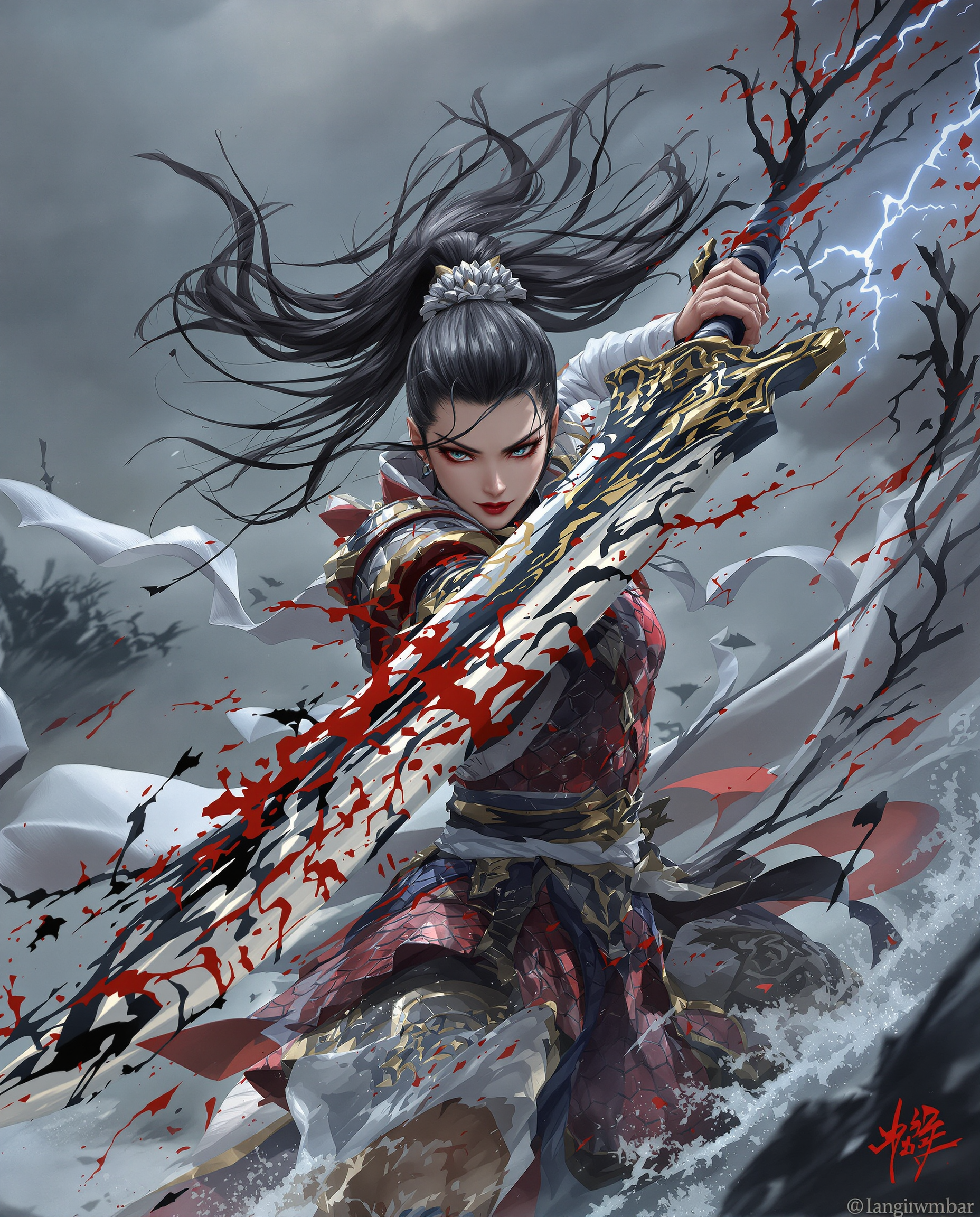
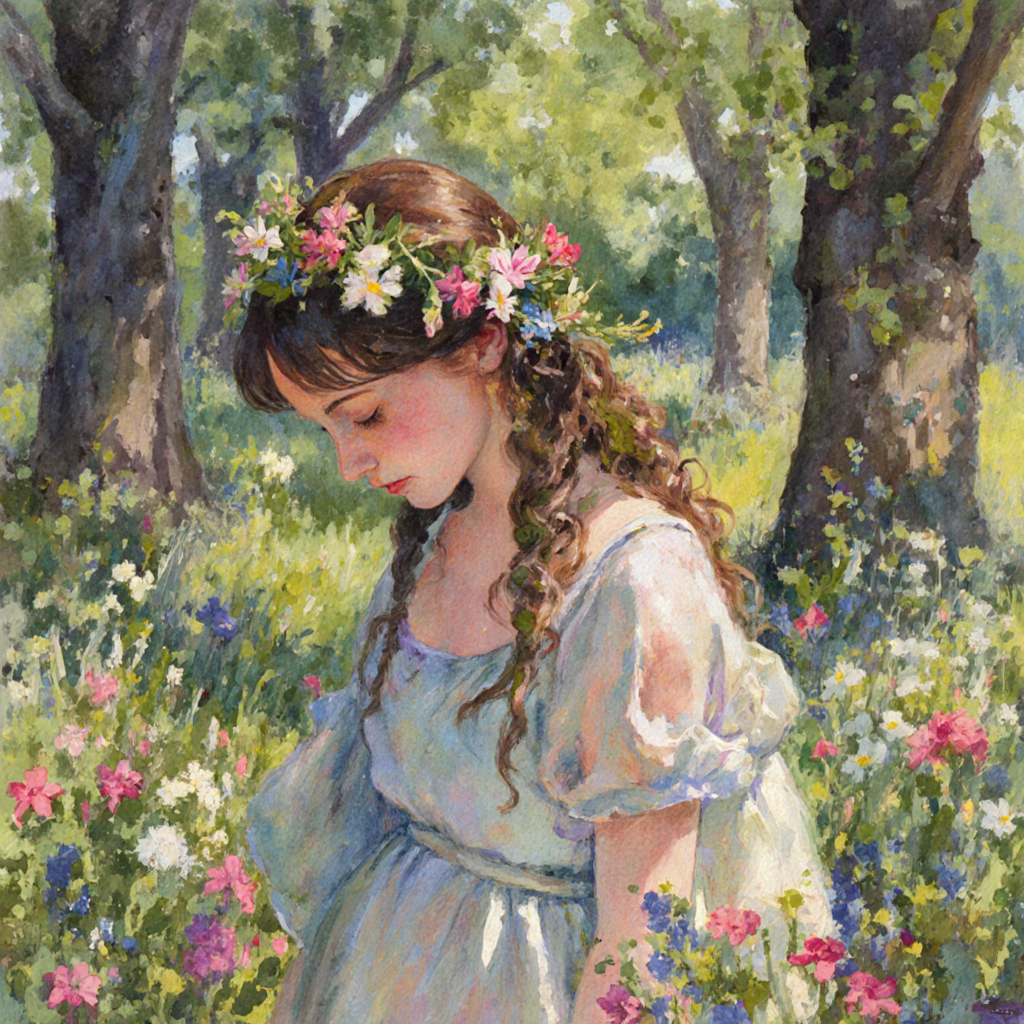
The Pixel Dojo Advantage
Why PixelDojo outperforms single-tool MiniMax video options and other approaches for professional AI video generation
| Others | Pixel Dojo |
|---|---|
| Standalone MiniMax or Hailuo tools | Access MiniMax H3 plus Kling, WAN, VEO, Seedance and more in one dashboard with built-in character locking, editing, upscaling, and longer multi-clip workflows—no switching platforms or losing consistency. |
| Generic single-model AI video apps | Choose the best model per shot (fluid motion from one, consistency from another) plus full image generation, face swaps, virtual try-on, 3D, and audio tools for complete productions instead of isolated short clips. |
| Traditional video production or manual editing | Generate and iterate cinematic footage in minutes instead of hours or days of shooting/editing. Achieve consistent characters and complex scenes without crews, locations, or expensive software—scale content creation affordably. |
Loved by creators on PixelDojo
Real feedback from people using PixelDojo, pulled from our in-product surveys.
Great for all your ideas use it encourage more people to use it
Because it is awesome
exceptional quality and great overall design of platform and interface. very intuative. love the creative freedom.
Qwen image 2 is amazing!!
Creative freedom, range of tools and options.
I love the training feature
Explore more AI tools on PixelDojo
AI Tools
Compare & Switch
- Best AI Image Generators
- Best AI Video Generators
- Midjourney Alternatives
- Civitai Alternatives
- Runway Alternatives
- Leonardo Alternatives
- Pika Alternatives
- Luma Alternatives
- Magnific Alternatives
- Veo Alternatives
- Flux Alternatives
- Freepik Alternatives
- Seedance Alternatives
- Seedream Alternatives
- Pixverse Alternatives
- GPT Image Alternatives
- Synthesia Alternatives
- Playground Alternatives
- NightCafe Alternatives
- Canva AI Alternatives
- ElevenLabs Alternatives
- ComfyUI Alternatives
- Fal Alternatives
- Replicate Alternatives
Common Questions
Everything you need to know about minimax video alternative
What makes PixelDojo the best MiniMax video alternative for AI video generation?
PixelDojo gives you MiniMax H3 and Hailuo 2.3 directly, plus superior alternatives like Kling Video for unmatched character consistency, WAN 2.7 series for spicy dynamic motion, VEO 3.1 for high-end cinematic looks, Seedance 2, LTX-2, PixVerse V6, and more. You also get integrated image tools (Flux.2, Seedream 5), character systems, video editing (Kling/WAN/Seedance edits, extend, merge), upscalers, and audio—creating complete professional videos instead of isolated short clips. Thousands of creators prefer the all-in-one workflow that removes friction and multiplies output quality.
Can I create longer videos than standard MiniMax H3 4-15 second clips?
Yes. Generate multiple consistent clips with MiniMax H3, Kling, WAN, or Seedance using shared character references and first/last frames, then extend with Grok Imagine Video Extend or Happy Horse tools and merge seamlessly via Merge Videos. Many users produce 30+ second sequences or full multi-scene stories ready for YouTube, ads, or social. Trends show longer coherent clips and multi-shot narratives are key in 2026—PixelDojo is built for exactly that.
How does PixelDojo solve character consistency issues common in MiniMax and other AI videos?
Use dedicated tools like Consistent Characters, Character Sheets, Ideogram Character, Face Swap, LoRA Face Swap, WAN Video Character Swap, and Kling Video Character Swap. Upload reference images or videos once, then apply across generations and models. This locks facial features, clothing, and style even across different angles, lighting, and actions—addressing the biggest production challenge for series and branded content. Reference-based modes in MiniMax H3, Kling Reference to Video, and WAN Reference further reinforce consistency.
What are the latest techniques for high-quality MiniMax-style AI video on PixelDojo?
Start with high-quality base images from Flux.2 Studio, QWEN Image, or Seedream 5. Use detailed prompts with camera directions (e.g., [slow pan], [dolly zoom]). Leverage first/last-frame image-to-video in MiniMax H3 or equivalents. For motion and style, try reference video inputs. Batch generate variations, select best, then edit/polish with Video Analyzer insights, Reality Polisher, Creative Upscaler, and add synced audio. Combine models: MiniMax for prompt grip and fluid moves, Kling/WAN for consistency and length. This hybrid approach yields superior results matching 2026 trends in multimodal control and narrative coherence.
Is there a free way to try MiniMax video alternatives on PixelDojo without risk?
Absolutely. Explore with free credits or trials across the 40+ tools including MiniMax H3 alternatives. Generate images and videos, test character consistency, edit, and upscale. Loved by thousands of creators worldwide with the ability to cancel anytime—no long-term commitment. Upgrade only when you see the quality and speed boost your content and conversions.
Can I use PixelDojo for marketing videos, social content, or full stories as a MiniMax alternative?
Yes—Marketing Studio is perfect for ads and branded content. Create consistent product demos, avatar spokespersons with Heygen Avatar, Kling Avatar or P Video Avatar, virtual try-ons, and multi-scene stories. Tools like Video Autocaption, Text to Music/Speech, and Film Studio streamline social-ready or longer-form output. Users report higher engagement from polished, consistent videos that outperform basic short clips. From TikTok hooks to YouTube explainers, you control the full pipeline.
How do PixelDojo's upscaling and editing tools improve MiniMax-generated videos?
Raw AI clips often need polish. Use P-Image Upscale, Magnific Upscaler, Creative Upscaler, Clarity Pro, Portrait Upscaler, or Video Upscaler for crisp 2K+ resolution and detail. Edit motion, lighting, or remove artifacts with Kling Video Edit, WAN 2.7 Video Edit, Grok Video Edit, Seedance 2 Video Edit, Runway Aleph, or Inpainting-style video tools. Reality Polisher and Magic Lighting refinements make footage look production-ready. Extract frames to refine stills then re-animate for perfect control.
What image generation techniques pair best with MiniMax video alternatives for better results?
Generate ultra-detailed starting frames or references with Flux.2 Studio, Krea Image, Seedream 5, Ideogram 4, Recraft V4.1, or Hunyuan Image 3. Use Image to Image, Style Transfer, Change Camera Angle, and Outpainting for variations. Create character sheets first for consistency. Analyze with Image Analyzer then animate. This image-first workflow, popular in current trends, gives far more control over composition, lighting, and identity than pure text-to-video alone.