morphic alternative
Generated on PixelDojo. Produced by PixelDojo's generation pipeline.
You want gallery-ready AI images that look like real oil paintings, watercolors, or cinematic stills—without bouncing between limited workspaces or waiting on slow renders. PixelDojo is the morphic alternative built for exactly that outcome. In one place you generate, morph styles, refine details, and export print-ready files that hang together as a cohesive series. Whether you need wall art, social posts, product mockups, or a full character lineup, you stay in flow: pick a model, describe the medium and mood, then iterate with professional editing tools until the piece feels finished. Thousands of creators already use PixelDojo daily because it delivers the painterly texture, prompt accuracy, and commercial-ready quality they were missing. You keep full commercial rights, cancel anytime, and never hit an artificial ceiling on models or resolution. Start creating the images you actually want to publish.
Real image examples generated on PixelDojo
Every example below was produced on PixelDojo. Hover to see the prompt.
morphic alternative on PixelDojo
runway-gen4
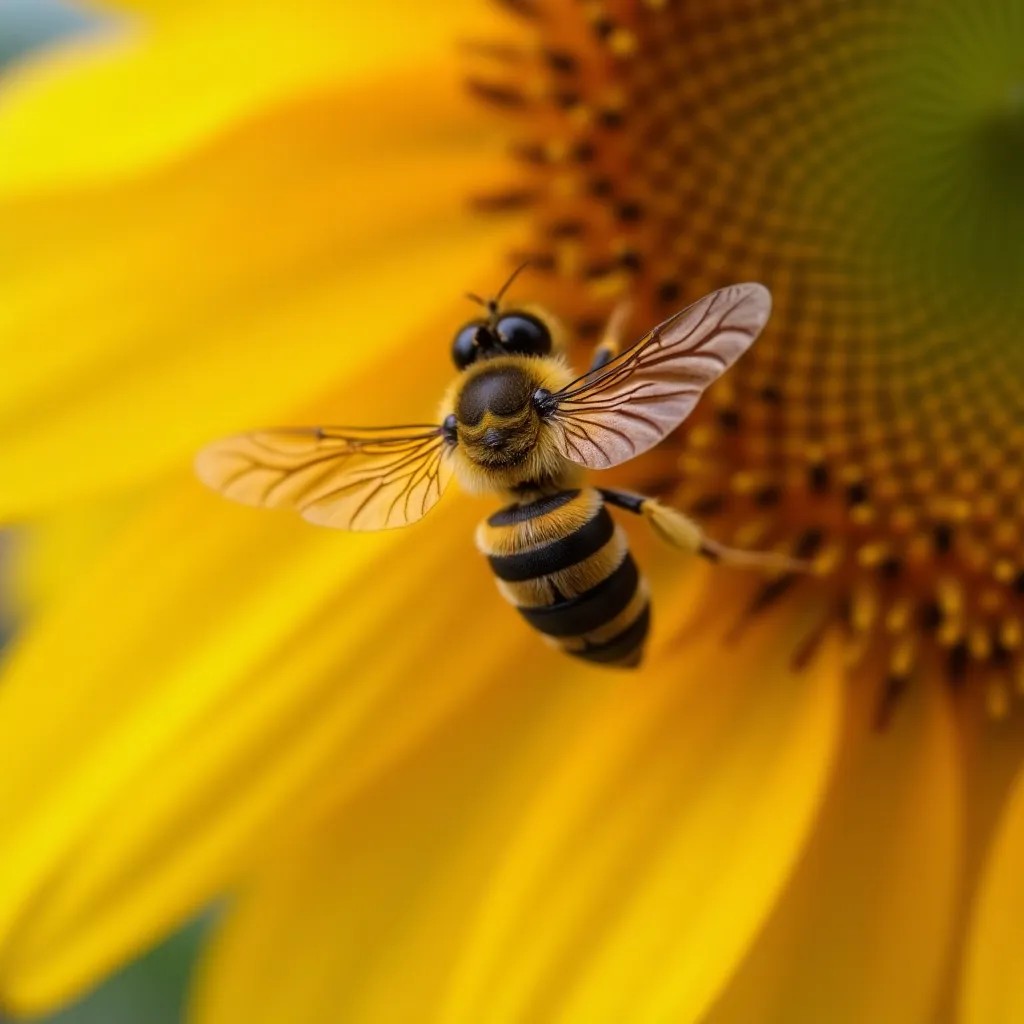
A close-up of a bee on a sunflower
flux-studio
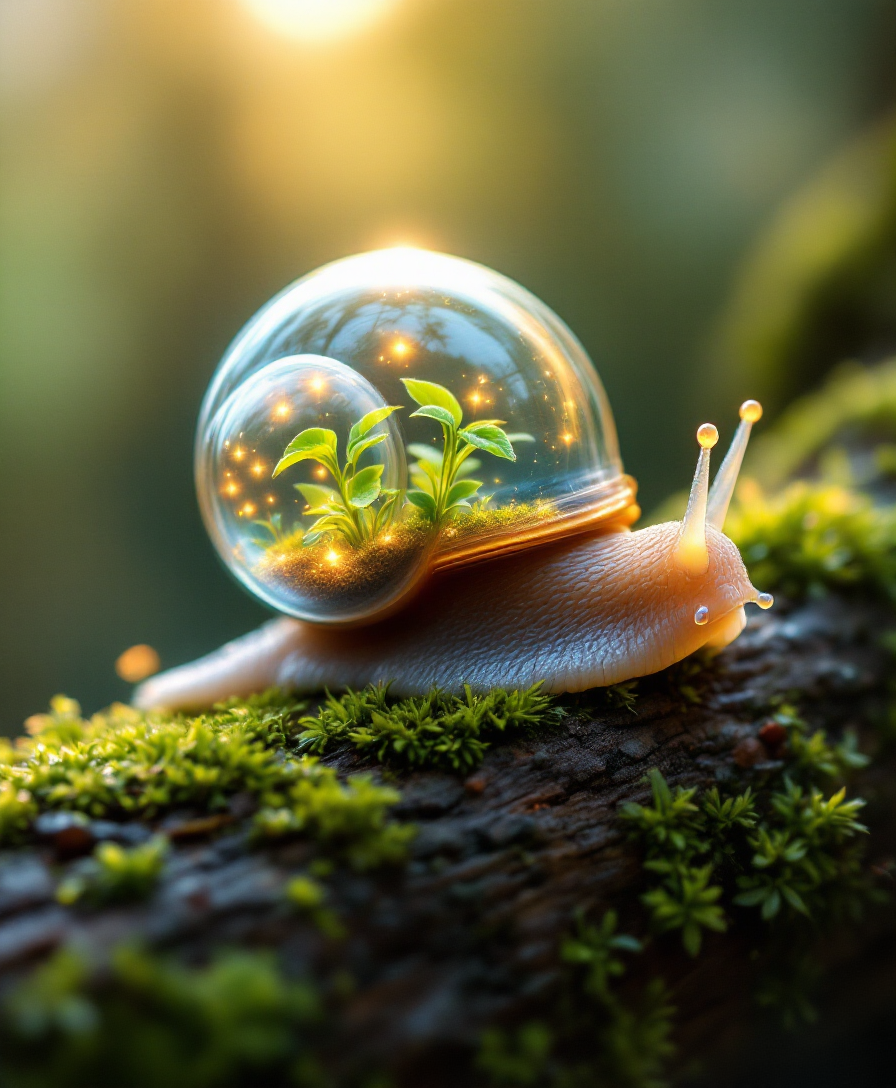
A whimsical snail with a translucent terrarium shell
stable-diffusion
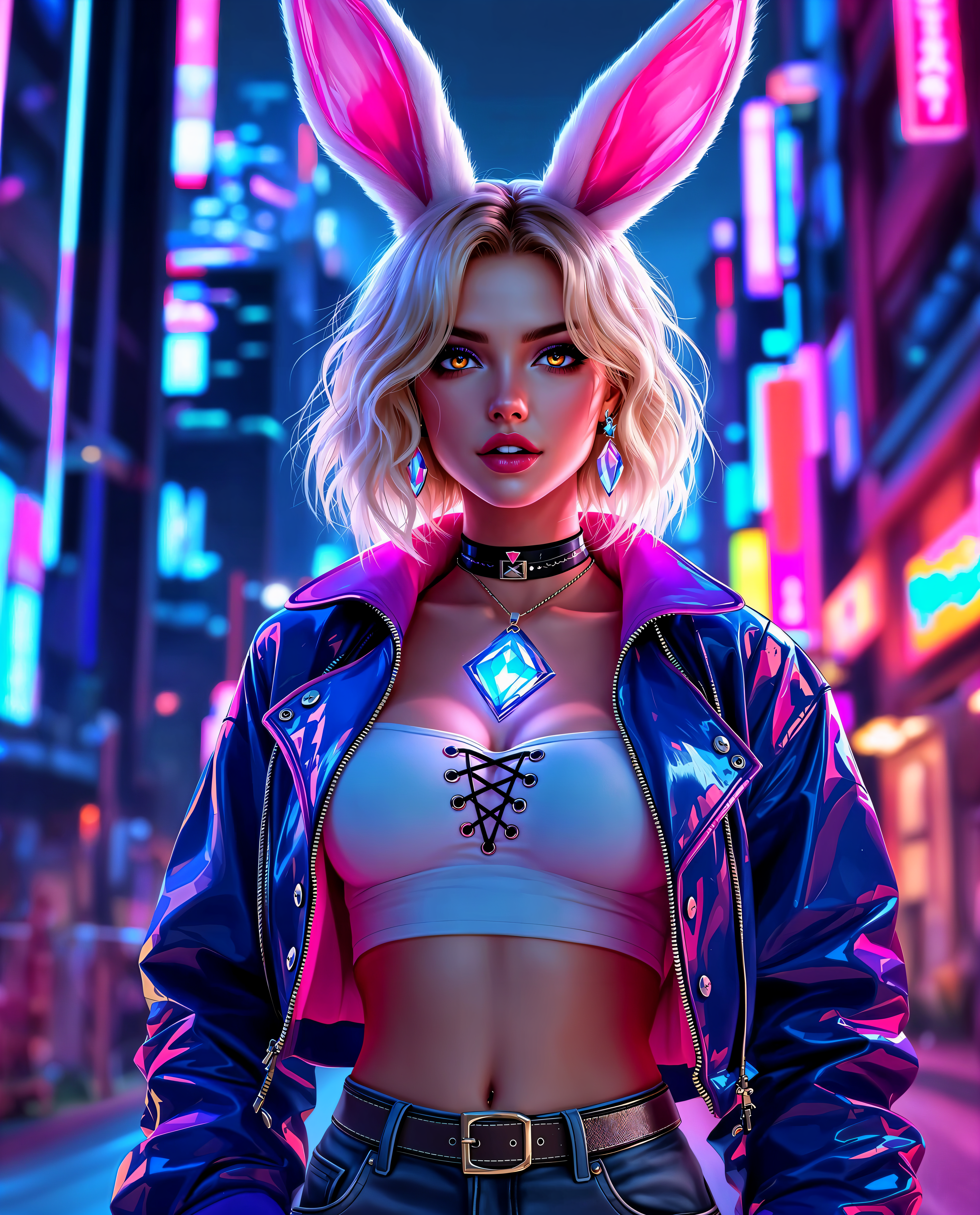
morphic alternative on PixelDojo
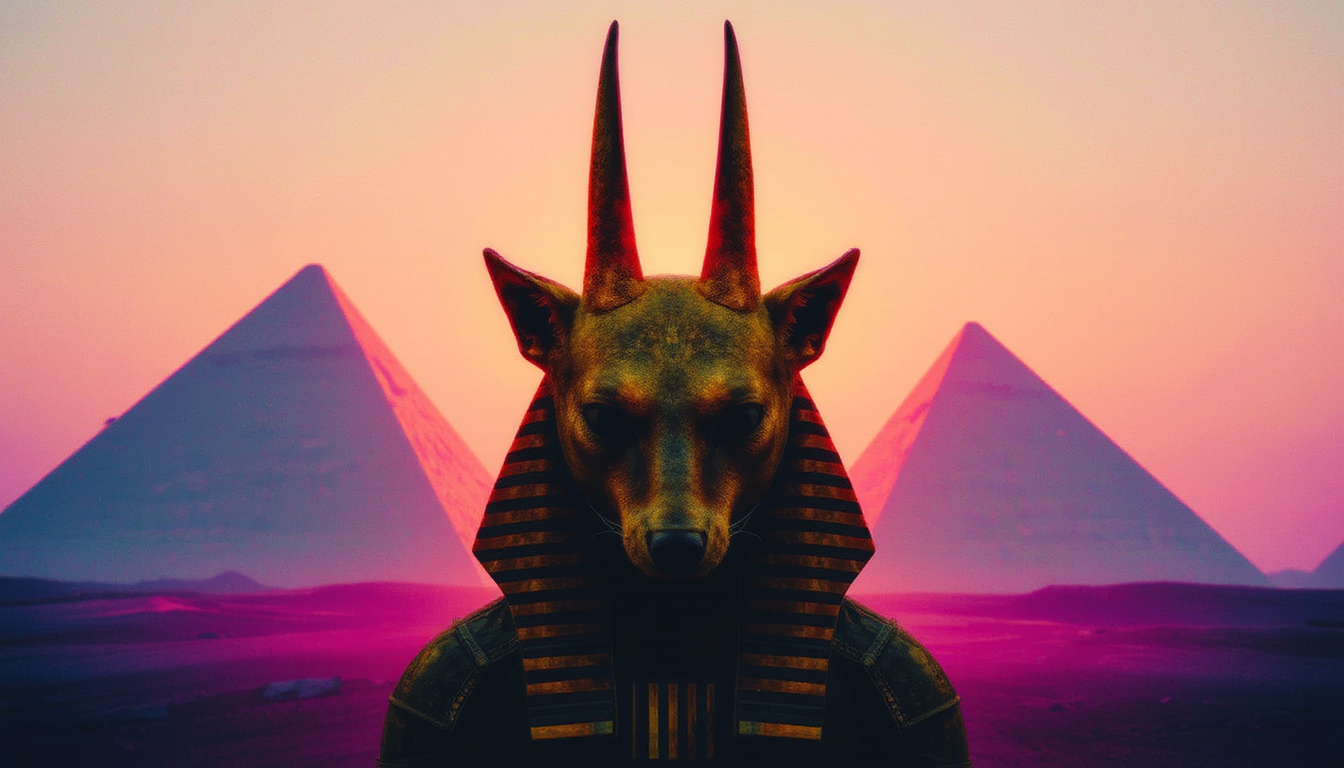
Colorshift style
flux
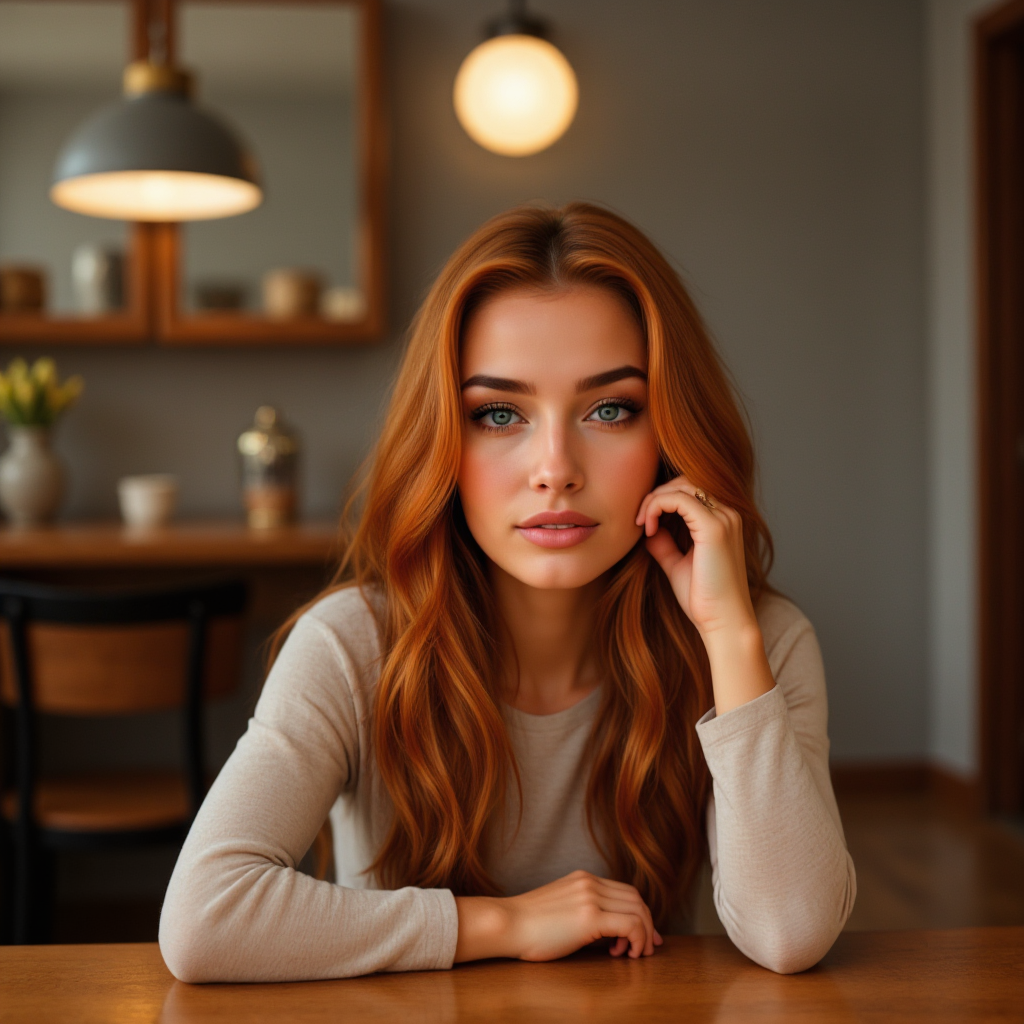
A portrait photo of TOKORNGEHRSNGLIMG
stable-diffusion
Models you can run on PixelDojo for morphic alternative
Switch models without switching tools. Each one runs in the same PixelDojo studio.
What you can do with morphic alternative on PixelDojo
Multiple Image Models
We give you access to several image generation models in one workspace so you can try different looks without switching tools. Pick the model that fits the style you need for each project.
Fine Prompt Control
We support detailed prompts, negative prompts, and seed reuse so you can steer composition, lighting, and subject. Iterate until the output matches what you asked for.
Edit Existing Images
We let you refine generated or uploaded images with inpainting, outpainting, and region edits. Keep the parts that work and regenerate only what you want to change.
Export Ready Assets
We output images at sizes suited for web, social, and print workflows. Download files you can drop into your design tools and keep using across projects.
Loved by thousands of creators worldwide. 40+ cutting-edge AI tools in one workspace. Cancel anytime. Trusted for prints, campaigns, and professional portfolios.
Why Choose Pixel Dojo for morphic alternative
Professional-quality results with cutting-edge AI technology
Gallery-Quality Painterly Results in Minutes
You generate original oil, watercolor, gouache, and abstract pieces that look hand-painted, not stock. Choose Flux.2 Studio or Recraft V4.1, specify the medium and palette, and walk away with framed-print files ready for your shop or client.
True Style Morphing and Consistency Across a Series
You keep the same subject while swapping mediums, lighting, or camera angle. Image to Image plus Style Transfer and Magic Lighting let you morph one prompt into a unified gallery collection without starting over every time.
Professional Editing and Upscale Without Extra Software
You refine, inpaint, outpaint, remove backgrounds, and upscale to 4K inside PixelDojo. Reality Polisher and Magnific Upscaler turn a good generation into a client-ready asset you can download and use immediately.
How It Works
You create morphic-style AI images on PixelDojo in three straightforward steps using the exact tools that give you painterly control and fast iteration.
Step 1: Choose Your Tool
Open Generate Images and pick the model that matches your goal. Use Flux.2 Studio or Krea Image for rich painterly texture, GPT Image 2 when you need precise text and layout, Nano Banana 2 or Z Image Turbo for speed, Recraft V4.1 or Ideogram 4 for illustration and typography. For morphing an existing photo, start with Image to Image instead.
Step 2: Enter Your Prompt
Describe the subject first, then the medium, palette, lighting, and mood. Example: “weathered oak tree on a misty hillside, oil painting, visible brushstrokes, muted earth tones, soft north light, 3:4 portrait.” Add aspect ratio and any reference image. PixelDojo routes the prompt to your chosen model and returns variations you can compare side-by-side.
Step 3: Customize & Download
Select the best result and jump into Edit Images. Use Inpainting to fix small areas, Style Transfer or Change Camera Angle to morph the look, Magic Lighting to adjust atmosphere, Background Remover if needed, then Reality Polisher and P-Image Upscale or Magnific Upscaler for final quality. Download in the resolution you need—no watermark on paid plans.
The Pixel Dojo Advantage
Why PixelDojo outperforms other options for morphic alternative image generation
| Others | Pixel Dojo |
|---|---|
| Traditional [category] creation | You skip weeks of painting or photographing and still get authentic brushwork, texture, and color. One prompt plus Flux.2 Studio or Recraft V4.1 produces print-ready originals you own outright. |
| Generic AI tools | You get 40+ specialized models plus a full editing suite—Image to Image, Inpainting, Style Transfer, Magic Lighting, and professional upscalers—instead of a single generator with limited refinement. |
| Manual photo editing | You achieve complex morphs, medium changes, and lighting shifts in seconds rather than hours of layer work. No design degree required; the tools handle the technical heavy lifting while you stay creative. |
Loved by creators on PixelDojo
Real feedback from people using PixelDojo, pulled from our in-product surveys.
the number of options, and especially the quick response to questions on Discord
Love you guys!!
Trained my Lora super fast. Still working out how to creat content wit it, but I love it so far.
I love this app
It has all the tools I can think of...
deployment rate of splendid features is incredible. Legend
Explore more AI tools on PixelDojo
AI Tools
Compare & Switch
- Best AI Image Generators
- Best AI Video Generators
- Midjourney Alternatives
- Civitai Alternatives
- Runway Alternatives
- Leonardo Alternatives
- Pika Alternatives
- Luma Alternatives
- Magnific Alternatives
- Veo Alternatives
- Flux Alternatives
- Freepik Alternatives
- Seedance Alternatives
- Seedream Alternatives
- Pixverse Alternatives
- GPT Image Alternatives
- Synthesia Alternatives
- Playground Alternatives
- NightCafe Alternatives
- Canva AI Alternatives
- ElevenLabs Alternatives
- ComfyUI Alternatives
- Fal Alternatives
- Replicate Alternatives
Common Questions
Everything you need to know about morphic alternative
What is the best morphic alternative for AI image generation in 2025?
PixelDojo stands out as the morphic alternative because it combines more than 40 specialized models (Flux.2 Studio, GPT Image 2, Nano Banana 2, Recraft V4.1, Ideogram 4, Krea Image and others) with a complete editing workspace. You generate painterly or photoreal images, then morph styles, inpaint, outpaint, and upscale without leaving the platform. Thousands of creators choose it for the combination of quality, speed, and commercial rights.
Can I create authentic oil painting and watercolor AI art as a morphic alternative?
Yes. Select Recraft V4.1, Flux.2 Studio or Ideogram 4, then specify the medium, visible brushstrokes, paper texture, and palette in your prompt. PixelDojo’s models render the physical qualities of real paint rather than a digital filter. Follow up with Style Transfer or Magic Lighting to explore variations while keeping the same composition.
How do I morph styles or keep a character consistent across a series on PixelDojo?
Start with Image to Image or Consistent Characters / Character Sheets. Generate a base image, then use Style Transfer, Change Camera Angle, and Magic Lighting to create coordinated variations. For faces, Face Swap or LoRA Face Swap plus Flux Pro Virtual Try-On keep identity locked. Train a custom model with Flux Trainer or QWEN Trainer if you need even tighter consistency.
Is PixelDojo free to try as a morphic alternative and can I cancel anytime?
Yes. You can start generating immediately with included credits. Paid plans unlock higher volume, 4K output, and watermark-free commercial files. There is no long-term contract—cancel anytime from your account. The 40+ tools remain available so you never lose access to the models you rely on.
Which PixelDojo tools replace a canvas-based workflow for morphic-style image generation?
Generate Images (Flux.2 Studio, GPT Image 2, Nano Banana 2, Recraft V4.1) for the first pass. Then Edit Images: Image to Image, Inpainting, Style Transfer, Magic Lighting, Background Remover, Image Outpainting, and Reality Polisher. Finish with P-Image Upscale, Magnific Upscaler or Clarity Pro. Everything lives in one browser tab so you iterate as fast as you think.
Can I use PixelDojo images commercially and at print resolution?
Absolutely. Images created on paid plans come without watermarks and include full commercial rights. Use Magnific Upscaler, Creative Upscaler or FLUX Video Upscale (for stills extracted from video) to reach 4K and beyond. Export the exact aspect ratio you need for posters, canvas prints, or web.