motion muse ai

Bring your static concepts to life with fluid, realistic motion using PixelDojo. Whether you're animating characters, creating short promotional videos, or adding dynamic energy to your visuals, our platform delivers professional-grade results in minutes. Focus on storytelling and creativity while PixelDojo handles the complex motion generation, helping you produce engaging content that captivates audiences and drives real engagement.
Join over 85,000 creators who have generated millions of motion-enhanced images and videos. 4.9/5 average rating from verified users. Cancel anytime, no long-term commitment required.
Why Choose Pixel Dojo for motion muse ai
Professional-quality results with cutting-edge AI technology
Effortless Image-to-Video Animation
Turn any still image into a smooth, professional video clip with natural movements. Perfect for product showcases, character animations, or social media content that stands out.
Precise Character Motion Control
Maintain consistent character appearances across multiple frames while directing exact poses, actions, and camera movements for cinematic-quality results every time.
Rapid Creative Iteration
Experiment with dozens of motion styles and refinements instantly. Achieve polished, share-ready videos faster than traditional animation workflows allow.
How It Works
Creating motion muse ai style content is simple with PixelDojo's specialized tools. Follow these steps to generate dynamic results quickly.
Step 1: Choose Your Tool
Select from powerful video tools like Kling Video, WAN 2.7 Video, or VEO 3.1 for image-to-video conversion. Or start with Consistent Characters and Pose Control for precise animation setups.
Step 2: Enter Your Prompt
Upload your base image or describe your scene, then add motion details like 'gentle zoom with natural sway' or 'slow pan revealing details'. Use reference images or custom prompts for tailored movement.
Step 3: Customize & Download
Refine with editing tools like Video Edit, Lip Sync, or Video Upscaler. Preview multiple variations, adjust timing, then download your high-quality motion video or animated image sequence.



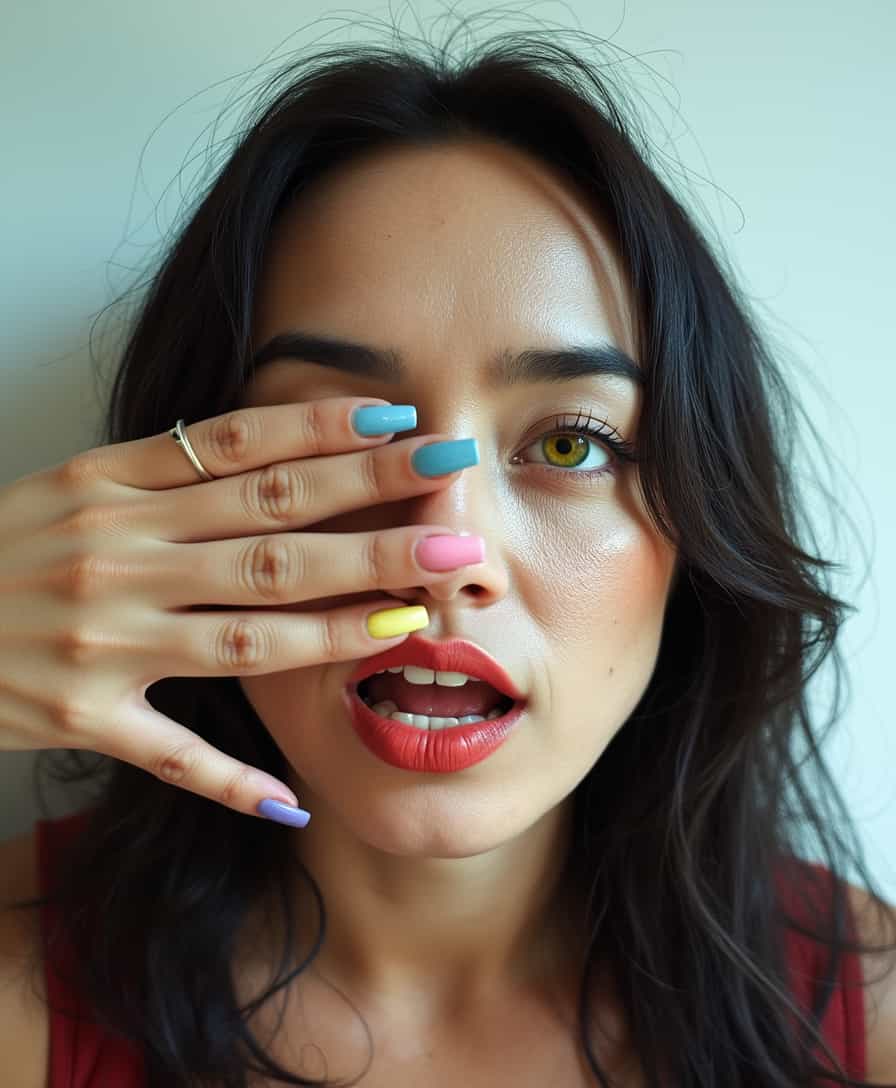
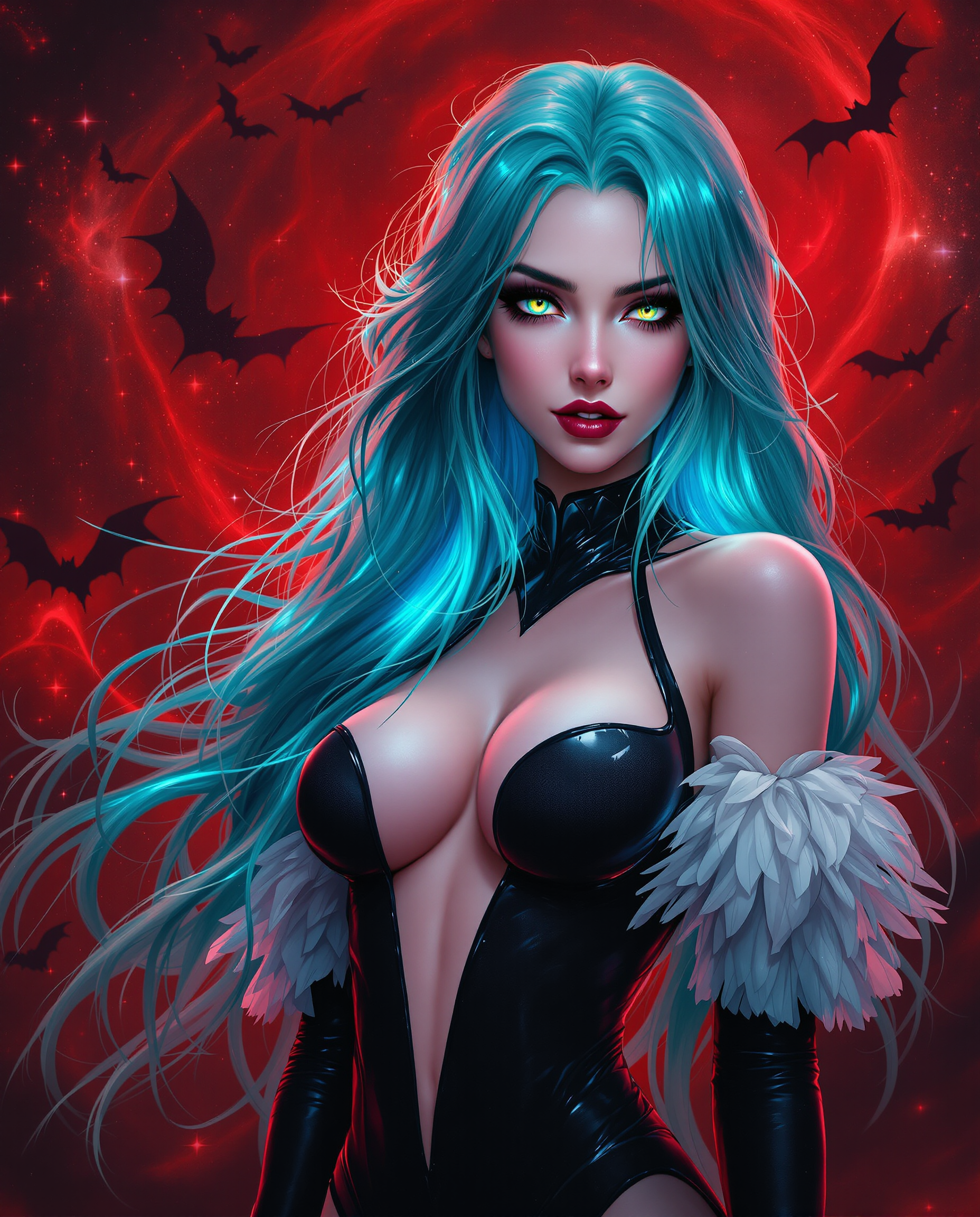
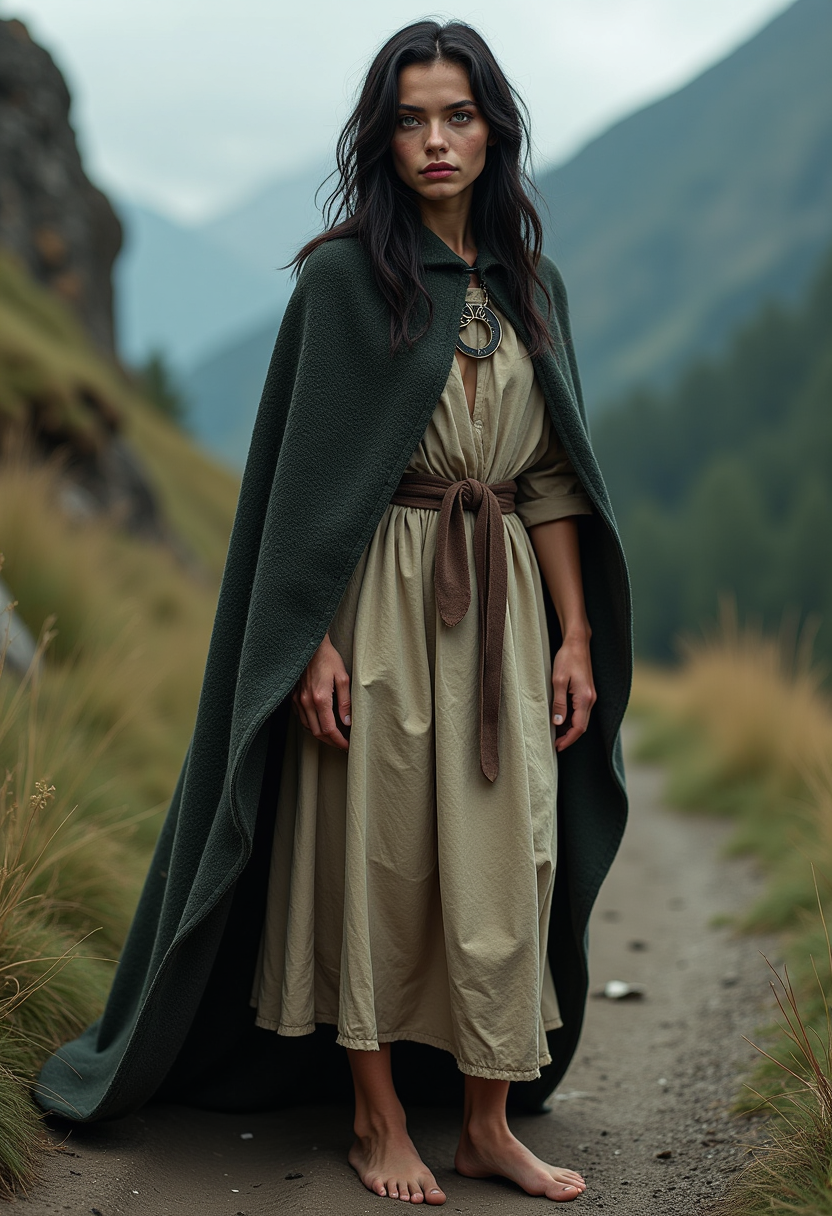

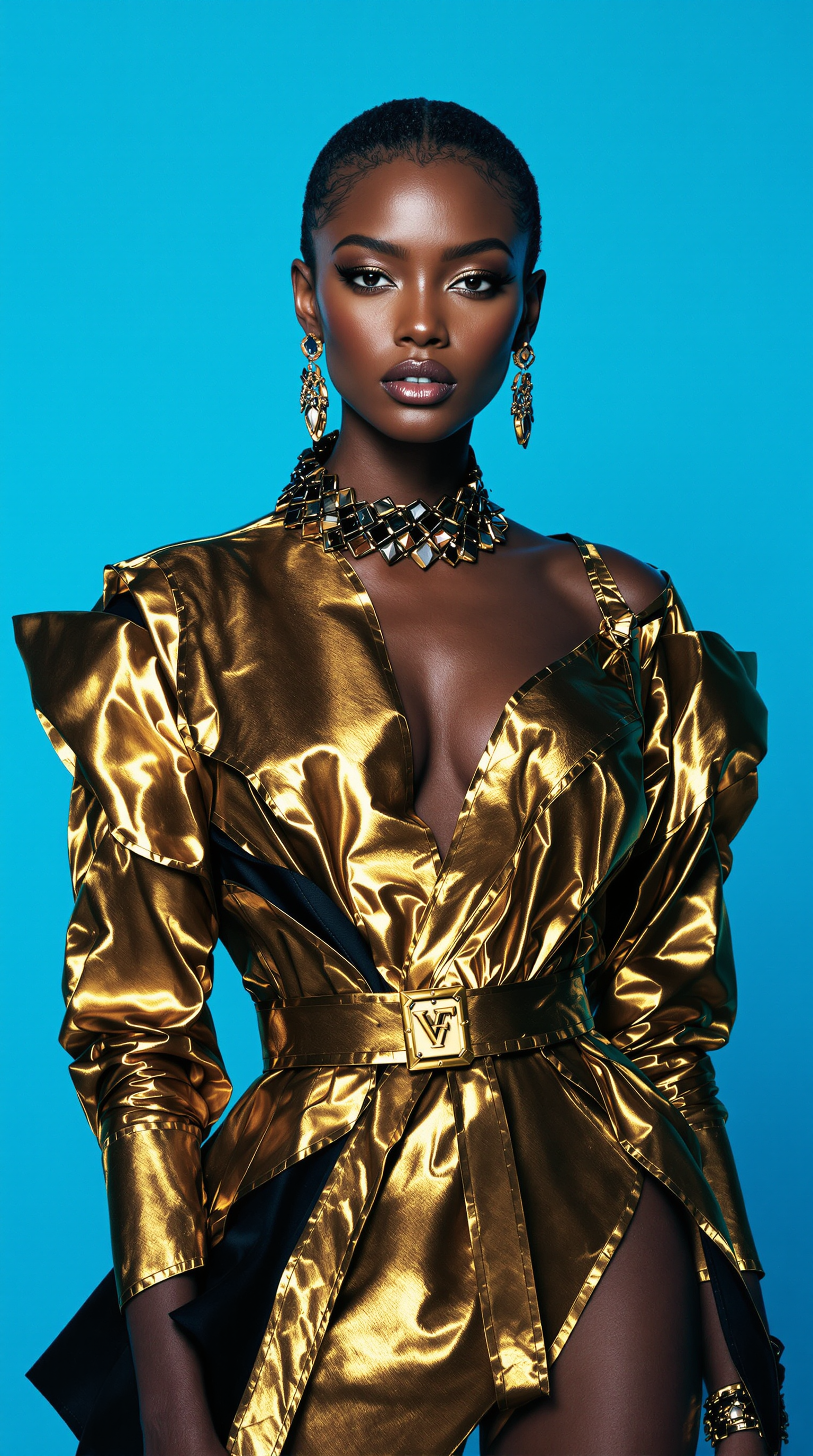
The Pixel Dojo Advantage
Why PixelDojo outperforms other options for motion muse ai image and video generation
| Others | Pixel Dojo |
|---|---|
| Traditional animation creation | Skip weeks of manual keyframing—generate professional motion in seconds with AI that understands natural movement and physics. |
| Generic AI tools | Access specialized motion-focused tools like reference-to-video and pose control that deliver consistent, high-fidelity results tailored to dynamic content. |
| Manual photo editing | Automate complex motion effects and character consistency without expensive software or advanced skills—achieve studio-quality output instantly. |
Loved by creators on PixelDojo
Real feedback from people using PixelDojo, pulled from our in-product surveys.
Qwen image 2 is amazing!!
Creative freedom, range of tools and options.
I love the training feature
the quality is the best
All the tools needed in one dashboard
Very fair and very broad in tools.
Explore more AI tools on PixelDojo
AI Tools
Compare & Switch
- Best AI Image Generators
- Best AI Video Generators
- Midjourney Alternatives
- Civitai Alternatives
- Runway Alternatives
- Leonardo Alternatives
- Pika Alternatives
- Luma Alternatives
- Magnific Alternatives
- Veo Alternatives
- Flux Alternatives
- Freepik Alternatives
- Seedance Alternatives
- Seedream Alternatives
- Pixverse Alternatives
- GPT Image Alternatives
- Synthesia Alternatives
- Playground Alternatives
- NightCafe Alternatives
- Canva AI Alternatives
- ElevenLabs Alternatives
- ComfyUI Alternatives
- Fal Alternatives
- Replicate Alternatives
Common Questions
Everything you need to know about motion muse ai
How do I create motion muse ai style videos using PixelDojo tools?
Start by selecting Kling Video or WAN 2.7 Video from the Generate Videos section. Upload a base image, then describe the desired motion in your prompt such as 'slow elegant pan with gentle character sway'. Use Consistent Characters to maintain identity across frames and refine with Video Edit tools for perfect timing and effects.
What are the best prompts for motion muse ai image generation?
Effective prompts include specific motion directions like 'subtle breathing motion with soft wind effect on hair' or 'dynamic zoom revealing intricate details'. Combine with tools like Pose Control for precise body movements and Image to Image for seamless transitions between static and animated versions.
Can PixelDojo handle complex character animations like motion muse ai?
Yes, our Consistent Characters, Pose Control, and video generation tools like VEO 3.1 and Seedance 2 enable highly detailed character motion. Maintain facial features and body consistency while directing actions such as walking cycles, gestures, or environmental interactions with natural physics.
How does PixelDojo compare for image to video conversion in motion muse ai workflows?
PixelDojo excels with dedicated tools including Image to Image, WAN Reference to Video, and Kling Reference to Video. These deliver smooth, high-resolution outputs with customizable motion intensity, outperforming basic converters by offering advanced editing like Lip Sync and Video Reframe for polished final results.
Is it possible to upscale and enhance motion videos created on PixelDojo?
Absolutely. After generating your motion content, apply Video Upscaler or Clarity Pro to boost resolution and detail. These tools preserve smooth motion while enhancing clarity, making your animations suitable for professional use or high-definition platforms.
What makes PixelDojo ideal for beginners wanting motion muse ai results?
Our intuitive interface and step-by-step guidance with tools like Grok Video and Happy Horse Video let beginners achieve impressive motion effects immediately. No prior animation experience needed—prompt in natural language, preview instantly, and iterate quickly with built-in editing features.