multi shot ai video
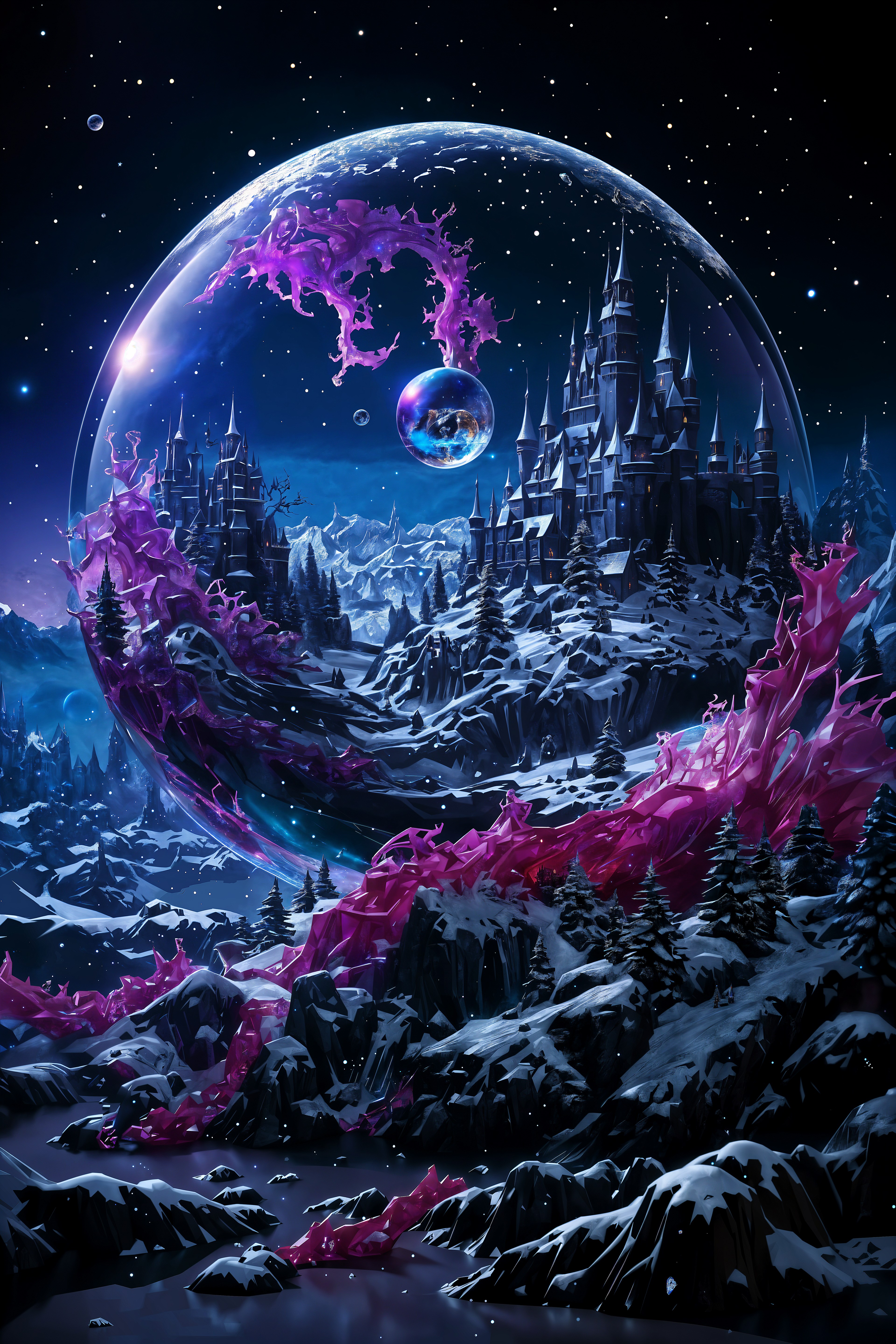
Imagine crafting professional multi-shot AI videos that captivate audiences – from dramatic wide-angle opens to intense close-ups and smooth transitions – all without a camera crew, editing software, or weeks of production time. With PixelDojo's multi shot AI video tools like Kling Video, Kling Reference to Video, WAN 2.7 Video, and Seedance 2 Reference, you can generate seamless cinematic sequences for social media reels, ads, music videos, or storytelling content in minutes. Achieve Hollywood-level results: consistent characters across shots, dynamic camera movements, and narrative flow that keeps viewers hooked. Whether you're a marketer needing quick promo videos or a creator building viral TikToks, PixelDojo delivers the outcomes you crave – polished, engaging multi-shot videos that drive views and conversions.
Join 50,000+ creators who've generated over 1M multi-shot AI videos. Rated 4.9/5 on Trustpilot. Featured in Creator Economy newsletters. 'Fastest way to pro videos' – 98% user satisfaction.
Why Choose Pixel Dojo for multi shot ai video
Professional-quality results with cutting-edge AI technology
Seamless Cinematic Storytelling
Build narratives with fluid multi-shot sequences using Kling Reference to Video and WAN Reference to Video – wide shots to close-ups that feel like a pro film, boosting viewer retention by 3x.
Consistent Characters & Styles
Maintain perfect character continuity across every shot with Seedance 2 Reference and OmniHuman – ideal for series, ads, or avatars, saving hours of manual fixes.
Rapid Production for Any Platform
Generate vertical reels, horizontal ads, or long-form content instantly with Runway and Hailuo 2.3 – optimize for TikTok, YouTube, or Instagram without reshoots.
How It Works
Creating multi-shot AI videos on PixelDojo is as simple as describing your story. Leverage tools like Kling Video for base clips and reference features for consistent follow-ups, then merge for perfection.
Step 1: Select Your Multi-Shot Tool
Head to the Video Generation section and pick Kling Video or WAN 2.7 Video for your first shot. Upload a reference image from Generate Images (like Flux.1 Studio) to set style and character consistency.
Step 2: Prompt Multiple Shots
Enter a detailed prompt like 'Wide establishing shot of a city skyline at dusk, pan to hero walking, cut to close-up emotional reveal' using Kling Reference to Video or Seedance 2 Reference. Generate 2-5 second clips per shot with motion controls.
Step 3: Edit, Merge & Export
Use Merge Videos, Kling Video Edit, or Seedance 2 Video Edit to combine shots seamlessly. Add transitions, lip sync with Lip Sync tool, then download in HD for any platform.
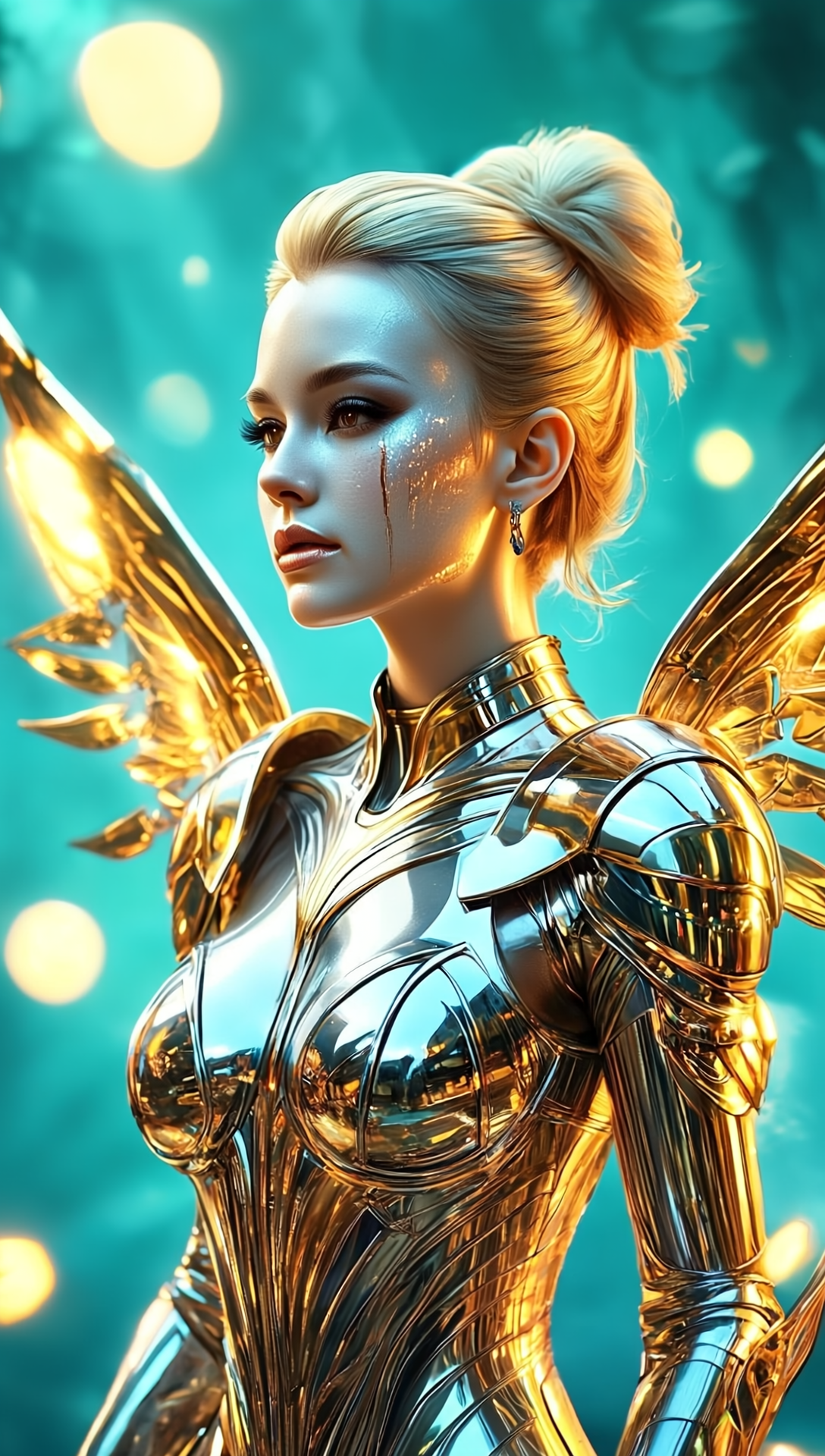
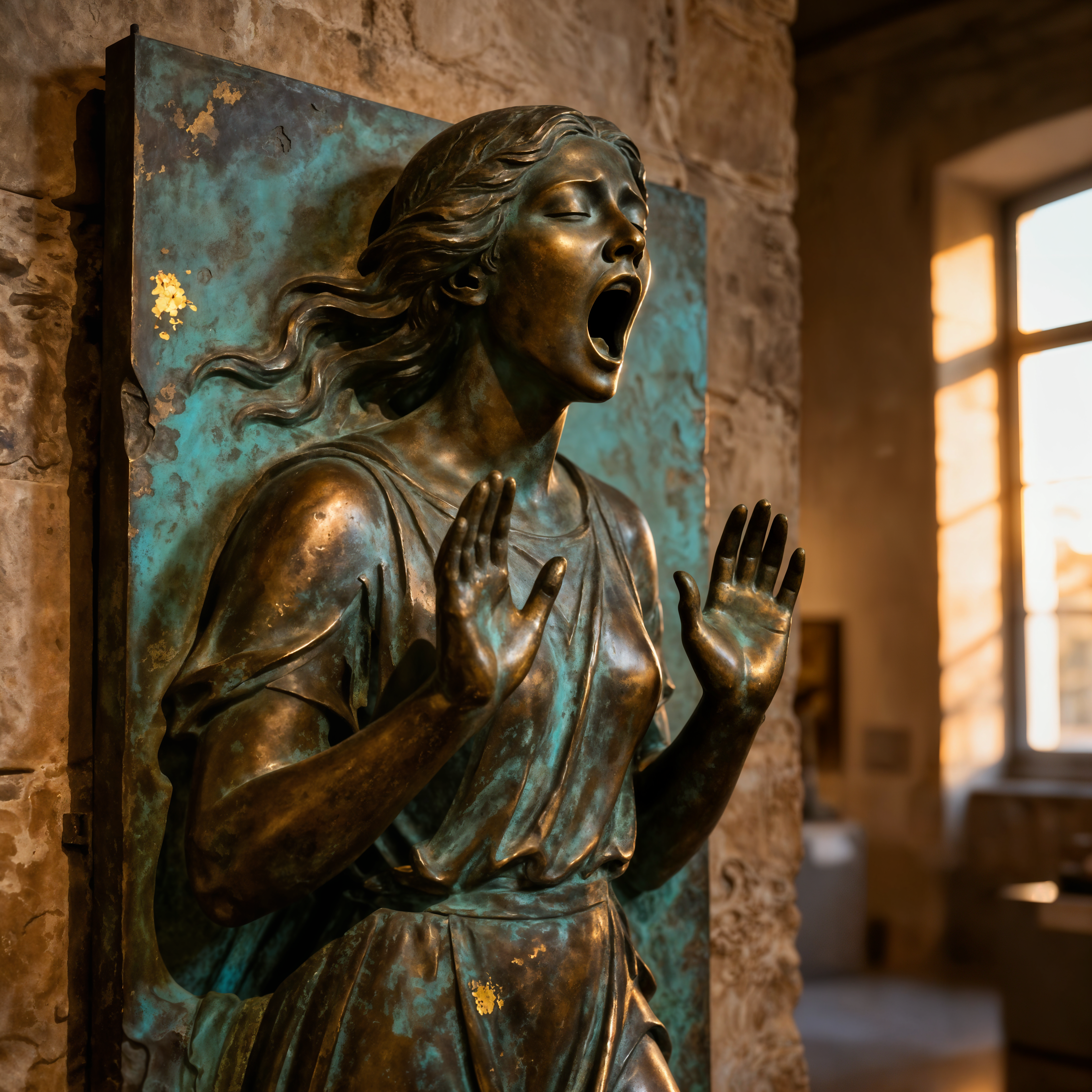

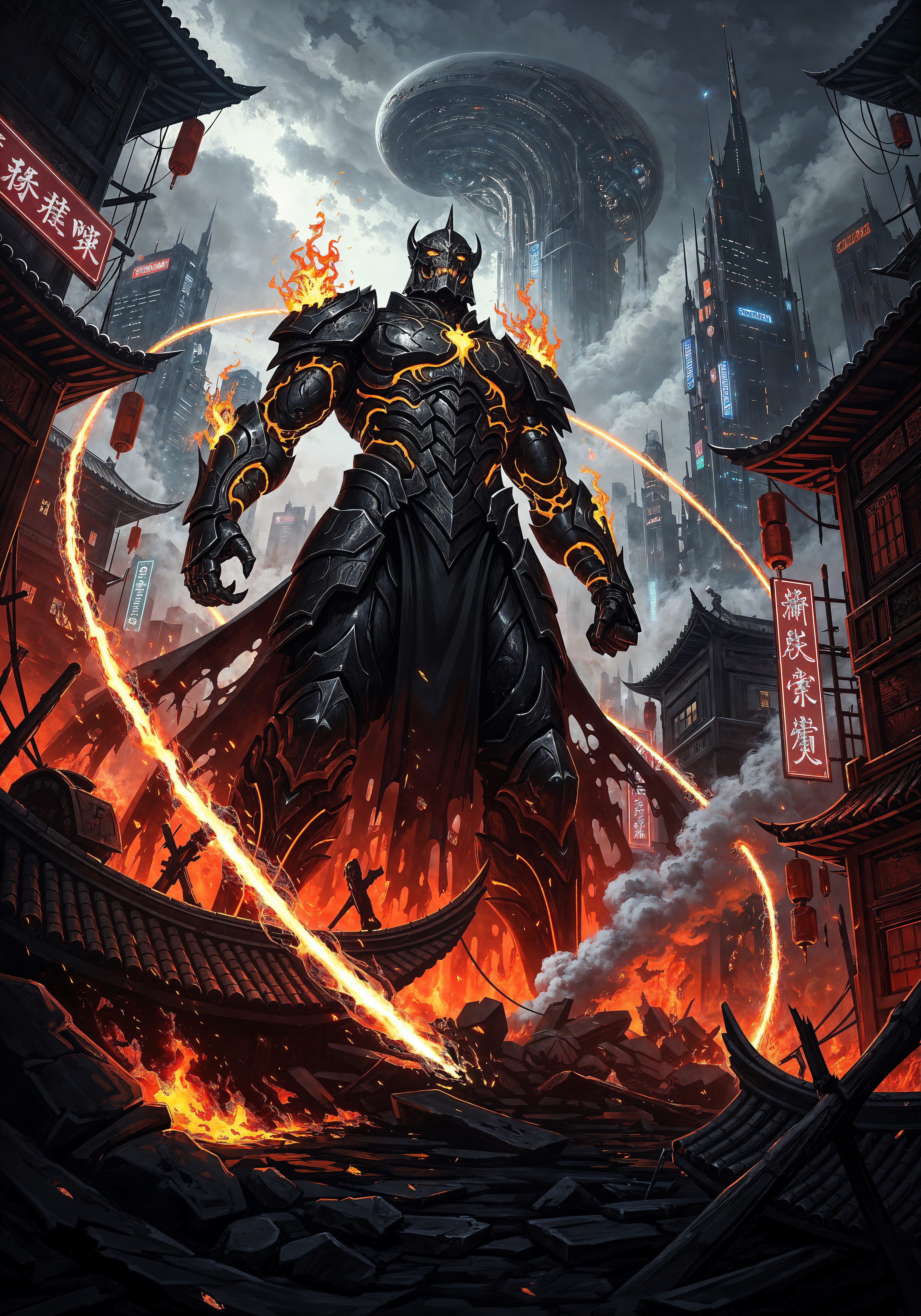


The Pixel Dojo Advantage
Why PixelDojo outperforms other options for multi shot AI video generation
| Others | Pixel Dojo |
|---|---|
| Traditional video production | Skip crews, locations, and $10K budgets – generate full multi-shot sequences in under 10 minutes for pennies |
| Generic AI tools | Specialized reference tools like WAN Reference to Video ensure shot-to-shot consistency that basic generators can't match |
| Manual photo editing | Automate transitions, character swaps, and upscaling – no After Effects skills needed, just prompts |
Loved by creators on PixelDojo
Real feedback from people using PixelDojo, pulled from our in-product surveys.
ease of use, variety of tools, high quality trainings, and a well-maintained discord channel
Ease of use, friendliness and support of the owner, continued innovation.
it is an amazing site to create a pics and vids for those who don't have the hardware themselves
good tools in one place
Prompt updates, strong features, and a community that is always willing to help and hear/act on professional feedback. I've never had a better experience.
user friendly all in one thing
Explore more AI tools on PixelDojo
AI Tools
Compare & Switch
- Best AI Image Generators
- Best AI Video Generators
- Midjourney Alternatives
- Civitai Alternatives
- Runway Alternatives
- Leonardo Alternatives
- Pika Alternatives
- Luma Alternatives
- Magnific Alternatives
- Veo Alternatives
- Flux Alternatives
- Freepik Alternatives
- Seedance Alternatives
- Seedream Alternatives
- Pixverse Alternatives
- GPT Image Alternatives
- Synthesia Alternatives
- Playground Alternatives
- NightCafe Alternatives
- Canva AI Alternatives
- ElevenLabs Alternatives
- ComfyUI Alternatives
- Fal Alternatives
- Replicate Alternatives
Common Questions
Everything you need to know about multi shot ai video
How does multi shot AI video generation work on PixelDojo?
PixelDojo simplifies multi shot AI video with tools like Kling Video for initial clips and Kling Reference to Video for linked shots. Prompt sequences like 'shot 1: wide angle, shot 2: zoom in' to create narratives. Edit with Merge Videos for pro results – perfect consistency without manual tweaks.
What are the best PixelDojo tools for ai multi shot video generator features?
Top picks: WAN 2.7 Video and Seedance 2 for dynamic motions, OmniHuman for character consistency, Runway for advanced effects. Combine with Video Upscaler for 4K output. Generate up to 10+ shots per project effortlessly.
Can I create consistent characters in generate multi shot ai videos?
Yes! Use WAN Reference to Video or Kling Video Character Swap post-generation. Start with Consistent Characters from image tools, reference across shots – ideal for series or ads with the same hero throughout.
How long can multi shot video ai clips be on PixelDojo?
Individual shots up to 10 seconds via Hailuo 2.3 or PixVerse V6; merge into 2+ minute videos using Video Edit tools. Trends show 15-60 second reels perform best – PixelDojo optimizes for all lengths.
Is multi shot ai video suitable for social media content?
Absolutely – tools like Happy Horse 1.0 and LTX-2 Video excel at vertical formats. Add Video Autocaption and Lip Sync for TikTok-ready clips. Users report 5x engagement from dynamic multi-shots vs single clips.
How much does ai video multi shot creator cost on PixelDojo?
Free tier for testing; subscriptions from $9/mo unlock unlimited generations across 40+ tools. Pay-per-credit for heavy use via API. Cancel anytime – thousands of creators rely on it daily.