multi speaker ai audio AI Generator
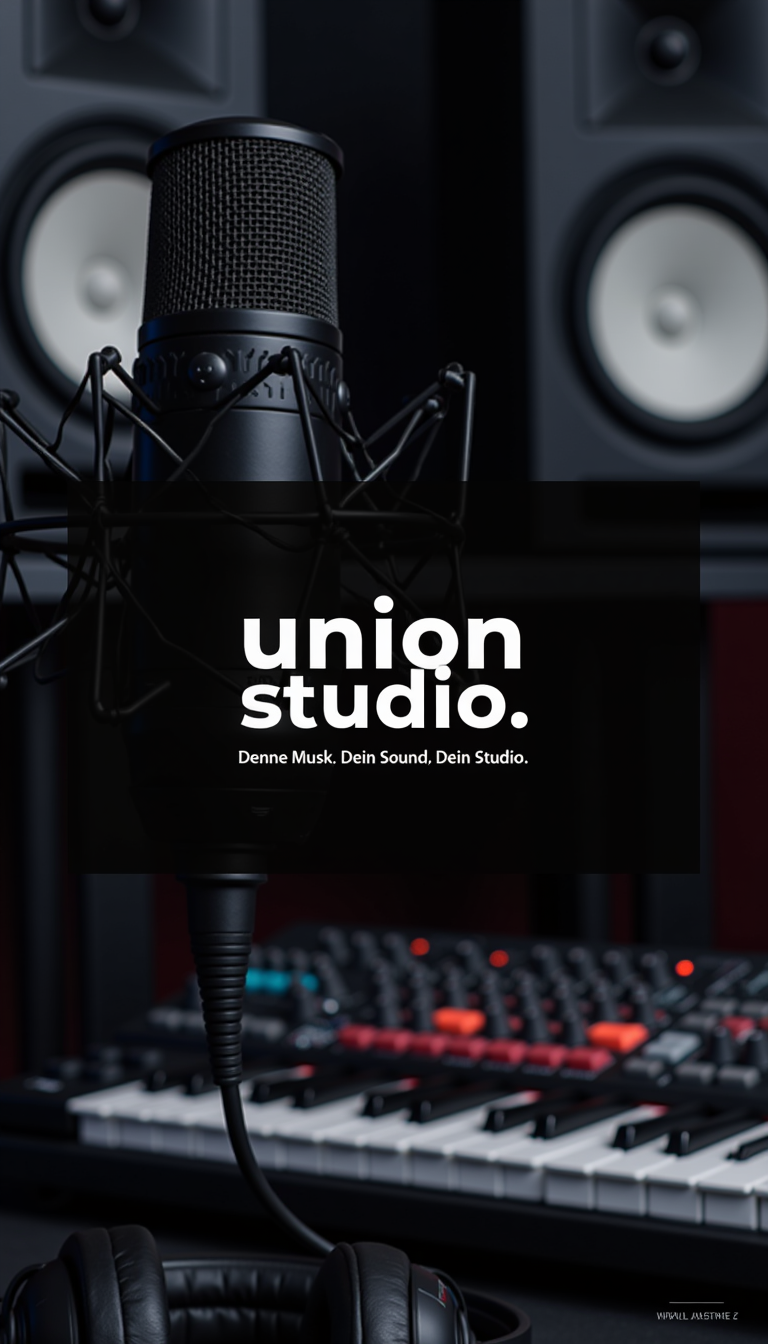
Generated on PixelDojo. Produced by PixelDojo's generation pipeline.
You can transform your multi-speaker AI audio into captivating visual stories that captivate audiences and boost engagement. Imagine producing polished podcast episodes, interview series, or narrative dialogues where every speaker looks consistent, emotions feel authentic, and scenes match the conversation's energy—without booking studios, coordinating talent, or spending days on production. PixelDojo empowers you to generate high-quality images of multiple people interacting naturally, then animate them into videos with precise lip-sync and reactions that mirror overlapping speech, laughter, and pauses. Pair this with Seed Audio 1.0 to create complete audio scenes featuring distinct voices, background music, and effects from a single prompt. The result? Ready-to-publish content that sounds and looks professional, helping you scale your podcasts, educational series, or branded stories faster than ever. Thousands of creators already achieve studio-level outcomes daily, turning ideas into finished assets in minutes while keeping full creative control.
Real image examples generated on PixelDojo
Every example below was produced on PixelDojo. Hover to see the prompt.
Image is a promotional poster for 'Union Studio
stable-diffusion
OmniHuman video with 15
image-to-video
OmniHuman video with 15
image-to-video
OmniHuman video with 15
image-to-video
OmniHuman video with 15
image-to-video
OmniHuman video with 15
image-to-video
Models you can run on PixelDojo for multi speaker ai audio
Switch models without switching tools. Each one runs in the same PixelDojo studio.
What you can do with multi speaker ai audio on PixelDojo
Multiple Distinct Speakers
Generate audio with several named voices in one take so dialogue, interviews, and ensemble reads stay clearly separated.
Per Speaker Voice Control
Assign tone, pace, and character to each speaker so lines stay consistent across scenes and revisions.
Scripted Multi Voice Takes
Paste a labeled script and produce a full multi speaker track without recording each role yourself.
Creator Ready Audio Export
Download the mixed result for videos, podcasts, and product demos, then iterate on lines without starting over.
Loved by thousands of creators worldwide generating multi-speaker visuals every day. 40+ cutting-edge AI tools with 4.9/5 user satisfaction. Join podcasters and storytellers who publish more content without extra costs.
Why Choose Pixel Dojo for multi speaker ai audio
Professional-quality results with cutting-edge AI technology
Craft Perfect Visuals for Any Conversation
You generate photorealistic or artistic images of two or more speakers in any setting—podcast studios, debate stages, or intimate interviews—using Flux.2 Studio, Kling Image, or Seedream 5. Capture natural gestures, eye contact, and group dynamics that make your AI audio feel alive and professional, ready for thumbnails, social posts, or episode art that drives more listens.
Turn Audio into Dynamic Talking Videos
You animate your multi-speaker scenes into videos where characters speak, listen, and react in real time with Kling Video, WAN 2.7 Video, or P Video Animate. Achieve natural overlapping dialogue, head turns, and expressions that match Seed Audio 1.0 output, creating immersive podcast clips or story videos that keep viewers watching longer and sharing more.
Keep Speakers Consistent Across All Content
You maintain the exact same faces, outfits, and styles for recurring hosts or characters using Consistent Characters, Character Sheets, and Face Swap. Build series that feel cohesive episode after episode, so your audience instantly recognizes voices and visuals, strengthening brand loyalty without reshooting or redesigning every time.
How It Works
You create complete multi-speaker AI audio visuals in three straightforward steps using PixelDojo's specialized tools, going from idea to downloadable asset without technical expertise.
Step 1: Choose Your Tool
Select an image generator like Flux.2 Studio, Nano Banana 2, or WAN Image to create the base scene with multiple speakers. For video, pick Kling Video, Seedance 2.5, or Marketing Studio. If you need audio first, start with Seed Audio 1.0 to produce the multi-character dialogue, music, and effects that will guide your visuals.
Step 2: Enter Your Prompt
Describe your multi-speaker scene in natural language: number of people, their appearances, emotions, setting, and interaction style. Include details like overlapping speech visualized through gestures or a specific podcast vibe. Reference your Seed Audio 1.0 output or upload character images for consistency, then generate variations until the image or video matches your audio perfectly.
Step 3: Customize & Download
Refine with Image to Image, Inpainting, or Change Camera Angle for perfect composition. Animate stills using P Video Animate or WAN 2.6 Video, add lip-sync, then enhance with Magnific Upscaler or Portrait Upscaler. Download high-resolution files or export video clips ready for YouTube, social media, or your website, all while keeping characters consistent via Character Stylist.
The Pixel Dojo Advantage
Why PixelDojo outperforms other options for multi-speaker AI audio image and video generation, delivering faster results and higher quality without the usual headaches.
| Others | Pixel Dojo |
|---|---|
| Traditional multi-speaker production | You skip expensive photoshoots, talent coordination, and studio rentals. Generate unlimited scene variations and videos instantly with tools like Flux.2 Studio and Kling Video, matching any Seed Audio 1.0 dialogue in minutes instead of weeks. |
| Generic AI tools | You get purpose-built integration between Seed Audio 1.0 for complete multi-character scenes and dedicated video tools like WAN 2.7 Video plus Consistent Characters, producing cohesive visuals that generic platforms cannot match in speaker identity or audio-visual sync. |
| Manual photo and video editing | You eliminate hours of compositing, lip-syncing, and consistency fixes. PixelDojo's one-prompt workflow with Image Outpainting, Style Transfer, and P Video Avatar delivers polished, ready-to-use assets that look professionally produced from the first generation. |
Loved by creators on PixelDojo
Real feedback from people using PixelDojo, pulled from our in-product surveys.
Great variety of tools to create and modify images and video.
Lots of Tools, and the one time I needed support I got help right away
Easy to use once you get the hang of it
Love it make anything I can think of so far
Great for all your ideas use it encourage more people to use it
Because it is awesome
Explore more AI tools on PixelDojo
AI Tools
Compare & Switch
- Best AI Image Generators
- Best AI Video Generators
- Midjourney Alternatives
- Civitai Alternatives
- Runway Alternatives
- Leonardo Alternatives
- Pika Alternatives
- Luma Alternatives
- Magnific Alternatives
- Veo Alternatives
- Flux Alternatives
- Freepik Alternatives
- Seedance Alternatives
- Seedream Alternatives
- Pixverse Alternatives
- GPT Image Alternatives
- Synthesia Alternatives
- Playground Alternatives
- NightCafe Alternatives
- Canva AI Alternatives
- ElevenLabs Alternatives
- ComfyUI Alternatives
- Fal Alternatives
- Replicate Alternatives
Common Questions
Everything you need to know about multi speaker ai audio
How do I generate images that match my multi speaker AI audio content?
You start by creating or uploading your multi-speaker audio using Seed Audio 1.0, which produces complete scenes with distinct voices, overlapping dialogue, music, and effects. Then open Flux.2 Studio, Kling Image, or QWEN Image 2 and prompt for the exact number of speakers, their looks, emotions, and setting that align with the audio. Tools like Consistent Characters ensure faces stay the same, giving you thumbnails, episode art, or storyboards that perfectly complement your podcast or dialogue series.
What is the best way to create lip-synced videos from multi speaker AI audio?
You generate a still image of your speakers first with Seedream 5 or Ideogram 4, then feed it into Kling Video, WAN 2.7 Video, or P Video Animate along with your Seed Audio 1.0 track. These tools automatically animate mouths, heads, and reactions for multiple people, handling natural turn-taking and overlapping speech so the video feels like a real conversation. Add Video Autocaption or Merge Videos for extra polish, producing professional clips in far less time than traditional filming.
Can I keep the same speakers consistent across multiple multi speaker AI audio episodes?
Yes, you use Consistent Characters, Character Sheets, and LoRA Face Swap to lock in each speaker's appearance, clothing, and style once, then reuse them in every new image or video. Combine this with Seed Audio 1.0's voice cloning from short references so both audio and visuals stay identical episode after episode. This is ideal for ongoing podcasts, audiobook series, or branded interviews, saving you from redesigning characters every time you create new content.
How does PixelDojo handle generating visuals for overlapping speech in multi speaker AI audio?
You describe overlapping conversations, gestures, and reactions directly in your prompts for Flux.1 Studio or Riverflow. Video tools like OmniHuman and PixVerse V6 then animate multiple characters speaking and listening simultaneously with natural timing. Seed Audio 1.0 already generates realistic overlapping audio with emotions and ambience, so your visuals match the energy, creating immersive scenes that traditional single-speaker tools cannot achieve.
Is it possible to generate both the multi speaker AI audio and matching images in one workflow?
Absolutely. You begin with Seed Audio 1.0 to produce a full audio scene including multiple distinct voices, background music, and sound effects from one prompt. Then switch to image generators like Grok Image or Recraft V4.1, or video tools like Seedance 2, using the same scene description plus character references. Marketing Studio and Film Studio help you combine everything into complete packages, letting you go from script to finished visual-audio content without leaving the platform.
What if I want to customize or enhance my multi speaker AI audio visuals after generation?
You refine images with Inpainting, Background Remover, Magic Lighting, or Style Transfer, then upscale using Magnific Upscaler or Clarity Pro for print or 4K quality. For videos, apply Grok Video Edit, Kling Video Edit, or Video Reframe. Character Stylist and Virtual Try-On let you update outfits or expressions while keeping identity intact. All edits stay inside PixelDojo so your multi-speaker scenes remain consistent and professional, ready for any platform.