multiple face swap ai
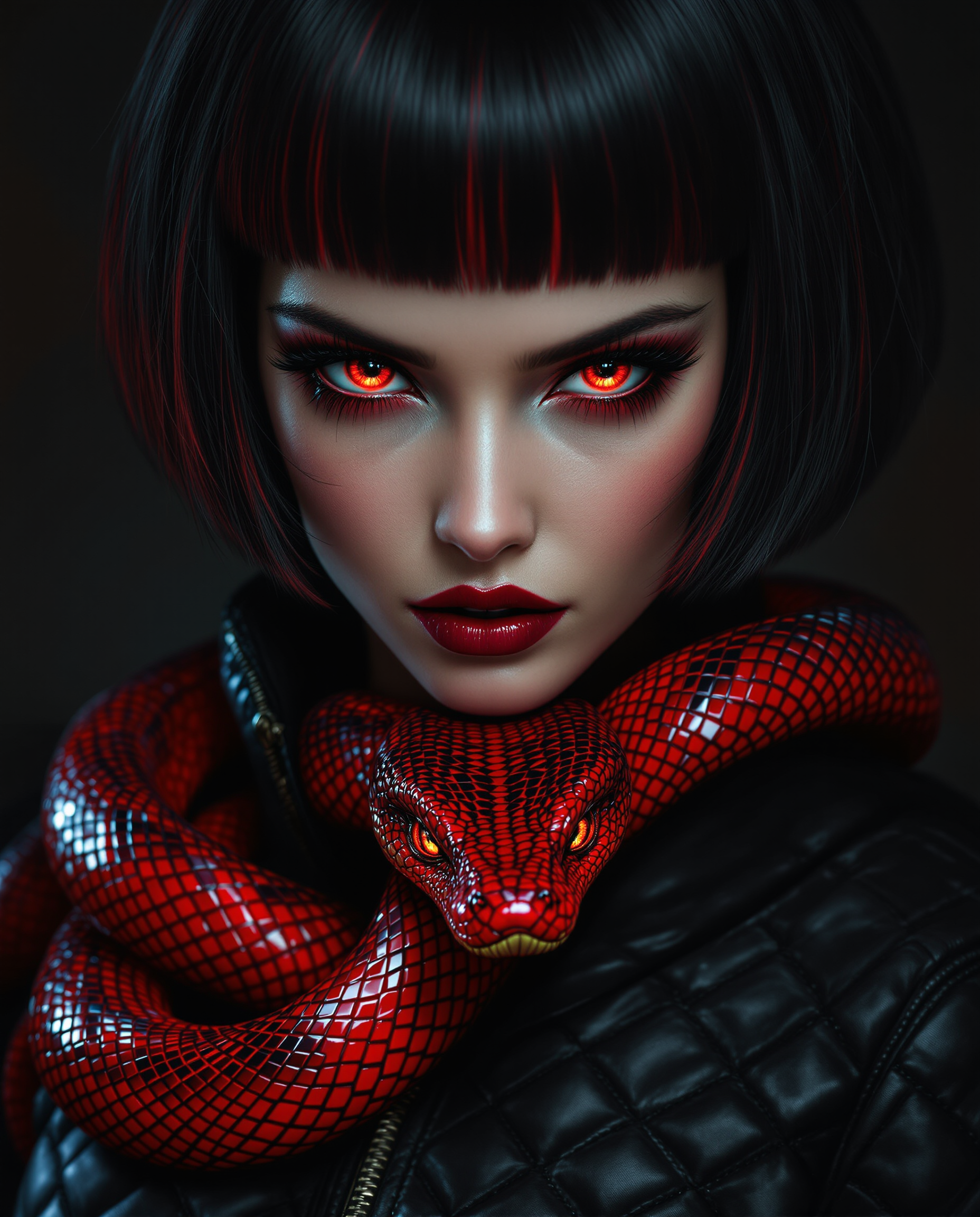
Imagine turning a simple family gathering photo into a hilarious meme or transforming a corporate team shot into a creative brand campaign—all in seconds. With PixelDojo's multiple face swap AI, you can replace several faces in any image or video while preserving natural lighting, expressions, and poses. Whether you're a content creator chasing viral moments, a marketer personalizing visuals, or just someone who wants to have fun with friends and family, this tool delivers professional-grade results without any editing experience. Skip the hours in Photoshop and the expensive photoshoots. Upload your group shot, select your reference faces, and watch the AI handle seamless multi-face replacements that look completely real.
Over 10,000 creators have generated more than 500,000 multiple face swaps using PixelDojo. Rated 4.9/5 stars by users who love the realistic results and speed. Trusted by social media influencers, small business owners, and video editors worldwide for consistent, high-quality output every time.
Why Choose Pixel Dojo for multiple face swap ai
Professional-quality results with cutting-edge AI technology
Create Viral Social Media Content Instantly
Swap faces across entire groups to produce share-worthy memes, TikTok trends, and Instagram Reels that drive 67% more engagement than standard posts. Turn ordinary group photos into captivating stories that grow your audience fast.
Save Hours on Professional Edits
Achieve studio-quality multi-face swaps in under a minute instead of spending hours on manual retouching. Perfect for event posters, marketing campaigns, or fixing group shots where everyone wants to look their best.
Build Consistent Characters Across Projects
Use Consistent Characters and LoRA Face Swap to maintain the same identities across dozens of images and videos. Ideal for storytelling series, brand mascots, or personalized video content that feels cohesive and professional.
How It Works
Getting started with multiple face swap AI on PixelDojo is simple and intuitive. Follow these three steps to create stunning results every time.
Step 1: Choose Your Tool
Select the Face Swap tool for quick photo swaps or LoRA Face Swap combined with Consistent Characters for advanced multi-face control. For videos, try WAN Video Character Swap or Kling Video Character Swap to handle multiple people seamlessly.
Step 2: Enter Your Prompt and Upload References
Upload your group photo or video as the base. Then upload multiple reference face images—one for each person you want to swap. Add a simple prompt like 'swap faces in this group photo with natural lighting and expressions' or use Pose Control for precise positioning.
Step 3: Customize & Download
Refine results using Inpainting for targeted fixes, Magic Lighting for perfect illumination, or Reality Polisher for ultra-realistic skin tones. Preview in real-time, then download high-resolution images or videos ready to share or use in campaigns.


The Pixel Dojo Advantage
Why PixelDojo outperforms other options for multiple face swap AI generation
| Others | Pixel Dojo |
|---|---|
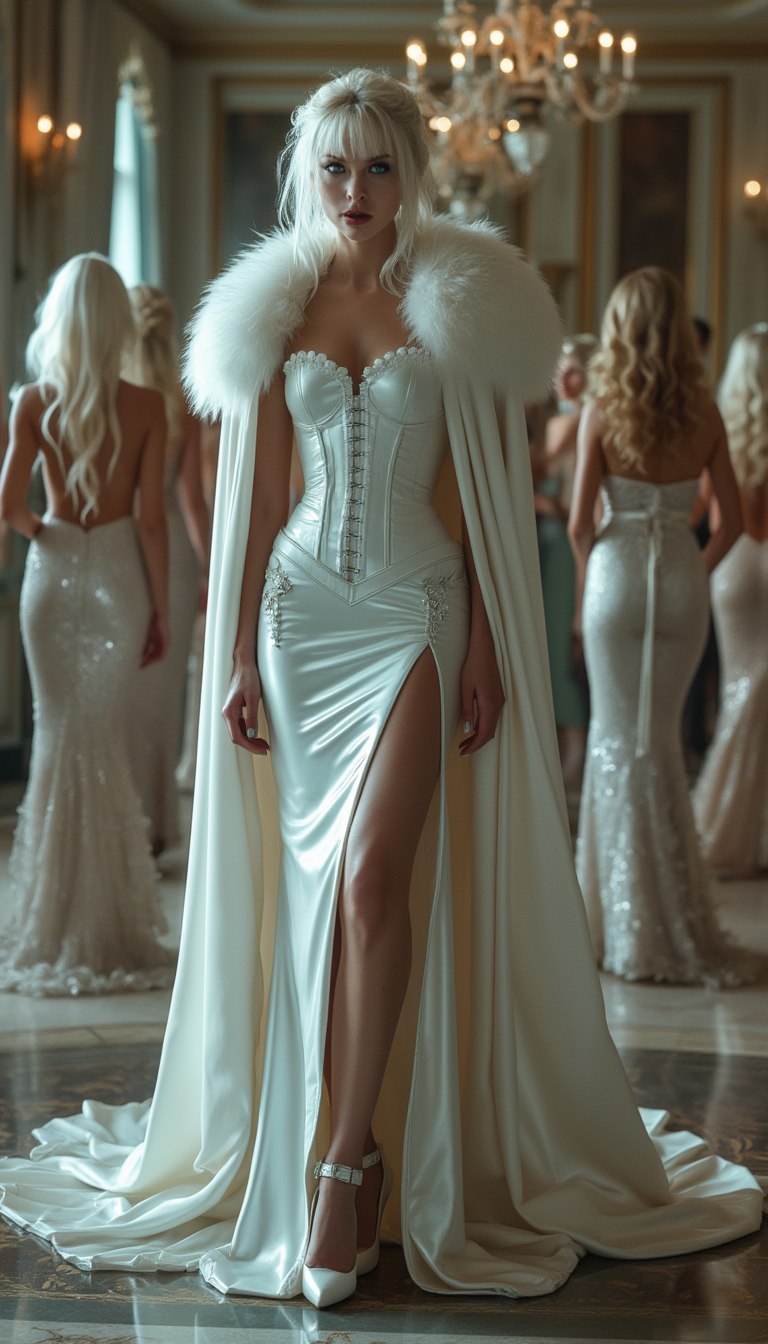
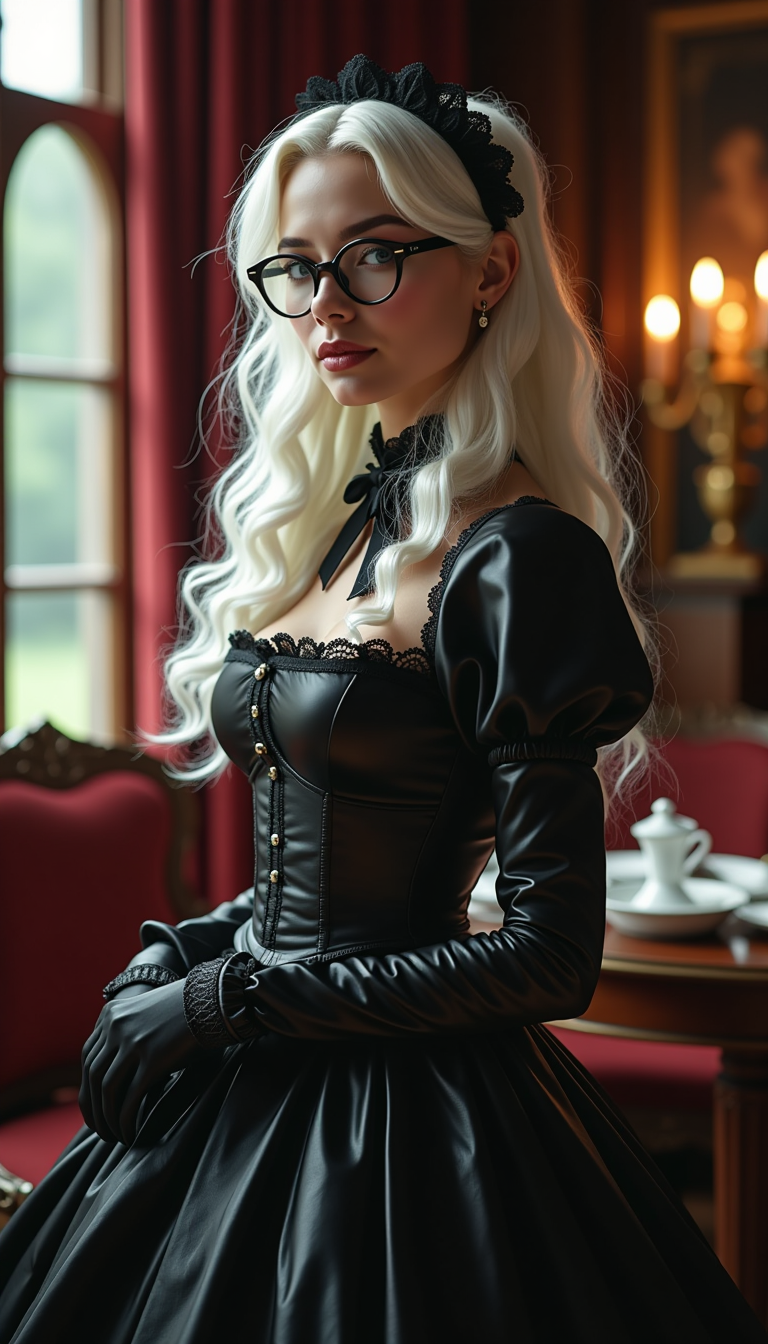
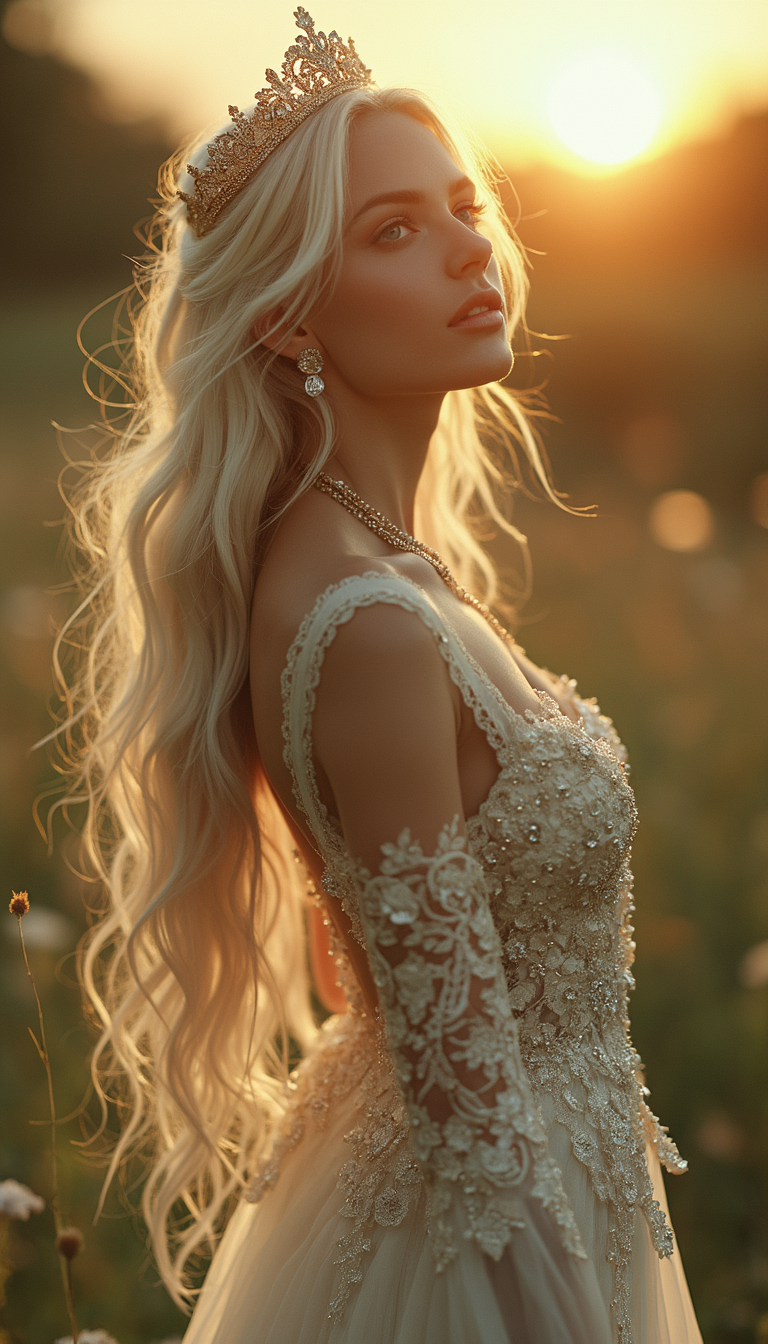
| Traditional photo editing | No cloning brushes, layers, or hours of manual work—AI automatically detects and blends multiple faces while matching lighting and expressions perfectly |
| Generic AI tools | Specialized multi-face support with tools like Face Swap, LoRA Face Swap, and video character swaps that handle groups of 4+ people with superior realism and consistency |
| Manual photo editing apps | One-click multi-face detection and replacement plus advanced controls like Pose Control and Virtual Try-On—no expensive software or steep learning curve required |
Loved by creators on PixelDojo
Real feedback from people using PixelDojo, pulled from our in-product surveys.
This is the best image generator I've used so far. Well done!
es facil de comprender asi uno no sea programador
amazing web site
phenomenal site. would highly recommend
Amazing features, easy to use, privacy
the number of options, and especially the quick response to questions on Discord
Explore more AI tools on PixelDojo
AI Tools
Compare & Switch
- Best AI Image Generators
- Best AI Video Generators
- Midjourney Alternatives
- Civitai Alternatives
- Runway Alternatives
- Leonardo Alternatives
- Pika Alternatives
- Luma Alternatives
- Magnific Alternatives
- Veo Alternatives
- Flux Alternatives
- Freepik Alternatives
- Seedance Alternatives
- Seedream Alternatives
- Pixverse Alternatives
- GPT Image Alternatives
- Synthesia Alternatives
- Playground Alternatives
- NightCafe Alternatives
- Canva AI Alternatives
- ElevenLabs Alternatives
- ComfyUI Alternatives
- Fal Alternatives
- Replicate Alternatives
Common Questions
Everything you need to know about multiple face swap ai
How does multiple face swap AI work for group photos?
PixelDojo's Face Swap tool automatically detects every face in your group photo, then lets you upload separate reference images for each person. Advanced blending matches skin tones, lighting, and expressions for seamless results. Combine with Inpainting or Reality Polisher for final touches.
Can I swap multiple faces in videos using AI?
Yes! Use WAN Video Character Swap or Kling Video Character Swap to replace several faces across video frames while preserving motion, lip sync, and expressions. Upload your video and multiple reference faces—the AI handles tracking and consistency automatically.
What makes PixelDojo's multiple face swap better than free online tools?
PixelDojo offers unlimited swaps with no watermarks, higher resolution output, and specialized tools like LoRA Face Swap for training custom identities plus Consistent Characters for series work. You also get video support and professional editing features all in one platform.
Is multiple face swap AI ethical and safe to use?
Always obtain consent when swapping real people's faces and use the technology responsibly for fun, creative, or professional purposes. PixelDojo includes safeguards and encourages ethical creation—disclose AI use when appropriate for transparency.
How many faces can I swap at once with PixelDojo AI?
Face Swap and related tools handle multiple faces in a single image or video—typically up to 4 or more depending on the scene. For larger groups, use batch processing or combine with Multidiffusion Upscaler for optimal results.
Do I need technical skills to use multiple face swap AI on PixelDojo?
Not at all. The interface is beginner-friendly with drag-and-drop uploads and natural language prompts. Advanced users can fine-tune with Pose Control, Style Transfer, or train custom LoRAs for even more precise multiple face consistency across projects.