nano banana identity preserving edits AI Generator
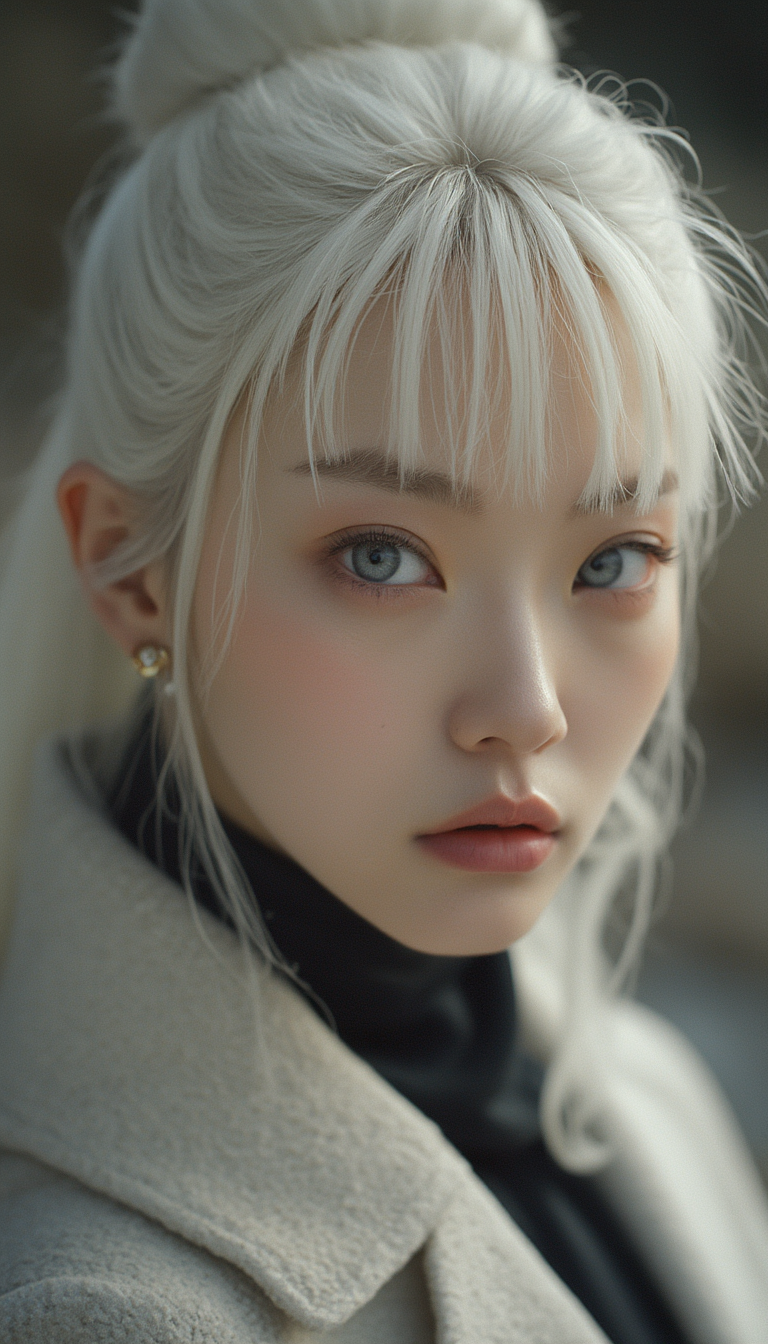
In the realm of digital creativity, maintaining the authenticity of your subjects during image edits is paramount. Nano Banana's advanced AI image editing tools empower you to make precise modifications while preserving character identity and scene integrity. Whether you're enhancing portraits, adjusting backgrounds, or creating consistent character series, Nano Banana ensures your edits are both seamless and true to the original.
Join thousands of creators who trust Nano Banana for their image editing needs. With a 4.8/5 satisfaction rating and over 10,000 successful projects, our tools are designed to deliver professional results effortlessly.
Why Choose Pixel Dojo for nano banana identity preserving edits
Professional-quality results with cutting-edge AI technology
Maintain Character Consistency
Ensure facial features and identities remain intact across multiple edits, ideal for storytelling and brand consistency.
Seamless Scene Integration
Blend edits naturally with original lighting and backgrounds, preserving the authenticity of your images.
Effortless Natural Language Editing
Transform images using simple text prompts, making professional editing accessible to everyone.
How It Works
Creating identity-preserving edits with Nano Banana is straightforward. Follow these steps to achieve professional results:
Step 1: Upload Your Image
Start by uploading the image you wish to edit. Nano Banana supports JPG, PNG, and WebP formats up to 10MB.
Step 2: Enter Your Editing Prompt
Describe the changes you want to make using natural language. For example, 'Change the background to a sunset beach scene.'
Step 3: Generate and Download
Click 'Generate' to apply the edits. Once satisfied with the result, download your enhanced image.




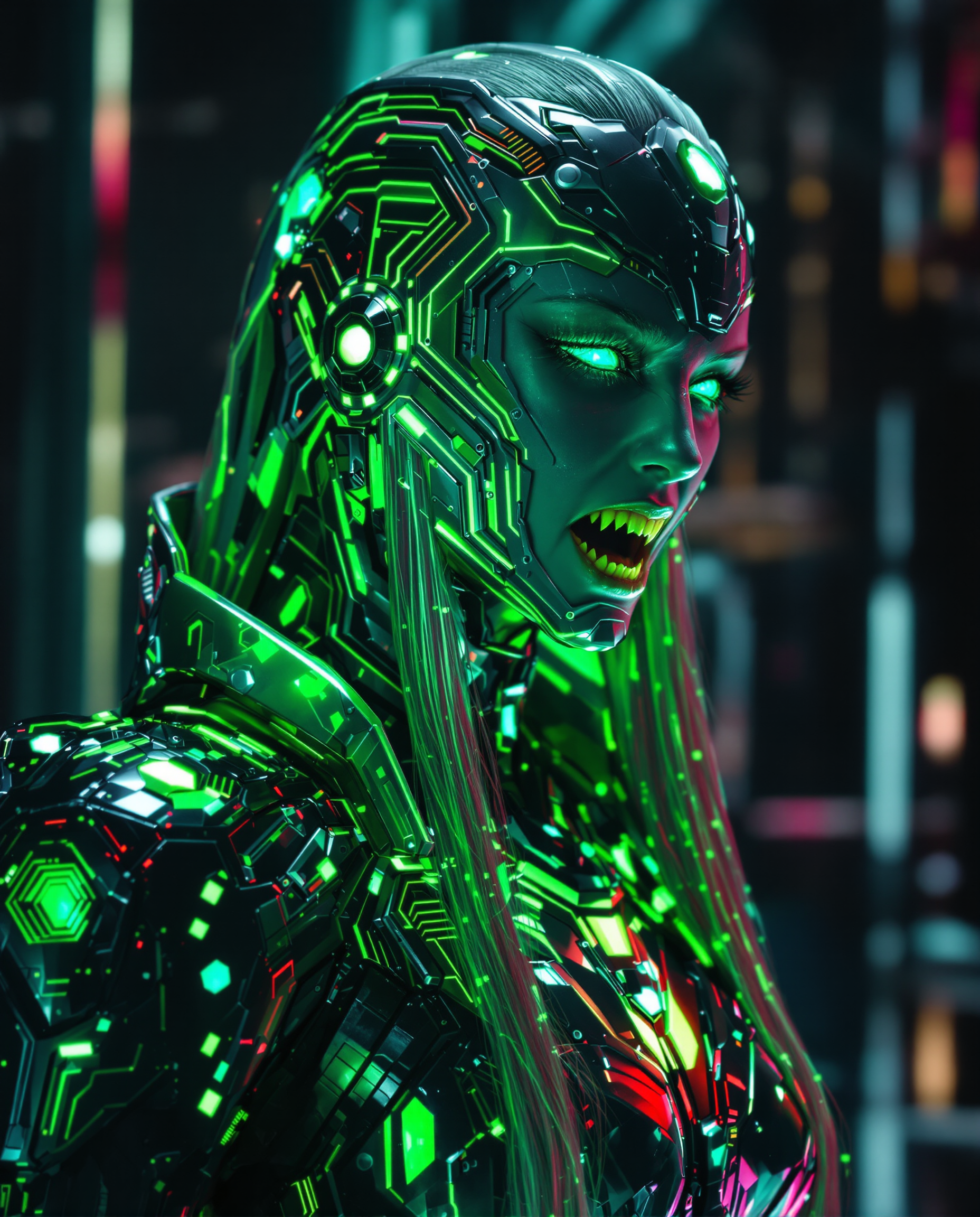


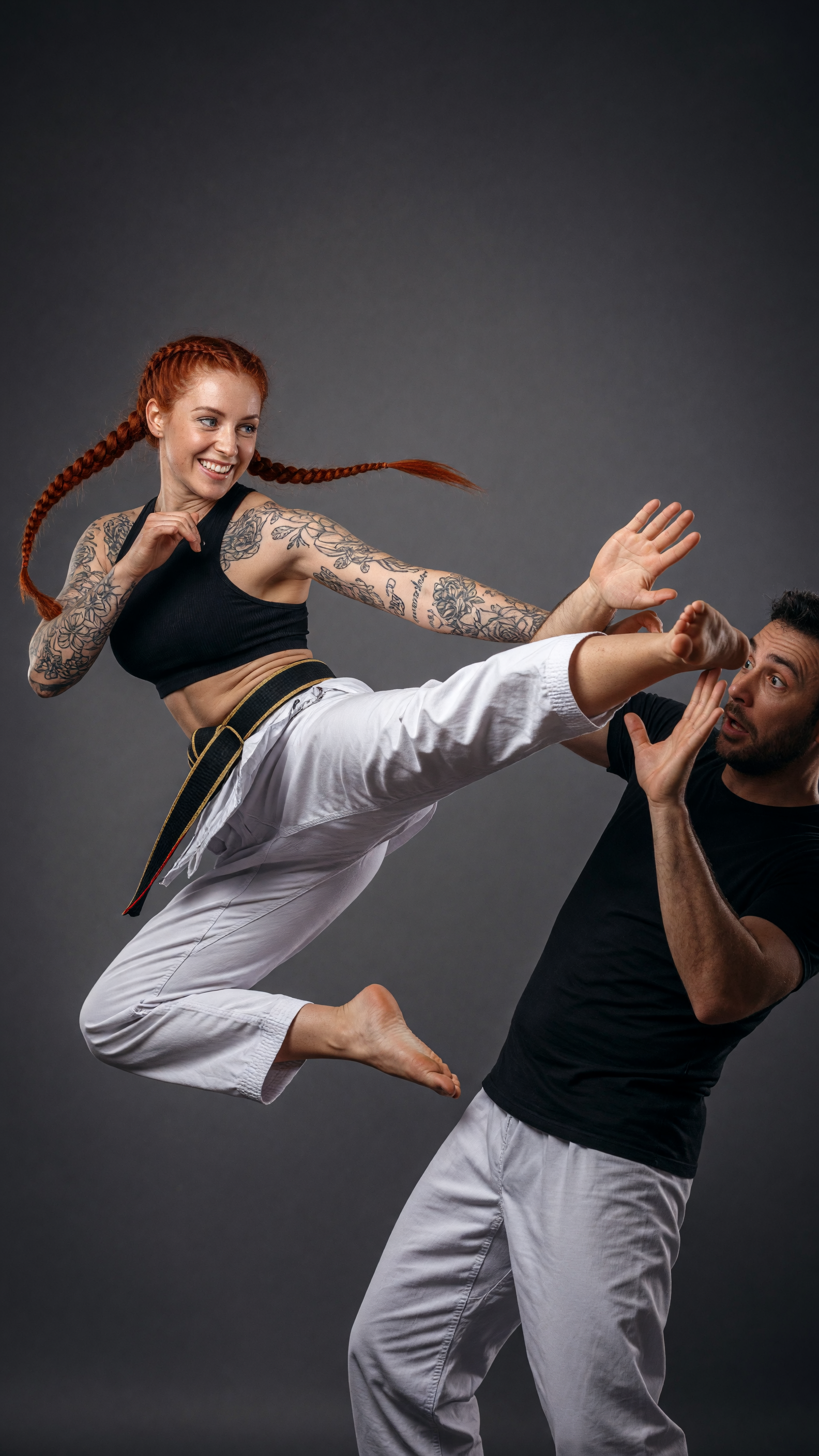

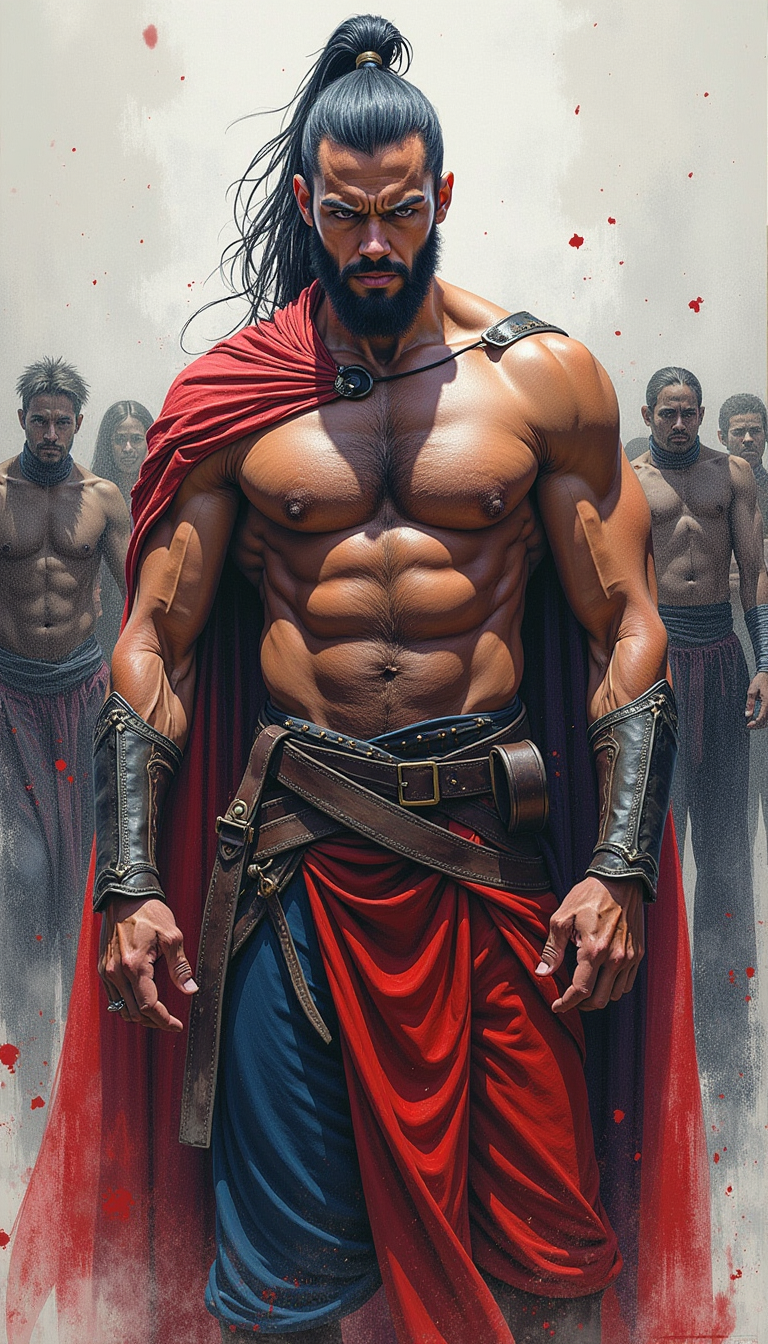


The Pixel Dojo Advantage
Why Nano Banana outperforms other options for identity-preserving image editing:
| Others | Pixel Dojo |
|---|---|
| Traditional Photo Editing Software | Nano Banana's AI-driven approach automates complex edits, reducing manual effort and time. |
| Generic AI Editing Tools | Nano Banana excels in maintaining character consistency and scene fidelity, areas where generic tools often fall short. |
| Manual Photo Retouching | Achieve professional-quality edits without the need for extensive retouching skills or experience. |
Loved by creators on PixelDojo
Real feedback from people using PixelDojo, pulled from our in-product surveys.
Amazing performance!
Excellent website for creating all types of media
Very eay to use, works well to train SDXL loras.
The amazing tools
Top notch quality and strong prompt adherence.
A well resourced sunscription with attention to updates.
Explore more AI tools on PixelDojo
AI Tools
Compare & Switch
- Best AI Image Generators
- Best AI Video Generators
- Midjourney Alternatives
- Civitai Alternatives
- Runway Alternatives
- Leonardo Alternatives
- Pika Alternatives
- Luma Alternatives
- Magnific Alternatives
- Veo Alternatives
- Flux Alternatives
- Freepik Alternatives
- Seedance Alternatives
- Seedream Alternatives
- Pixverse Alternatives
- GPT Image Alternatives
- Synthesia Alternatives
- Playground Alternatives
- NightCafe Alternatives
- Canva AI Alternatives
- ElevenLabs Alternatives
- ComfyUI Alternatives
- Fal Alternatives
- Replicate Alternatives
Common Questions
Everything you need to know about nano banana identity preserving edits
How does Nano Banana ensure character consistency in edits?
Nano Banana utilizes advanced AI algorithms designed to recognize and preserve facial features and identities, ensuring consistency across multiple edits.
Can I edit multiple images simultaneously with Nano Banana?
Yes, Nano Banana supports batch processing, allowing you to apply consistent edits across multiple images efficiently.
Is Nano Banana suitable for professional use?
Absolutely. Nano Banana's high-resolution outputs and precise editing capabilities make it ideal for professional projects, including marketing materials and digital art.
What file formats does Nano Banana support?
Nano Banana supports JPG, PNG, and WebP formats, accommodating a wide range of image editing needs.
Do I need prior editing experience to use Nano Banana?
No, Nano Banana's intuitive interface and natural language processing make it accessible to users of all skill levels.
How fast is the editing process with Nano Banana?
Nano Banana is optimized for speed, generating high-quality edits in just a few seconds, making it suitable for time-sensitive projects.