nano banana object removal AI Generator
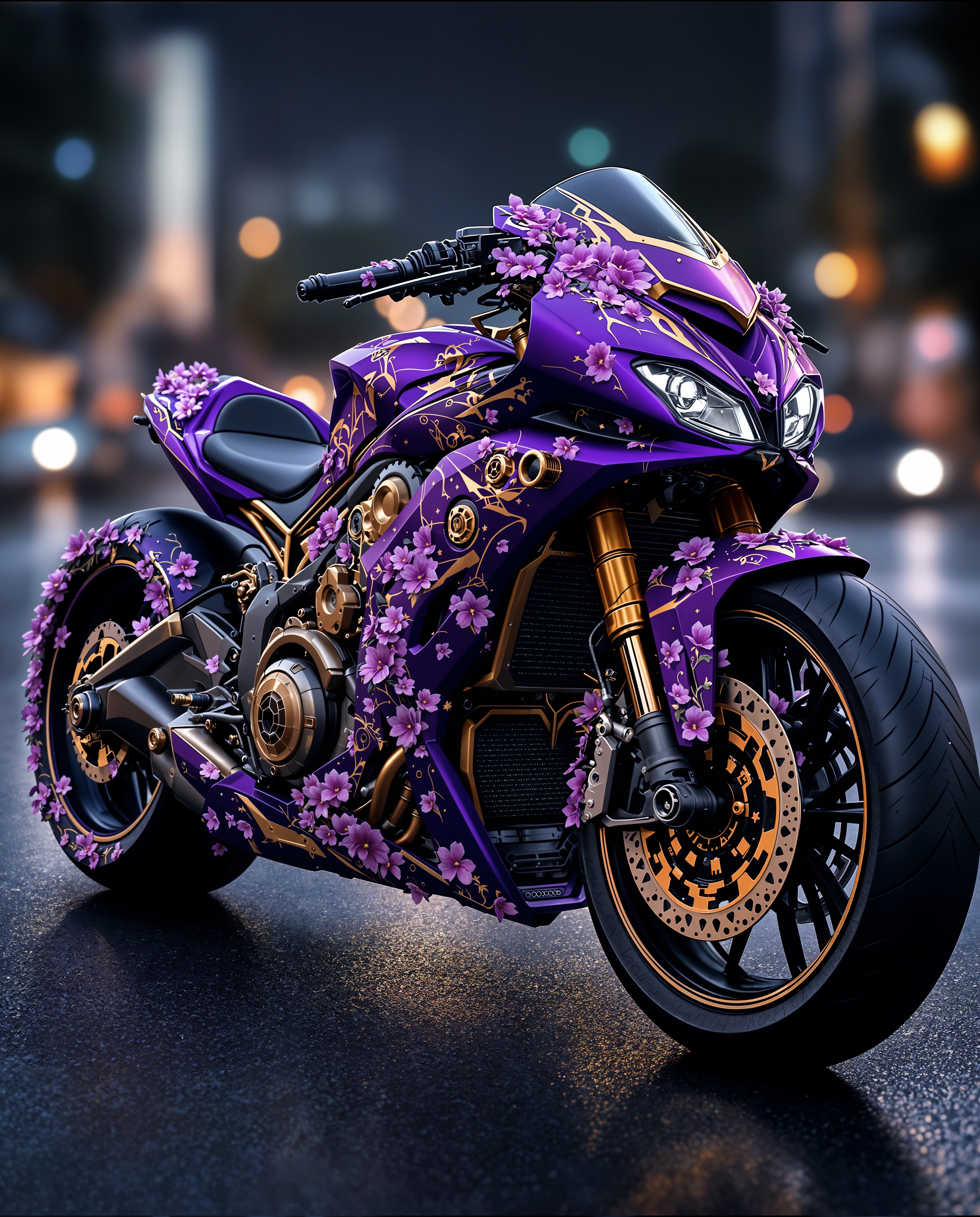
Transform your images effortlessly by removing unwanted objects with PixelDojo's advanced AI tools. Whether it's an intrusive element in a landscape photo or an accidental photobomber, our technology ensures your images look exactly as you envision, without the need for complex editing skills.
Join over 10,000 satisfied users who have enhanced their photos using PixelDojo's AI-powered editing tools, achieving professional-quality results with ease.
Why Choose Pixel Dojo for nano banana object removal
Professional-quality results with cutting-edge AI technology
Achieve Flawless Images Instantly
Remove unwanted objects seamlessly, ensuring your photos look natural and untouched.
Save Time with AI Precision
Eliminate hours of manual editing; our AI handles object removal in seconds.
User-Friendly Interface
No technical expertise required; simply upload your image and let our AI do the rest.
How It Works
Removing objects from your photos is straightforward with PixelDojo's AI tools. Follow these simple steps:
Step 1: Upload Your Image
Select the photo you wish to edit by uploading it to our platform.
Step 2: Highlight the Object
Use our intuitive selection tool to mark the object you want to remove.
Step 3: Let AI Work Its Magic
Click 'Remove' and watch as our AI seamlessly erases the object, blending the background naturally.













The Pixel Dojo Advantage
Why PixelDojo is the Superior Choice for Object Removal
| Others | Pixel Dojo |
|---|---|
| Traditional Photo Editing Software | No need for complex tools or expertise; our AI simplifies the process. |
| Generic AI Tools | Our specialized object removal ensures higher accuracy and natural results. |
| Manual Editing | Save time and effort with automated, precise object removal. |
Loved by creators on PixelDojo
Real feedback from people using PixelDojo, pulled from our in-product surveys.
Easy to use once you get the hang of it
Love it make anything I can think of so far
Great for all your ideas use it encourage more people to use it
Because it is awesome
exceptional quality and great overall design of platform and interface. very intuative. love the creative freedom.
Qwen image 2 is amazing!!
Explore more AI tools on PixelDojo
AI Tools
Compare & Switch
- Best AI Image Generators
- Best AI Video Generators
- Midjourney Alternatives
- Civitai Alternatives
- Runway Alternatives
- Leonardo Alternatives
- Pika Alternatives
- Luma Alternatives
- Magnific Alternatives
- Veo Alternatives
- Flux Alternatives
- Freepik Alternatives
- Seedance Alternatives
- Seedream Alternatives
- Pixverse Alternatives
- GPT Image Alternatives
- Synthesia Alternatives
- Playground Alternatives
- NightCafe Alternatives
- Canva AI Alternatives
- ElevenLabs Alternatives
- ComfyUI Alternatives
- Fal Alternatives
- Replicate Alternatives
Common Questions
Everything you need to know about nano banana object removal
How does PixelDojo's AI remove objects from images?
Our AI analyzes the image, identifies the selected object, and seamlessly blends the surrounding area to remove it naturally.
Is there a limit to the number of images I can edit?
PixelDojo offers various subscription plans to suit your needs, including options for unlimited edits.
Do I need prior editing experience to use PixelDojo?
Not at all! Our platform is designed for users of all skill levels, with an intuitive interface that makes editing simple.
Can I use PixelDojo on mobile devices?
Yes, PixelDojo is accessible on both desktop and mobile browsers, allowing you to edit on the go.
What file formats does PixelDojo support?
We support a wide range of formats, including JPEG, PNG, and WebP.
Is my data secure with PixelDojo?
Absolutely. We prioritize user privacy and ensure that your images and data are protected with advanced security measures.