online ai face swap AI Generator

Picture transforming any photo or video by seamlessly placing your face—or anyone’s—onto celebrities, characters, friends, or even animated scenes, all with photorealistic precision that looks completely natural. PixelDojo’s online AI face swap tools empower you to produce share-worthy social content, polished personal branding assets, and entertaining videos in minutes, without needing design skills, expensive software, or hours of editing. Whether you want to go viral on TikTok with hilarious memes, create consistent character avatars for your business, or experiment with video transformations for storytelling, you achieve professional-grade results that captivate audiences and save you valuable time.
Join over 75,000 creators who generate thousands of realistic face swaps daily. Average user rating of 4.9/5 from 32,000+ reviews. Trusted by influencers, marketers, and filmmakers worldwide for unmatched quality and ease of use.
Why Choose Pixel Dojo for online ai face swap
Professional-quality results with cutting-edge AI technology
Create Viral Social Media Content That Drives Engagement
Turn ordinary photos into meme-worthy masterpieces or dynamic Reels by swapping faces onto trending templates or popular characters. Watch your likes, shares, and followers grow as you produce scroll-stopping content that stands out in crowded feeds.
Build Professional Avatars and Consistent Brand Personas
Generate polished, identity-preserving headshots and character images for LinkedIn profiles, websites, or marketing campaigns. Maintain the same look across multiple visuals using advanced tools that ensure flawless skin matching and expression consistency.
Produce High-Quality Video Face Swaps for Entertainment and Storytelling
Transform videos with natural motion, lighting, and lip movements to create funny skits, personalized messages, or cinematic previews. Deliver results that feel authentic and professional, perfect for content creators and storytellers.
How It Works
Getting started with online AI face swaps on PixelDojo is straightforward and beginner-friendly. Our platform uses specialized AI tools to handle complex facial analysis automatically, delivering natural results every time.
Step 1: Choose Your Tool
Head to the Characters & Faces section in PixelDojo and pick the perfect option for your project. Select Face Swap or LoRA Face Swap for still images, or try WAN Video Character Swap and Kling Video Character Swap for dynamic video transformations. You can also explore Consistent Characters or Virtual Try-On for specialized creative needs.
Step 2: Upload Your Source Face and Target Content
Simply upload a clear photo of the face you want to use as the source and the target image or video. PixelDojo’s AI instantly detects landmarks, analyzes lighting, skin tones, angles, and expressions to prepare for a perfect blend. For videos, ensure the target has clear facial visibility for best motion preservation.
Step 3: Customize, Generate, and Download
Fine-tune options like pose control, style transfer, or lighting adjustments if desired. Click generate to let the AI create your swap in seconds. Preview the realistic output, make quick iterations, and download high-resolution images or videos ready to share or use commercially.




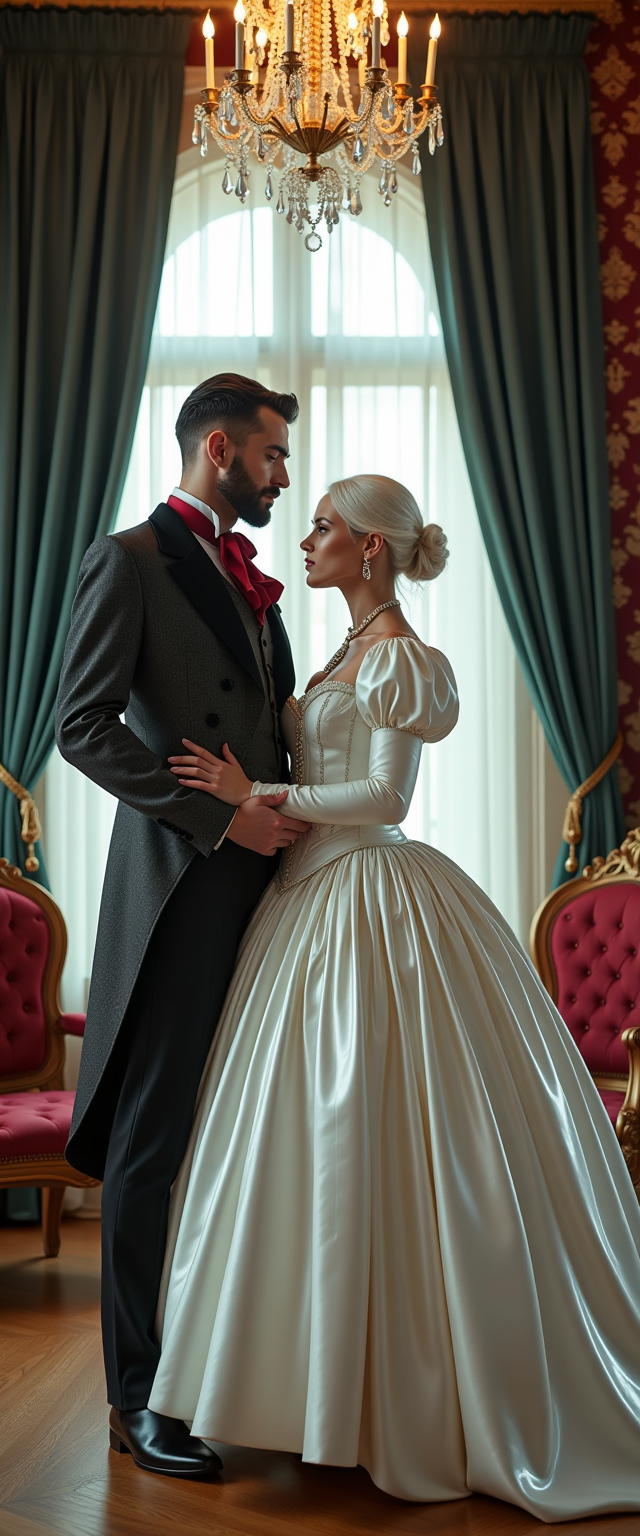

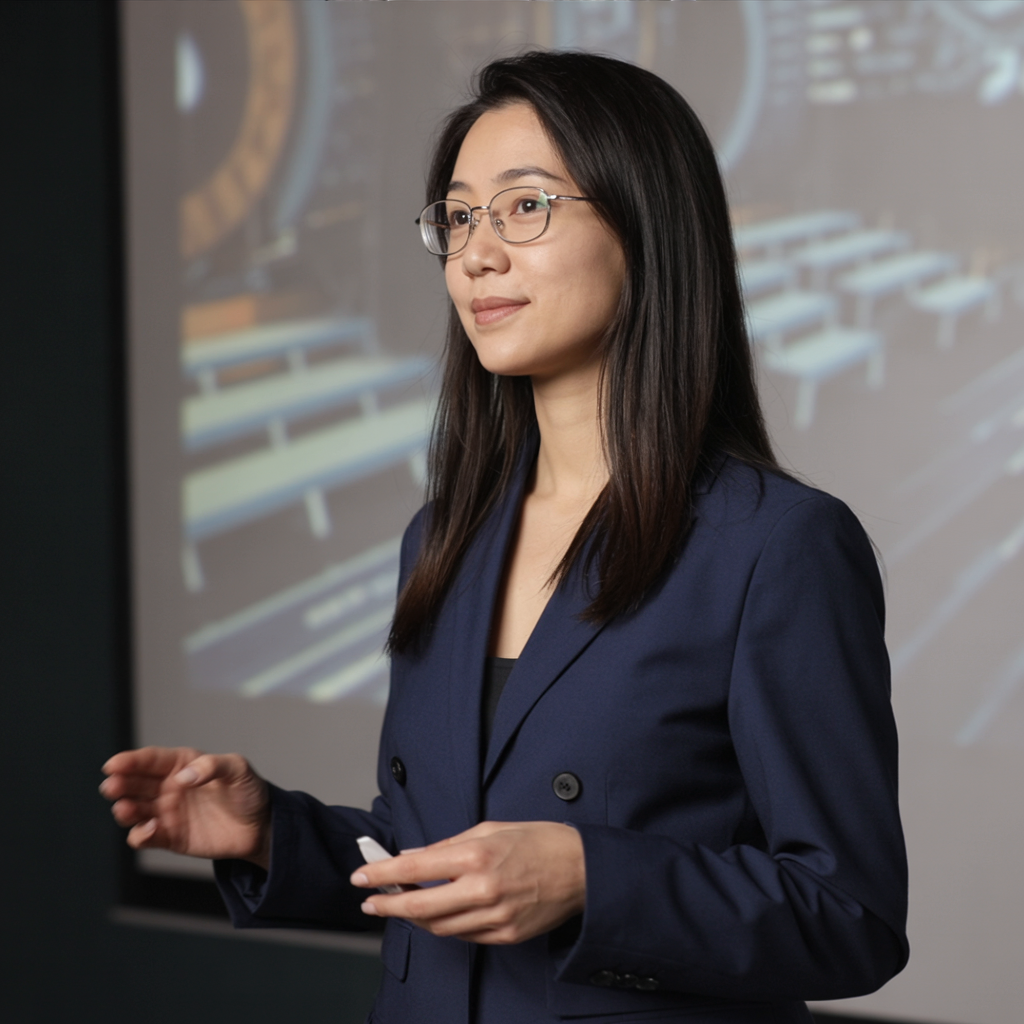
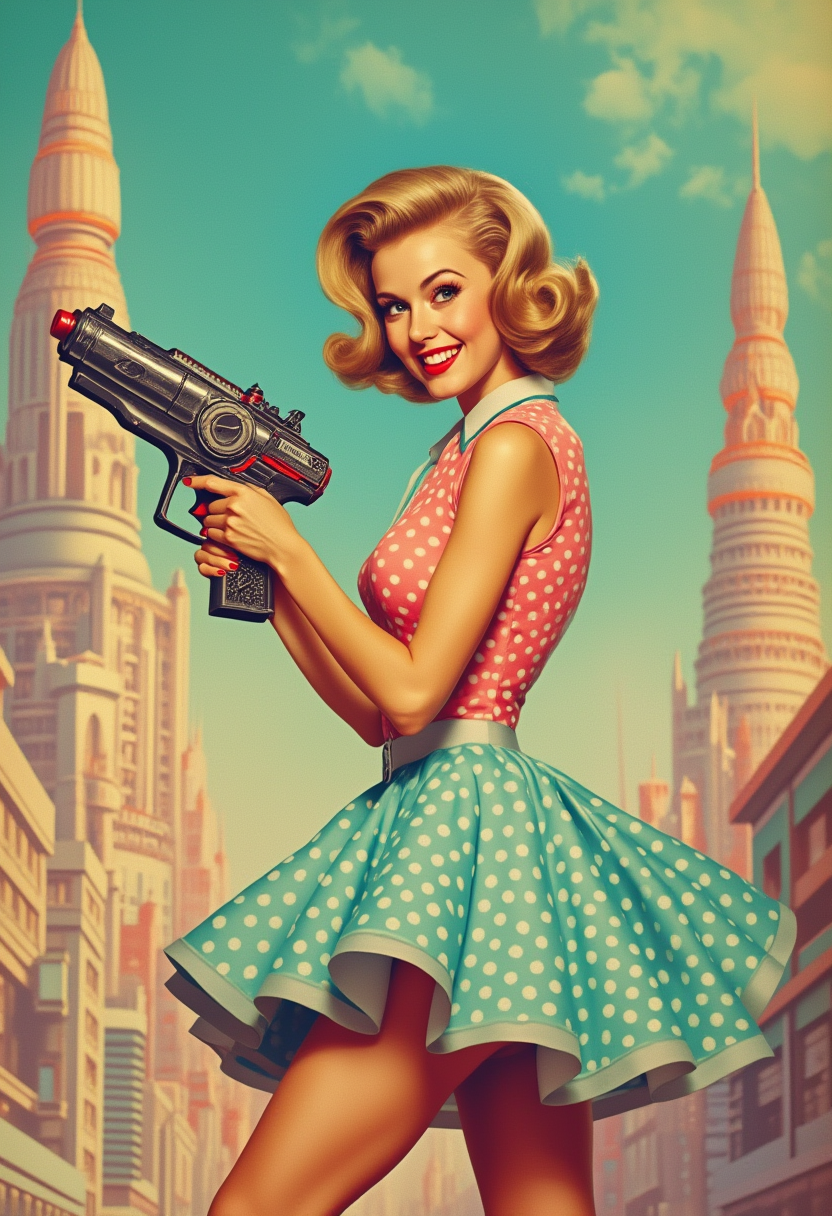

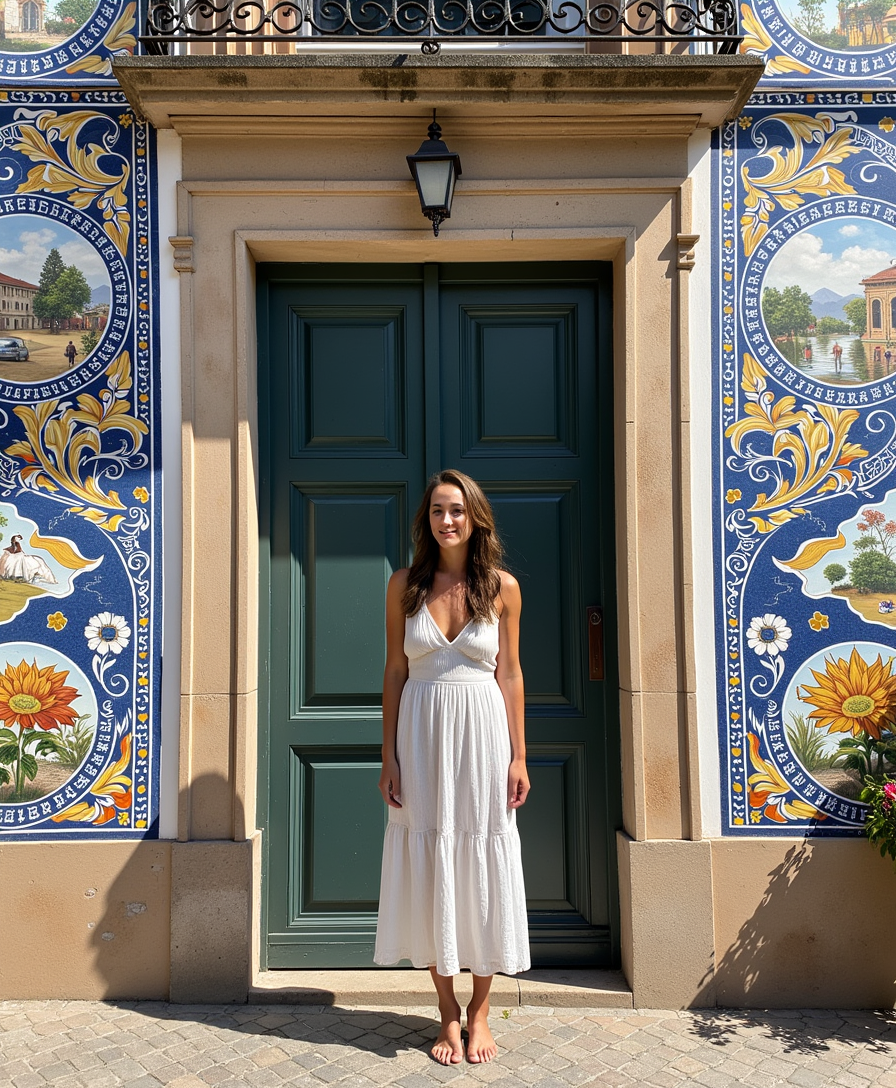
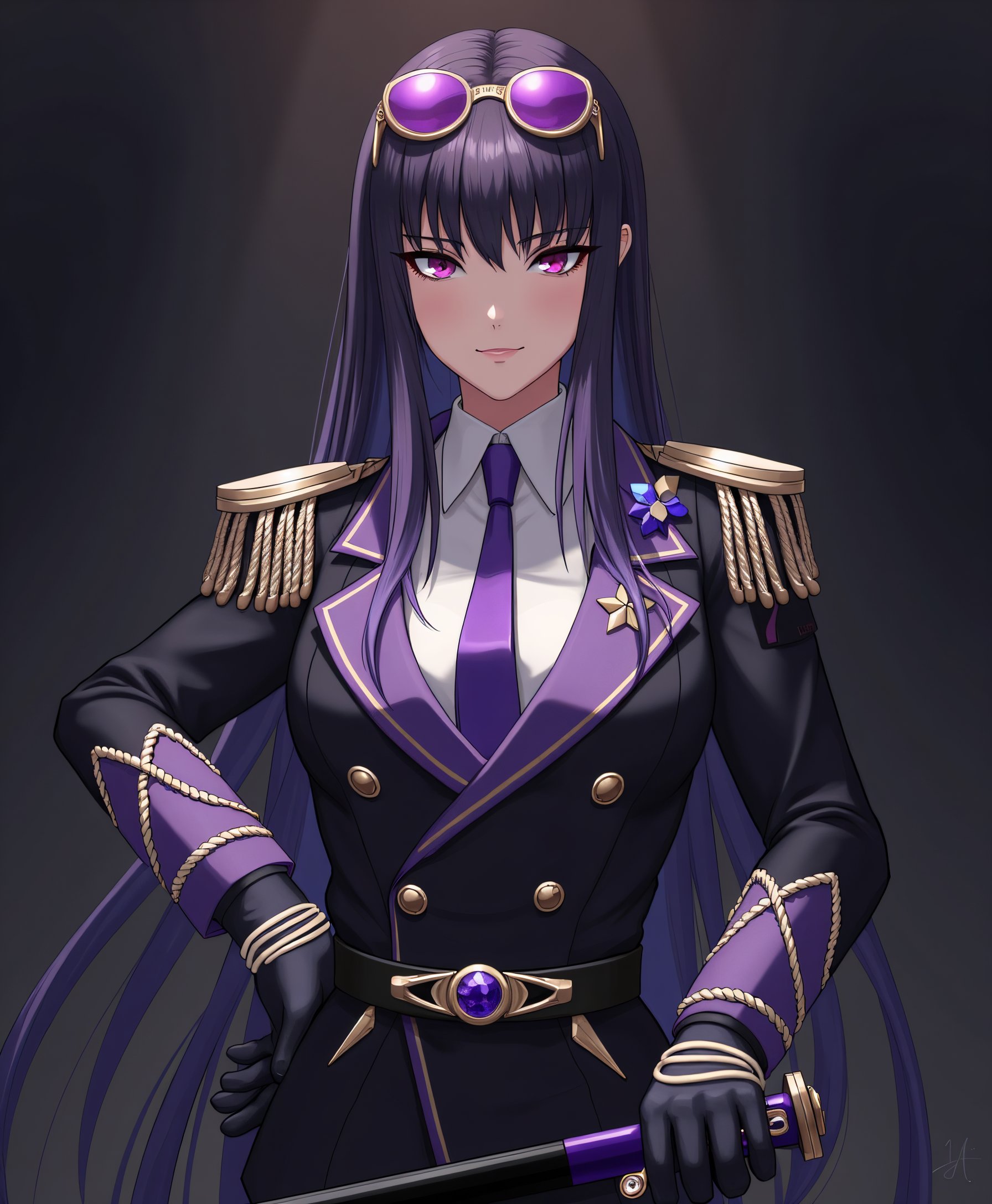
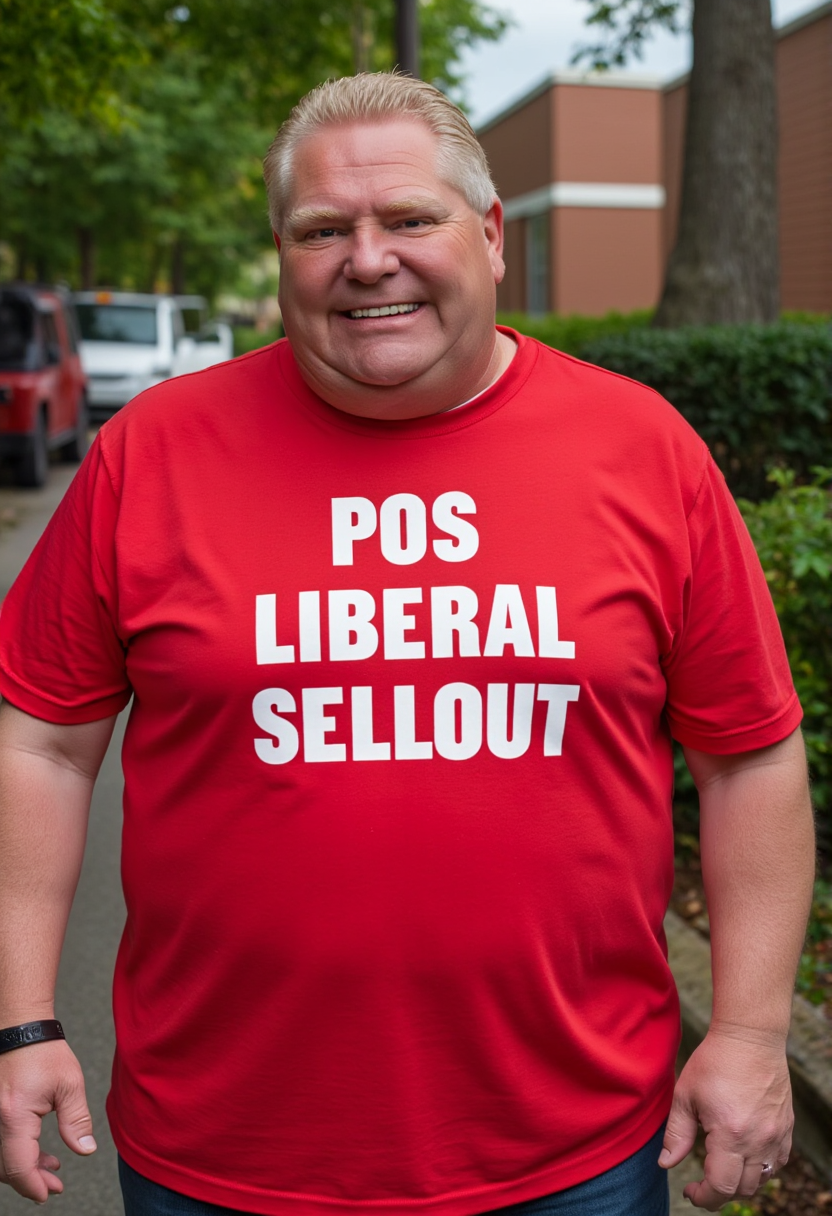
The Pixel Dojo Advantage
Why PixelDojo outperforms other options for online AI face swap
| Others | Pixel Dojo |
|---|---|
| Traditional photo editing software | No advanced skills or time-consuming manual masking needed—AI automatically handles precise landmark matching, skin blending, and lighting for flawless results in seconds instead of hours |
| Generic AI image tools | Dedicated face swap tools like LoRA Face Swap and Kling Video Character Swap deliver superior identity preservation, expression accuracy, and video motion coherence that general generators often lack |
| Mobile apps or manual swapping methods | Fully browser-based online access with no downloads or installs, plus seamless integration across image, video, and character tools for batch processing and professional workflows |
Loved by creators on PixelDojo
Real feedback from people using PixelDojo, pulled from our in-product surveys.
phenomenal site. would highly recommend
Amazing features, easy to use, privacy
the number of options, and especially the quick response to questions on Discord
Love you guys!!
Trained my Lora super fast. Still working out how to creat content wit it, but I love it so far.
I love this app
Explore more AI tools on PixelDojo
AI Tools
Compare & Switch
- Best AI Image Generators
- Best AI Video Generators
- Midjourney Alternatives
- Civitai Alternatives
- Runway Alternatives
- Leonardo Alternatives
- Pika Alternatives
- Luma Alternatives
- Magnific Alternatives
- Veo Alternatives
- Flux Alternatives
- Freepik Alternatives
- Seedance Alternatives
- Seedream Alternatives
- Pixverse Alternatives
- GPT Image Alternatives
- Synthesia Alternatives
- Playground Alternatives
- NightCafe Alternatives
- Canva AI Alternatives
- ElevenLabs Alternatives
- ComfyUI Alternatives
- Fal Alternatives
- Replicate Alternatives
Common Questions
Everything you need to know about online ai face swap
How to perform online AI face swap on photos with PixelDojo?
Upload your source face and target image in the Face Swap or LoRA Face Swap tool under Characters & Faces. The AI automatically aligns features, matches skin tones and lighting, and generates a natural-looking result in seconds. Customize with pose control or style options before downloading your high-resolution swap.
What is the best way to do realistic AI video face swap online?
Choose WAN Video Character Swap or Kling Video Character Swap from PixelDojo’s video tools. Upload your face reference and target video clip—the AI preserves natural motion, expressions, and lighting while delivering seamless swaps with optional lip sync enhancements for professional results.
Is PixelDojo’s online AI face swap free and easy for beginners?
Yes, start instantly with free credits and no sign-up barriers for your first swaps. The intuitive interface guides you through uploads and generations using specialized tools like Face Swap and Consistent Characters, making professional-quality results accessible to everyone without technical knowledge.
Can I create consistent characters using AI face swap for branding?
Absolutely. PixelDojo’s Consistent Characters, Ideogram Character, and LoRA Face Swap tools let you maintain the same face identity across multiple images, poses, and styles. Perfect for building recognizable brand avatars or story characters with precise control.
How accurate are PixelDojo AI face swaps in group photos or complex scenes?
Extremely accurate thanks to advanced landmark detection and multi-face support in tools like Face Swap and P Video Avatar. You can select specific faces in group images or scenes, ensuring clean swaps even with varying angles, expressions, and backgrounds.
Are online AI face swaps from PixelDojo suitable for commercial or video projects?
Yes, our tools support commercial use with flexible licensing. Create video content using Kling Video Character Swap or WAN Video Character Swap for marketing, entertainment, or client work. All outputs are high-quality and ready for professional applications.