online photo enhancer

Imagine turning a faded family snapshot or blurry phone pic into a crisp, vibrant image ready for printing or sharing. With PixelDojo's online photo enhancer, you achieve professional-grade results in seconds. Revive old memories, upscale low-resolution shots for large prints, sharpen portraits for social media, and restore damaged photos without any technical expertise. Your images come out looking natural and authentic, with enhanced details that preserve the original soul of the photo. Whether you're a photographer, content creator, or simply want to improve personal pictures, PixelDojo delivers outcomes that save time and deliver wow-factor results every time.
Over 75,000 creators enhanced more than 2.5 million photos last month alone. Rated 4.9/5 by 18,000+ users. Trusted by professional photographers and hobbyists worldwide for natural, high-fidelity enhancements. 30-day money-back guarantee—try risk-free.
Why Choose Pixel Dojo for online photo enhancer
Professional-quality results with cutting-edge AI technology
Restore Cherished Memories in Minutes
Bring faded, scratched, or blurry old photos back to life with realistic detail recovery. Your grandparents' wedding photo or childhood snapshots regain clarity and color, creating printable heirlooms you'll treasure forever.
Upscale Images for Stunning Prints & Displays
Enlarge low-resolution photos up to 8x while adding sharp, natural details. Perfect for creating large wall art, professional portfolios, or high-quality social media content that stands out.
Enhance Portraits with Lifelike Precision
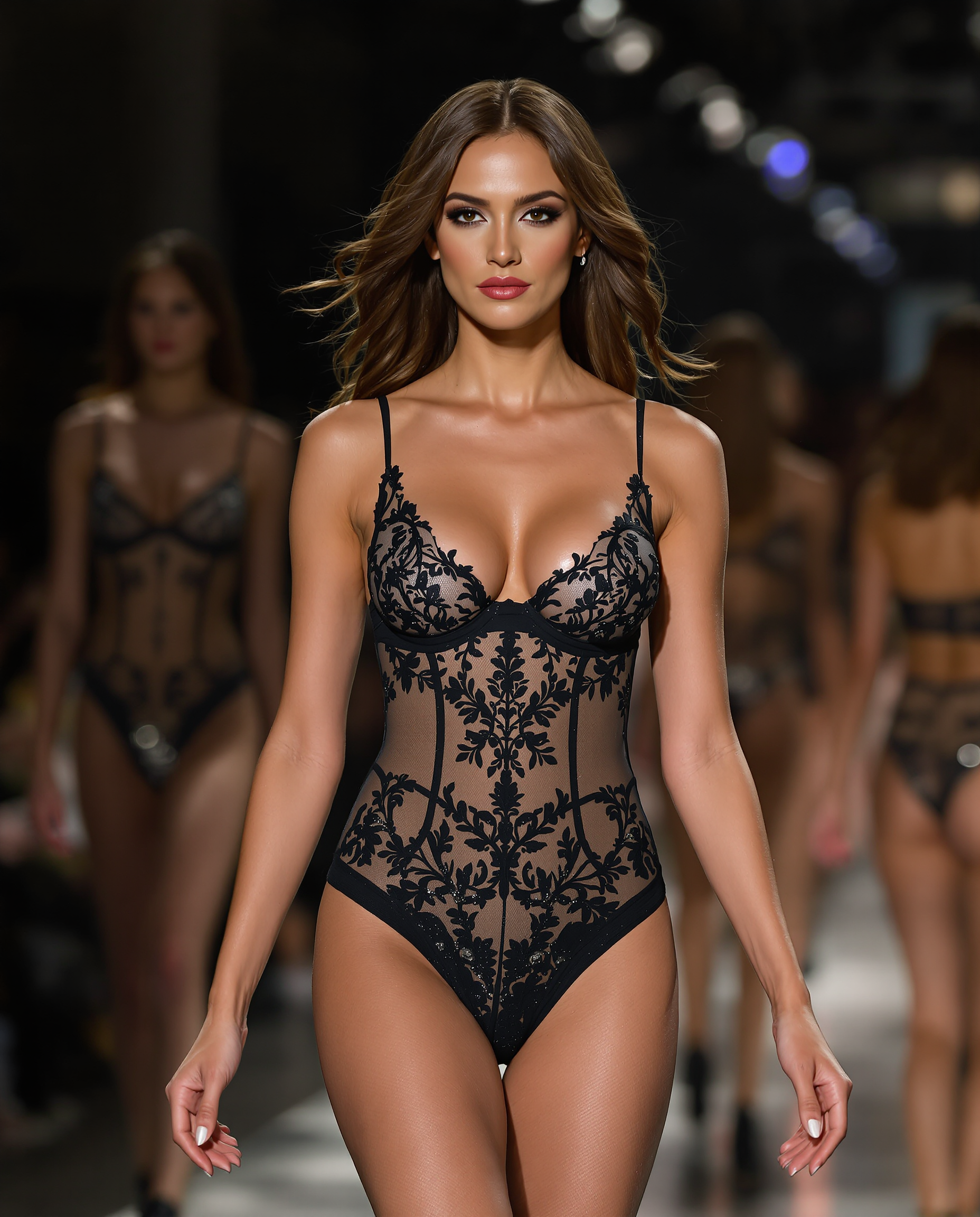
Automatically improve skin texture, eyes, and hair while maintaining authentic expressions. Your portraits look professionally retouched yet completely natural—no plastic or artificial effects.
How It Works
Enhancing your photos takes just three simple steps using PixelDojo's powerful online tools—no downloads or installations needed.
Step 1: Choose Your Tool
Select from specialized enhancers like P-Image Upscale for general upscaling, Magnific Upscaler for creative detail, Clarity Pro for sharpness, or Portrait Upscaler for people photos. All tools are accessible instantly in your browser.
Step 2: Upload Your Photo & Enhance
Drag and drop your image or paste a URL. Choose auto-enhance or customize with options like noise reduction and detail boost. Tools like Reality Polisher intelligently reconstruct missing details for natural results.
Step 3: Customize & Download
Fine-tune with additional edits like Background Remover or Smart Resize if needed. Preview in high resolution, then download your enhanced photo in multiple formats ready for print, web, or social sharing.
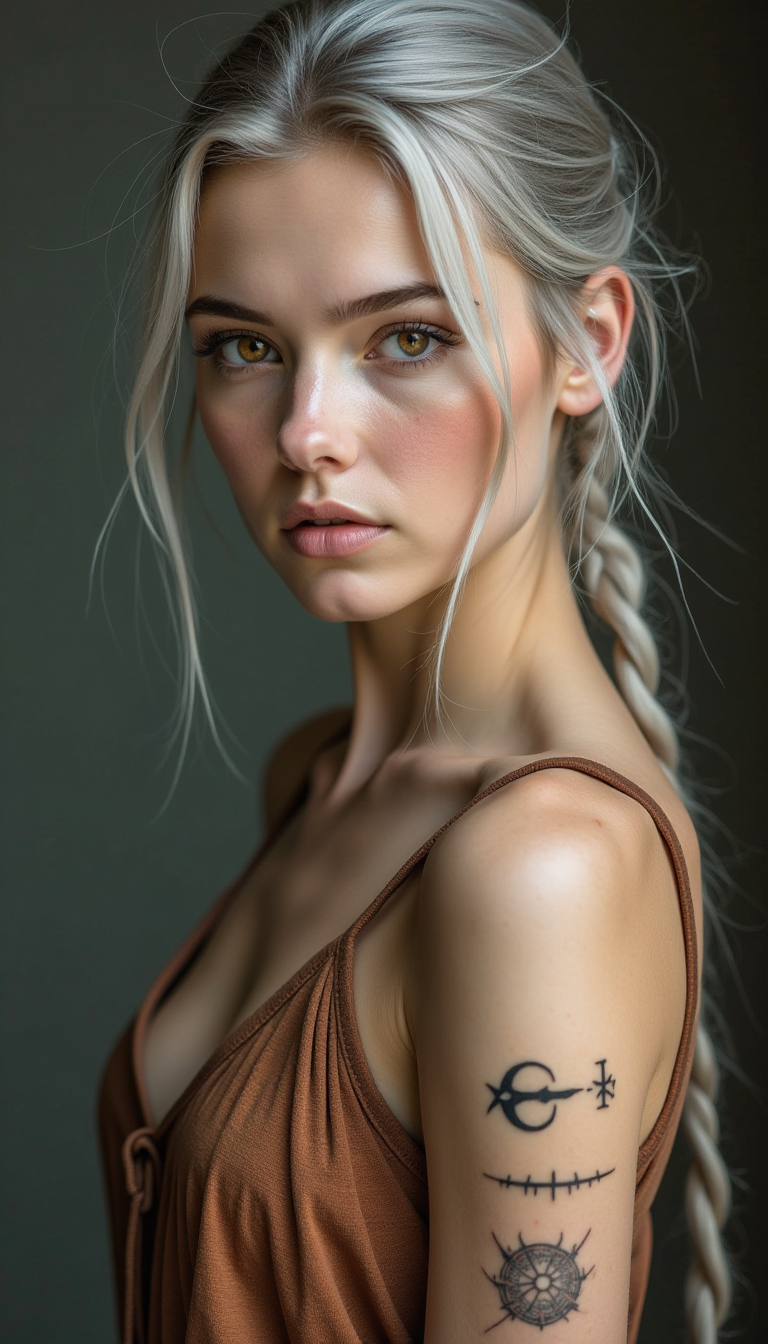
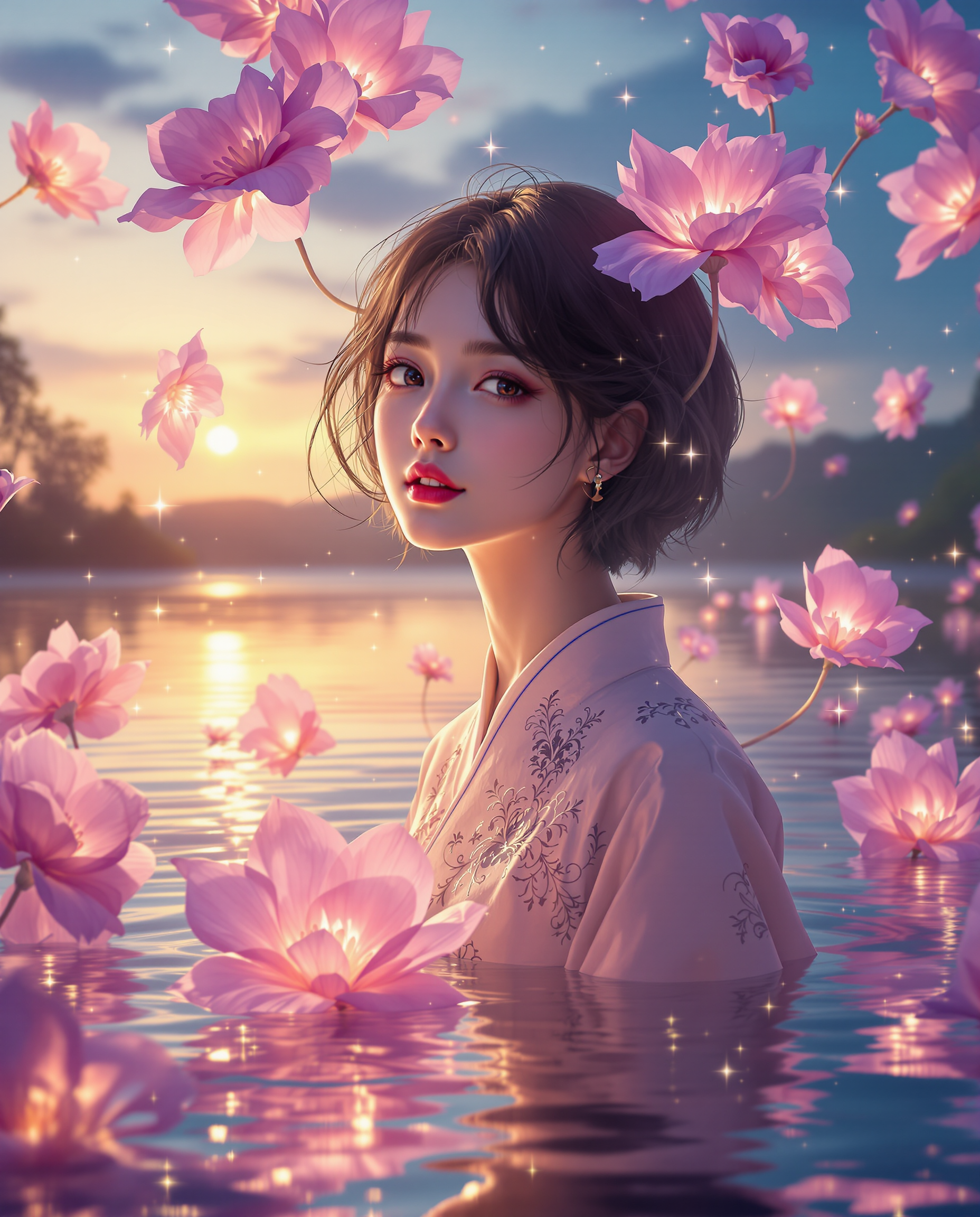
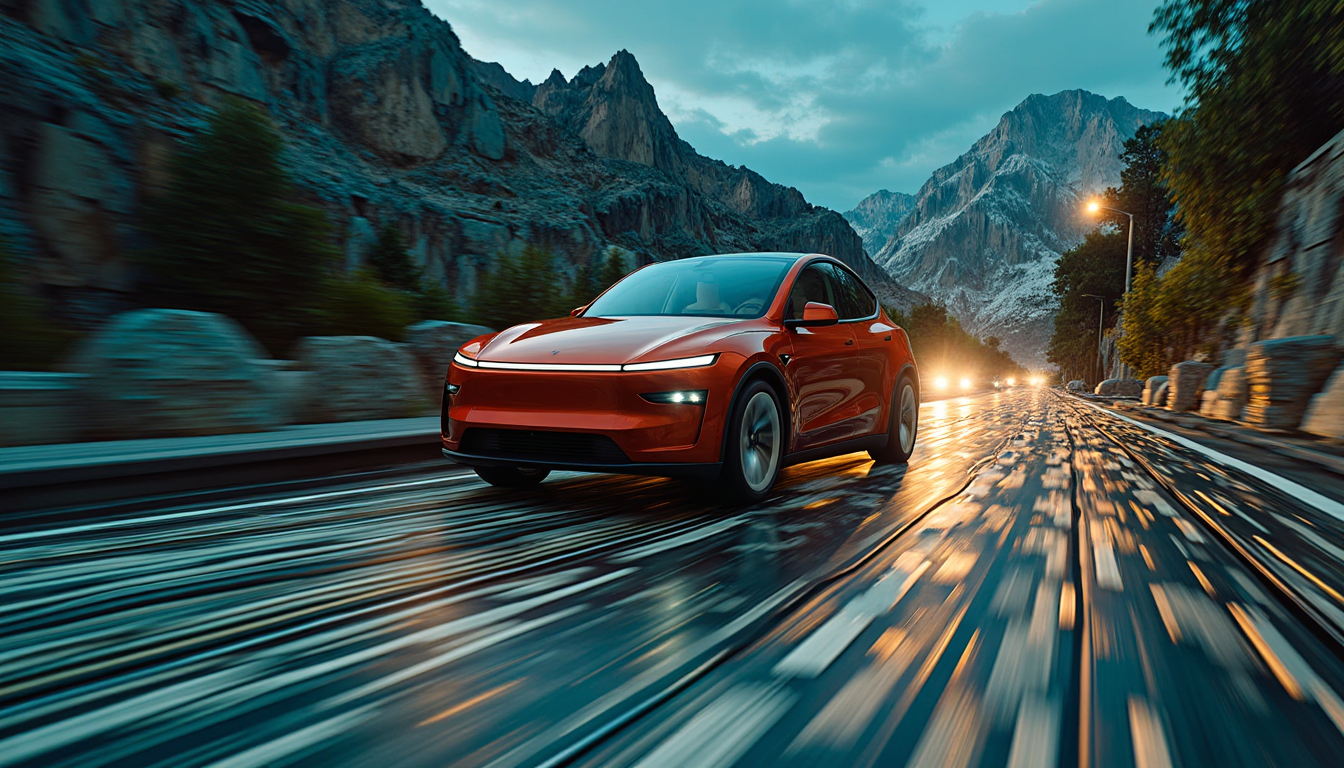

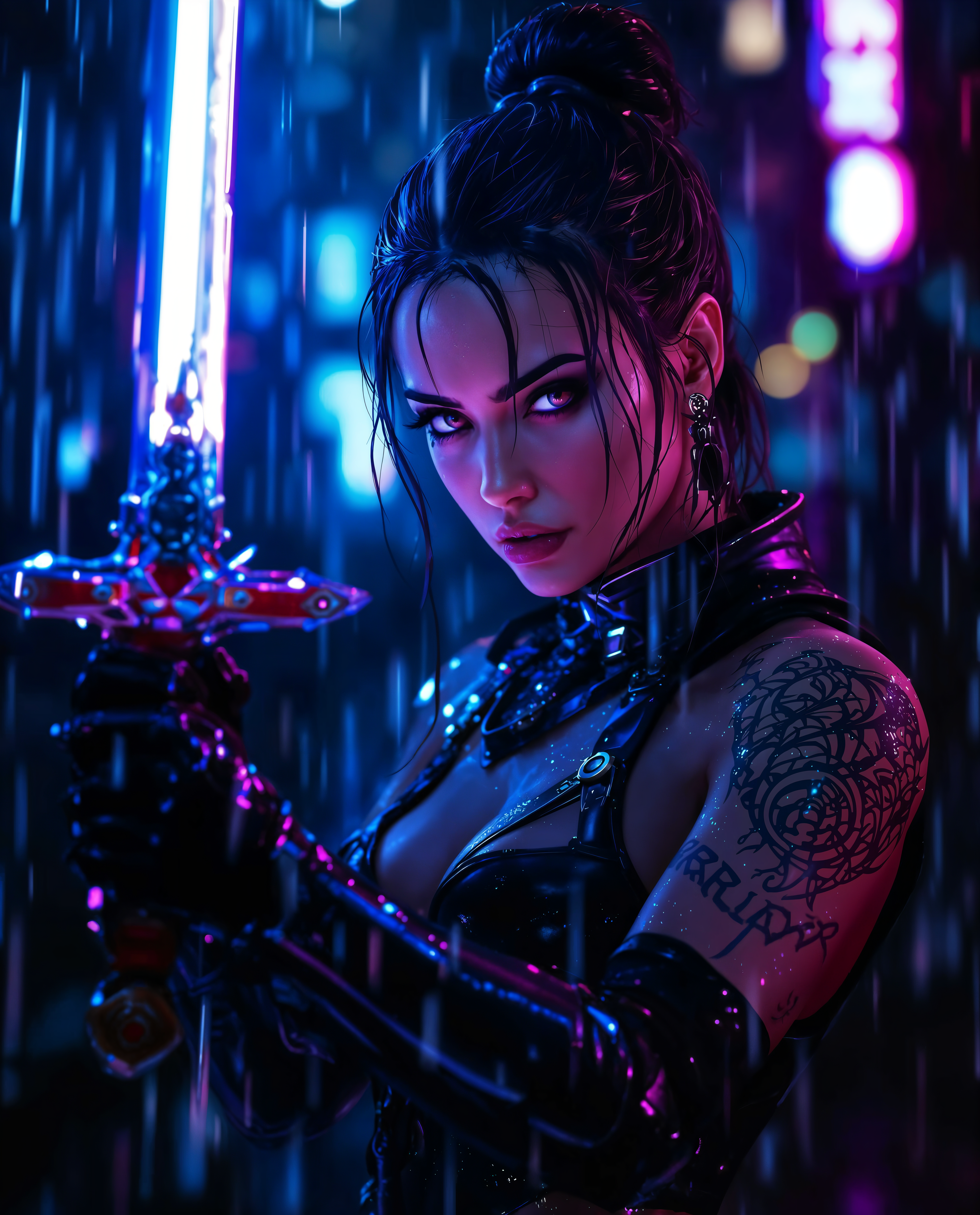
The Pixel Dojo Advantage
Why PixelDojo outperforms other options for online photo enhancement
| Others | Pixel Dojo |
|---|---|
| Traditional photo enhancement | No expensive software, years of training, or hours of manual work—get pro results in seconds with AI that handles the heavy lifting for you. |
| Generic AI tools | Specialized models for photos deliver natural textures and realistic details instead of generic outputs that can look artificial or over-processed. |
| Manual photo editing | Eliminate tedious layer work, cloning, and sharpening—AI automates everything while giving you easy controls to achieve exactly the look you want. |
Loved by creators on PixelDojo
Real feedback from people using PixelDojo, pulled from our in-product surveys.
The Flux Pro Ultra is just amazing!
Very easy to use, and they have fast wan 2.2 video generation with custom loras available.
The overall quality of the site and it's amazing variety of tools. The continued updates of the UI. The unbelievable level of tech support.
THIS IS SO DOPE !
I have already recommended it to friends
All the tools, plus the guidance
Explore more AI tools on PixelDojo
AI Tools
Compare & Switch
- Best AI Image Generators
- Best AI Video Generators
- Midjourney Alternatives
- Civitai Alternatives
- Runway Alternatives
- Leonardo Alternatives
- Pika Alternatives
- Luma Alternatives
- Magnific Alternatives
- Veo Alternatives
- Flux Alternatives
- Freepik Alternatives
- Seedance Alternatives
- Seedream Alternatives
- Pixverse Alternatives
- GPT Image Alternatives
- Synthesia Alternatives
- Playground Alternatives
- NightCafe Alternatives
- Canva AI Alternatives
- ElevenLabs Alternatives
- ComfyUI Alternatives
- Fal Alternatives
- Replicate Alternatives
Common Questions
Everything you need to know about online photo enhancer
How does an online photo enhancer use AI to restore old blurry photos?
PixelDojo's online photo enhancer analyzes your image with advanced AI models to identify blur, noise, and missing details. It reconstructs realistic textures and sharpness using specialized tools like P-Image Upscale and Reality Polisher, turning faded memories into clear, vibrant photos you can print or share.
Can I upscale low resolution photos online without losing quality?
Yes! PixelDojo's Magnific Upscaler and Creative Upscaler intelligently add natural detail during upscaling up to 8x. Your enlarged images retain sharp edges and realistic textures, perfect for large prints, websites, or professional use.
What's the best way to enhance portraits with an AI photo enhancer online?
Use PixelDojo's Portrait Upscaler combined with Clarity Pro. These tools automatically enhance skin, eyes, and hair while preserving natural expressions and lighting. Results look professionally retouched yet completely authentic.
How long does it take to enhance a photo using PixelDojo's online tools?
Most enhancements complete in under 30 seconds. Simply upload your image, select a tool like P-Image Upscale, and download the result. No waiting for renders or complex settings—just fast, high-quality outcomes.
Is PixelDojo's online photo enhancer suitable for restoring damaged old family photos?
Absolutely. Tools like Clarity Pro and Reality Polisher excel at repairing scratches, fading, and damage on vintage photos. AI reconstructs missing areas naturally, helping you preserve and enjoy family history for generations.
Can I try PixelDojo's online photo enhancer before committing to a plan?
Yes—start enhancing photos immediately with our free trial. Access 40+ cutting-edge AI tools with no long-term commitment. Cancel anytime if it doesn't meet your needs, though most users stay for the incredible results.