open ai image generation

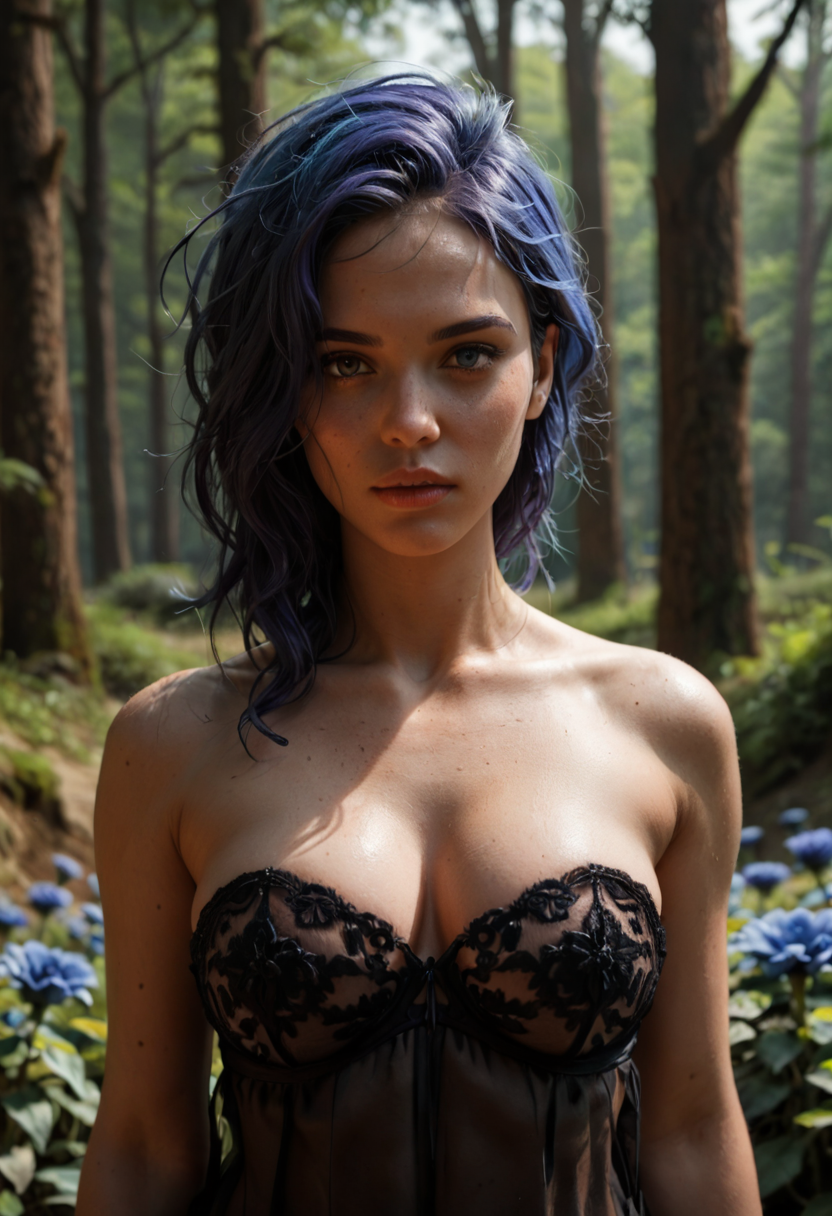
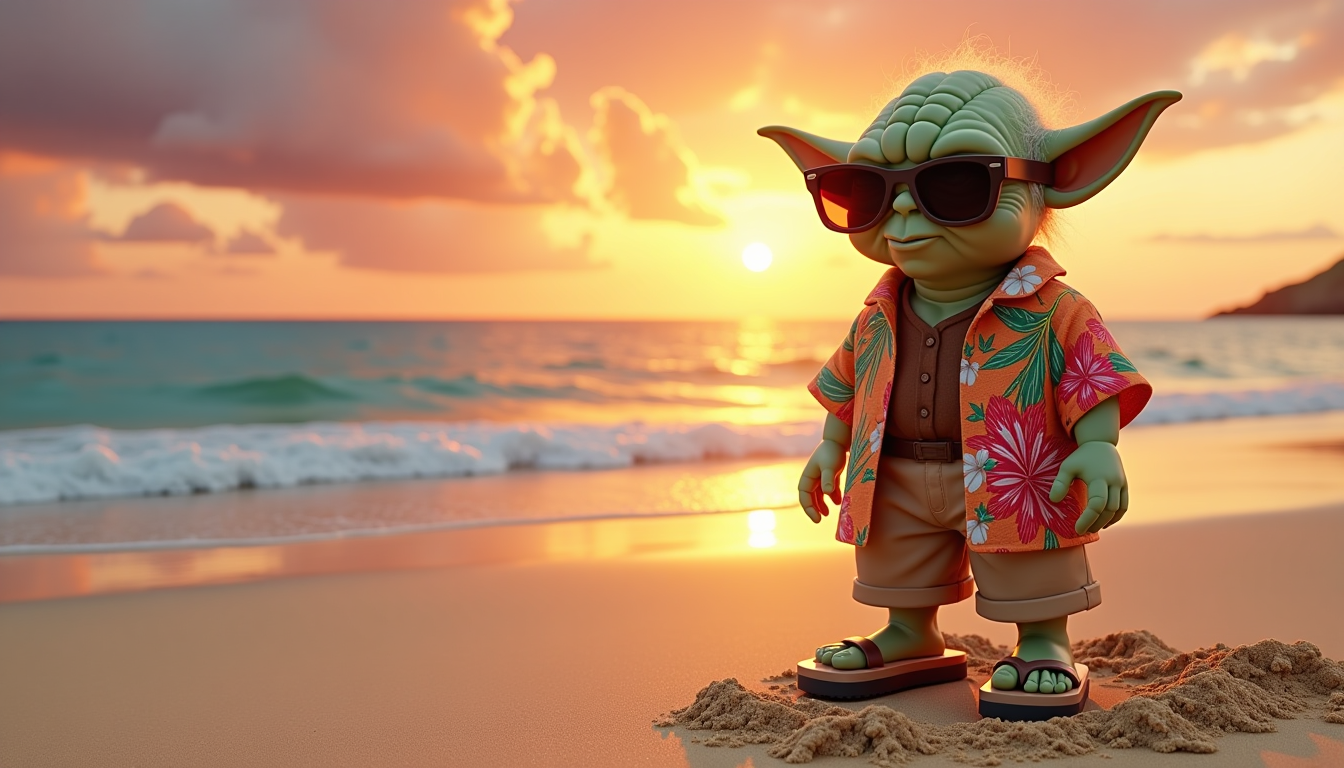
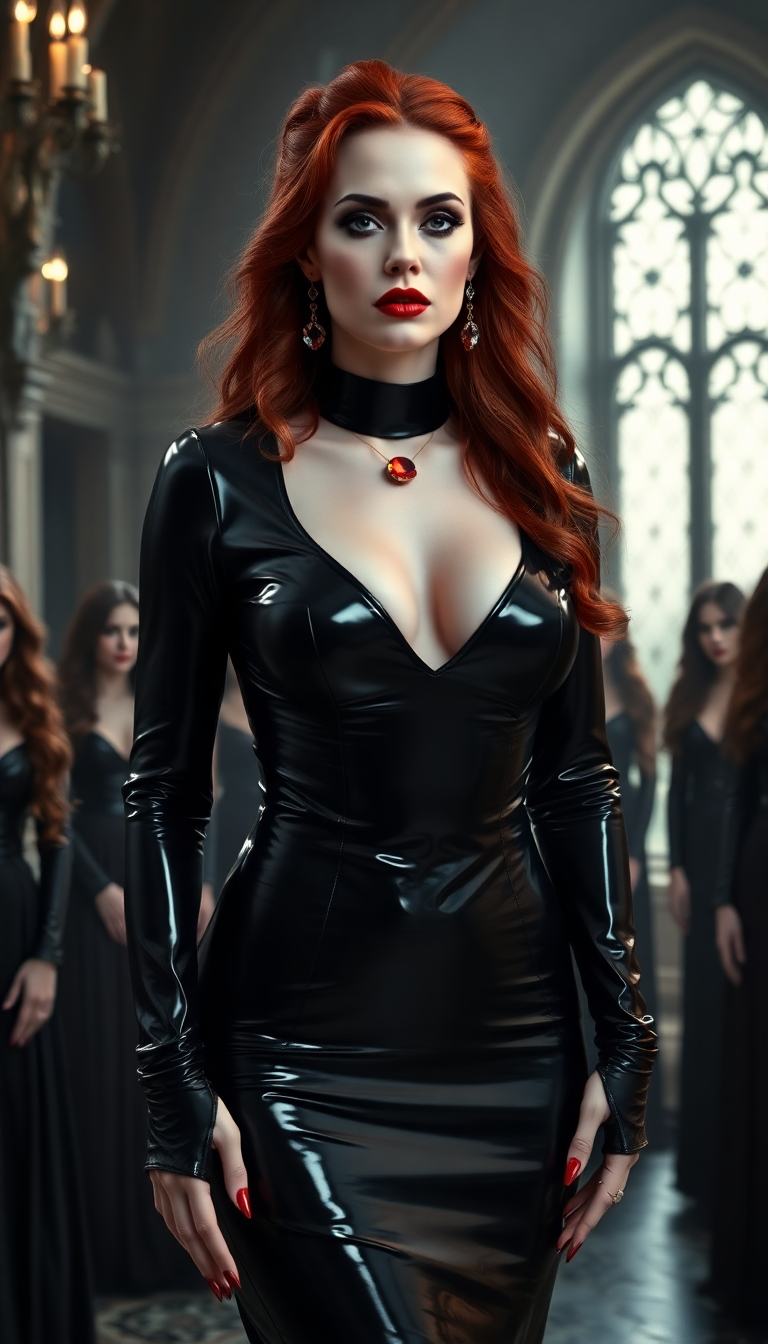
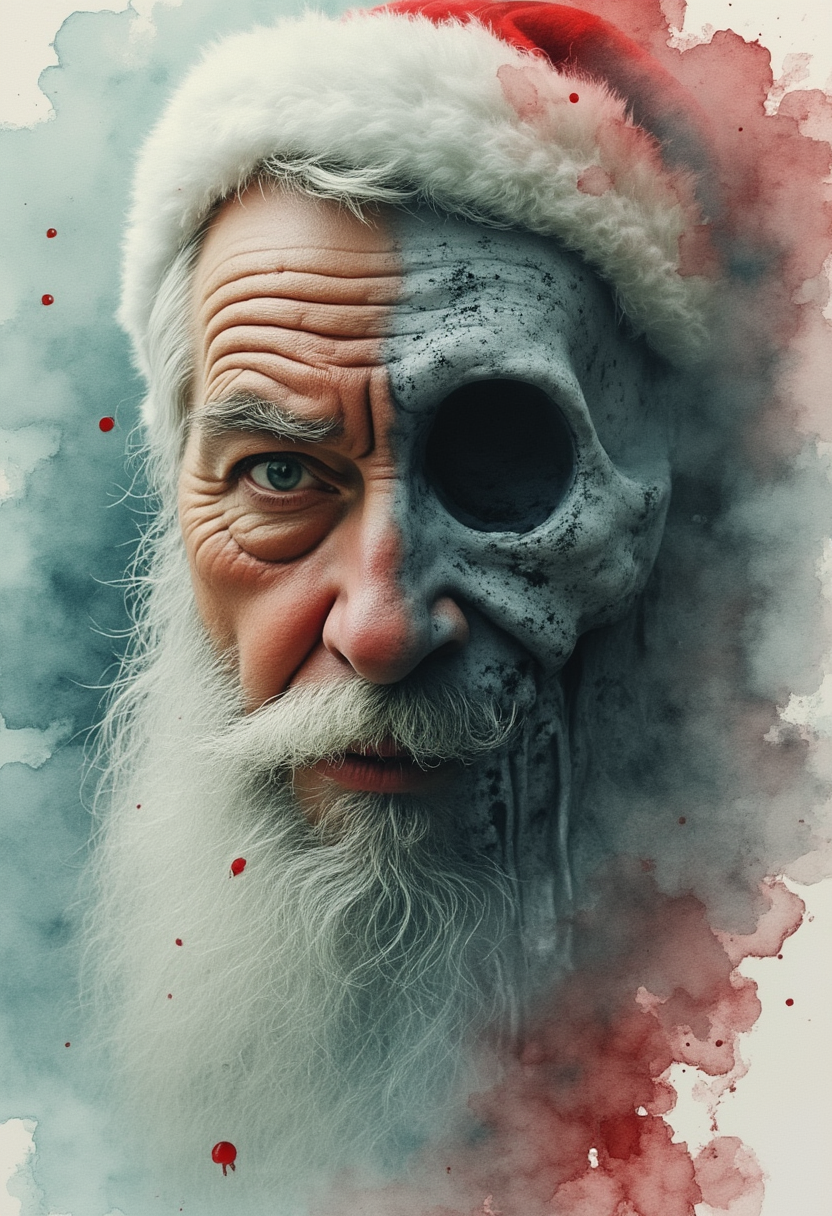
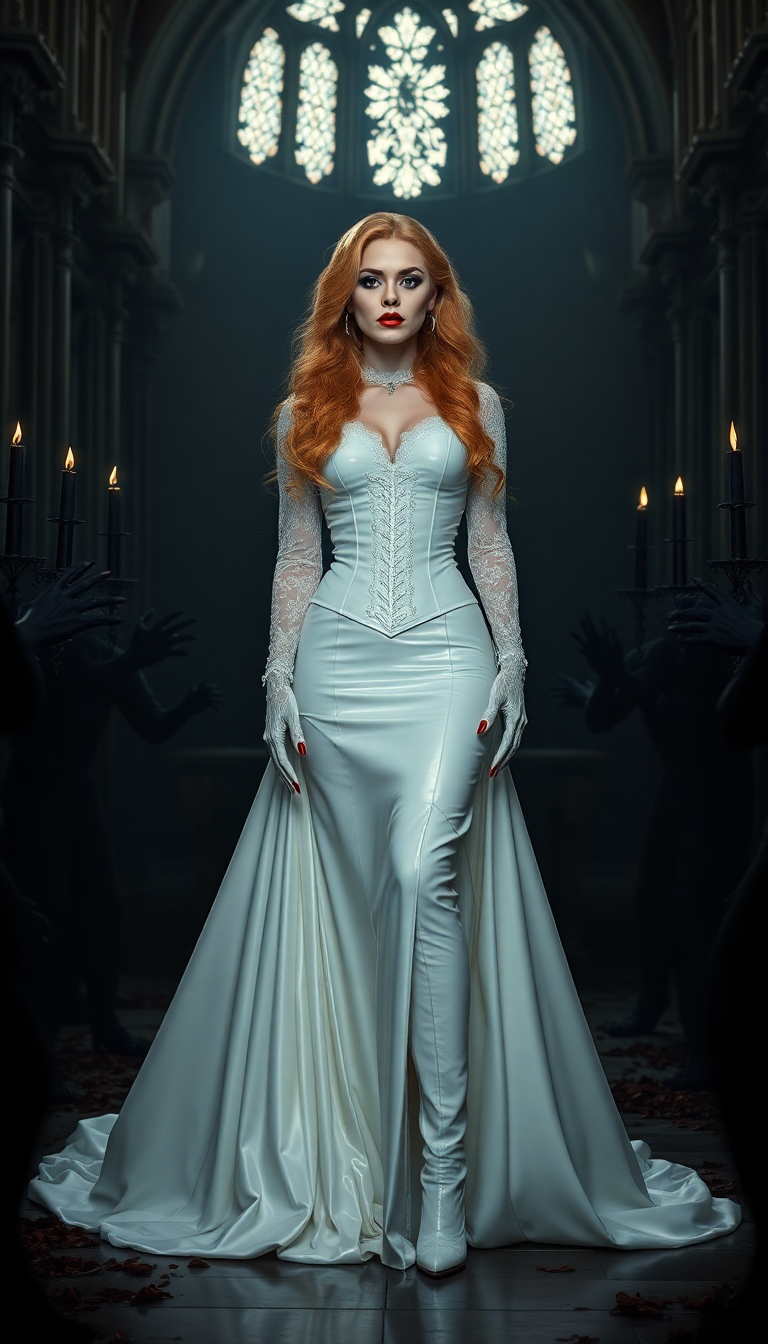
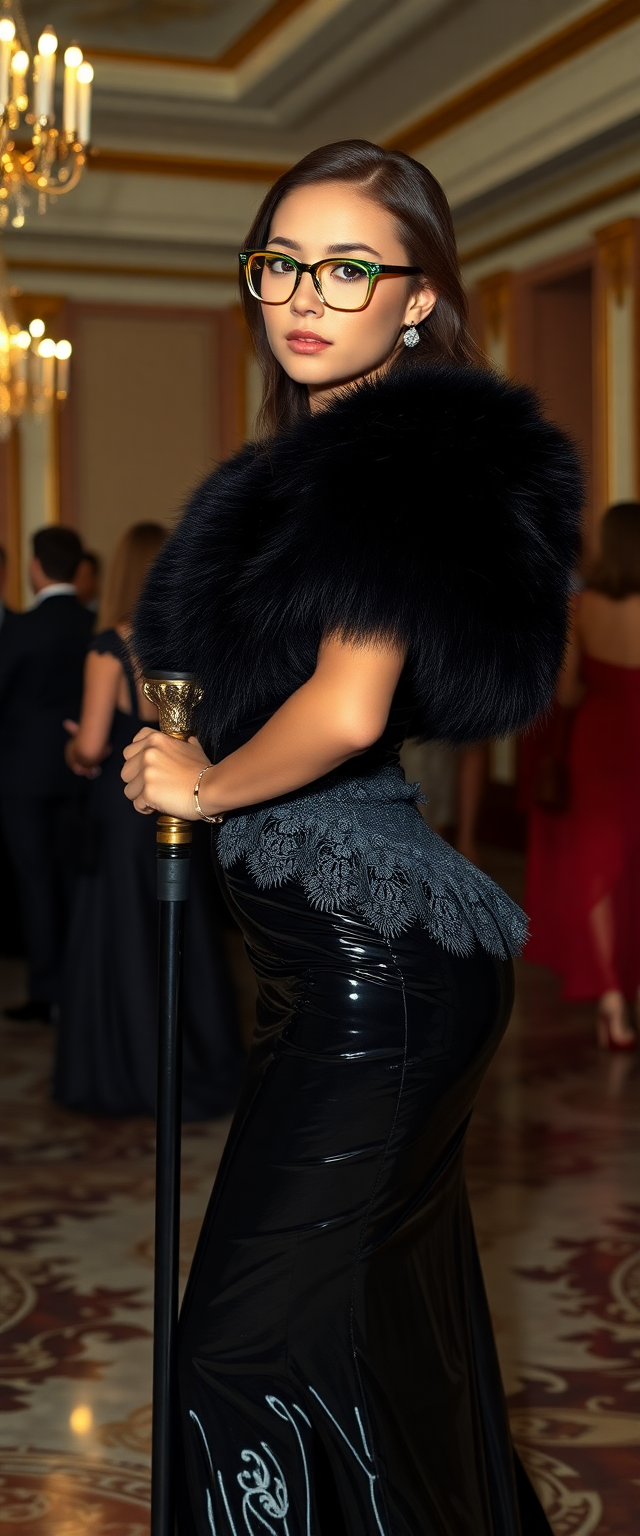
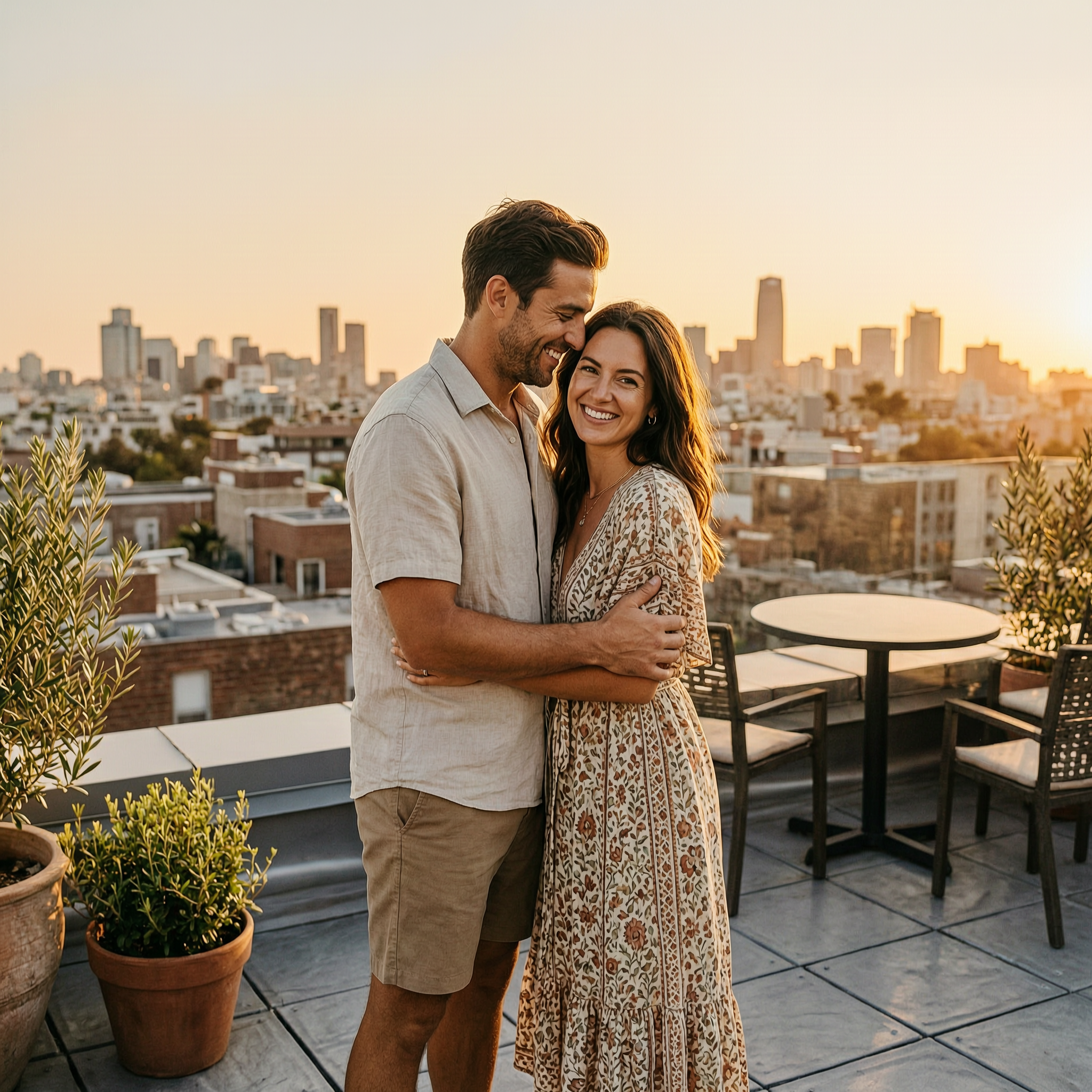
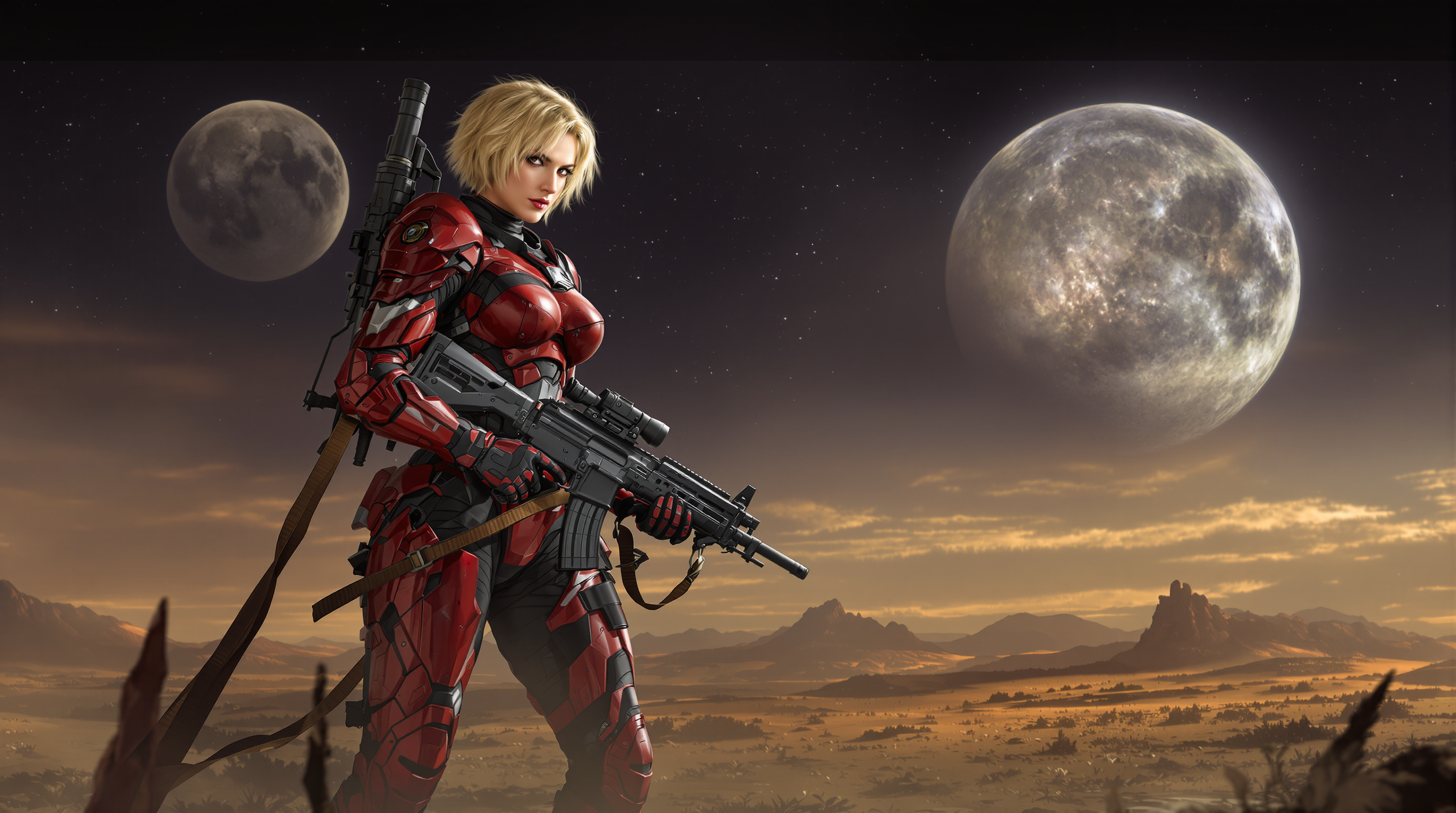
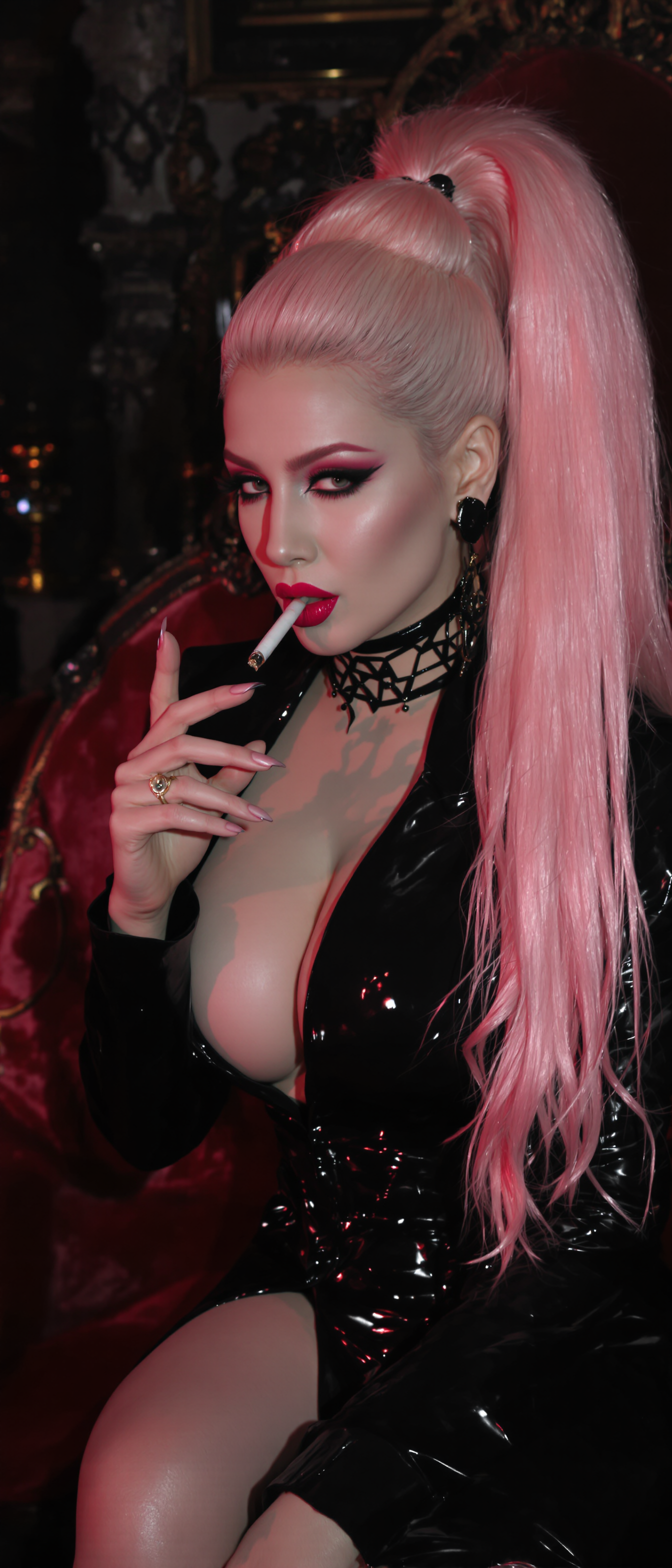
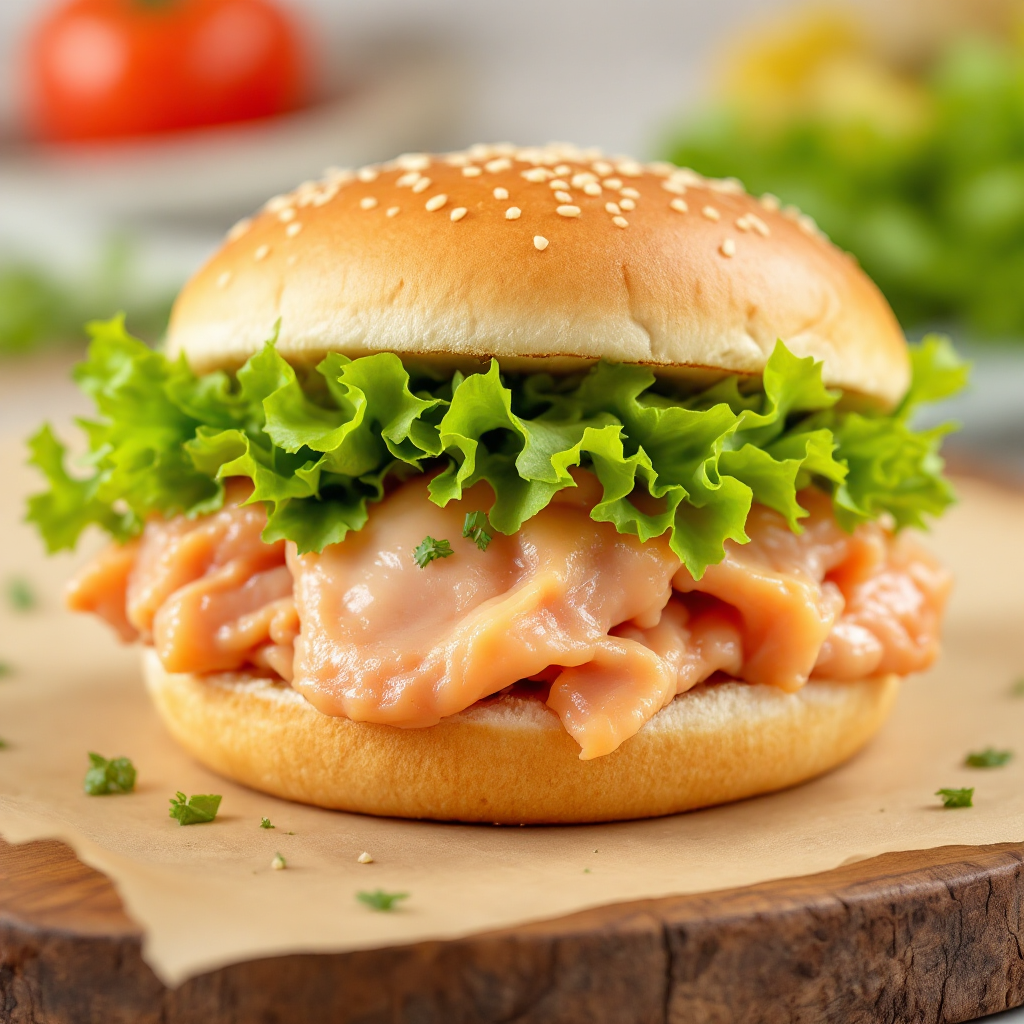
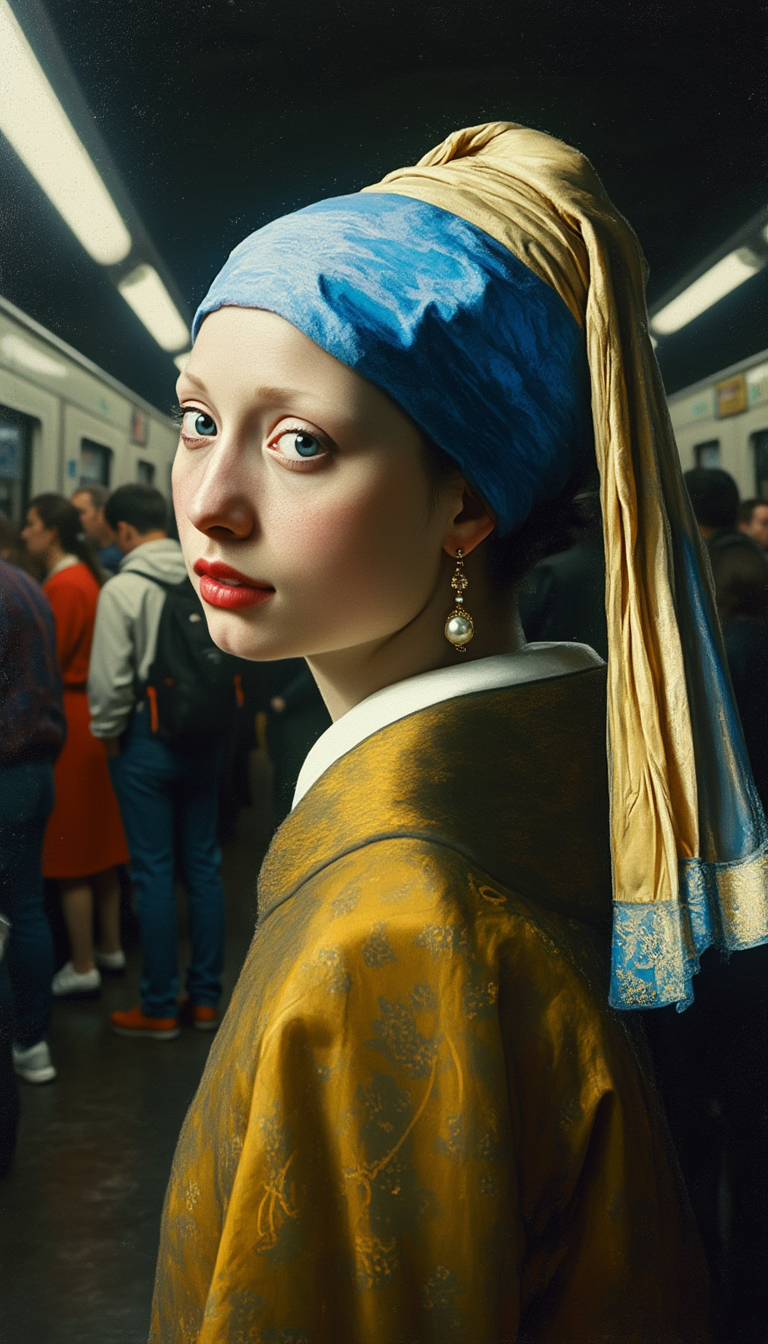
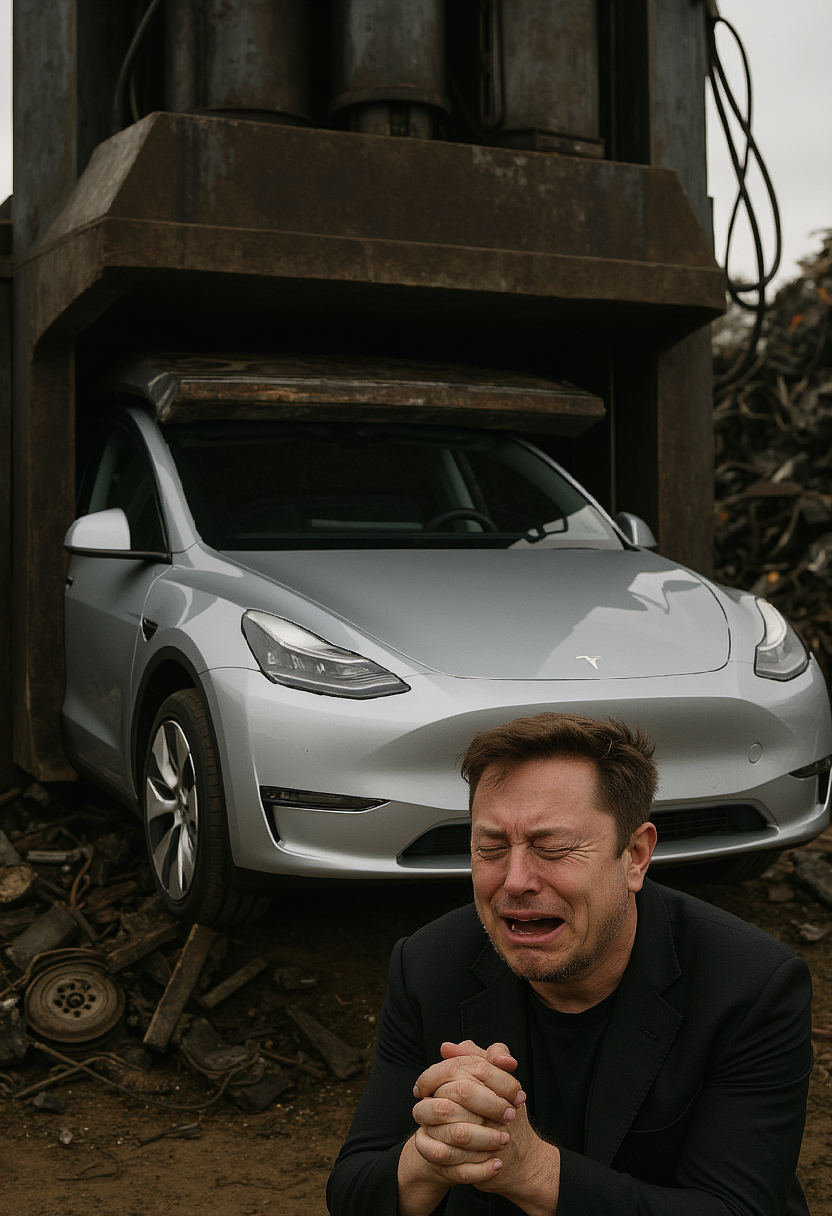
With PixelDojo, you can achieve professional open ai image generation results in seconds. Generate marketing visuals, infographics, and creative assets featuring crisp readable text, consistent characters, and intricate compositions that communicate your ideas perfectly every time.
Join 75,000+ creators who have generated over 12 million images. Rated 4.9/5 stars. Trusted by marketing teams and designers worldwide for reliable, high-quality results.
Why Choose Pixel Dojo for open ai image generation
Professional-quality results with cutting-edge AI technology
Achieve Perfect Text in Every Image
Create professional infographics, ads, and comics where every word is crisp and legible, helping your message stand out without any design skills required.
Maintain Consistent Characters & Styles
Produce entire campaigns or story series with the same characters and visual style across dozens of images, building strong brand recognition effortlessly.
Refine Images Through Natural Conversation
Iterate on your vision instantly by describing changes in plain language, turning rough ideas into polished, exactly-right visuals without starting over.
How It Works
Getting started with open ai image generation on PixelDojo takes just three simple steps using our advanced GPT-powered tools.
Step 1: Choose Your Tool
Select GPT Image 2 or GPT-Image 1.5 from the Generate Images section to access the latest open ai image generation capabilities optimized for text, detail, and reasoning.
Step 2: Enter Your Prompt
Describe your vision in detail, including text elements, style, mood, and composition. The model understands complex instructions for accurate results like infographics or multi-panel scenes.
Step 3: Customize & Download
Review your results, use editing tools like Image to Image or Style Transfer for refinements, then upscale with Clarity Pro and download in your preferred format and size.


The Pixel Dojo Advantage
Why PixelDojo outperforms other options for open ai image generation
| Others | Pixel Dojo |
|---|---|
| Traditional image creation | Produce professional results in minutes instead of hours or days, with no need for expensive software or design expertise. |
| Generic AI tools | Access specialized models like GPT Image 2 that excel at text rendering and complex reasoning for more reliable, on-brand outputs. |
| Manual photo editing | Generate and iterate entire visual concepts conversationally, saving countless hours while achieving higher consistency and creativity. |
Loved by creators on PixelDojo
Real feedback from people using PixelDojo, pulled from our in-product surveys.
Tons of variety. Ease of use. Tools for beginners and advance users.
easiest workflow to get best output image or video
awesome functionality, UX, constant flood of improvements, discord interactivity
Awesome site with so many features
Love how I can almost create anything
The Flux Pro Ultra is just amazing!
Explore more AI tools on PixelDojo
AI Tools
Compare & Switch
- Best AI Image Generators
- Best AI Video Generators
- Midjourney Alternatives
- Civitai Alternatives
- Runway Alternatives
- Leonardo Alternatives
- Pika Alternatives
- Luma Alternatives
- Magnific Alternatives
- Veo Alternatives
- Flux Alternatives
- Freepik Alternatives
- Seedance Alternatives
- Seedream Alternatives
- Pixverse Alternatives
- GPT Image Alternatives
- Synthesia Alternatives
- Playground Alternatives
- NightCafe Alternatives
- Canva AI Alternatives
- ElevenLabs Alternatives
- ComfyUI Alternatives
- Fal Alternatives
- Replicate Alternatives
Common Questions
Everything you need to know about open ai image generation
How to create images with accurate text using open ai image generation on PixelDojo?
Use GPT Image 2 or GPT-Image 1.5 in PixelDojo's Generate Images section. Write detailed prompts that specify exact text, fonts, and placement. These tools excel at rendering crisp, readable text in infographics, posters, and marketing materials, delivering professional results every time.
What are the best techniques for consistent characters in open ai image generation?
Leverage Consistent Characters and Ideogram Character tools alongside GPT Image 2. Upload reference images or describe your character in detail once, then reuse the same seed or reference across multiple generations to maintain perfect consistency for campaigns and stories.
Can I generate complex infographics and multi-panel comics with open ai image generation?
Yes. GPT Image 2 supports advanced reasoning for batch generation and intricate layouts. Describe your full concept including multiple panels, text elements, and data visualizations in one prompt to create complete, ready-to-use visual stories instantly.
How does PixelDojo handle conversational image refinement for open ai style results?
After generating with GPT-Image 1.5 or GPT Image 2, use natural language edits through Image to Image or Grok Video Edit equivalents for stills. Simply describe changes like 'make the text larger and add a blue background' to refine until perfect, all within your workflow.
What resolution and aspect ratios are available for open ai image generation on PixelDojo?
Generate up to 2K resolution with flexible ratios from wide 3:1 to tall 1:3 using GPT Image 2. Then upscale further with P-Image Upscale or Magnific Upscaler for print-ready quality that meets professional standards.
Is open ai image generation suitable for professional marketing and branding?
Absolutely. PixelDojo's GPT-powered tools deliver the text accuracy, style consistency, and detail needed for ads, social graphics, and brand assets. Combine with Virtual Try-On or Character Stylist for personalized campaigns that convert.