open art ai
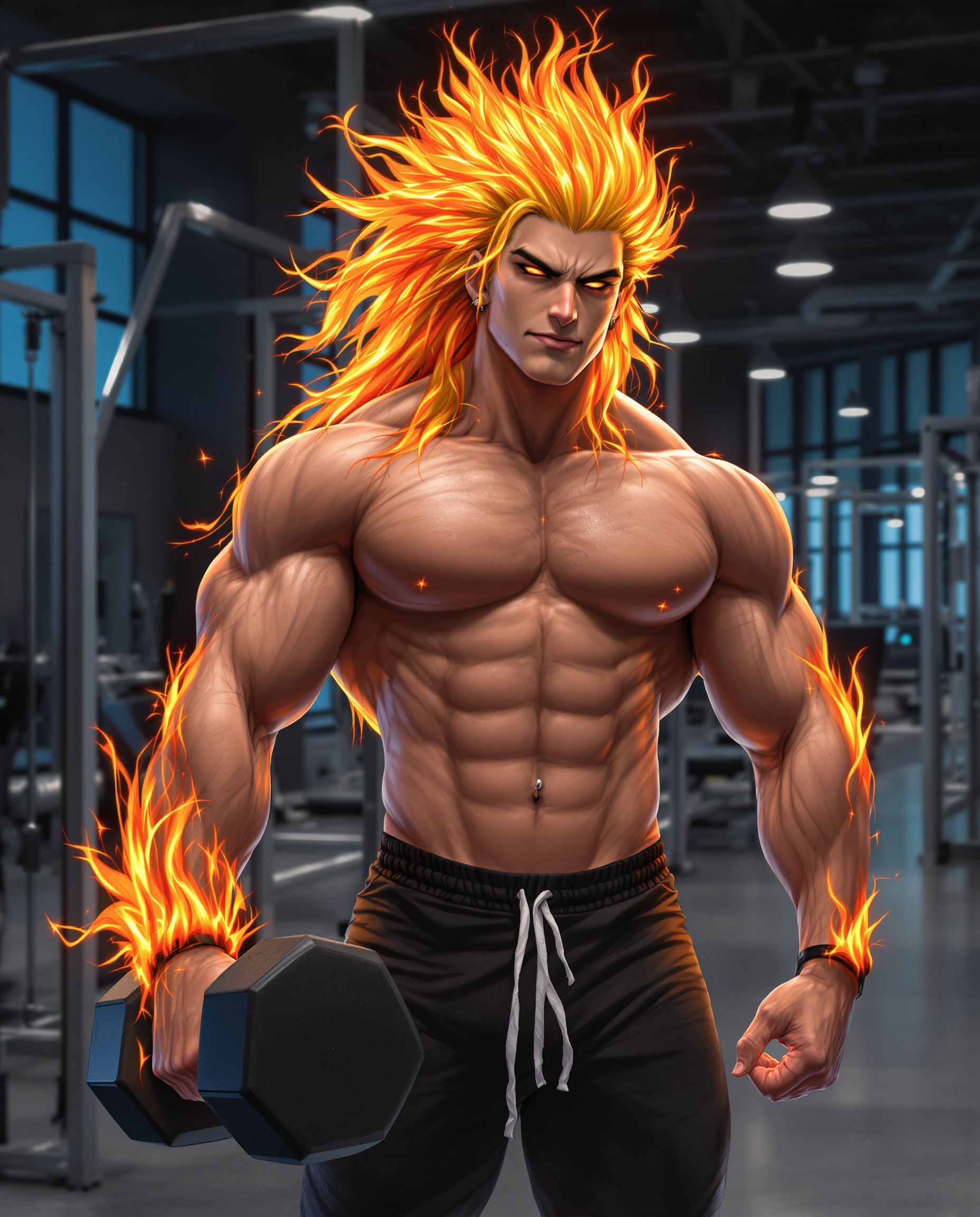
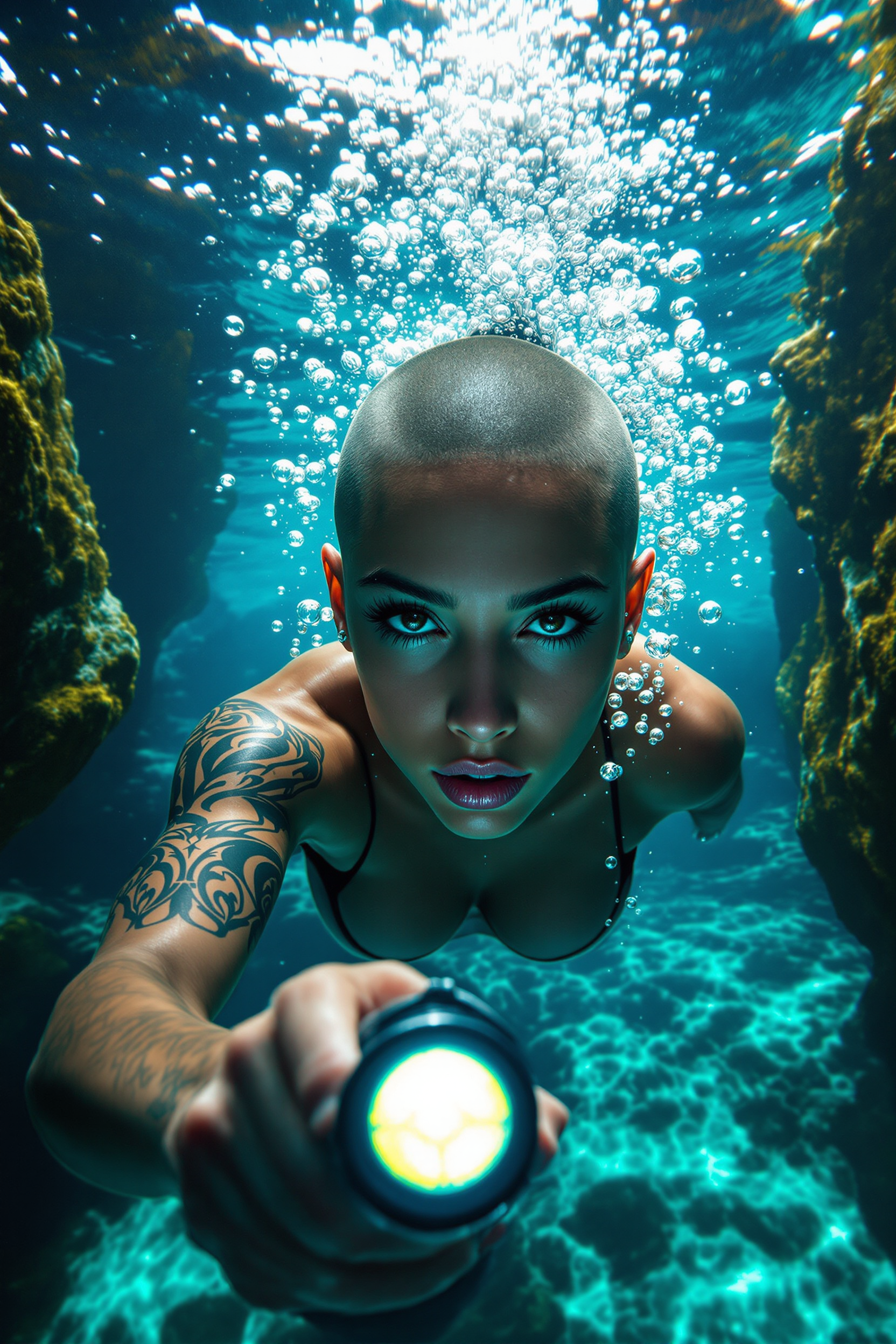
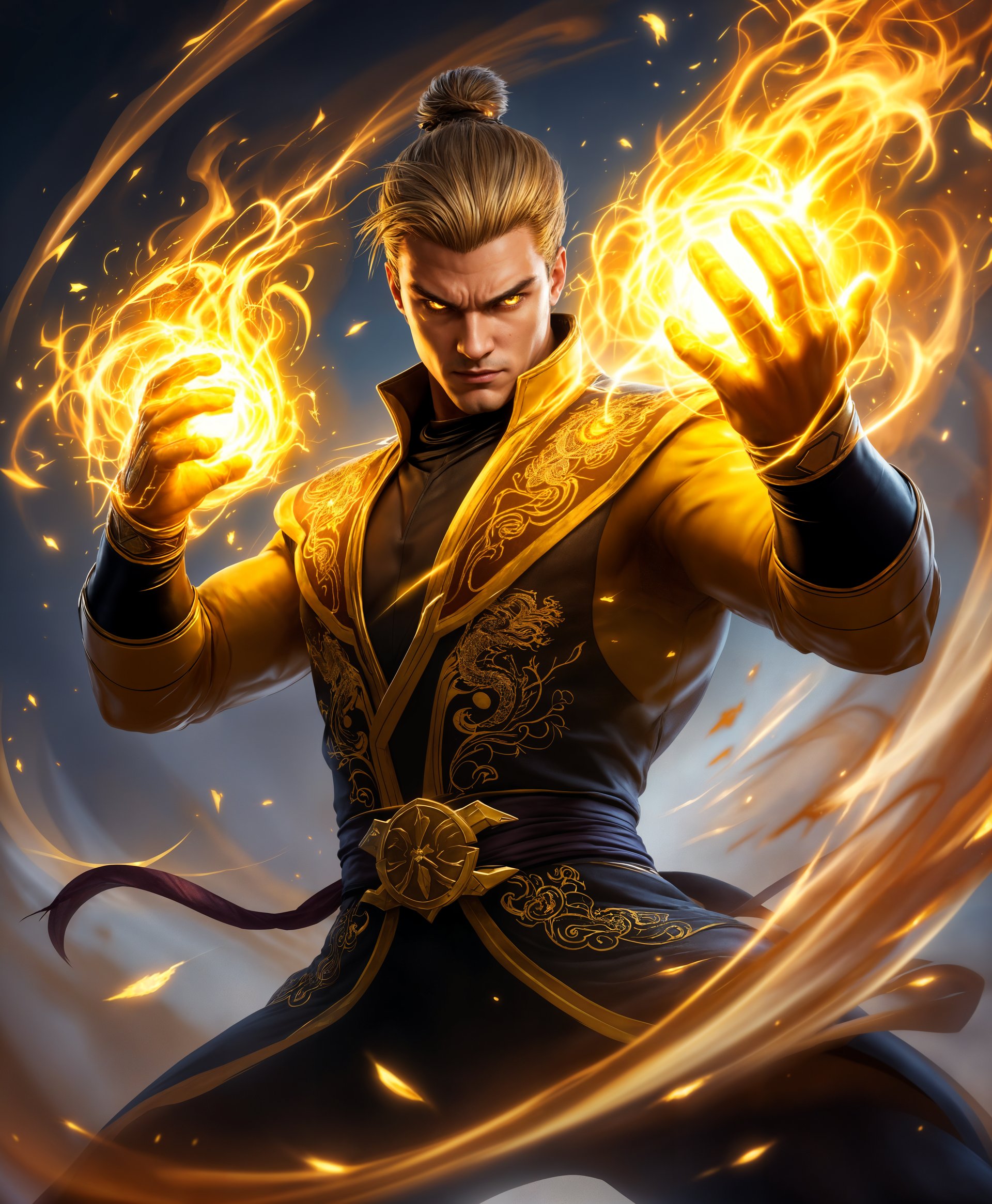
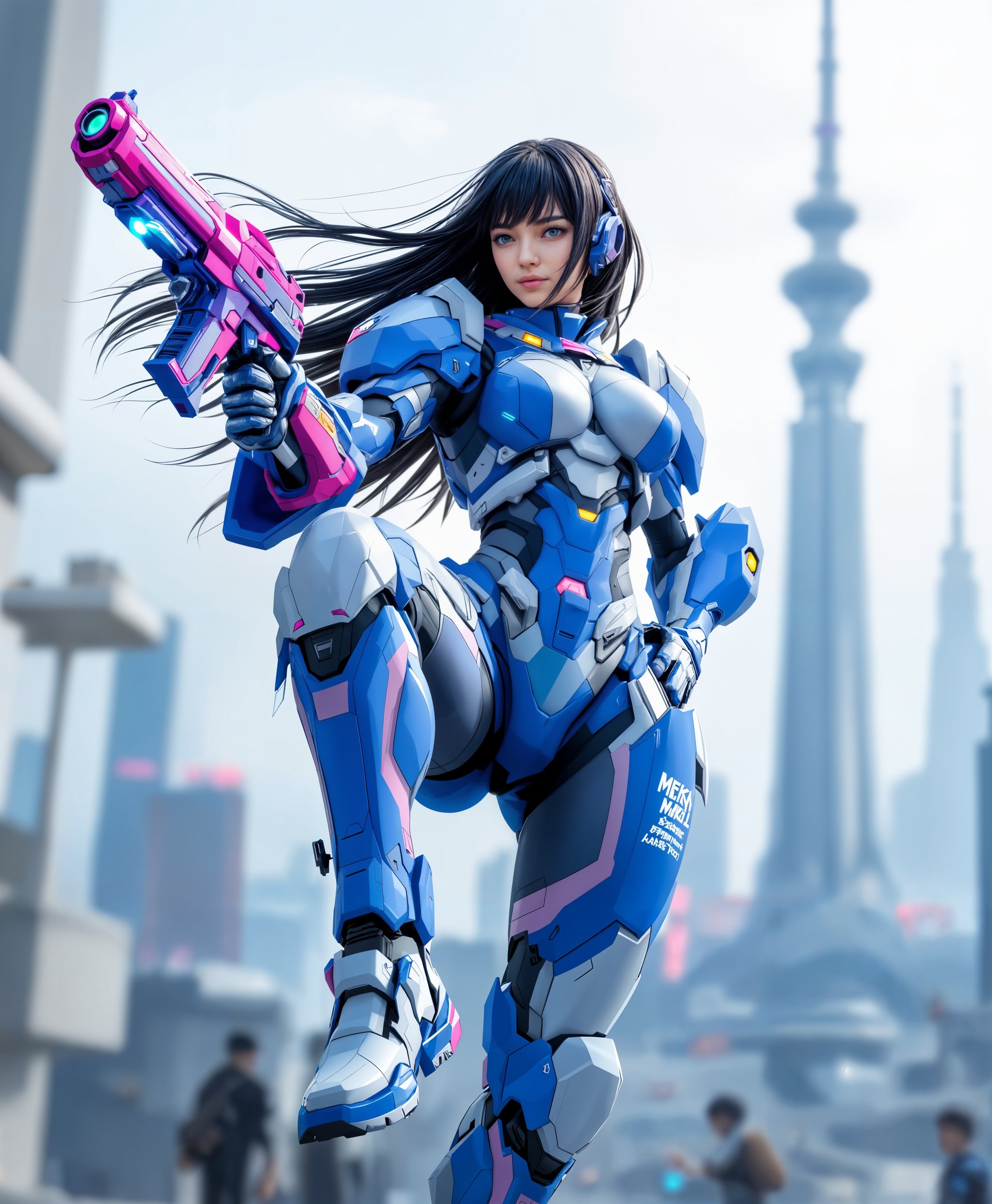
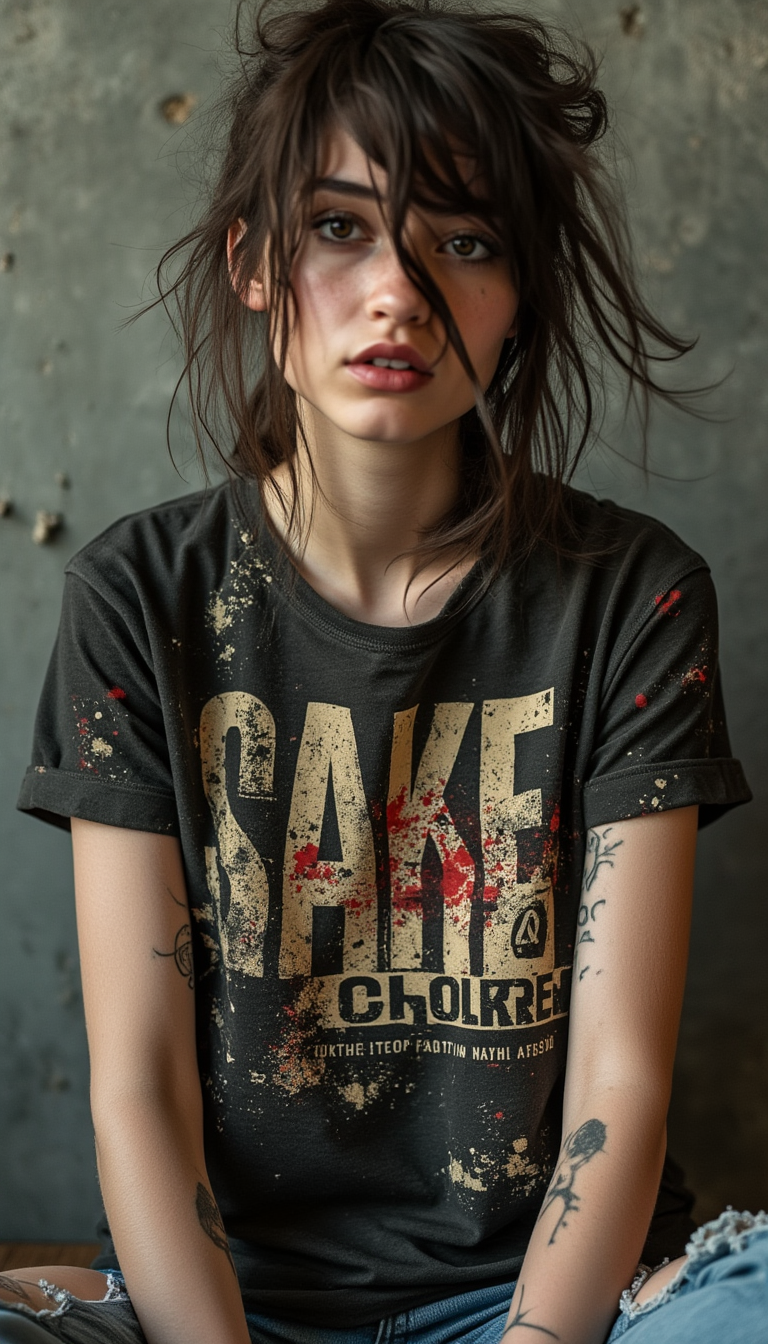
Imagine turning any idea into museum-quality art in seconds. With PixelDojo's open art AI tools, you unlock a world of creative freedom where photorealistic portraits, whimsical illustrations, and cinematic scenes flow effortlessly from your prompts. Whether you're a designer crafting brand visuals, a storyteller building character universes, or a hobbyist exploring new styles, you achieve professional results without expensive software or years of training. Access dozens of specialized models to experiment with techniques that deliver consistent, high-impact images every time.
Join over 50,000 creators who rate PixelDojo 4.9/5 for open art AI generation. More than 2 million images created this month alone using our versatile tools. Trusted by indie filmmakers, marketers, and artists worldwide for reliable, high-quality outputs.
Why Choose Pixel Dojo for open art ai
Professional-quality results with cutting-edge AI technology
Master Consistent Characters for Compelling Stories
Build unforgettable characters that stay identical across dozens of scenes and poses. Use Consistent Characters or Ideogram Character tools to generate cohesive series for comics, marketing campaigns, or personal projects—saving hours of manual adjustments.
Explore Limitless Styles and Techniques Instantly
Switch between photorealism, anime, abstract, or custom-trained aesthetics with one click. Tools like Flux.2 Studio, Seedream 5 Lite, and Grok Image let you blend trends like cinematic lighting or vintage illustration without learning complex prompts.
Refine and Perfect Every Image with Precision Editing
Transform rough generations into polished masterpieces using Inpainting, Style Transfer, Image to Image, and Background Remover. Fix details, change moods, or expand canvases in minutes, achieving gallery-ready results faster than traditional methods.
How It Works
Creating open art AI masterpieces is simple and intuitive on PixelDojo. Follow these steps to generate, refine, and export professional images using our powerful model lineup.
Step 1: Choose Your Tool
Browse the Generate Images section and select from specialized open art AI models like Flux.2 Studio for detailed realism, Ideogram 4 for text-integrated designs, or Seedream 5 Lite for vibrant, prompt-accurate results. Pair with Consistent Characters for story series.
Step 2: Enter Your Prompt
Describe your vision in natural language—include style references, lighting, mood, and composition. For consistency, upload a reference image or use Character Stylist. Experiment with techniques like detailed scene descriptions to leverage the latest open art AI trends.
Step 3: Customize & Download
Apply edits with Inpainting to refine details, Magic Lighting for dramatic effects, or Image Outpainting to expand the scene. Upscale with P-Image Upscale or Clarity Pro for print quality. Download in multiple formats ready for social, print, or video integration.
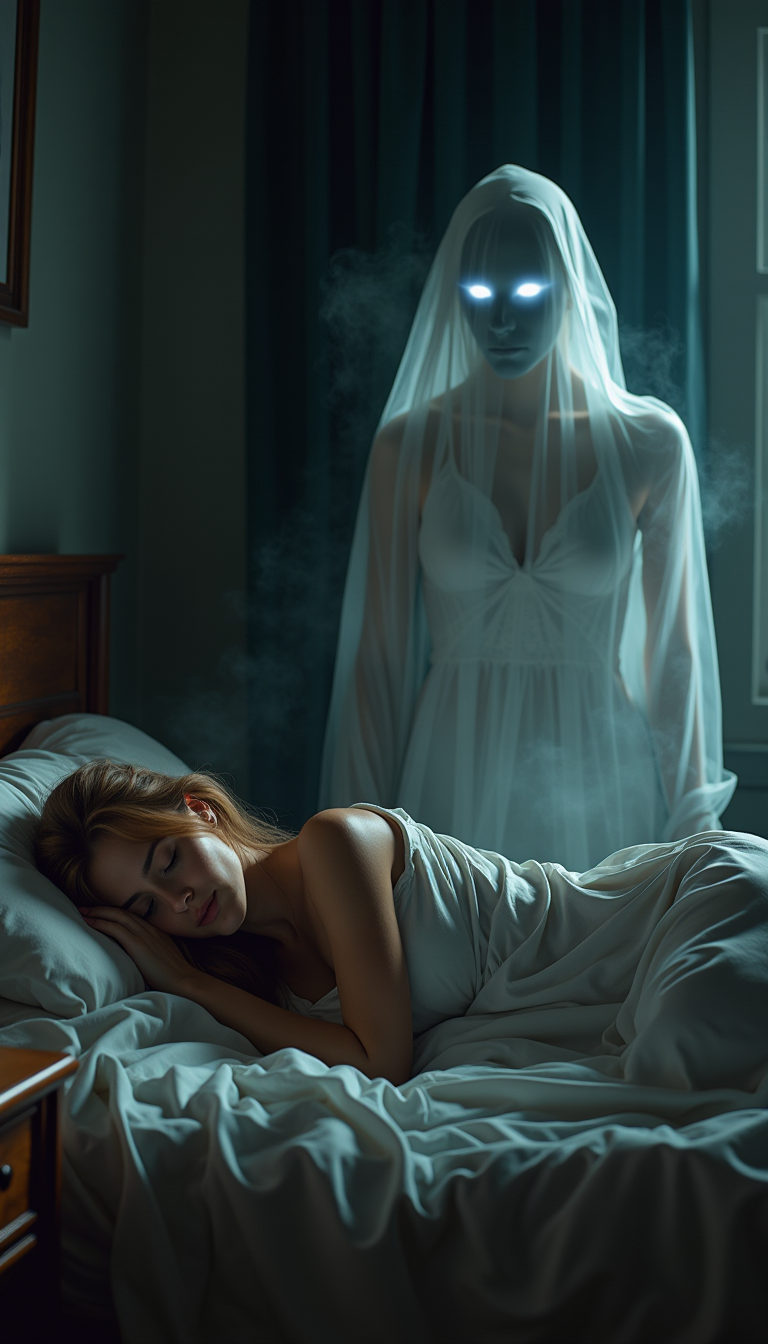
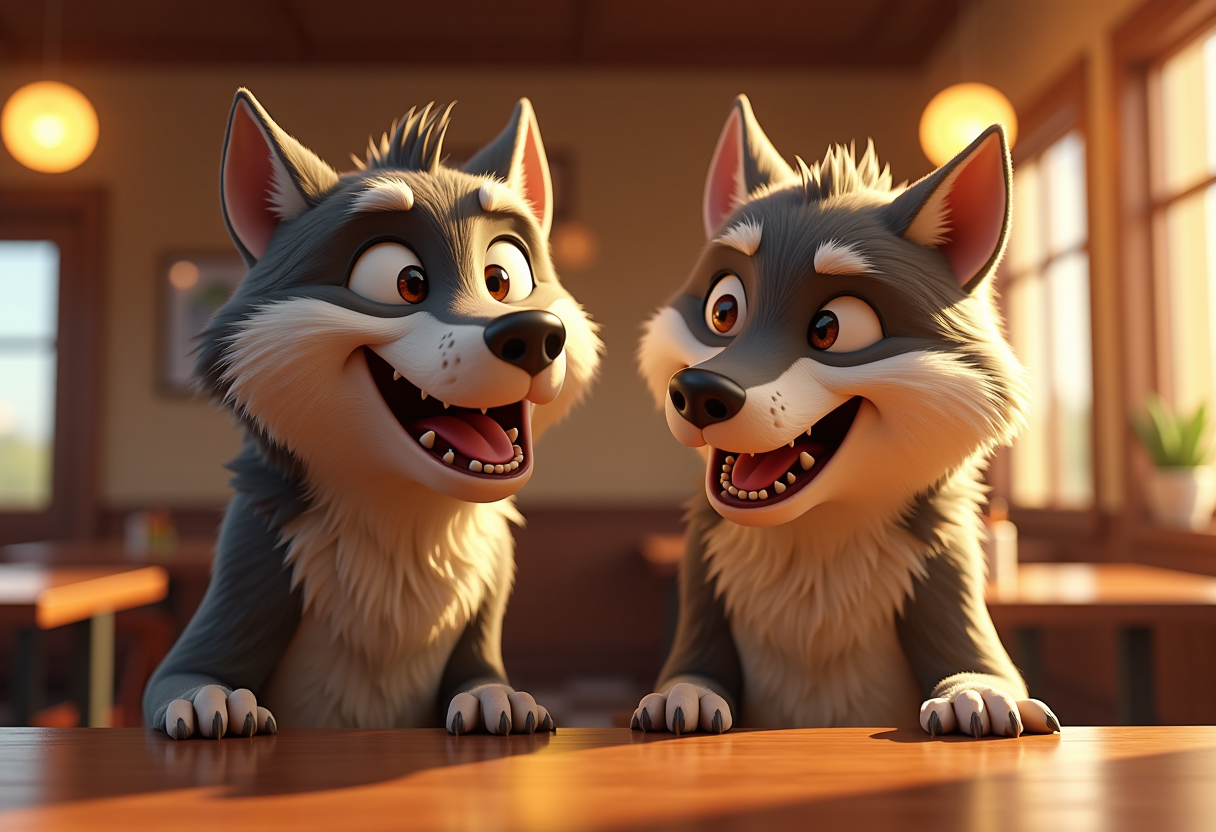
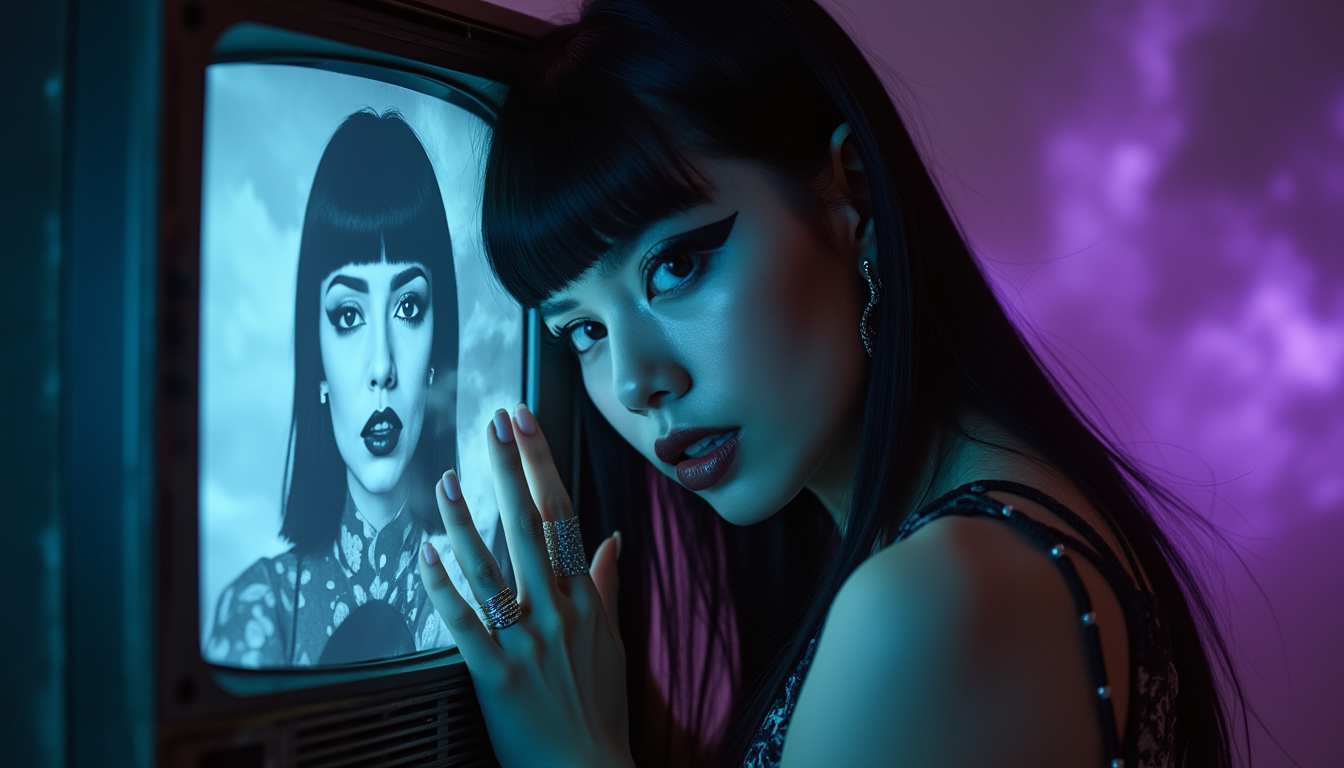
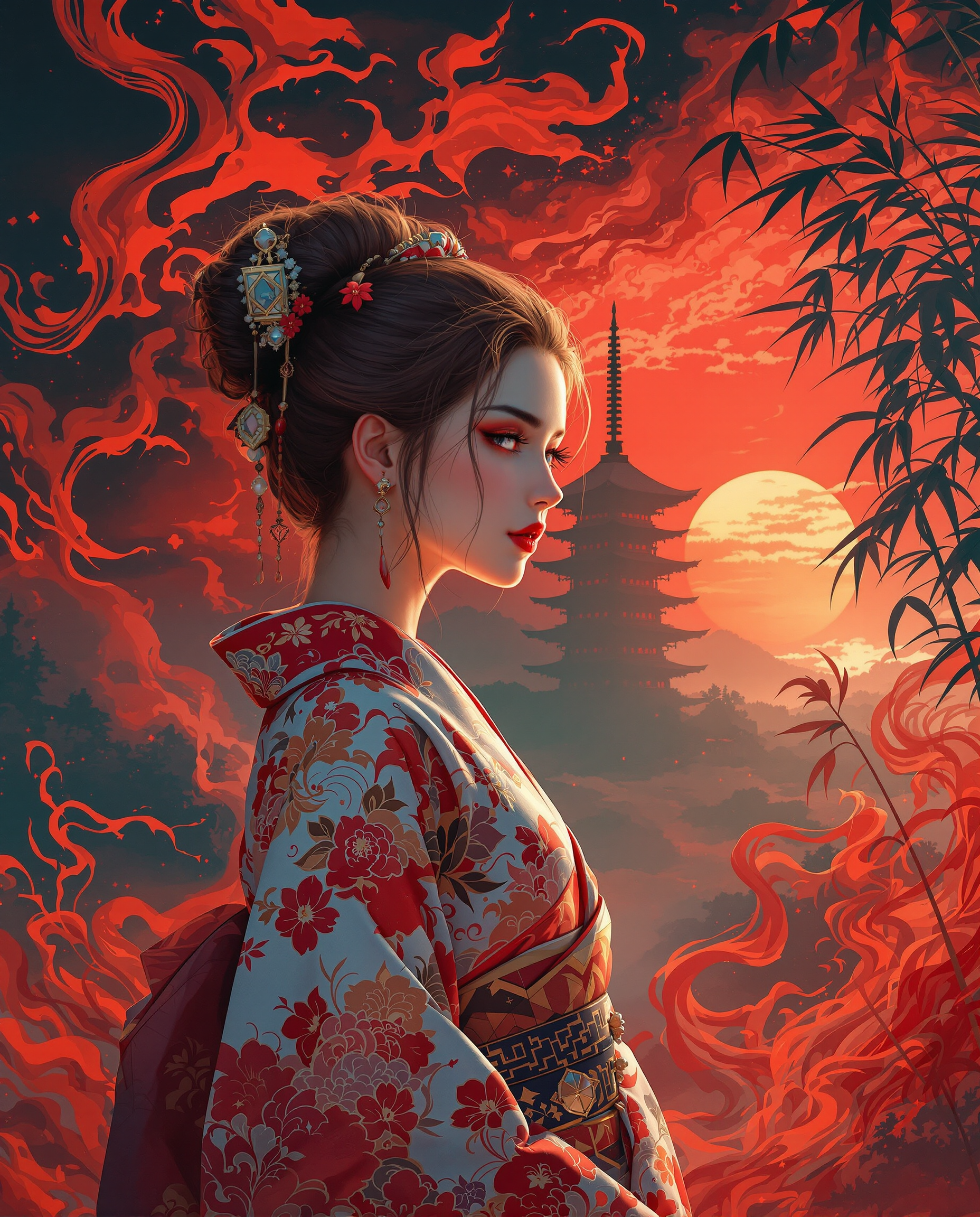
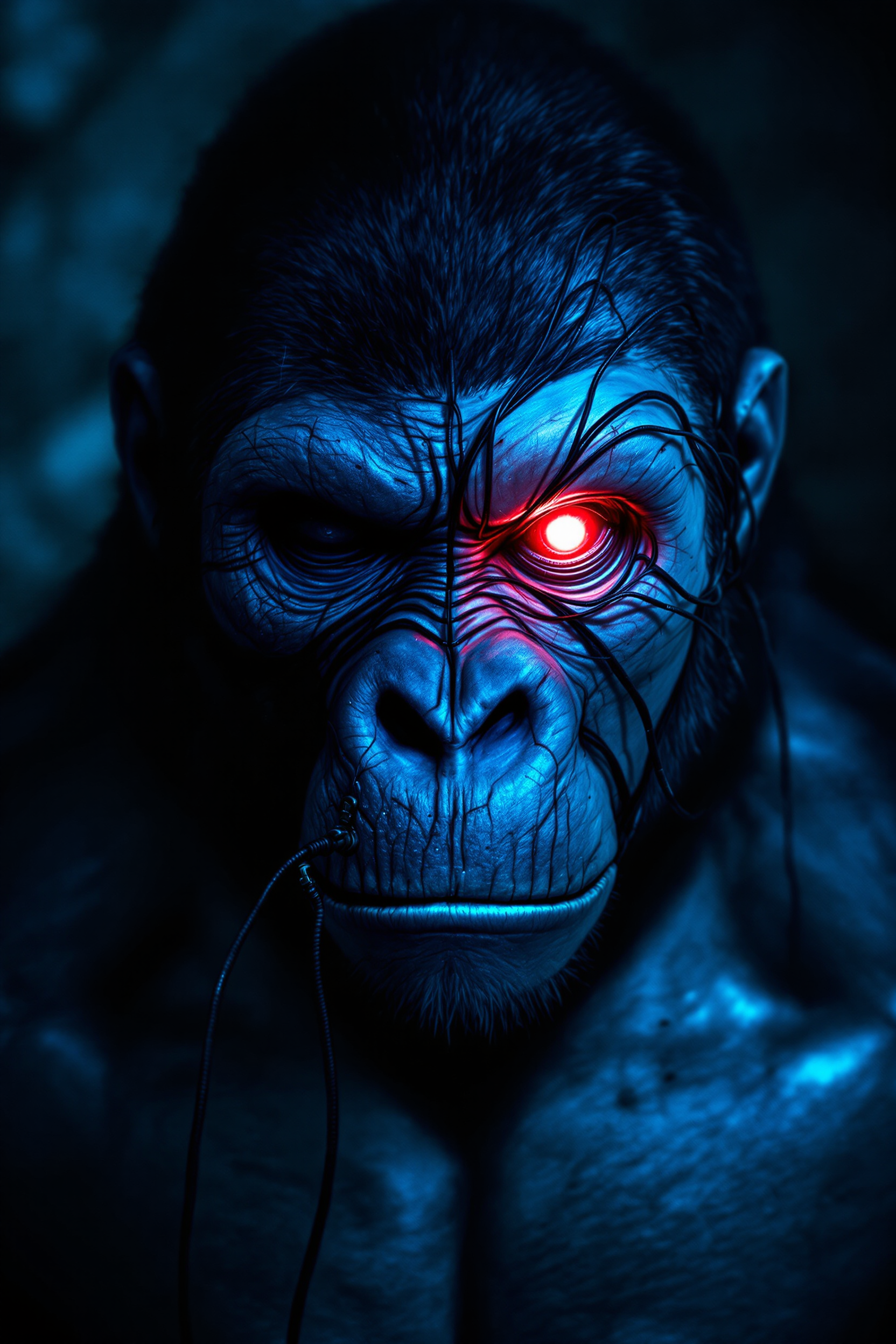
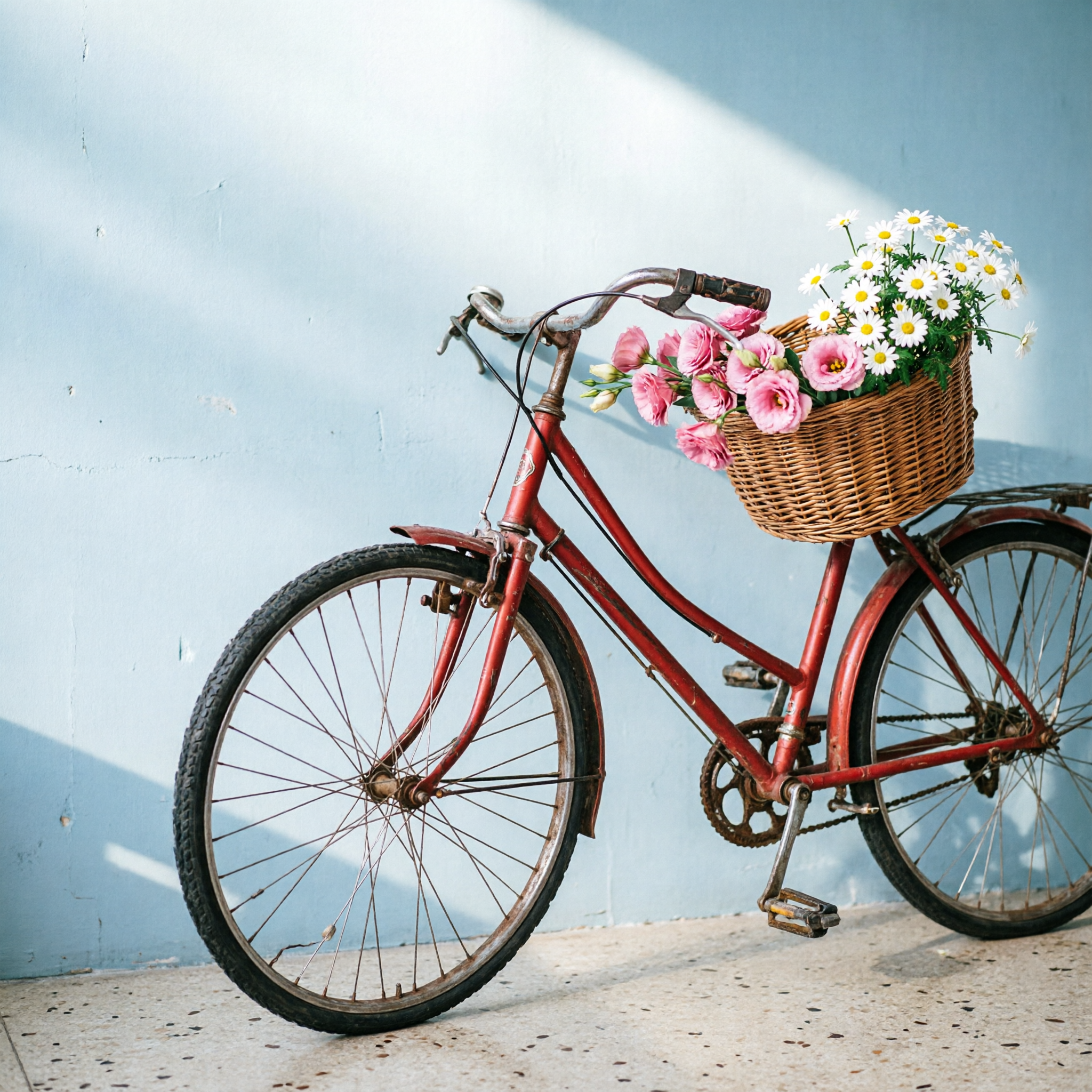
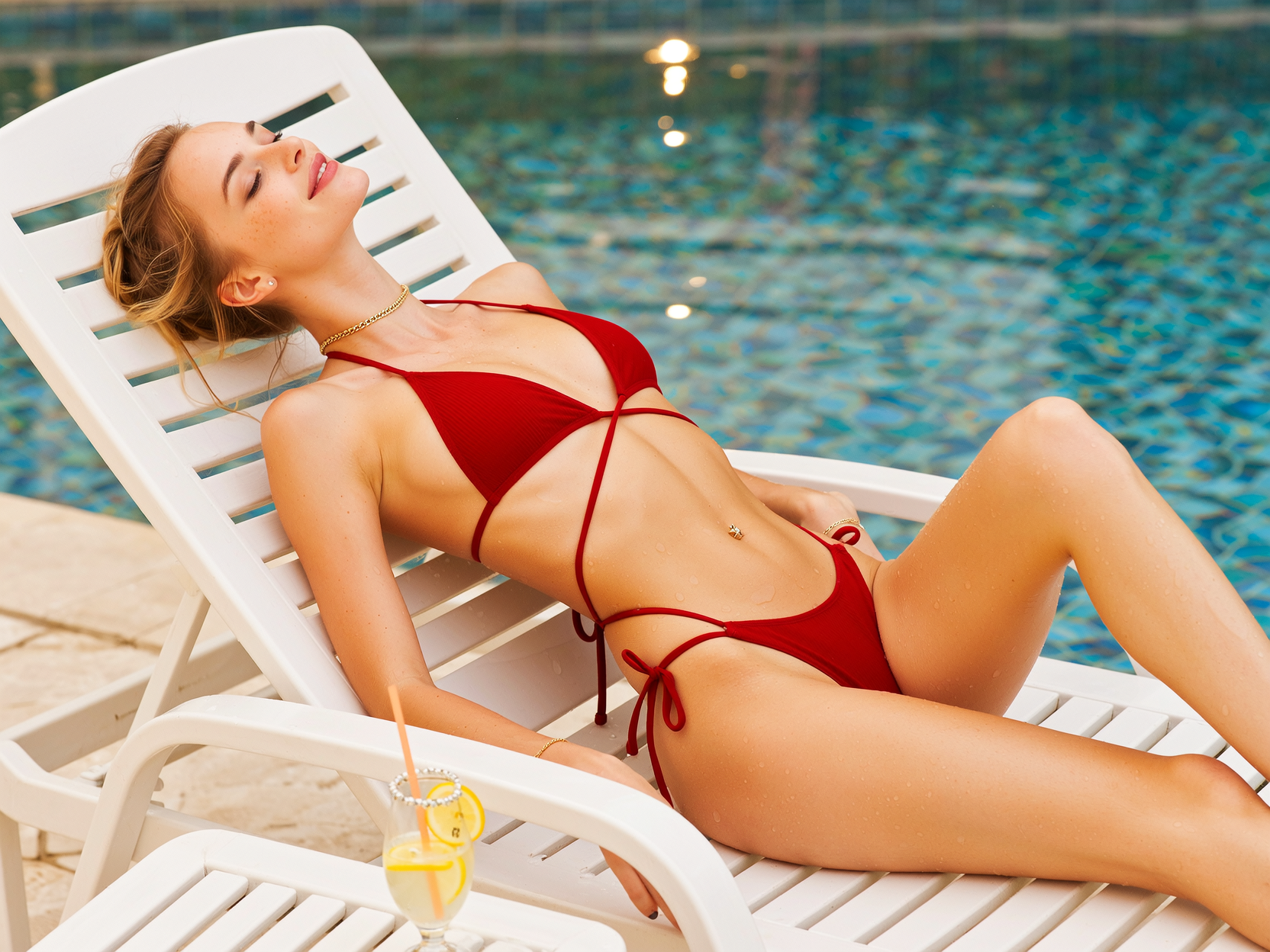
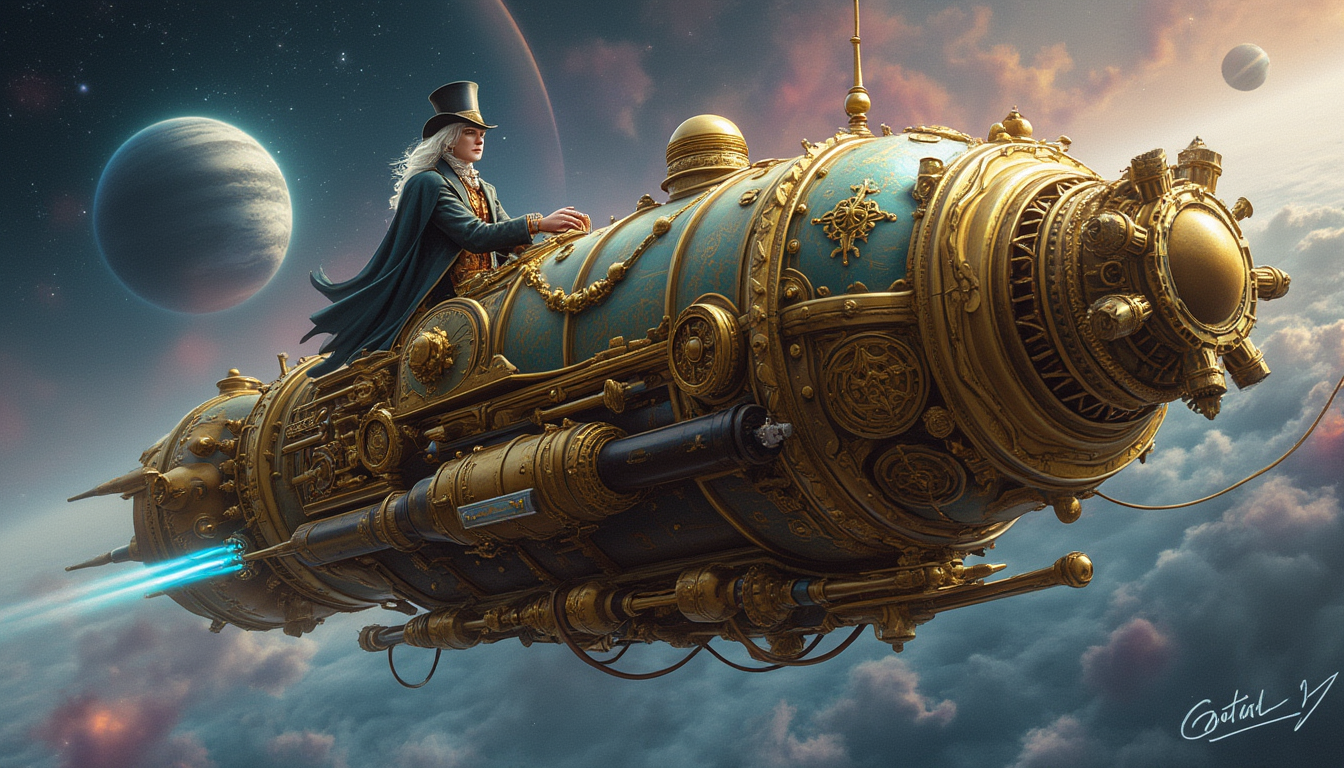
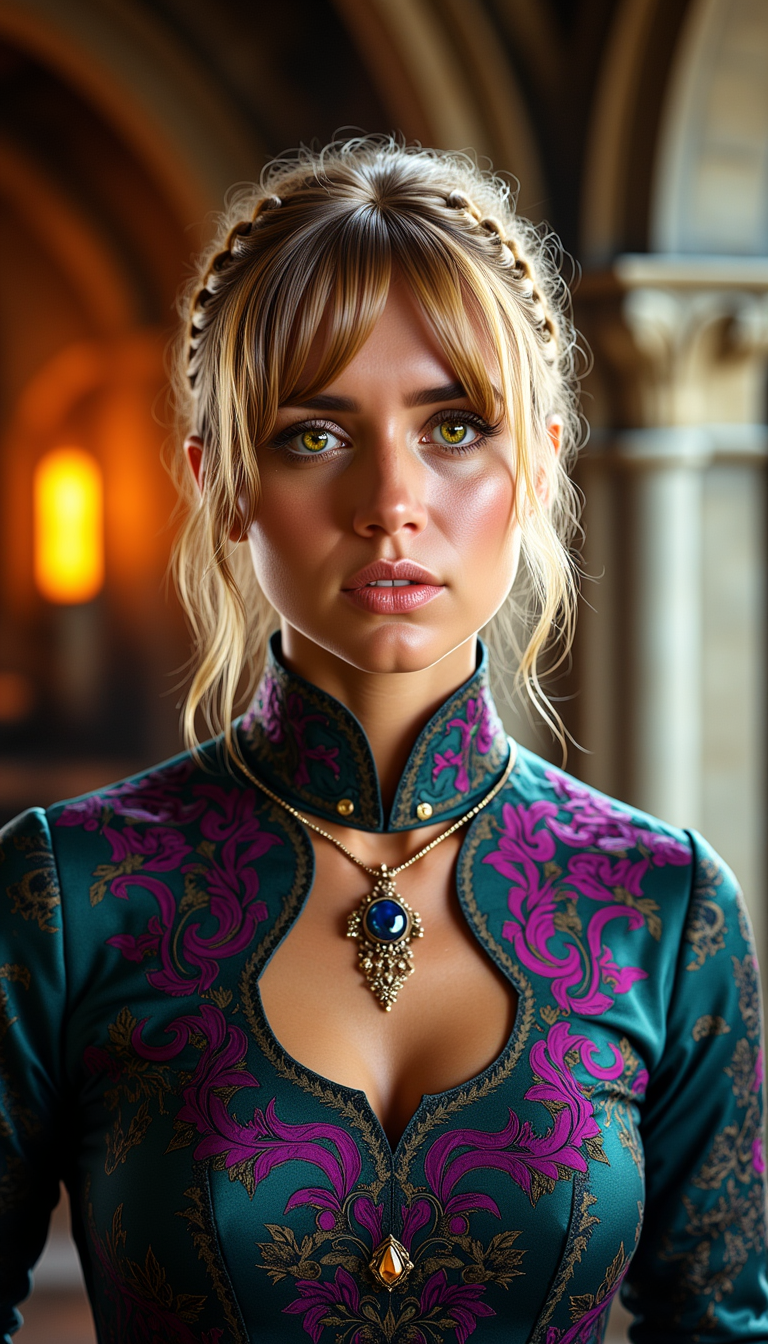
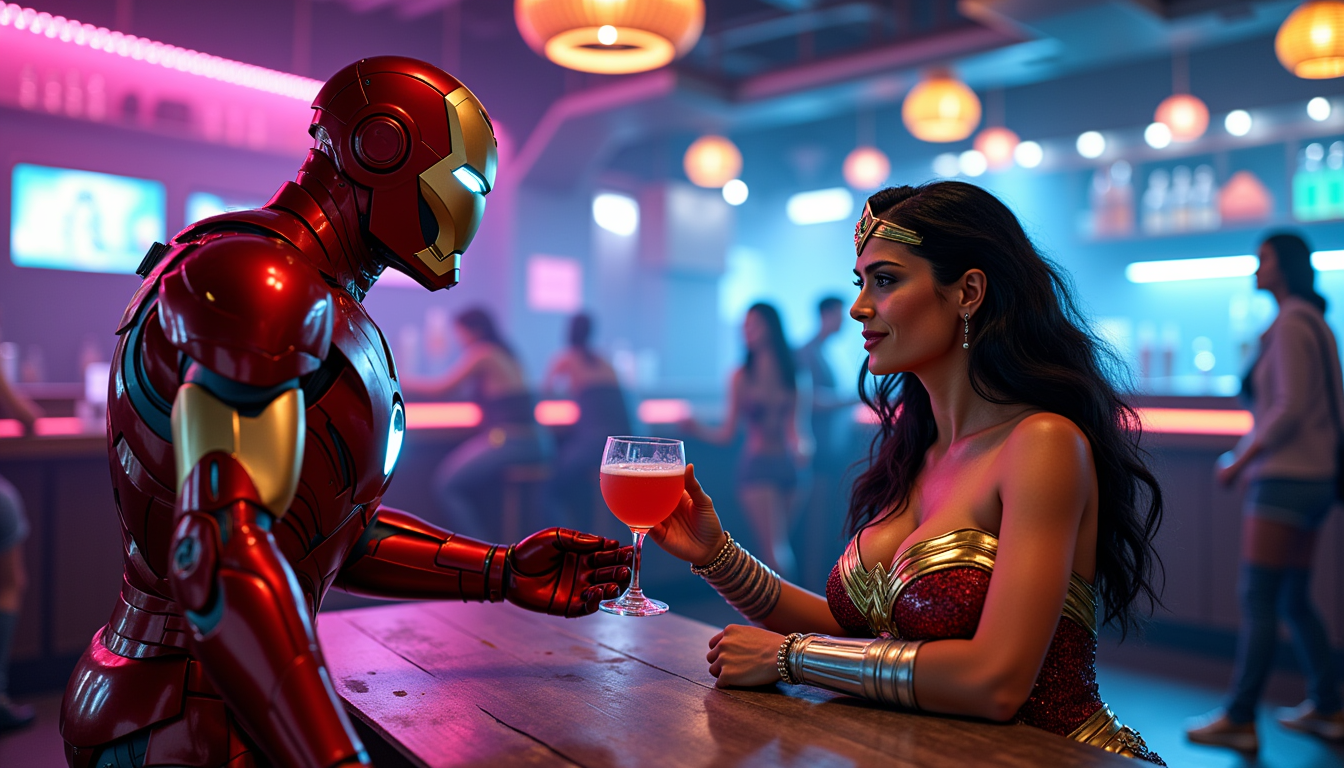
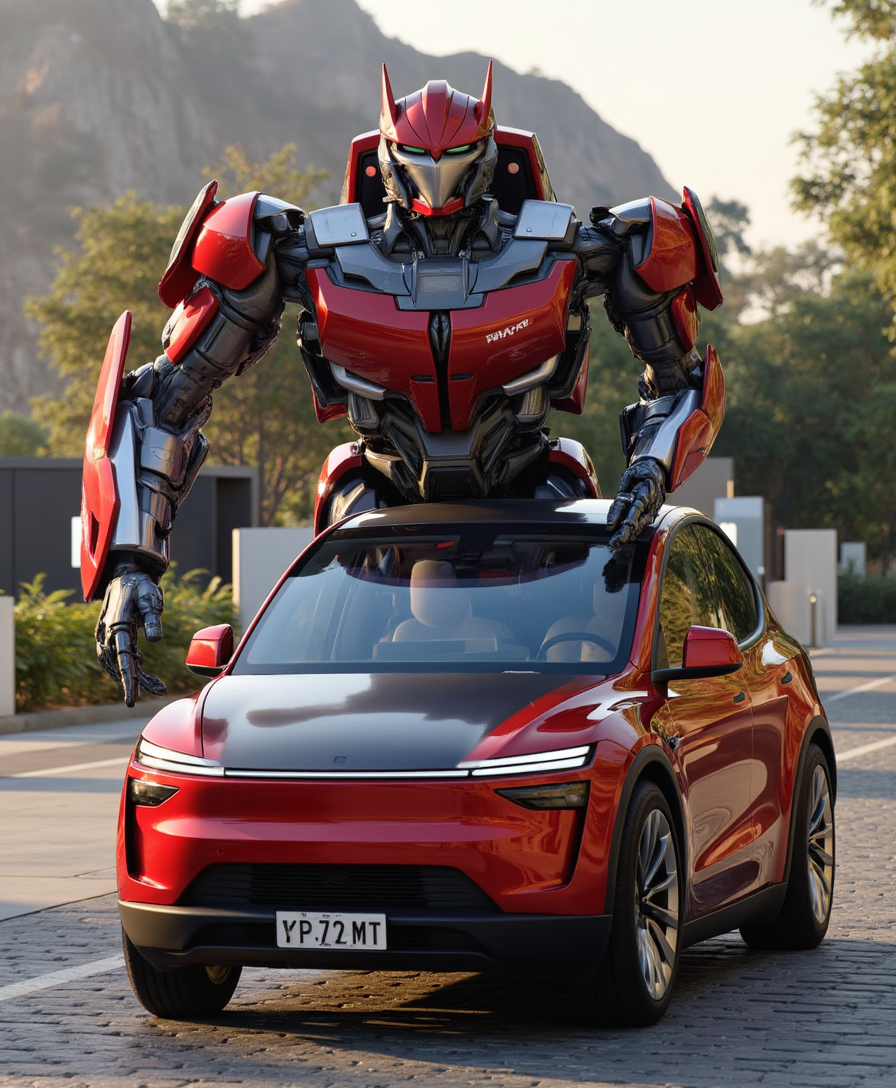
The Pixel Dojo Advantage
Why PixelDojo outperforms other options for open art AI image generation
| Others | Pixel Dojo |
|---|---|
| Traditional open art creation | Generate and iterate dozens of variations in minutes instead of hours or days spent sketching and painting by hand |
| Generic AI tools | Access 40+ specialized models plus integrated training, editing, and consistency tools in one seamless workspace—no switching apps |
| Manual photo editing | AI-powered inpainting, style transfer, and character consistency deliver pro results instantly without learning complex software like Photoshop |
Loved by creators on PixelDojo
Real feedback from people using PixelDojo, pulled from our in-product surveys.
the amount you can do on this site
all in one place
It is a lot of fun to uae and easy too.
So many different models to try out
You keep adding to it to stay up to date and that is GOLD.
very easy to use and good support
Explore more AI tools on PixelDojo
AI Tools
Compare & Switch
- Best AI Image Generators
- Best AI Video Generators
- Midjourney Alternatives
- Civitai Alternatives
- Runway Alternatives
- Leonardo Alternatives
- Pika Alternatives
- Luma Alternatives
- Magnific Alternatives
- Veo Alternatives
- Flux Alternatives
- Freepik Alternatives
- Seedance Alternatives
- Seedream Alternatives
- Pixverse Alternatives
- GPT Image Alternatives
- Synthesia Alternatives
- Playground Alternatives
- NightCafe Alternatives
- Canva AI Alternatives
- ElevenLabs Alternatives
- ComfyUI Alternatives
- Fal Alternatives
- Replicate Alternatives
Common Questions
Everything you need to know about open art ai
What is open art AI image generation and how does PixelDojo make it accessible?
Open art AI refers to versatile, multi-model platforms that combine text-to-image generation with advanced editing and consistency features. PixelDojo makes it accessible by offering 40+ models including Flux.2 Studio, Seedream 5 Lite, and Grok Image alongside tools like Consistent Characters and Inpainting—all in one easy interface so anyone can create professional results quickly.
How do I create consistent characters using open art AI techniques on PixelDojo?
Start with the Consistent Characters or Ideogram Character tool. Upload 1-4 reference images or describe your character in detail. Generate multiple poses and scenes while the AI maintains likeness across outputs. Combine with WAN Video Character Swap or Kling Video Character Swap for animated extensions if needed.
What are the latest open art AI trends and techniques in 2026?
Current trends emphasize hyper-consistent characters, cinematic lighting via Magic Lighting, seamless style transfers, and hybrid image-video workflows. PixelDojo supports these with tools like Style Transfer, Reality Polisher, and model training options such as Flux 2 Trainer to create custom styles that match emerging aesthetics like enhanced photorealism or stylized worlds.
Can beginners use open art AI tools effectively on PixelDojo?
Absolutely. The platform is designed for all skill levels with intuitive prompts and one-click edits. Beginners start with pre-built models like ImagineArt or Ernie for quick wins, then progress to advanced features like Image Analyzer and Smart Resize. Thousands of new users create stunning images on their first try.
How does PixelDojo support open art AI model training and customization?
Use Flux 2 Trainer, QWEN Trainer, or SDXL Trainer to fine-tune models on your own images. Train custom LoRAs for unique styles or characters in minutes. This open approach lets you own your creative assets and generate personalized open art AI outputs that stand out.
Is open art AI image generation on PixelDojo suitable for commercial projects?
Yes. High-resolution outputs from tools like Recraft V4.1, Bria 3.2, or P-Image Upscale are perfect for marketing, product visuals, and client work. Our Developer API and API Keys enable seamless integration into workflows, with flexible credit options for scaling your open art AI creations.