openclaw fal.ai image skill

Elevate your visual content effortlessly with the OpenClaw fal.ai skill. This powerful tool enables you to generate high-quality images tailored to your specific needs, whether you're a designer seeking inspiration, a marketer crafting compelling visuals, or a content creator enhancing your projects. With OpenClaw fal.ai, you can transform your ideas into stunning images in seconds, streamlining your creative process and boosting productivity.
Join thousands of satisfied users who have enhanced their visual content using OpenClaw fal.ai skill. Rated 4.8/5 by our community for its ease of use and exceptional results.
Why Choose Pixel Dojo for openclaw fal.ai image skill
Professional-quality results with cutting-edge AI technology
Rapid Image Generation
Create high-quality images in seconds, accelerating your design workflow and meeting tight deadlines with ease.
Versatile Model Access
Utilize a wide range of AI models, including FLUX and SDXL, to generate images that perfectly align with your creative vision.
Seamless Integration
Integrate effortlessly with your existing OpenClaw setup, enhancing your AI assistant's capabilities without disrupting your workflow.
How It Works
Creating stunning images with OpenClaw fal.ai skill is a straightforward process. Follow these steps to bring your ideas to life:
Step 1: Install the fal.ai Skill
Add the fal.ai skill to your OpenClaw environment by running the command: `npx clawhub@latest install fal-ai`.
Step 2: Configure Your API Key
Obtain your API key from fal.ai and set it up in your environment using: `export FAL_KEY='your-api-key'`.
Step 3: Generate Your Image
Use natural language prompts to instruct your AI assistant to create the desired image. For example: 'Generate a cyberpunk cityscape with FLUX.'


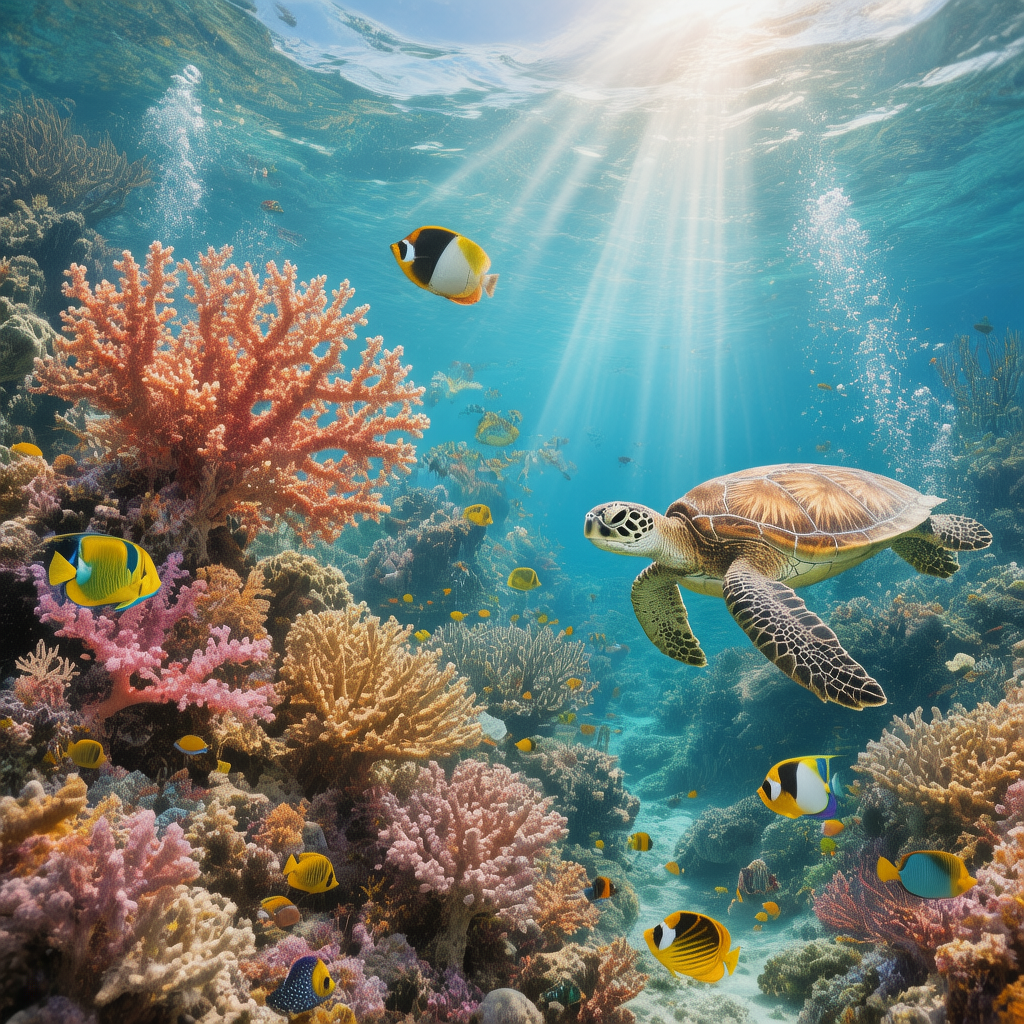



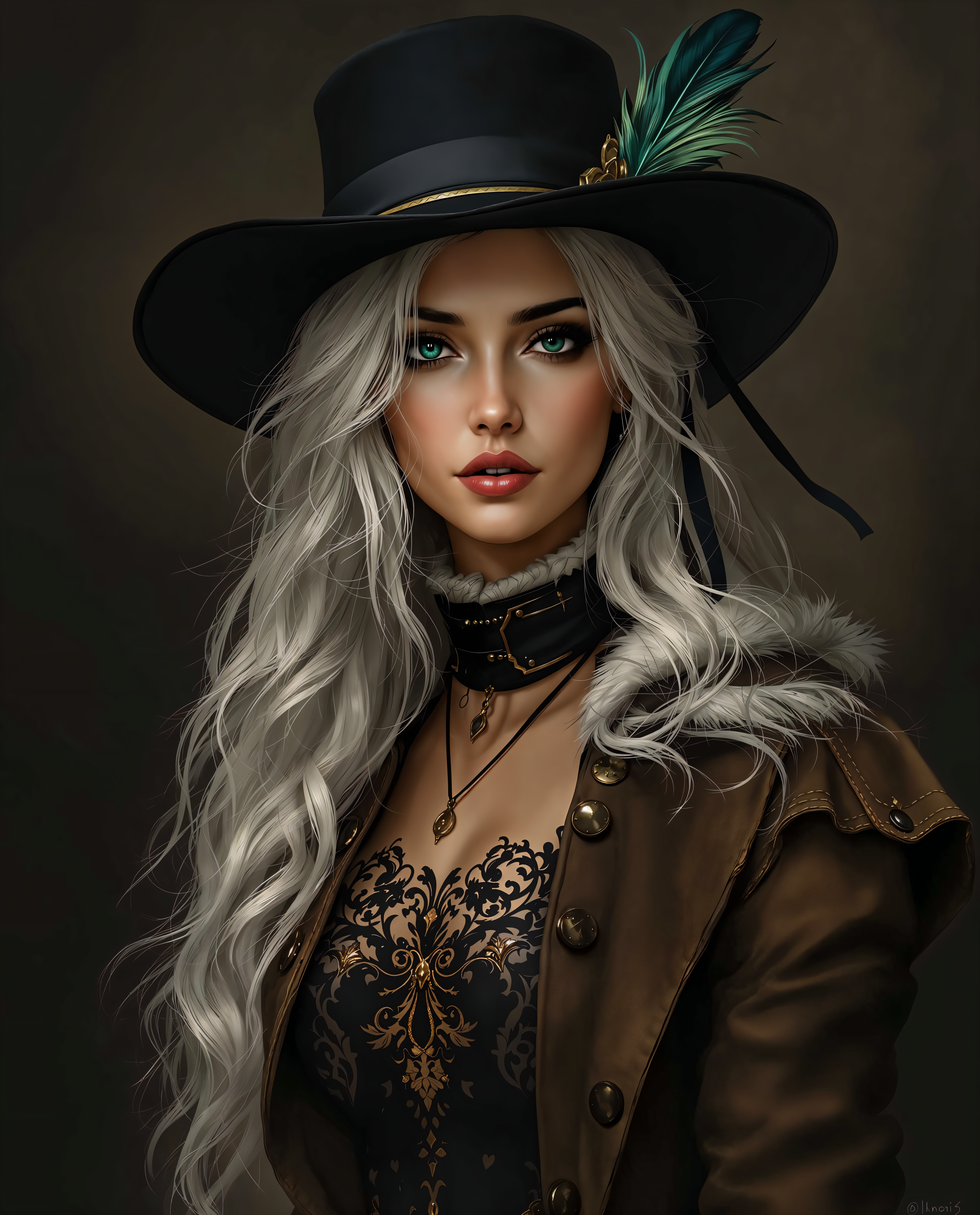
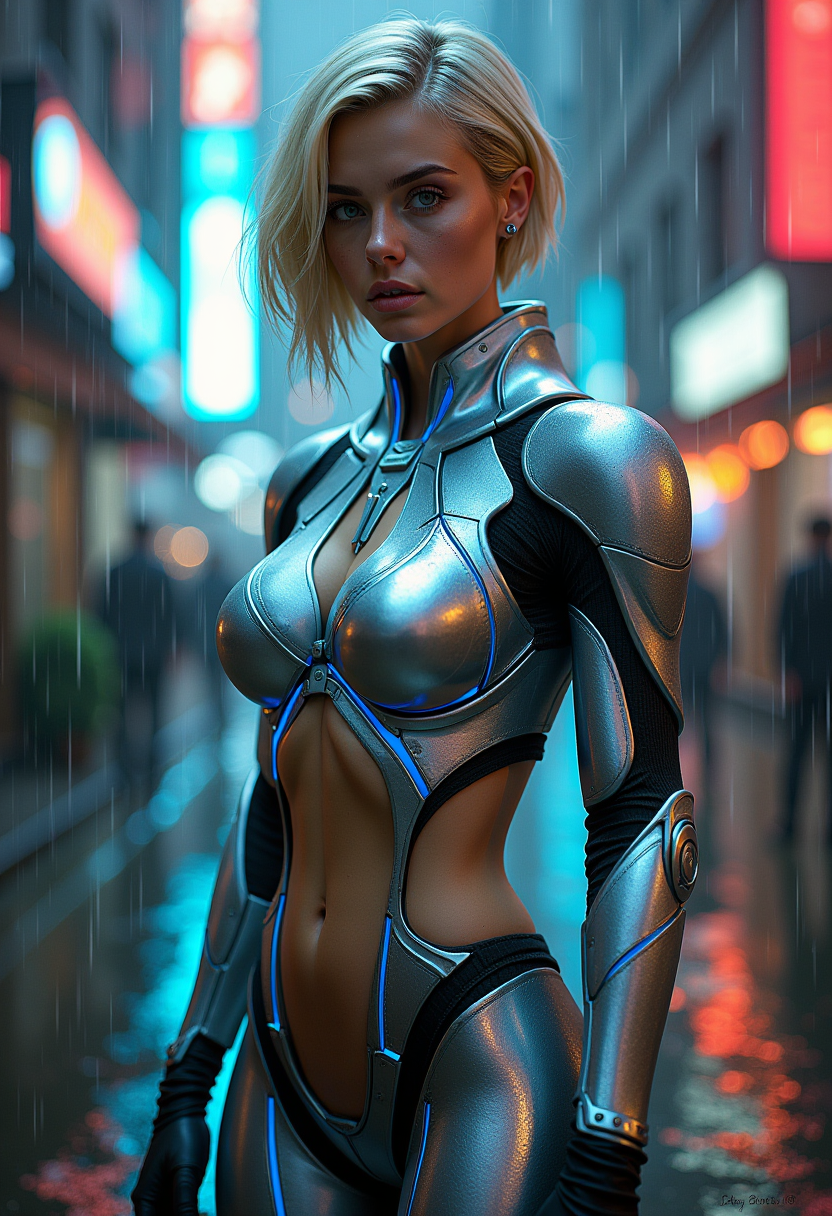



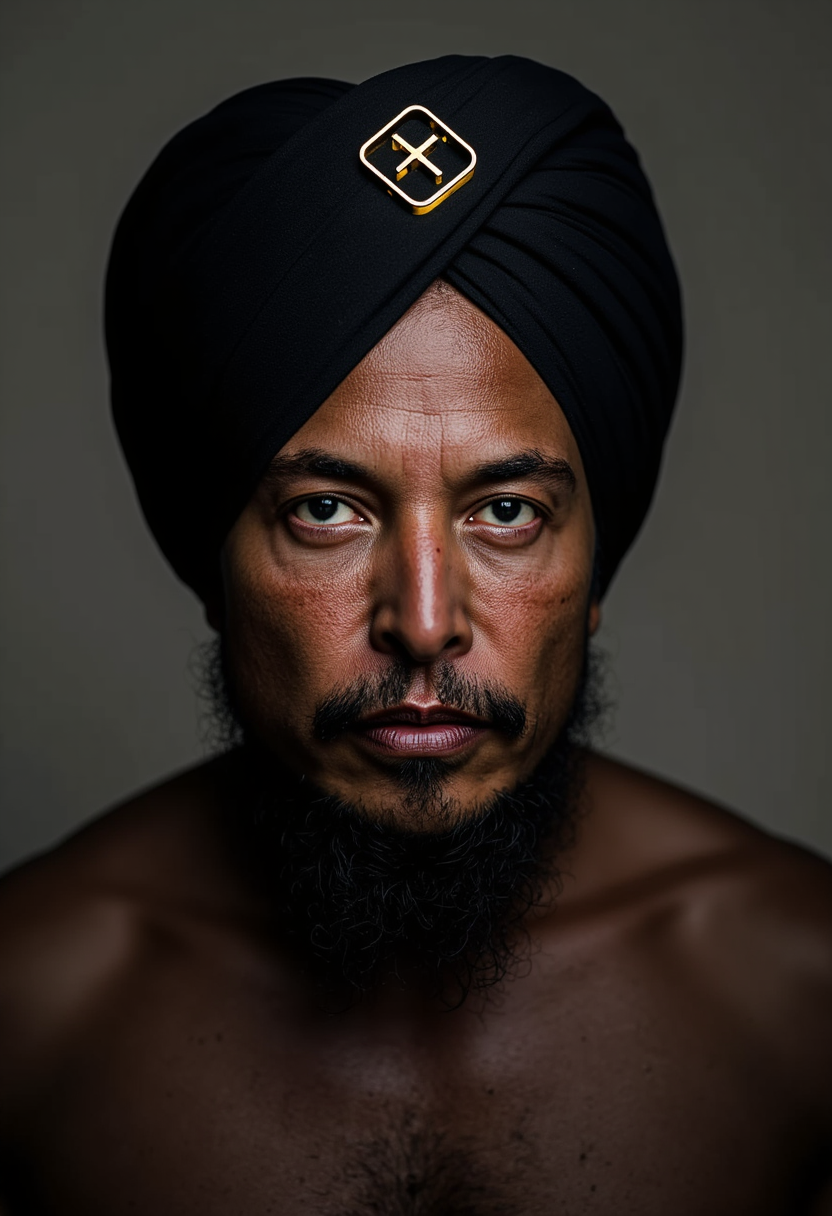

The Pixel Dojo Advantage
Why OpenClaw fal.ai skill stands out in AI image generation:
| Others | Pixel Dojo |
|---|---|
| Traditional Image Creation | Eliminates the need for manual design, saving time and resources. |
| Generic AI Tools | Offers seamless integration with OpenClaw, providing a more cohesive user experience. |
| Manual Photo Editing | Automates the creation process, allowing for rapid iteration and experimentation. |
Loved by creators on PixelDojo
Real feedback from people using PixelDojo, pulled from our in-product surveys.
Amazing features, easy to use, privacy
the number of options, and especially the quick response to questions on Discord
Love you guys!!
Trained my Lora super fast. Still working out how to creat content wit it, but I love it so far.
I love this app
It has all the tools I can think of...
Explore more AI tools on PixelDojo
AI Tools
Compare & Switch
- Best AI Image Generators
- Best AI Video Generators
- Midjourney Alternatives
- Civitai Alternatives
- Runway Alternatives
- Leonardo Alternatives
- Pika Alternatives
- Luma Alternatives
- Magnific Alternatives
- Veo Alternatives
- Flux Alternatives
- Freepik Alternatives
- Seedance Alternatives
- Seedream Alternatives
- Pixverse Alternatives
- GPT Image Alternatives
- Synthesia Alternatives
- Playground Alternatives
- NightCafe Alternatives
- Canva AI Alternatives
- ElevenLabs Alternatives
- ComfyUI Alternatives
- Fal Alternatives
- Replicate Alternatives
Common Questions
Everything you need to know about openclaw fal.ai image skill
How do I install the OpenClaw fal.ai skill?
You can install the fal.ai skill by running the command: `npx clawhub@latest install fal-ai` in your terminal.
What AI models are supported by the fal.ai skill?
The fal.ai skill supports various AI models, including FLUX, SDXL, and Recraft, allowing for diverse image generation capabilities.
Is an API key required to use the fal.ai skill?
Yes, you need to obtain an API key from fal.ai and configure it in your environment to use the skill.
Can I customize the generated images?
Absolutely! You can provide specific prompts to tailor the generated images to your exact requirements.
Is the fal.ai skill compatible with all OpenClaw versions?
The fal.ai skill is designed to be compatible with the latest versions of OpenClaw. Ensure your system is up to date for optimal performance.
Where can I find more information about the fal.ai skill?
Detailed information and documentation are available on the official fal.ai skill page.