Outdoor adventure clothing AI Generator
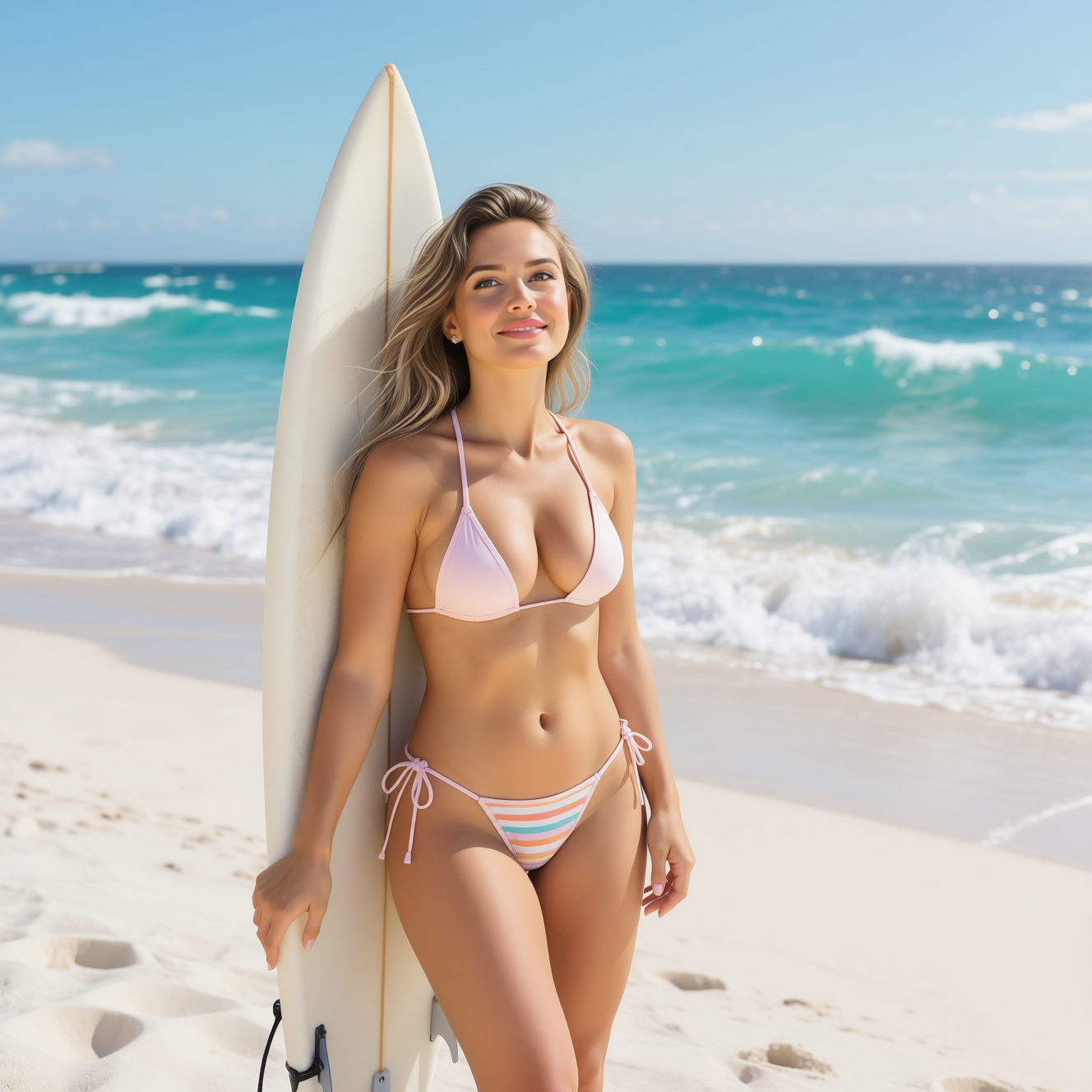
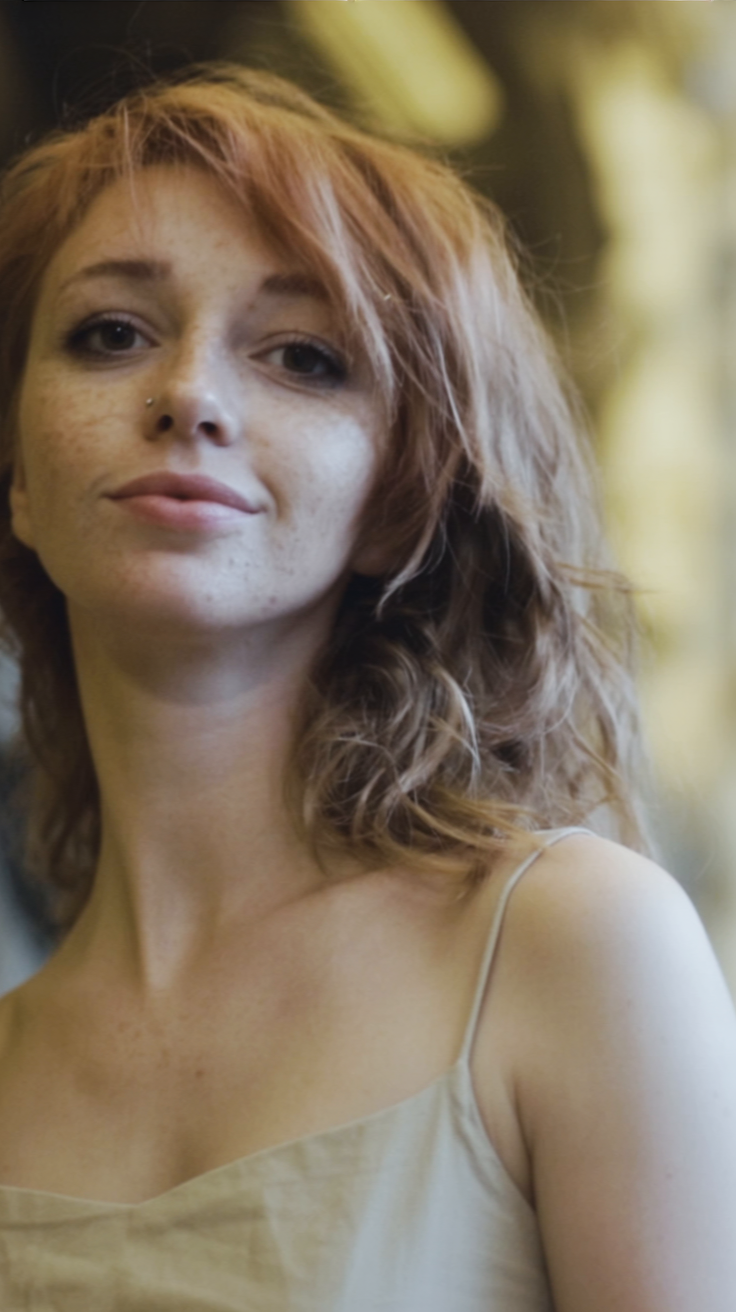
Bring your outdoor adventure clothing designs to life with PixelDojo's advanced AI tools. Whether you're a designer, marketer, or content creator, our platform enables you to generate realistic, high-quality images that showcase your apparel in stunning natural settings. Elevate your brand's visual appeal and captivate your audience effortlessly.
Join thousands of creators who have enhanced their visual content with PixelDojo's AI tools. Our platform boasts a 4.8/5 user satisfaction rating and has been featured in leading design publications.
Why Choose Pixel Dojo for Outdoor adventure clothing
Professional-quality results with cutting-edge AI technology
Effortless High-Quality Image Creation
Generate photorealistic images of your outdoor clothing in diverse environments without the need for costly photoshoots.
Versatile Customization Options
Tailor every aspect of your images, from landscapes to lighting, ensuring your apparel is presented exactly as envisioned.
Accelerated Design and Marketing Processes
Streamline your workflow by quickly producing visuals that resonate with your target audience, reducing time-to-market.
How It Works
Creating compelling outdoor adventure clothing images with PixelDojo is simple and intuitive. Follow these steps to bring your designs to life:
Step 1: Select the Appropriate AI Tool
Choose from PixelDojo's suite of AI tools tailored for image creation, such as Flux Creator or SDXL Image Creator, to begin your project.
Step 2: Input Your Design and Preferences
Upload your clothing designs and specify desired settings like environment, time of day, and weather conditions to customize the scene.
Step 3: Generate and Refine Your Image
Initiate the AI generation process and make any necessary adjustments to achieve the perfect visual representation of your apparel.
The Pixel Dojo Advantage
Discover why PixelDojo is the superior choice for generating outdoor adventure clothing images:
| Others | Pixel Dojo |
|---|---|
| Traditional Photoshoots | Eliminate the need for expensive and time-consuming location shoots by generating images digitally. |
| Generic AI Tools | Utilize specialized tools designed specifically for outdoor apparel, ensuring more accurate and appealing results. |
| Manual Photo Editing | Save hours of editing time with AI-driven processes that produce high-quality images instantly. |
Loved by creators on PixelDojo
Real feedback from people using PixelDojo, pulled from our in-product surveys.
Practically every Ai suite in one place? Who wouldn't?
versatile menu of tools
Best AI tool availble the suite is rad
Versatility quality, value, ROI, innovation
variety of tools available and prompt tools
A "one-stop-shop" for creators! Thanks!!
Explore more AI tools on PixelDojo
AI Tools
Compare & Switch
- Best AI Image Generators
- Best AI Video Generators
- Midjourney Alternatives
- Civitai Alternatives
- Runway Alternatives
- Leonardo Alternatives
- Pika Alternatives
- Luma Alternatives
- Magnific Alternatives
- Veo Alternatives
- Flux Alternatives
- Freepik Alternatives
- Seedance Alternatives
- Seedream Alternatives
- Pixverse Alternatives
- GPT Image Alternatives
- Synthesia Alternatives
- Playground Alternatives
- NightCafe Alternatives
- Canva AI Alternatives
- ElevenLabs Alternatives
- ComfyUI Alternatives
- Fal Alternatives
- Replicate Alternatives
Common Questions
Everything you need to know about Outdoor adventure clothing
How can I create realistic outdoor adventure clothing images using AI?
With PixelDojo's AI tools like Flux Creator, you can generate lifelike images by uploading your designs and customizing environmental settings to match your vision.
Is PixelDojo suitable for beginners in AI image generation?
Absolutely! PixelDojo's user-friendly interface and guided processes make it accessible for users of all skill levels to create professional-quality images.
Can I customize the backgrounds and settings in my generated images?
Yes, PixelDojo allows you to tailor every aspect of your image, including backgrounds, lighting, and weather conditions, to perfectly showcase your apparel.
What file formats are supported for uploading my clothing designs?
PixelDojo supports various file formats, including JPEG, PNG, and SVG, ensuring compatibility with your design files.
How does PixelDojo ensure the quality of generated images?
Our advanced AI algorithms are trained on diverse datasets to produce high-resolution, photorealistic images that meet professional standards.
Is there a trial period available for PixelDojo's services?
Yes, we offer a trial period so you can explore our tools and see how they fit your needs before committing to a subscription.