outpaint online AI Generator
Generated on PixelDojo. Produced by PixelDojo's generation pipeline.
You no longer have to crop your best photos or reshoot entire scenes just to fit a new platform. With PixelDojo you outpaint online in seconds and watch any image grow into the exact size you need while keeping every important detail perfectly intact. Take a square portrait and turn it into a wide YouTube thumbnail, stretch a landscape into a tall Instagram Story, or add breathing room around a product shot so headlines and badges sit naturally. Our Image Outpainting tool studies the lighting, textures, perspective and style of your original photo, then generates new content that looks as if the camera had captured a wider frame from the start. You get campaign-ready banners, social assets and print files without Photoshop skills, without hours of cloning, and without visible seams. Thousands of creators already use PixelDojo every day to transform ordinary shots into versatile, high-converting visuals that work across every channel. Start with a photo you already love, expand it in any direction, and download a result that looks professionally shot for that exact format.
Real image examples generated on PixelDojo
Every example below was produced on PixelDojo. Hover to see the prompt.
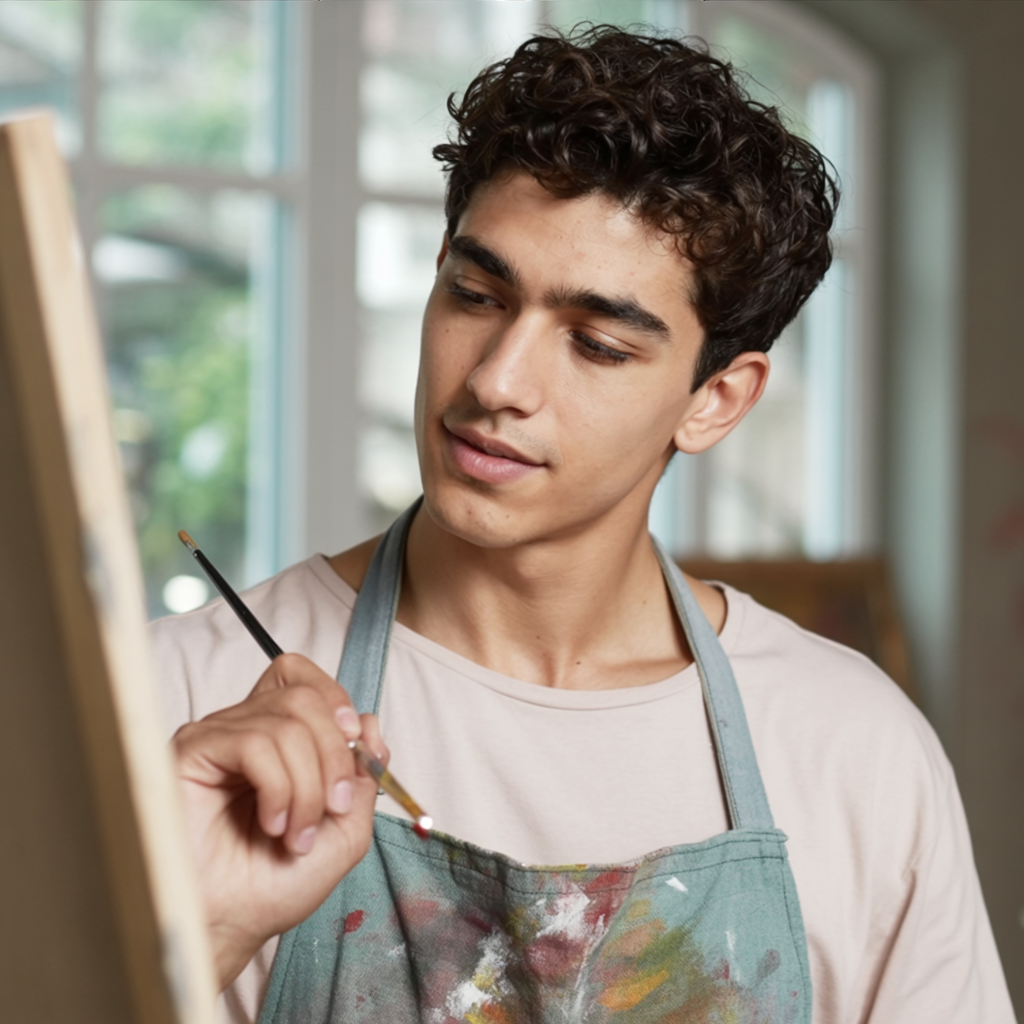
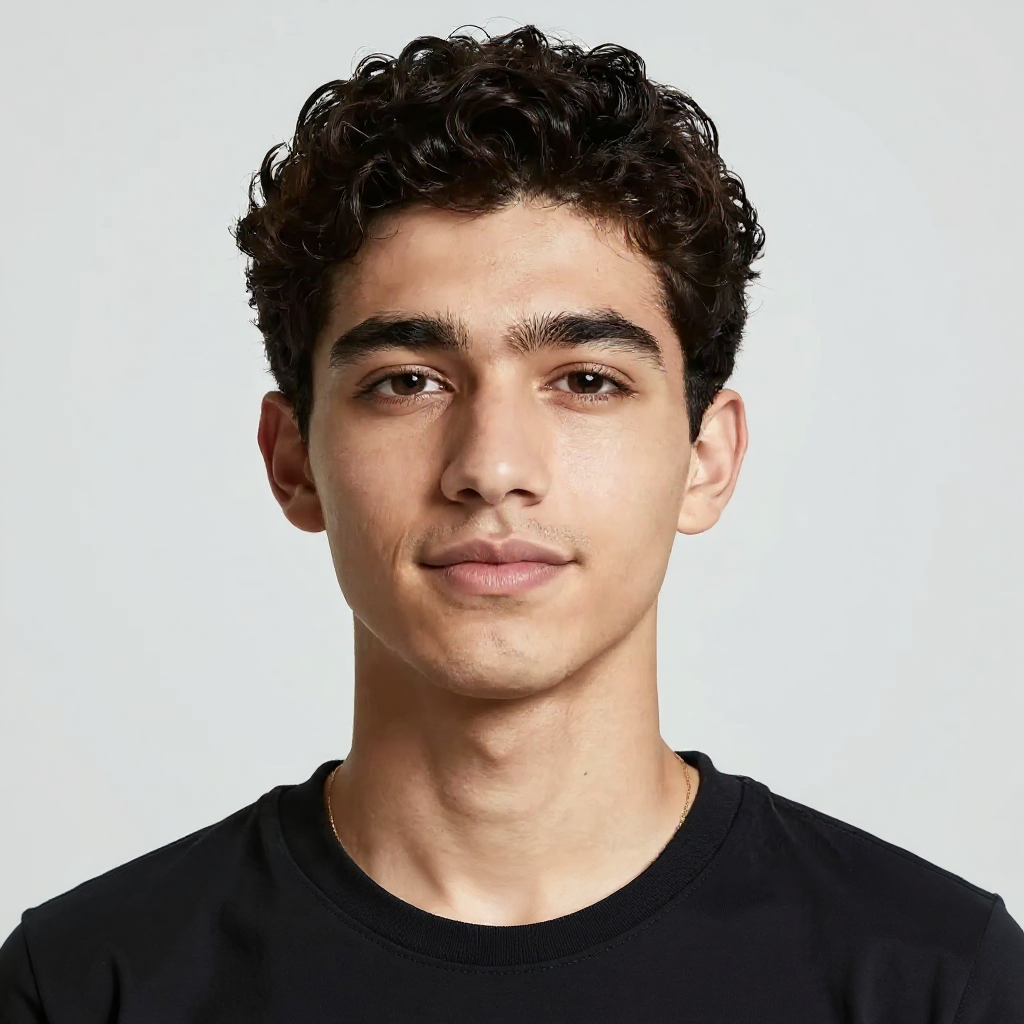
The same person painting at an art studio easel
ideogram-character
The same person painting at an art studio easel
consistent-characters
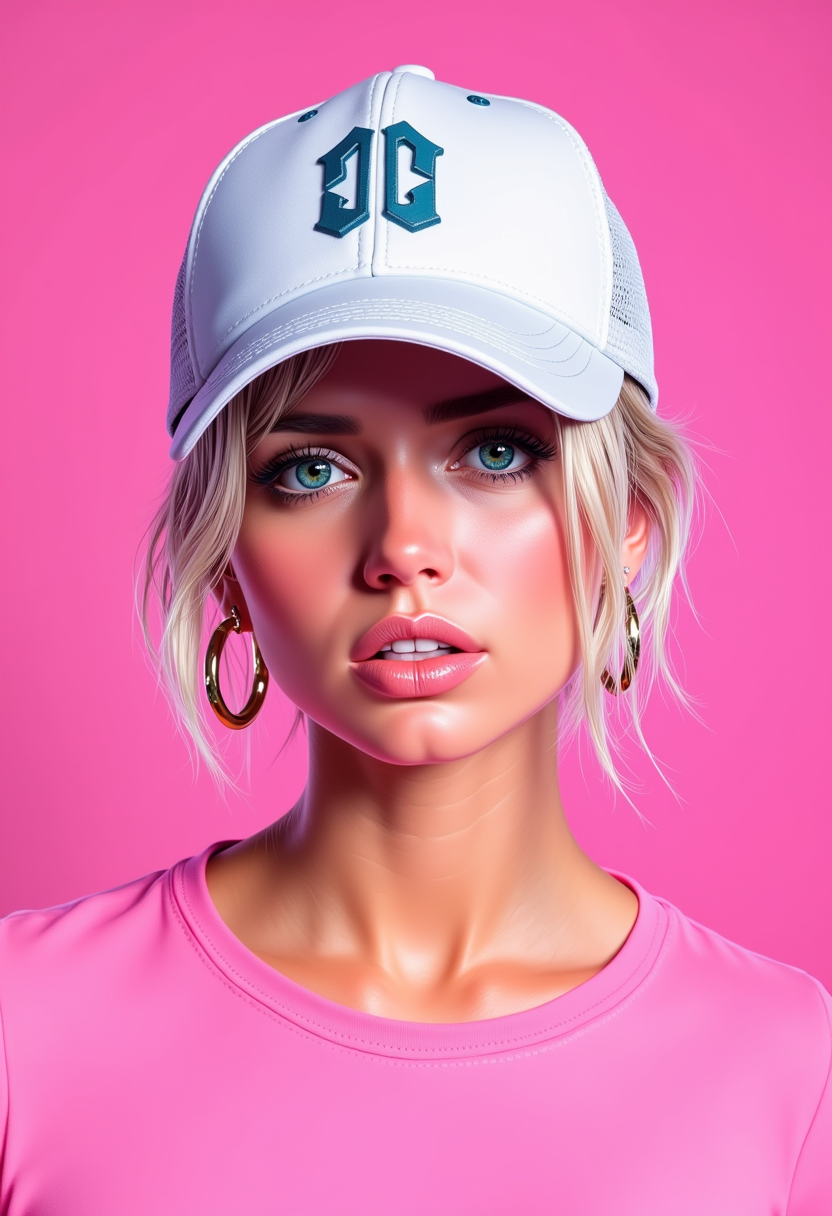
A photo of ANA$
flux
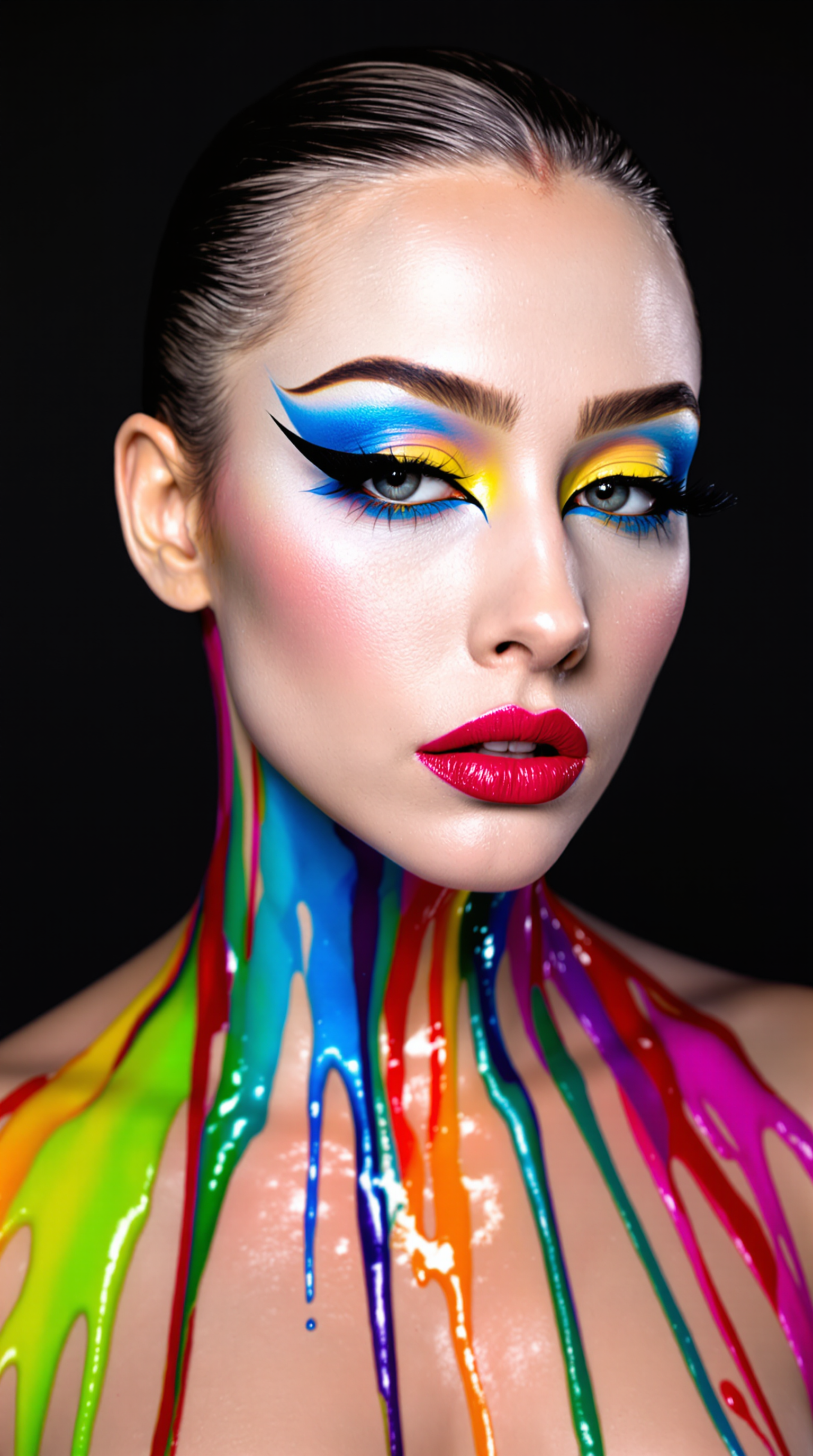
This image is a portrait of a person with a highly stylized and artistic makeup look
flux
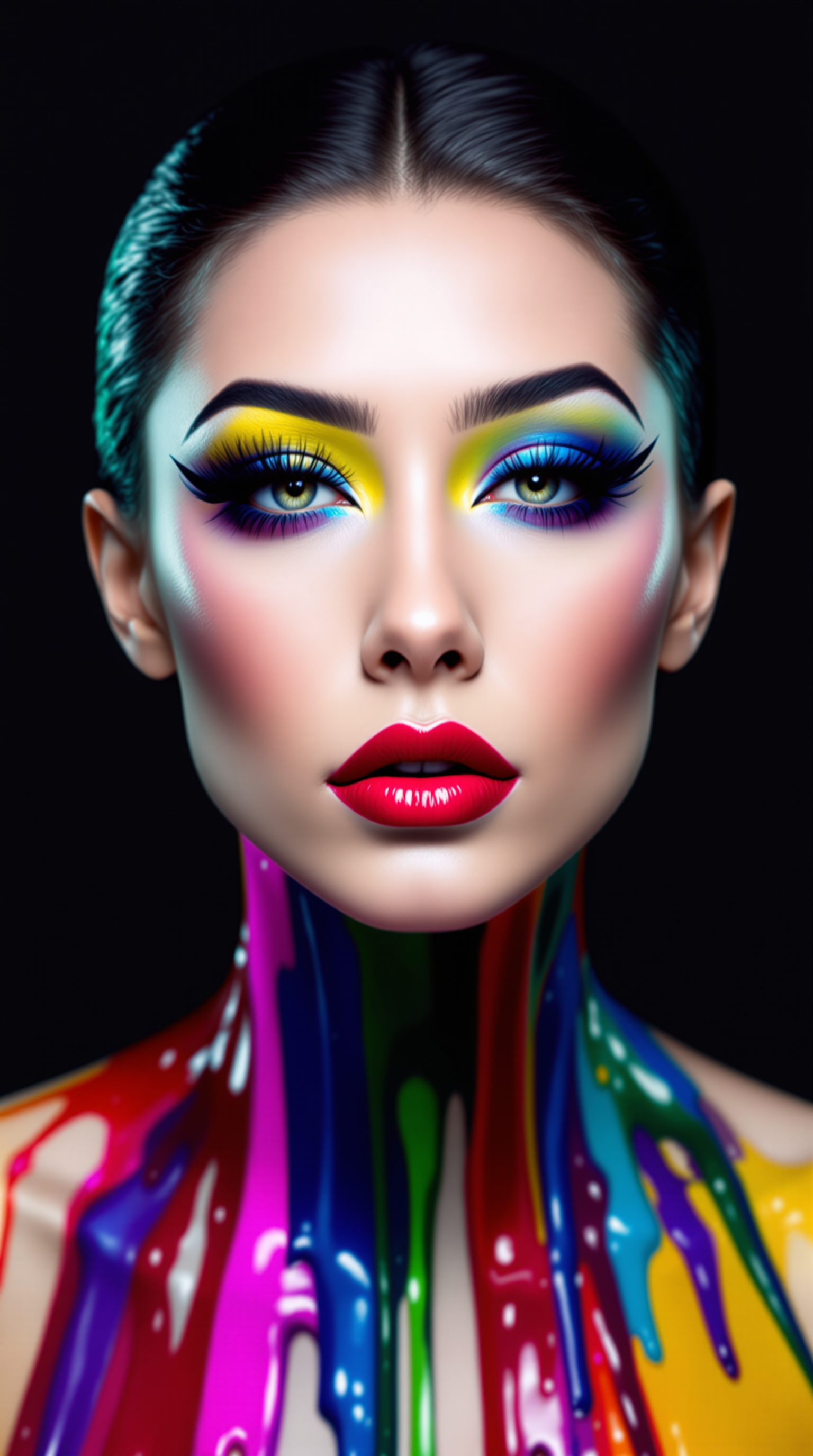
This image is a portrait of a person with a highly stylized and artistic makeup look
flux
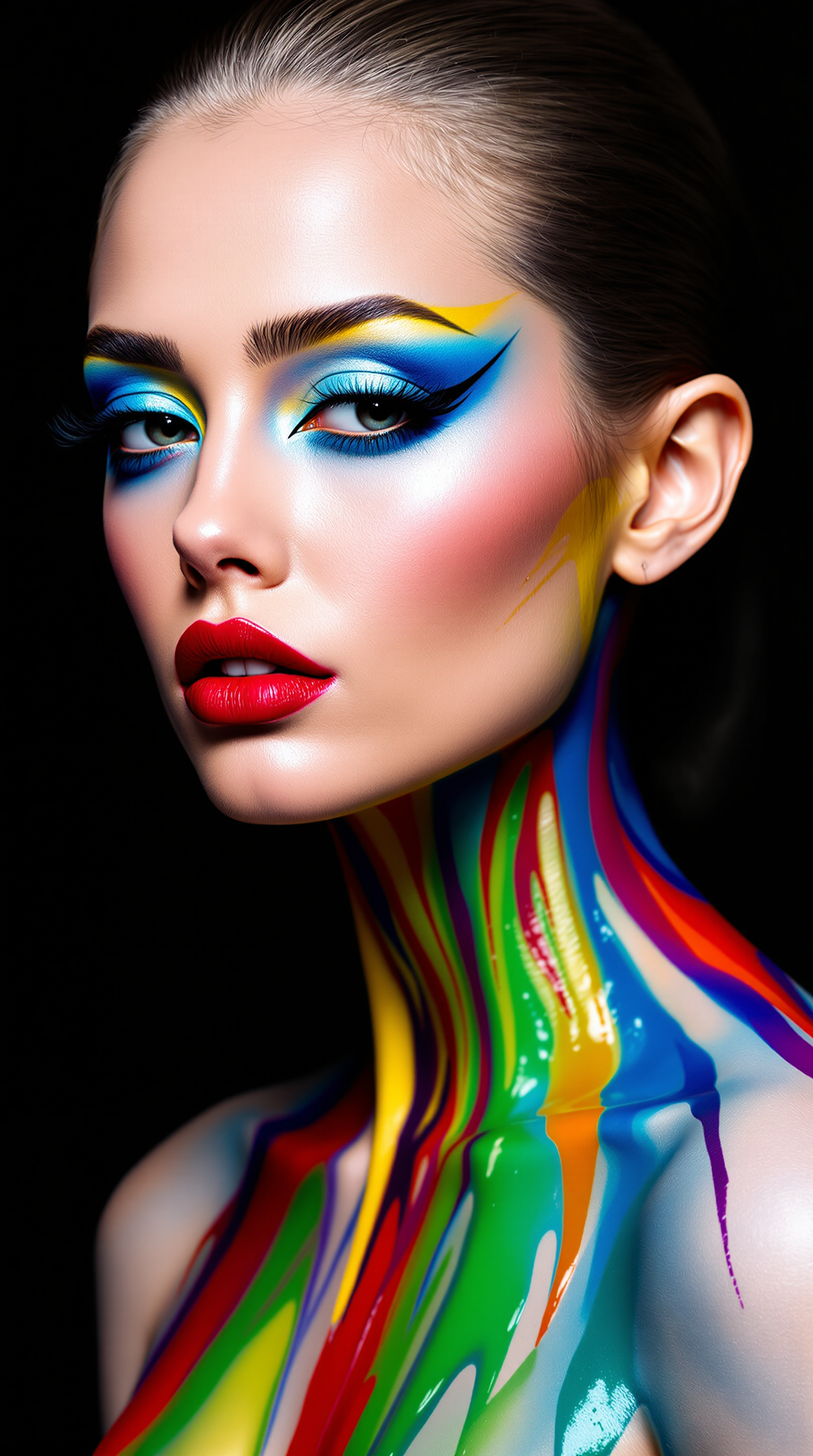
This image is a portrait of a person with a highly stylized and artistic makeup look
flux
Models you can run on PixelDojo for outpaint online
Switch models without switching tools. Each one runs in the same PixelDojo studio.
What you can do with outpaint online on PixelDojo
Extend images in browser
We let you outpaint online so you can grow a photo or generation past its original edges without leaving the page. You keep the existing subject and add new canvas around it.
Match lighting and style
We fill the extra area so color, lighting, and texture stay consistent with the source image. You can expand portraits, scenes, and product shots without a hard crop line.
Set direction and amount
We give you control over which sides grow and how far the canvas goes. You choose the extra space you need for social crops, print layouts, or wider compositions.
Iterate and export results
We keep your outpaint runs in the same workspace so you can refine a frame and download the finished image. You stay in one flow from original file to extended output.
Loved by thousands of creators worldwide. Access 40+ cutting-edge AI tools including Image Outpainting, Flux.2 Studio, GPT Image 2 and more. Cancel anytime – start creating today.
Why Choose Pixel Dojo for outpaint online
Professional-quality results with cutting-edge AI technology
Fit Every Platform Without Losing Your Subject
You convert a tight square photo into a 16:9 banner or 9:16 story while your main subject stays perfectly centered and uncropped. PixelDojo Image Outpainting plus Flux.2 Studio and GPT Image 2 generate matching backgrounds so every asset looks custom-created for YouTube, Instagram, LinkedIn or print.
Launch Campaigns in Minutes Instead of Hours
You skip the tedious cloning and blending that used to eat entire afternoons. Upload once, choose directions, add a simple prompt and generate multiple sizes instantly. Combine Image Outpainting with P-Image Upscale and Marketing Studio to go from one photo to a full set of ads, stories and headers before lunch.
Build Cinematic Scenes from Everyday Photos
You turn a simple landscape into a sweeping panorama or add rich environmental context around a product without a new photoshoot. Prompt-guided outpainting on PixelDojo lets you decide what appears in the new areas while the AI keeps lighting, grain and perspective consistent for results that feel photographed, not generated.
How It Works
PixelDojo makes outpainting online simple and powerful. Start with any photo, use our dedicated Image Outpainting tool together with models like Flux.2 Studio or GPT Image 2, and walk away with perfectly extended images in three easy steps.
Step 1: Upload to Image Outpainting
Open PixelDojo, go to Edit Images and select Image Outpainting. Upload your photo—whether it came from Grok Image, Flux.1 Studio, a phone camera or stock. Choose which sides to expand (left, right, up, down or all four) and set your target aspect ratio. The canvas instantly shows the extra space that will be filled.
Step 2: Guide the Extension with a Prompt
Type a short description of what should appear in the new areas, such as “continue the golden-hour beach with more ocean waves and matching sunlight” or “extend the office wall with the same wood texture and window light.” Even a simple prompt dramatically improves consistency. PixelDojo’s models read the original image context so the new pixels blend invisibly.
Step 3: Generate, Polish and Download
Hit generate and review the result at full resolution. Use Inpainting for any tiny fixes, Magic Lighting or Style Transfer for extra harmony, then P-Image Upscale or Magnific Upscaler for print-ready quality. Download in the exact size you need or send the image straight into Marketing Studio, VEO 3.1 or Kling Video for motion. The whole process takes less than a minute.
The Pixel Dojo Advantage
Why PixelDojo outperforms other options for outpaint online image generation
| Others | Pixel Dojo |
|---|---|
| Traditional photo editing software | You spend hours cloning, healing and matching lighting only to still see seams. PixelDojo Image Outpainting plus Flux.2 Studio and GPT Image 2 deliver photorealistic extensions in seconds with zero manual blending. |
| Generic one-model AI tools | Most platforms lock you into a single model with limited control. PixelDojo gives you 40+ specialized tools including dedicated Image Outpainting, Flux.2 Studio, GPT Image 2, Inpainting and professional upscalers so you always pick the best engine for the job. |
| Manual cropping or stretching | Cropping cuts off faces and products; stretching distorts everything. PixelDojo generates brand-new matching content so your subject stays whole and the extra space looks like it was always part of the original photograph. |
Loved by creators on PixelDojo
Real feedback from people using PixelDojo, pulled from our in-product surveys.
Tons of variety. Ease of use. Tools for beginners and advance users.
easiest workflow to get best output image or video
awesome functionality, UX, constant flood of improvements, discord interactivity
Awesome site with so many features
Love how I can almost create anything
The Flux Pro Ultra is just amazing!
Explore more AI tools on PixelDojo
AI Tools
Compare & Switch
- Best AI Image Generators
- Best AI Video Generators
- Midjourney Alternatives
- Civitai Alternatives
- Runway Alternatives
- Leonardo Alternatives
- Pika Alternatives
- Luma Alternatives
- Magnific Alternatives
- Veo Alternatives
- Flux Alternatives
- Freepik Alternatives
- Seedance Alternatives
- Seedream Alternatives
- Pixverse Alternatives
- GPT Image Alternatives
- Synthesia Alternatives
- Playground Alternatives
- NightCafe Alternatives
- Canva AI Alternatives
- ElevenLabs Alternatives
- ComfyUI Alternatives
- Fal Alternatives
- Replicate Alternatives
Common Questions
Everything you need to know about outpaint online
How do I outpaint an image online without installing any software?
You simply open PixelDojo in any browser, go to Edit Images > Image Outpainting, upload your photo and generate. Everything happens in the cloud using models like Flux.2 Studio and GPT Image 2. No downloads, no plugins, works on phone, tablet or desktop. You can start with a free trial and cancel anytime.
What is the best way to uncrop photos using AI outpainting for social media?
Upload a high-quality original to PixelDojo Image Outpainting, expand one direction at a time if the change is large, and add a prompt that describes the new area (for example “more sky with the same sunset colors”). Then use P-Image Upscale so the extra pixels stay sharp on Instagram Stories, TikTok or YouTube. Thousands of creators follow this exact workflow every day.
Can I use AI outpainting for e-commerce product photos that need different marketplace sizes?
Absolutely. Tight product shots become Amazon, Shopify or Etsy-ready in seconds. First remove the background if needed with Background Remover, then outpaint with Image Outpainting to add matching surfaces, shadows and environment. Combine with Virtual Try-On or Flux Pro Virtual Try-On for even richer listings. You keep the product pixel-perfect while the extra space looks naturally photographed.
How can I make sure my outpainted images have no visible seams or lighting mismatches?
PixelDojo’s Image Outpainting together with Magic Lighting, Style Transfer and Reality Polisher automatically matches color temperature, grain and perspective. For extra-large expansions, generate in two or three smaller passes. Always zoom to 100 percent before downloading. The combination of dedicated outpainting models and refinement tools produces results that even professional retouchers struggle to tell apart from original photography.
Is there a risk-free way to try professional AI outpainting online?
Yes. PixelDojo lets you test Image Outpainting, Flux.2 Studio, GPT Image 2 and 40+ other tools with a simple trial. You can cancel anytime. Start with one photo, expand it to several aspect ratios, and see the quality yourself. Most users never go back to cropping or expensive reshoots once they experience how fast and natural the results are.
Which PixelDojo tools work together with Image Outpainting for the highest-quality results?
Generate the starting image with Flux.2 Studio, GPT Image 2 or Grok Image, then expand it with Image Outpainting. Polish edges with Inpainting, match lighting with Magic Lighting, boost resolution with P-Image Upscale or Magnific Upscaler, and even turn the final still into video with Marketing Studio or VEO 3.1. The entire 40-tool ecosystem is designed so every step stays consistent and professional.