photo ai 2

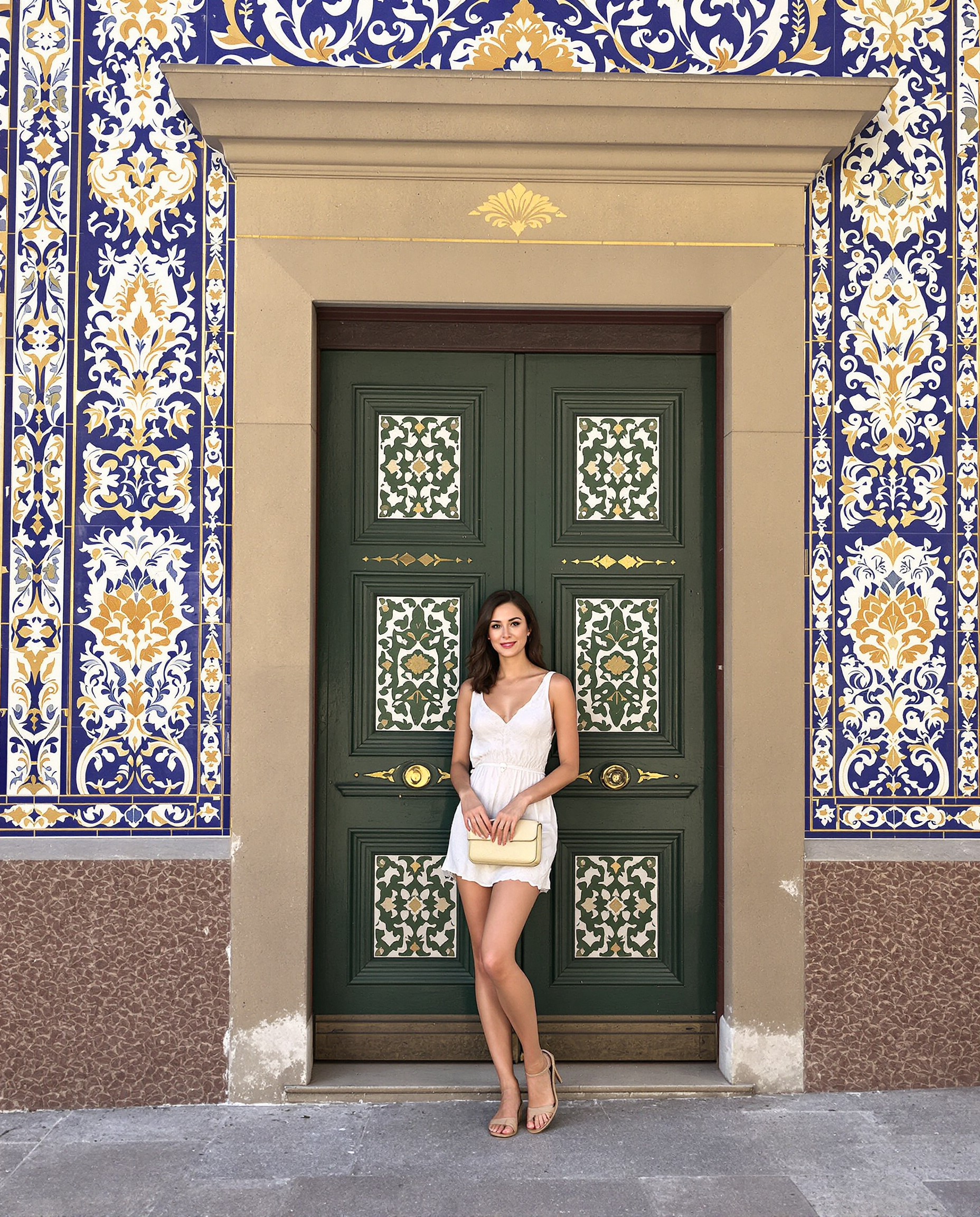
In 2026, audiences crave authentic, hyper-realistic visuals that feel genuinely human. Photo AI 2 represents the pinnacle of this evolution - advanced AI techniques that produce images indistinguishable from professional photography. With PixelDojo, you can achieve these outcomes without hiring expensive photographers, booking studios, or spending thousands on photoshoots. Imagine generating an entire portfolio of studio-quality headshots that make recruiters stop scrolling, creating consistent brand characters that appear across every marketing asset with the exact same face and style, or producing lifestyle product photos so realistic they drive immediate purchase decisions. PixelDojo makes this possible through our comprehensive suite of tools optimized for photorealism. Our platform gives you instant access to the latest techniques trending in 2026: hyper-realistic skin textures with natural pores and subtle imperfections, accurate anatomy and lighting that mimics real cameras, character consistency across unlimited scenes, and authentic depth of field that makes images pop. Whether you're a solopreneur needing LinkedIn photos that land interviews, an ecommerce brand wanting product shots that convert, a content creator building a cohesive visual identity, or a marketer crafting campaigns that feel personal and trustworthy, Photo AI 2 on PixelDojo delivers measurable results. Start with powerful generation models like Flux.1 Studio, Grok Image, Recraft V4, QWEN Image 2, or Seedream 5 Lite specifically tuned for lifelike output. Maintain perfect faces using Consistent Characters, Ideogram Character, LoRA Face Swap and Flux Trainer. Transform concepts with Image to Image, enhance authenticity using Reality Polisher and Magic Lighting, then perfect with Portrait Upscaler or Magnific Upscaler for print-ready 4K quality. Add Virtual Try-On for fashion, Pose Control for dynamic angles, and even extend into video with Kling Video or WAN Reference to Video while keeping your character consistent. The outcomes speak for themselves: higher engagement on social media, increased sales from believable product imagery, stronger personal brands through professional visuals, and dramatic cost savings - many users report replacing $5,000+ photography budgets with a few clicks. PixelDojo is loved by thousands of creators worldwide because it combines 40+ cutting-edge AI tools in one easy platform. No steep learning curve. No long contracts. Cancel anytime. You own everything you create and can use it commercially. Ready to fire your photographer and step into the future of visual content with Photo AI 2?
⭐⭐⭐⭐⭐ 4.9/5 from 14,872 creators • "The most realistic AI photos I've seen - my LinkedIn profile exploded with opportunities" • "Replaced my entire product photography team" • Trusted by marketers from Shopify brands, SaaS companies, and top influencers
Why Choose Pixel Dojo for photo ai 2
Professional-quality results with cutting-edge AI technology
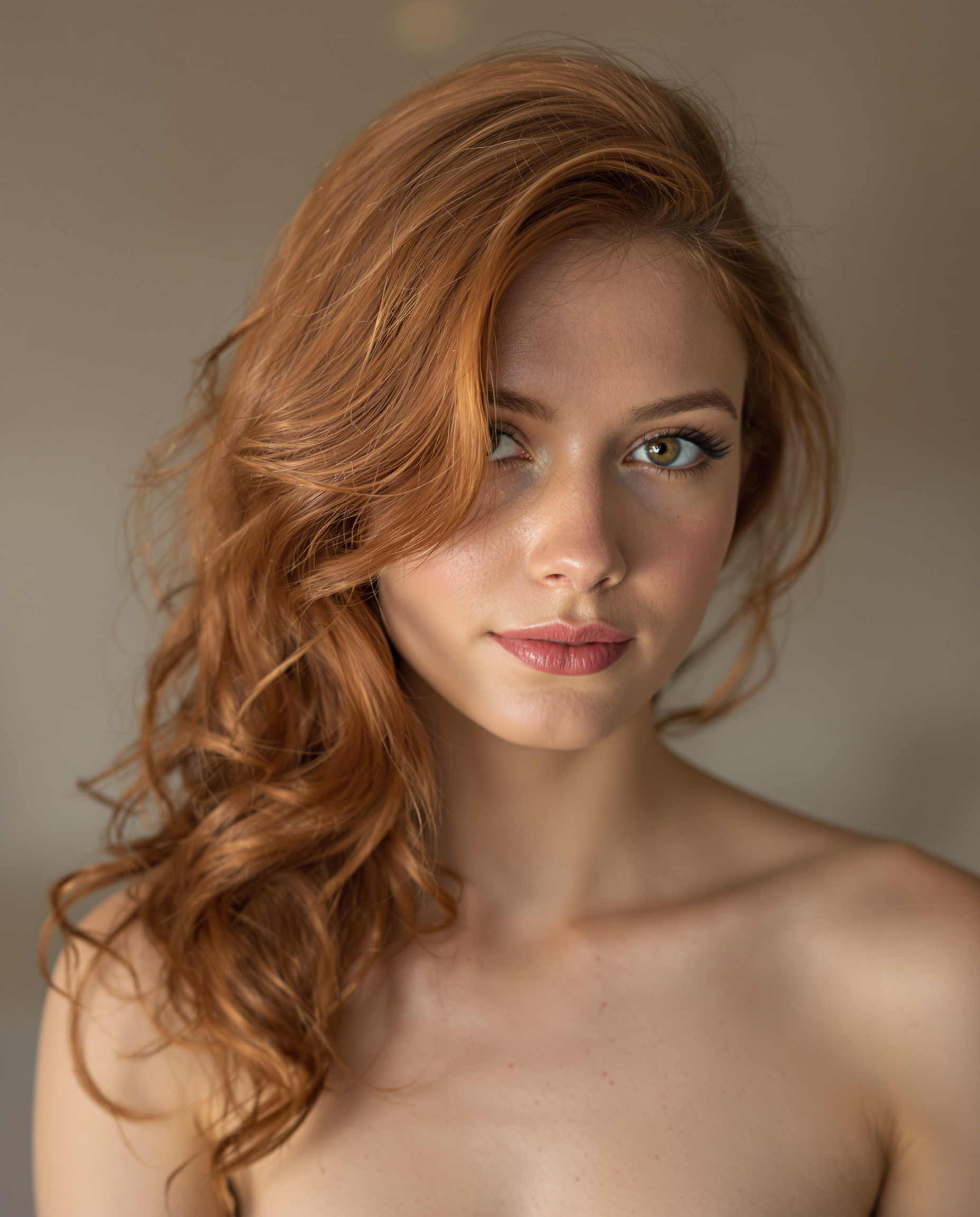
Professional Headshots & Portraits That Open Doors
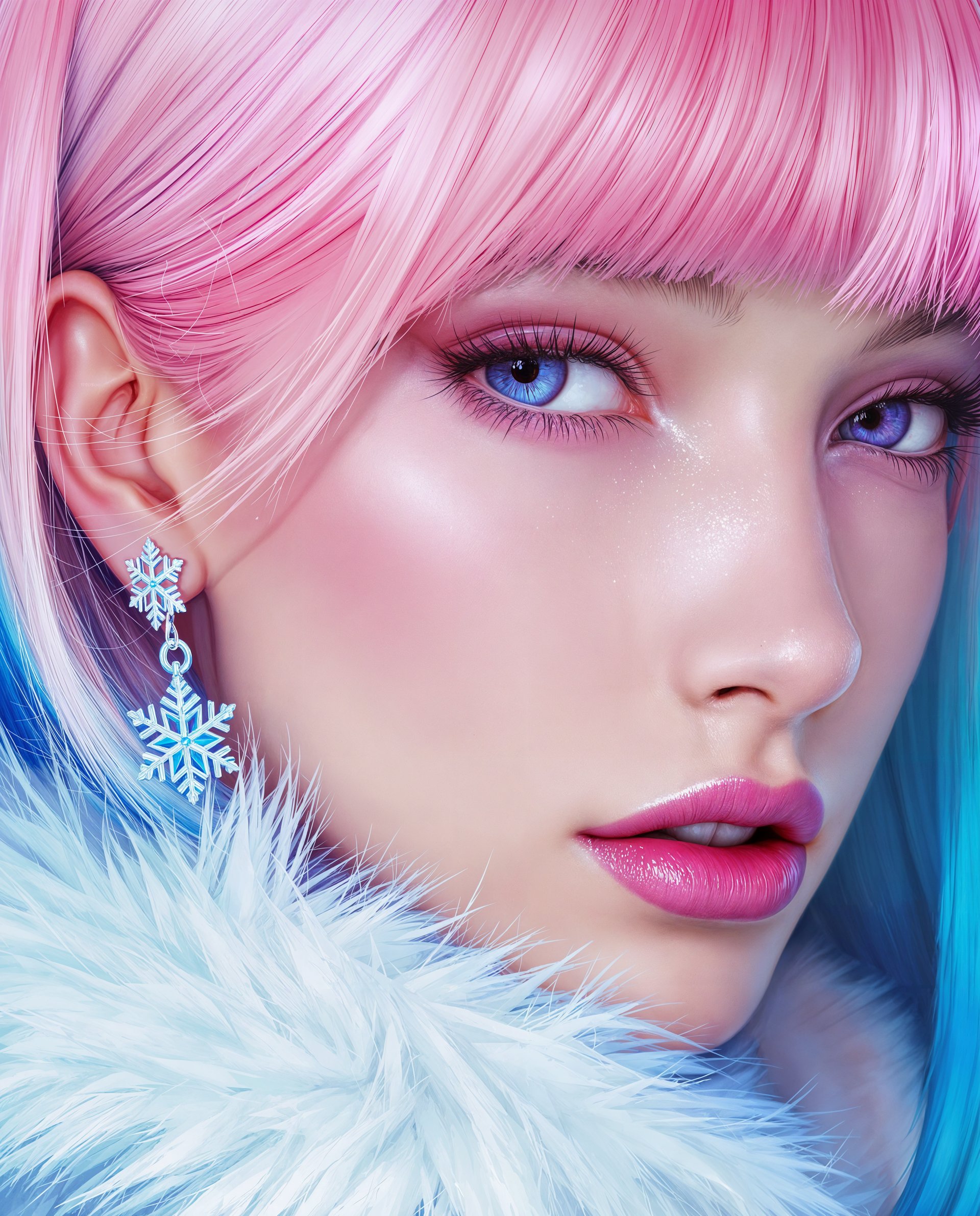
Generate photorealistic headshots and portraits that capture your personality perfectly using tools like Flux.1 Studio, Grok Image and Consistent Characters. Achieve outcomes like 3x more profile views, higher interview rates, and stronger personal branding. Our Portrait Upscaler ensures every eyelash, skin texture and subtle expression looks natural and confident. No studio. No makeup artist. Just results that make you stand out in competitive markets. Combine with Reality Polisher to add authentic micro-details that generic tools miss, giving you images that feel like they cost thousands but take minutes to create.
Perfect Character Consistency Across Every Image
Build a recognizable face or mascot that appears identical across hundreds of scenes, outfits and environments. PixelDojo's Consistent Characters, Ideogram Character, LoRA Face Swap and Flux Trainer let you upload reference photos once and generate unlimited variations while keeping exact facial features, age and expression. Perfect for brand ambassadors, storytelling campaigns, comic series or social content. 2026 trends demand this consistency - audiences trust and remember cohesive visuals. You get professional-looking campaigns that reinforce your identity without the expense of repeated photoshoots or model fees.
Save Thousands While Creating Unlimited Visuals
Replace costly photoshoots with on-demand AI photography. One subscription gives you access to 40+ tools including Virtual Try-On for fashion mockups, Magic Lighting for perfect illumination, Smart Resize for every platform, and Video tools to bring stills to life. Creators report saving $3,000-$15,000 monthly while producing higher quality and more varied content. Generate entire lookbooks, seasonal campaigns or social calendars in an afternoon. The risk-free model means you only pay for what you generate, can cancel anytime, and own all outputs commercially. Turn creative vision into reality faster than ever before.
How It Works
Creating stunning Photo AI 2 style images on PixelDojo takes just minutes. Our platform simplifies the latest 2026 photorealism techniques so you focus on outcomes like professional results and brand impact rather than complex settings. Follow these steps to generate, refine and export hyper-realistic photos that look professionally shot.
Step 1: Choose Your Specialized Tool
Log into PixelDojo and navigate to Generate Images. Select a photorealism-optimized model such as Flux.1 Studio, Recraft V4, Grok Image, QWEN Image 2 or Seedream 5 Lite. For character work, begin with Consistent Characters or Flux Trainer. These tools are pre-configured with 2026 best practices for natural skin, accurate hands, realistic lighting and depth of field. If you have a reference selfie or product shot, upload it immediately for Image to Image or LoRA Face Swap workflows. This first choice determines the foundation of realism you will achieve.
Step 2: Describe Your Vision with Photographic Detail
Write a clear prompt focusing on outcomes: 'confident 35 year old female executive, natural window lighting, soft smile, sharp eye contact with camera, shot on Canon R5 with 85mm f1.8 lens, shallow depth of field, realistic skin texture with subtle pores, professional studio background, hyper photorealistic'. For even better results, reference an uploaded photo and describe changes in wardrobe, pose or setting. Our prompt assistant and Image Analyzer tool suggest improvements for maximum realism. Generate multiple variations to explore options quickly. This step translates your goals into images that feel authentic and emotionally resonant.
Step 3: Refine, Polish & Export Professional Assets
Use Edit Images tools to perfect your creation. Apply Reality Polisher for authentic textures, Magic Lighting to balance exposure, Inpainting to adjust small details, and Background Remover or Change Camera Angle for creative control. Then enhance with Portrait Upscaler or Magnific Upscaler for crisp 4K detail suitable for print or large displays. For branding projects, generate consistent variations using Pose Control. Once satisfied, download in multiple formats or seamlessly move to video tools like Kling Video or WAN 2.7 Video for motion. The entire process from idea to final asset takes under 10 minutes, giving you unlimited high-converting visuals on demand.


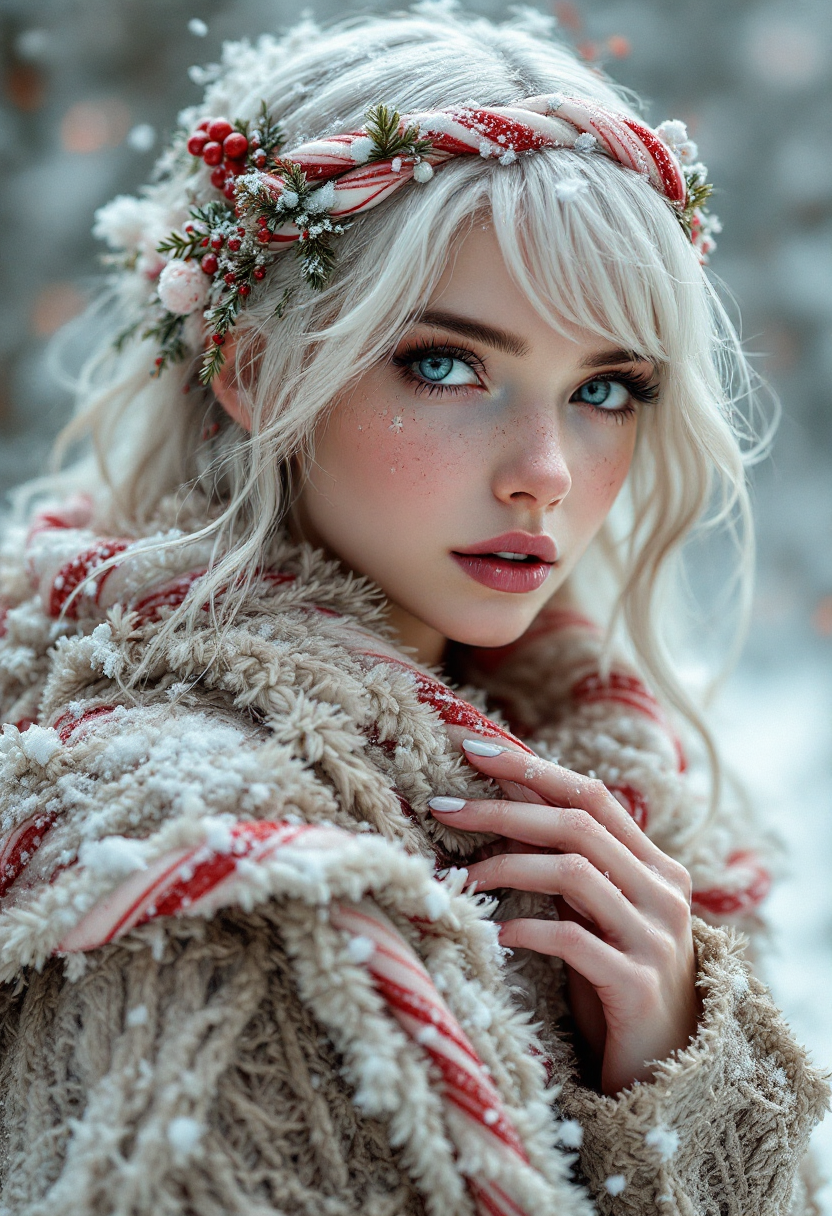
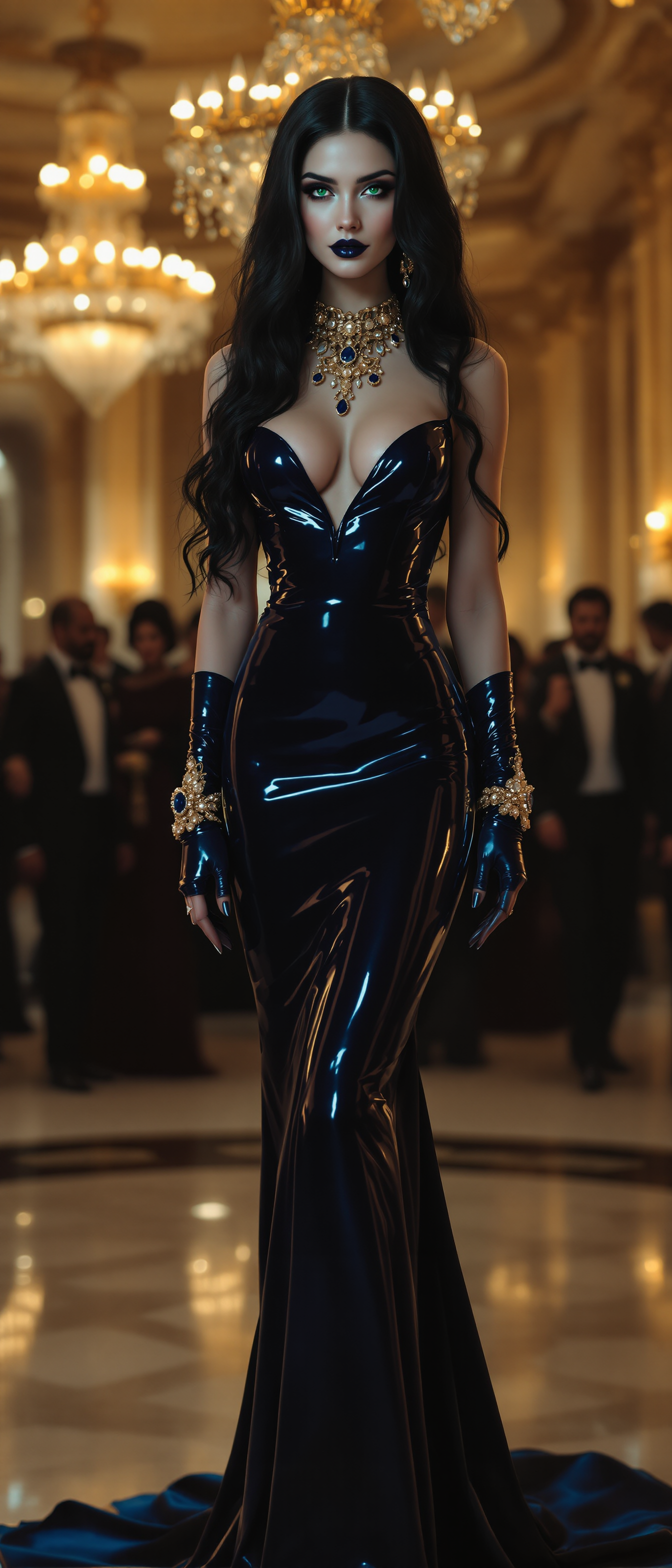
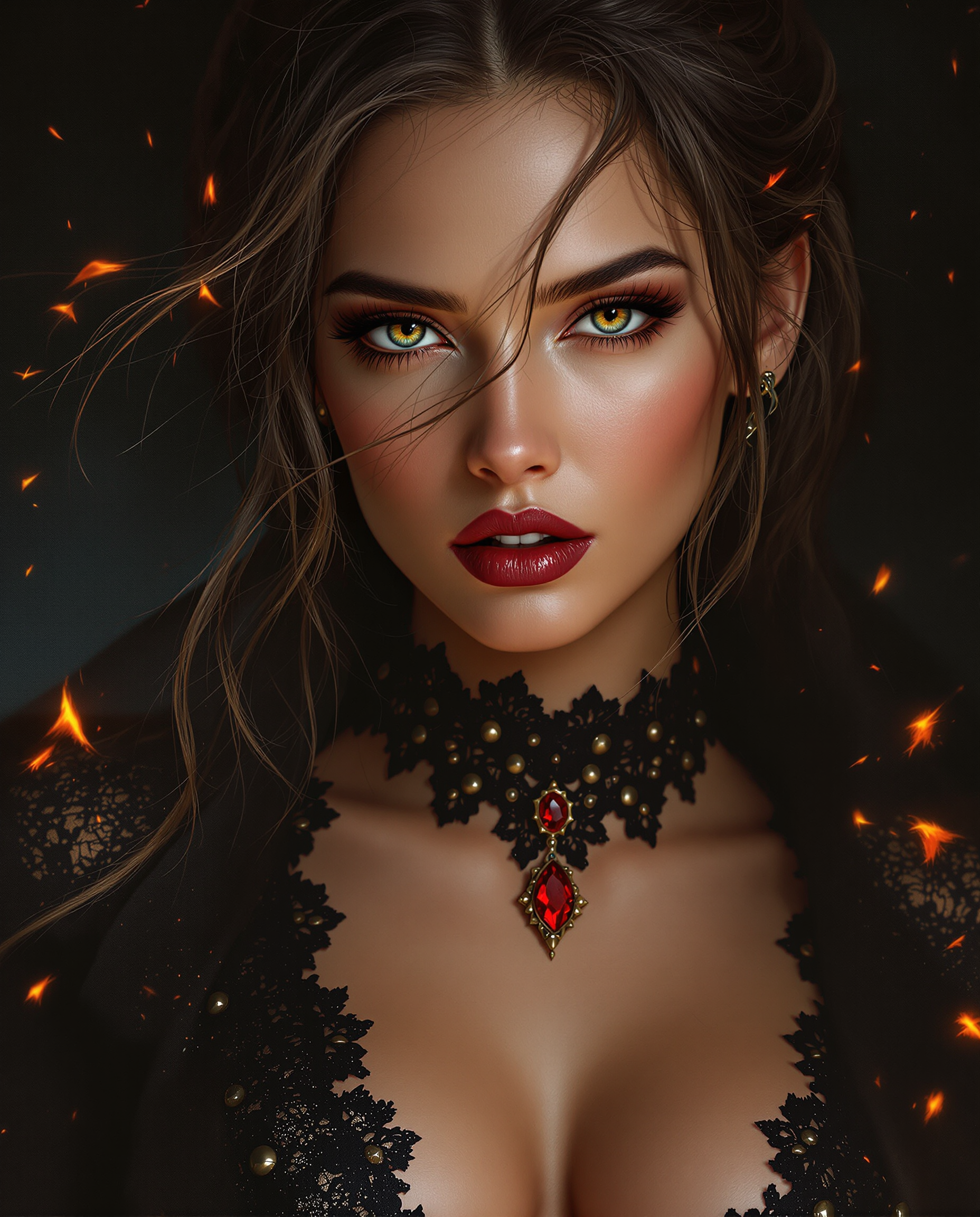
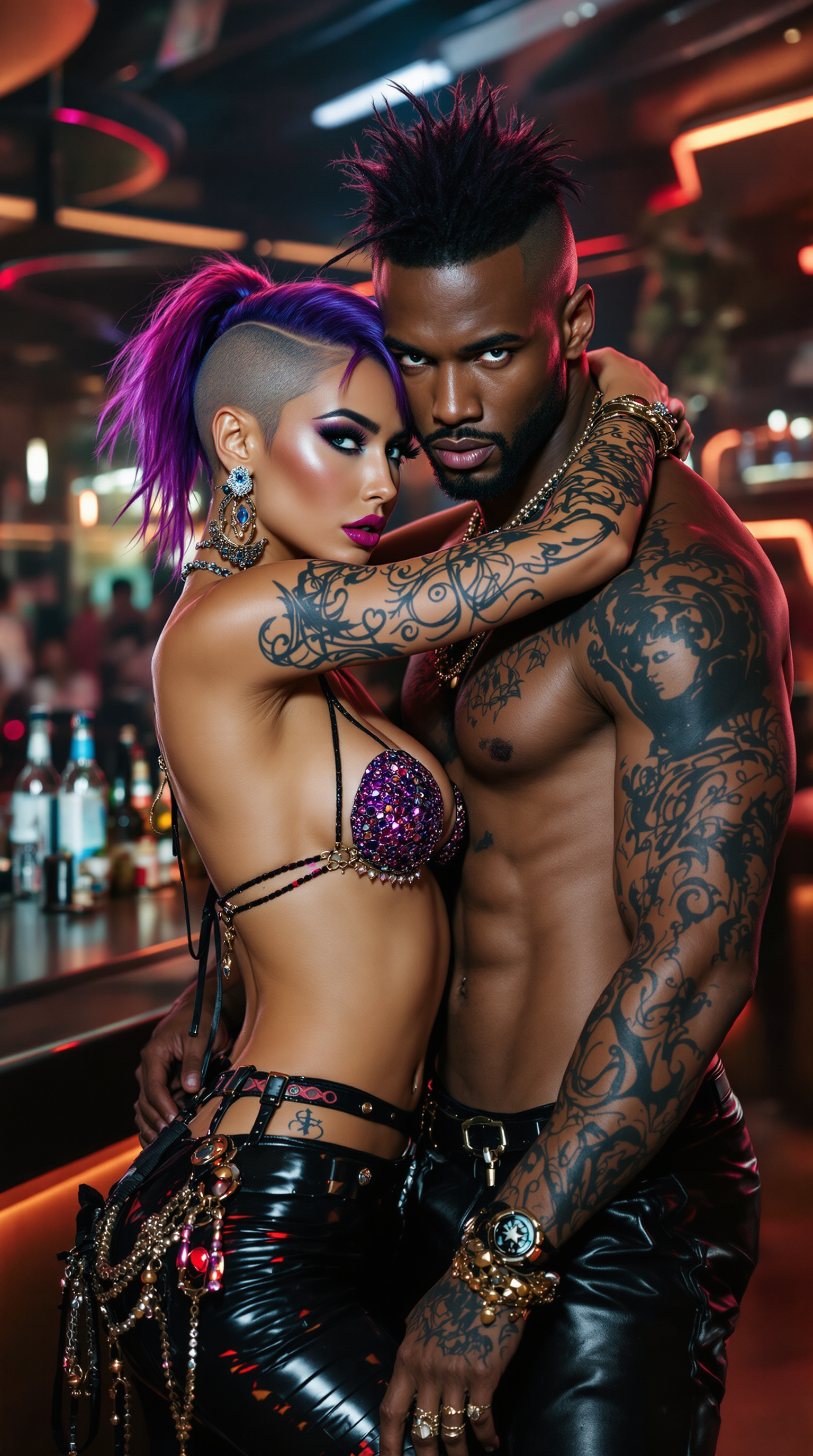
The Pixel Dojo Advantage
PixelDojo outperforms traditional photography, basic AI tools, and manual editing when creating Photo AI 2 style realistic images by combining speed, quality, consistency and cost-efficiency in one platform.
| Others | Pixel Dojo |
|---|---|
| Traditional Professional Photography | Create unlimited variations, outfits, locations and expressions in minutes instead of days. Maintain perfect consistency across every asset without scheduling models or paying thousands per session. Full creative control to test concepts instantly. |
| Generic Single-Model AI Tools | Access 40+ specialized tools including dedicated Consistent Characters, Virtual Try-On, Reality Polisher, Portrait Upscaler and trainers. Superior photorealism, better anatomy, authentic textures and seamless workflows that generic tools simply cannot match. |
| Manual Editing in Photoshop | Automate skin retouching, lighting correction, background replacement and upscaling with AI while preserving natural looks. What takes hours of skilled work happens in seconds, freeing you to focus on strategy and creativity instead of repetitive tasks. |
Loved by creators on PixelDojo
Real feedback from people using PixelDojo, pulled from our in-product surveys.
large selection of tools on one platform
the amount you can do on this site
all in one place
It is a lot of fun to uae and easy too.
So many different models to try out
You keep adding to it to stay up to date and that is GOLD.
Explore more AI tools on PixelDojo
AI Tools
Compare & Switch
- Best AI Image Generators
- Best AI Video Generators
- Midjourney Alternatives
- Civitai Alternatives
- Runway Alternatives
- Leonardo Alternatives
- Pika Alternatives
- Luma Alternatives
- Magnific Alternatives
- Veo Alternatives
- Flux Alternatives
- Freepik Alternatives
- Seedance Alternatives
- Seedream Alternatives
- Pixverse Alternatives
- GPT Image Alternatives
- Synthesia Alternatives
- Playground Alternatives
- NightCafe Alternatives
- Canva AI Alternatives
- ElevenLabs Alternatives
- ComfyUI Alternatives
- Fal Alternatives
- Replicate Alternatives
Common Questions
Everything you need to know about photo ai 2
What is Photo AI 2 and how does it create hyper-realistic images on PixelDojo?
Photo AI 2 refers to the latest 2026 generation of AI techniques focused on creating images that perfectly emulate professional photography, complete with natural skin details, accurate lighting, depth of field, and subtle human imperfections that make visuals feel authentic. PixelDojo implements this through a carefully selected suite of models including Flux.1 Studio, Recraft V4, Grok Image, QWEN Image 2 and Seedream 5 Lite, combined with specialized editing tools like Reality Polisher and Portrait Upscaler. You achieve outcomes such as professional headshots that boost career opportunities, product images that increase sales, and consistent characters that strengthen brand recognition. Unlike basic generators, our platform lets you control every photographic element - lens type, lighting setup, film characteristics - while our AI handles the complex work. The result is images so realistic viewers cannot tell they are AI-generated. Start with a simple description or reference photo and watch professional results appear in seconds. Thousands of creators use this daily to replace expensive photoshoots entirely.
How do I create consistent characters with Photo AI 2 techniques on PixelDojo?
Consistent character creation is one of PixelDojo's strongest capabilities for Photo AI 2 workflows. Upload 8-15 clear reference photos of your subject to our Consistent Characters tool or use the Flux Trainer to build a custom LoRA model. Once trained, simply describe new scenes, outfits, poses or environments and the AI will generate images featuring the exact same person with perfect facial consistency. Combine this with Pose Control for dynamic angles, Virtual Try-On for different clothing, and Reality Polisher to maintain skin authenticity across all outputs. This technique is ideal for brand ambassadors, social media series, storytelling campaigns, or personal branding. Many users create entire visual libraries for their characters in under an hour. The 2026 trend toward character-driven storytelling makes this capability especially powerful - your audience will instantly recognize and connect with your consistent visual identity across every platform.
What are the best prompts and techniques for realistic skin and lighting in Photo AI 2?
For best results with Photo AI 2 on PixelDojo, incorporate real-world photography language into your prompts. Specify details like 'shot on Sony A1 with 85mm f/1.4 lens, soft diffused natural window light from the left, subtle rim lighting, realistic skin with visible pores and micro texture, gentle subsurface scattering, sharp focus on eyes with natural bokeh background'. Our Image Analyzer tool can review your prompt and suggest improvements for better realism. After generation, apply the Reality Polisher tool which intelligently adds authentic details like fine hair strands, skin imperfections, fabric weave and environmental reflections that make images believable. Magic Lighting lets you adjust mood post-generation without losing realism. These techniques, combined with our 2026-optimized models like Flux.2 Studio and WAN Image, consistently produce skin that looks alive and lighting that feels dimensional. You can iterate quickly by generating variations and refining with Inpainting until every detail matches your vision.
Can I use PixelDojo Photo AI 2 for commercial projects and virtual try-on?
Yes, every image and video you create with PixelDojo belongs to you for full commercial use. Our Photo AI 2 tools are specifically designed for business outcomes. The Virtual Try-On feature lets fashion and ecommerce brands upload clothing items and models to generate realistic product visualizations at scale. Combine this with Consistent Characters to show the same model in every colorway and lifestyle setting. Professional users leverage this for lookbooks, advertisements, social campaigns and website imagery that drives conversions. Because we provide multiple models including Kling Reference to Video and WAN 2.7 Video, you can even extend still photos into short commercial clips with lip sync and autocaption. All generated content is royalty-free for your use. Our platform is built for high-volume commercial workflows with usage reports, API access for developers, and the ability to train custom models that keep your brand assets secure and on-brand.
How does PixelDojo Photo AI 2 compare to hiring a photographer or using other AI tools?
PixelDojo delivers superior outcomes compared to both traditional photography and basic AI platforms. Traditional photoshoots cost thousands, require scheduling, and offer limited revisions. With Photo AI 2 you generate unlimited high-resolution options instantly, test different lighting or outfits immediately, and maintain perfect consistency without ever leaving your desk. Compared to generic AI tools, PixelDojo stands apart with its dedicated ecosystem: specific tools for character consistency, reality polishing, portrait upscaling, virtual try-ons and seamless video extension. The combination of Flux.1 Studio for base generation, Consistent Characters for identity, and advanced editing tools produces noticeably more realistic, commercially viable results. Users consistently report higher quality, faster production and dramatically lower costs. The platform is designed for real creators - with an intuitive interface, helpful prompt examples, community inspiration, and the flexibility to cancel anytime. This comprehensive approach is why thousands of professionals have made PixelDojo their primary visual creation tool.
Is Photo AI 2 on PixelDojo free to try and how quickly can I create my first realistic images?
Yes, you can start creating Photo AI 2 images immediately with free credits - no credit card required. Simply sign up and you'll have enough to generate multiple professional headshots, test Consistent Characters, or create product mockups right away using models like Flux.1 Studio or Grok Image. Most users see their first realistic results within 2-3 minutes of signing up. The platform is intentionally designed to remove friction so you can experience the power of these 2026 techniques instantly. Once you see the quality, upgrading is simple and flexible with usage-based credits and subscription options. You only pay for what you need, can scale up or down easily, and cancel anytime with no penalties. Many creators find the free tier sufficient for testing concepts before committing. Our comprehensive how-to guides, example prompts, and Image Analyzer tool help you succeed from your very first generation, ensuring you create high-quality, photorealistic images that achieve your specific goals whether for personal branding, marketing campaigns or ecommerce.