photo enhancer ai

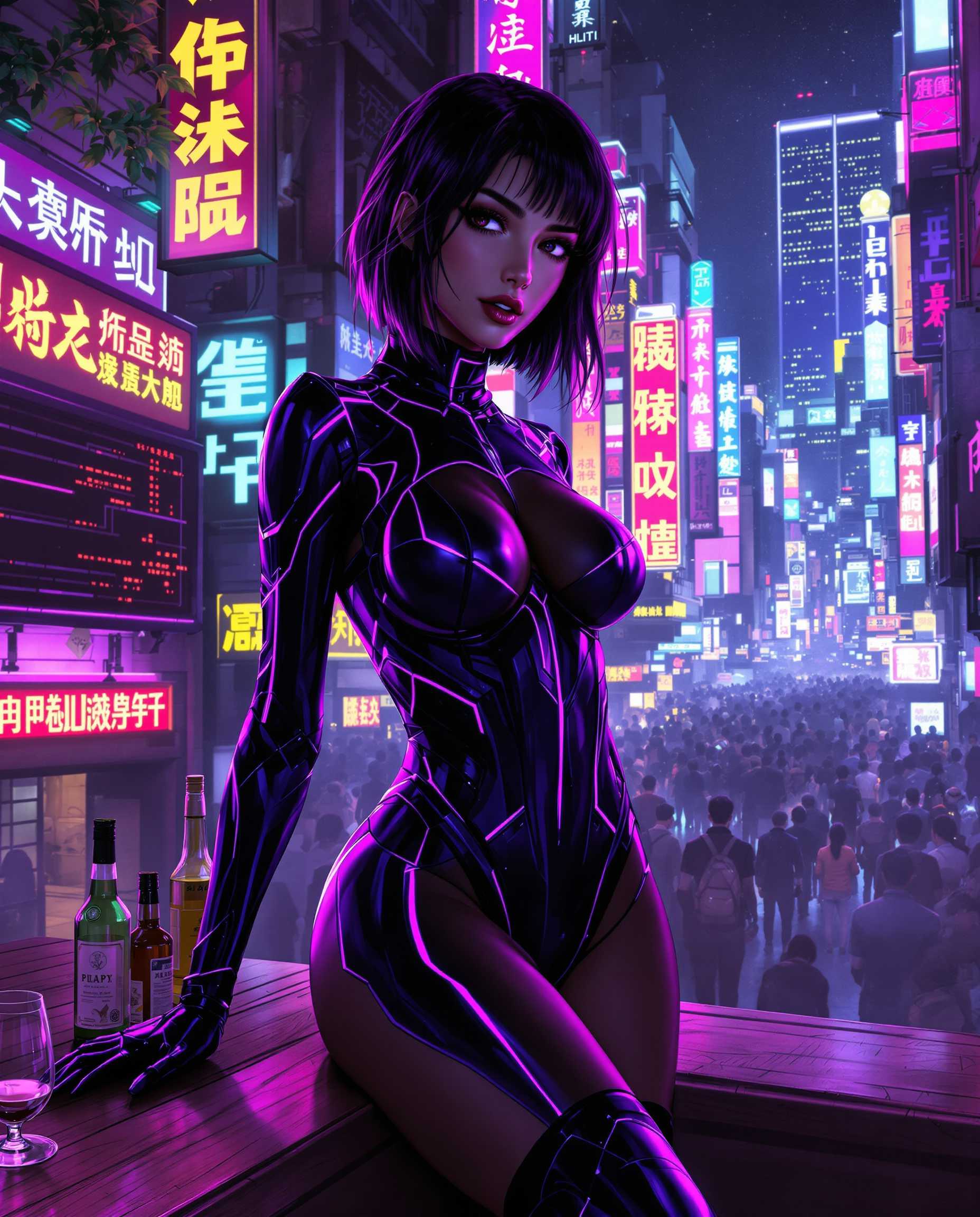
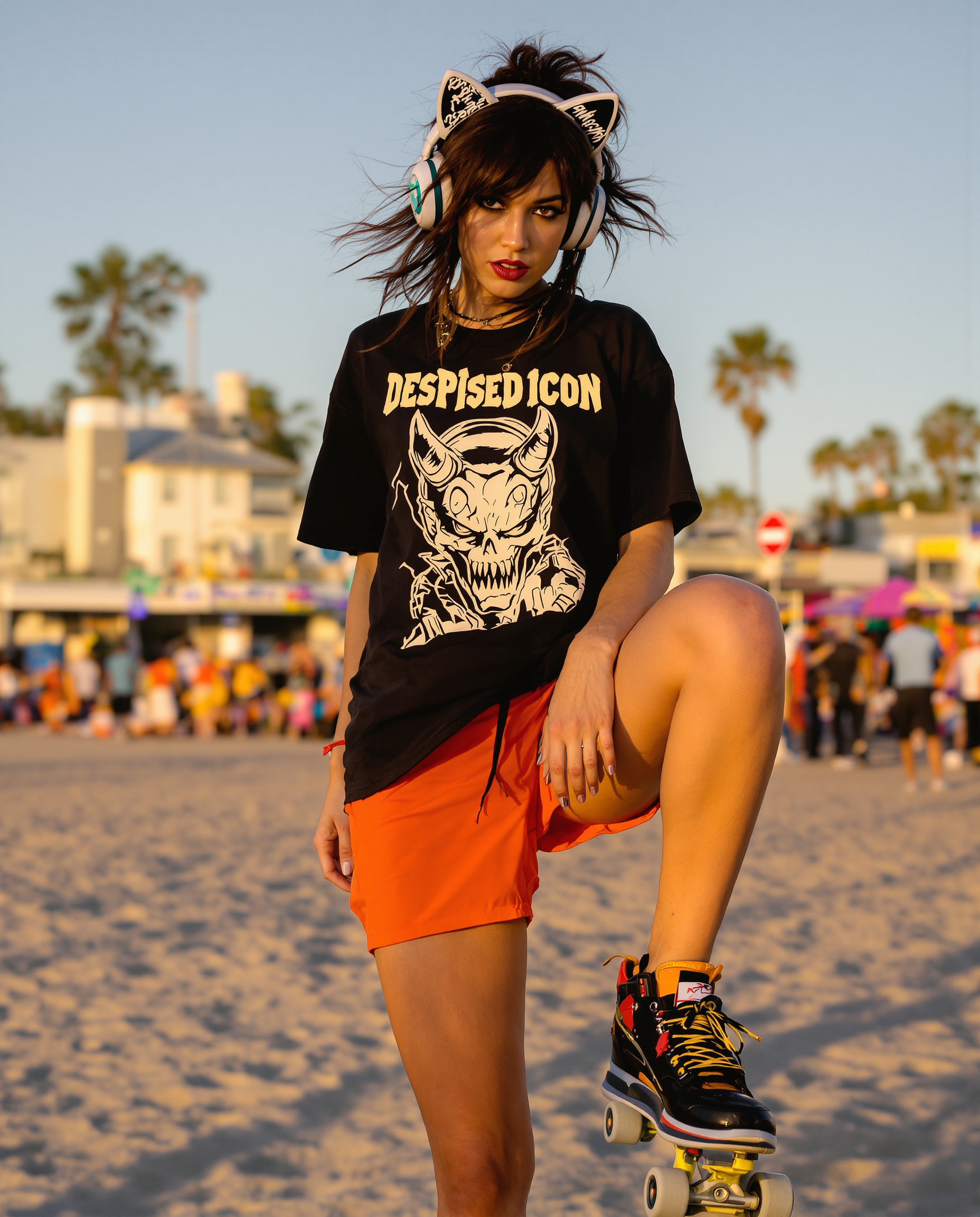
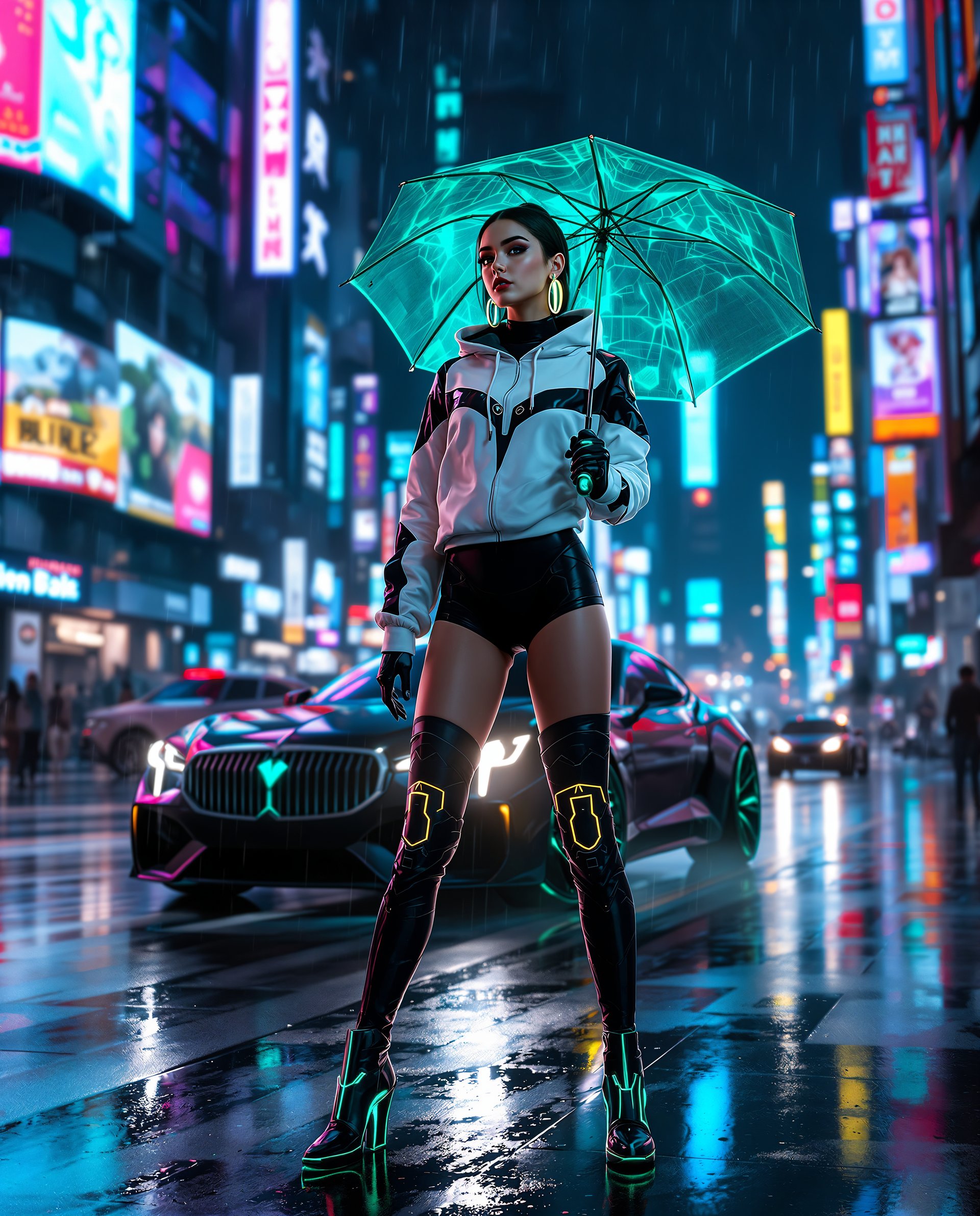
Imagine turning every blurry snapshot, faded family photo, or low-light image into a crisp, vibrant masterpiece that looks professionally captured. With PixelDojo's AI photo enhancer tools, you achieve exactly that in seconds. Whether you're restoring cherished memories, preparing product shots for e-commerce, or getting social media images ready for high engagement, our specialized upscalers and enhancers deliver natural-looking results that exceed expectations. You no longer need expensive software or photography expertise—simply upload your photo and watch as details emerge, noise disappears, and quality skyrockets. Photographers, content creators, and everyday users worldwide are achieving print-ready 4K and 8K outputs, natural skin textures in portraits, and restored clarity in old scans, all while saving hours of manual work. PixelDojo puts professional-grade photo enhancement at your fingertips so you can focus on sharing your best visuals.
Join 50,000+ creators who enhanced over 2 million photos last month. 4.9/5 average rating from verified users. Featured in top creative communities for consistent, natural results.
Why Choose Pixel Dojo for photo enhancer ai
Professional-quality results with cutting-edge AI technology
Restore Faded Memories to Vivid Clarity
Breathe new life into old scanned photos and damaged prints. Our AI photo enhancer recovers lost details, removes scratches and discoloration, and brings colors back to life so your family history looks as sharp as the day it was taken.
Upscale Images for Stunning Prints and Displays
Transform low-resolution phone snaps or web images into crisp 4K, 6K or 8K files perfect for large prints, posters, or professional portfolios. Maintain natural textures without artificial artifacts so your visuals look premium everywhere.
Enhance Portraits with Flawless, Natural Results
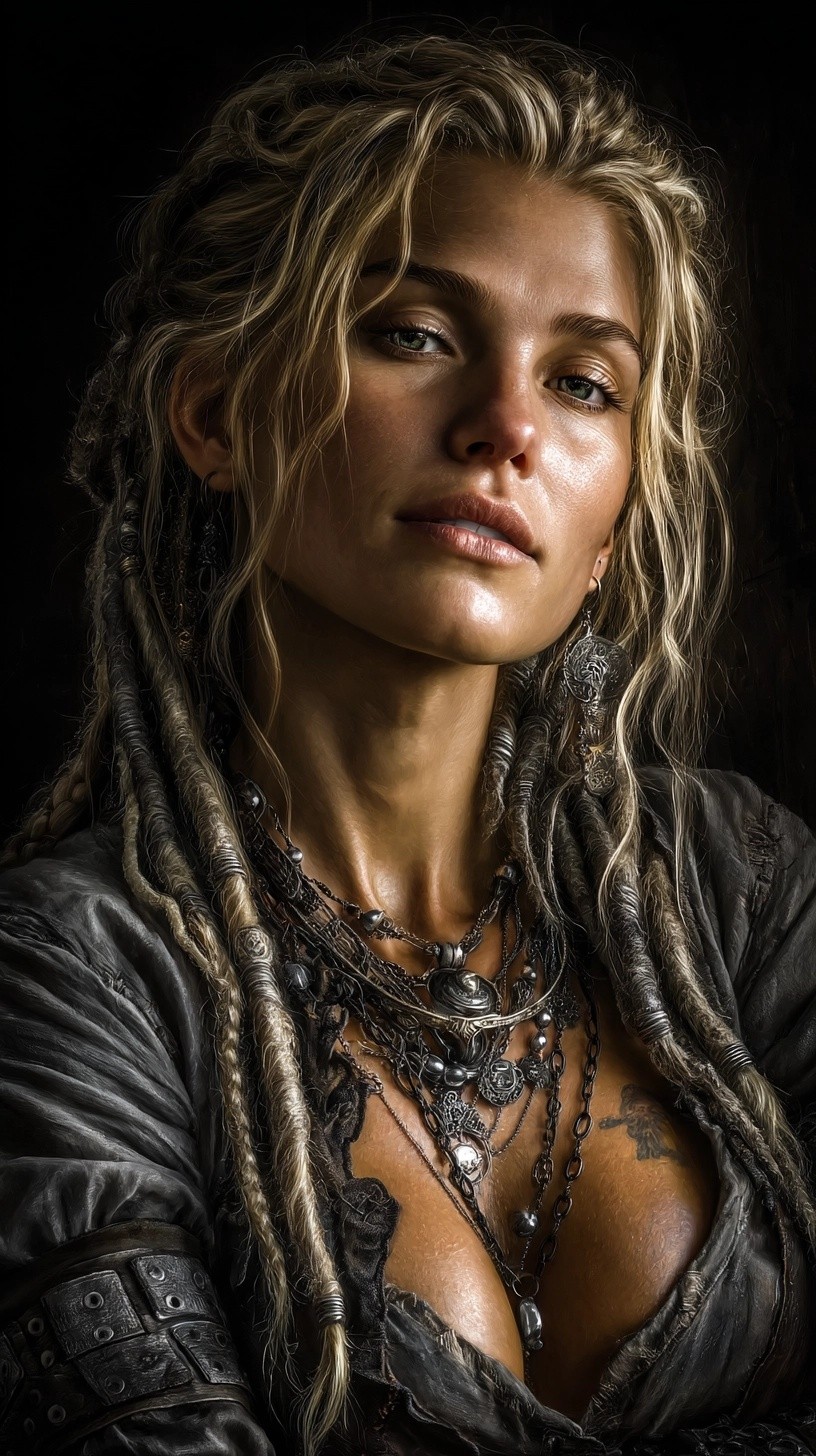
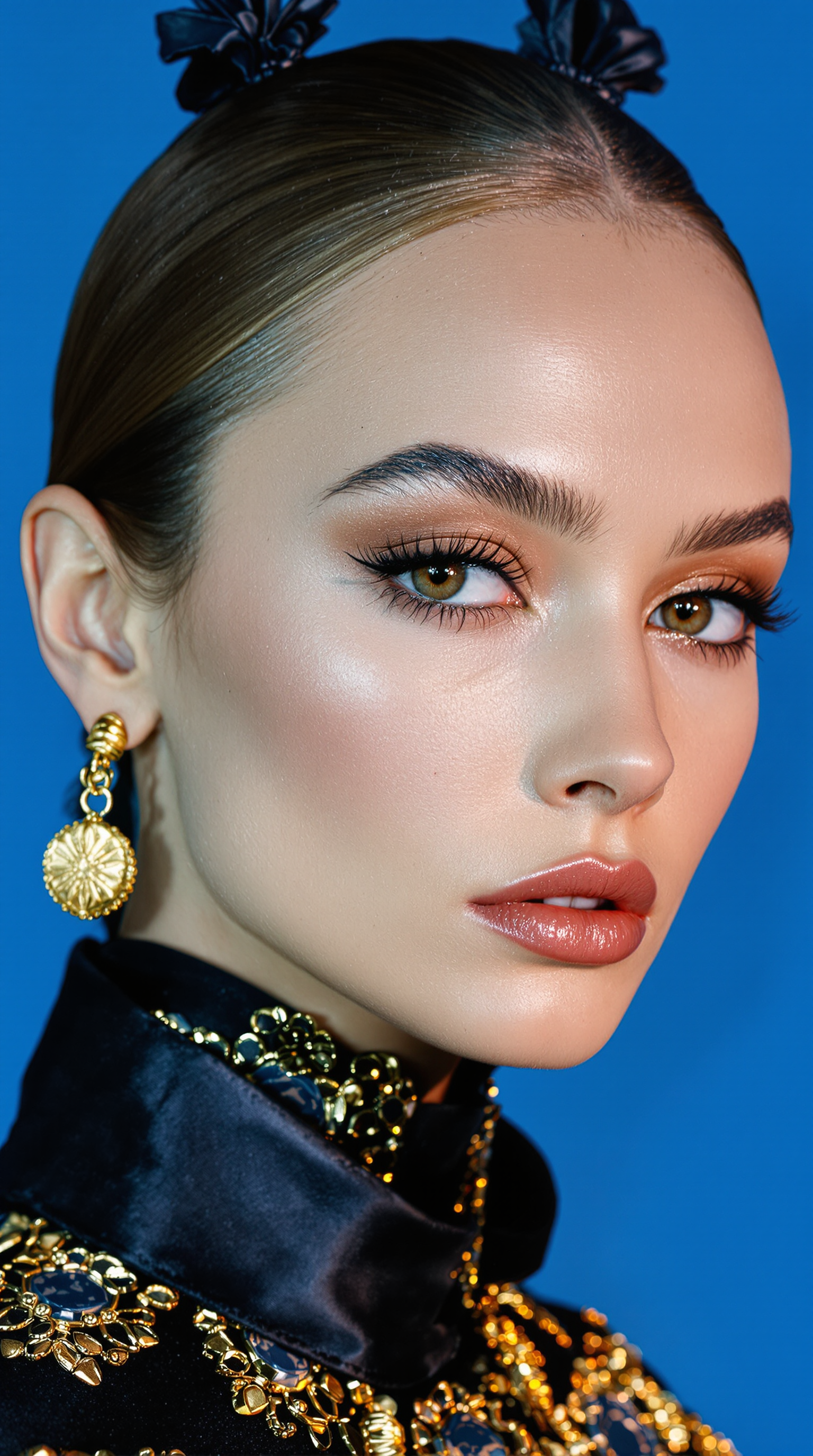
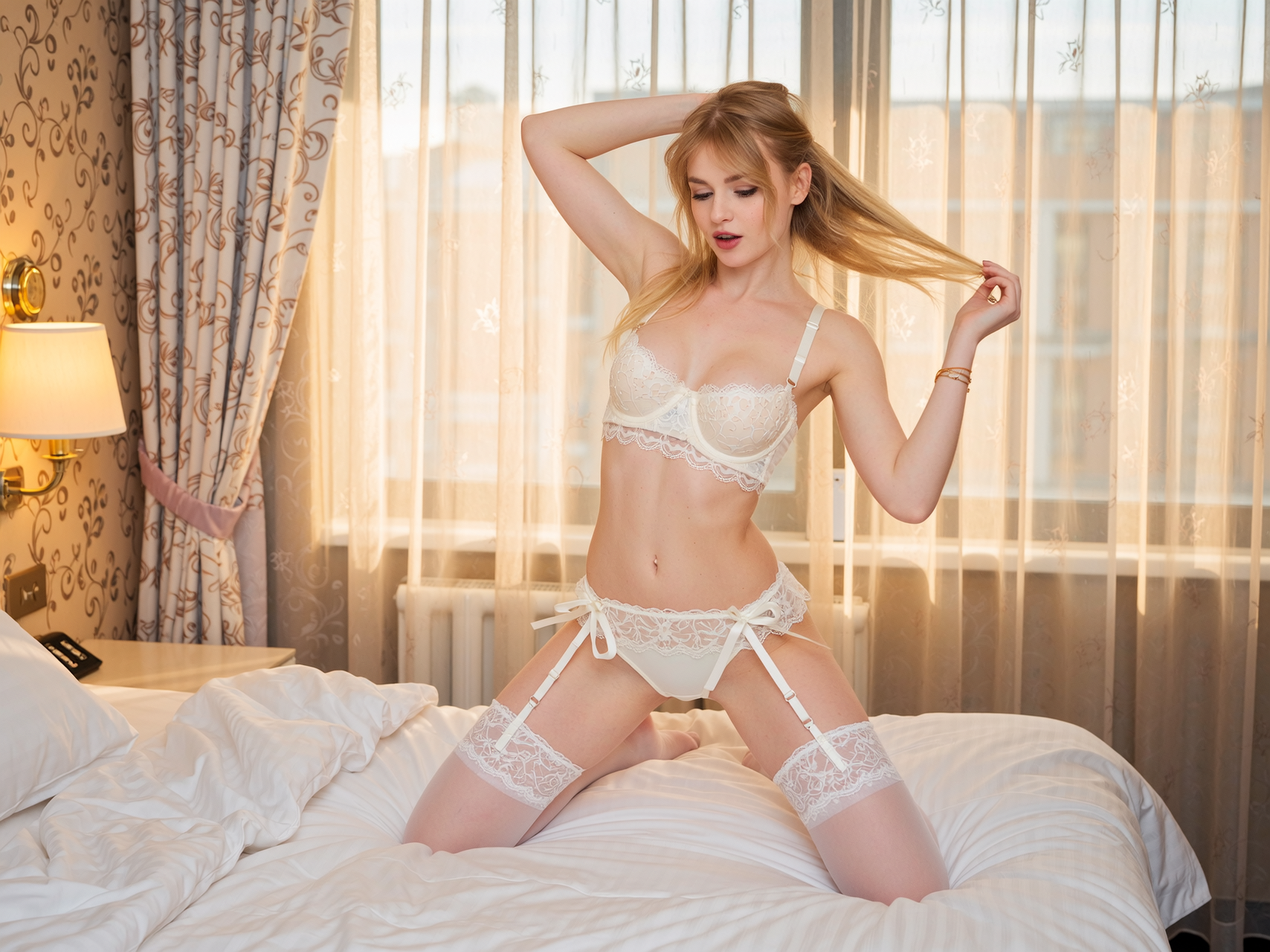
Sharpen faces, smooth skin naturally, and boost eye and hair detail while preserving authentic expressions. Ideal for headshots, social content, or client work that demands professional polish without looking over-processed.
How It Works
Enhancing your photos with PixelDojo takes just three simple steps using our dedicated AI tools designed specifically for photo enhancement.
Step 1: Choose Your Tool
Select the perfect AI photo enhancer for your needs from PixelDojo's Upscale & Enhance category: P-Image Upscale for general high-resolution boosts, Magnific Upscaler for creative detail enhancement, Clarity Pro for noise reduction and sharpness, or Portrait Upscaler for face-focused refinement.
Step 2: Enter Your Prompt or Upload Photo
Upload your image directly into the chosen tool. Add optional text guidance like 'enhance details naturally, remove noise, upscale 4x' or simply let the AI analyze and optimize automatically for best results.
Step 3: Customize & Download
Preview multiple enhancement variations, adjust intensity sliders for sharpness or color if desired, then download your high-quality result in seconds. Batch process multiple photos for efficiency.
The Pixel Dojo Advantage
Why PixelDojo outperforms other options for photo enhancer ai image generation
| Others | Pixel Dojo |
|---|---|
| Traditional photo editing | Achieve professional results in seconds instead of hours of manual adjustments—no expertise or expensive software required |
| Generic AI tools | Specialized models like P-Image Upscale and Clarity Pro deliver targeted photo enhancement with superior natural detail recovery versus one-size-fits-all generators |
| Manual photo editing | Consistent, repeatable high-quality enhancements across batches while preserving authentic textures that manual methods often struggle to match uniformly |
Loved by creators on PixelDojo
Real feedback from people using PixelDojo, pulled from our in-product surveys.
very easy to use and good support
Very easy to use
super easy to use
it's very easy to use
Practically every Ai suite in one place? Who wouldn't?
versatile menu of tools
Explore more AI tools on PixelDojo
AI Tools
Compare & Switch
- Best AI Image Generators
- Best AI Video Generators
- Midjourney Alternatives
- Civitai Alternatives
- Runway Alternatives
- Leonardo Alternatives
- Pika Alternatives
- Luma Alternatives
- Magnific Alternatives
- Veo Alternatives
- Flux Alternatives
- Freepik Alternatives
- Seedance Alternatives
- Seedream Alternatives
- Pixverse Alternatives
- GPT Image Alternatives
- Synthesia Alternatives
- Playground Alternatives
- NightCafe Alternatives
- Canva AI Alternatives
- ElevenLabs Alternatives
- ComfyUI Alternatives
- Fal Alternatives
- Replicate Alternatives
Common Questions
Everything you need to know about photo enhancer ai
How does the best photo enhancer ai work on PixelDojo to restore old photos?
PixelDojo's AI photo enhancer uses advanced super-resolution and detail reconstruction models in tools like P-Image Upscale and Creative Upscaler. Simply upload your faded or damaged photo, and the system intelligently fills in missing details, reduces noise, corrects colors, and sharpens edges while keeping results looking completely natural. Thousands of users restore family heirlooms this way every day.
Can I upscale low resolution photos to 8K with AI photo enhancer tools?
Yes. PixelDojo's Magnific Upscaler and P-Image Upscale support up to 8x enlargement with exceptional clarity. The AI reconstructs plausible high-frequency details so your upscaled images remain sharp and artifact-free, perfect for large prints or professional displays.
What is the best way to enhance portraits using AI without looking artificial?
Use PixelDojo's Portrait Upscaler or Clarity Pro. These tools specialize in face-aware enhancement, improving skin texture, eye clarity, and hair detail while intelligently preserving natural skin tones and expressions. You get polished, professional portraits that still look like real photos.
How long does it take to enhance a photo with PixelDojo's AI tools?
Most enhancements complete in under 30 seconds. Upload, select your tool (such as Magnific Upscaler), generate, and download. Batch processing lets you enhance dozens of images in minutes, making it ideal for photographers and content creators with large libraries.
Is PixelDojo's photo enhancer ai suitable for commercial use and print projects?
Absolutely. Our upscalers produce high-resolution outputs suitable for commercial printing, marketing materials, and client deliverables. Many professional photographers and e-commerce businesses rely on P-Image Upscale and Creative Upscaler for consistent, print-ready results.
Can I combine multiple AI enhancements like upscaling and background removal in one workflow?
Yes. Start with P-Image Upscale or Magnific Upscaler for quality boost, then use complementary Edit Images tools like Background Remover or Reality Polisher for further refinement. This flexible workflow lets you achieve fully polished results without leaving PixelDojo.