photo enhancer free
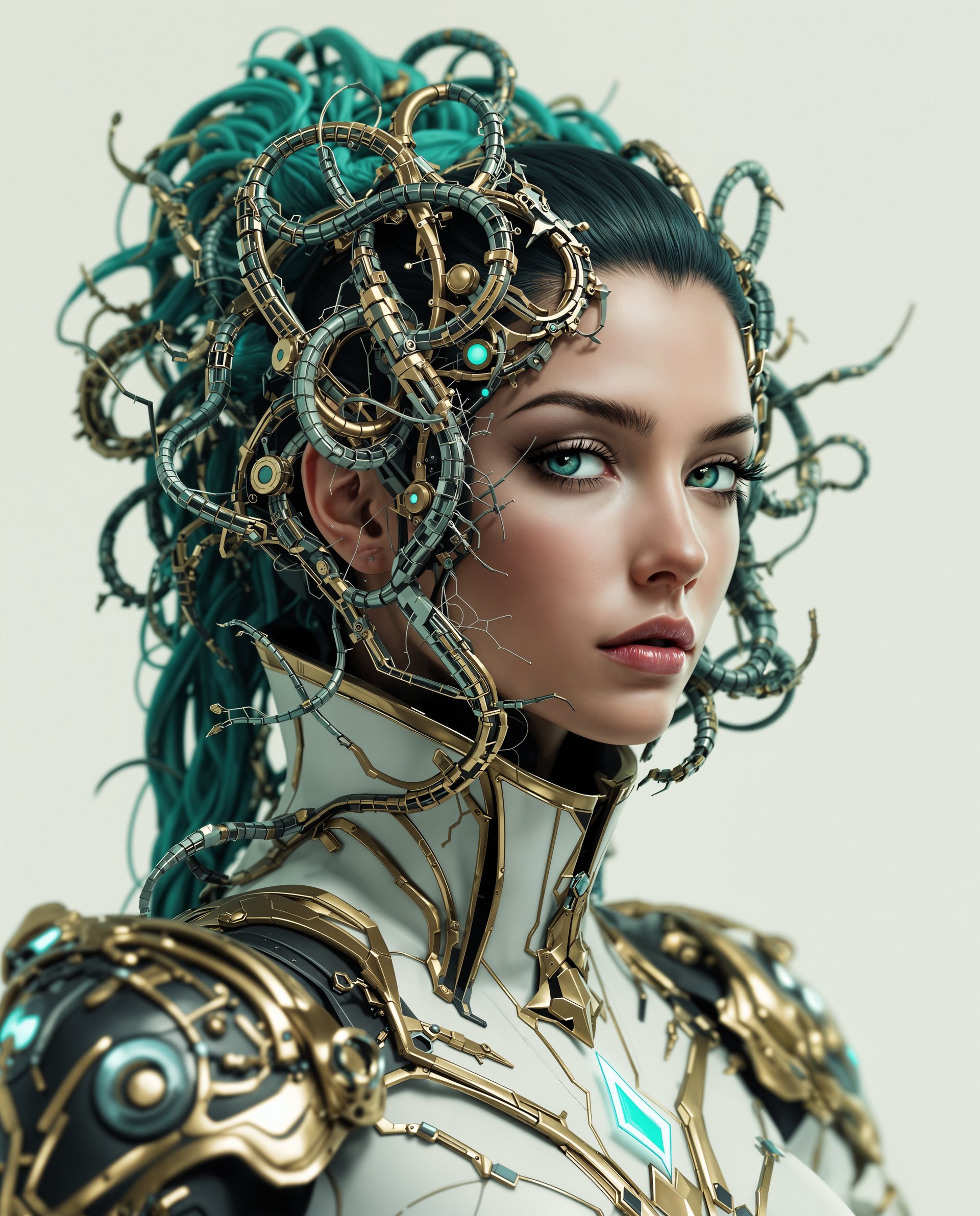
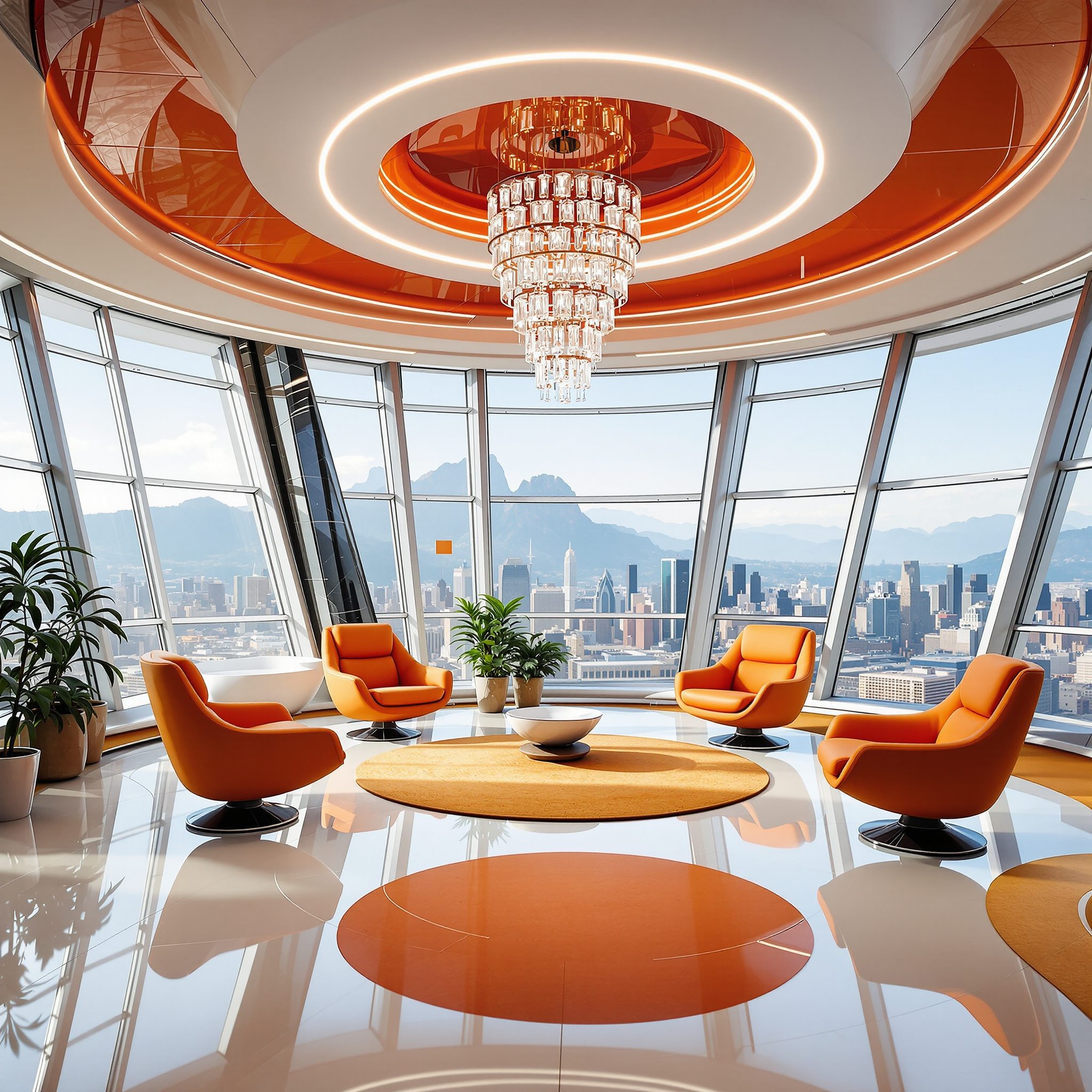
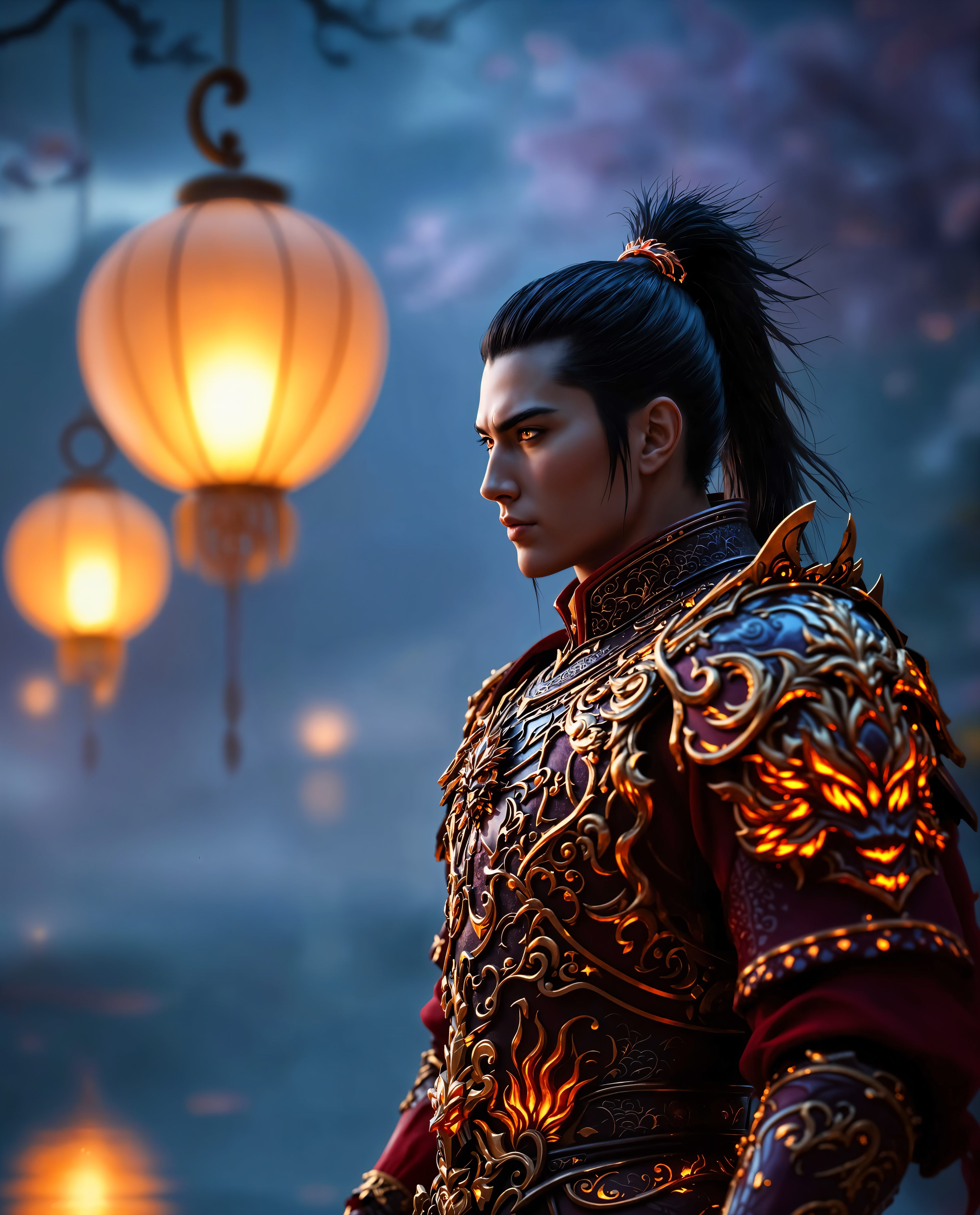
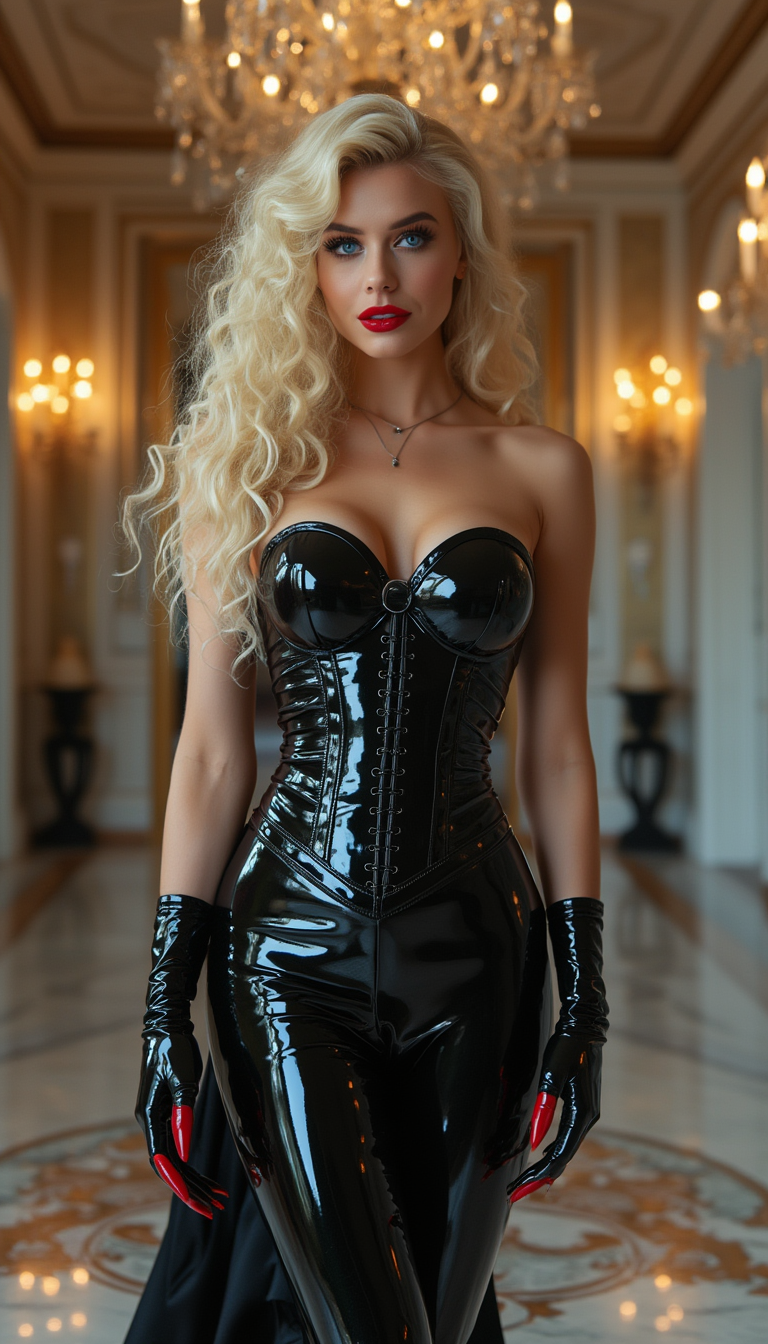
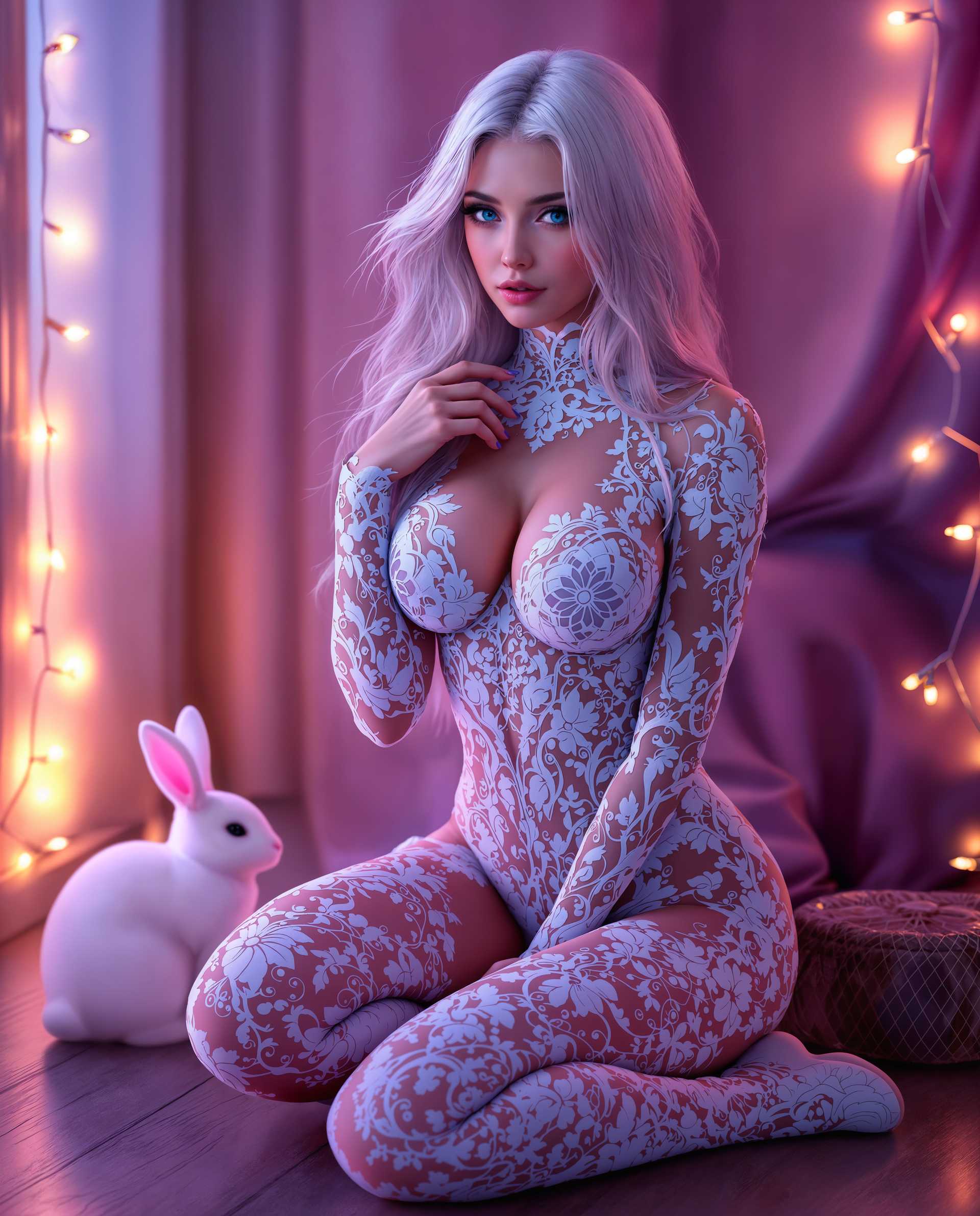
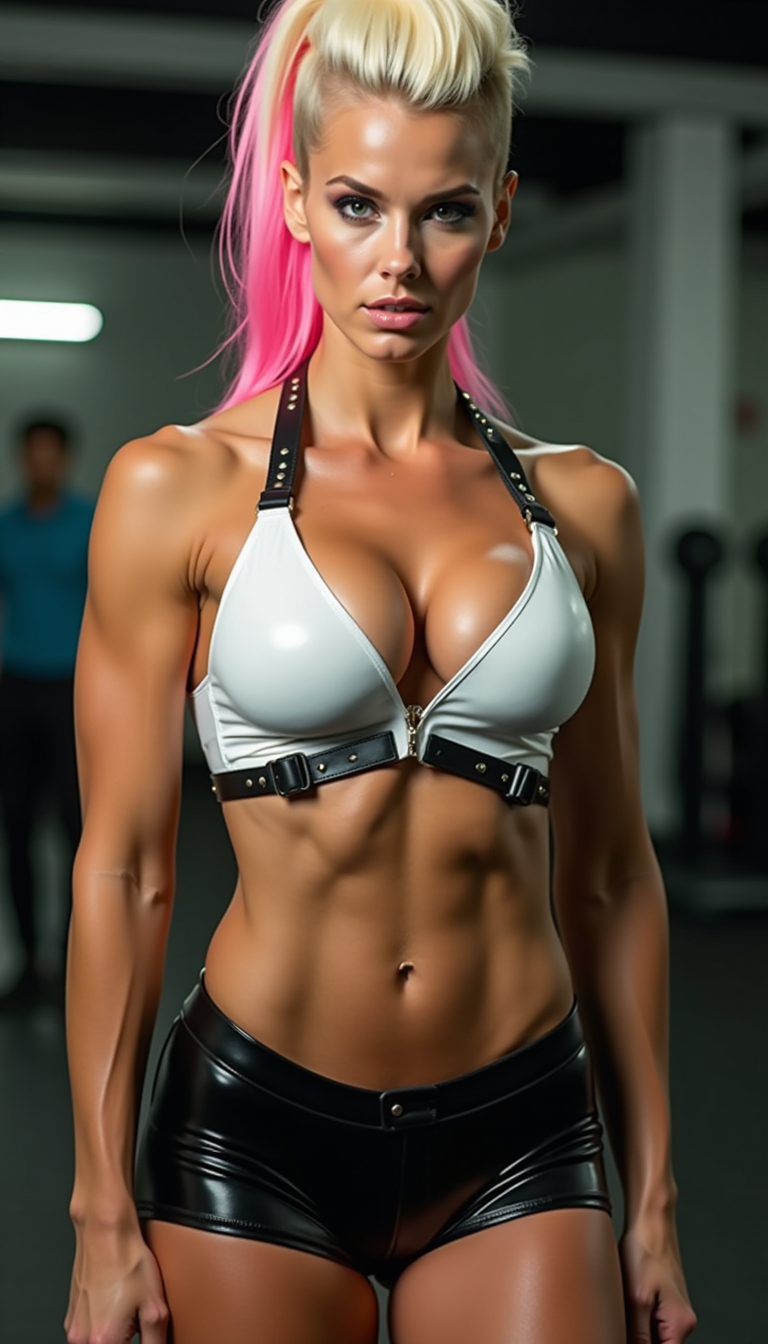
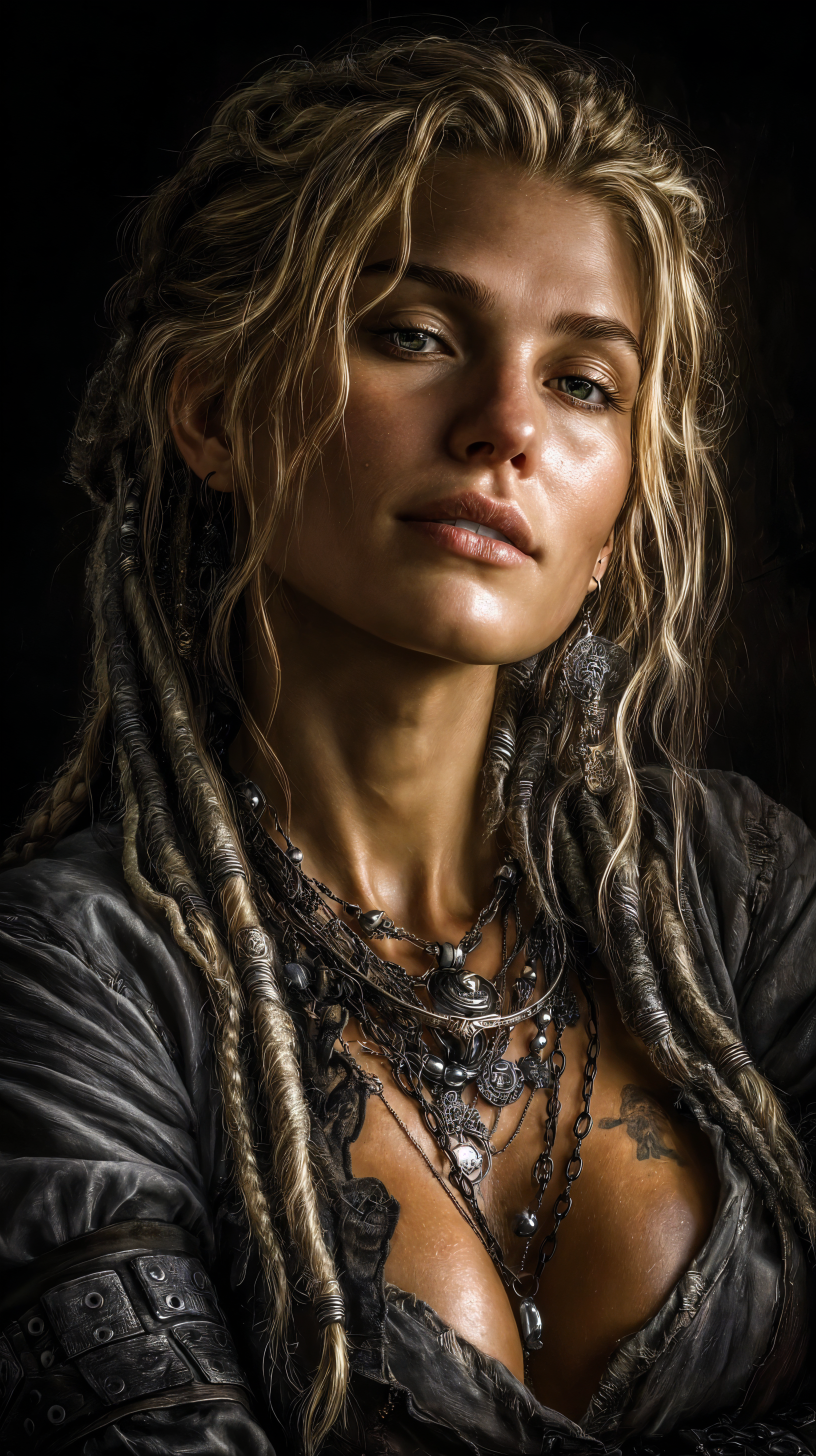
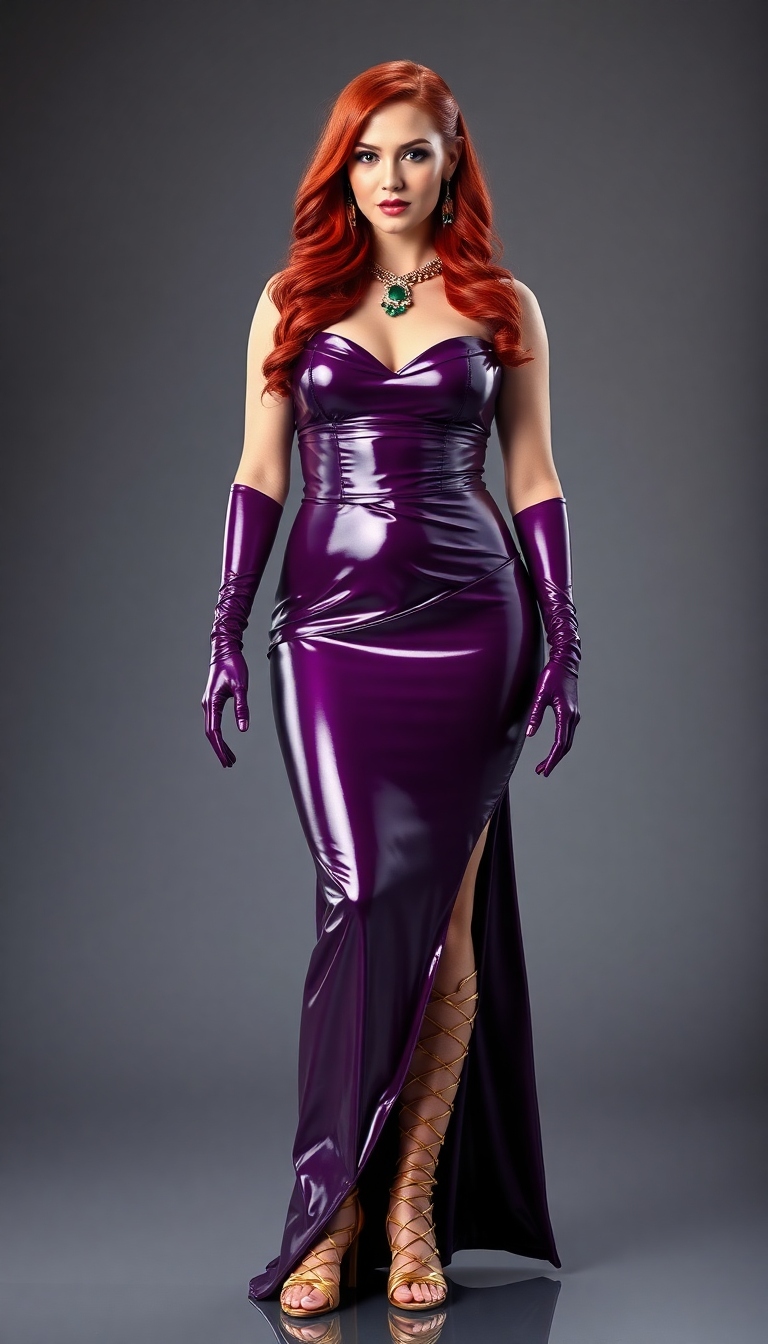
Turn ordinary photos into stunning visuals with PixelDojo's free AI photo enhancer. Whether your images are blurry, low-resolution, or faded from time, our tools deliver crisp details, vibrant colors, and professional polish in seconds. You can revive old family memories, prepare social media posts that pop, or upscale AI-generated art for print without any technical skills or expensive software. Experience the freedom to enhance unlimited photos and achieve results that impress every time.
Loved by thousands of creators worldwide. Over 1 million photos enhanced this month alone with 4.9/5 average rating. Join a community that trusts PixelDojo for fast, free, and flawless photo enhancement.
Why Choose Pixel Dojo for photo enhancer free
Professional-quality results with cutting-edge AI technology
Instantly Sharpen Blurry Photos
Transform soft or out-of-focus images into razor-sharp masterpieces. Restore fine details in portraits, landscapes, and product shots so every element looks crisp and professional.
Upscale to Print-Ready Quality
Boost resolution from low-res phone snaps or old scans to 4K and beyond. Prepare your photos for large prints, posters, or high-quality marketing materials without losing clarity.
Restore Old Photos & Memories
Breathe new life into faded, scratched, or damaged family photos. Remove noise, fix lighting issues, and recover lost details to preserve precious moments for generations.
How It Works
Enhancing your photos with PixelDojo is simple and completely free to start. Follow these three easy steps to achieve professional results in under a minute.
Step 1: Choose Your Tool
Select from PixelDojo's dedicated enhancement tools like P-Image Upscale for resolution boosts, Magnific Upscaler for creative detail enhancement, Clarity Pro for noise reduction, or Portrait Upscaler for flawless face improvements. All are accessible instantly on the platform.
Step 2: Upload Your Photo
Drag and drop your image or use Image to Image to guide enhancements with a simple text prompt. Tools like Background Remover or Magic Lighting automatically handle common issues while you refine as needed.
Step 3: Customize & Download
Preview the enhanced result, adjust settings if desired, and download your high-quality image for free. Use Creative Upscaler or Reality Polisher for final touches before saving in multiple formats.


The Pixel Dojo Advantage
Why PixelDojo outperforms other options for free photo enhancement
| Others | Pixel Dojo |
|---|---|
| Traditional photo enhancement | No expensive software, no years of training needed - achieve expert-level results in seconds with AI that understands lighting, textures, and details automatically |
| Generic AI tools | Purpose-built enhancement suite with specialized tools like Portrait Upscaler and Magnific Upscaler that deliver natural, artifact-free results tailored for photos instead of generic outputs |
| Manual photo editing | Eliminate hours of tedious work - AI handles sharpening, upscaling, noise removal, and color correction instantly while you focus on creative decisions |
Loved by creators on PixelDojo
Real feedback from people using PixelDojo, pulled from our in-product surveys.
I really like how the site is kept up to date, and the leaderboard (where I'm currently #11 most popular artist)
This is the best image generator I've used so far. Well done!
es facil de comprender asi uno no sea programador
amazing web site
phenomenal site. would highly recommend
Amazing features, easy to use, privacy
Explore more AI tools on PixelDojo
AI Tools
Compare & Switch
- Best AI Image Generators
- Best AI Video Generators
- Midjourney Alternatives
- Civitai Alternatives
- Runway Alternatives
- Leonardo Alternatives
- Pika Alternatives
- Luma Alternatives
- Magnific Alternatives
- Veo Alternatives
- Flux Alternatives
- Freepik Alternatives
- Seedance Alternatives
- Seedream Alternatives
- Pixverse Alternatives
- GPT Image Alternatives
- Synthesia Alternatives
- Playground Alternatives
- NightCafe Alternatives
- Canva AI Alternatives
- ElevenLabs Alternatives
- ComfyUI Alternatives
- Fal Alternatives
- Replicate Alternatives
Common Questions
Everything you need to know about photo enhancer free
How does a free AI photo enhancer work to improve image quality?
PixelDojo's free AI photo enhancer uses advanced models to analyze your image and intelligently upscale resolution, sharpen details, reduce noise, and correct lighting. Tools like P-Image Upscale and Clarity Pro deliver professional results without watermarks or limits on your first enhancements.
Can I use free AI photo enhancer tools to restore old damaged photos?
Yes! Upload faded or scratched family photos to PixelDojo and use Clarity Pro or Magnific Upscaler to recover details, remove blemishes, and restore natural colors. Many users successfully revive decades-old images into vibrant keepsakes ready for printing or sharing.
What is the best free way to upscale low resolution photos with AI?
PixelDojo offers dedicated free access to P-Image Upscale and Creative Upscaler. These tools intelligently add realistic detail during upscaling to 4K and higher, making them ideal for turning phone snapshots or web images into print-ready files without pixelation.
Is there a completely free AI photo enhancer for portraits and faces?
Absolutely. PixelDojo's Portrait Upscaler and Reality Polisher specialize in enhancing faces with natural skin tones, sharp eyes, and smooth details. Start enhancing portraits for free today and achieve magazine-quality results without any cost or complex settings.
How can I enhance AI generated images for free using photo enhancer tools?
Many creators use PixelDojo's Image to Image combined with Magnific Upscaler or Clarity Pro to refine AI-generated artwork. Fix artifacts, boost resolution, and perfect lighting so your creations look polished and ready for portfolios or commercial use - all starting free.
Does PixelDojo's free photo enhancer support batch processing multiple images?
While individual enhancements are instant and free to start, PixelDojo supports efficient workflows for multiple photos. Use the same high-quality tools like P-Image Upscale across your library to achieve consistent professional results quickly and affordably.