photo quality increase
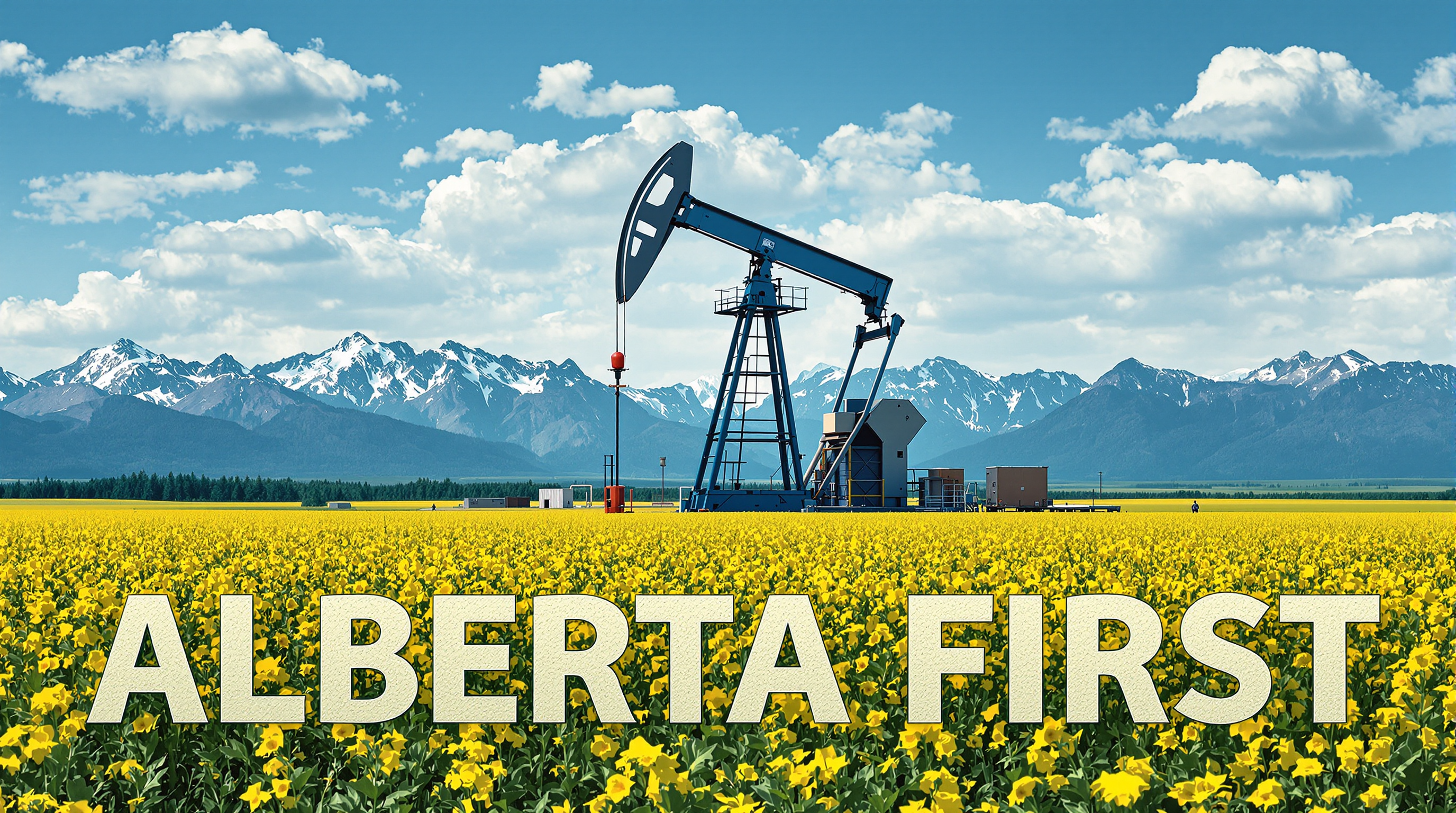
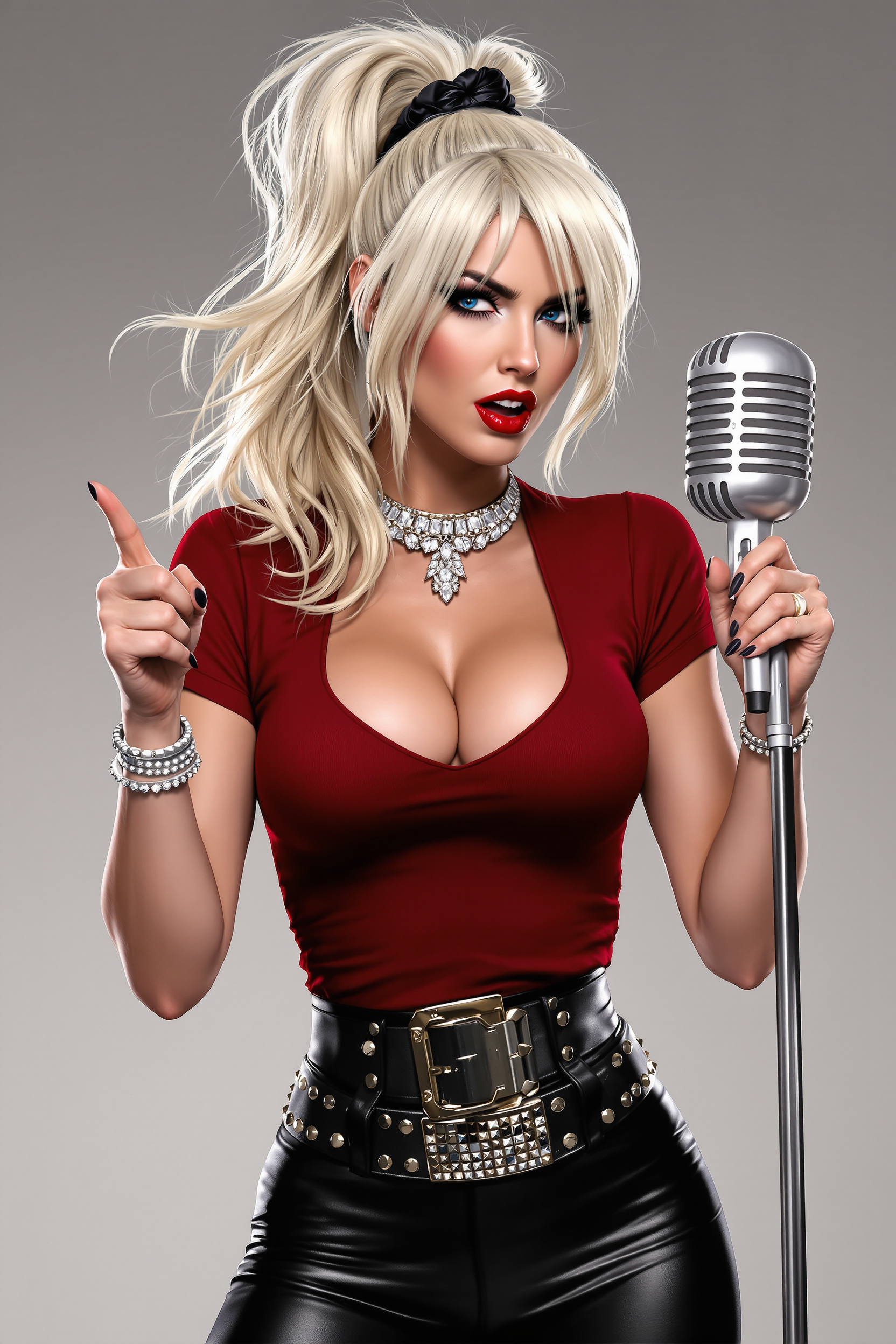
Imagine turning your blurry smartphone snaps or faded old photos into sharp, vibrant images ready for prints, social media, or professional portfolios. With PixelDojo's AI-powered photo quality increase tools, you achieve stunning results in seconds. Whether restoring family memories, perfecting product shots, or preparing images for large displays, our platform delivers natural-looking enhancements that preserve authentic details while dramatically boosting clarity and resolution.
Over 75,000 creators have enhanced more than 2 million photos using PixelDojo. Rated 4.9/5 by users who love the effortless quality boosts. Trusted by photographers and designers worldwide for reliable, artifact-free results.
Why Choose Pixel Dojo for photo quality increase
Professional-quality results with cutting-edge AI technology
Revive Blurry Photos with Crystal Clarity
Upload faded or out-of-focus images and watch AI recover fine details like hair strands, fabric textures, and facial features, delivering sharp, professional-grade results every time.
Upscale to Print-Ready Resolutions Effortlessly
Increase resolution up to 8x or more without pixelation, perfect for large posters, canvas prints, or high-DPI marketing materials that look flawless up close.
Enhance Old Photos While Keeping Natural Colors
Restore vintage images with accurate color correction, noise reduction, and detail sharpening that respects the original mood and tones of your memories.
How It Works
Achieving photo quality increase is simple with PixelDojo's specialized upscalers. Follow these three steps to transform your images.
Step 1: Choose Your Tool
Select Magnific Upscaler for advanced generative enhancements or Clarity Pro for precise noise reduction and sharpening. Portrait Upscaler works wonders on people photos.
Step 2: Enter Your Prompt
Upload your image and describe the desired outcome, like 'enhance details and upscale to 4K with natural lighting' or simply use default smart settings for instant results.
Step 3: Customize & Download
Review the enhanced version, adjust intensity sliders if needed, then download your high-resolution masterpiece in multiple formats ready for any use.



The Pixel Dojo Advantage
Why PixelDojo outperforms other options for photo quality increase image generation
| Others | Pixel Dojo |
|---|---|
| Traditional photo quality increase creation | Instant AI processing delivers professional results without hours of manual retouching or expensive studio equipment |
| Generic AI tools | Specialized tools like Magnific Upscaler and Creative Upscaler produce artifact-free, natural enhancements tailored specifically for photos |
| Manual photo editing | AI automates complex tasks like detail recovery and upscaling while you maintain full creative control with easy adjustments |
Loved by creators on PixelDojo
Real feedback from people using PixelDojo, pulled from our in-product surveys.
ease of use, variety of tools, high quality trainings, and a well-maintained discord channel
Ease of use, friendliness and support of the owner, continued innovation.
it is an amazing site to create a pics and vids for those who don't have the hardware themselves
good tools in one place
Prompt updates, strong features, and a community that is always willing to help and hear/act on professional feedback. I've never had a better experience.
user friendly all in one thing
Explore more AI tools on PixelDojo
AI Tools
Compare & Switch
- Best AI Image Generators
- Best AI Video Generators
- Midjourney Alternatives
- Civitai Alternatives
- Runway Alternatives
- Leonardo Alternatives
- Pika Alternatives
- Luma Alternatives
- Magnific Alternatives
- Veo Alternatives
- Flux Alternatives
- Freepik Alternatives
- Seedance Alternatives
- Seedream Alternatives
- Pixverse Alternatives
- GPT Image Alternatives
- Synthesia Alternatives
- Playground Alternatives
- NightCafe Alternatives
- Canva AI Alternatives
- ElevenLabs Alternatives
- ComfyUI Alternatives
- Fal Alternatives
- Replicate Alternatives
Common Questions
Everything you need to know about photo quality increase
How to increase photo quality with AI without losing natural details?
PixelDojo's Magnific Upscaler and Clarity Pro use advanced AI to intelligently reconstruct details while preserving authentic textures and colors. Upload your image, select enhancement level, and generate results that look like they were captured on a professional camera.
What is the best way to upscale old blurry photos to high resolution?
Use PixelDojo's P-Image Upscale or Magnific Upscaler. These tools analyze your photo, reduce noise, sharpen edges, and upscale up to 8x while recovering lost details. Perfect for family archives or vintage prints.
Can AI enhance product photos for better e-commerce quality?
Absolutely. Creative Upscaler and Reality Polisher in PixelDojo remove imperfections, boost clarity, and upscale product images to professional standards, helping your listings stand out with crisp, appealing visuals.
How does PixelDojo improve portrait photo quality compared to basic apps?
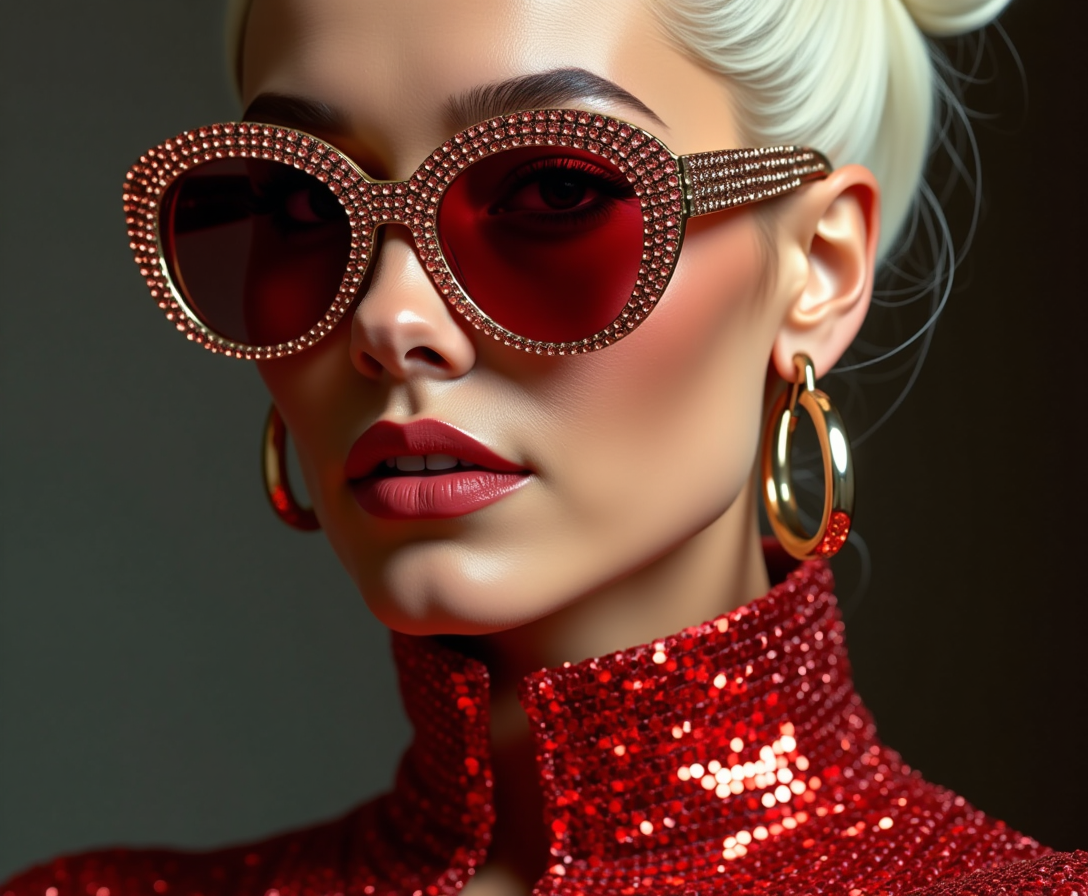
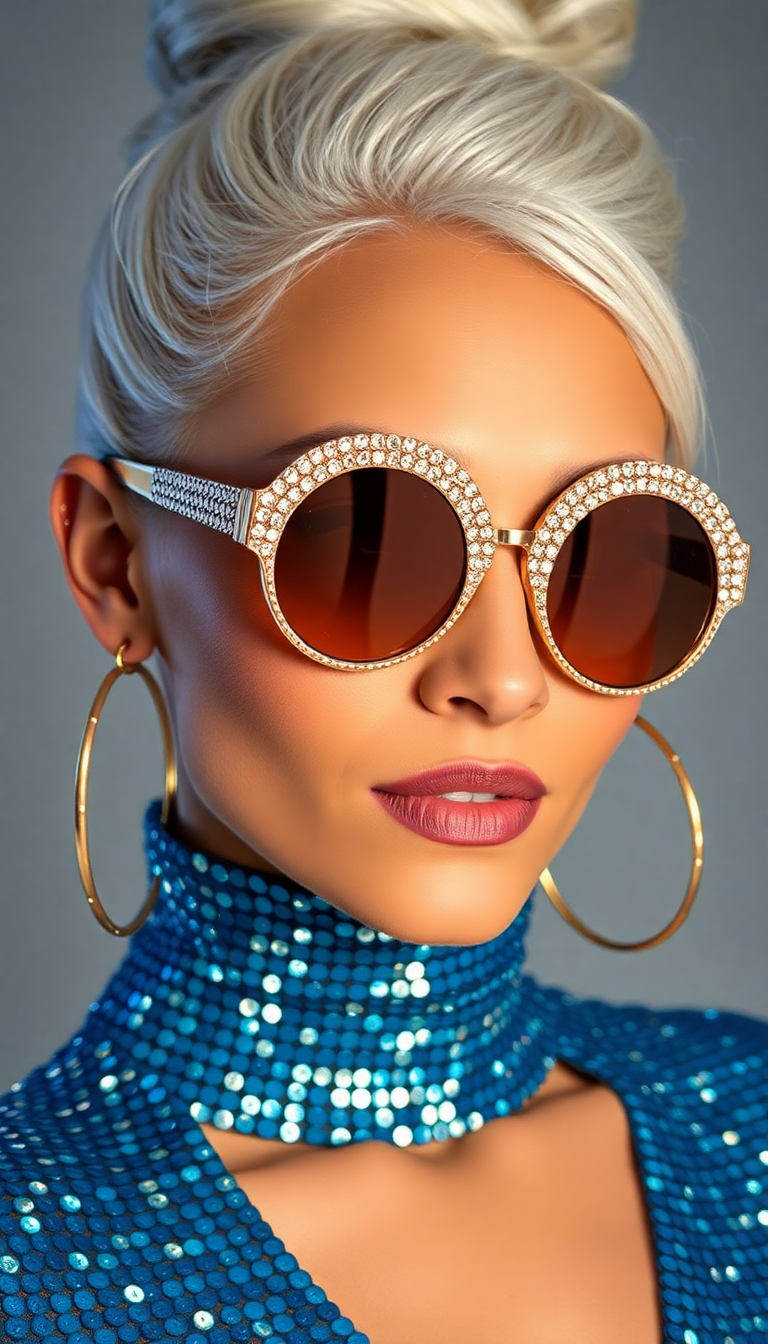
Portrait Upscaler specializes in faces, enhancing skin texture, eyes, and hair naturally without over-smoothing. Combine with Image Analyzer for targeted improvements that make your portraits gallery-worthy.
Is it possible to fix low-light noisy photos using AI photo quality increase tools?
Yes. Clarity Pro excels at denoising and brightening low-light images while maintaining realistic shadows and colors. Your photos emerge clean and vibrant without the grain or artifacts common in manual edits.
What resolution can I achieve when increasing photo quality with PixelDojo?
You can reliably upscale images 4x to 8x or higher depending on the tool, producing print-ready files up to 32K in some cases. Results stay sharp and detailed thanks to generative AI techniques that add plausible high-frequency information.