pic enhancer AI Generator
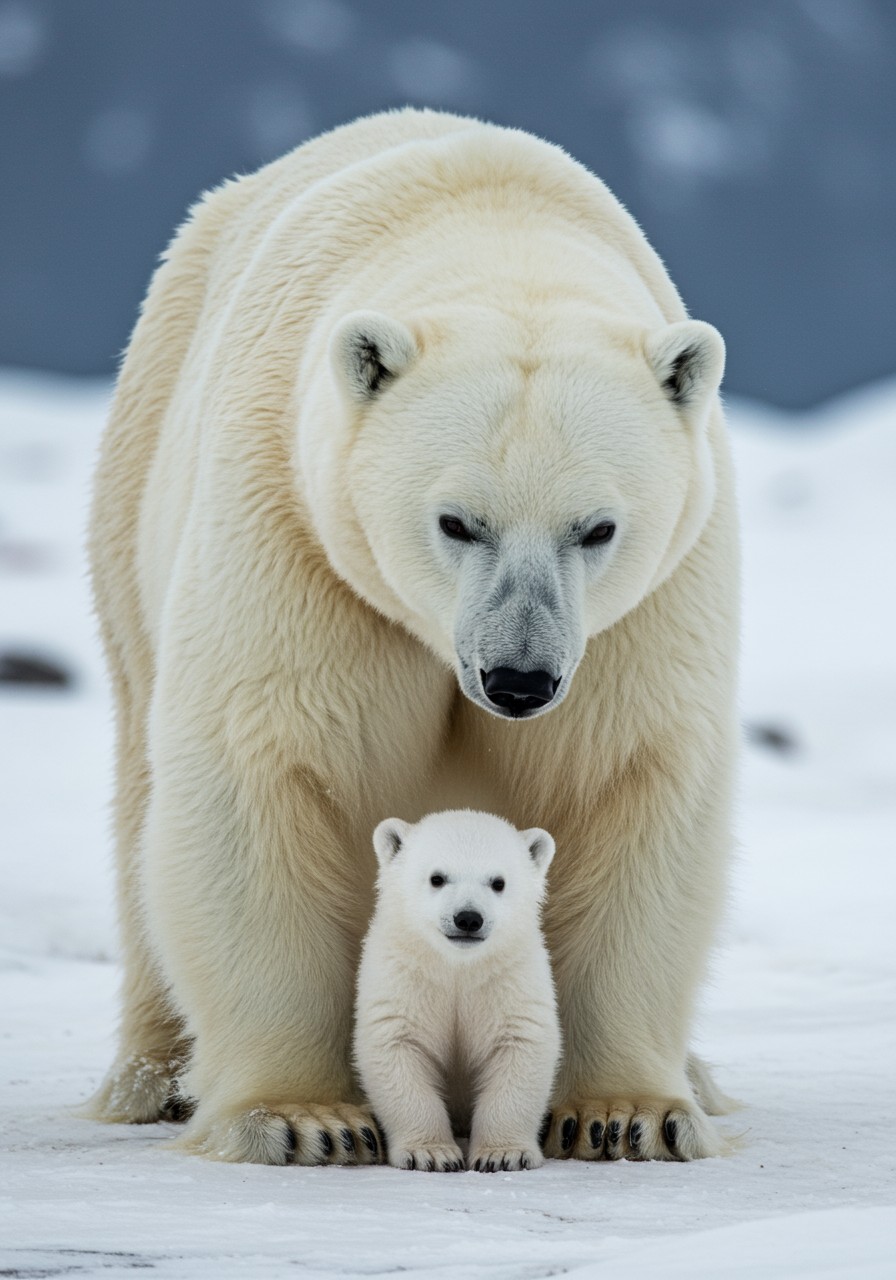
Turn every photo into a masterpiece with PixelDojo's AI pic enhancer. You can restore cherished old family pictures to vibrant clarity, sharpen blurry snapshots from your phone, and upscale low-resolution images to print-ready quality in seconds. Whether you're a photographer polishing client work, a content creator prepping social posts, or someone preserving precious memories, our tools deliver natural, detailed results that make your pics look professionally shot.
Over 150,000 creators have enhanced more than 8 million pictures this year alone. 4.9/5 average rating from thousands of reviews. Trusted by professionals for consistent, high-quality outcomes with cancel-anytime access to 40+ cutting-edge AI tools.
Why Choose Pixel Dojo for pic enhancer
Professional-quality results with cutting-edge AI technology
Revive Faded Memories Instantly
Bring old, damaged, or faded photos back to life with realistic detail recovery, color correction, and noise removal that preserves authentic textures and emotions.
Achieve Pro-Level Clarity Effortlessly
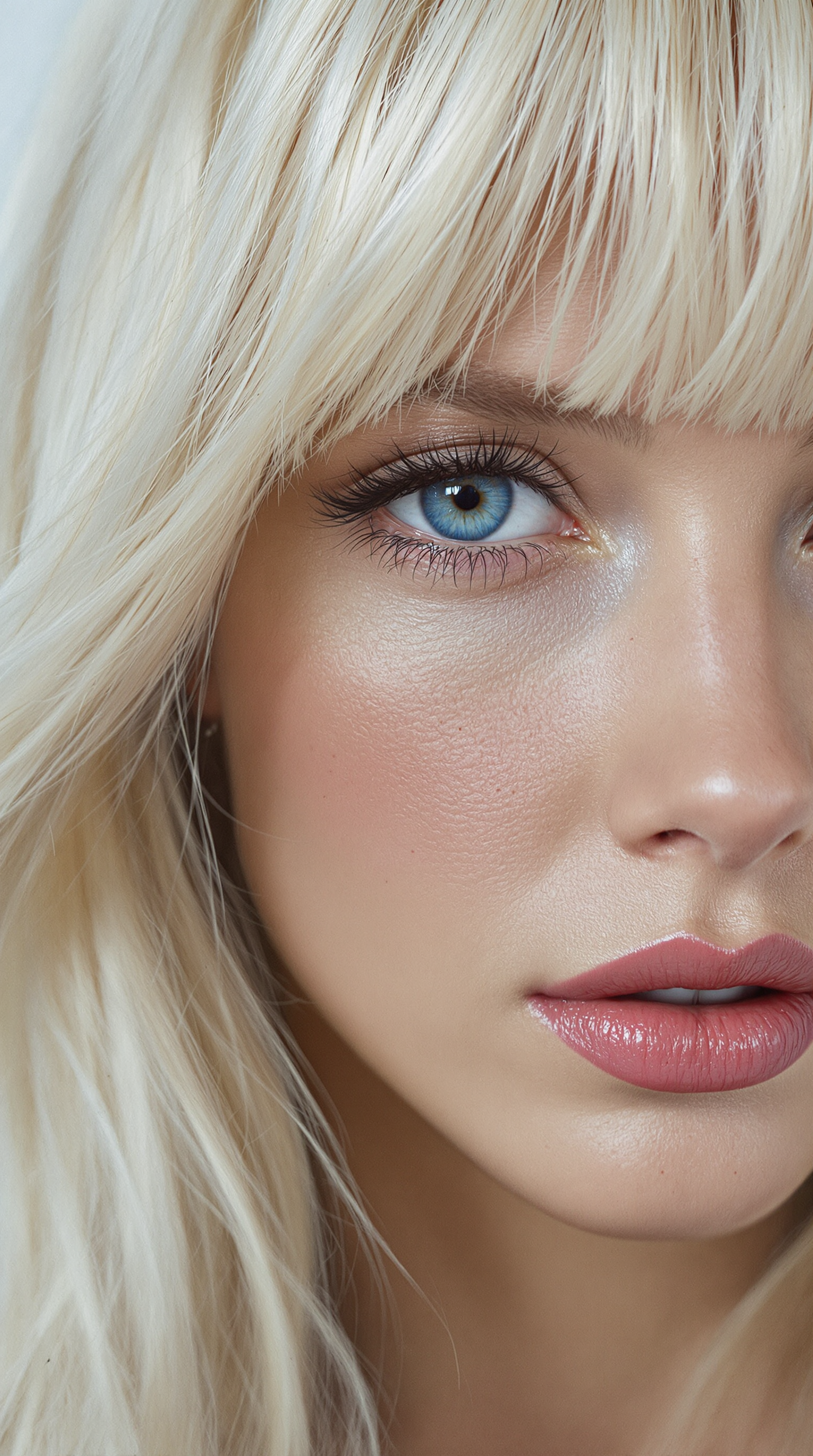
Remove blur, grain, and artifacts while sharpening fine details like hair, fabric, and facial features, giving your pics a polished, high-end appearance without manual editing.
Upscale for Print, Social & Beyond
Expand images up to 8x resolution with intelligent detail generation, perfect for large prints, 4K displays, marketing materials, or crisp social media content that stands out.
How It Works
Enhancing your pics takes just three simple steps using PixelDojo's specialized tools for fast, professional results every time.
Step 1: Choose Your Tool
Browse the Upscale & Enhance section and select the perfect match like P-Image Upscale for massive resolution boosts, Clarity Pro for sharpness and detail, Portrait Upscaler for faces, or Reality Polisher for natural, lifelike refinement.
Step 2: Enter Your Prompt
Upload your pic and add a simple description such as 'enhance clarity, restore colors, remove noise' or let the AI auto-detect issues. Tools like Magnific Upscaler and Creative Upscaler intelligently analyze and apply targeted improvements.
Step 3: Customize & Download
Preview the enhanced version, make quick adjustments if desired, and download your high-resolution pic. Batch process multiple images for efficiency with consistent, stunning outcomes across your entire collection.

The Pixel Dojo Advantage
Why PixelDojo outperforms other options for pic enhancer image generation
| Others | Pixel Dojo |
|---|---|
| Traditional pic creation | Instant AI-powered restoration and upscaling that saves hours of manual work while delivering superior natural results every single time. |
| Generic AI tools | Access to 40+ specialized enhancers including P-Image Upscale, Clarity Pro, and Portrait Upscaler tailored specifically for photo improvement rather than generic generation. |
| Manual photo editing | Consistent professional-grade enhancements with intelligent detail reconstruction that eliminates guesswork and produces reliable, high-quality outputs without years of expertise. |
Loved by creators on PixelDojo
Real feedback from people using PixelDojo, pulled from our in-product surveys.
This is the best image generator I've used so far. Well done!
es facil de comprender asi uno no sea programador
amazing web site
phenomenal site. would highly recommend
Amazing features, easy to use, privacy
the number of options, and especially the quick response to questions on Discord
Explore more AI tools on PixelDojo
AI Tools
Compare & Switch
- Best AI Image Generators
- Best AI Video Generators
- Midjourney Alternatives
- Civitai Alternatives
- Runway Alternatives
- Leonardo Alternatives
- Pika Alternatives
- Luma Alternatives
- Magnific Alternatives
- Veo Alternatives
- Flux Alternatives
- Freepik Alternatives
- Seedance Alternatives
- Seedream Alternatives
- Pixverse Alternatives
- GPT Image Alternatives
- Synthesia Alternatives
- Playground Alternatives
- NightCafe Alternatives
- Canva AI Alternatives
- ElevenLabs Alternatives
- ComfyUI Alternatives
- Fal Alternatives
- Replicate Alternatives
Common Questions
Everything you need to know about pic enhancer
How does an AI pic enhancer improve blurry or low-resolution photos?
PixelDojo's AI pic enhancer tools like P-Image Upscale and Clarity Pro analyze your image to intelligently reconstruct missing details, reduce noise, sharpen edges, and boost resolution up to 8x while preserving natural textures. You simply upload your pic, choose the tool, and get crisp, professional results in seconds without any complex settings.
Can I restore old faded family photos with PixelDojo's pic enhancer?
Yes, tools such as Reality Polisher and Magnific Upscaler excel at reviving old photos by recovering faded colors, removing scratches and grain, and enhancing facial details. Thousands of users have successfully restored cherished memories into vibrant, high-quality images ready for printing or sharing.
What is the best way to upscale images for print using an AI pic enhancer?
Use P-Image Upscale or Creative Upscaler on PixelDojo to enlarge your pics while generating realistic new details. These tools handle everything from 2x to 8x upscaling with options for portrait-specific or creative enhancements, ensuring your images look sharp and detailed even at large print sizes.
How long does it take to enhance a pic with PixelDojo AI tools?
Most enhancements complete in under 30 seconds thanks to optimized AI processing. You can batch upload multiple photos for simultaneous enhancement, making it perfect for photographers or creators handling large collections of pics needing quick quality improvements.
Is PixelDojo's AI pic enhancer suitable for portraits and faces?
Absolutely. The Portrait Upscaler and Reality Polisher are specifically designed to enhance skin textures naturally, sharpen eyes and hair, and maintain authentic facial features without over-smoothing. Perfect for professional headshots, family portraits, or social media selfies.
Do I need any technical skills to use the AI pic enhancer on PixelDojo?
No experience required. The intuitive interface lets anyone upload a pic, select a tool like Clarity Pro or P-Image Upscale, add a basic prompt if desired, and receive enhanced results. With 40+ tools available and cancel-anytime flexibility, you can experiment freely to achieve your ideal pic quality.