piclumen ai
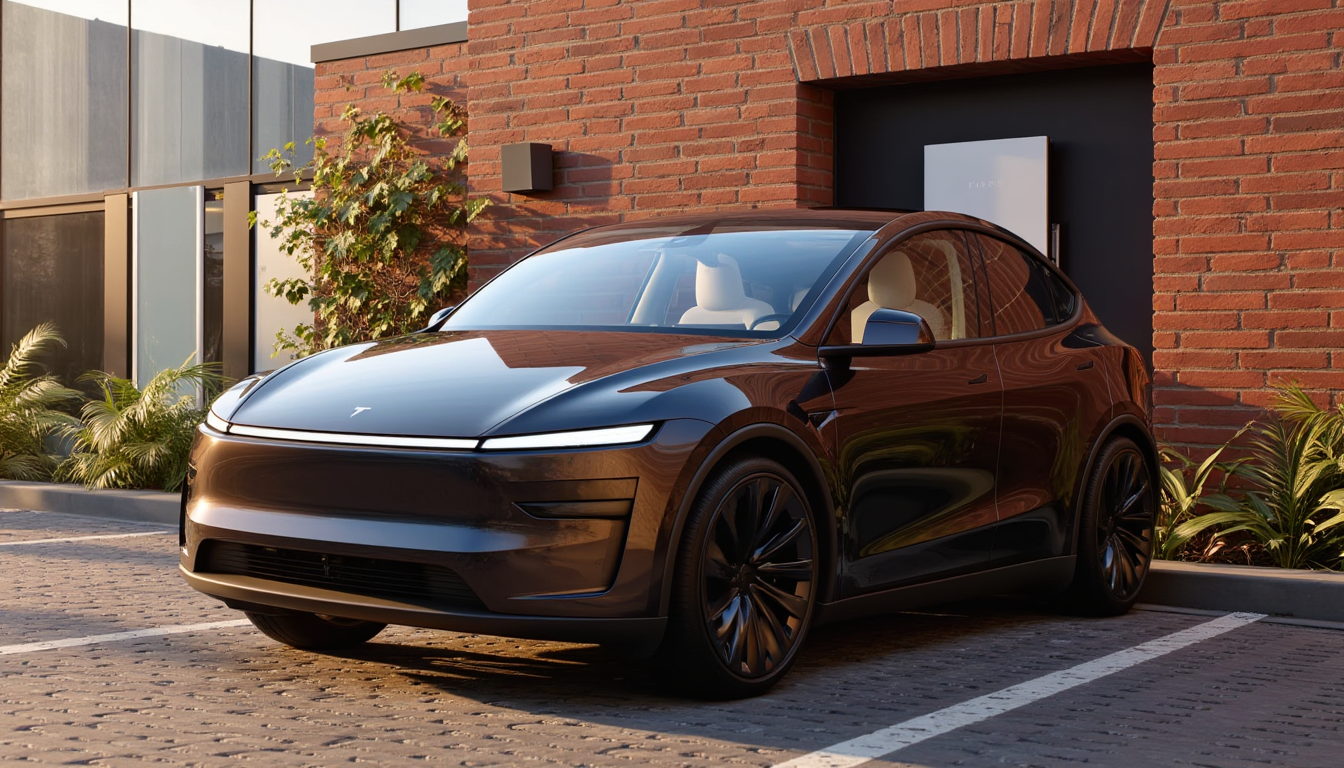
Imagine turning any idea into breathtaking, professional-grade images in seconds without any design experience or expensive software. With PixelDojo, you unlock the full power of PicLumen AI techniques to create hyper-realistic portraits, vibrant anime characters, detailed concept art, and more. Focus on your vision while advanced models handle the rest, delivering results that captivate audiences and elevate your projects.
Join over 85,000 creators who have generated more than 12 million PicLumen-style images. 4.9/5 average rating from verified users. Trusted for commercial projects with full ownership rights.
Why Choose Pixel Dojo for piclumen ai
Professional-quality results with cutting-edge AI technology
Hyper-Realistic Results Every Time
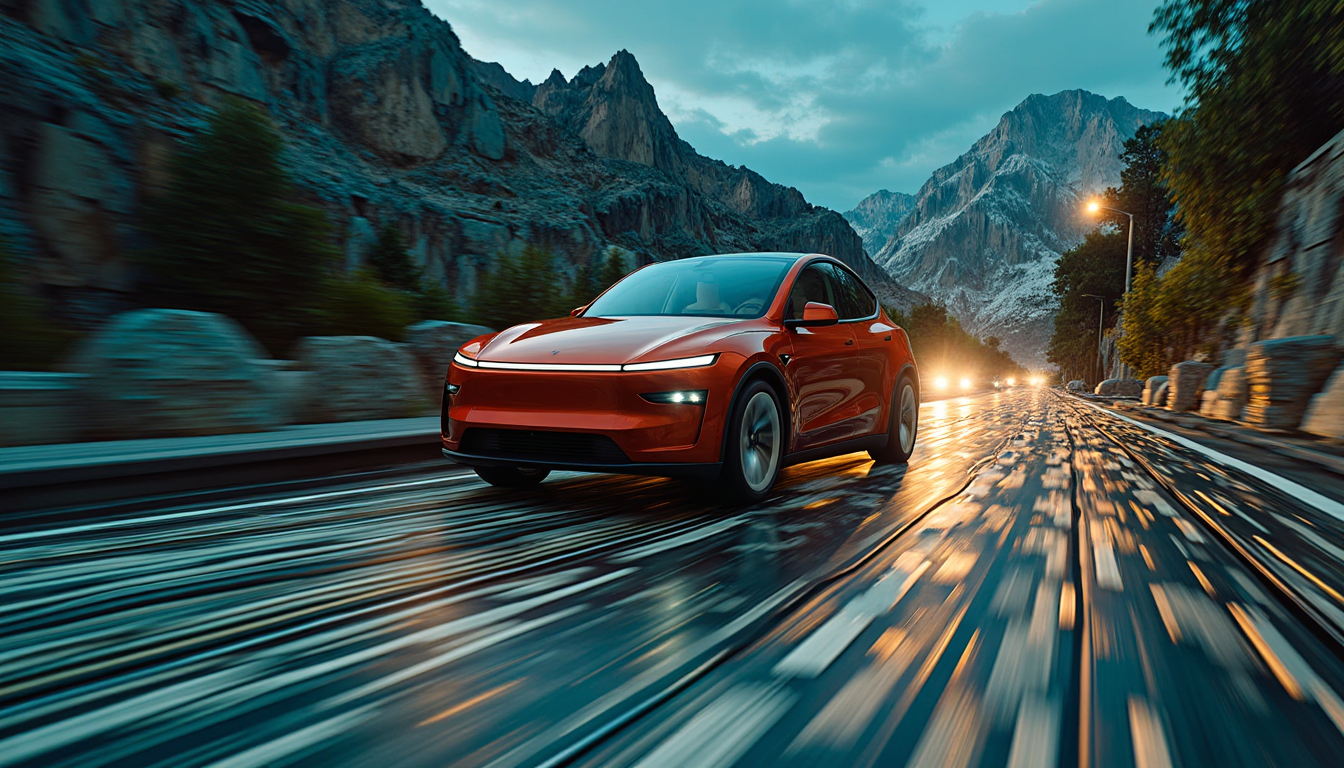
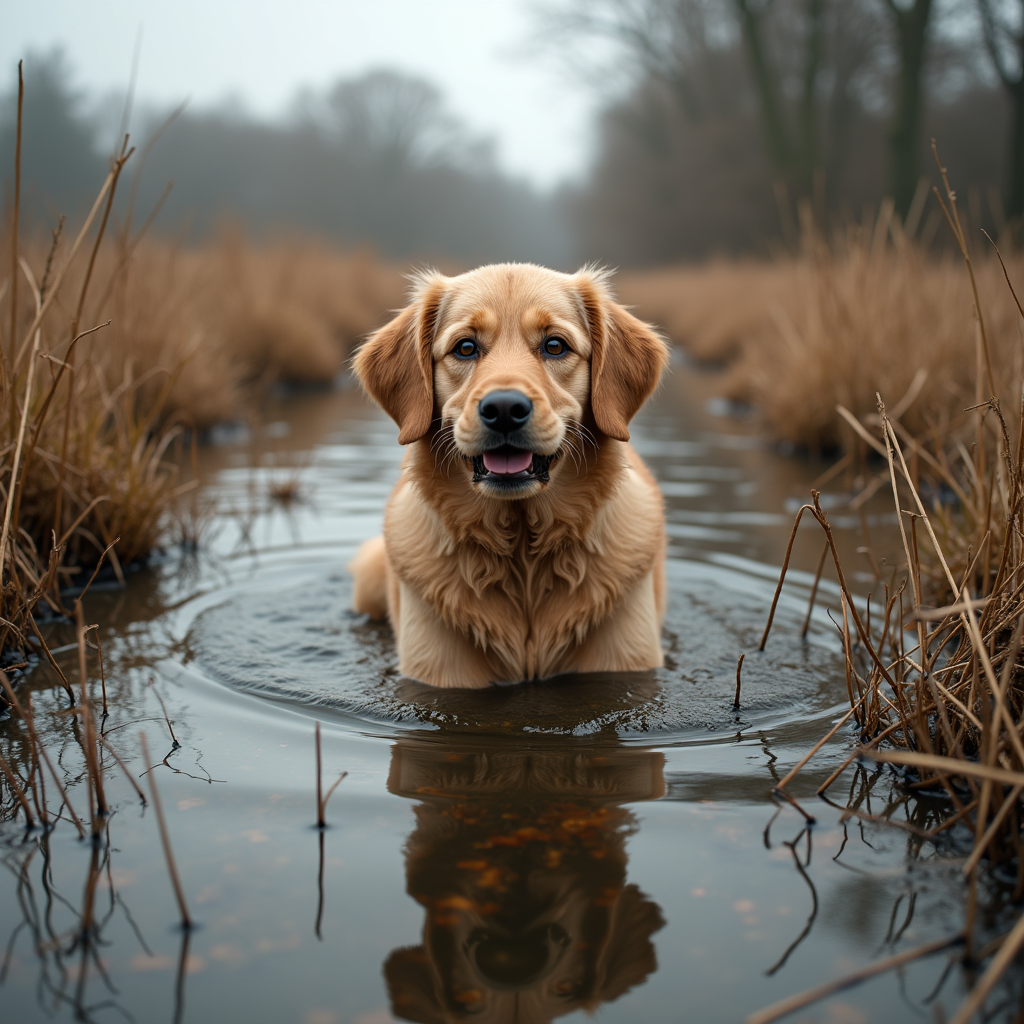
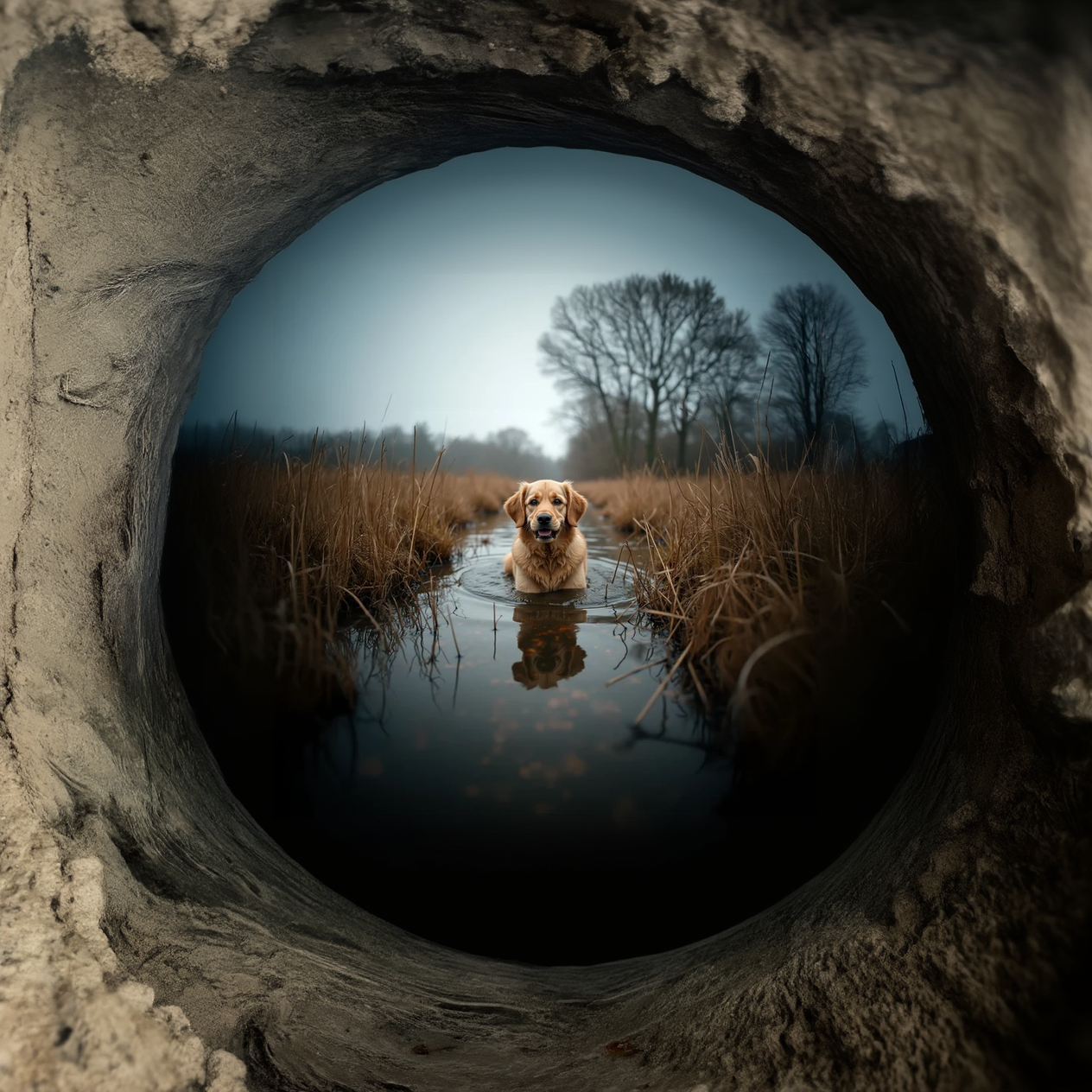
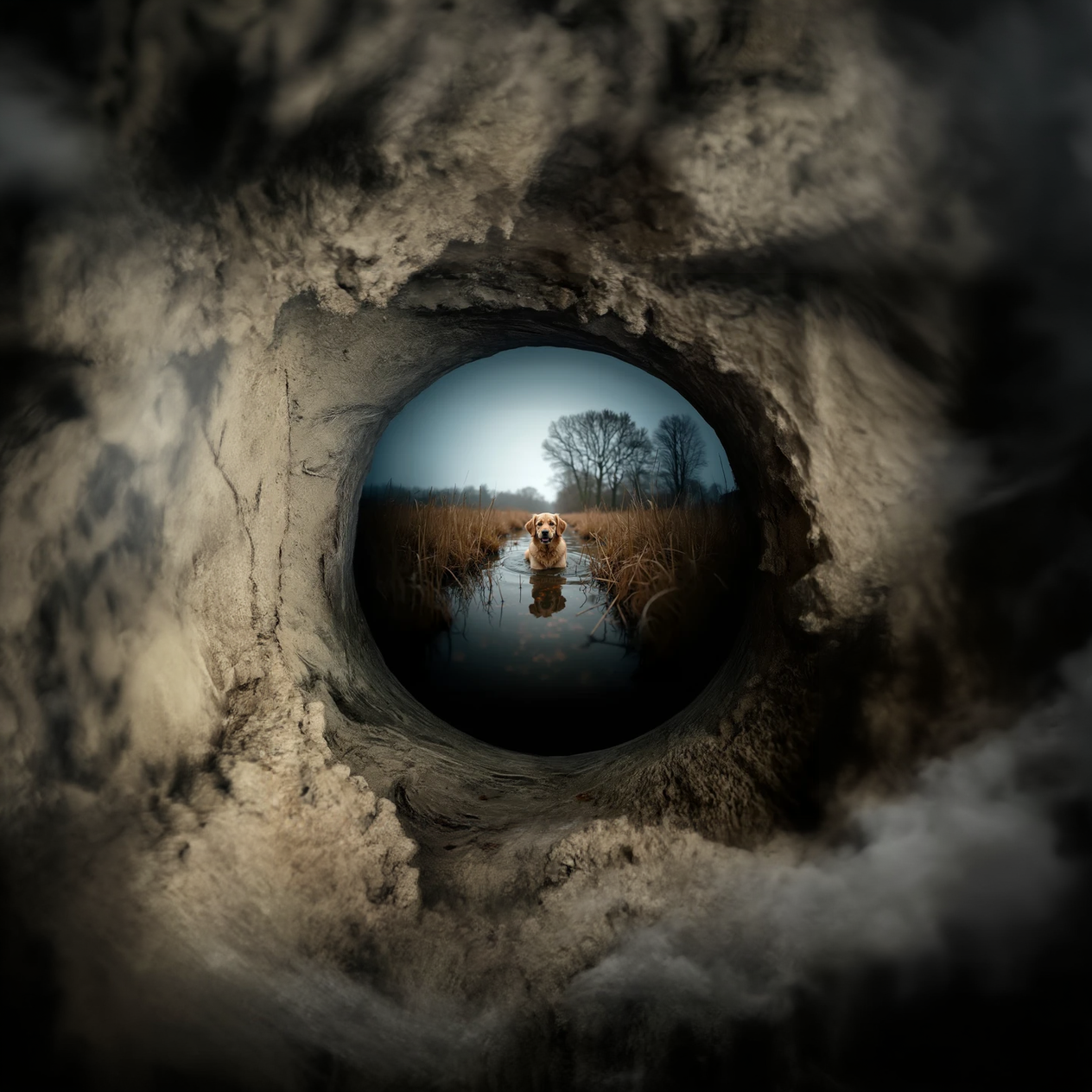
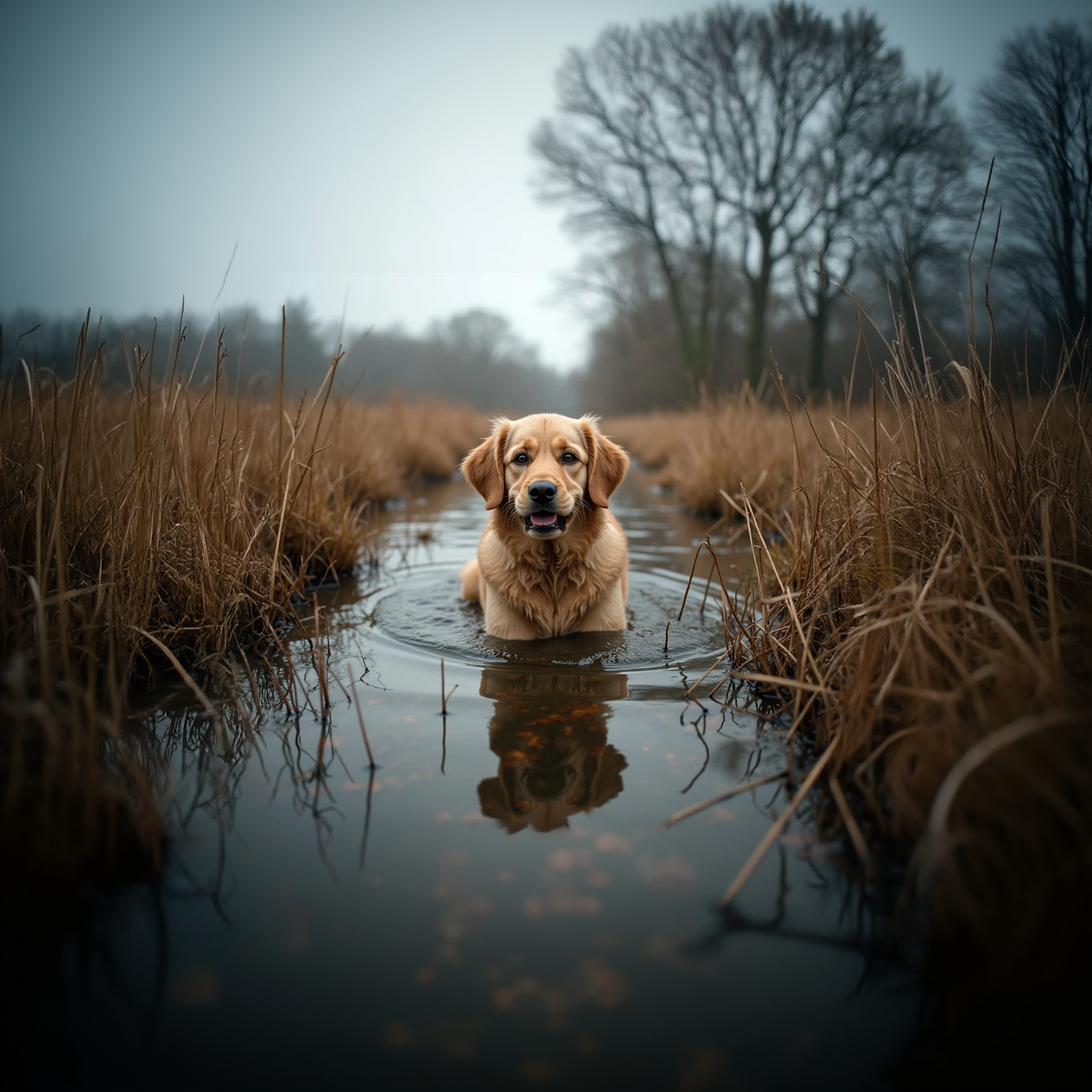
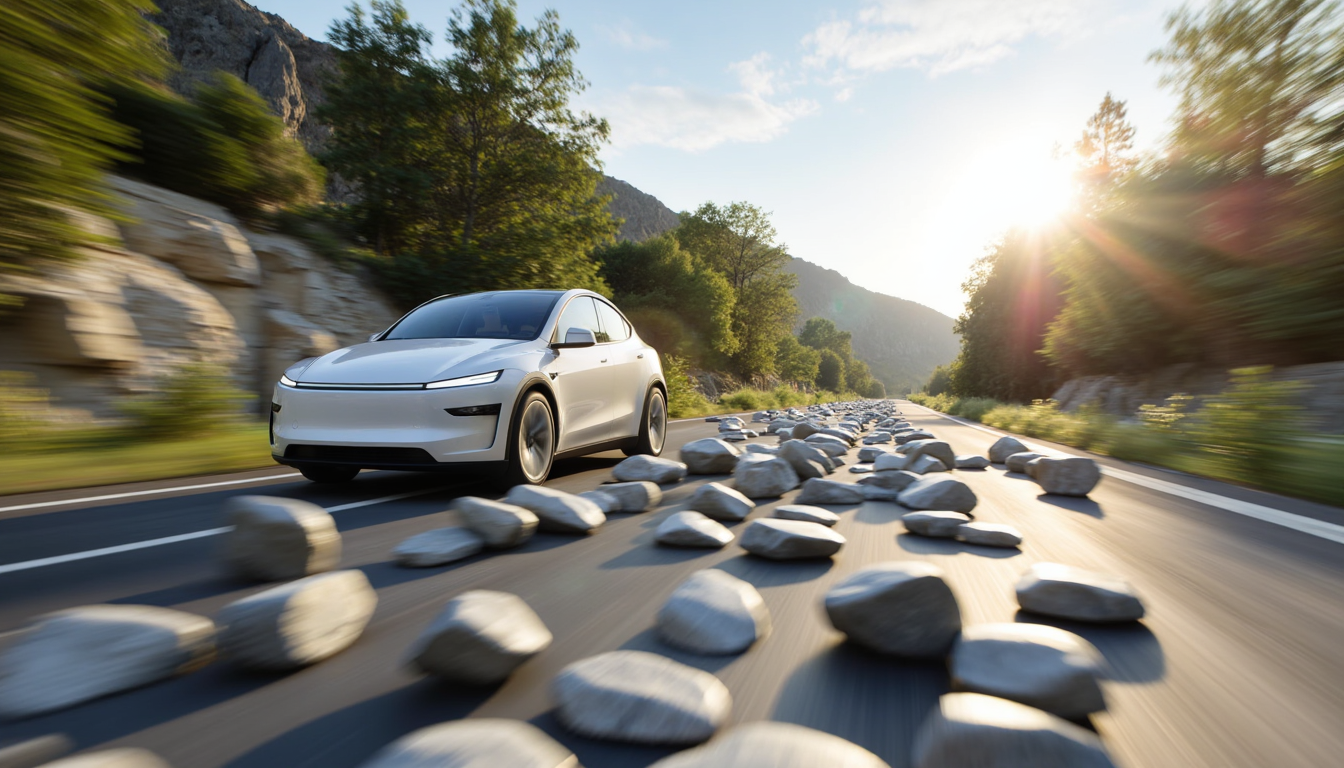
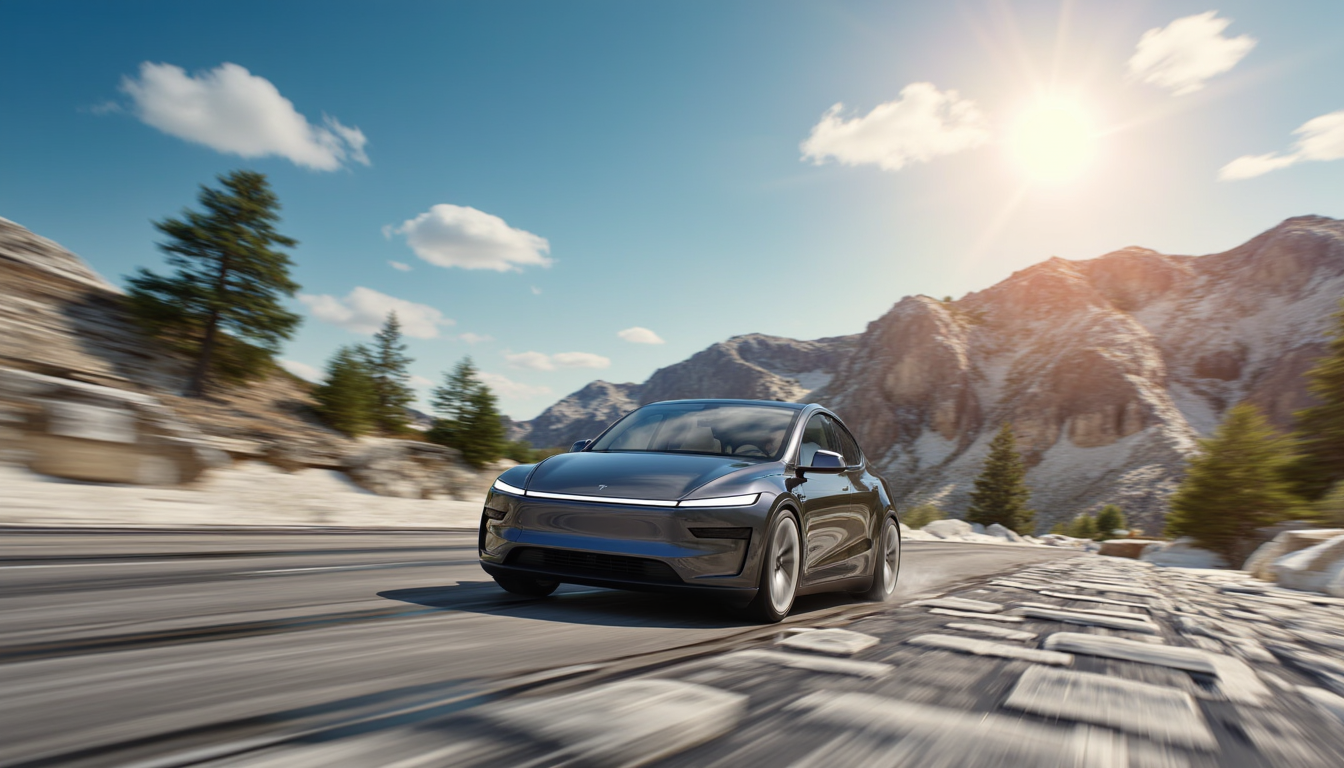
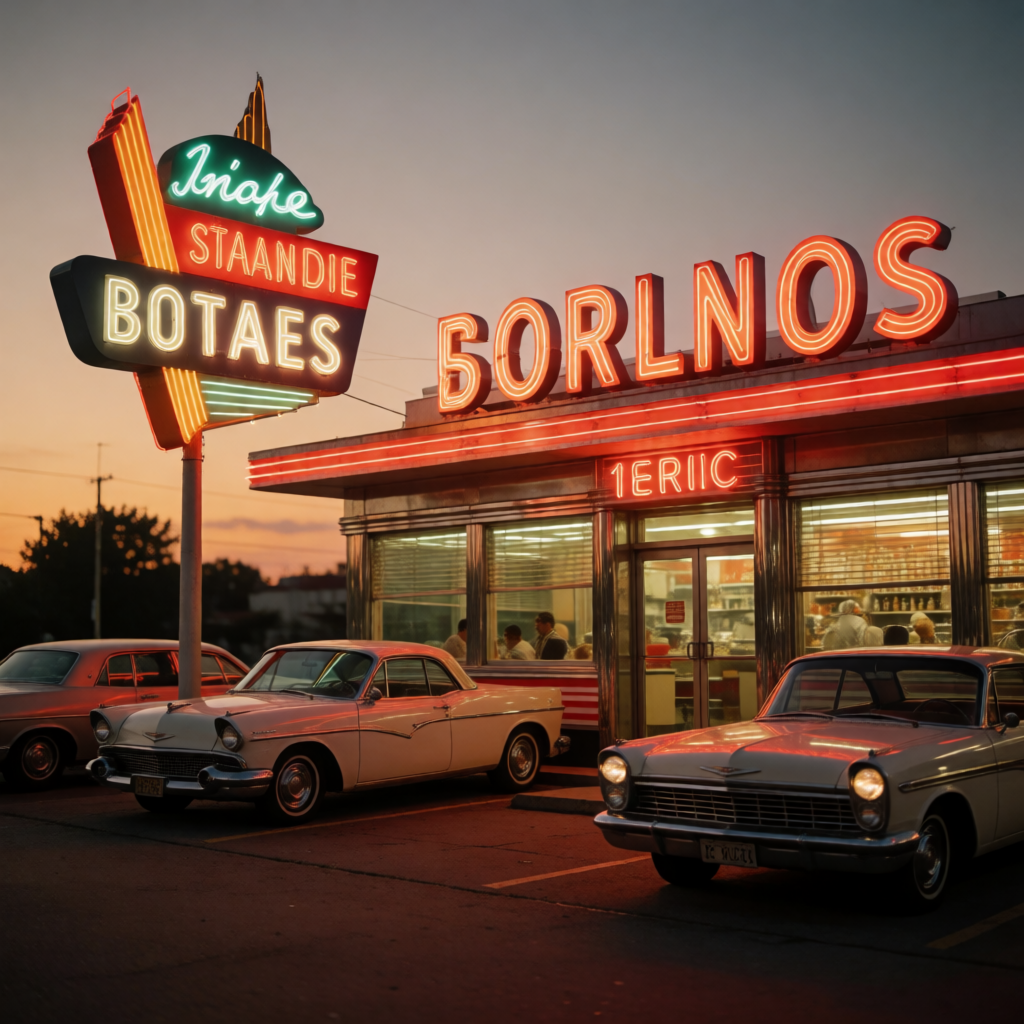
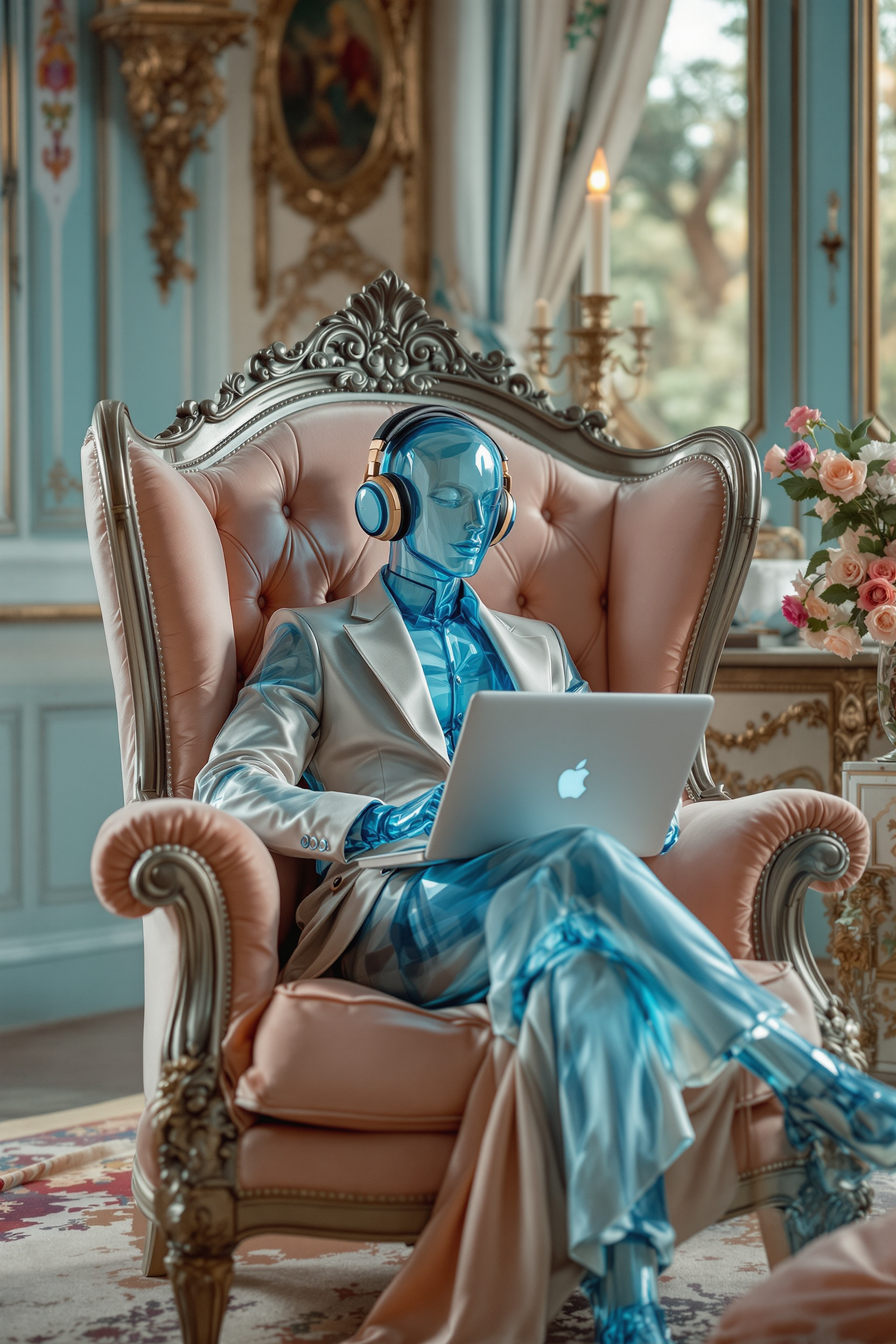
Produce photorealistic images with incredible detail and lighting that match or exceed PicLumen Realistic V2 quality, perfect for product mockups, portraits, and marketing visuals.
Vibrant Anime & Illustration Styles
Craft stunning anime, manga, and stylized art effortlessly using specialized models, ideal for character design, storyboards, and social media content that stands out.
Unlimited Creative Freedom & Speed
Generate, edit, and upscale images without daily limits or watermarks, empowering you to iterate quickly and bring multiple concepts to life in one seamless workflow.
How It Works
Creating PicLumen AI-quality images on PixelDojo takes just three simple steps using our curated selection of top models.
Step 1: Choose Your Tool
Browse PixelDojo's Generate Images section and select a model proven for PicLumen-style results, such as Flux.2 Studio for photorealism, Grok Image for creative flair, Google Nano Banana for sharp details, or Seedream 4.5 and PonyXL for anime and illustrative excellence.
Step 2: Enter Your Prompt
Describe your vision in natural language. For example, 'hyper-realistic portrait of a confident young woman in golden hour light, intricate details, cinematic composition' or 'vibrant anime character with flowing hair in cyberpunk cityscape'. Advanced models interpret nuances like mood, style, and composition accurately.
Step 3: Customize & Download
Review your generation, then refine using Edit Images tools like Inpainting to adjust details, Style Transfer for new aesthetics, Magic Lighting, or Background Remover. Upscale with P-Image Upscale or Magnific Upscaler for print-ready quality before downloading in high resolution.

The Pixel Dojo Advantage
Why PixelDojo outperforms other options for PicLumen AI image generation
| Others | Pixel Dojo |
|---|---|
| Traditional art creation | Skip years of training and expensive supplies—generate professional PicLumen-quality results in seconds from any prompt, freeing you to focus on ideas instead of execution. |
| Generic AI tools | Access a curated library of 40+ specialized models including Flux.2 Studio, QWEN Image 2, WAN Image, and Seedream 5 Lite that deliver consistent PicLumen-level realism, anime fidelity, and artistic control with built-in editing and upscaling. |
| Manual photo editing | Eliminate hours of tedious adjustments—use intelligent tools like Reality Polisher, Change Camera Angle, and Smart Resize to perfect your PicLumen-style images automatically while maintaining full creative control. |
Loved by creators on PixelDojo
Real feedback from people using PixelDojo, pulled from our in-product surveys.
awesome functionality, UX, constant flood of improvements, discord interactivity
Awesome site with so many features
Love how I can almost create anything
The Flux Pro Ultra is just amazing!
Very easy to use, and they have fast wan 2.2 video generation with custom loras available.
The overall quality of the site and it's amazing variety of tools. The continued updates of the UI. The unbelievable level of tech support.
Explore more AI tools on PixelDojo
AI Tools
Compare & Switch
- Best AI Image Generators
- Best AI Video Generators
- Midjourney Alternatives
- Civitai Alternatives
- Runway Alternatives
- Leonardo Alternatives
- Pika Alternatives
- Luma Alternatives
- Magnific Alternatives
- Veo Alternatives
- Flux Alternatives
- Freepik Alternatives
- Seedance Alternatives
- Seedream Alternatives
- Pixverse Alternatives
- GPT Image Alternatives
- Synthesia Alternatives
- Playground Alternatives
- NightCafe Alternatives
- Canva AI Alternatives
- ElevenLabs Alternatives
- ComfyUI Alternatives
- Fal Alternatives
- Replicate Alternatives
Common Questions
Everything you need to know about piclumen ai
How to create PicLumen AI realistic images for free on PixelDojo?
Simply sign up for free access to PixelDojo, select models like Flux.2 Studio or Grok Image from the Generate Images section, enter a detailed prompt for photorealistic results, and generate instantly. Use free daily credits or upgrade for unlimited access. No watermarks, full commercial rights included.
What are the best PicLumen AI prompts for anime characters?
Craft prompts like 'detailed anime girl with expressive eyes, dynamic pose, vibrant colors, cyberpunk background, high quality line art' and choose PonyXL or Seedream 4.5. PixelDojo's models excel at capturing PicLumen Anime V2 style with clean lines, bright palettes, and emotional depth.
Can I achieve PicLumen AI line art and illustration styles with PixelDojo?
Yes! Select specialized tools like Recraft V4.1, Ideogram 4, or QWEN Image for crisp line art and illustrations. Combine with Style Transfer or Image to Image editing to refine sketches into polished PicLumen-style line drawings perfect for tattoos, comics, or concept art.
Is PicLumen AI image generation on PixelDojo suitable for commercial use?
Absolutely. All images generated on PixelDojo grant you full ownership and commercial rights, just like PicLumen's MIT-licensed outputs. Use them for client work, products, marketing, or social media without restrictions.
How does PixelDojo compare for PicLumen AI video and character consistency?
Beyond images, leverage Consistent Characters, WAN Video Character Swap, and Kling Video tools to extend PicLumen-style creations into videos with matching faces and poses across scenes. Perfect for animations, ads, or storytelling.
What editing features help refine PicLumen AI generated images?
PixelDojo offers comprehensive post-generation tools including Inpainting for targeted fixes, Magic Lighting for dramatic effects, Background Remover, Image Outpainting to expand scenes, and Portrait Upscaler for high-resolution details—all designed to elevate your initial generations to professional PicLumen standards.