pika ai
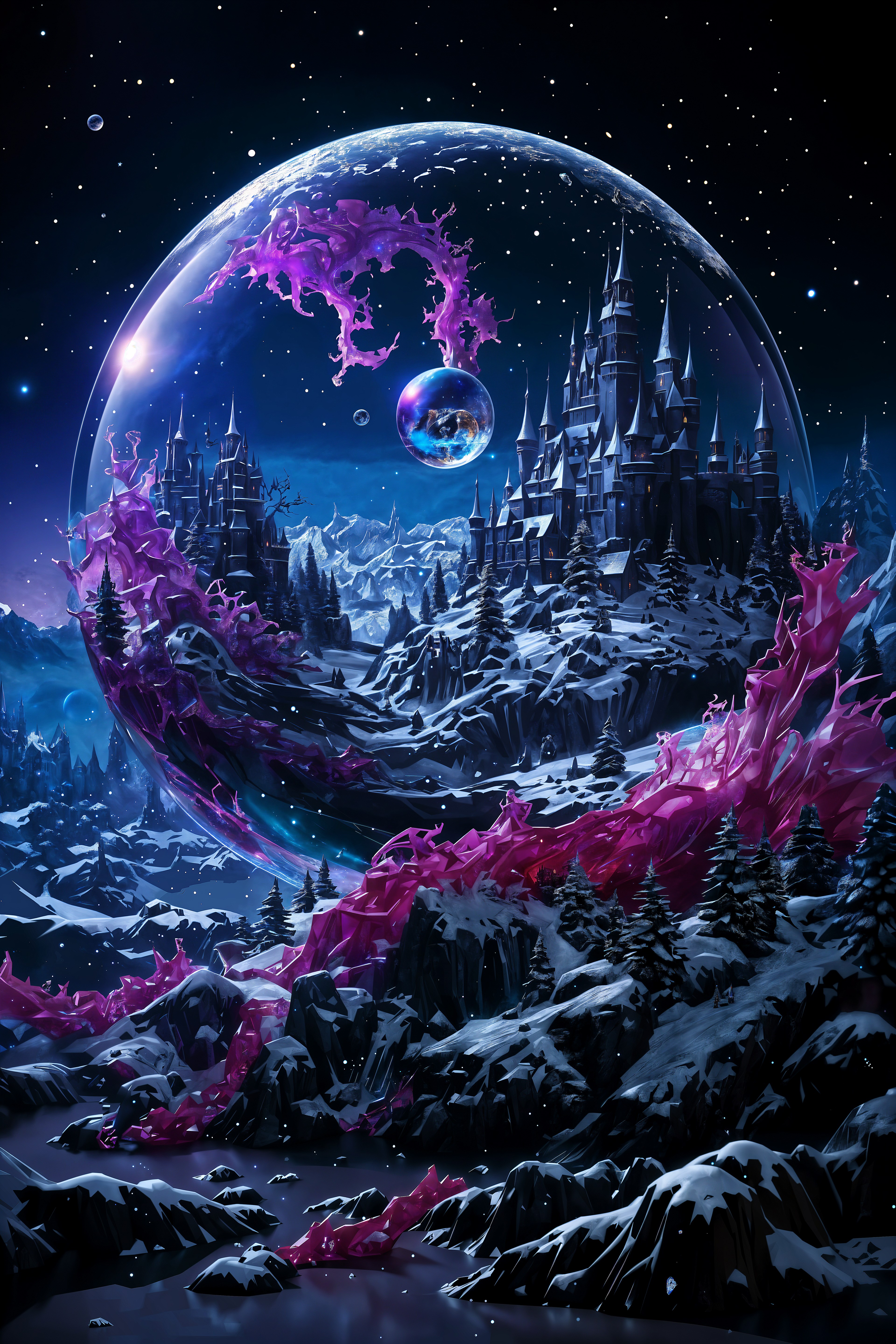
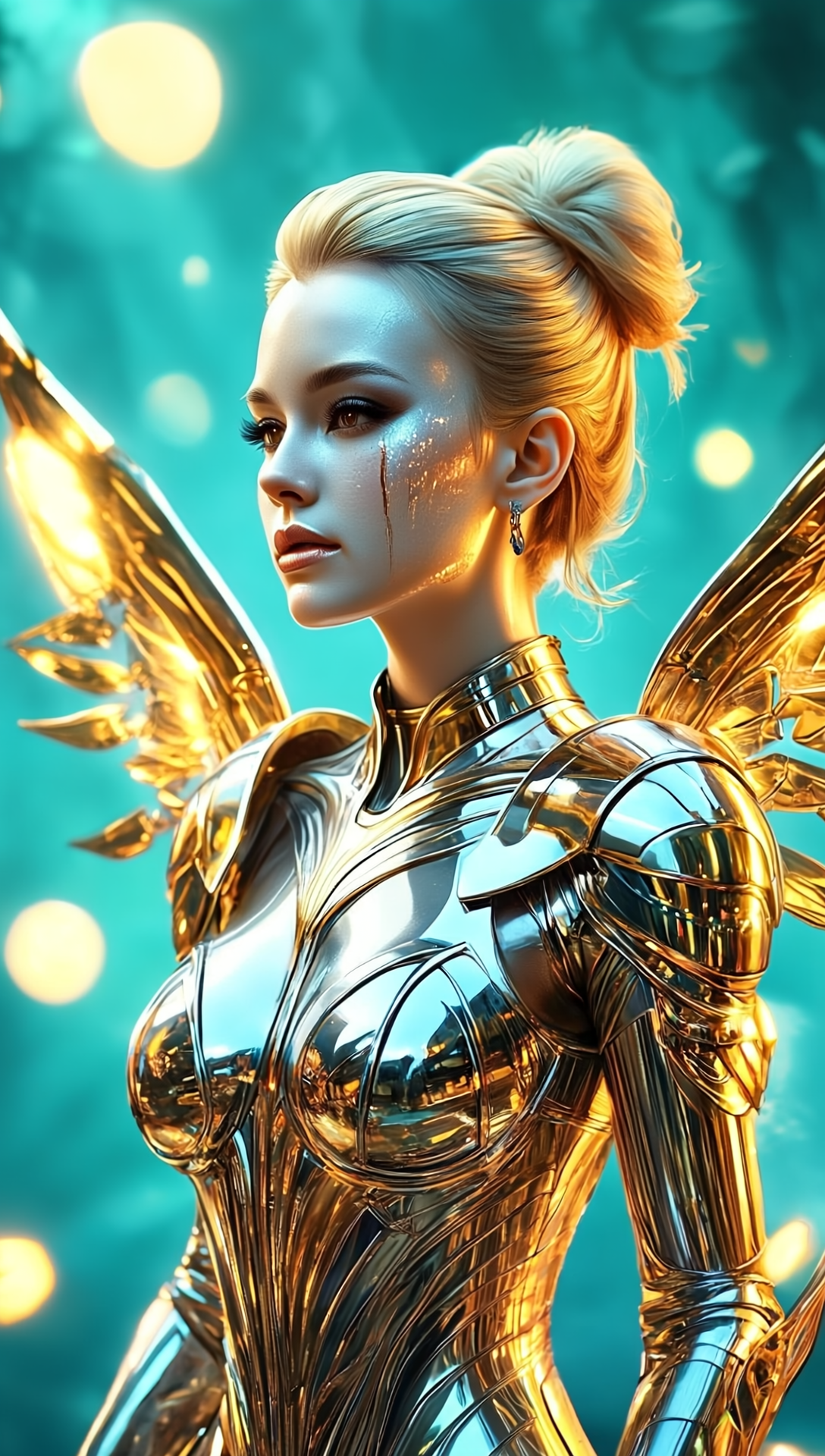
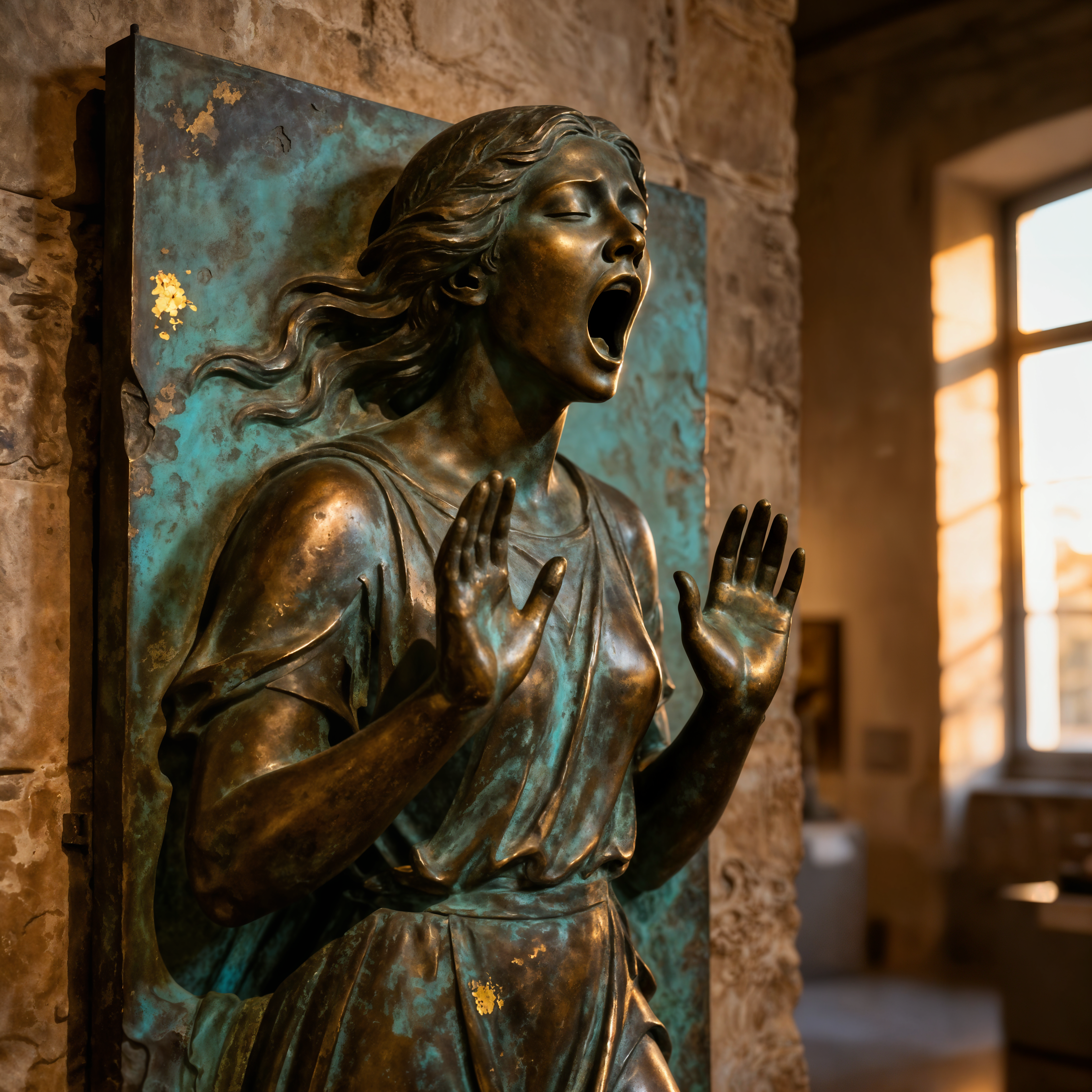
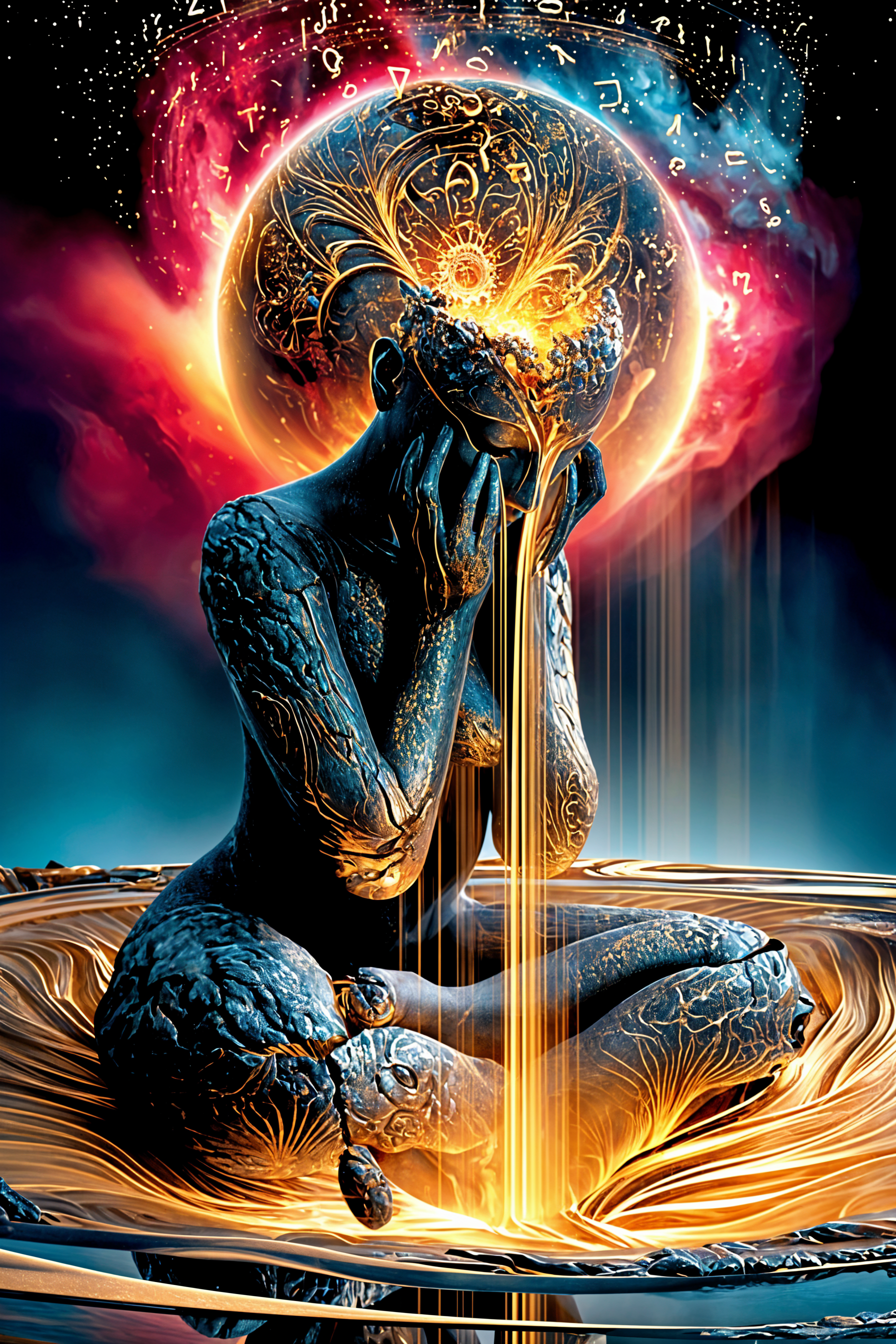
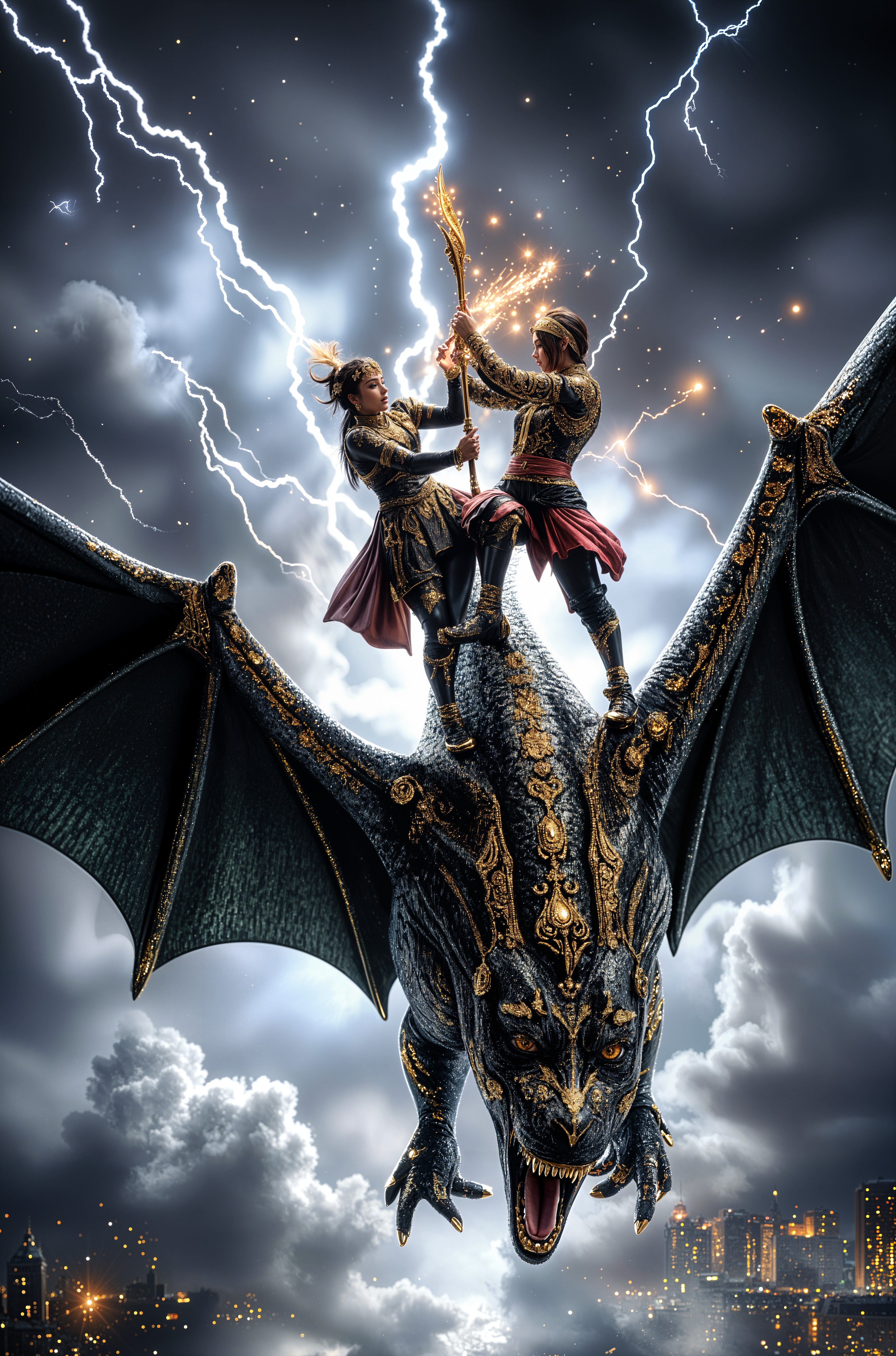
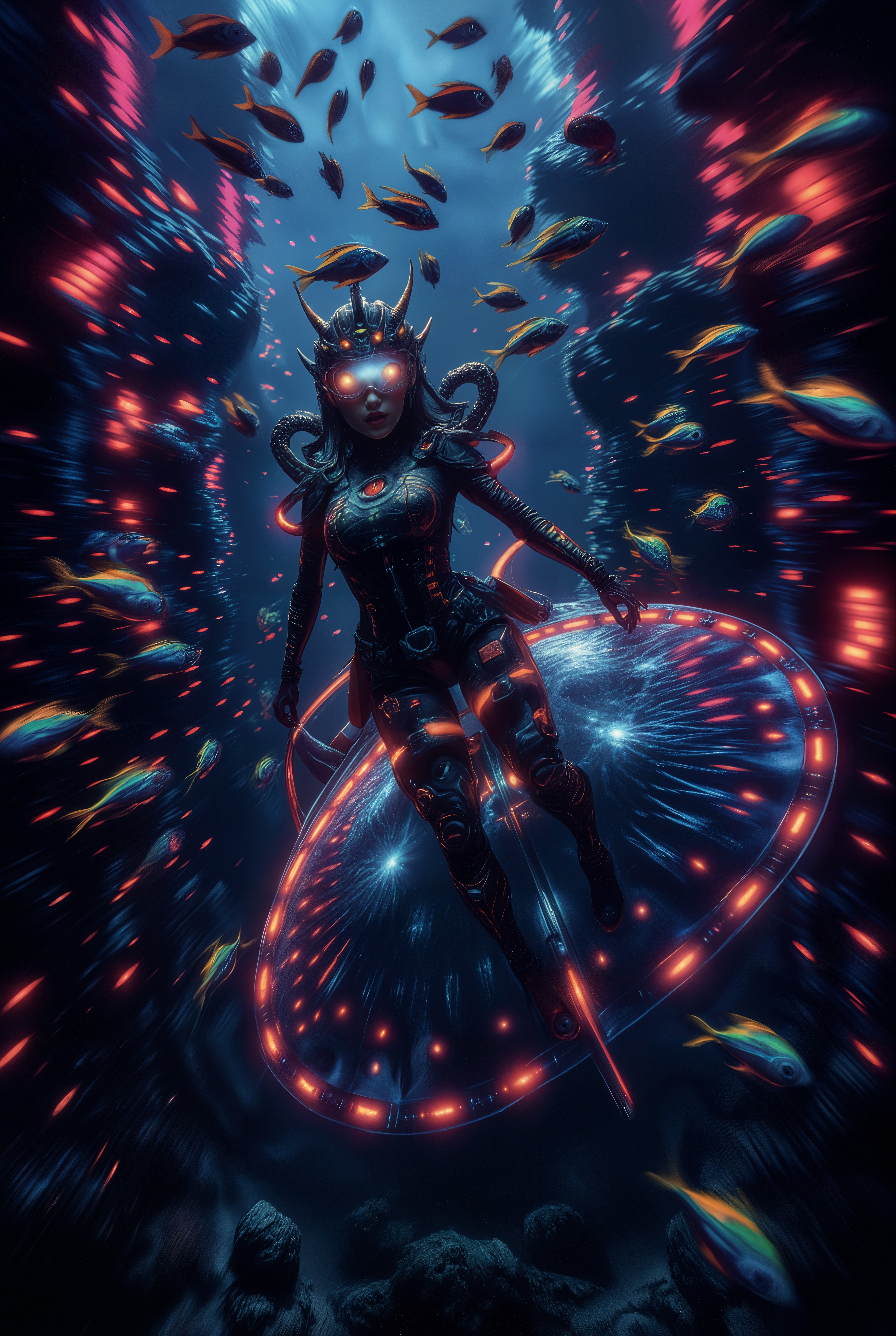
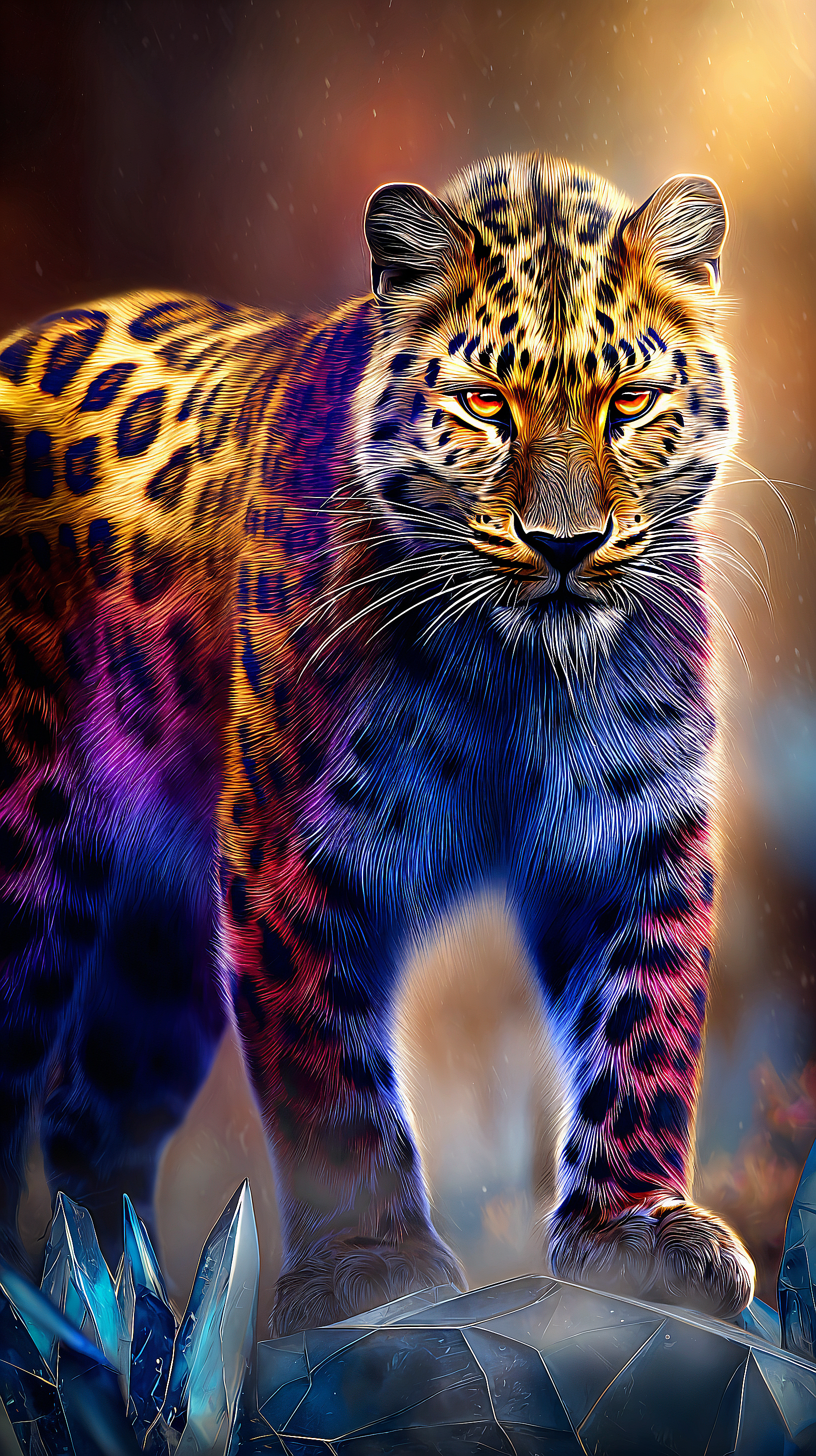
Transform your ideas into eye-catching Pika AI images that capture attention and drive engagement. With PixelDojo, you can generate dynamic, effect-rich visuals featuring surreal physics, vibrant styles, and professional polish in just seconds—perfect for social media, marketing, or personal projects that stand out.
Over 75,000 creators have generated millions of Pika-style images on PixelDojo. Rated 4.9/5 by thousands of users worldwide. Trusted by marketers, artists, and content creators for reliable, high-impact results.
Why Choose Pixel Dojo for pika ai
Professional-quality results with cutting-edge AI technology
Master Viral Pika Effects in Still Images
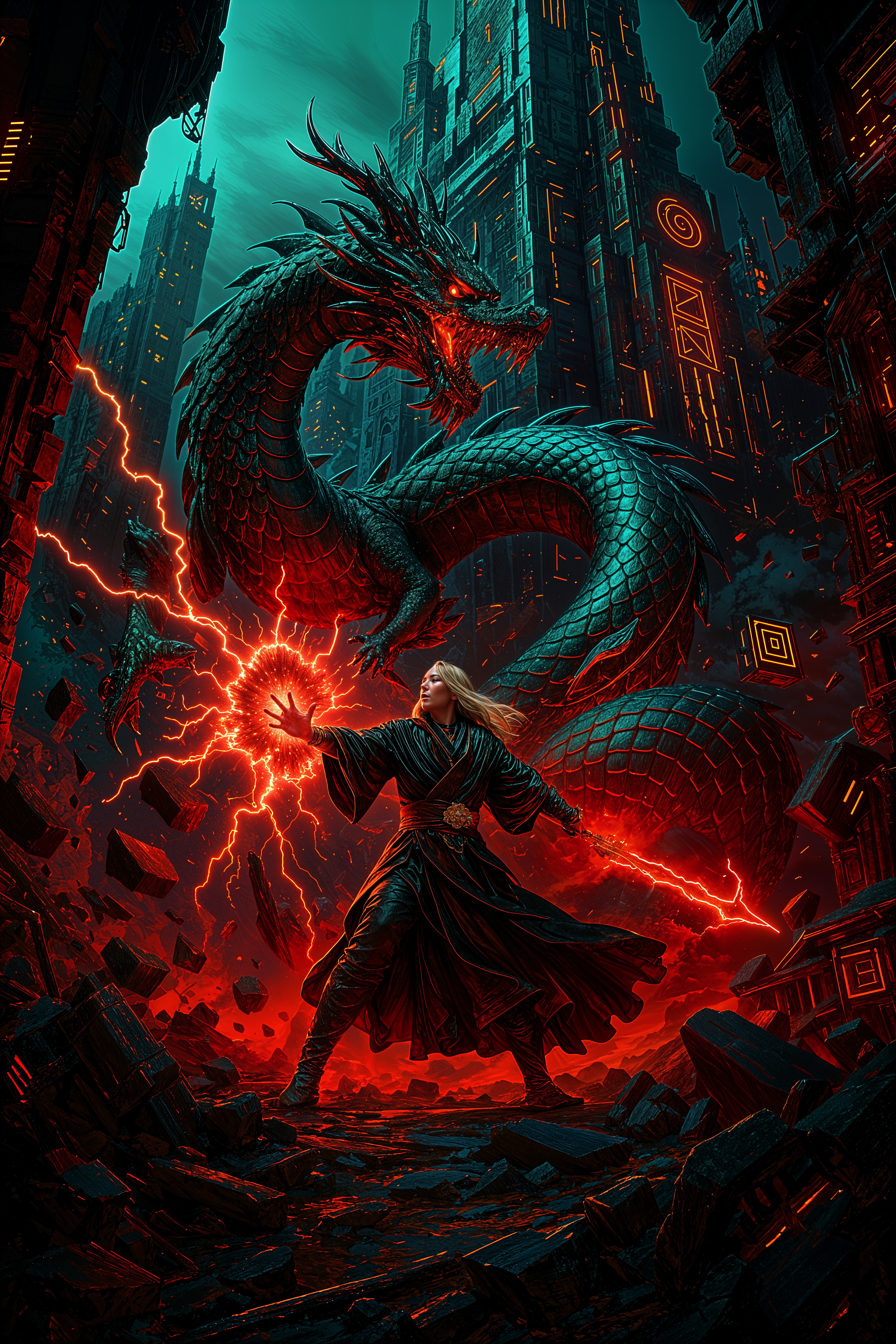
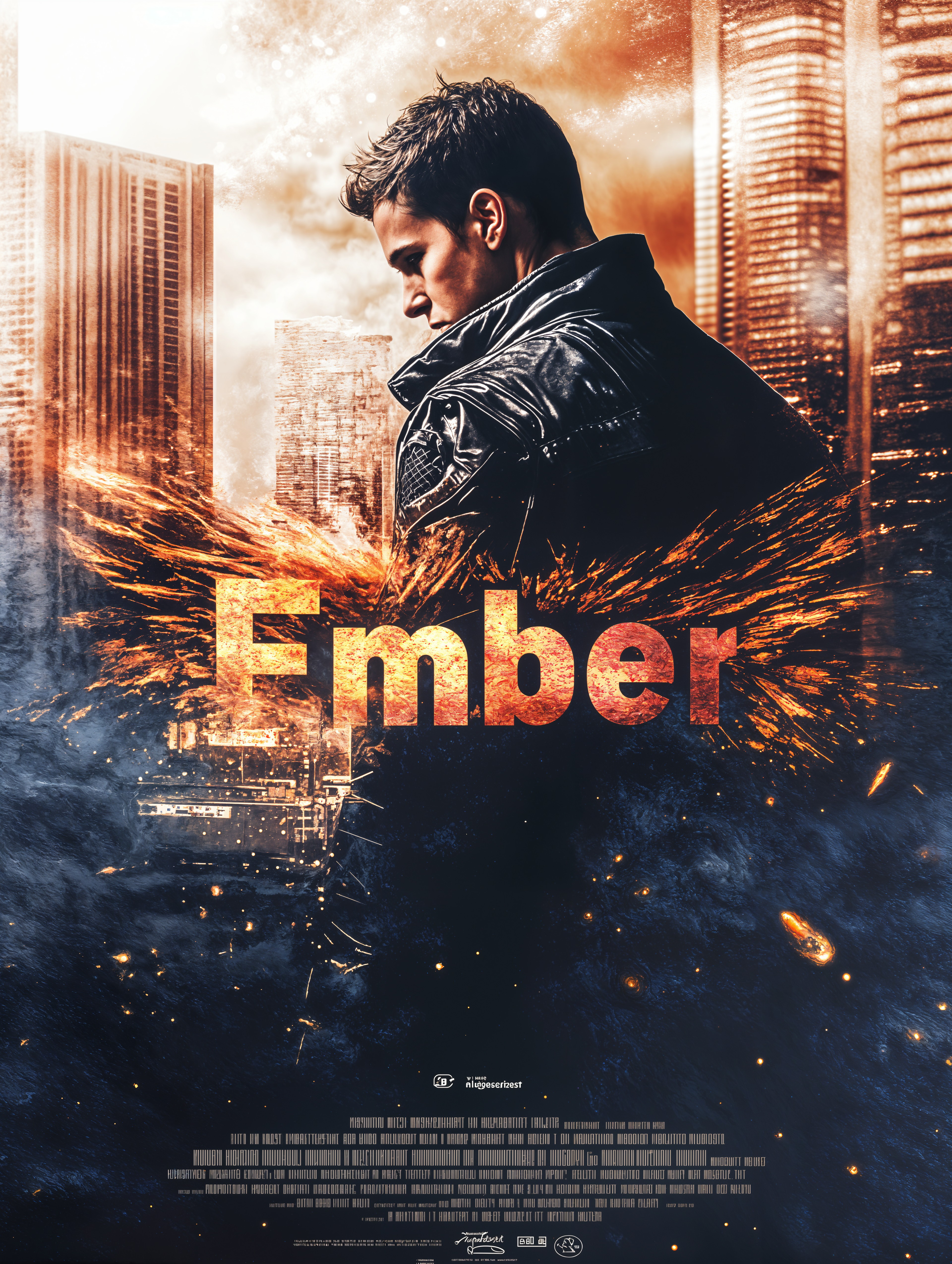
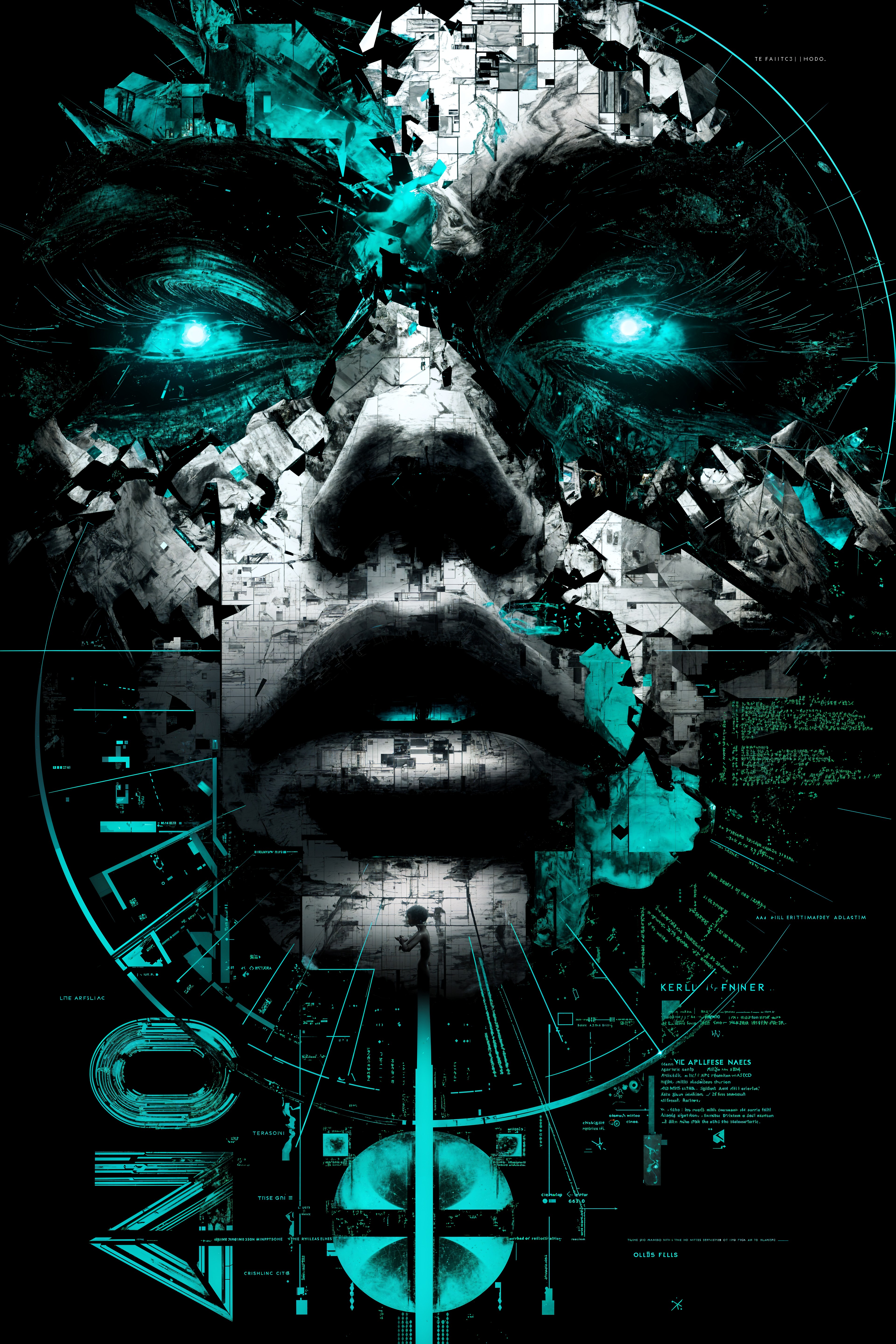
Create images with melt, inflate, crush, and twist effects that mimic Pika's signature physics-based visuals—ideal for thumbnails, ads, and eye-catching posts that stop the scroll.
Achieve Consistent Characters & Scenes
Generate series of Pika-style images with the same character identity, lighting, and mood across multiple outputs, making it easy to build cohesive campaigns or storyboards.
Iterate Faster for Perfect Results
Refine your Pika AI images with precise controls for camera angles, lighting, and style transfers—spend less time prompting and more time creating share-worthy content.
How It Works
Creating Pika AI-style images is simple with PixelDojo's specialized tools. Follow these steps to bring your creative vision to life.
Step 1: Choose Your Tool
Select from powerful options like Flux.2 Studio, Ideogram 4, Grok Image, or Krea V2—each optimized for creative, high-detail Pika-inspired generations with strong prompt adherence and artistic flair.
Step 2: Enter Your Prompt
Describe your scene with Pika-inspired details: 'surreal melting clock in orange and teal palette, dramatic lighting, physics-defying twist, cinematic composition, high detail' or upload a reference for image-to-image refinement.
Step 3: Customize & Download
Apply edits like style transfer, magic lighting, or background remover using tools such as Recraft V4.1 or Reality Polisher. Adjust camera angle or upscale with P-Image Upscale for crisp, ready-to-share results.
The Pixel Dojo Advantage
Why PixelDojo outperforms other options for Pika AI image generation
| Others | Pixel Dojo |
|---|---|
| Traditional Pika AI workflows | Access dedicated image tools alongside video prep features without switching platforms—generate base images optimized for Pika video extensions in one place. |
| Generic AI tools | Specialized models like Flux.2 Studio and Ideogram 4 deliver superior creative effects and consistency tailored to Pika's dynamic aesthetic. |
| Manual photo editing | Instantly apply complex Pika effects like physics simulations and style blends that would take hours or require advanced software skills. |
Loved by creators on PixelDojo
Real feedback from people using PixelDojo, pulled from our in-product surveys.
very easy to use and good support
Very easy to use
super easy to use
it's very easy to use
Practically every Ai suite in one place? Who wouldn't?
versatile menu of tools
Explore more AI tools on PixelDojo
AI Tools
Compare & Switch
- Best AI Image Generators
- Best AI Video Generators
- Midjourney Alternatives
- Civitai Alternatives
- Runway Alternatives
- Leonardo Alternatives
- Pika Alternatives
- Luma Alternatives
- Magnific Alternatives
- Veo Alternatives
- Flux Alternatives
- Freepik Alternatives
- Seedance Alternatives
- Seedream Alternatives
- Pixverse Alternatives
- GPT Image Alternatives
- Synthesia Alternatives
- Playground Alternatives
- NightCafe Alternatives
- Canva AI Alternatives
- ElevenLabs Alternatives
- ComfyUI Alternatives
- Fal Alternatives
- Replicate Alternatives
Common Questions
Everything you need to know about pika ai
How to create Pika AI images with PixelDojo?
Simply choose a tool like Flux.2 Studio or Ideogram 4, enter a detailed prompt inspired by Pika's creative effects (e.g., melting objects, vibrant palettes, dramatic motion), and customize with editing features like style transfer or magic lighting. Download high-resolution results in seconds.
What are the best prompts for Pika AI image generation?
Use descriptive language focusing on physics effects, color palettes like orange-teal, and cinematic elements. Examples include 'inflating balloon character with surreal twist, high detail, dramatic shadows' or 'crushing object in vibrant scene, Pika-style effects, photorealistic yet artistic'.
Can I generate consistent Pika-style characters across multiple images?
Yes! PixelDojo's Consistent Characters and Ideogram Character tools let you maintain the same character identity, pose, and style in every Pika-inspired image, perfect for series or campaigns.
Is Pika AI image generation free on PixelDojo?
Start with free credits to generate your first Pika-style images. Access 40+ cutting-edge tools with flexible plans—cancel anytime, no long-term commitment required.
How does PixelDojo compare for Pika Labs style images?
PixelDojo offers specialized editing like Change Camera Angle, Magic Lighting, and Creative Upscaler to replicate and enhance Pika's signature effects in still images, with faster iteration and more model options.
What trends define Pika AI image generation in 2026?
Current trends include hyper-realistic physics effects, seamless character consistency, vibrant cinematic color grading, and integration with video workflows. PixelDojo tools like Krea V2 and Recraft V4.1 help you stay ahead with these styles effortlessly.