Pika Labs AI image-to-video

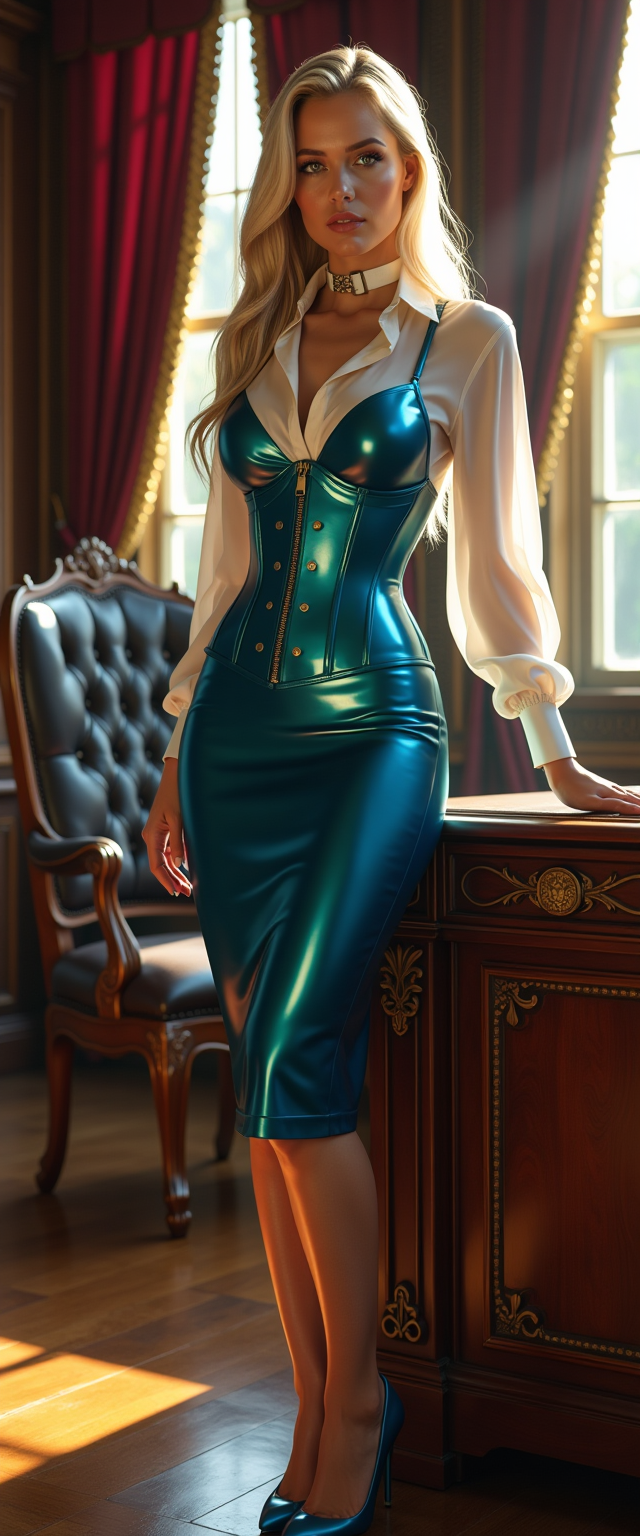
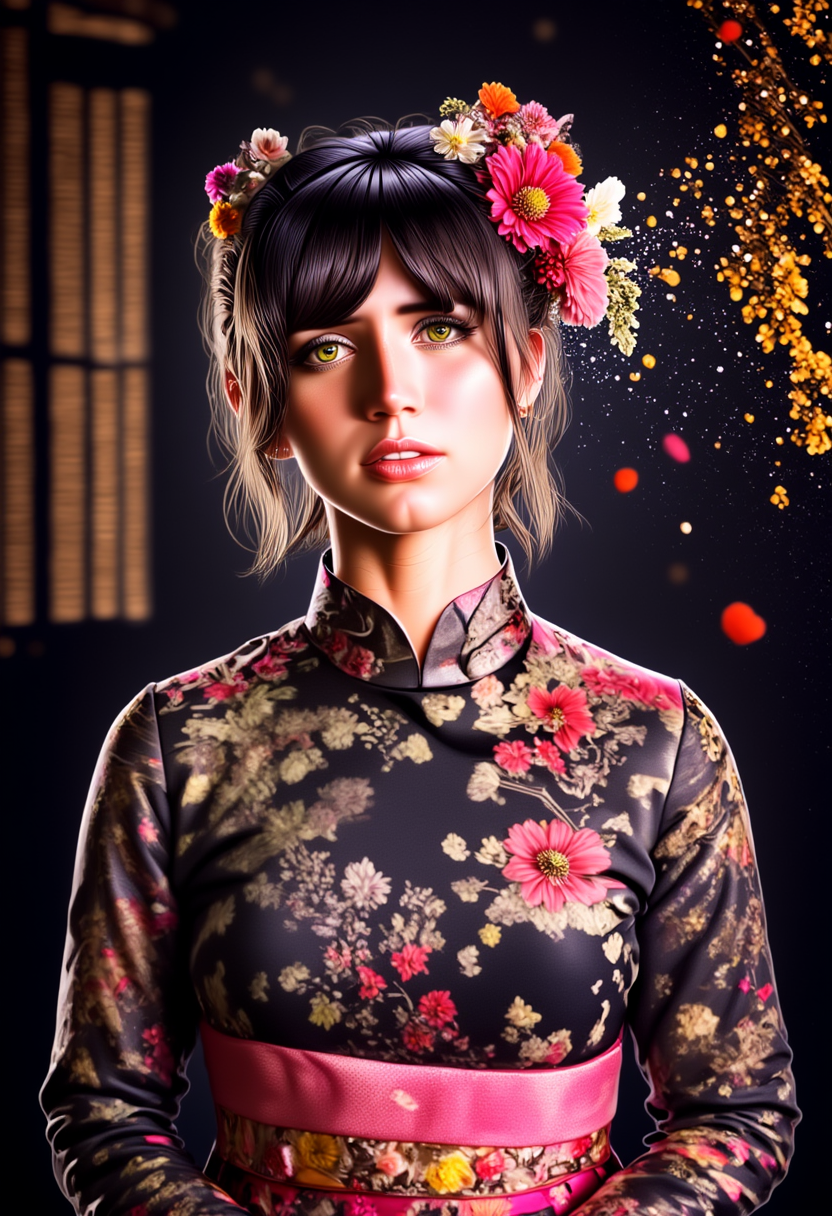
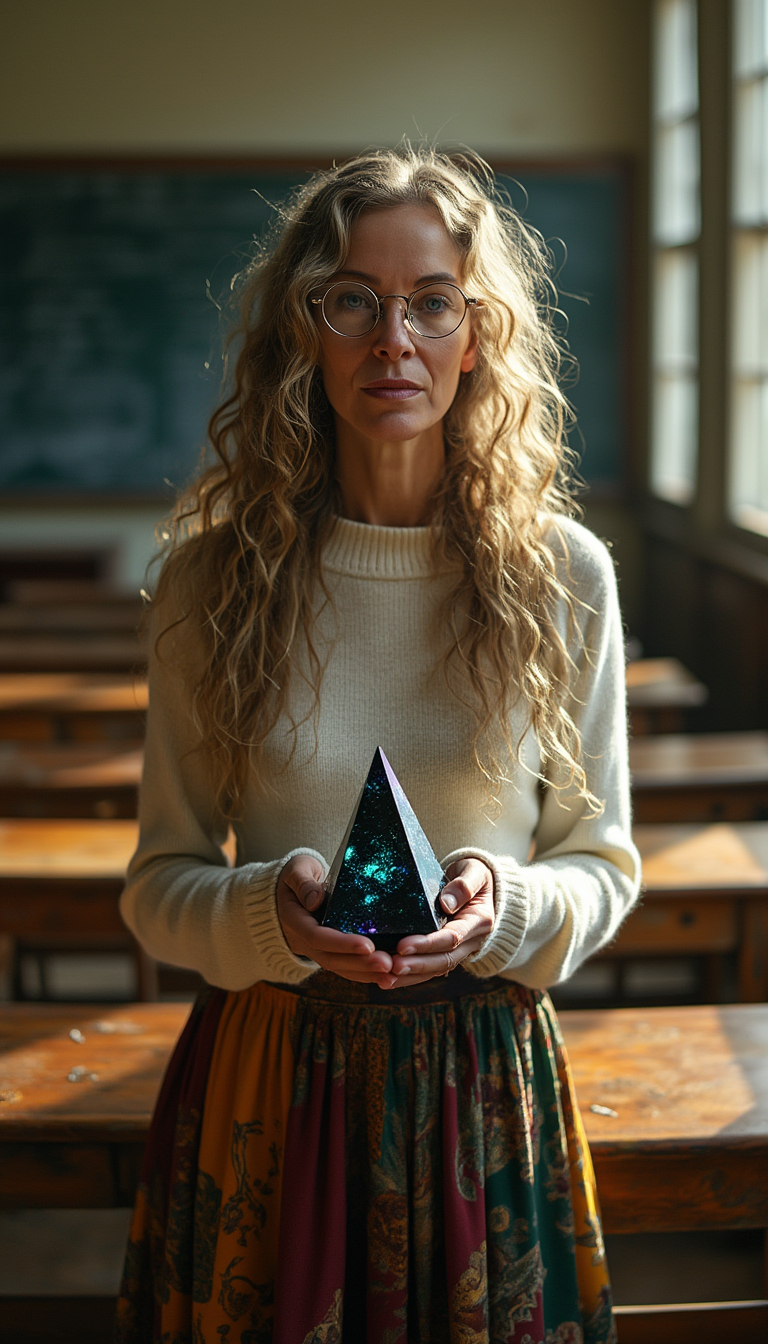
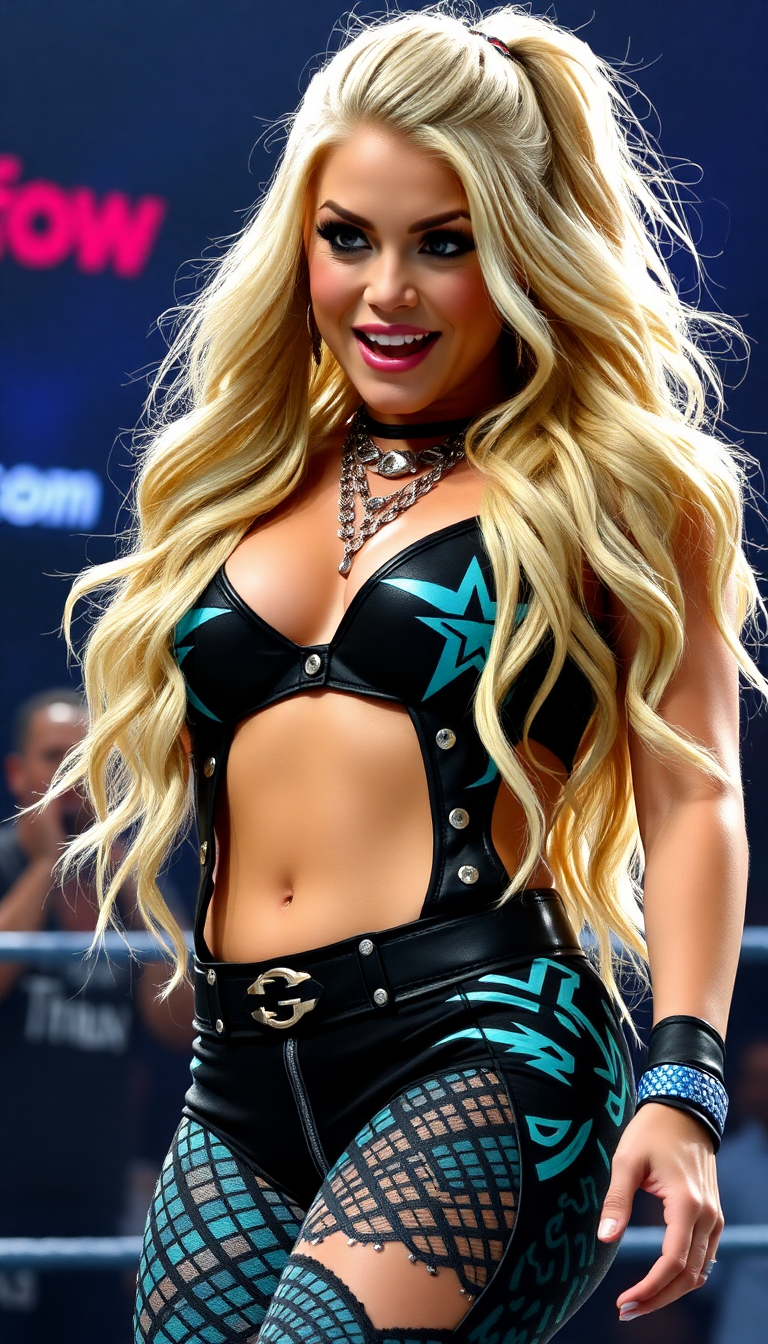
Imagine turning your favorite photos into engaging videos that tell a story. With PixelDojo's AI-powered tools, you can effortlessly animate static images, adding motion and life to your visuals. Whether you're a marketer looking to enhance product presentations, a content creator aiming to boost social media engagement, or an artist exploring new creative avenues, PixelDojo empowers you to create dynamic videos that captivate your audience.
Join over 12 million users who have transformed their content with PixelDojo's AI tools. Rated 4.8/5 by creators worldwide.
Why Choose Pixel Dojo for Pika Labs AI image-to-video
Professional-quality results with cutting-edge AI technology
Effortless Animation
Convert static images into dynamic videos with just a few clicks, no technical skills required.
Enhanced Engagement
Create captivating content that grabs attention and increases viewer interaction.
Versatile Applications
Ideal for marketing, social media, education, and artistic projects, offering endless creative possibilities.
How It Works
Creating animated videos from your images is simple with PixelDojo. Follow these steps to bring your visuals to life:
Step 1: Choose Your Tool
Select the 'Image to Video' tool from PixelDojo's suite of AI applications.
Step 2: Upload Your Image
Click 'Upload' to select the static image you wish to animate from your device.
Step 3: Customize Animation
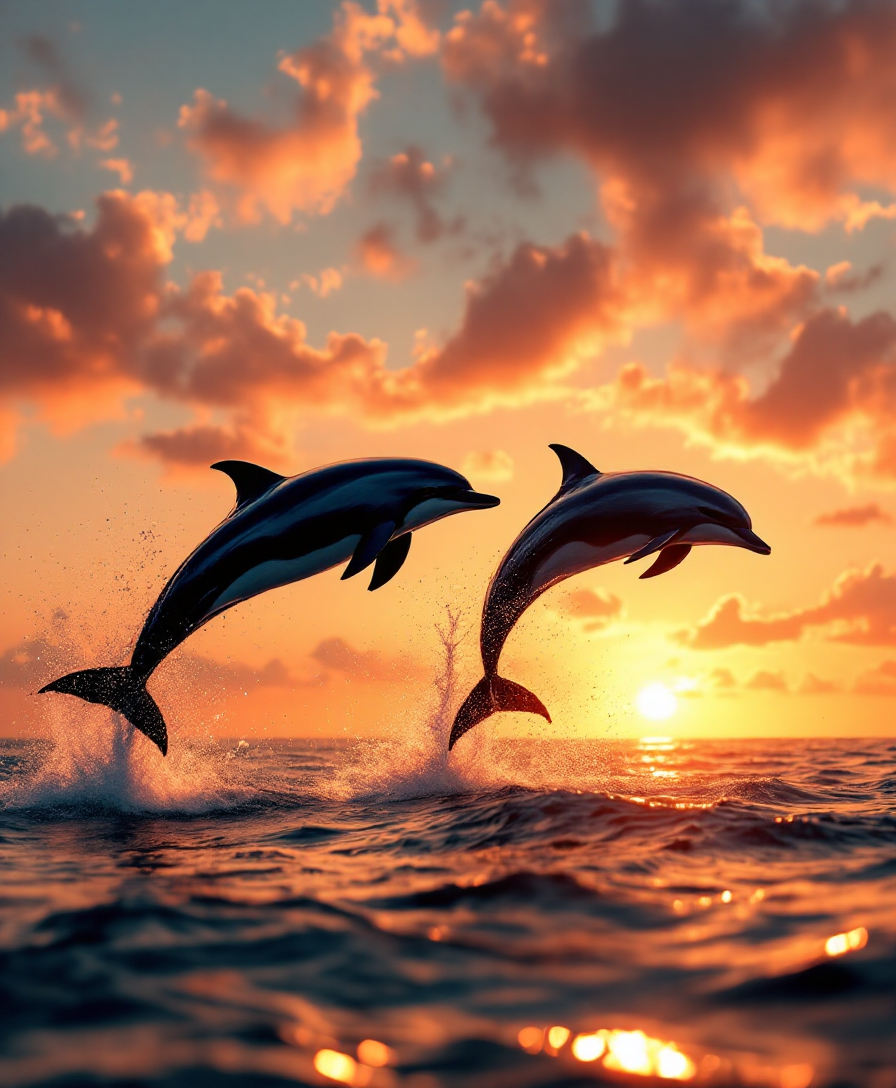
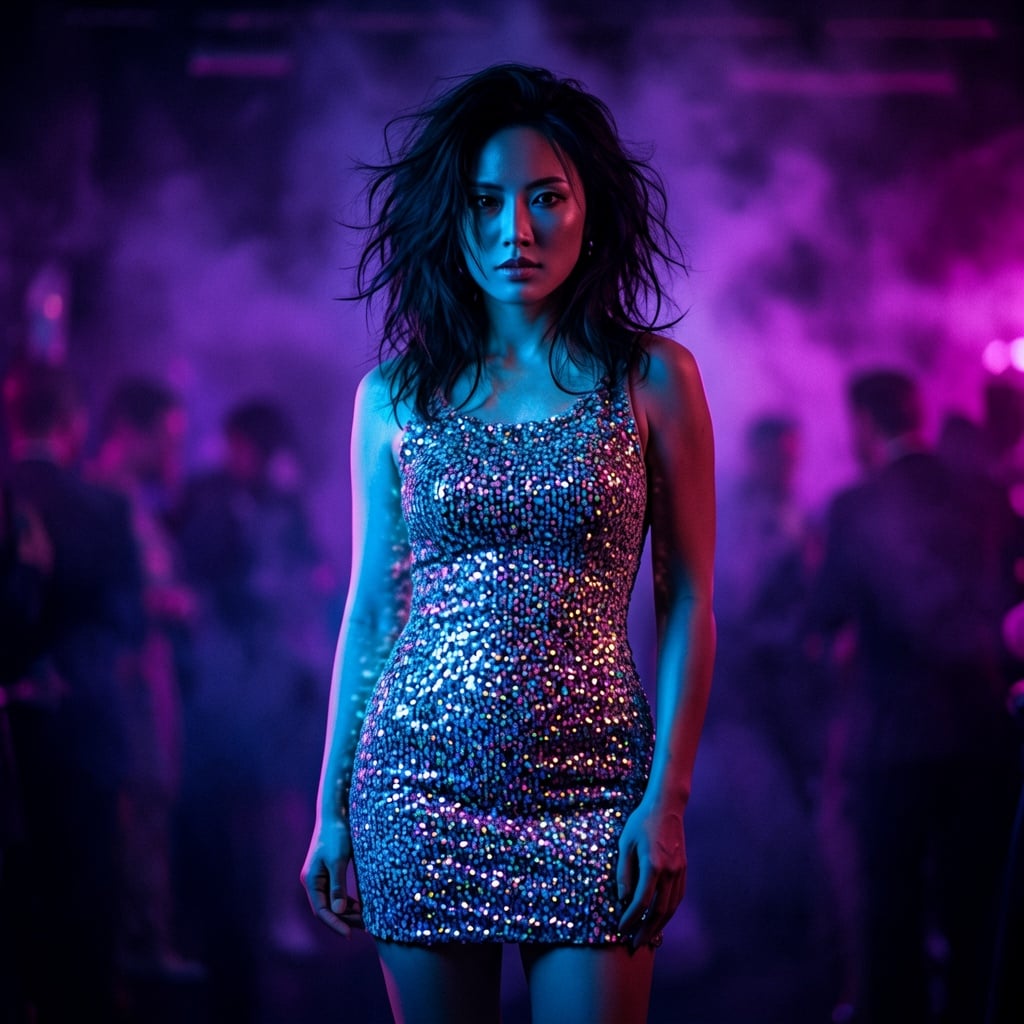
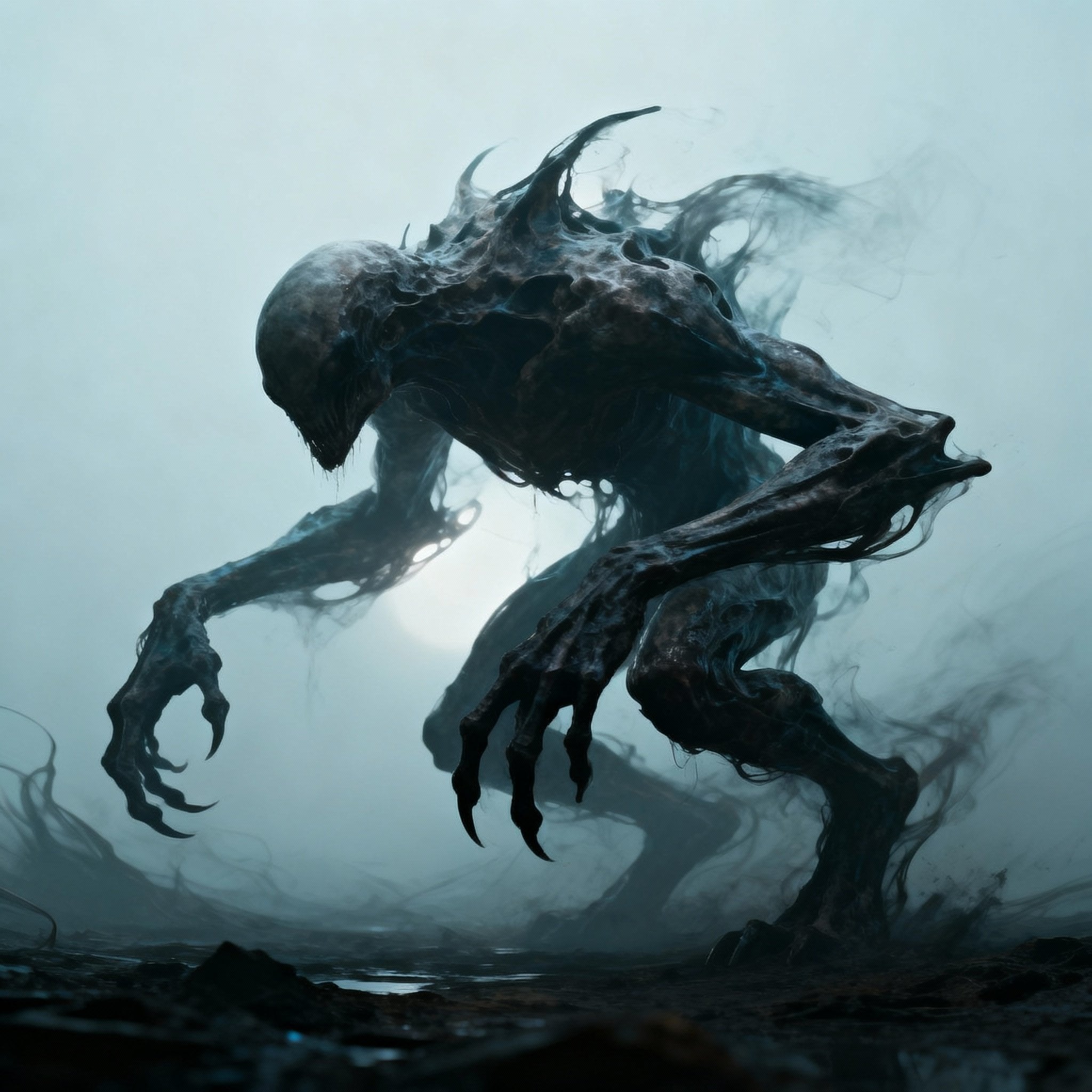
Input your desired motion prompts, adjust settings like camera angles and motion intensity, and preview the animation.


The Pixel Dojo Advantage
Why PixelDojo outperforms other options for AI image-to-video conversion:
| Others | Pixel Dojo |
|---|---|
| Traditional Video Editing | No need for complex software or technical skills; create videos quickly and easily. |
| Generic AI Tools | Tailored specifically for image-to-video conversion with customizable features for precise control. |
| Manual Animation | Save time and effort with automated processes that deliver high-quality results. |
Loved by creators on PixelDojo
Real feedback from people using PixelDojo, pulled from our in-product surveys.
it's very easy to use
Practically every Ai suite in one place? Who wouldn't?
versatile menu of tools
Best AI tool availble the suite is rad
Versatility quality, value, ROI, innovation
variety of tools available and prompt tools
Explore more AI tools on PixelDojo
AI Tools
Compare & Switch
- Best AI Image Generators
- Best AI Video Generators
- Midjourney Alternatives
- Civitai Alternatives
- Runway Alternatives
- Leonardo Alternatives
- Pika Alternatives
- Luma Alternatives
- Magnific Alternatives
- Veo Alternatives
- Flux Alternatives
- Freepik Alternatives
- Seedance Alternatives
- Seedream Alternatives
- Pixverse Alternatives
- GPT Image Alternatives
- Synthesia Alternatives
- Playground Alternatives
- NightCafe Alternatives
- Canva AI Alternatives
- ElevenLabs Alternatives
- ComfyUI Alternatives
- Fal Alternatives
- Replicate Alternatives
Common Questions
Everything you need to know about Pika Labs AI image-to-video
How does PixelDojo's AI image-to-video tool work?
PixelDojo uses advanced AI algorithms to analyze your static images and apply motion effects, transforming them into dynamic videos. You can customize animations by inputting specific prompts and adjusting settings like camera angles and motion intensity.
Can I use PixelDojo for commercial projects?
Yes, PixelDojo offers plans that allow for commercial use of the generated videos without watermarks. This is ideal for businesses and professionals looking to enhance their marketing materials.
Do I need prior experience in video editing to use PixelDojo?
No, PixelDojo is designed with a user-friendly interface that makes it accessible to beginners. The platform provides step-by-step guides to help you create animated videos effortlessly.
What types of images can I animate with PixelDojo?
You can animate various visual formats, including photographs, paintings, and drawings. The AI is versatile and can handle a wide range of image types to create engaging videos.
Are there any limitations on the length of the animated videos?
Currently, the maximum animation length is limited to 3 seconds. This is suitable for creating short, engaging clips for social media and marketing purposes.
How can I ensure the best quality for my animated videos?
To achieve the best quality, use high-resolution images and provide clear, detailed prompts for the AI. Additionally, take advantage of PixelDojo's customization options to fine-tune the animation to your liking.