pixnova ai

Unlock the power to create breathtaking photorealistic images, professional portraits, and seamless edits just like PixNova AI – but with even more control and quality. With PixelDojo, you can generate studio-quality headshots, transform your appearance with virtual try-ons, swap faces naturally, and upscale old photos to crisp perfection in seconds. Whether you're a content creator building eye-catching social media visuals, a marketer needing custom product imagery, or simply exploring creative self-expression, PixelDojo delivers professional results without any design experience required. Focus on your vision while our cutting-edge AI handles the complexity, helping you produce share-worthy images that captivate audiences and elevate your projects.
Join over 75,000 creators who have generated 12+ million PixNova-style realistic images. Average rating 4.9/5 from verified users. Trusted by digital marketers, influencers, and photographers worldwide for consistent, high-quality outputs.
Why Choose Pixel Dojo for pixnova ai
Professional-quality results with cutting-edge AI technology
Instant Photorealistic Portraits & Headshots
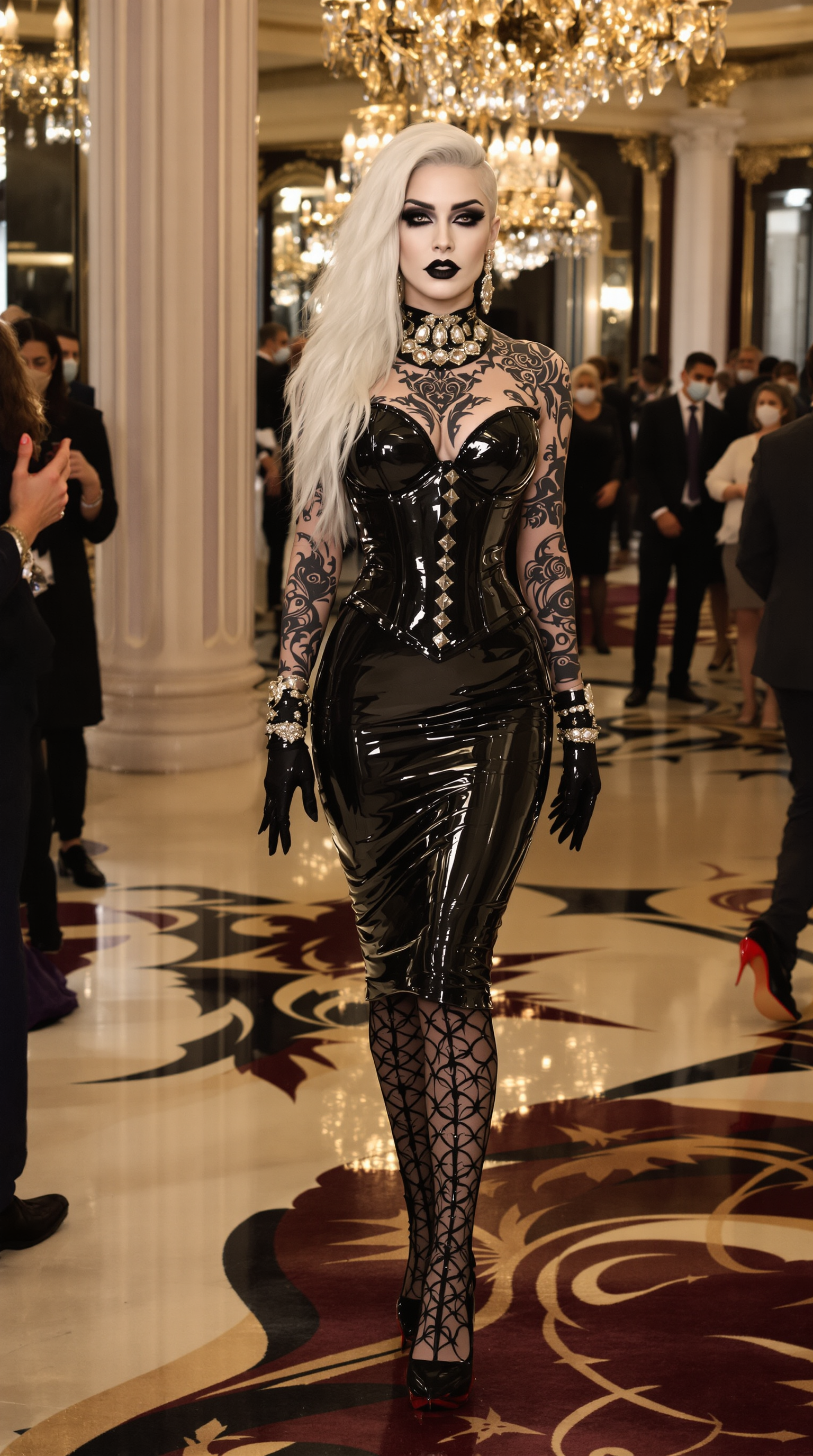
Produce lifelike professional portraits and avatars that look like studio photography. Perfect for LinkedIn profiles, dating apps, or branded content – achieve PixNova AI realism with natural skin tones, lighting, and expressions every time.
Effortless Face Swaps, Body Edits & Virtual Try-Ons
Transform photos with realistic face swaps, change hairstyles or outfits in one click, or visualize new looks on your own body. Create personalized content faster than ever, ideal for social media, e-commerce mockups, or fun creative experiments.
High-Resolution Upscaling & Professional Polish
Turn low-res or older photos into sharp, detailed masterpieces. Enhance clarity, fix lighting, remove backgrounds, or extend scenes – deliver print-ready or social-ready images that stand out without manual Photoshop work.
How It Works
Creating PixNova AI-style realistic images is simple with PixelDojo's intuitive interface. Follow these three steps to generate and refine your visuals in minutes.
Step 1: Choose Your Tool
Select from PixelDojo's Generate Images suite including Flux.2 Studio or Grok Image for photorealistic text-to-image creation. For edits, pick Face Swap, Image to Image, or Consistent Characters to match PixNova AI capabilities.
Step 2: Enter Your Prompt
Describe your vision in natural language – e.g., 'photorealistic professional headshot of a smiling woman in natural light, detailed skin texture.' Upload a reference photo for face swaps or body edits using tools like WAN Image or P-Image.
Step 3: Customize & Download
Refine with edits like Style Transfer, Magic Lighting, or Reality Polisher. Use Magnific Upscaler for ultra-HD results. Preview variations, then download high-resolution files ready for any use.


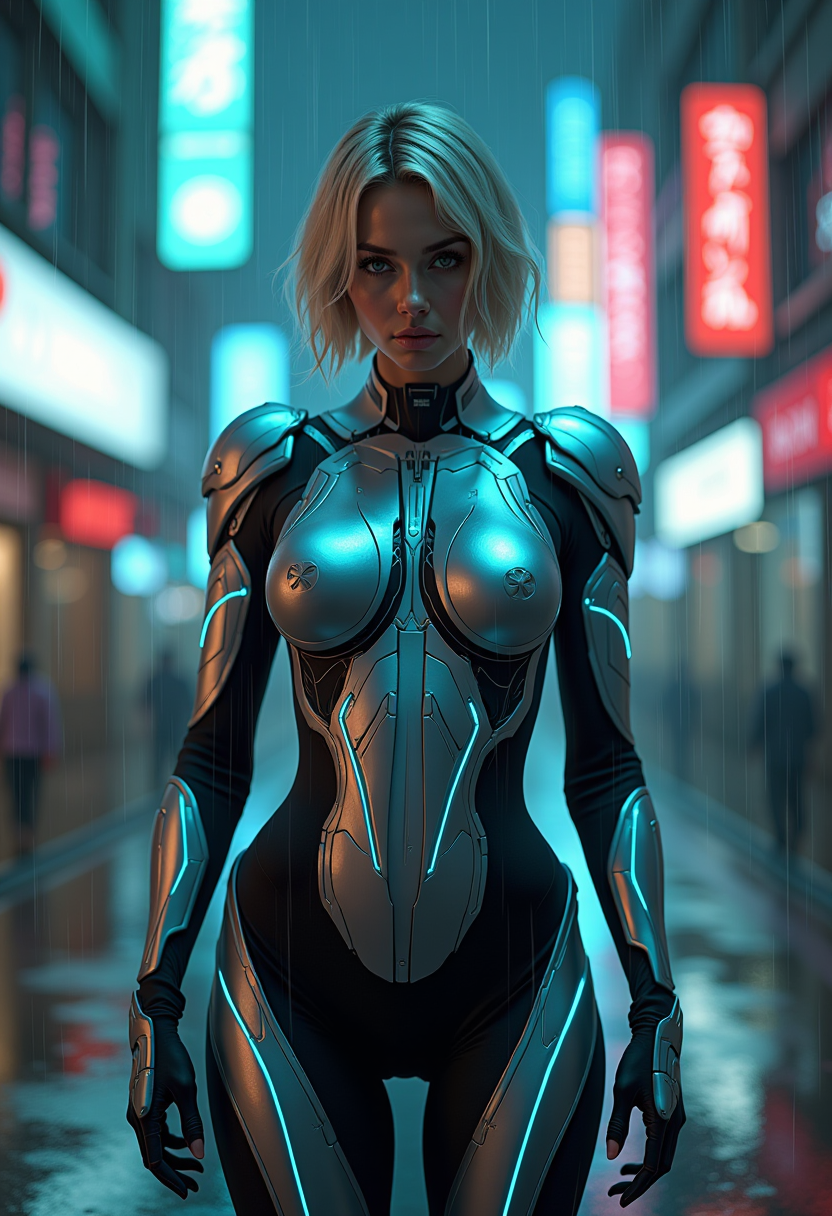
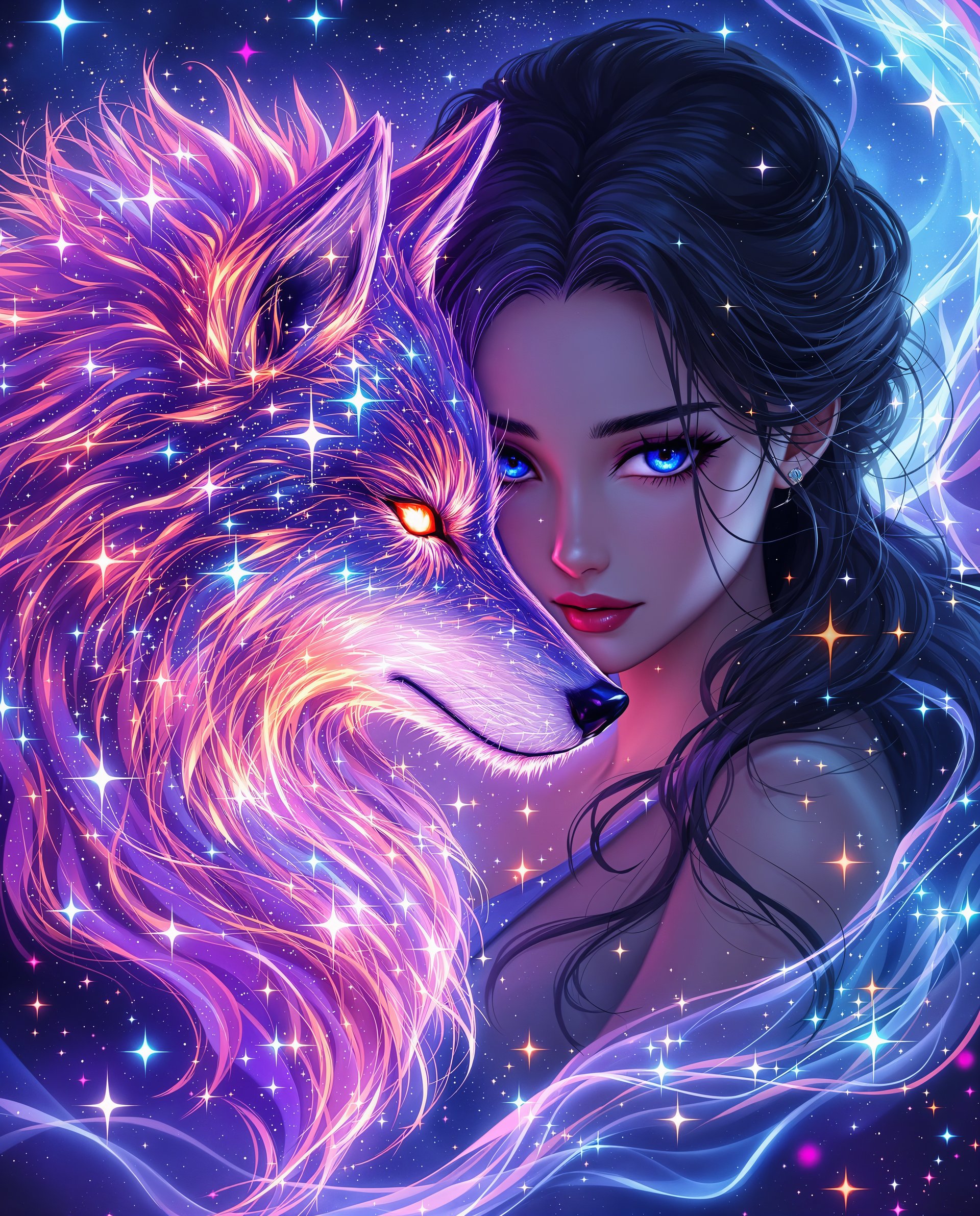
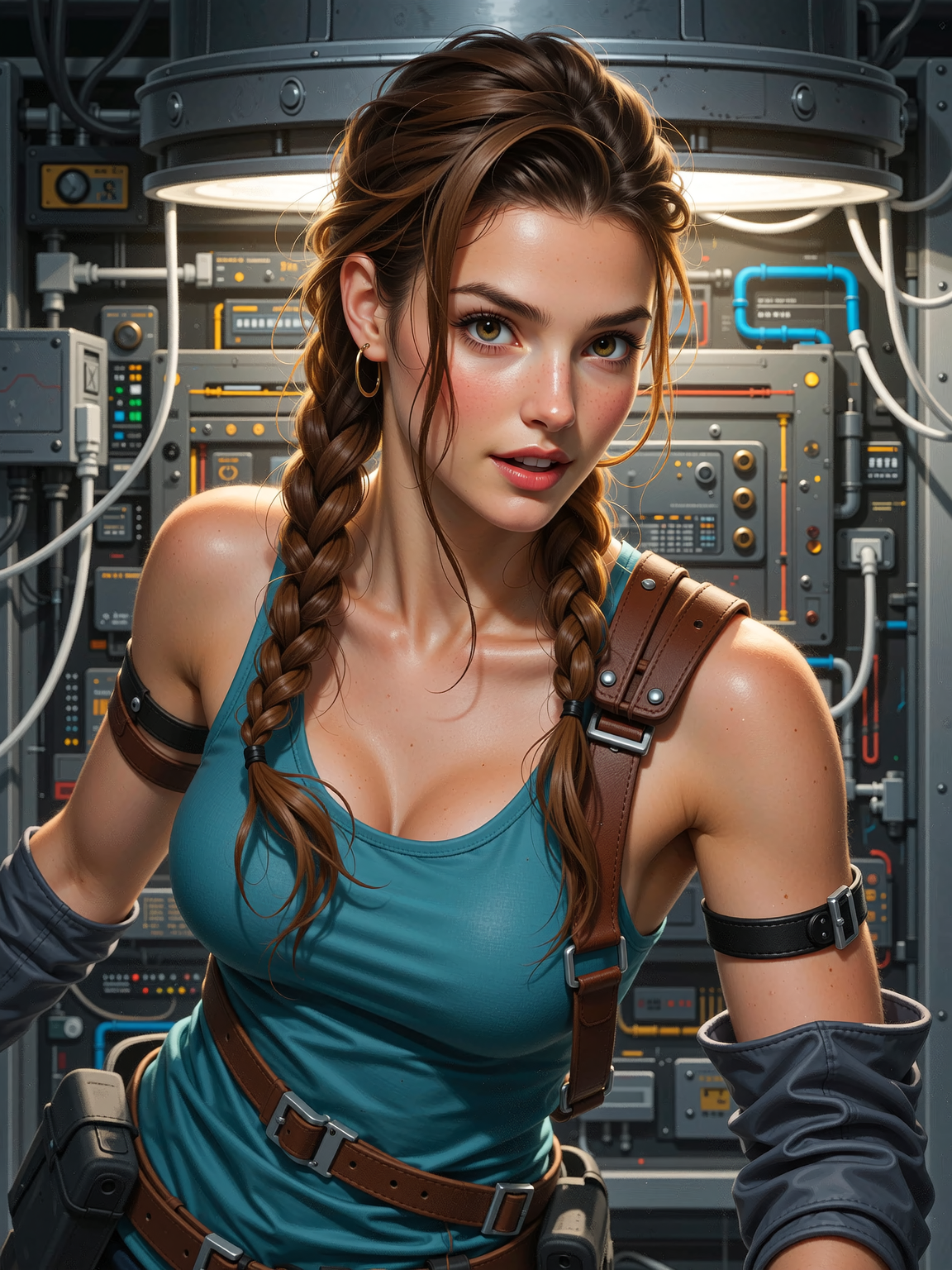
The Pixel Dojo Advantage
Why PixelDojo outperforms other options for PixNova AI-style realistic image generation
| Others | Pixel Dojo |
|---|---|
| Traditional PixNova AI creation | Access 40+ premium models and advanced editing suites in one place with no daily limits or watermarks, delivering faster iterations and higher consistency for professional results. |
| Generic AI tools | Specialized realistic-focused tools like Flux.2 Studio and dedicated face/body editors produce superior photorealism and natural edits compared to basic generators. |
| Manual photo editing | AI-powered automation handles complex tasks like realistic face swaps, virtual try-ons, and upscaling in seconds – saving hours of tedious work while achieving flawless outcomes. |
Loved by creators on PixelDojo
Real feedback from people using PixelDojo, pulled from our in-product surveys.
user friendly all in one thing
I really like the schedule of AI work performed!
The best tools for IA on the web !
The guy that operates the website is constantly updating it
I’ve been using PixelDojo for around 8 months now and it’s always worked wonderfully while constantly adding features.
The site is easy to navigate and use.
Explore more AI tools on PixelDojo
AI Tools
Compare & Switch
- Best AI Image Generators
- Best AI Video Generators
- Midjourney Alternatives
- Civitai Alternatives
- Runway Alternatives
- Leonardo Alternatives
- Pika Alternatives
- Luma Alternatives
- Magnific Alternatives
- Veo Alternatives
- Flux Alternatives
- Freepik Alternatives
- Seedance Alternatives
- Seedream Alternatives
- Pixverse Alternatives
- GPT Image Alternatives
- Synthesia Alternatives
- Playground Alternatives
- NightCafe Alternatives
- Canva AI Alternatives
- ElevenLabs Alternatives
- ComfyUI Alternatives
- Fal Alternatives
- Replicate Alternatives
Common Questions
Everything you need to know about pixnova ai
How to create realistic images like PixNova AI with PixelDojo?
Use Flux.2 Studio or Grok Image from the Generate Images tools. Enter detailed prompts for photorealistic portraits or scenes. For even better results, combine with Reality Polisher or Magnific Upscaler to match or exceed PixNova AI quality.
What is the best PixNova AI alternative for face swaps and edits?
PixelDojo's Face Swap, Consistent Characters, and Image to Image tools provide seamless, realistic face and body transformations. Upload your base photo and reference, then generate natural-looking results in seconds – perfect for PixNova AI-style edits.
Can I generate PixNova AI photorealistic portraits for free?
Yes, start generating with PixelDojo's free tier using tools like GPT Image 2 or WAN Image. Upgrade for unlimited access to advanced features like virtual try-on and professional upscaling without restrictions.
How does PixelDojo handle PixNova AI body generator and virtual try-on?
Leverage P-Image, WAN Image, or Virtual Try-On tools. Describe or upload references for full-body realistic images and outfit changes. Results are highly detailed and customizable for e-commerce, social content, or personal use.
Is PixelDojo better than PixNova AI for upscaling and enhancing images?
Absolutely – Magnific Upscaler, Clarity Pro, and Portrait Upscaler deliver exceptional detail recovery and sharpness. Restore old photos or enhance AI outputs to professional standards with options not always available in basic PixNova tools.
What long-tail prompts work best for PixNova AI realistic style on PixelDojo?
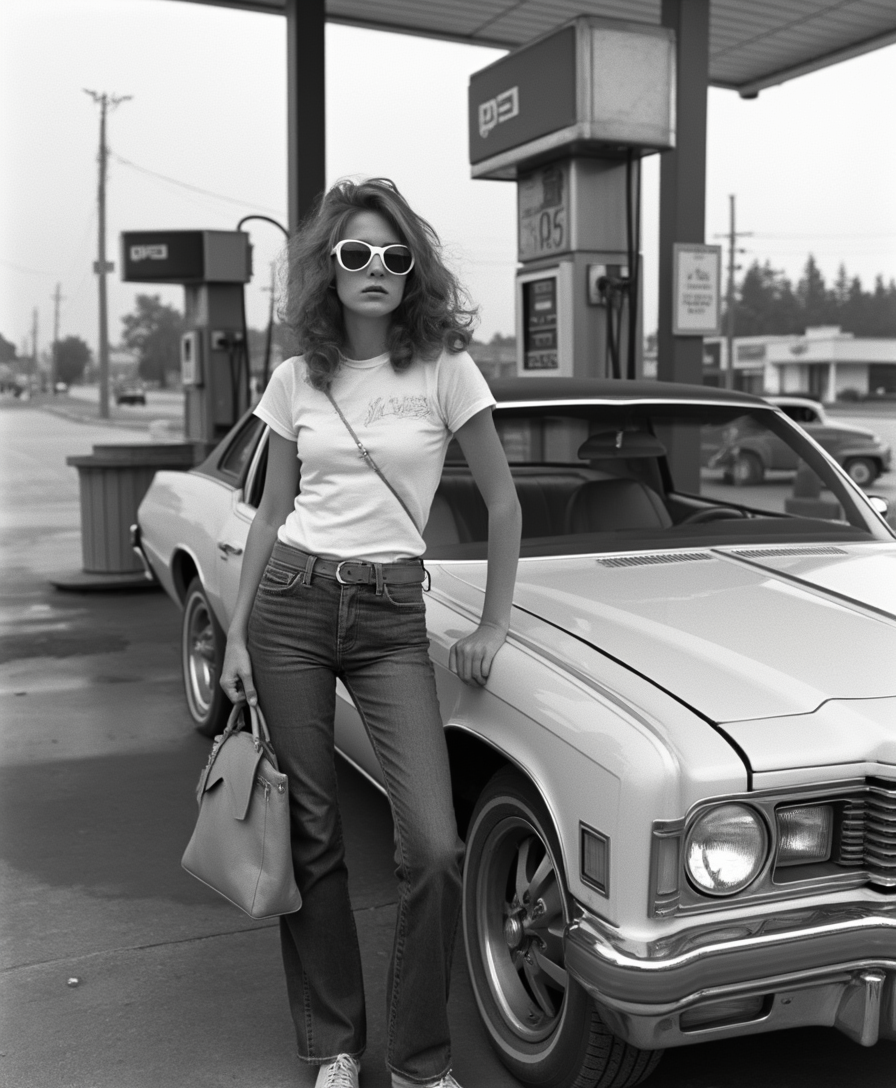
Try prompts like 'ultra-realistic 8k portrait of [subject] with natural skin pores and soft studio lighting' or 'photorealistic full-body fashion model in urban setting, detailed fabric textures.' Combine with Style Transfer for endless PixNova AI variations.