pixverse v5.6 AI Generator
Generated on PixelDojo. Produced by PixelDojo's generation pipeline.
You can transform a simple idea into a professional cinematic video that captivates viewers and drives real results for your brand or channel. PixelDojo puts PixVerse v5.6 power at your fingertips through dedicated tools like Pixverse and PixVerse V6, letting you produce stunning clips with fluid motion, realistic physics, and optional native audio without any filmmaking experience. Marketers create scroll-stopping social ads, storytellers build immersive short films, and businesses generate product demos that convert—all in minutes instead of days. You achieve consistent characters across frames, customizable aspect ratios for every platform, and high-resolution output that looks like it came from a real studio. Thousands of creators already rely on PixelDojo’s 40+ cutting-edge AI tools to elevate their content, boost engagement, and save thousands in production costs. Start today, cancel anytime, and watch your videos stand out with the cinematic aesthetics and excellent motion that define PixVerse v5.6.
Real video examples generated on PixelDojo
Every example below was produced on PixelDojo. Hover to see the prompt.
Pxv-vertical
image-to-video
Pix-anime
image-to-video
Pxv-character
image-to-video
Pv-vertical
image-to-video
Pv-product
image-to-video
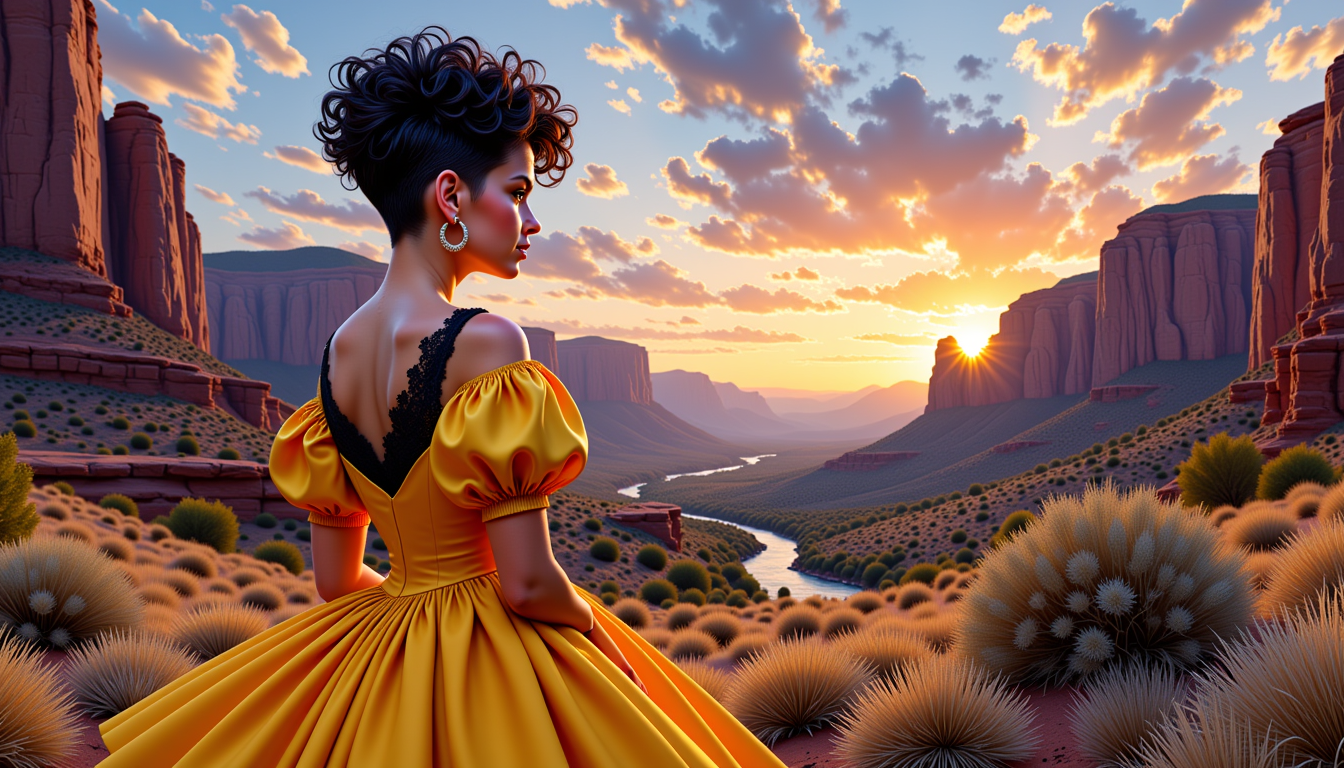
VS-LoRA-Zip2
stable-diffusion
Models you can run on PixelDojo for pixverse v5.6
Switch models without switching tools. Each one runs in the same PixelDojo studio.
What you can do with pixverse v5.6 on PixelDojo
Text to Video Clips
We generate short videos from your prompts with PixVerse v5.6 so you can draft scenes, ads, and social cuts without a shoot.
Image to Video Motion
Upload a still and we animate it with PixVerse v5.6 while keeping the original framing, subject, and style intact.
Guided Camera Moves
You can specify pans, zooms, and subject motion so the output matches the shot you need for the edit.
Iterate and Export Fast
We keep prompts, takes, and variants in one workspace so you can refine clips and export them into your usual pipeline.
Loved by thousands of creators worldwide who generate professional videos daily. Access 40+ cutting-edge AI tools including Pixverse and PixVerse V6. Users praise the speed, quality, and ease—cancel anytime with zero risk.
Why Choose Pixel Dojo for pixverse v5.6
Professional-quality results with cutting-edge AI technology
Create Studio-Quality Videos That Convert Viewers
You produce cinematic clips with authentic lighting, textures, and composition that look professionally shot, helping your ads, stories, and social posts grab attention and increase clicks or sales immediately.
Generate Smooth Motion and Audio in One Click
You add natural character movement, reduced warping, and matching sound effects or vocals so your videos feel alive and ready to publish, cutting hours of post-production while keeping viewers watching longer.
Customize and Export Ready-to-Use Content Fast
You select the perfect duration, aspect ratio, and resolution then download polished MP4 files that work on YouTube, TikTok, or Instagram, giving you complete creative control and faster campaign launches.
How It Works
You can create PixVerse v5.6 videos on PixelDojo in three simple steps using our dedicated video tools. No technical skills required—just describe what you want and watch professional results appear.
Step 1: Choose Your Tool
Sign in to PixelDojo and go to the Generate Videos section. Select Pixverse or PixVerse V6 to unlock PixVerse v5.6 capabilities including text-to-video, image-to-video, and audio options. These tools are optimized for cinematic output and work alongside other PixelDojo features like Marketing Studio for complete campaigns.
Step 2: Enter Your Prompt
Type a clear description following PixVerse v5.6 best practices: subject plus action plus location in the first sentence, then one camera move such as slow dolly or tracking shot, plus lighting and mood. For image-to-video upload a reference photo. Add a negative prompt like blurry or warping to keep quality high. PixelDojo’s interface lets you iterate instantly.
Step 3: Customize & Download
Pick duration (5 or 8 seconds), aspect ratio (16:9, 9:16 or 1:1), quality up to 1080p, and enable audio if desired. Hit generate, preview the result, then download your MP4. Enhance further with PixelDojo’s Video Autocaption, Video Reframe, or FLUX Video Upscale tools for even more polish.
The Pixel Dojo Advantage
Why PixelDojo outperforms other options for PixVerse v5.6 video generation
| Others | Pixel Dojo |
|---|---|
| Traditional video production | You skip cameras, crews, locations, and weeks of editing. PixelDojo delivers professional PixVerse v5.6 videos in minutes at a tiny fraction of the cost so you can test ideas and launch campaigns the same day. |
| Generic AI tools | You get specialized Pixverse and PixVerse V6 access plus 40+ complementary tools like Kling Video, WAN 2.7 Video, and Seedance models all in one dashboard, giving you better motion, audio, and consistency than scattered single-purpose platforms. |
| Manual video editing | You avoid steep learning curves and endless timelines. Generate complete videos with motion and sound automatically, then refine using PixelDojo’s built-in editors such as Kling Video Edit or WAN 2.7 Video Edit for faster, higher-quality results. |
Loved by creators on PixelDojo
Real feedback from people using PixelDojo, pulled from our in-product surveys.
the number of options, and especially the quick response to questions on Discord
Love you guys!!
Trained my Lora super fast. Still working out how to creat content wit it, but I love it so far.
I love this app
It has all the tools I can think of...
deployment rate of splendid features is incredible. Legend
Explore more AI tools on PixelDojo
AI Tools
Compare & Switch
- Best AI Image Generators
- Best AI Video Generators
- Midjourney Alternatives
- Civitai Alternatives
- Runway Alternatives
- Leonardo Alternatives
- Pika Alternatives
- Luma Alternatives
- Magnific Alternatives
- Veo Alternatives
- Flux Alternatives
- Freepik Alternatives
- Seedance Alternatives
- Seedream Alternatives
- Pixverse Alternatives
- GPT Image Alternatives
- Synthesia Alternatives
- Playground Alternatives
- NightCafe Alternatives
- Canva AI Alternatives
- ElevenLabs Alternatives
- ComfyUI Alternatives
- Fal Alternatives
- Replicate Alternatives
Common Questions
Everything you need to know about pixverse v5.6
What is PixVerse v5.6 and how can I use it on PixelDojo?
PixVerse v5.6 is an AI video model praised for studio-grade cinematic visuals, smoother motion with less warping, and optional audio generation. On PixelDojo you access these strengths through the Pixverse and PixVerse V6 tools in the Generate Videos section. You simply write a prompt or upload an image and receive high-quality clips ready for social media, ads, or storytelling. Thousands of creators use this workflow daily because it is fast, reliable, and included with PixelDojo’s 40+ AI tools.
How do I write effective prompts for PixVerse v5.6 video generation?
Keep prompts concise at 50-80 words using a proven structure: first sentence covers subject, action, and location; second adds one camera movement plus lighting and style; third states what must stay consistent. Avoid vague words like cinematic—use specific details such as golden hour backlight or slow push-in. PixelDojo’s prompt box makes testing easy, and you can add negative prompts to eliminate artifacts. This approach consistently produces the excellent motion and authentic look that PixVerse v5.6 is known for.
Can I create image-to-video clips with PixVerse v5.6 on PixelDojo?
Yes. Upload any reference image to the Pixverse or PixVerse V6 tool, then describe the desired motion such as gentle wind in hair or a slow orbit around the subject. PixelDojo maintains character consistency and physics better than most platforms. You can also use start and end frames for transitions. Combine this with other PixelDojo features like Consistent Characters or Face Swap for even more control over your videos.
What video lengths, resolutions, and aspect ratios does PixVerse v5.6 support?
You can generate 5-second or 8-second clips at resolutions from 360p up to 1080p. Aspect ratios include 16:9 for YouTube, 9:16 for TikTok and Reels, and 1:1 for square posts. PixelDojo’s interface lets you choose these settings before generation so your videos are platform-ready. If you need longer content, use PixelDojo’s Video Extend or Merge Videos tools afterward.
Is there any risk to trying PixVerse v5.6 video generation on PixelDojo?
None. PixelDojo offers 40+ cutting-edge AI tools loved by thousands of creators worldwide. You can start generating PixVerse v5.6 videos immediately and cancel anytime. There are no long-term contracts, and you keep every video you create. This risk-free approach lets you test quality and speed for your specific needs before committing.
How does PixelDojo help me get better results than using PixVerse v5.6 alone?
You work inside one unified platform that includes Pixverse, PixVerse V6, plus complementary tools such as Marketing Studio, Kling Video, WAN 2.6 Video, Video Autocaption, and upscalers. After generating your clip you can add captions, reframe, swap characters, or enhance quality without leaving PixelDojo. This complete workflow saves time and produces more polished, higher-converting videos than isolated model access.