pollo ai

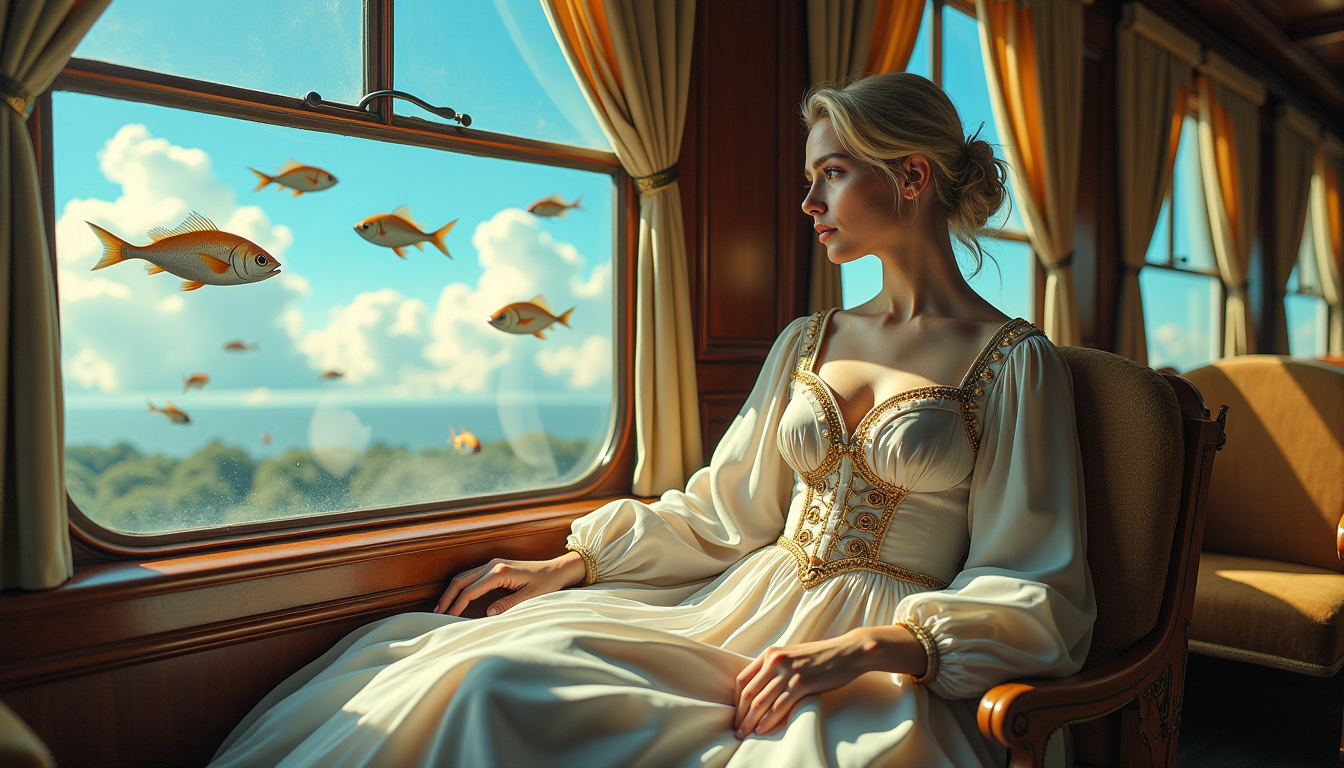
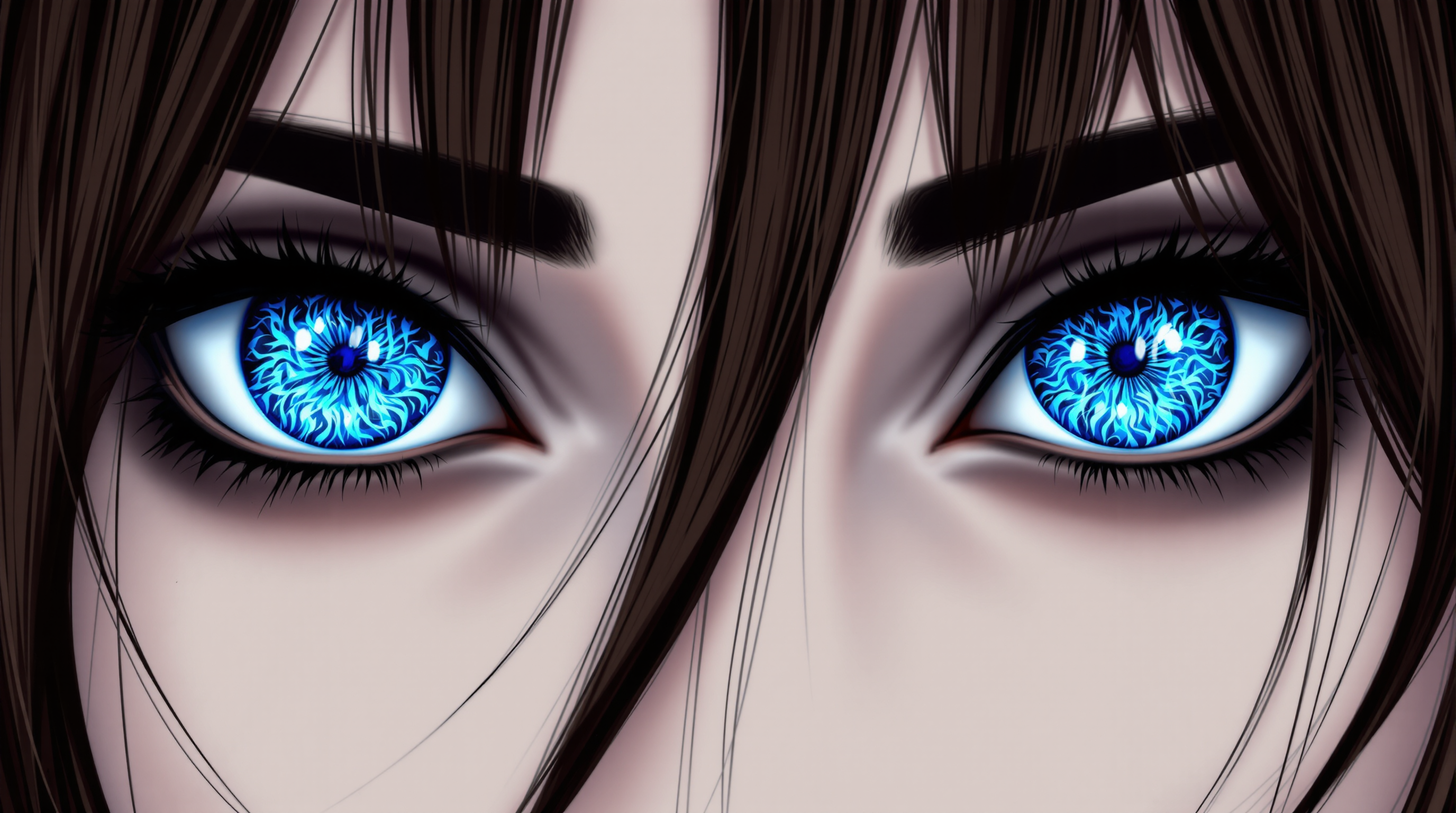
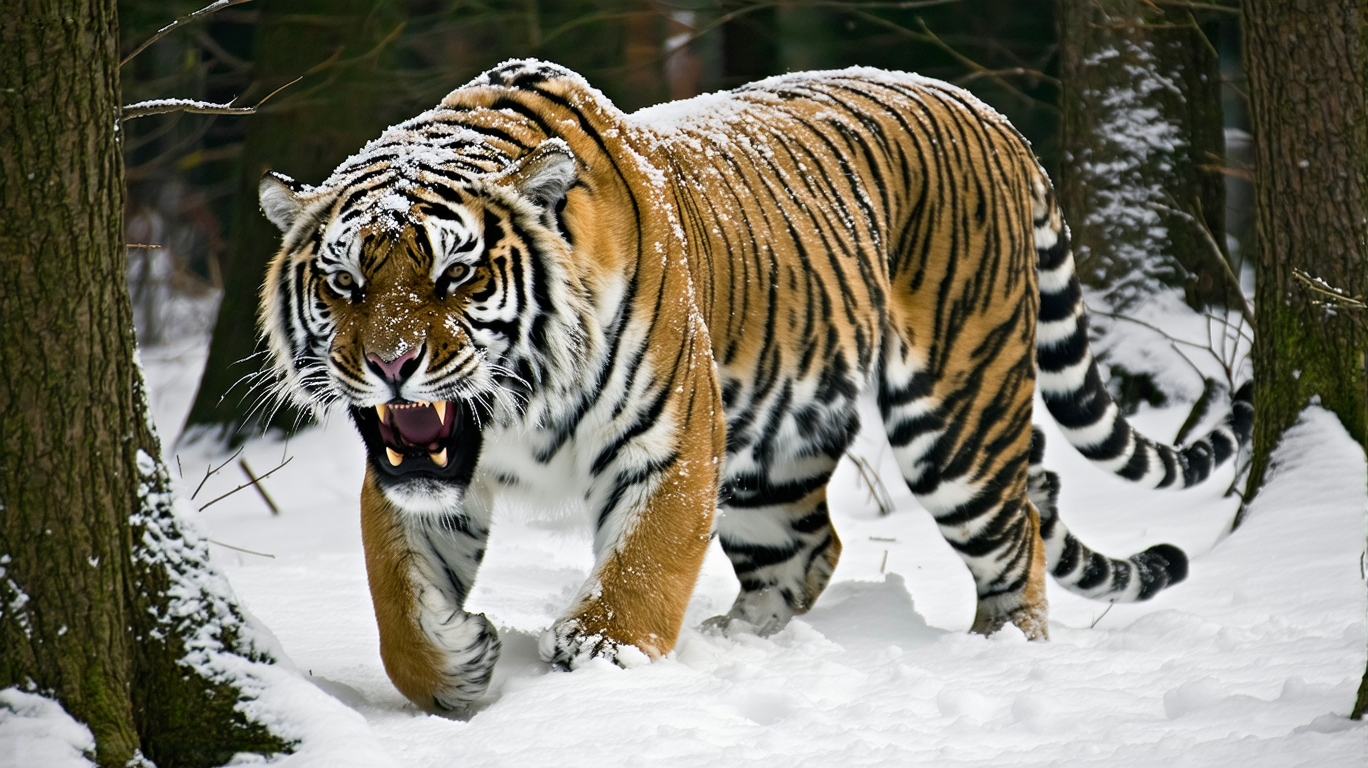
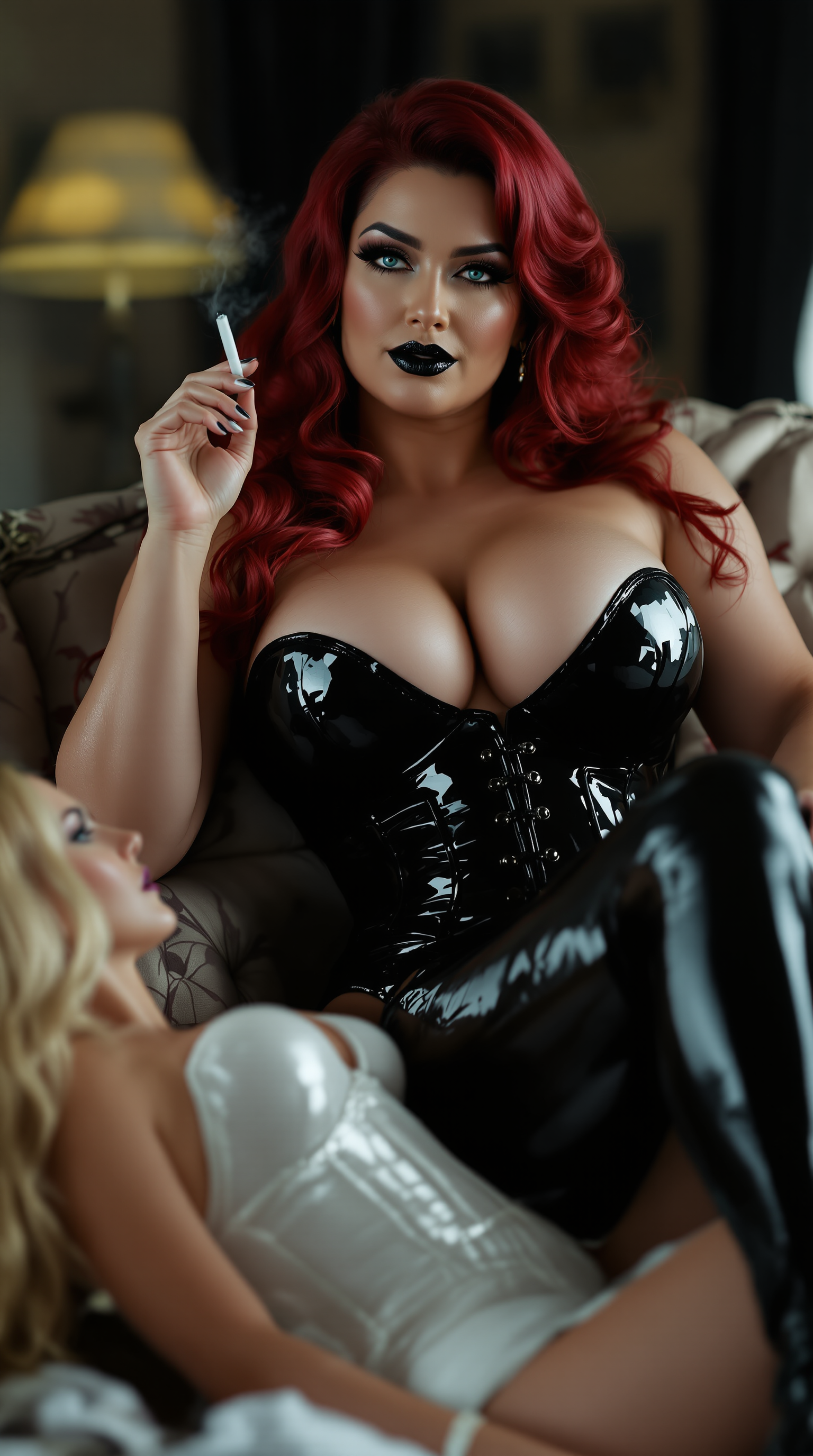
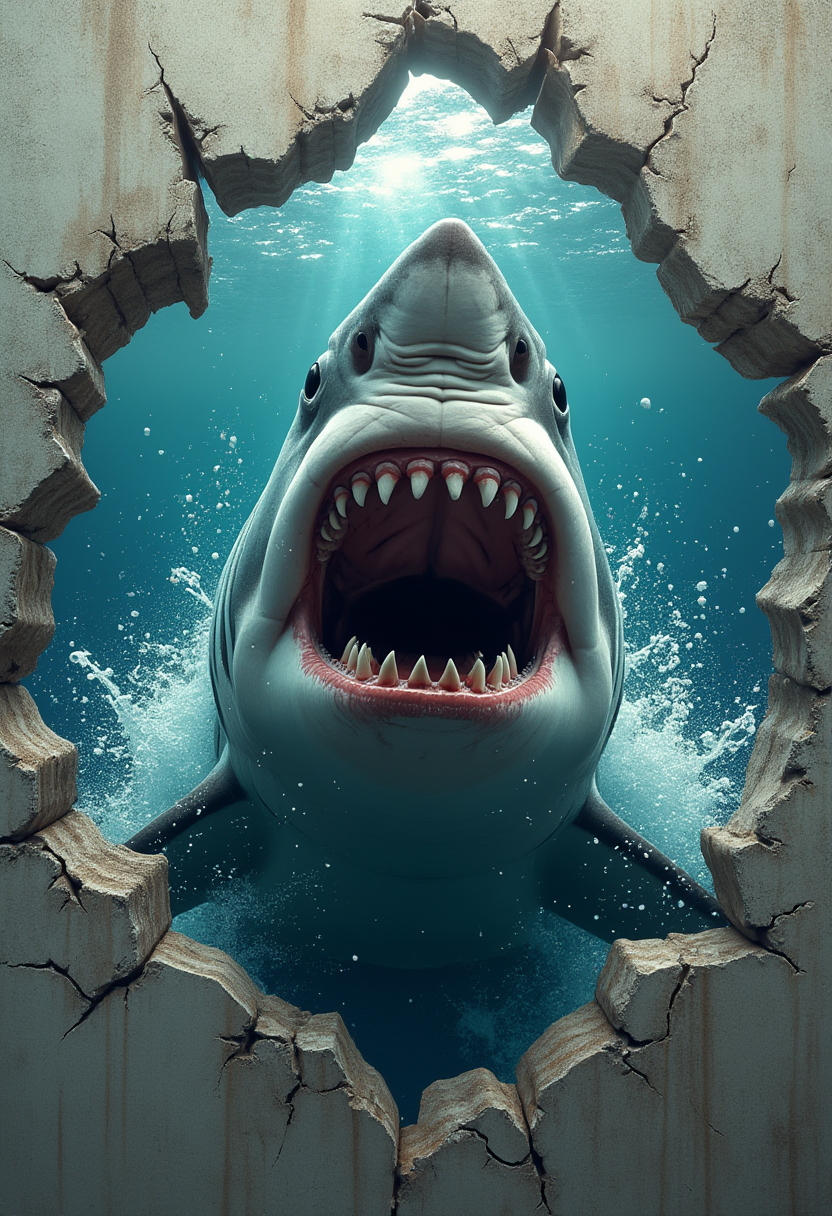
Imagine turning any idea into breathtaking, professional-quality images that look like they came straight from a top-tier studio. With PixelDojo, you can achieve exactly that using the same powerful techniques and models that power Pollo AI results. Whether you're a marketer needing scroll-stopping visuals, a content creator building consistent characters, or a designer exploring endless styles, PixelDojo puts the power in your hands. Generate lifelike portraits, dynamic scenes, product mockups, and artistic masterpieces in seconds—no technical expertise required. Focus on your vision while PixelDojo handles the heavy lifting, delivering outputs that captivate audiences and elevate your projects.
Trusted by 15,000+ creators worldwide • 4.9/5 average rating from 2,800+ reviews • Over 2 million images generated this month • Cancel anytime, no contracts
Why Choose Pixel Dojo for pollo ai
Professional-quality results with cutting-edge AI technology
Instant Professional Results
Produce gallery-worthy images in under 10 seconds that match or exceed Pollo AI quality. Use Google Nano Banana for lightning-fast generations or Flux.2 Studio for intricate details that impress clients and followers alike.
Unlimited Creative Freedom
Experiment with any style, theme, or concept without restrictions. GPT Image 2 and MAI Image let you explore photorealism, fantasy, abstract art, and more—perfect for social media, e-commerce, or personal projects that stand out.
Consistent Characters & Styles
Maintain perfect character consistency across multiple images and scenes. Tools like Consistent Characters and Ideogram Character help you build recognizable personas for stories, branding, or campaigns that keep audiences engaged.
How It Works
Creating Pollo AI-quality images on PixelDojo is simple and intuitive. Follow these three steps to bring your ideas to life.
Step 1: Choose Your Tool
Browse PixelDojo's extensive library and select from models like Google Nano Banana for speed, Flux.2 Studio for precision, or GPT Image 2 for creative flair. Each tool is optimized for different Pollo AI-style outcomes.
Step 2: Enter Your Prompt
Describe your vision in natural language. Add details like lighting, composition, and style. For best results, reference Pollo AI techniques: use specific descriptors, weighted elements, and reference images via Image to Image for refined control.
Step 3: Customize & Download
Review variations, apply edits with Inpainting or Style Transfer, upscale with P-Image Upscale, or ensure character consistency. Download in high resolution ready for any use—social posts, print, or web.


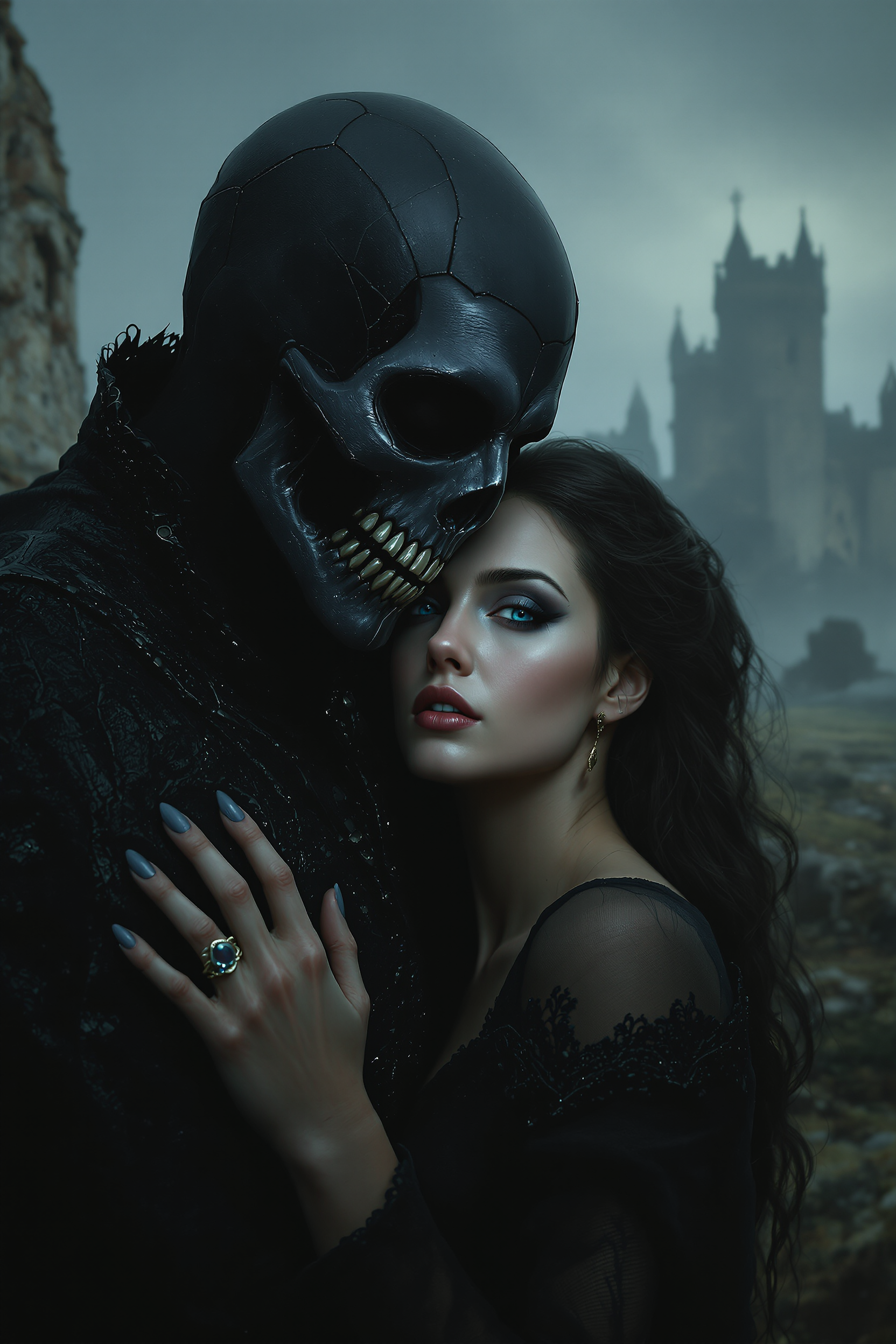
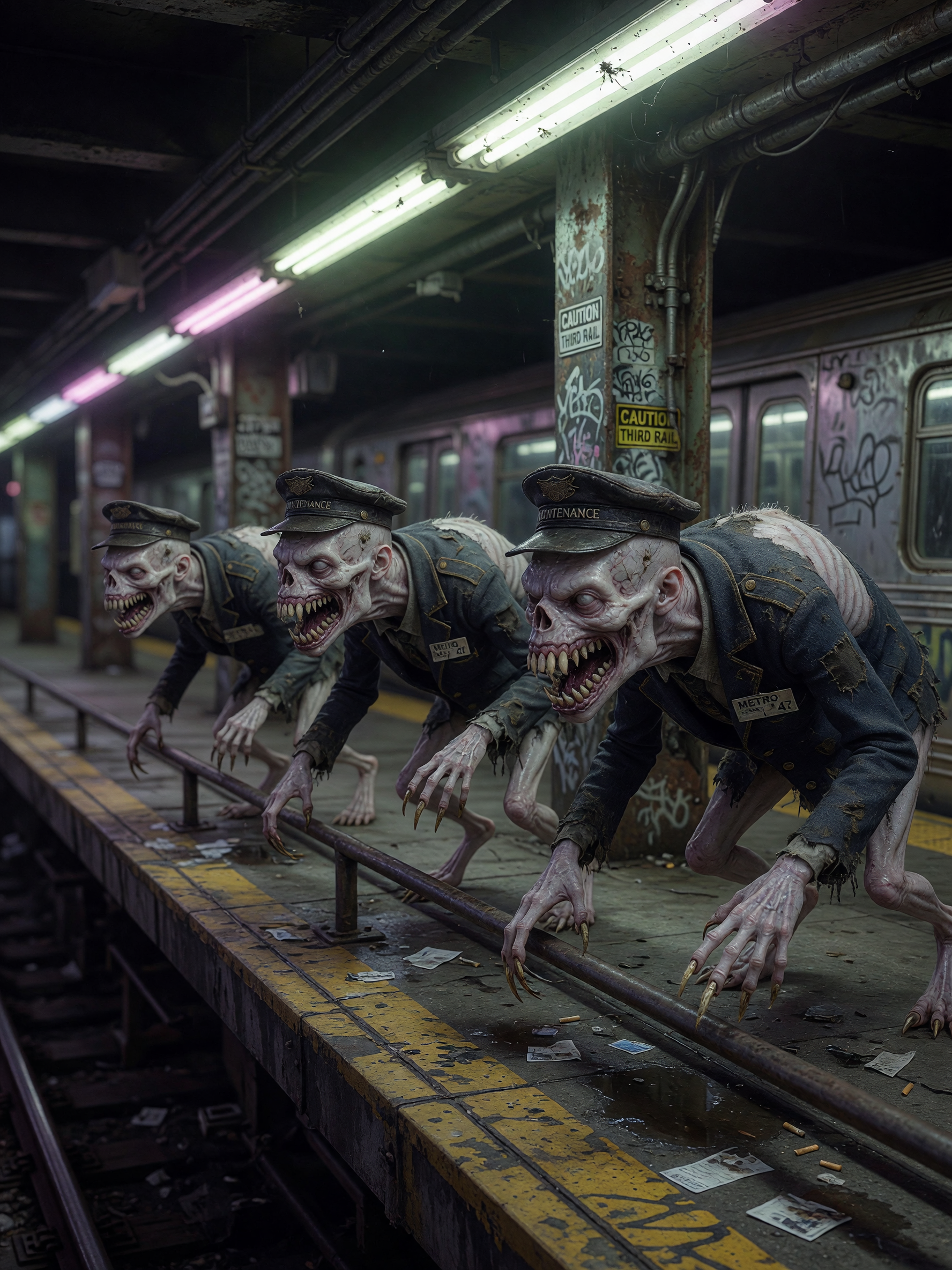
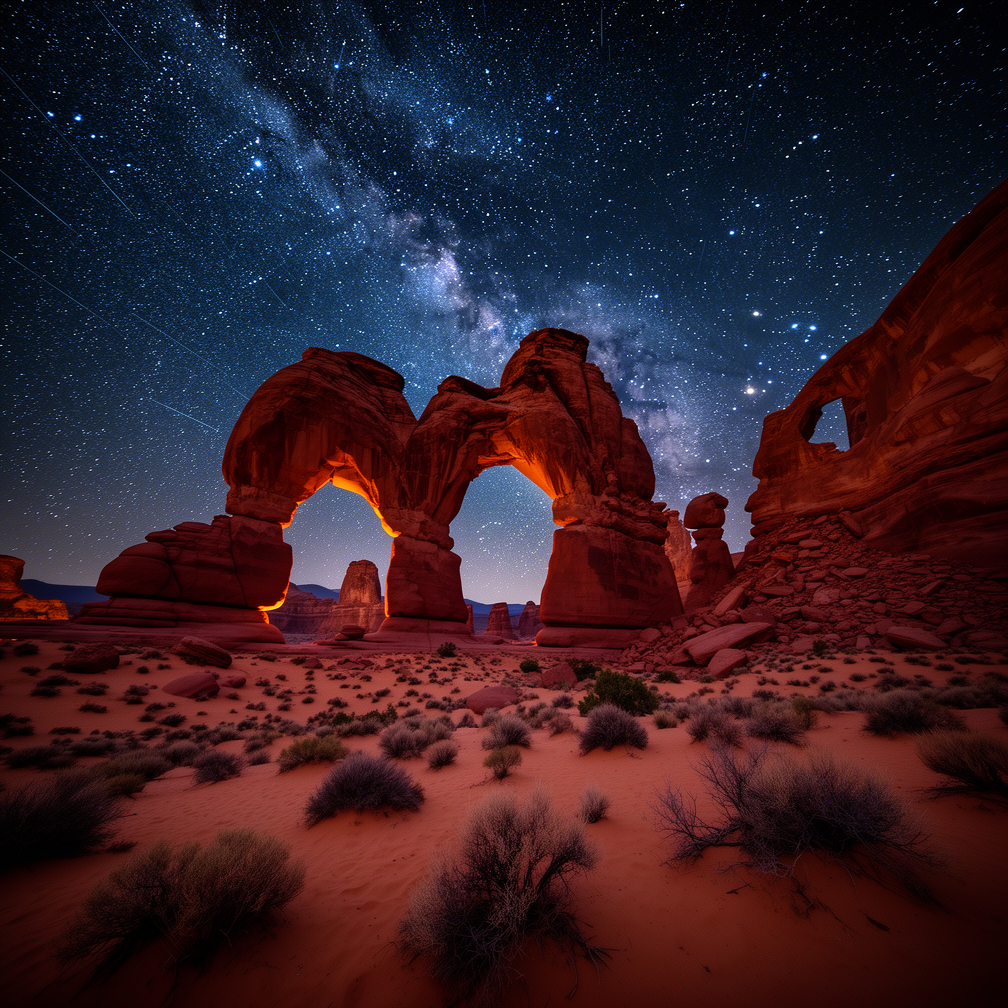
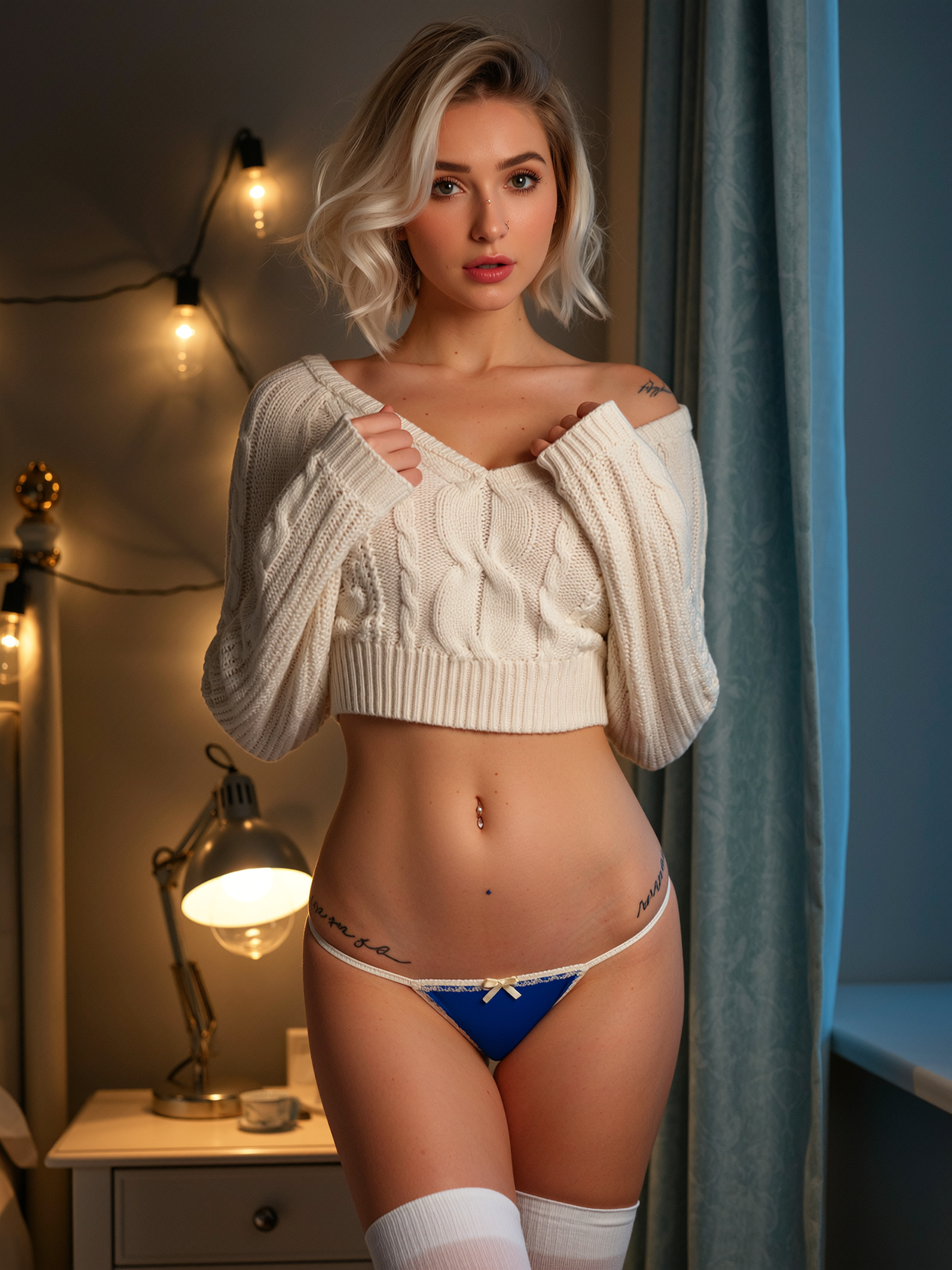
The Pixel Dojo Advantage
Why PixelDojo outperforms other options for Pollo AI image generation
| Others | Pixel Dojo |
|---|---|
| Traditional pollo ai creation | Access the same advanced models plus exclusive PixelDojo tools in one unified platform—no switching between apps or paying multiple subscriptions |
| Generic AI tools | Purpose-built for Pollo AI techniques with superior prompt adherence, real-time editing, and character consistency features that deliver reliable, high-impact results every time |
| Manual photo editing | Generate from scratch or transform existing images in minutes instead of hours, with AI handling complex lighting, styles, and details automatically |
Loved by creators on PixelDojo
Real feedback from people using PixelDojo, pulled from our in-product surveys.
Awesome site with so many features
Love how I can almost create anything
The Flux Pro Ultra is just amazing!
Very easy to use, and they have fast wan 2.2 video generation with custom loras available.
The overall quality of the site and it's amazing variety of tools. The continued updates of the UI. The unbelievable level of tech support.
THIS IS SO DOPE !
Explore more AI tools on PixelDojo
AI Tools
Compare & Switch
- Best AI Image Generators
- Best AI Video Generators
- Midjourney Alternatives
- Civitai Alternatives
- Runway Alternatives
- Leonardo Alternatives
- Pika Alternatives
- Luma Alternatives
- Magnific Alternatives
- Veo Alternatives
- Flux Alternatives
- Freepik Alternatives
- Seedance Alternatives
- Seedream Alternatives
- Pixverse Alternatives
- GPT Image Alternatives
- Synthesia Alternatives
- Playground Alternatives
- NightCafe Alternatives
- Canva AI Alternatives
- ElevenLabs Alternatives
- ComfyUI Alternatives
- Fal Alternatives
- Replicate Alternatives
Common Questions
Everything you need to know about pollo ai
How do I create Pollo AI style images for free on PixelDojo?
Sign up for a free PixelDojo account and immediately access Google Nano Banana, Flux.2 Studio, and dozens more models. Enter your prompt, generate, and download high-quality results. Daily free credits let you experiment without cost—upgrade only when you need more volume.
What are the best prompts for Pollo AI image generation on PixelDojo?
Use detailed, specific language: include subject, environment, lighting, mood, camera angle, and style references. Try weighted terms like '(detailed face:1.3)' or reference images with Image to Image. PixelDojo's GPT Image 2 and Krea V2 excel at interpreting complex Pollo AI-style prompts for photorealistic or artistic results.
Can I generate consistent characters like in Pollo AI using PixelDojo?
Absolutely. Use the Consistent Characters tool alongside Ideogram Character or LoRA Face Swap. Upload a reference once and generate endless variations with the same face, outfit, and pose. Perfect for storytelling, branding, or series content that builds recognition.
Is PixelDojo better than Pollo AI for image generation?
PixelDojo offers the same leading models (Nano Banana, Flux, GPT Image variants) plus exclusive editing and upscaling tools in a single interface. Enjoy faster workflows, more customization options, and transparent pricing with the ability to cancel anytime—no lock-in.
How long does it take to generate Pollo AI images on PixelDojo?
Most generations complete in 5-15 seconds thanks to optimized models like Google Nano Banana. Complex scenes with Flux.2 Studio or WAN Image may take slightly longer but deliver exceptional detail. Batch processing lets you create multiple variations simultaneously.
What file formats and resolutions can I download from PixelDojo Pollo AI images?
Download in PNG, JPG, or WEBP up to 4K resolution. Use P-Image Upscale or Magnific Upscaler to enhance any generation to print-ready quality. All images are yours to use commercially with full rights.